Niagara College’s
Tuition Payment Guide 5 steps to make a payment to Niagara College
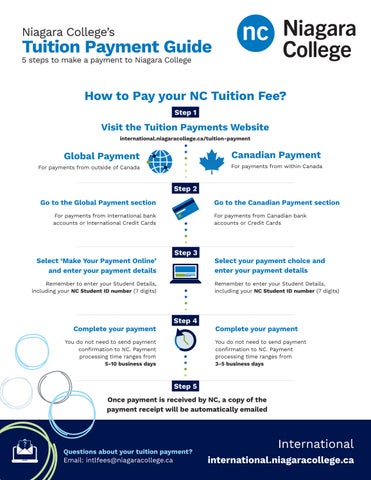
How to Pay your NC Tuition Fee? Step 1
Visit the Tuition Payments Website international.niagaracollege.ca/tuition-payment
Global Payment
Canadian Payment
For payments from outside of Canada
For payments from within Canada
Step 2 Go to the Global Payment section
Go to the Canadian Payment section
For payments from International bank accounts or International Credit Cards
Select ‘Make Your Payment Online’ and enter your payment details
For payments from Canadian bank accounts or Credit Cards
Step 3
Remember to enter your Student Details, including your NC Student ID number (7 digits)
Remember to enter your Student Details, including your NC Student ID number (7 digits)
Complete your payment
Select your payment choice and enter your payment details
Step 4
You do not need to send payment confirmation to NC. Payment processing time ranges from 5-10 business days
Complete your payment You do not need to send payment confirmation to NC. Payment processing time ranges from 3-5 business days
Step 5 Once payment is received by NC, a copy of the payment receipt will be automatically emailed
Questions about your tuition payment? Email: intlfees@niagaracollege.ca
International international.niagaracollege.ca