Restaurant Digital Signage: The Ultimate Guide to Boosting Sales in 2026
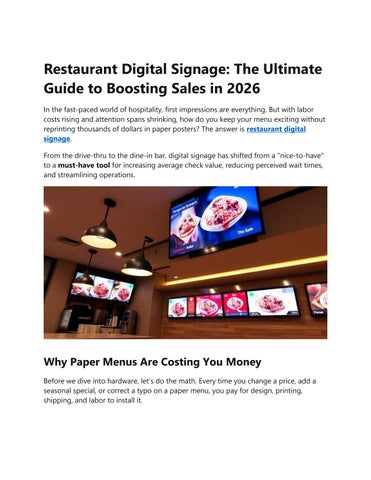
In the fast-paced world of hospitality, first impressions are everything. But with labor costs rising and attention spans shrinking, how do you keep your menu exciting without reprinting thousands of dollars in paper posters? The answer is restaurant digital signage
From the drive-thru to the dine-in bar, digital signage has shifted from a "nice-to-have" to a must-have tool for increasing average check value, reducing perceived wait times, and streamlining operations.
Why Paper Menus Are Costing You Money
Before we dive into hardware, let’s do the math. Every time you change a price, add a seasonal special, or correct a typo on a paper menu, you pay for design, printing, shipping, and labor to install it.
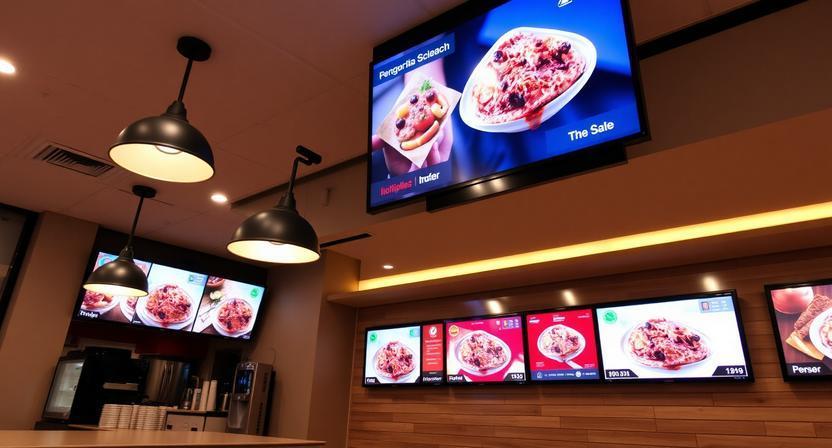
Restaurant digital signage eliminates this waste. With a few clicks on a tablet or laptop, you can update every screen in every location simultaneously. But the benefits go far beyond convenience.
The Psychology of Motion
Static signs are ignored; dynamic motion captures attention. Studies show that digital menu boards can increase impulse purchases by up to 30%. When a high-margin item (like truffle fries or a craft cocktail) animates on a 4K screen, it triggers a dopamine response that encourages spontaneous ordering.
Top 5 Benefits of Restaurant Digital Signage
1. Increased Average Order Value (AOV)
Strategically place "Bundle deals" or "Add-on" suggestions (e.g., "Make it a large for $1.50") in a highlighted zone. Digital signage allows you to upsell visually without the cashier having to say a word.
2. Real-Time Updates
Sold out of the Salmon special at 7:30 PM? Remove it instantly. Need to push the new Margarita Monday deal? Schedule it to appear at 4:00 PM automatically. No more customer disappointment.
3. Reduced Perceived Wait Times
Nothing kills a mood like staring at a blank wall in a queue. Installing digital signage with entertaining content (kitchen cams, trivia, or local news) in the waiting area makes 5 minutes feel like 30 seconds.
4. Dayparting Automation
Why show a breakfast menu at 2:00 PM? Modern software allows "dayparting." Your screens automatically switch from Eggs Benedict at 10:30 AM to Burgers & Beers at 11:00 AM, and then to Late Night Desserts at 9:00 PM.
5. Operational Efficiency
Digital signage integrates with your POS system. When a cook fires an order, the ticket time can automatically display on an expediter screen, reducing errors and improving kitchen-to-table speed.
Hardware & Software: What You Actually Need
You don’t need a Hollywood studio to start. Here is the standard stack for restaurant digital signage:
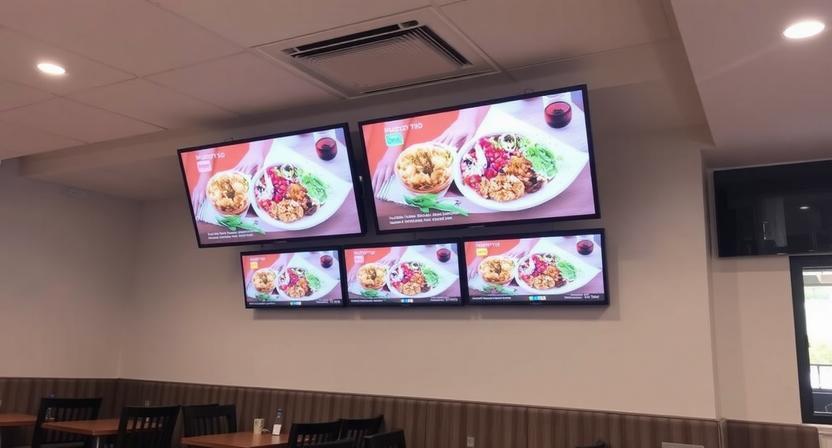
• The Screen: Commercial-grade displays (Samsung, LG, or ViewSonic). Avoid consumer TVs they aren't built for 16-hour daily runs and will overheat.
• The Player: A small media player (Raspberry Pi, Amazon Fire Stick 4K, or Apple TV) or an SoC (System on Chip) built into the screen.
• The Software: This is the brain. Look for cloud-based platforms (like Nento, OptiSigns, ScreenCloud, or NoviSign) that offer drag-and-drop menu templates, scheduling, and remote management.
7 Content Best Practices for Menu Boards
Simply buying screens isn't enough. Bad digital signage is worse than no signage. Follow these rules:
1. The 3-Second Rule: A customer should be able to find the price and name of a category within 3 seconds.
2. Limit the SKUs: Don’t copy your entire paper menu onto the board. Show your top 7-10 items plus daily specials.
3. High Contrast: White text on a background photo of spaghetti looks great on a design monitor but is unreadable on a bright screen. Use a dark overlay/shadow on text.
4. Video Loops: A 5-second clip of cheese pulling off a pizza slice sells 10x better than a static photo.
5. Dynamic QR Codes: Add a QR code for loyalty sign-ups or mobile ordering that changes depending on the time of day.
6. Always show a wait time (if applicable). It builds trust.
Real-World Use Cases (Quick Service vs. Full Service)
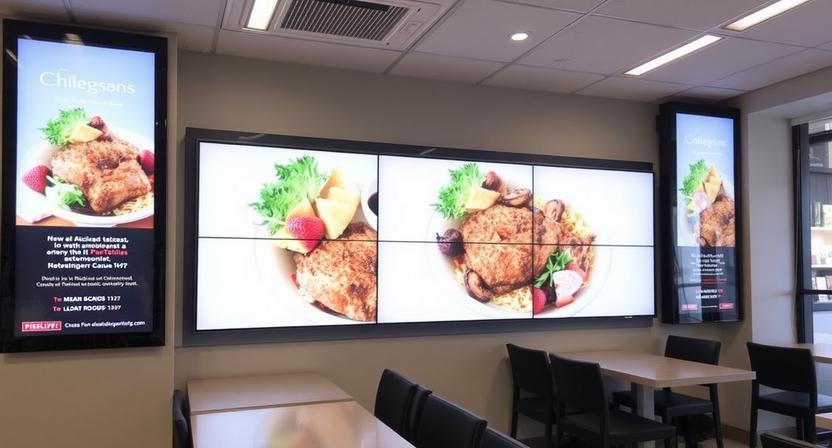
• Quick Service Restaurants (QSRs): Use dual-screen setups (menu board + promotional board). The promo board cycles through combos, app downloads, and limited-time offers.
• Full-Service (Table Service): Use smaller digital table tents or bar top displays. Highlight wine flights, dessert shots, or nightly entertainment.
• Ghost Kitchens/Delivery Only: Digital signage acts as a "Order Ready" board. Integrate with your delivery tablet system to flash the last 3 digits of a ticket when a DoorDasher arrives.
FAQ: Restaurant Digital Signage
Q1: How much does restaurant digital signage cost? It varies widely. For a basic 2-screen setup with cloud software, expect 800–800–1,500 upfront (hardware + installation) and 20–20–50/month per screen for software licensing. High-end 4K interactive boards can cost $5,000+.
Q2: Can I use my existing TV for digital signage? Technically, yes, but it’s risky. Consumer TVs (like a Vizio from Best Buy) lack brightness for daylight viewing and are not rated for 24/7 operation. They will burn out or suffer "burn-in" within 6-12 months. Buy a commercial display for longevity.
Q3: Is it difficult to update the menu if I’m not tech-savvy?
No. Most modern systems use a "Canva-style" drag-and-drop editor. You log in from any web browser, click "Edit Text," type the new price, and hit "Publish." The screen updates within seconds.
Q4: How does digital signage work with my POS system (Toast, Square, Clover)?
Many signage platforms offer native integrations. For example, you can pull live inventory from your POS to automatically "grey out" sold-out items, or automatically swap the menu from Lunch to Dinner based on the POS’s internal clock.
Q5: What happens if the internet goes down?
High-quality players have "offline mode." They cache the current menu locally. If the WiFi drops, the screens keep playing the last known menu until the connection is restored. You won’t go dark.
Final Verdict: Make the Switch Today
The restaurant industry runs on thin margins. You cannot afford to waste labor on changing paper signs or lose sales because a customer couldn't read a faded specials board.
Restaurant Nento digital signage is not a futuristic gimmick; it is an operational utility. It empowers you to control your narrative, react to sales data in real-time, and deliver a premium visual experience that justifies higher prices.
Start small: Convert your drive-thru menu board or your front counter impulse buy zone to digital. Track your sales for 30 days. The ROI will speak for itself.