Create Your Free NFC Business Card with 5thir
What Is an NFC Business Card?
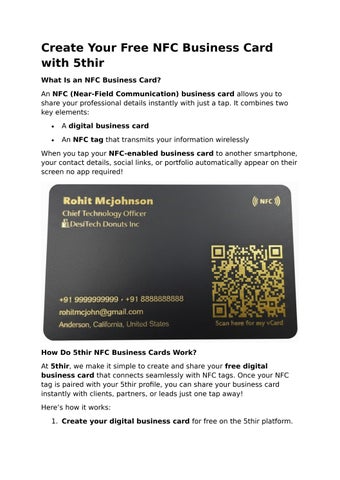
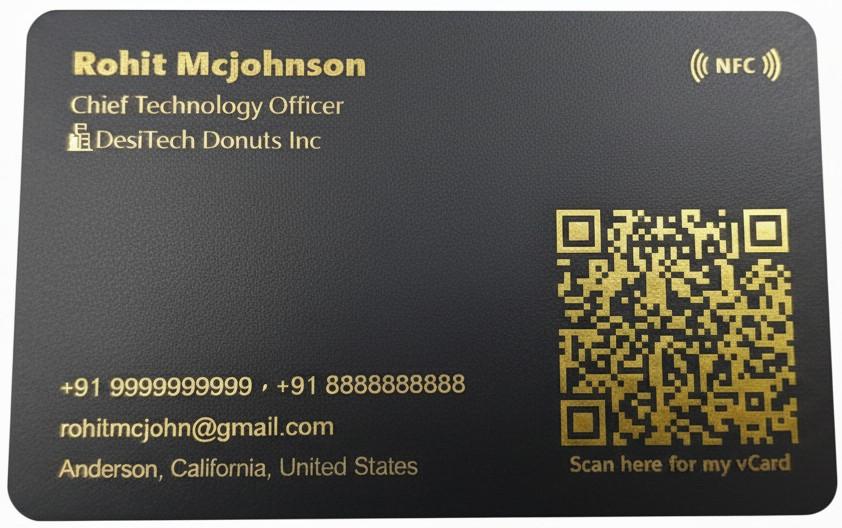
An NFC (Near-Field Communication) business card allows you to share your professional details instantly with just a tap. It combines two key elements:
A digital business card
An NFC tag that transmits your information wirelessly When you tap your NFC-enabled business card to another smartphone, your contact details, social links, or portfolio automatically appear on their screen no app required!
How Do 5thir NFC Business Cards Work?
At 5thir, we make it simple to create and share your free digital business card that connects seamlessly with NFC tags. Once your NFC tag is paired with your 5thir profile, you can share your business card instantly with clients, partners, or leads just one tap away!
Here’s how it works:
1. Create your digital business card for free on the 5thir platform.
2. Write your card to an NFC tag (available as stickers, cards, or keychains).
3. Share with one tap your profile opens instantly on any smartphone.
Why Choose 5thir for NFC Business Cards?
Unlike many NFC-only providers, 5thir offers NFC integration absolutely free. We don’t overcharge for tags you can purchase affordable NFC tags directly from trusted sites like Amazon or Etsy and link them easily to your 5thir digital business card.
We believe in freedom, flexibility, and affordability — that’s why we empower users to create and manage their own digital identity at no extra cost.
How To Make Your Own NFC Business Card on 5thir
Creating your NFC business card with 5thir is easy and takes just a few minutes.
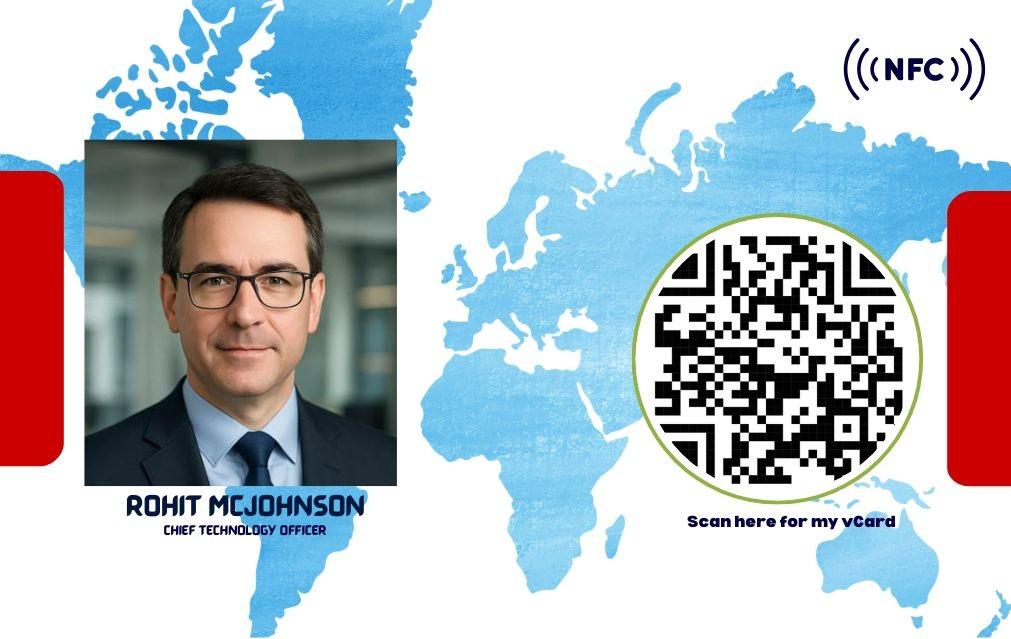
1. Create your digital profile — add your name, job title, company, phone, email, website, and social links.
2. Write your 5thir business card to the NFC tag using our simple interface.
Now your business card is ready to share with a tap!
How To Share Your 5thir NFC Business Card
Once your digital card is linked to your NFC tag:
Place your NFC sticker, pop socket, or keychain on your phone or wallet.
Tap it to another smartphone (Android or iPhone).
Your 5thir business card instantly opens in the recipient’s browser — no app needed!
Works with All Major Phones
✅ iPhones 7 and newer (iOS 11+) can read NFC automatically.
✅ Android phones with NFC enabled can receive your card instantly.
Other Ways to Share Your 5thir Business Card
Even without an NFC tag, you can share your 5thir digital business card using:
QR Code
SMS or Email
AirDrop
Social Media
Link sharing
No limits, no barriers — share your professional identity anywhere, anytime.
Recommended NFC Tag Providers
5thir NFC business cards work with most NTAG215-compatible tags. Popular and reliable sellers include:
GoToTags
Sanpopo
LW Design
Thonson
Sasi Custom Creations (Etsy)
These options are affordable, high-quality, and compatible with 5thir.
�� Why Go Digital with 5thir?
✅ Eco-friendly and paperless
✅ Instantly updatable anytime
✅ Impress clients with smart, tech-savvy networking
✅ Affordable, modern, and professional
With 5thir’s free NFC business card, networking becomes smarter, faster, and greener.
�� Start Now — It’s 100% Free!
Create your Free NFC Digital Business Card today on 5thir.com Empower your networking with tap-to-share technology and make your first impression unforgettable.
�� How to Create Your Digital Business Card – Free on 5thir
Creating a digital business card is the easiest way to share your professional identity in today’s digital world. With 5thir, you can design your own card for free — no app required!
�� Step-by-Step Guide:
1. Visit 5thir.com Go to our website to start creating your free digital business card.
2. Add Your Details
Enter your name, job title, phone number, email, and social media links.
3. Customize Your Design
Choose a modern layout, upload your logo, and personalize the look.
4. Get Your Unique Link & QR Code
Instantly generate a shareable link or QR code to send via WhatsApp, email, or social media.
5. (Optional) Connect with NFC
Write your digital card to an NFC tag or card and share it with just one tap!
✅ 100% Free
✅ No App Needed
✅ Eco-Friendly
✅ Works on iPhone & Android
✅ Ready to create yours?
�� Click here to get started: Create Your Free Digital Business Card on 5thir
��
Frequently Asked Questions (FAQs)
1. What is an NFC business card?
An NFC business card is a smart digital card that uses Near-Field Communication (NFC) technology to share your contact details with a simple tap. It replaces traditional paper cards and instantly opens your digital profile, website, or contact info on any smartphone.
2. How does a 5thir NFC business card work?
Once you create your free digital business card on 5thir, you can write it to any NFC tag (like a sticker, keychain, or plastic card). When someone taps their phone on your NFC tag, your 5thir profile instantly appears on their screen no app needed.
3. Is the 5thir NFC business card really free?
Yes! Creating and using a digital business card on 5thir is completely free. You only need to buy an NFC tag from online marketplaces like Amazon or Etsy if you want to enable tap-to-share functionality.
4. Do I need to install any app to use or receive the card?
No app is required to receive your 5thir NFC business card. When you share your card via NFC, QR, or link, it opens directly in the recipient’s
web browser. However, you can use the 5thir app or web platform to create and manage your digital profile.
5. What type of phones can read NFC business cards?
Most modern smartphones support NFC:
✅ Android phones with NFC enabled in settings
✅ iPhones 7 or newer (iOS 11 and above)
If a device doesn’t have NFC, users can still access your card using your QR code or shareable link