OLED and LCD Screen Testing: Best Practices
Choosing between an OLED and an LCD display involves more than comparing brightness, color accuracy, and price If you want to evaluate image quality or identify display defects, it's also worth considering how easy each technology is to test Both OLED and LCD panels can develop issues such as dead pixels, uneven brightness, and color inconsistencies, but the testing process and the types of defects you are likely to find differ significantly.
Understanding these differences helps you perform more effective display inspections and determine whether your monitor or television is operating as expected.
Understanding OLED and LCD Technology
LCD (Liquid Crystal Display) panels use a backlight positioned behind the screen The liquid crystals control how much light passes through each pixel, but the backlight remains the primary source of illumination.
OLED (Organic Light-Emitting Diode) displays work differently Each pixel produces its own light independently, eliminating the need for a separate backlight. This allows OLED screens to deliver deeper blacks, higher contrast ratios, and excellent viewing angles Using a Full Black Screen is an effective way to verify these deep black levels and identify any display irregularities Because these technologies operate differently, the defects they develop and the methods used to detect them also vary.
Common LCD Display Issues
LCD monitors are generally reliable, but they can develop several common problems over time Dead pixels, stuck pixels, backlight bleed, clouding, and uneven brightness are among the most frequently reported issues
Backlight bleed occurs because the illumination behind the panel may leak around the edges or corners Although minor light leakage is common, excessive bleed can become distracting during movies or gaming LCD panels may also exhibit slight brightness variations across large displays, particularly near the edges
Common OLED Display Issues
OLED technology eliminates backlight bleed because every pixel generates its own light However, OLED displays have their own unique challenges
Image retention, permanent burn-in, pixel degradation, and brightness reduction over many years of use are among the most common concerns While modern OLED panels include features that minimize these risks, they are still important considerations for users who display static images for extended periods.
Testing OLED screens often focuses on identifying uneven aging, burn-in, and pixel performance rather than backlight-related issues.
Testing Brightness Uniformity
Brightness uniformity is important for both display types, especially for photographers, designers, and video editors
Displaying a solid white background allows you to compare illumination across the panel and identify darker or brighter regions LCD monitors are generally more likely to show noticeable brightness variation because of their backlight design, whereas OLED displays typically provide more consistent illumination when new Repeating the inspection at different brightness levels provides a more complete assessment
Checking Black Performance
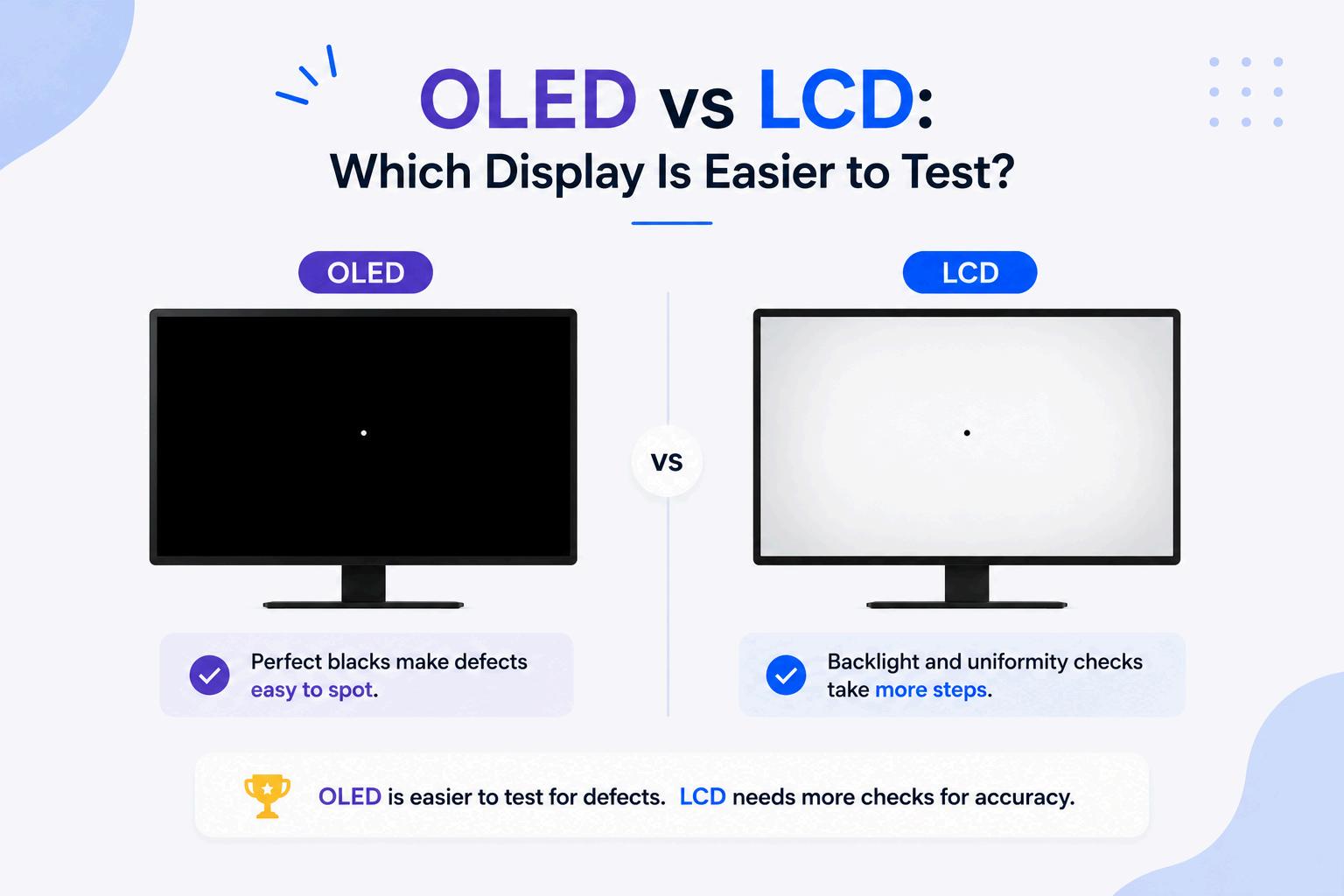
One of the easiest ways to evaluate contrast performance is by displaying a completely black screen in a dark room On an OLED display, properly functioning pixels turn off completely, producing extremely deep blacks with virtually no light emission
An LCD monitor, on the other hand, continues using its backlight even when displaying black images As a result, slight glow or light leakage may remain visible around the edges or corners of the display This simple comparison clearly demonstrates one of the biggest differences between the two technologies.
Inspecting for Dead Pixels
Both OLED and LCD displays can develop dead or stuck pixels, although the underlying causes may differ. Displaying white, black, red, green, and blue backgrounds makes defective pixels much easier to identify. Inspect the screen carefully from top to bottom, paying close attention to the center and corners Testing immediately after purchasing a new display is recommended so that any manufacturing defects can be identified while warranty coverage is still available.
Which Display Is Easier to Test?
LCD displays generally require more extensive testing because several different issues may be present simultaneously In addition to dead pixels, users often inspect for backlight bleed, clouding, brightness uniformity, and color consistency.
OLED displays simplify some aspects of testing because there is no backlight to evaluate However, users should pay closer attention to burn-in, image retention, and long-term pixel degradation Neither technology is inherently difficult to inspect, but each requires attention to different characteristics
Tips for Accurate Testing
For reliable results, clean the display before beginning any inspection Dust and fingerprints can resemble display defects and create misleading results. Allow the monitor to warm up for several minutes, use its native resolution, and perform testing under controlled lighting conditions
Displaying a Full Black Screen along with white and primary color backgrounds provides a comprehensive evaluation of contrast, pixel performance, and overall panel quality Repeating these inspections periodically also helps monitor changes as the display ages
Conclusion
OLED and LCD displays each have distinct strengths and weaknesses when it comes to testing LCD panels require careful evaluation for backlight bleed and brightness consistency, while OLED screens demand closer attention to burn-in and pixel aging By using solid-color backgrounds, inspecting the display under appropriate lighting conditions, and understanding the characteristics of each technology, you can accurately assess your screen's condition and maintain the best possible viewing experience over time