

Page 3: Much Ado About Marove Agency
Page 5: Current Client Projects
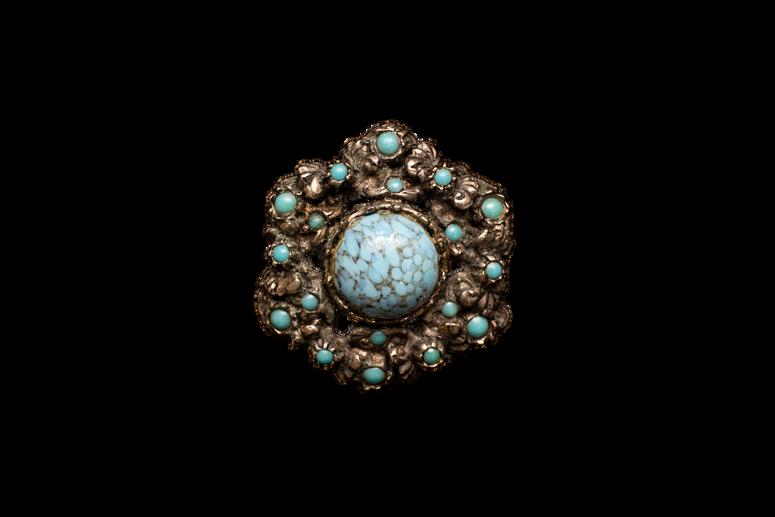
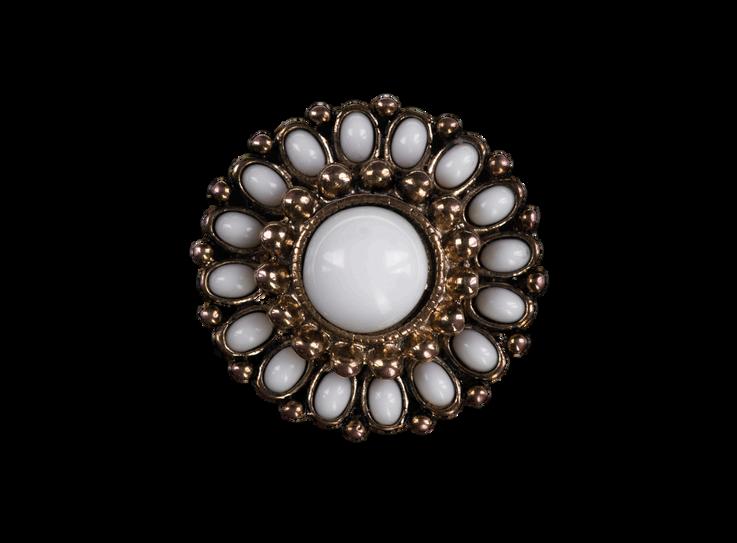
Page 7: Decorative Page Clips
Page 11: Upcoming Client & Marove Events 5 JANUARY PUZZLE
Page 9: Riddle
Page 10: Answer
Page 3: Much Ado About Marove Agency
Page 5: Current Client Projects
Page 7: Decorative Page Clips
Page 11: Upcoming Client & Marove Events 5 JANUARY PUZZLE
Page 9: Riddle
Page 10: Answer
Put your party hats on sleuths, because we have much to celebrate this month: Marove Agency turns 3, Magnifier Monthly turns 2, and our brick-and-mortar WHQ (aka office rental) turns 1! Huzzah!
I’m not sure how January ended up landing all of these milestones, but hey, I’ll take some extra reasons to celebrate in the middle of winter In fact, I’m currently celebrating from the sandy beaches of the Bahamas, and yes, I did leverage my digital skillset to autosend this newsletter like a true business bish who has learned to take her vacation time seriously.


While I’m here soaking up the sun, mark your calendar for some exciting events coming up in the next few months to meet up in person and see me in action!
On February 18th, I’m hosting the Connect After Hours event with the Women to Women Network. This will be a free networking event and is open to both members and guests. Plus, free food and drinks... what could be better!?
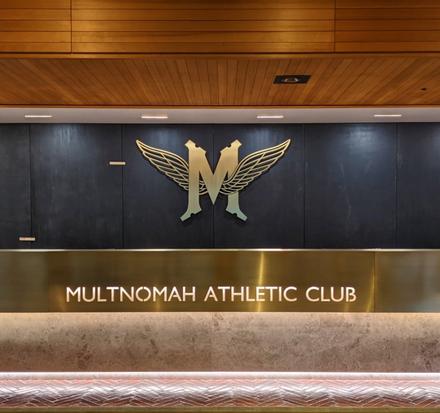
Then, on March 20th, you’ll find me in a lil’ stand at the Women-Owned Business Market at the Multnomah Athletic Club. This is an event that features local women-owned businesses, and I’m excited to be a representative of a servicebased business. This event is only open to members of the club, but be sure to follow Marove Agency on social media (@maroveagency) for a live look at the event.
Glance over to the facing page to learn more about these events. Now, I gotta gothere’s an Agatha Christie book and a tropical smoothie calling my name!
by Madelyn Veith, Founder
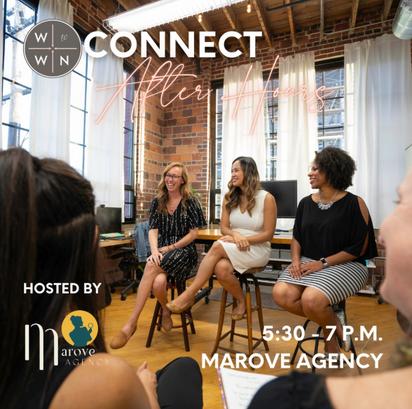
Tuesday, Feb. 18th
5:30-7pm 1155 SW Morrison St Portland, OR, 97205
Thursday March 20th 4-7pm 1849 SW Salmon St, Portland, OR 97205
For planning the first 3 pages for your website.
Your website is to your digital business what water is to a garden: Essential! But, no two websites are the same - a woman whose business is selling handmade garden tools will need different web pages from the woman whose business is selling landscaping services.
Establish your type of business. Do you sell services? Products? Do you meet in-person or are you all digital?
Decide what people need to know about your business. Things like who you are, what you’re selling, how they can purchase, and why they can trust you.
Assign pages whose purpose captures that essential information (we’re skipping the home page - that’s a given!), then fill in the content.
About page = connect with your audience/convey reliability
Services page = informative
Portfolio/Testimonials page = brand value/convey reliability
Product page = informative/interactive
Policy page = informative
Shop = informative/interactive
Bonus: Add SEO!
SEO stands for search engine optimization. It is a layer of keywords you embed on your site pages to increase the views of your page when search engines (like Google) scrape the internet to find results. You want to embed key words that are the same as what people will search for, like “best landscaping business in Portland”
1. I offer landscape services. Customers come to my website to preview my work and get a quote.
2 They need to know what my services include and feel confident in choosing me as their landscaper.
3. First 3 essential pages to set up:
Services page (service packages, descriptions, how it works)
Portfolio/testimonial page (images of work, quotes from former customers)
Contact page (a place to get in touch/request a quote)
1. My business is primarily ma selling gardening tools, and customers come to my webs shop for products.
2. They need to know what products I offer and if they can be customized, how much they cost, if other people like the product, if they’ll pay for shipping, and if they’ll be able to return the item if they don’t like it
3. First 3 essential pages to set up:
Shop page (all products)


Individual product pages (color/sizing options, price, quantity, add to cart)
Policy pages (shipping policy, return policy)

Viewable work is linked via the icons.

I’m designing and building the full website for Kim, the fearless founder of Peace & Love Care Packages. She’s launching her new care package business in January.
Features:
Brand design + design elements
Digital shop
Automated checkout process
Home page + About page in progress

I curate social media content for Monika, the fearless founder of True Move Yoga Studio, on an ongoing basis.
Features:
Full posts (graphics + copy)
Reels
Yoga retreats advertisements

I’m bringing the Fusion Shave Ice team’s brand to life on social media The fearless founders, Melissa and Carissa, are hard at work and want to curate a look to match their fab shave ice.
Features:
Brand design elements
Content templates
Event day stories
Full posts (graphics + copy) in progress

I oversee the digital operations and marketing initiatives with the fearless team at Oregon Sports Angels on a monthly basis.
Features: Website design/updates
Social
Hybrid meeting production
Like the bow and the stern or a first and last name, This pair of features resembles a frame.
Standing steadfast while visitors scroll, Site navigation remains in control.
More than a map but less than a page, They bring words to life in this digital age.
To visit a website is to use the site header and footer. These essential sections are content blocks that remain stationary and accessible to the site user no matter where they’re at on your website, making them an important component in your site’s user experience and your overall brand presence.
The header sits at the top of the site and typically includes the business logo to 1) remind users they’re on your site, and 2) get your branding in front of more eyes. It will also include a layout of hyperlinks to your other site pages, contact info, and/or social media. The layout is crucial to your site’s usability: the easier and more intuitive it is for users to navigate, the more time they’ll spend browsing your website.
The footer is complimentary to your header and contains much of the same layout, plus a few more boring details like your business address, copyright notices, and additional links that users don’t always need right off the bat (hence why the footer is at the bottom of the website).
Psst! Did you spot the clue on the bulletin board?
DaVinci sure was ahead of his time!
Hyperlinked events are open for attendance/registration.
F e b r u a r y J a n u a r y
Fusion Shave Ice
Rose Quarter Events
True Move Yoga Studio Weekly Classes
Fusion Shave Ice
Rose Quarter Events
True Move Yoga Studio Weekly Classes
Rose Quarter Events M a r c h
Fusion Shave Ice
True Move Yoga Studio Weekly Classes