What is premiere pro
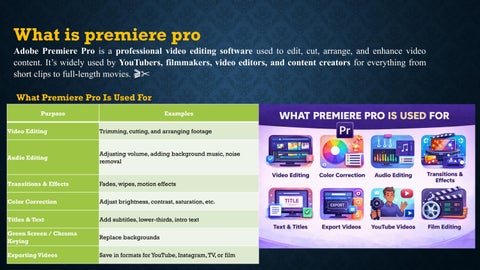
Adobe Premiere Pro is a professional video editing software used to edit, cut, arrange, and enhance video content. It’s widely used by YouTubers, filmmakers, video editors, and content creators for everything from short clips to full-length movies. 🎬✂️ What Premiere Pro Is Used For Purpose
Examples
Video Editing
Trimming, cutting, and arranging footage
Audio Editing
Adjusting volume, adding background music, noise removal
Transitions & Effects
Fades, wipes, motion effects
Color Correction
Adjust brightness, contrast, saturation, etc.
Titles & Text
Add subtitles, lower-thirds, intro text
Green Screen / Chroma Keying
Replace backgrounds
Exporting Videos
Save in formats for YouTube, Instagram, TV, or film
Uses Premiere Pro? Field
Work Type
YouTubers
Vlogs, tutorials, gaming videos
Wedding Editors
Marriage videos, events
Social Media
Reels, ads, brand videos
Filmmakers
Movies, documentaries
Corporate Teams
Company and marketing videos
Source Monitor: Used to preview and select the original video clip before adding it to the timeline. Project Panel: Used to store, organize, and manage all media files used in the editing project. Program Monitor: Used to preview the final edited video output from the timeline before exporting. Timeline: Main area where video clips, audio, effects, and transitions are arranged and edited together. Tool Box: Contains different editing tools like selection, razor, type, and zoom for video editing tasks.