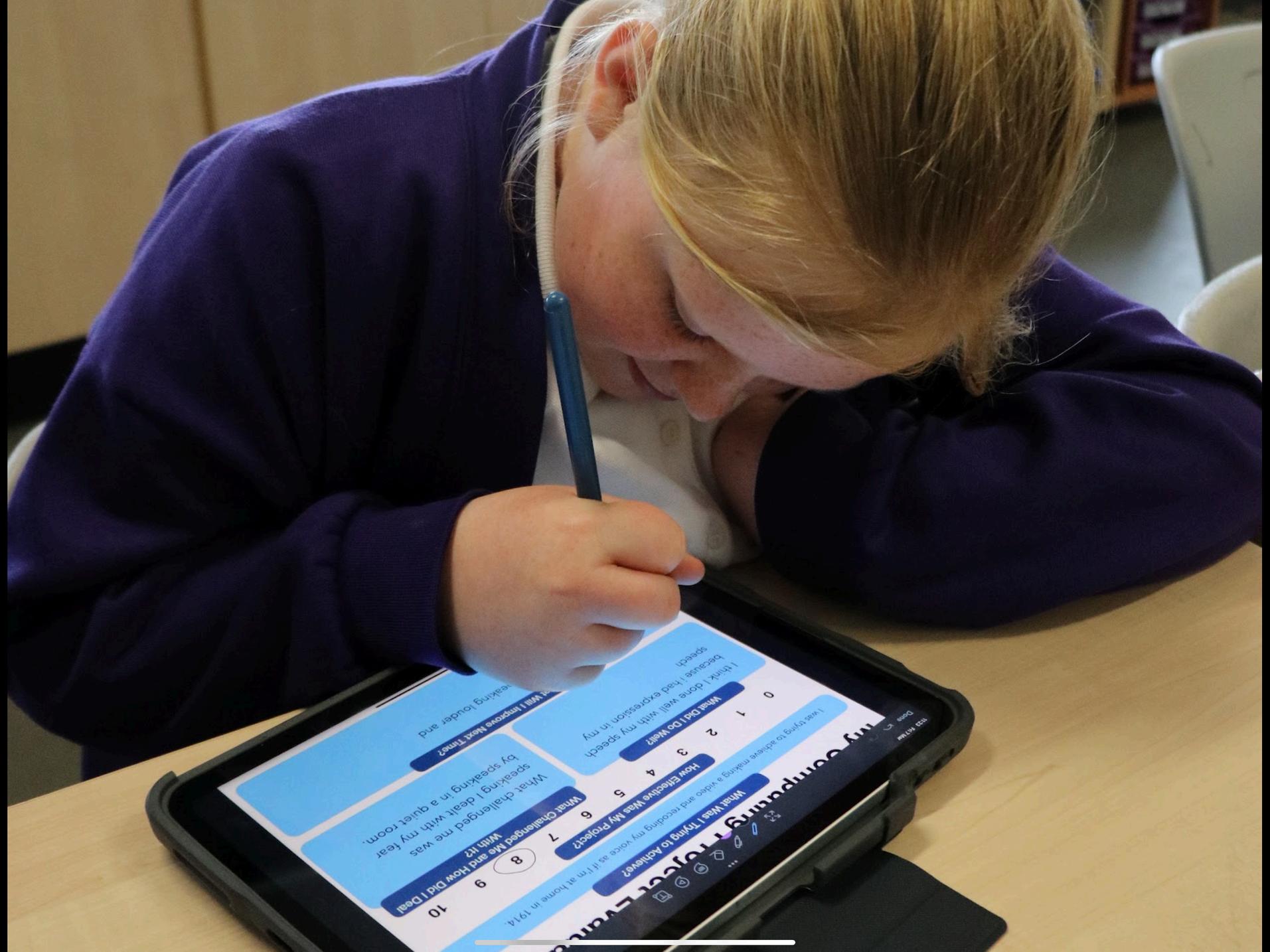
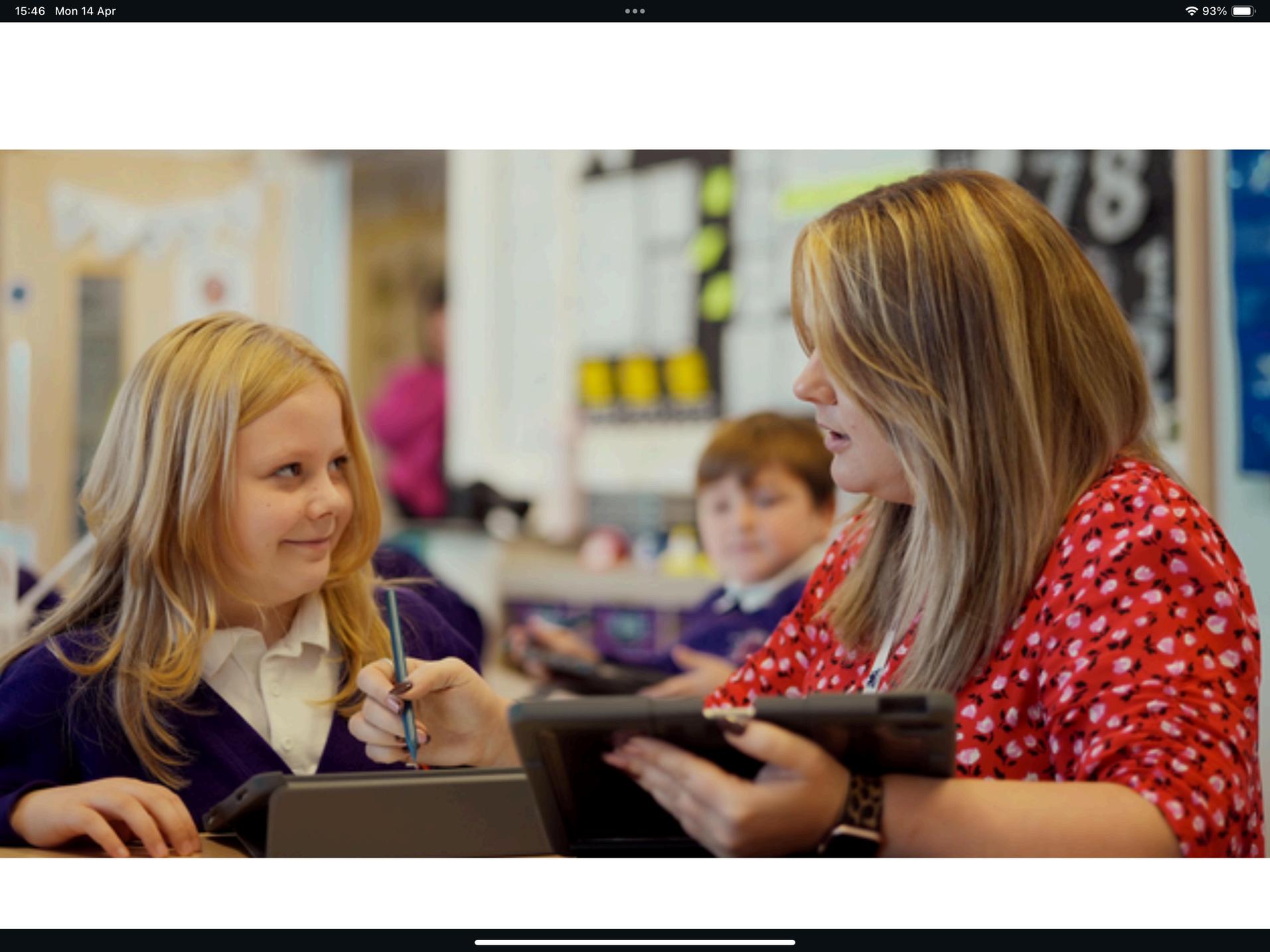
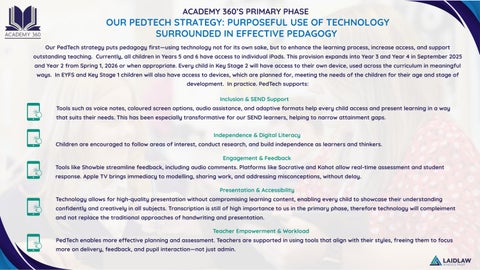
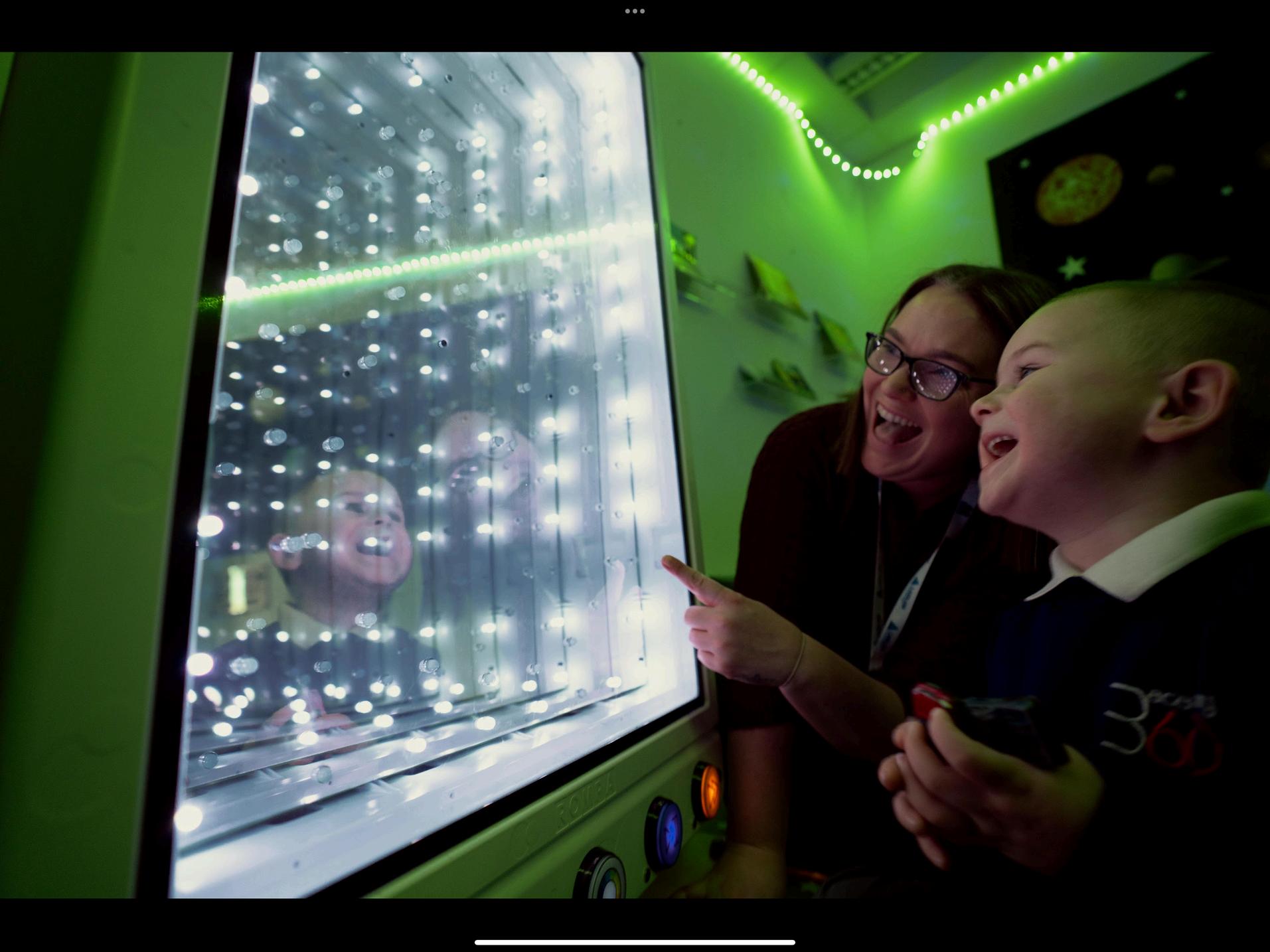
Our PedTech strategy puts pedagogy first—using technology not for its own sake, but to enhance the learning process, increase access, and support outstanding teaching. Currently, all children in Years 5 and 6 have access to individual iPads. This provision expands into Year 3 and Year 4 in September 2025 and Year 2 from Spring 1, 2026 or when appropriate. Every child in Key Stage 2 will have access to their own device, used across the curriculum in meaningful ways. In EYFS and Key Stage 1 children will also have access to devices, which are planned for, meeting the needs of the children for their age and stage of development. In practice. PedTech supports:
Inclusion & SEND Support
Tools such as voice notes, coloured screen options, audio assistance, and adaptive formats help every child access and present learning in a way that suits their needs. This has been especially transformative for our SEND learners, helping to narrow attainment gaps.
Independence & Digital Literacy
Children are encouraged to follow areas of interest, conduct research, and build independence as learners and thinkers.
Engagement & Feedback
Tools like Showbie streamline feedback, including audio comments. Platforms like Socrative and Kahot allow real-time assessment and student response. Apple TV brings immediacy to modelling, sharing work, and addressing misconceptions, without delay.
Presentation & Accessibility
Technology allows for high-quality presentation without compromising learning content, enabling every child to showcase their understanding confidently and creatively in all subjects. Transcription is still of high importance to us in the primary phase, therefore technology will compleiment and not replace the traditional approaches of handwriting and presentation.
PedTech enables more effective planning and assessment. Teachers are supported in using tools that align with their styles, freeing them to focus more on delivery, feedback, and pupil interaction—not just admin.

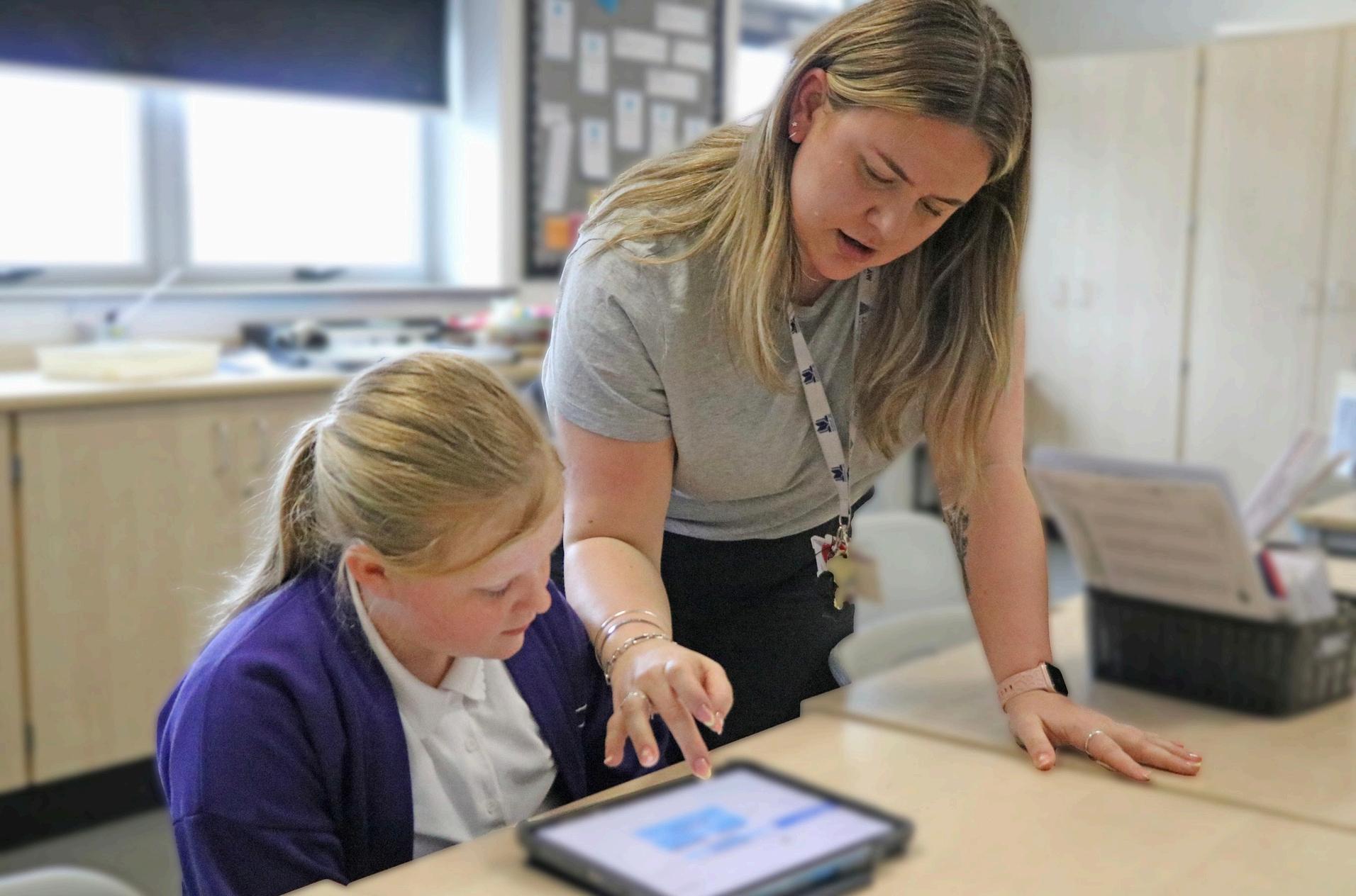
We aim to ensure all children leave us as confident, competent users of technology, ready to thrive in a digital world.
Research and enquiry skills
Independent learning habits
Digital collaboration and communication
An understanding of safe and responsible tech use
Our strategy helps develop:
Preparation for secondary education and beyond in the workplace.
Heightened awareness of online safety and greater awareness of the digital world.
From EYFS to Year 6, digital tools are used to enhance—not replace—the power of great teaching.

Although our PedTech strategy is still developing, its impact is visible across the school. From digital storytelling in EYFS, use of accessing phonic and curriculum support materials in Keys Stage 1 and 2, to collaborative presentations, green screen and media to record exit tickets in Key Stage 2. From voice note reflections to instant feedback loops, the use of technology is embedded in our ethos.
This is not about gadgets. It’s about using every tool—digital or otherwise—to make learning richer, more inclusive, and more effective learning outcomes.
Pedagogy-First
Technology serves learning goals—not the other way around.
Teacher Ownership re empowered to choose tools that match their teaching style and student needs.
Focus on Relationships & Behaviour
upports interaction, collaboration, and student voice.
Evidence-Informed choices are guided by research and ongoing reflection.
Inclusive & Adaptive
d is left behind—every learner has access and opportunity.
Evolving & Reflective ntinuously review and refine, based on classroom impact.
just a technology strategy. y powered by purposeful technology.
As we move forward, we will continue to ask: Does this serve the learner? Does it support the teacher? Does it improve outcomes?
And, if the answer is yes—we’ll keep doing more of it.
PREPARE
Upload lessons to Showbie; Save under the lesson’s learning intention on the assignment title in Showbie; Set Jamf for iPad/app restrictions; Prep Apple Classroom.
PRACTICE
‘Apple’s Up’ -to minimise distractions; ‘Teach from the back’ and from the iPad; Teach from Showbie rather than slides.




Our homework strategy remains inclusive, diverse, and accessible. We blend paper-based tasks, family project-based learning, and growing use of online platforms which children enjoy and engage with. We are fully committed to equity of access:
Chromebooks are available to loan.
Children can use personal smartphones or tablets.
Support and access in school.
No child is disadvantaged due to lack of device access.
Homework supports—not hinders—engagement. Tasks are carefully selected to complement in-class learning without becoming a barrier.
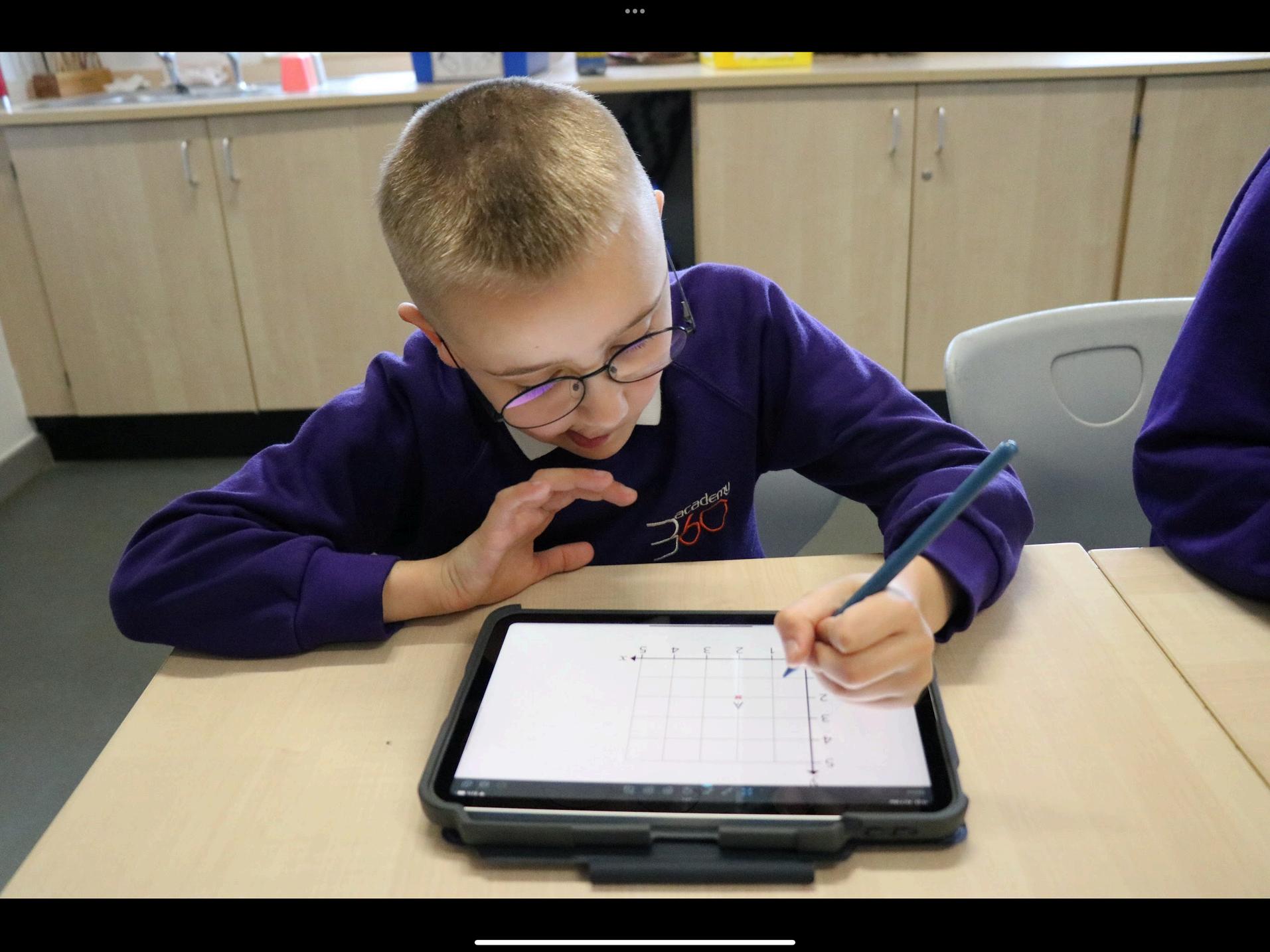
There are several SEND adaptations you can make on an iPad. This list is not exhaustive and is just indicative of some of the things that you can do.
• VoiceOver: A screen reader that reads aloud what’s on the screen.
• Zoom: Magnifies the screen for easier viewing.
• Display & Text Size: Adjust text size, bold text, increase contrast, reduce transparency, or use color filters.
• Magnifier: Turns the iPad into a digital magnifying glass.
• Speak Screen & Speak Selection: Reads highlighted text aloud.
• Live Listen: Works with compatible hearing aids or AirPods to amplify sound.
• Subtitles & Captions: Available on supported content.
• Mono Audio & Balance: Helps if hearing is better in one ear than the other.
• Sound Recognition: Alerts users to sounds like sirens or doorbells.
• Assistive Touch: Adds a customizable on-screen menu for gestures and commands.
• Switch Control: Allows control of the iPad using external switches.
• Touch Accommodations: Adjusts how the screen responds to touch, including holding duration and touch sensitivity.
• Voice Control: Enables complete control of the iPad using voice commands.
Adaption NOT differentiation!
• Guided Access: Restricts the iPad to a single app and limits touch functionality to prevent distractions.
• Speak Screen & Highlight Content: Supports reading comprehension by reading text aloud and highlighting words.
• Type with voice: Useful for children with dyslexia or other reading difficulties.
• Predictive Text & Dictation: Makes writing easier for those with writing or language processing difficulties.
• Reader: let Siri read the text on a page
• Colour background: change the colour of the background for dyslexic pupils.
• Screen Time Management: Helps structure usage with timers and downtime settings.
• Mindfulness Apps: Using apps like Calm or Headspace to help children regulate their emotions.
• Customizable Notifications: Reducing sensory overload by limiting intrusive notifications.
• Showbie: For organizing work and providing structured feedback.
• Slides: A creative way for children to produce digital stories or demonstrate understanding in a multimedia format.
• Chat GPT: Reduce or increase the reading age of a text
• Jamf: Removes any distracting apps