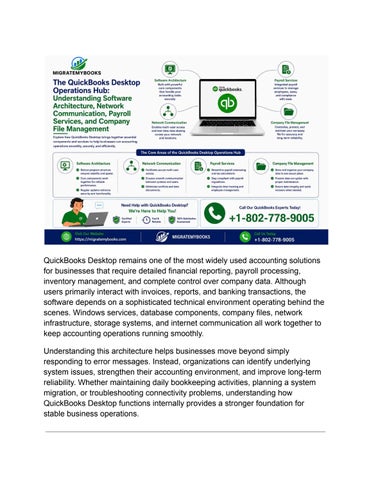
QuickBooks Desktop remains one of the most widely used accounting solutions for businesses that require detailed financial reporting, payroll processing, inventory management, and complete control over company data. Although users primarily interact with invoices, reports, and banking transactions, the software depends on a sophisticated technical environment operating behind the scenes. Windows services, database components, company files, network infrastructure, storage systems, and internet communication all work together to keep accounting operations running smoothly. Understanding this architecture helps businesses move beyond simply responding to error messages. Instead, organizations can identify underlying system issues, strengthen their accounting environment, and improve long-term reliability. Whether maintaining daily bookkeeping activities, planning a system migration, or troubleshooting connectivity problems, understanding how QuickBooks Desktop functions internally provides a stronger foundation for stable business operations.
Issuu converts static files into: and more. Sign up and create your flipbook.