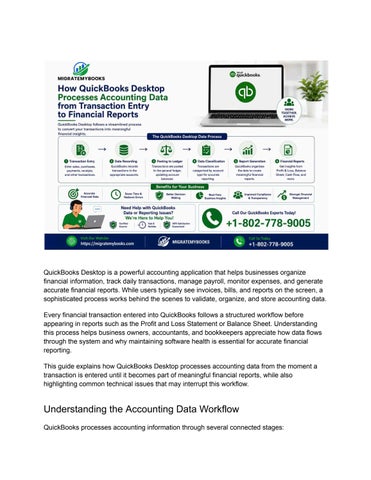
QuickBooks Desktop is a powerful accounting application that helps businesses organize financial information, track daily transactions, manage payroll, monitor expenses, and generate accurate financial reports. While users typically see invoices, bills, and reports on the screen, a sophisticated process works behind the scenes to validate, organize, and store accounting data. Every financial transaction entered into QuickBooks follows a structured workflow before appearing in reports such as the Profit and Loss Statement or Balance Sheet. Understanding this process helps business owners, accountants, and bookkeepers appreciate how data flows through the system and why maintaining software health is essential for accurate financial reporting. This guide explains how QuickBooks Desktop processes accounting data from the moment a transaction is entered until it becomes part of meaningful financial reports, while also highlighting common technical issues that may interrupt this workflow.
Understanding the Accounting Data Workflow QuickBooks processes accounting information through several connected stages: