Checklist Please ensure you have completed the following within 14 days:
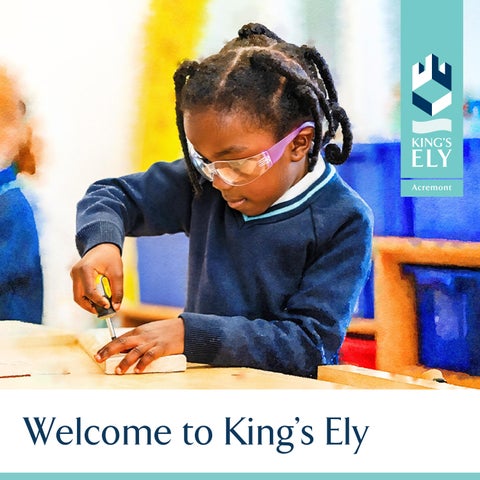
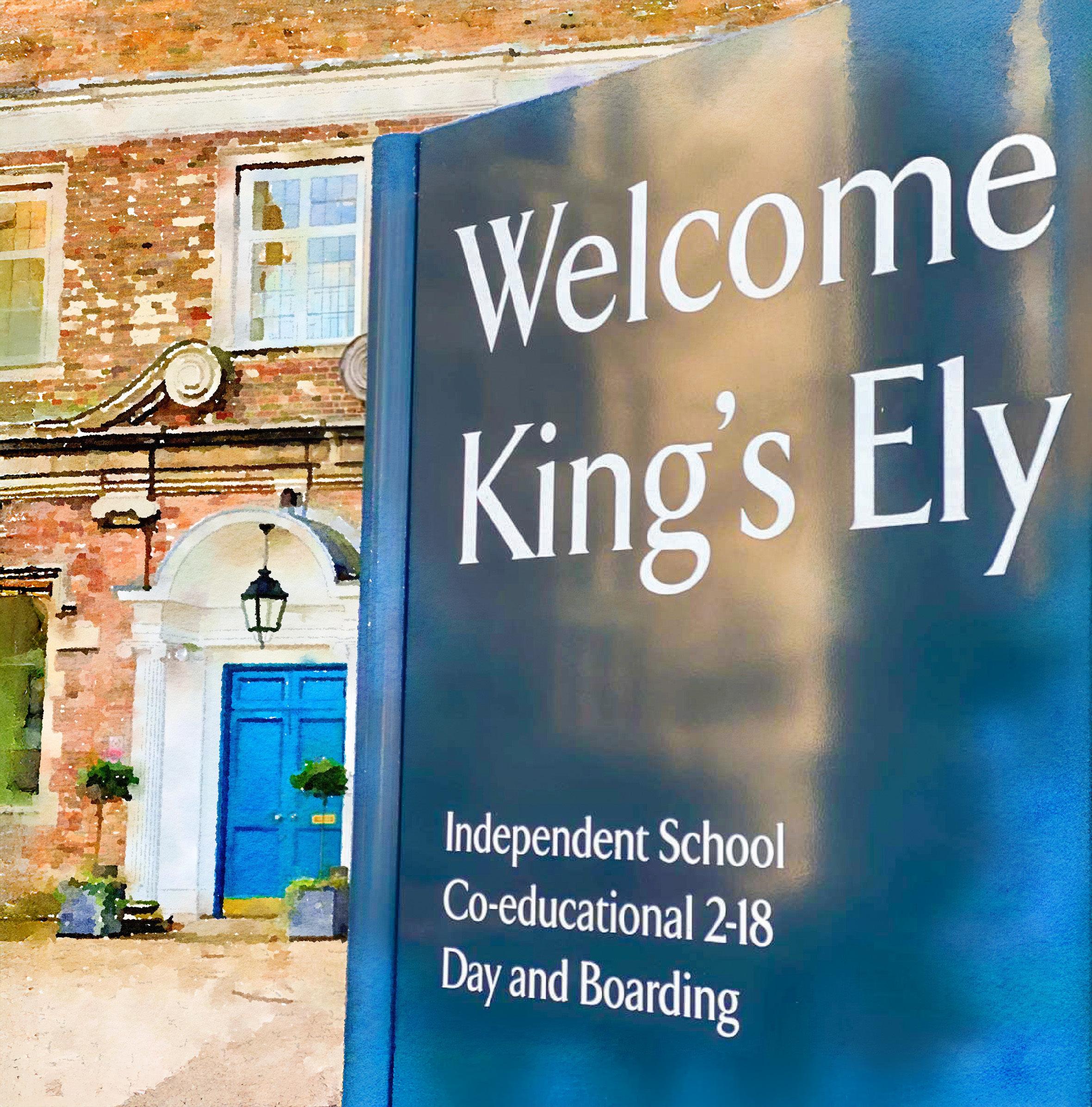
Welcome to King’s Ely
By joining King's Ely you have become a lifelong part of a very special community and of our 1050-year history.
Entrusting the education of your child to King’s is our greatest privilege, our inspiration and a responsibility we take very seriously I can promise that I, and the whole staff team here, will do our utmost to live up to that trust.We also see this as a joint enterprise: a genuine partnership between King’s, you as parents and your child, to create the best future possible for them As such we welcome your involvement and feedback and hope you will play an active part in this journey and our community.
We want your child’s start here and the transition process to be as smooth as possible, and so I hope the information here is useful as an introduction to some key people and a guide to how things work at King's and some of the opportunities available.
In due course you will receive your section handbook with a welcome from the head of section. This document will contain further important information as your child embarks on their King's experience.
The staff and students of King's Ely look forward to you joining our community
John Attwater Principal
King ’s Ely Acremont Uniform
All pupils must be properly and neatly dressed and are expected to take pr ide in their per sonal appearance both in sc hool unifor m and when wear ing casual dress. This is equally impor tant when travelling to and from sc hool.
New Uniform
The School’s uniform is available from our online supplier Stevensons at www.stevensons.co.uk.
New parents will need to register for an account by clicking 'Login/Register' at the top right and selecting 'Register'. Follow the prompts to enter your name, email, password, and phone number, then save. You may need to verify your email via a confirmation link. Once registered and logged in, you'll be guided to add your child's school (King's Ely), name, year group, and uniform type (Boy, Girl, or Prefer Not To Say). After adding your child's details, you can begin shopping for their required uniform items. Existing Stevensons customers can simply log in and add a new child to their account.
Please be reminded that all items should be named using labels such as those from: www. wovenlabelsuk.com or similar.
Nearly New Uniform Shop
Our Nearly New Unifor m Shop is next to the car park near the Spor ts Hall. This is r un by parent volunteers and is open during ter m time on Fridays from 3.30pm to 4 55pm Holiday opening times will be updated on social media and communicated to parents You are also able to email the team using the following email address kingsnearlynewunifor mshop@gmail.com.
Uniform & Sports Kit
lists for each year group, including both compulsory and optional items, on the www.stevensons.co.uk
We encourage you to visit the website at your convenience to familiarise yourself with ordering service for your ease and convenience.
For Nursery jewellery, including earrings, and/or nail varnish should not be worn.
For Acremont shoes should be navy or black in a polishable material; patent or ‘flashing’ shoes are not appropriate for school. Jewellery and earrings (including studs) and nail varnish should not be worn in school. Any hair accessories should be in the school uniform colours. Watches may only be worn in Year 2.
Me dical and Pastoral
Health and Wellb eing
Centre
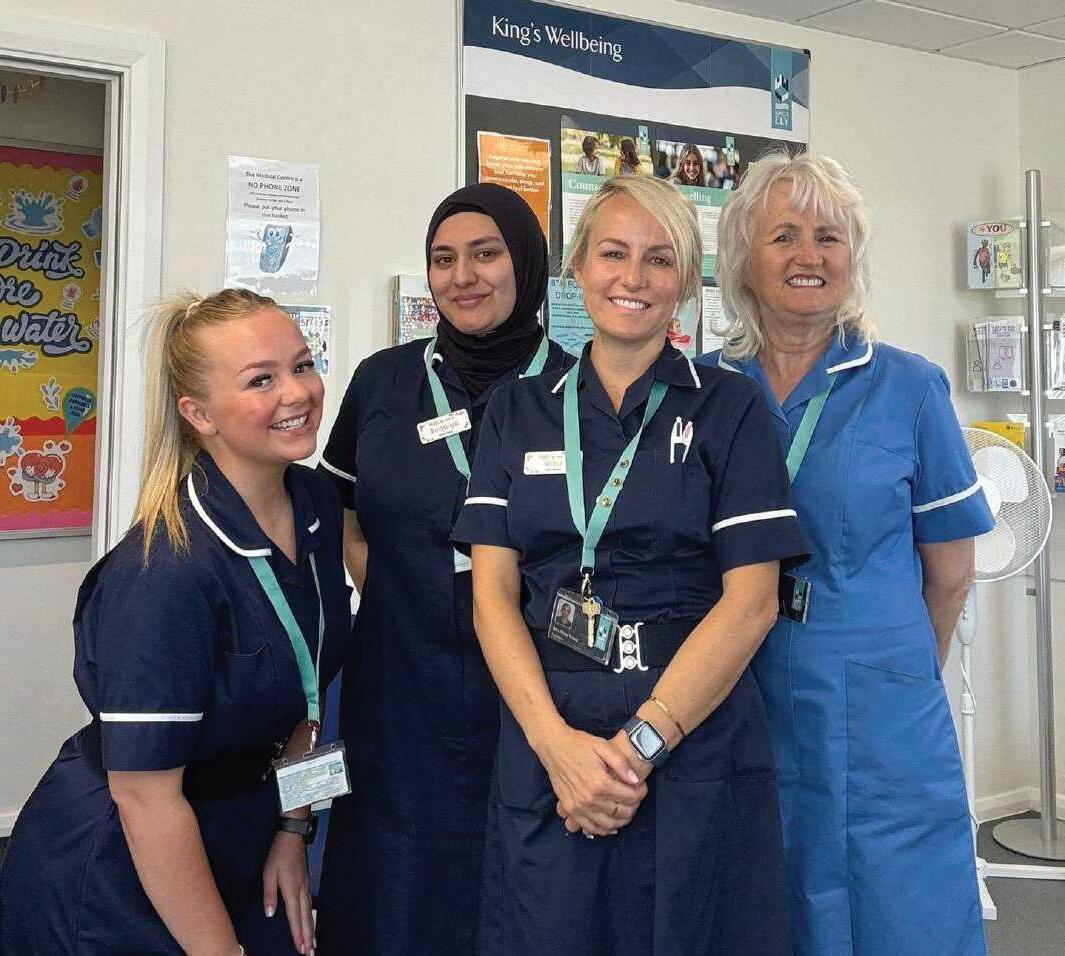
The Health and Wellbeing Centre is staffed by three Reg istered Nur ses and one Assistant cover ing 24 hour s a day care, including an out of hour s on call ser vice. Our professional team deliver a high standard of care to all of our pupils; day and boarding, meeting the physical and emotional health needs of pupils of all ages. Our Sc hool Doctor s from St Mary’s Surgery r un a GP clinic in the Sc hool Health and Wellbeing Centre three times eac h week for our boarding pupils. If something medical ar ises in the cour se of the day or your c hild has prescr ibed medicine that needs to be taken dur ing the sc hool day, this will be over seen by the Health and Wellbeing Centre. However, day pupils with no medical needs should continue to be directed to their own GP.
Please complete the medical questionnaire for m within your My School Por tal (details of how to access your account are in the ‘Communicating with you’ section of this pac k). We will use the infor mation you provide on this for m to help us develop any individual health care plans needed to keep your child safe and well in School. This signed for m also allows us to reg ister your c hild with St Mary’s GP Surgery (boarder s only). It is essential that you complete this for m before your child comes to King’s Ely.
Pastoral
The fir st por t of call for pastoral issues should be your c hild’s For m Teac her or Tutor (KEA/KEPrep) and Housemaster/mistress for KES.
King’s Ely offer s a counselling ser vice whic h aims to provide a specialised, professional layer of suppor t, complementing the pastoral suppor t offered by Tutor s, Teac her s, Housemaster s and Housemistresses.
Pupils who need it may access up to six counselling sessions per academic year, free of c harge. Refer rals may be received from parents, staff or directly from the pupil The counselling ser vice is confidential apar t from the rare occasions when there is a safeguarding concer n whic h would be passed onto the Designated Safeguarding Lead.
King’s Ely uses predominantly electronic means of communication to parents. There are many benefits in this system, whic h suits the major ity of parents, and allows for immediate and interactive contact.
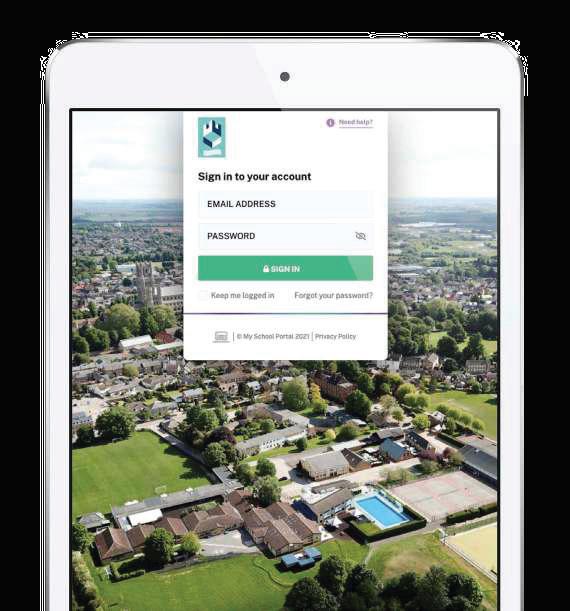
My Sc hool Por tal (MSP) is a single and secure platfor m that collates and displays student infor mation in one place. From a phone, tablet or desktop device parents and guardians can access c hild specific infor mation, including timetables, fixtures, bookings, and reports.
You will automatically have a KingsPost account created for you on our system. Once your child starts School, all routine publications from the School will be published to you electronically via email. Weekly newsletters, information about School trips and forthcoming School events will all come via KingsPost.
Once you have reset the password, please click on the tab . This will give you access to all the for ms we require you to
. These include the Pupil Medical Questionnaire, individual instrumental lesson requests, and Vectare mini-bus service.
4
Please provide and submit an answer to all forms (even if you do not require the service) so that your responses are forwarded to the School.
My S cho ol Por tal – FAQs
I have forgotten my pas sword
My Sc hool Por tal uses the same log in credentials as KingsPost. At the log in window clic k on ‘Forgot your password?’ and an email from My Sc hool Portal will be sent to you with instructions.
I need to notify the School that I have changed my phone number
From the home page click on ‘My account’ from the Welcome box at the top. Use the V arrow to expand the ‘Parent’ tab and click on ‘Edit Parent Details’. Amend the number in the ‘Phone’ field, hit ‘Request Changes’ and confirm the change on the pop-up window The School will receive a notification email and then process your change in our management information system after which the parent portal will subsequently be updated.
You can edit the details, such as medical information, which we have on file of your children in this section too.
I
need to notify the School that my child is ill
From the home page click on ‘Absence Forms’. Click on ‘Medical/Illness Absence form’ on the left hand side, tick which child/children you are requesting leave for as applicable and complete the details. An email will be sent to the School and your child’s form Teacher/Tutor and House master/ mistress.
I need to send a request for Leave of Absence or Off G ames
From the home page clic k on ‘Absence For ms’. Clic k on ‘Leave of Absence and Off Games
Requests’, tic k whic h c hild/c hildren you are requesting, select the ‘Reason’ from the dropdown (Leave of Absence or Off Games) and pic k a star t and end date you would like to request leave for.
How do I sync event s to my own calendar?
In the ‘My Calendar’ section, you can view, subscr ibe and sync events with your per sonal device Fir st use the ‘Filter’ button to select your c hosen Year Group, type of event e.g. Categor ies > Music and so on, and hit ‘Apply’.
Then c hoose the relevant option from the ‘Subscr ibe & Expor ts’ dropdown to subscr ibe to the events They will then sync with your device’s calendar Please note that the frequenc y of the calendar refresh depends on your device.
• The option ‘Apple calendar’ works for both Mac desktop products and iPad/iPhone mobile devices. Alter natively view the tutor ial video ‘Apple Calendar’.
• ‘Mobile Phone’ will use the default option on the device so if you are accessing My Sc hool on your phone, select this option.
• The option ‘Outlook’ works for Microsoft and Windows devices Alter natively view the tutor ial video ‘Outlook Calendar’
Where can I see information on my children?
In My School Portal you can toggle between each of your children to see their relevant information. For example: on the home page you can see each of your children’s specific emails and their events, and in ‘My Children’ you can toggle between e.g Attendance, Timetable, Teacher Contacts, Rewards and Sanctions and Reports for each of your children.
How do I book parents evening appointments?
In the Parent Portal you can book your parents' evening appointments. Enter the ‘My Children’s’ section > Parents’ Evening. Further information will be sent via KingsPost well in advance.
I want to view my child’s timetable
Enter the ‘My Children’s’ section > Timetable. The timetable shows the lesson time, the subject name, teacher and period number for each lesson.
The timetables are organised by weeks, if available you can see the timetable for last week, this week and next week and can switch between them using the buttons in the top right corner.
You can print off the timetables so you can have a paper copy if needed, timetables print off in day view.
I want to view my child’s homework .
Enter the ‘My Children’ section > Homework (Teams Assignments) Click on the link according to the section of the School that your child belongs to. You will need to ask your child to enter their username and password to enter. Once you are in, please click on ‘Tasks’ at the top of the page
I need to view my emails
If you are on the home page of My School Por tal, click on the subject line in the ‘My Latest Emails’ section or click on ‘My Email’ icon in the top right This will then take you to ‘My Email’. Here you can click on the + symbol (to the right of each mail) to expand the message where you can then view any corresponding attachments or reply forms at the bottom of the message.
I need to book Wrap Around Care (KEA)
When enter ing the Wrap Around Care page on the por tal, you will need to select an available booking type from the drop down, ad hoc or regular. Once you have selected a booking type option, there may be fur ther infor mation required before you are able to book the wrap around care
Once you have done this, a list will be displayed. Following that you can then select the required wrap around care option and click ‘add to basket’. If there is an activity fee this will appear on the righthand side under price. A total price will also appear below the club list with the calculated price of all the wrap around care and children you have ticked.
Once you have done that it will then take you to the ‘My Basket’ page where there will be a summary view and payment options.
I need to book an after School or holiday club (KEA/KEPrep)
In the Parent Portal you can book your after School activities or holiday clubs when these are made available, via the following tile on the Homepage; King’s and Fairstead Co-Curricular/clubs (SOCS).
Can I view my child’s sp ort s fixtures and result s?
You can access your c hild ’s fixtures by clic king on the ‘School Infor mation’ section and using the side bar, whic h will take you to the Spor ts Results landing page.
Once you have found the fixture you are looking for you will be able to see infor mation suc h as time of fixture, result or a matc h repor t. If there are any fur ther details these can be viewed by clic king the ‘View Details’ button, whic h will then br ing up all the details of the event. Also, you can use the ‘filter for results’ or ‘filter for fixtures’ buttons to display content for that spor ts team.
How can I acces s the Parent Director y?
You can access the ‘Parent Director y’ in different ways depending on the setup of your por tal.
The ‘Parent Director y’ is tailored to show the infor mation for eac h of your c hildren. There are three different views; show all, show contact infor mation for your c hild ’ s year g roup, or show contact infor mation for your c hild ’s for m. If you have more than one c hild, you can c hange this in the sidebar to access the relevant infor mation.
There is also a filter bar, whic h can be used to nar row down findings, to remove the filter applied, simply delete the text and clic k the filter button again.
Eac h record has the ability to hold the c hild ’ s name, whic h will display as a header, the guardian’s name, email address, home address, home phone number and mobile number These details will only display if that parent has shared that infor mation.
To share your contact details in the ‘Parent Director y’ you need to opt-in. This is done by clic king on the link in the directory page if you haven’t already done so
To edit any of your infor mation that is displayed on the ‘Parent Director y’ section simply clic k on the my details section. Within this section, you can also optout of the parent directory at any time.
For further support:
If you need further assistance, please do get in touch by contacting:
Director of ICT Systems: Marc Hawes –MarcHawes@kingsely.org or 01353 660913
Manager of ICT Systems: Daniel Minett –DanielMinett@kingsely.org or 01353 660565
PA to Chief Financial Officer: lisaweller@kingsely.org
Finance Manager: paulinalowe@kingsely.org
Fees Invoices: fees@kingsely.org
Financial/Fee related items:
Ter ms and Conditions The T&Cs are on the website This is an impor tant document refer red to within the acceptance process, whic h is updated as legislation changes. The T&Cs, along with the Acceptance Form in the parent/school contract.
School Fee Accounts. Sc hool fees are payable ter mly in advance with any ‘extras’ c harged retrospectively Fee accounts are sent by email as a pdf attac hment to the email addresses reg istered with eac h c hild ’s fee account at least two weeks before payment is due. The payment due date is always one week before the star t of the ter m. If fees are not paid on time, we will send a polite reminder, followed by a slightly more for thr ight reminder Late fees payment incur s a c harge of up to 2% per month, accr uing on a daily basis. Charges are applied to late fee accounts with effect from the date the fees were or ig inally due. After three reminder s, the cour se of action could result in exclusion of your c hild for nonpayment of fees. If you are facing difficulties, please do communicate with us as early as possible, via fees@kingsely.org.
King's Ely operates a scheme whereby a single advance composition payment can be made to the School to settle future School fees for a named pupil for a specified period Further details can be obtained by emailing fees@kingsely.org.
Payment of School Fees. Please see the fees section on our website. Our overwhelming preference is to receive payments direct into our bank account. For UK bank account holders, please make a payment via on-line banking, or by visiting a branch of Barclays bank. Our account details are on each fee account invoice. We do not accept cash payments to settle any fee accounts.
There is an option of paying your sc hool fees in monthly instalments from a UK bank account via Direct Debit using School Fee Plan, a credit company set up specifically for payment of sc hool fees. Interest rates vary but are set for each academic year (presently [September 2024-August 2025] the interest rate is 3.10%). Details of the sc heme, how it operates and the application process can be found on the School Fee Plan website here: www.myschoolfeeplan.com/KingsEly-CB7
By introducing School Fee Plan as a possible method of settling your school fees, King’s Ely is acting as a credit broker and is an Appointed Representative of Premium Credit Limited. Premium Credit Limited is the lender which is author ised and regulated by the Financial Conduct Author it y School Fee Plan is a trading style of Premium Credit Limited.
Combating Bank Fraud. Our bank is Barclays Bank PLC. We have no plans to c hange our bank account. Our bank details are on eac h invoice Our bank account number ends in xxxxx576. If you receive any cor respondence from anyone pur por ting to be from King’s Ely infor ming you of a c hange in bank details that has not come via our own KingsPost, or a note with a different bank account number, please treat this with extreme suspicion and get in touch with one of our team. Ideally please contact us by telephone via the published main switchboard number. Paying by Flywire from over seas avoids any suc h attempted fraud/scam.
Payment s from a non -UK bank account :
We have par tnered with a company called Flywire For further information about Flywire, please see here: www.flywire.com/how-it-works/
Flywire legal allows transfers above some financial limits set for personal and direct international currency transfers in several countries. Flywire is our preferred method of payment from overseas as it is fast, secure, trackable and has significant protection against fraud.
Childcare Vouchers: (closed to new applicants from 5 October 2018) can be used for payment towards childcare up to the start the academic year the child turns six years old, and for any after school wrap around care, after school clubs (that are on school premises) and/or towards the boarding element for children aged between 5 and 15 years old (16 years if registered disabled). Please consult your Childcare Voucher provider for more information. For example, EdenRed’s and Computershare’s FAQs are available on their website.
The UK Gover nment Tax-Free child care scheme can be used for Nur sery provision but once a c hild is in Reception Year onwards, this sc heme can only pay towards care that is outside of sc hool hour s, for example after sc hool clubs or breakfast clubs. This sc heme does not allow towards paying sc hool fees To qualify, your c hild must be under 11 year s old and usually live with you. Any c hild stops being elig ible on 1 September after their 11th bir thday.
Please contact Alison Cree if you wish to star t making payments via either of the c hild care sc hemes or have any quer ies.
Fees in Lieu of Notice (FILON): Your contract with the sc hool asks that if you wish to withdraw your c hild from sc hool, you provide at least one ter m ’s notice. Likewise, if parents wish their c hild to c hange between being a boarding and day pupil, one full ter m ’s notice is also required. Unless there are extenuating circumstances where we might ag ree to waive suc h fees in full or par tially, parents who do not provide a ter m ’s notice will be c harged a full ter m ’ s sc hool fees as Fees in Lieu of Notice. This applies to all par ts of the sc hool except after completion of Year 13 and any child on a short-term/one year course agreed at the time of Acceptance. This charge is subject to VAT @ 20%.
Insurance
for KEI) The T&Cs are clear that parents are responsible for ensuring pupils’ possessions are insured whilst at school. Most UK household policies provide for such circumstances, but it is parents’ responsibility to check. We presently provide e against loss and theft for all students’ possessions (maximum £250/item, up to £500 per pupil with a £50 excess payable by parents). This insurance only covers International pupils attending the School.
We have an annual school travel policy to cover all educational/extra-curricular trips organised and hosted by King’s Ely. High risk trips (mainly Ely Scheme) might incur extra insurance related charges, but these will be included within the overall cost of any trip.
Presently all pupils are covered for personal accidental at any time if they are members of the school. The sum insured depends on the nature of the injury, up to a maximum £600,000. The premium for this policy is paid by the school so there is no additional charge. To view this policy overview head to the following link: www.kingsely.org/boarding
Michaelmas Term 2026
King’s Ely Acremont Ter m Beg ins and Nur sery Opens
Fairstead House Opens
Pupils’ Orientation Day+
All King’s Ely Prep and Senior Pupils Return Exeat Weekend*
Mid-Term Holiday Begins Term Resumes
Exeat Weekend*
King’s Ely Term Ends
Nursery Closes
Lent Term 2027
Nursery Opens
King’s Ely Term Begins
Mid-Term Holiday Begins
Term Resumes
King’s Ely Term Ends
Nursery Closed for Easter
Summer Term 2027
King’s Ely Term Begins
Exeat Weekend*
Early May Bank Holiday
Mid-Term Holiday Begins Term Resumes
King’s Ely Term Ends
Nursery Closes
+Pupils’ Or ientation Day
Or ientation Day is for the following pupils:
• All new pupils joining King’s Ely Year 4 upwards;
Monday 7th September 2026
Monday 7th September 2026
Monday 7th September 2026
Tuesday 8th September 2026
Saturday 3rd and Sunday 4th October 2026
Friday 23rd October at 4:30pm
Monday 9th November 2026
Saturday 21st and Sunday 22nd November 2026
Wednesday 16th December 2026
Friday 18th December 2026
Monday 4th January 2027
Wednesday 6th January 2027
Friday 12th February 2027 at 4:30pm
Monday 22nd February 2027
Thursday 25th March 2027
From Friday 26th March 2027 to Tuesday 30th March
Monday 19th April 2027
Saturday 1st and Sunday 2nd May 2027
Monday 3rd May 2027
Friday 28th May 2027 at 4:30pm
Monday 7th June 2027
Thursday 8th July 2027
Friday 13th August 2027
• All pupils who will be in Year 7, Year 9, Year 11 (one year Inter national prog ramme) and Year 12;
•
*Exeat Weekends
•
•
•
• All Sc hool Prefects to assist Staff with Pupils’ Or ientation Day.
Senior boarding houses will remain open during the 2026-2027 Exeats for pupils wanting to stay.
On-site catering will be available as the school kitchens will remain fully operational. The cost is £125 per night - £250 per weekend, except May when it is £375: cost is inclusive of VAT.
The school may consolidate boarding houses during these periods to ensure efficient staffing.