Digital Embellished (DE) Announcement Pilot AT-A-GLANCE FACT SHEET
Effective Date: 5/1/2026

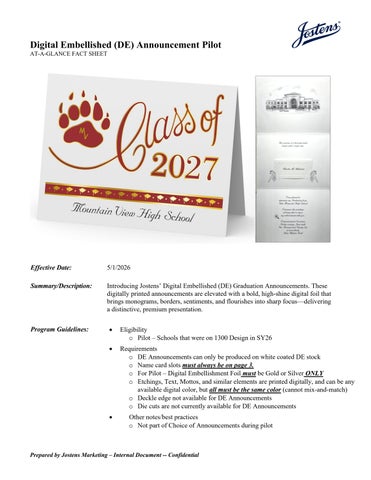
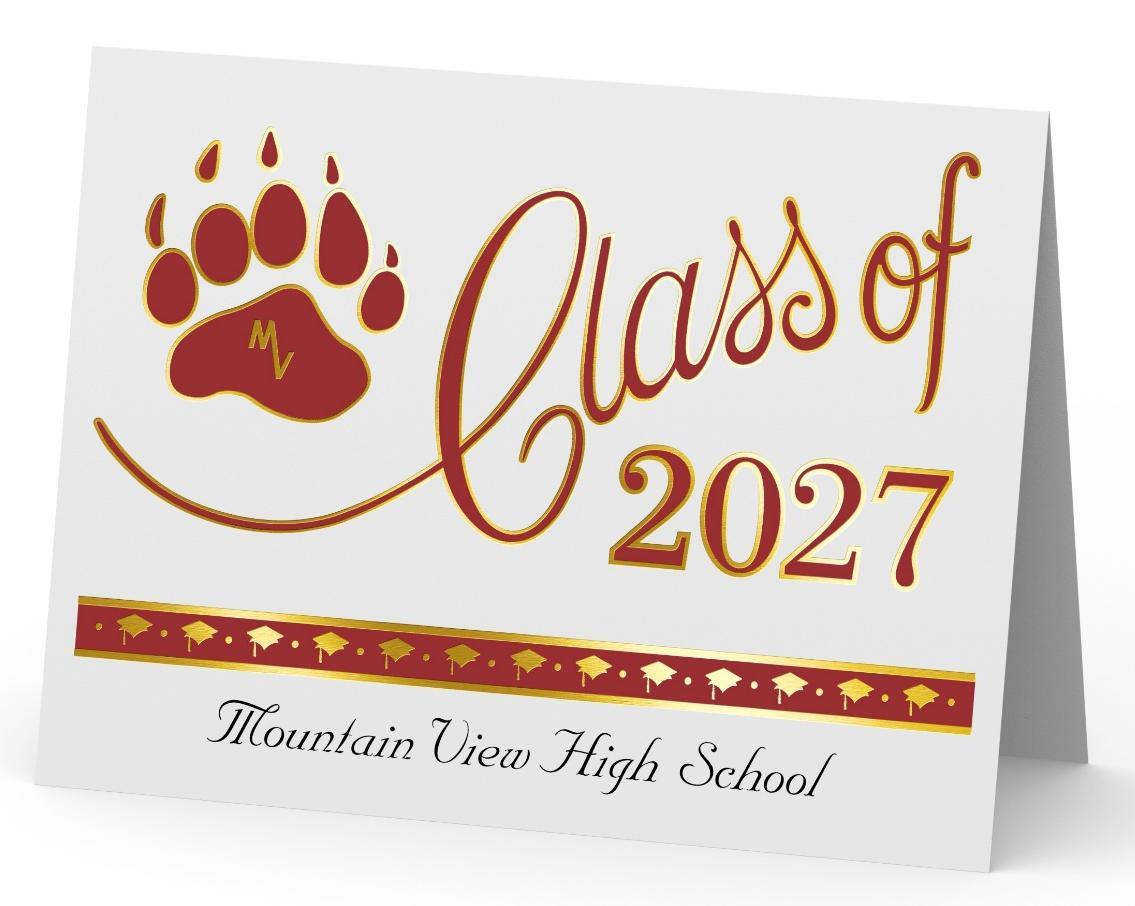
Summary/Description: Introducing Jostens’ Digital Embellished (DE) Graduation Announcements. These digitally printed announcements are elevated with a bold, high-shine digital foil that brings monograms, borders, sentiments, and flourishes into sharp focus delivering a distinctive, premium presentation.
Program Guidelines:
• Eligibility
o Pilot – Schools that were on 1300 Design in SY26
• Requirements
o DE Announcements can only be produced on white coated DE stock
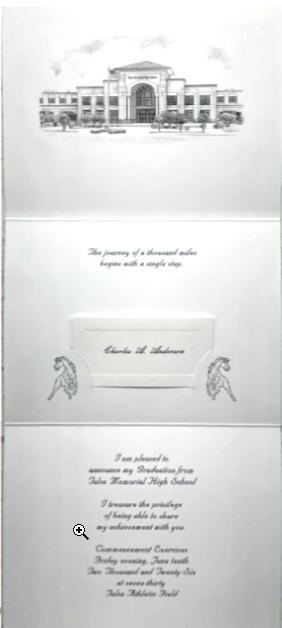
o Name card slots must always be on page 3.
o For Pilot – Digital Embellishment Foil must be Gold or Silver ONLY
o Etchings, Text, Mottos, and similar elements are printed digitally, and can be any available digital color, but all must be the same color (cannot mix-and-match)
o Deckle edge not available for DE Announcements
o Die cuts are not currently available for DE Announcements
• Other notes/best practices
o Not part of Choice of Announcements during pilot
Fonts
Font Sizes
o Design any Traditional Announcement for your school, it will be converted to a DE Announcement
o For artwork process, please follow the same as the Mascot Announcement Design process. (A sample and final request will be required for designs)
o Art will “mask” the school’s crest and send to the rep for approval
o Service Order cannot be same as last year
o Fall Samples are required (Ship starting July 7th)
o Do not use the traditional JOTForm SO
• Digital is standard
• Non-script fonts are easier to read/distinguish
• Best Practices from the Field:
o Nuptial/Bodoni/Embassy are the top recommended fonts
• Font Point Size Recommendations:
o Default DTP Text Point sizes are featured in the following chart.
• Best Practices from the Field:
o When using Silver ink, bump default text size by 2pt.*
o When using Gold ink, bump default text size by 4pt.*
*These recommendations from the field will be confirmed at the plant.
o How to Increase Font Size:
▪ Next to Font Style Selection – Type “LITHO SIZE ”
▪ When you submit a Service Order, we recommend including a note highlighting the request for a font-size increase
• See Font List on next page