



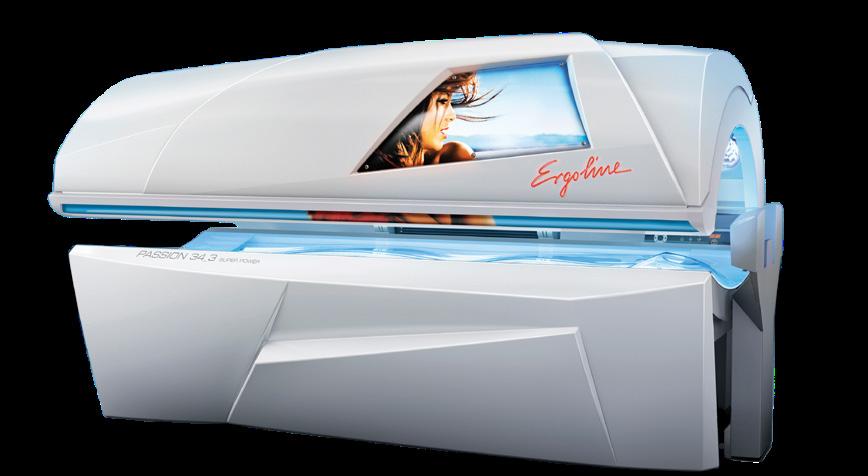




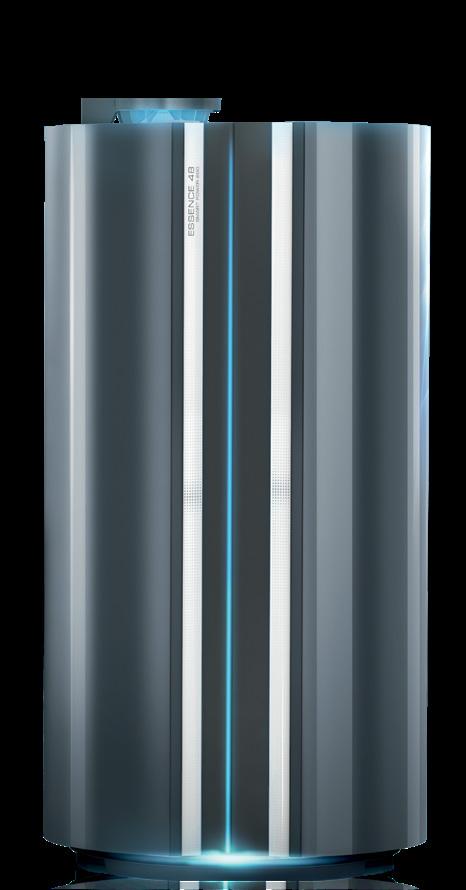
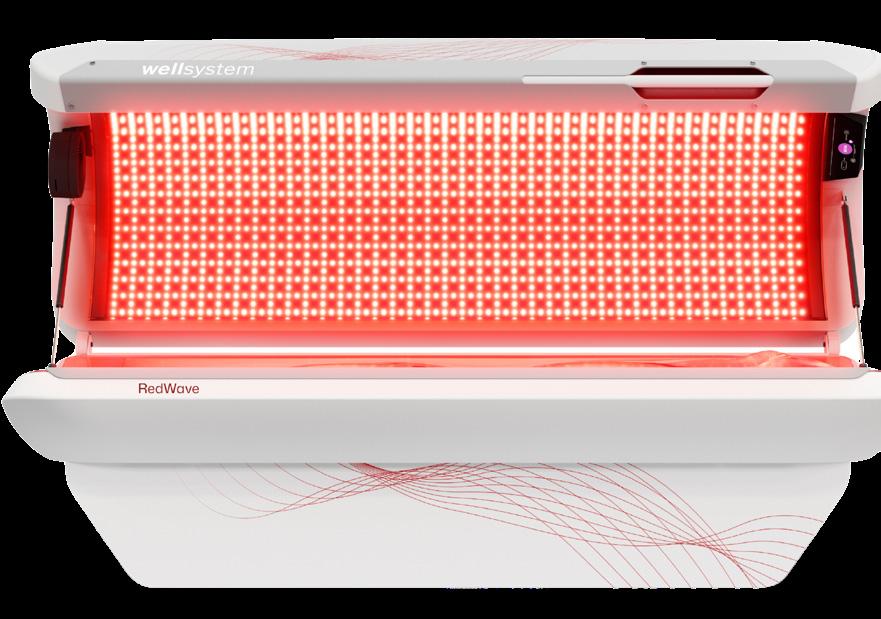
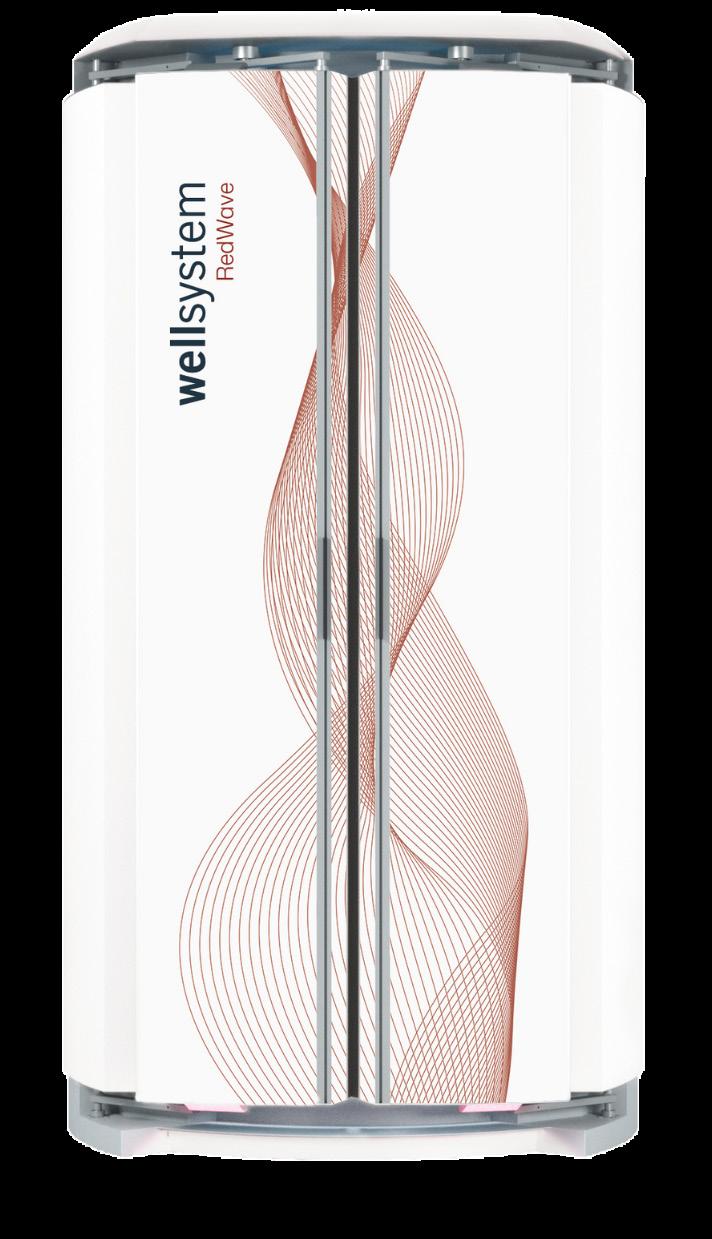
ESSENCE 48
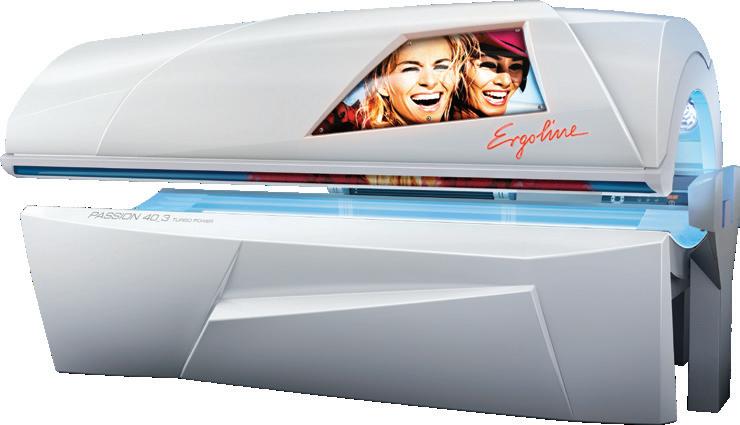
REDWAVE PLUS PASSION 34/3 15 min
PASSION 40/3 15 min
PASSION 40/3+ 12 min
REDWAVE, 180 FR2MTR NO STARTERS NEEDED FOR 7200
GENESIS, 200W, 2M, GSXR NO STARTERS NEEDED FOR UNIT
GENESIS, 120W, FR71, HPR15, BASE GENESIS, 120W, FR71, HPR15, CANOPY GENESIS, 8W, VHP, UVB+, HPR15 ERGO, 520W, BP, ULTRA STARTER, 4-22W, PHIL BODYT, S2 STARTER, 80-225W
GENESIS, 120W, FR71, HPR15, BASE GENESIS, 160W, FR71, HPR15, CANOPY GENESIS, 8W, VHP, UVB+, HPR15 ERGO, 520W, BP, ULTRA STARTER, 4-22W, PHIL BODYT, S2 STARTER, 80-225W
GENESIS, 160W, FR71, HPR12, CA/BA GENESIS, 8W, VHP, UVBX, HPR12 CA ERGO, 520W, BP, ULTRA STARTER, 4-22W, PHIL BODYT, S2 STARTER, 80-225W






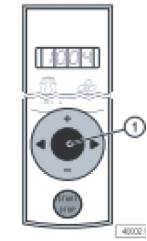
Using Panel Inside The Tanning Unit
• Hold button down in the center of the arrows
- You should see 4 dashes
• Now push the star t stop button 4 times
• Use arrow to go to Param #42 on the lamps
• Have you reset your preset hours from mfg of unit?
- If not, then it was at 500
See Manual to change your preset hours
To Reset Hours AFTER Lamp Change
• Hit the “+” button & set hours
See manual for complete details
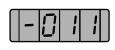
Finding Lamp Hours Using Unit Display
• Hit START/STOP button four times
• Your display will look like this:
Using The T-Max Manager Pro
• Green Button – Call/Menu
• Value 3333 – Hit ENTER
• Message will appear “GET PARAMS” – Hit ENTER
• Message will appear “WHICH PARAMS?”
• Put in the number 6 – Hit ENTER
lamps
To see the next room/bed hit the NEXT button
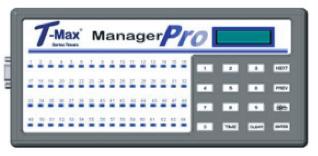
To Reset Hours AFTER Lamp Change
• Green Button – Call/Menu
• Value 3333 – Hit ENTER
• Message will appear “GET PARAMS” – Hit NEXT
• Message will appear “SEND PARAMS?” – Hit ENTER See Tmax
• Use the left and right arrows to navigate to parameter -042
• The current lamp hours will flash on screen
• You can use the + and - buttons to change this value
• When done, leave the screen alone for about 20 seconds
– “SEND WHAT DATA?”
– Hit NEXT & select the correct room #/bed – PRESS “00” (zero,zero)
– Hit ENTER
– The display will show “SEND PARAMS”
– PRESS Clear
For questions or lamp prices please contact JK Shop at (877) 786-5267 or JK-Shop@jkamerica.com