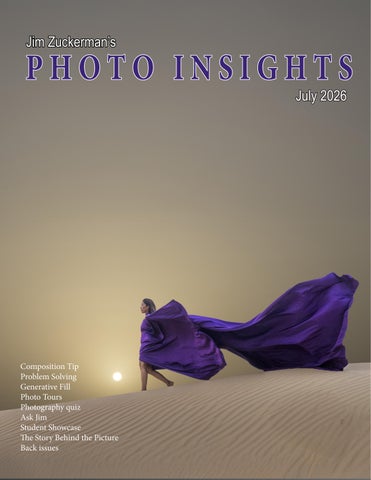
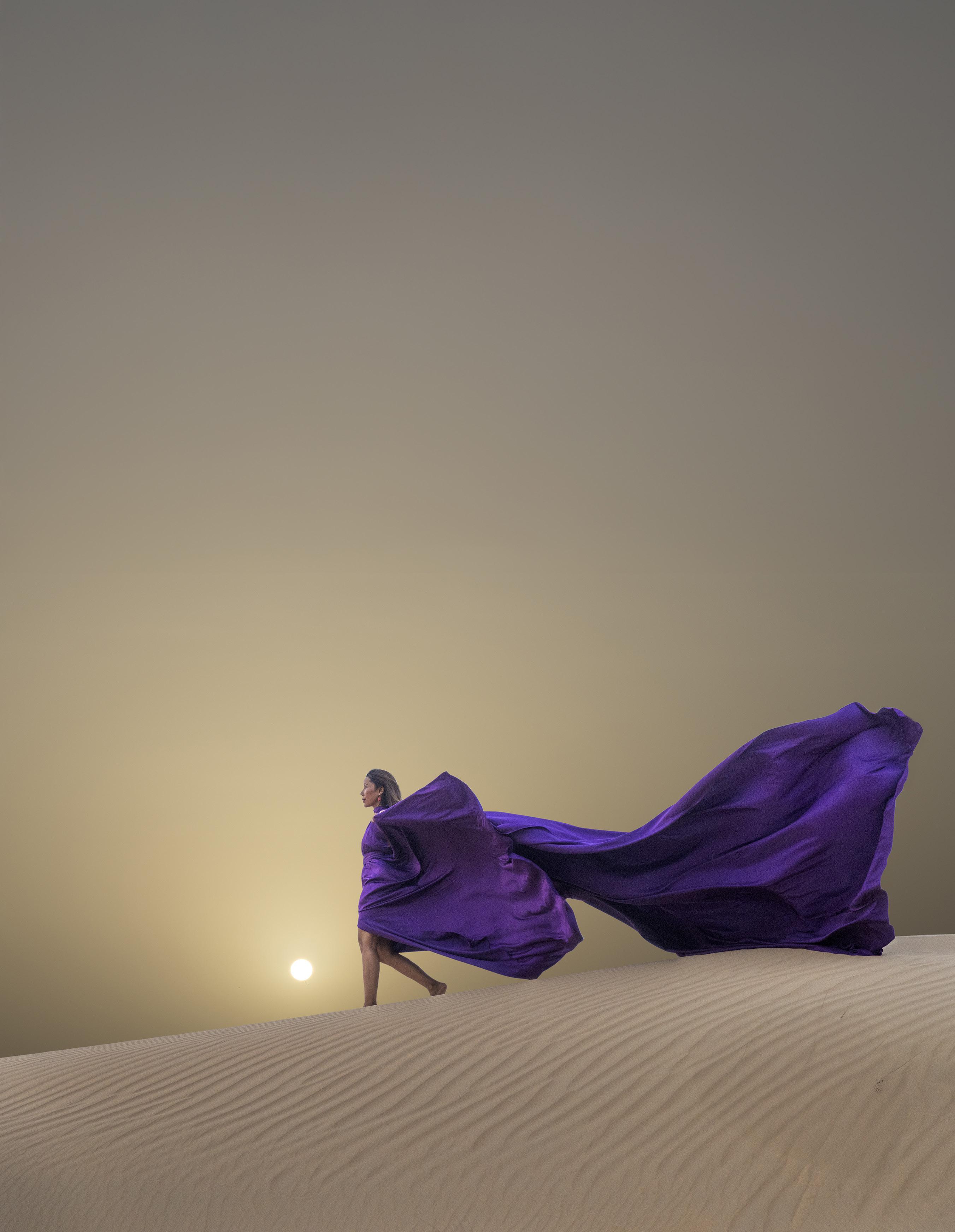
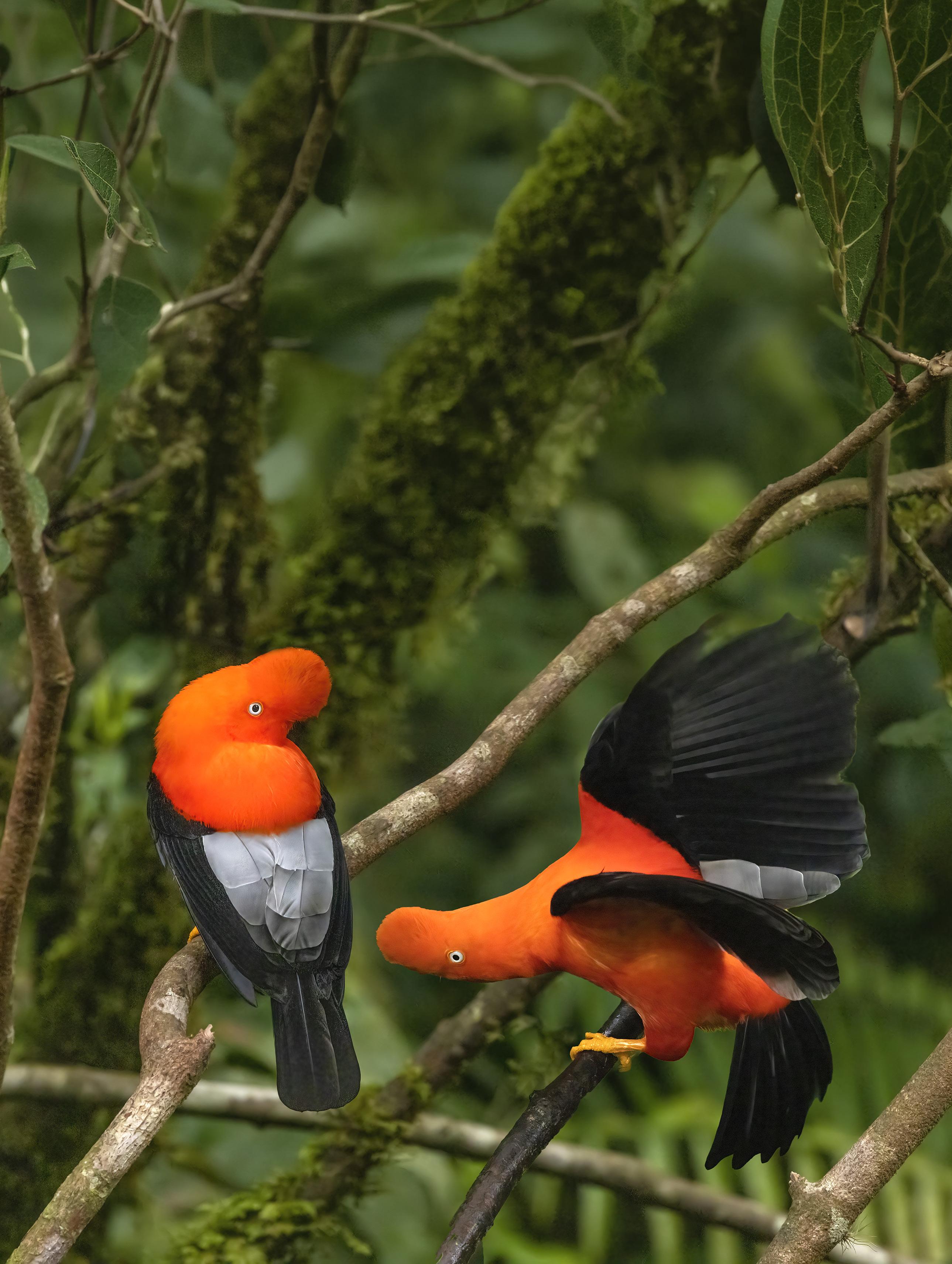
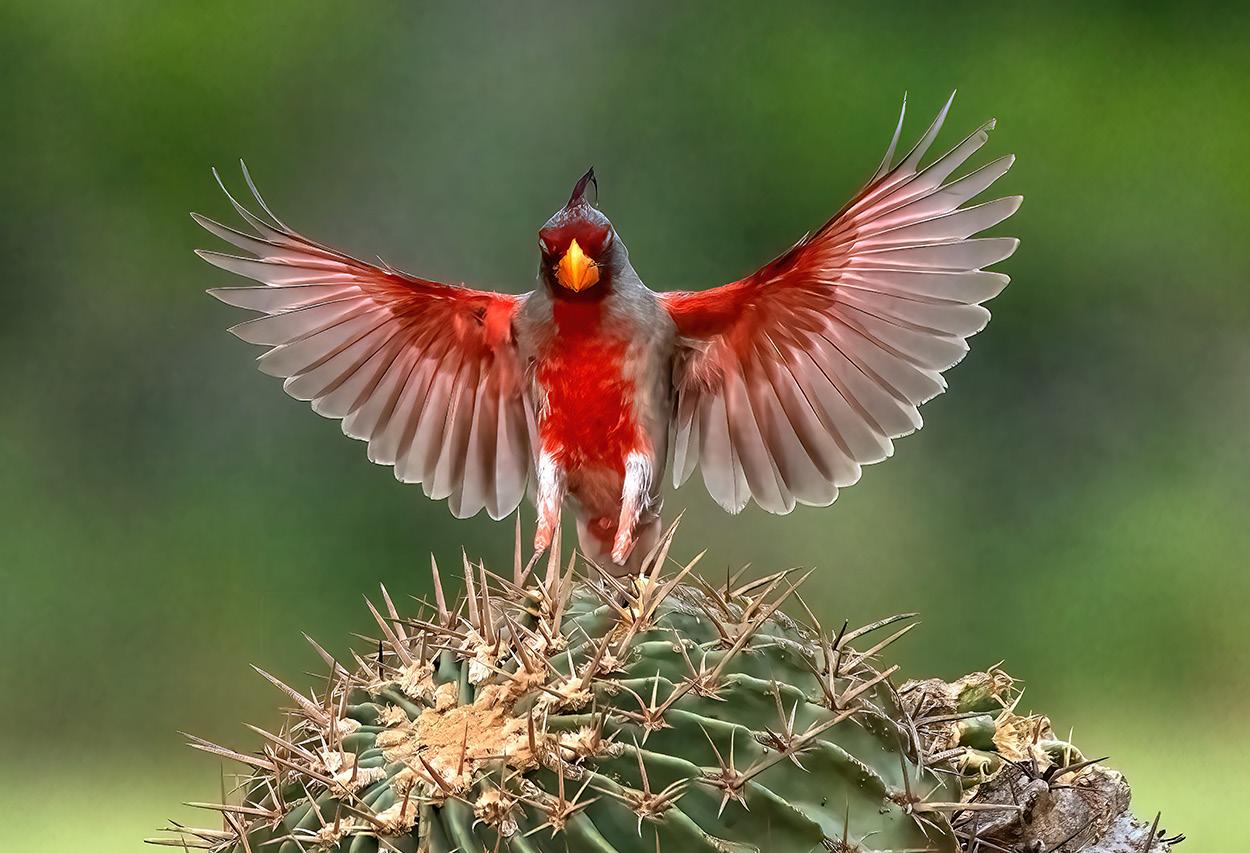
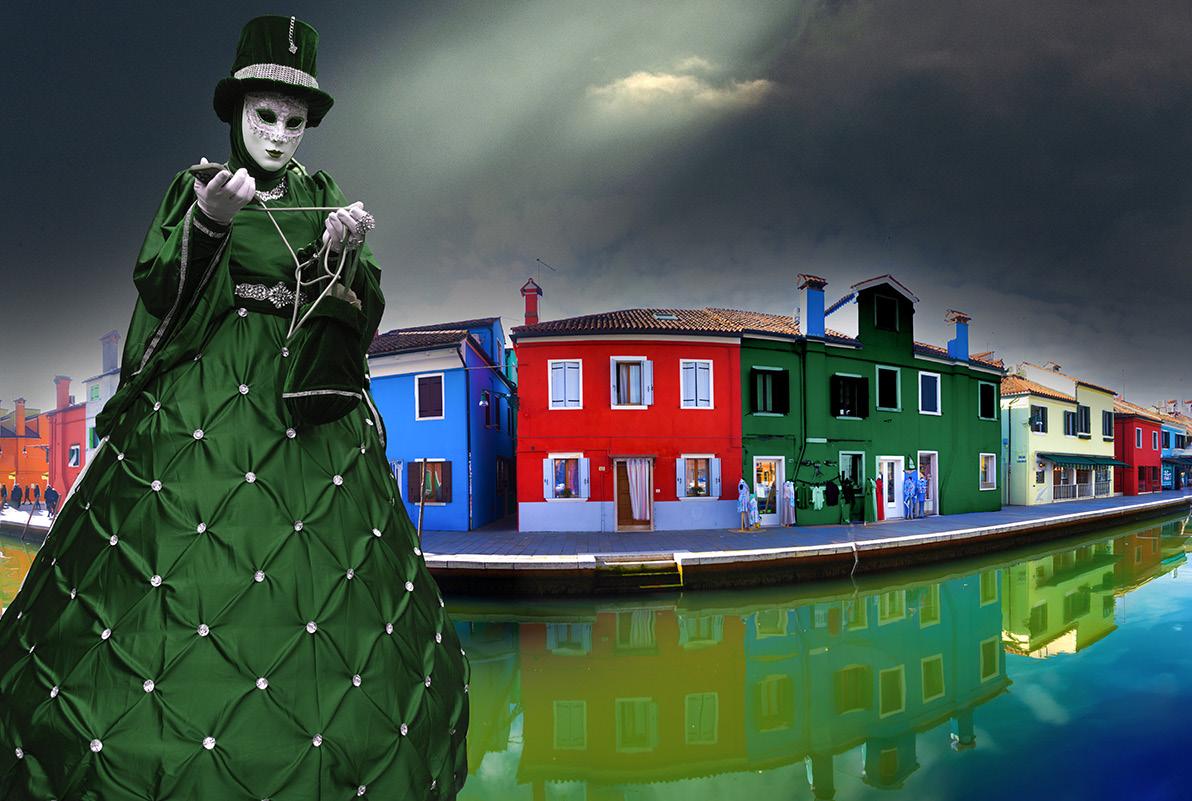
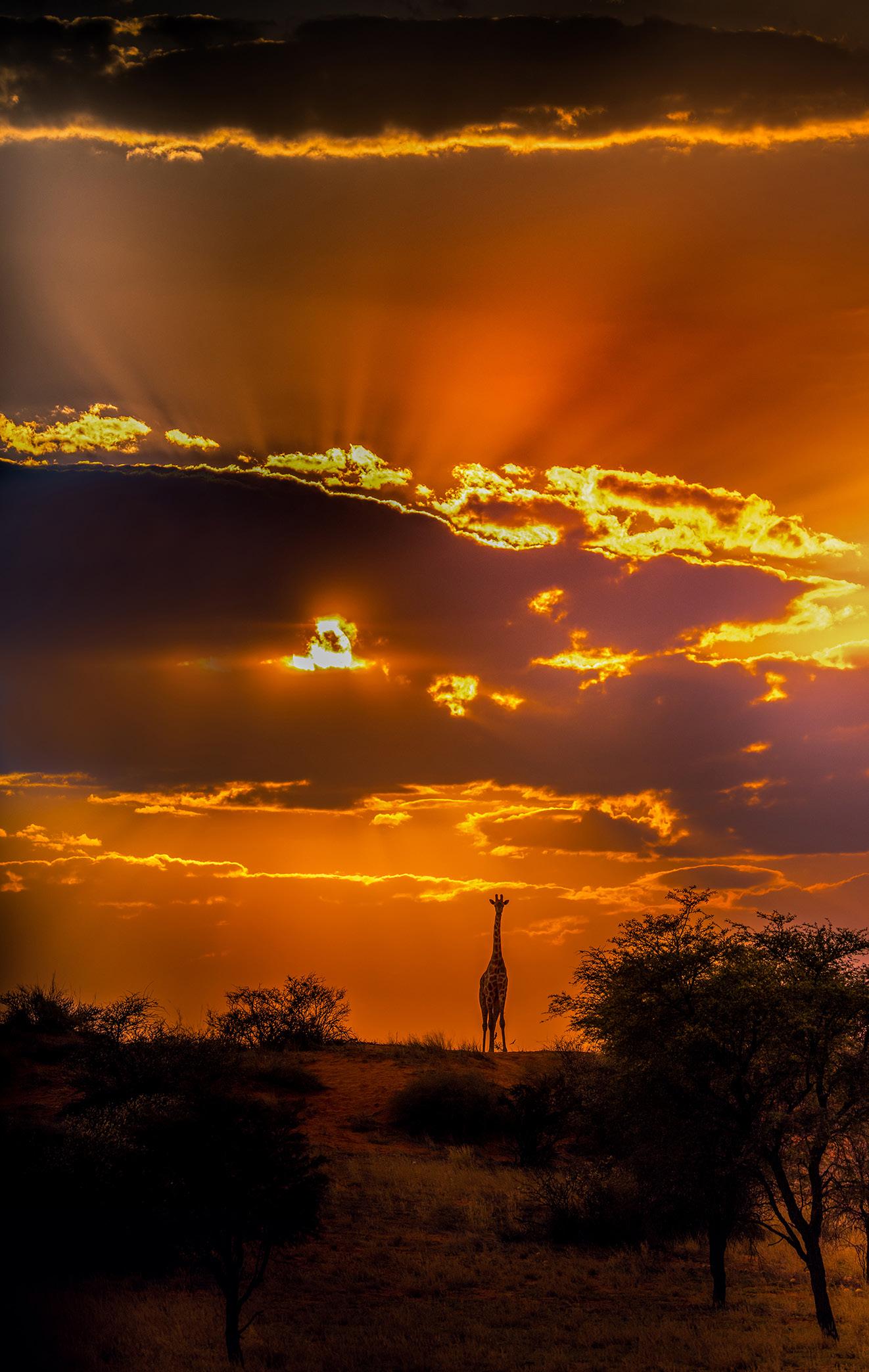
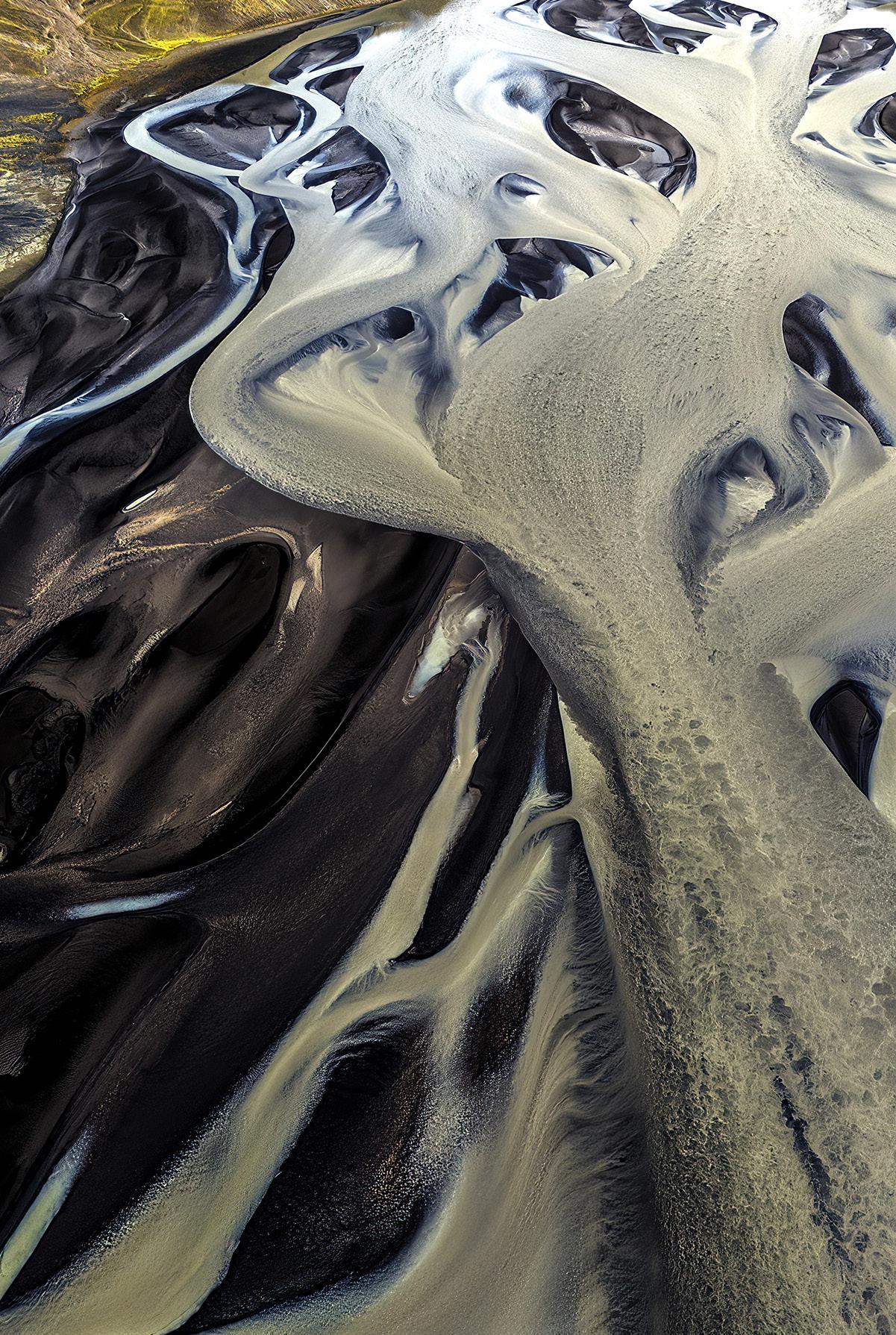
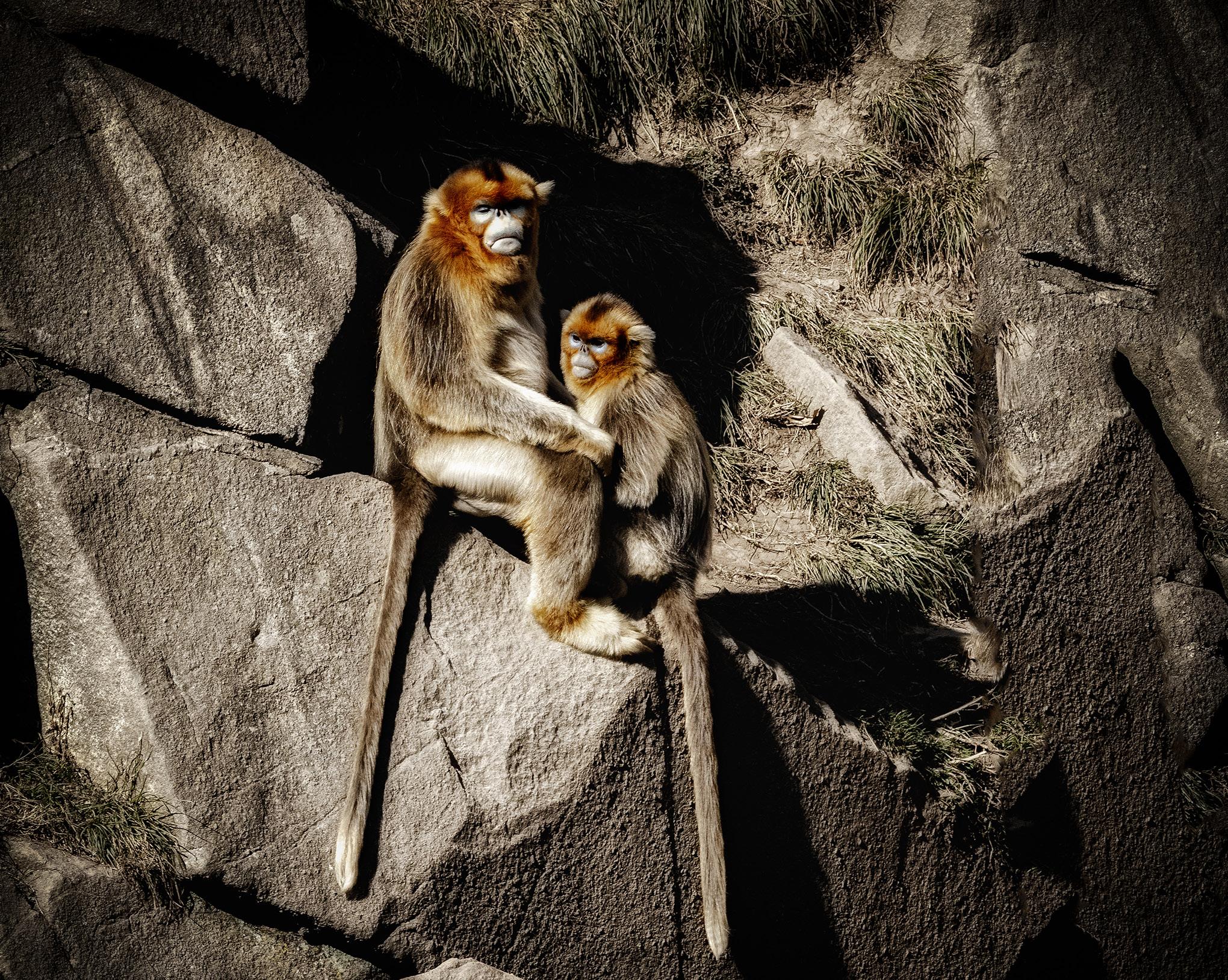
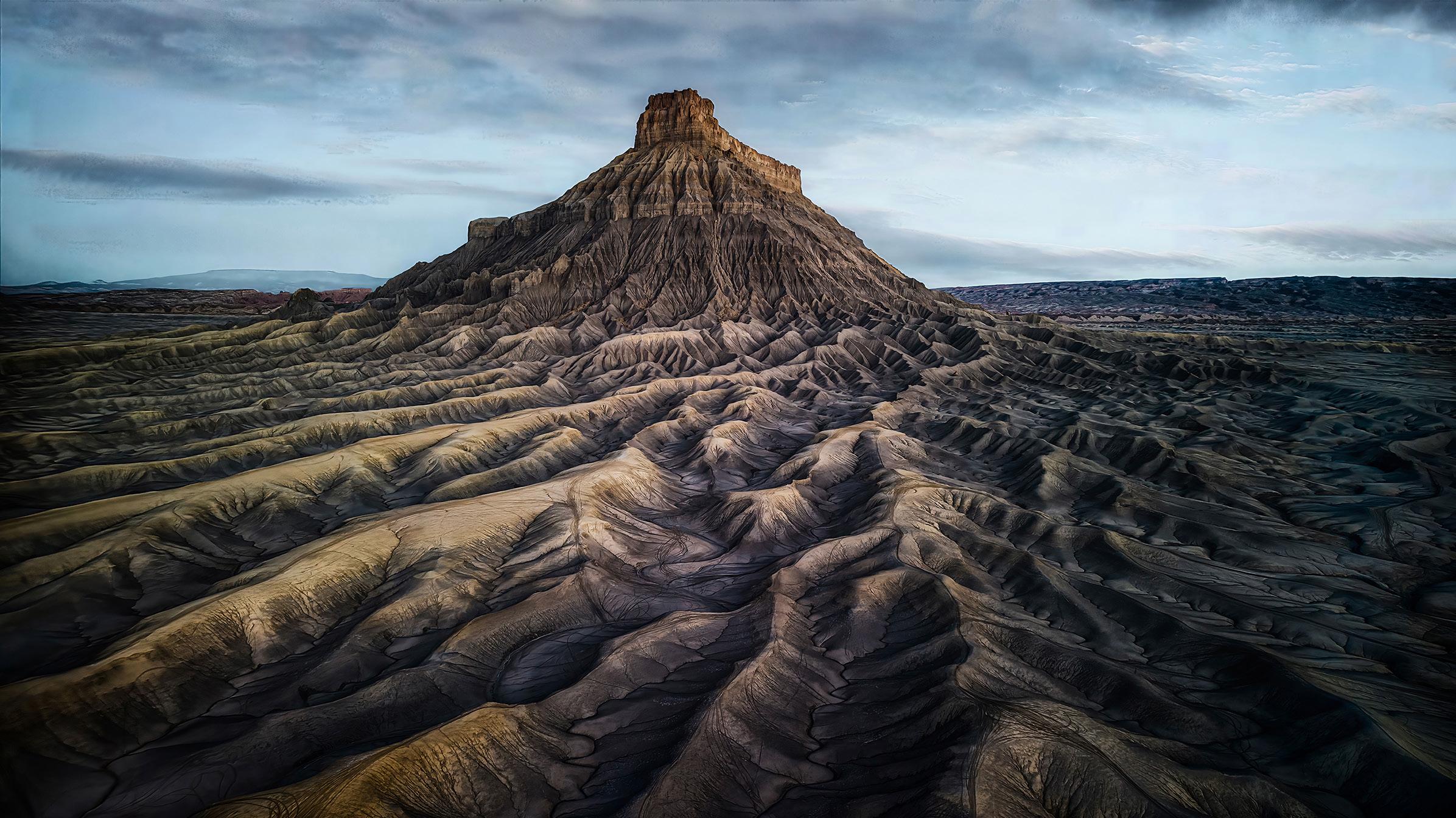
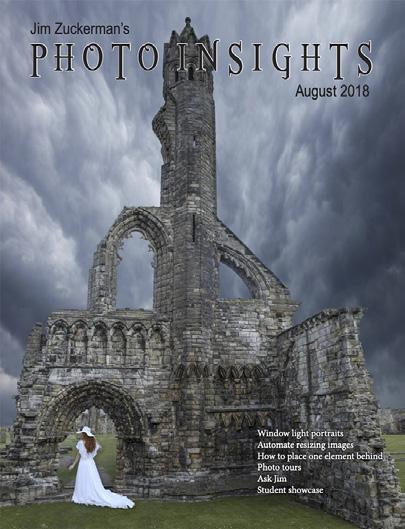
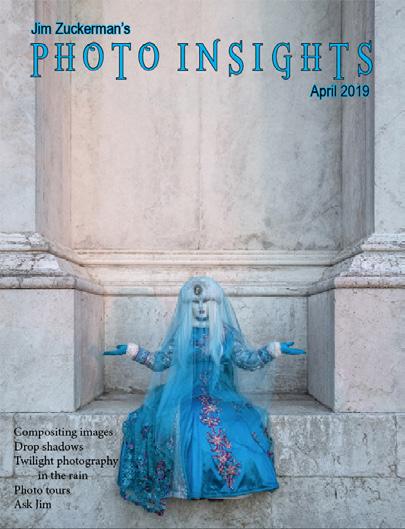
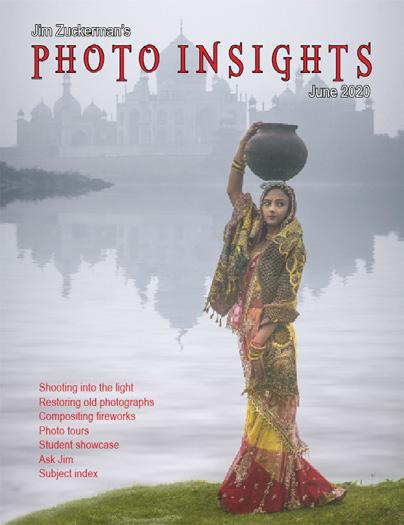
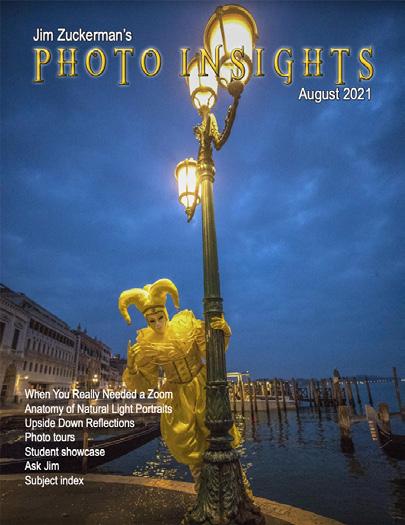
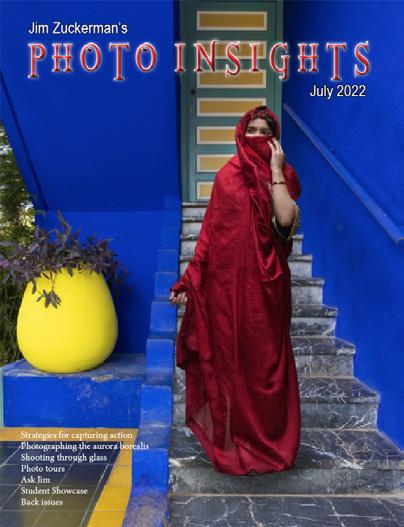
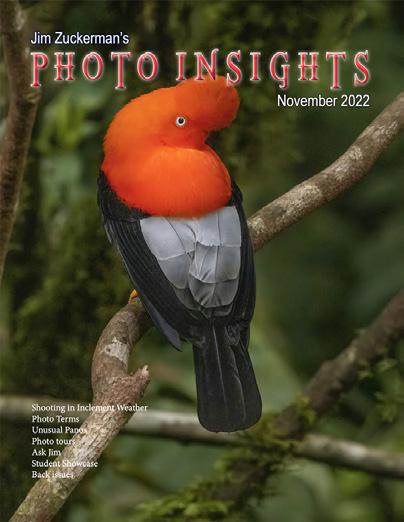
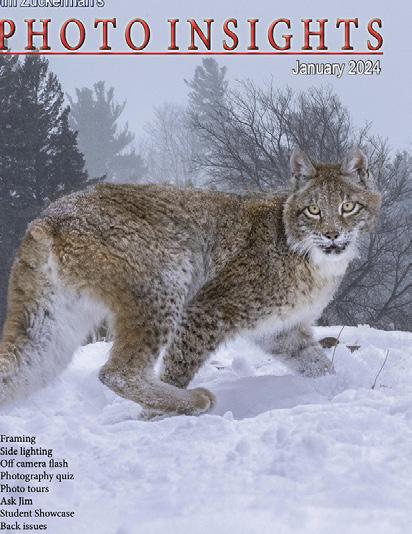
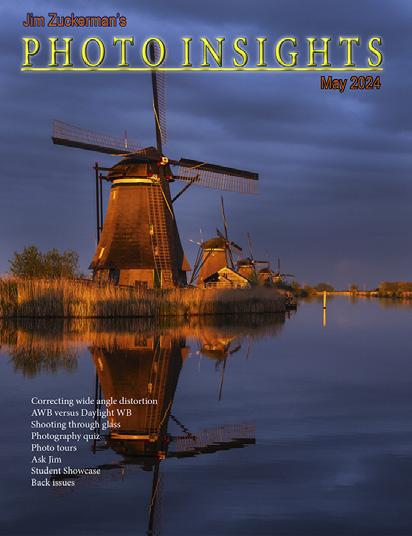
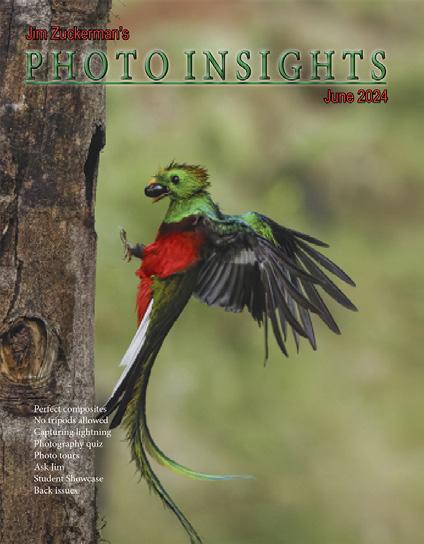
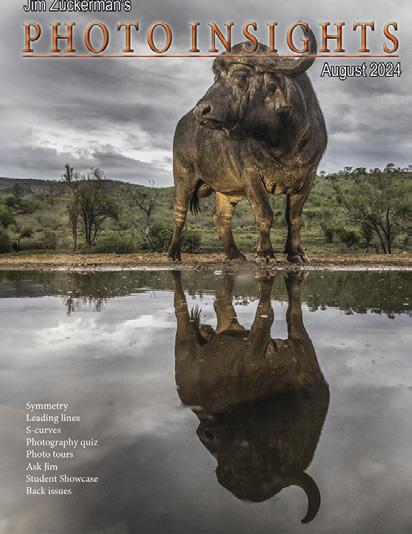
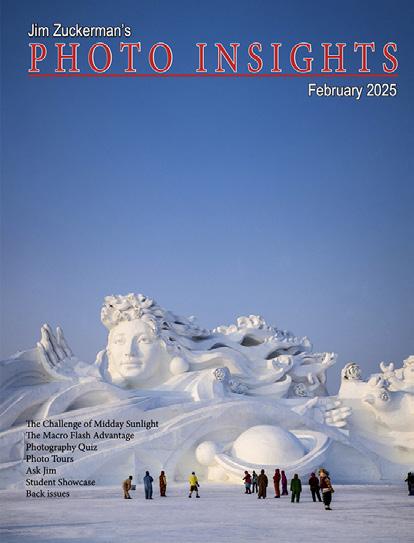
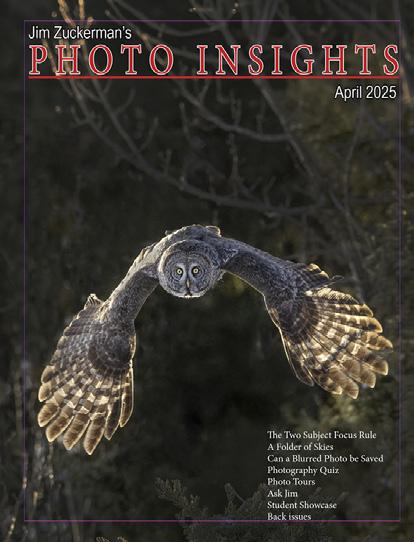
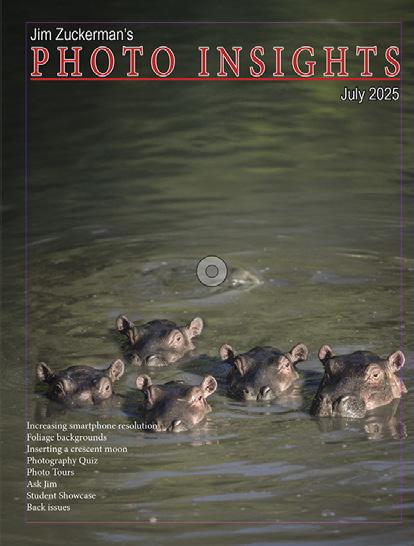
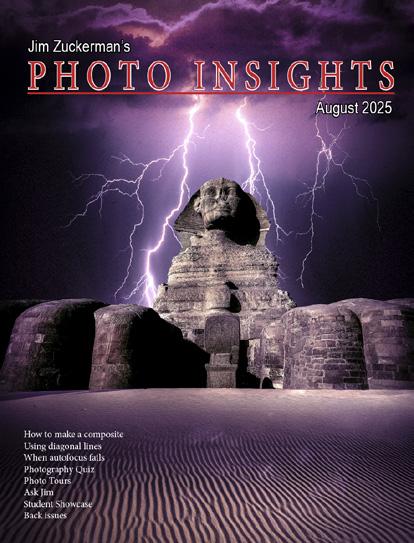
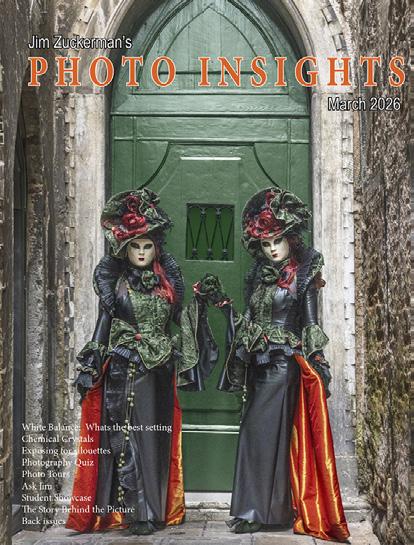
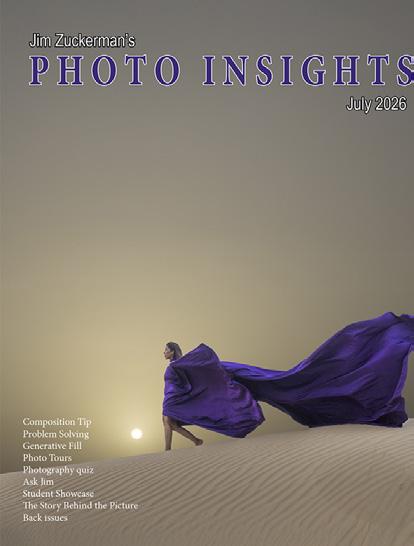
On the cover: Jim's wife, Indiana, modeling the 'flying dress' in Dubai. On this page: Two cock of the rock birds in Peru.
When I suggest to clients in my tours and workshops to use a small lens aperture for maximum depth of field, most of the time someone inevitably reminds me that small apertures cause diffraction which, in turn, will reduce the quality of the image.
These clients go on to suggest an aperture like f/8 is sharper.
While that's true (f/8 is referred to as the 'sweet spot' of lenses), it doesn't have nearly as much depth of field compared to f/32. So, what to do?
If you compare the background in two images, one taken at f/8 and the other one at f/32, the smaller aperture obviously provides more definition, more depth of field, i.e., a sharper background.
On the other hand, if you compare the subject in the two pictures with all other things being equal, an f/8 aperture renders the subject with greater sharpness than f/32. It's not a big difference, but you can definitely see it. Depending on the focal distance, f/8 will most likely render the background blurred with little to no definition at all.
So, it's a tradeoff. If you want the background behind a subject to be sharply defined so we can appreciate what it is, don't complain about the slight loss of sharpness on the subject. The only way you can have both be as sharp as possible is to do focus stacking with an f/8 aperture. That works, but it's impractical for most photographic situations. Photography is all about compromise. Lenses simply have limitations.
Jim Zuckerman photos@jimzuckerman.com www.jimzuckerman.com
Boackgrounds are just as important as subjects in making a picture work. If backgrounds are too busy, distracting, overexposed, too blurred or not blurred enough, the photo will most likely be less than ideal . . . or a downright failure.
One of the easily identifiable flaws seen in backgrounds is bold graphic lines that are not part of the subject. Most of the time, these lines are very distracting and they draw our attention away from the subject. This is the last thing you want.
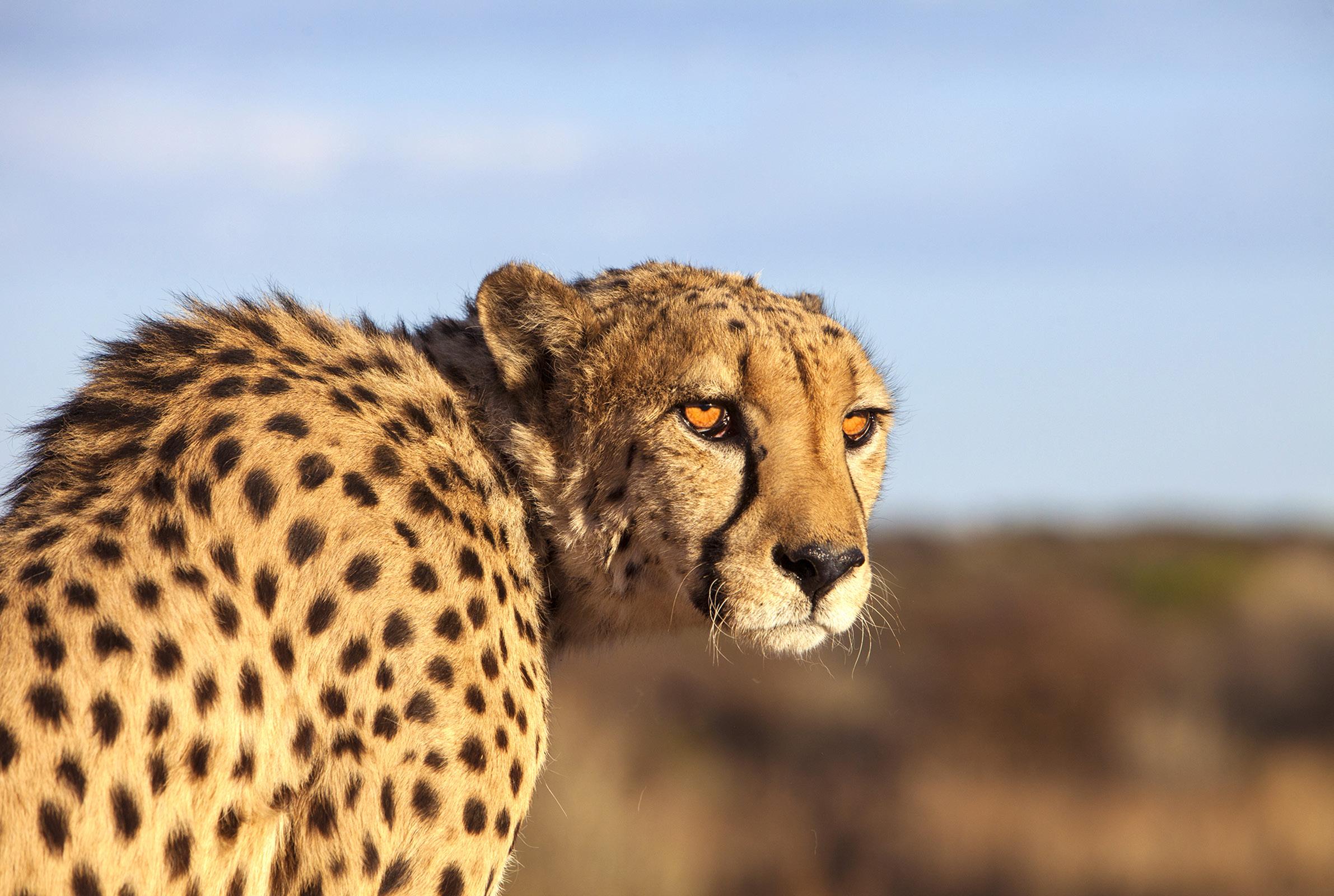
For example, in the picture of the cheetah, below, the horizontal horizon line is sharply defined. Even though it is out of focus, the line is not part of the subject and therefore distracting. In fact, when you look at this shot, your attention is dragged away from the face of the cat to the horizon line. That's not how a successful image is supposed to work.
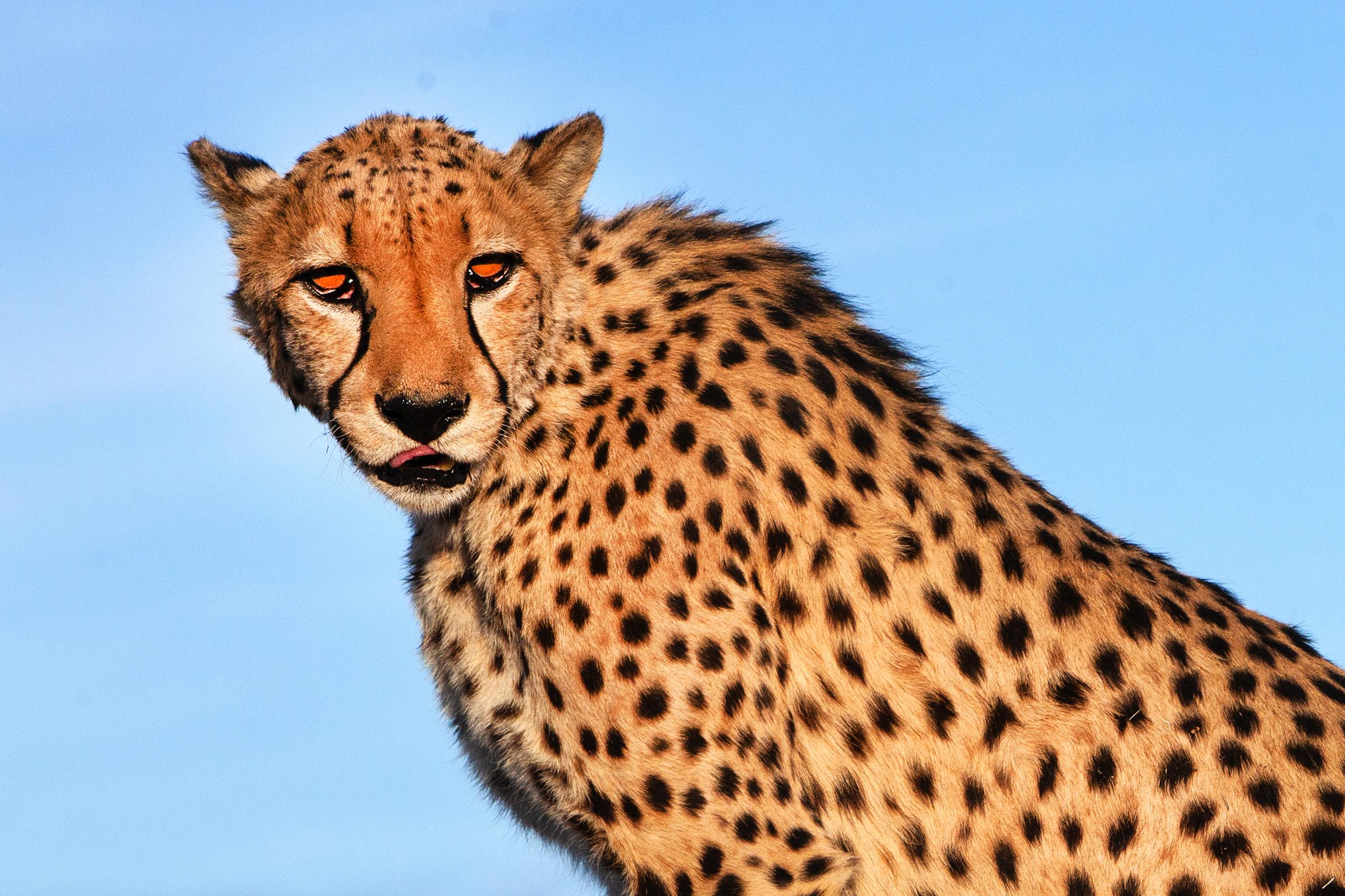
By comparison, I photographed the cheetah on the next page against a monochromatic sky devoid of distracting graphic lines. The differ-
ence is huge.
The rule is: Don't include elements that have strong graphic lines behind a subject when those lines are not part of the subject.
I know it's not possible sometimes to avoid unwanted graphic lines. In those instances, Photoshop is needed to replace or repair the unwanted background elements. Of course, there are times when this isn't easily done.
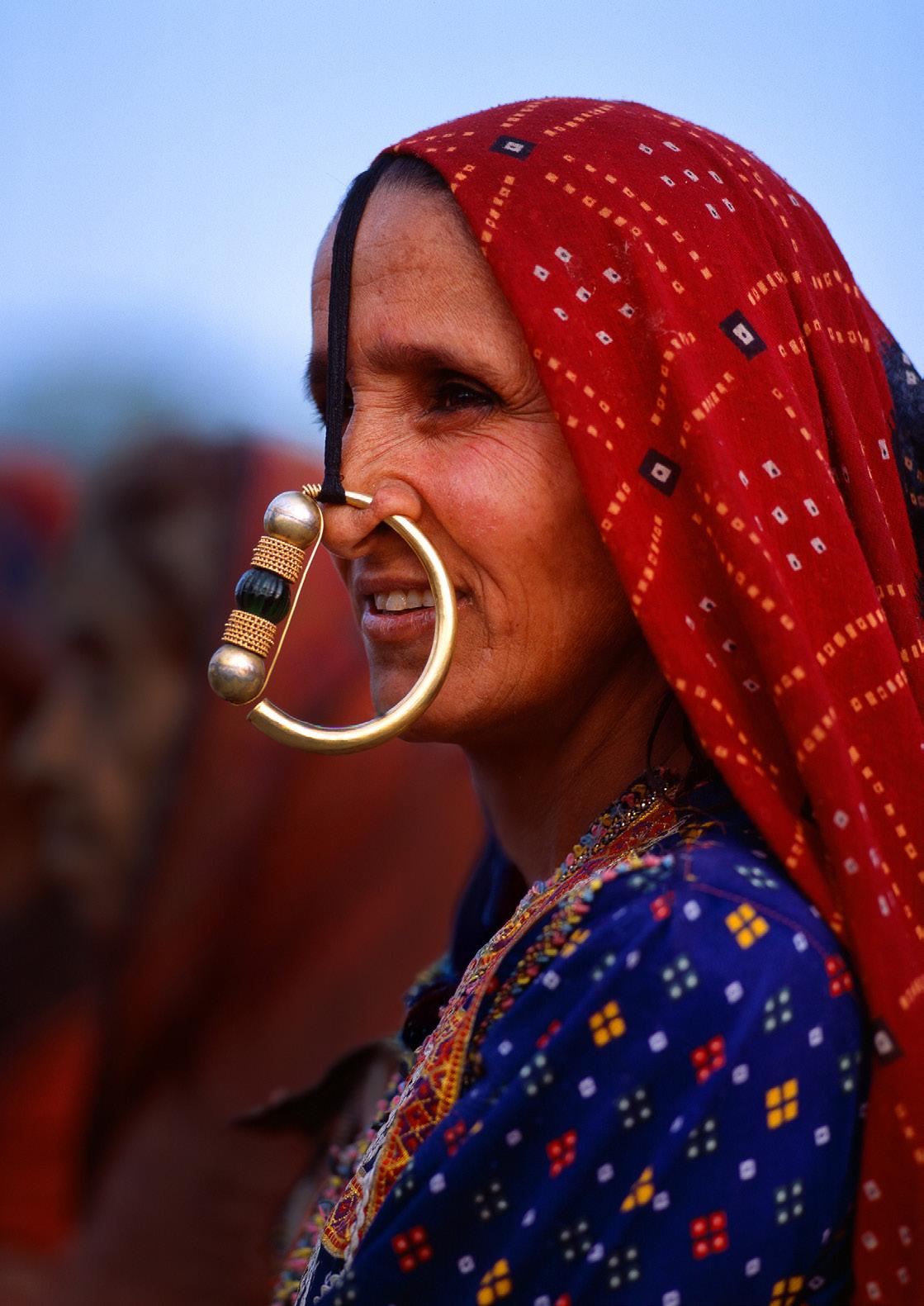
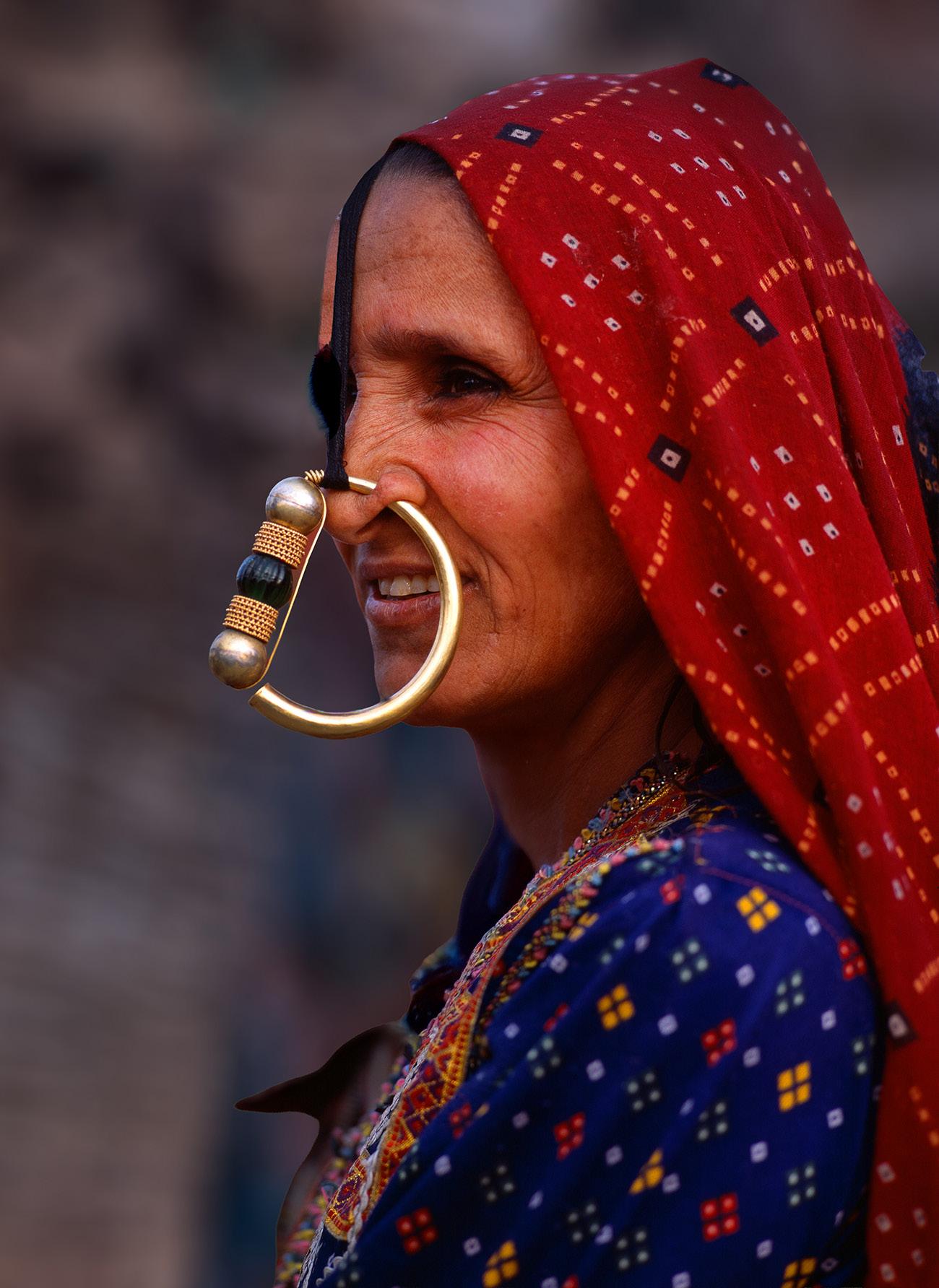
On the next page, I photographed a tribal woman in India with a similar issue. Out of focus people behind her were much darker than the sky, thus the demarcation line between those two areas created a distracting graphic line. In the comparison picture, I replaced the background with a dark and muted
out of focus image. Now our entire attention has nowhere else to go but to the woman's face.
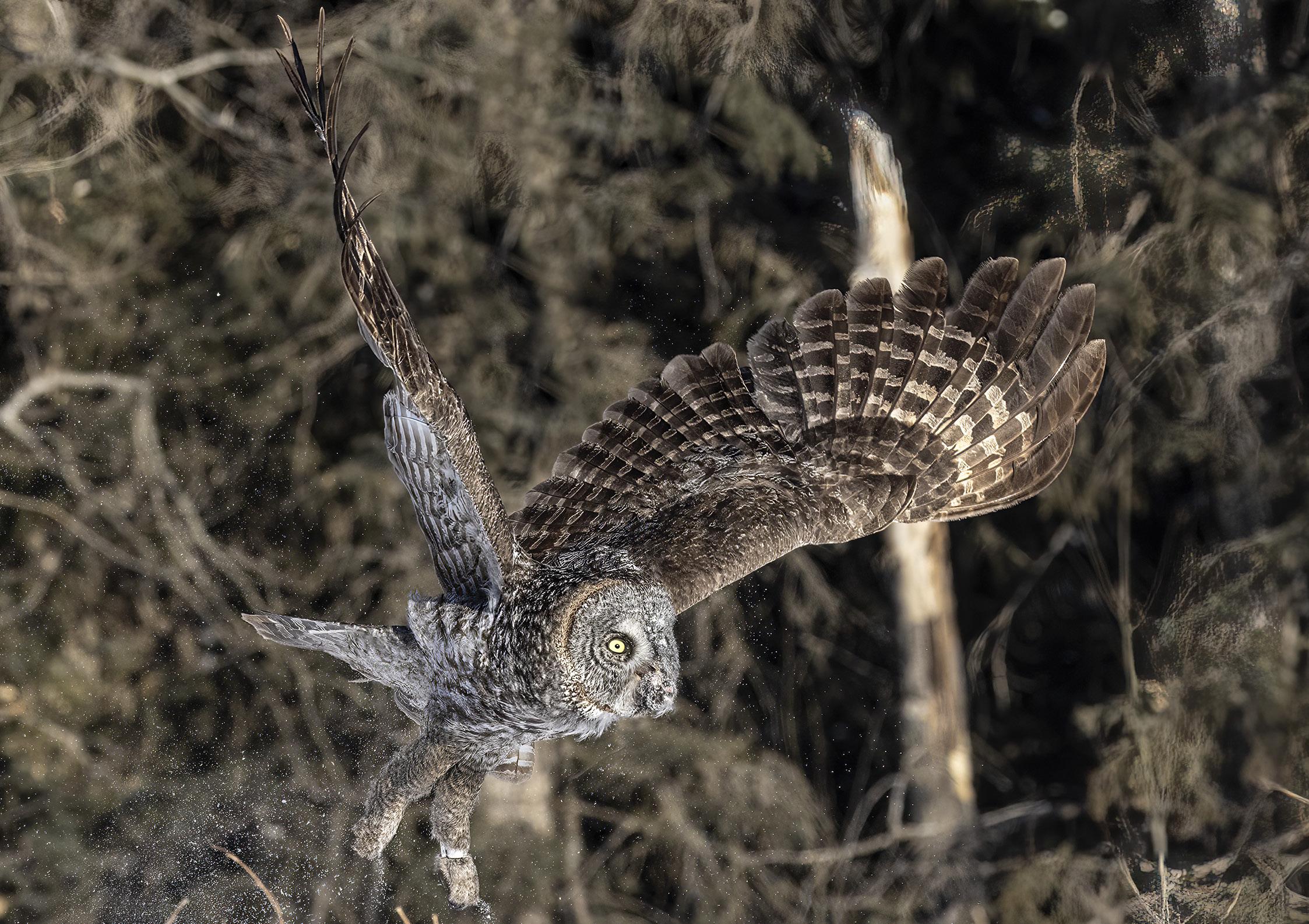
Unwanted graphic lines come in many forms. For example, on page 7 the dead tree behind the great grey owl on the right side of the image is really distracting. It's problematic for two reasons: First, it's a graphic element not part of the bird and, second, it's very light in tone. Therefore, it's hard to look at anything else in the picture without being visually drawn to the dead tree. The only solution in this case is to clone it out or use Generative fill to eliminate it.
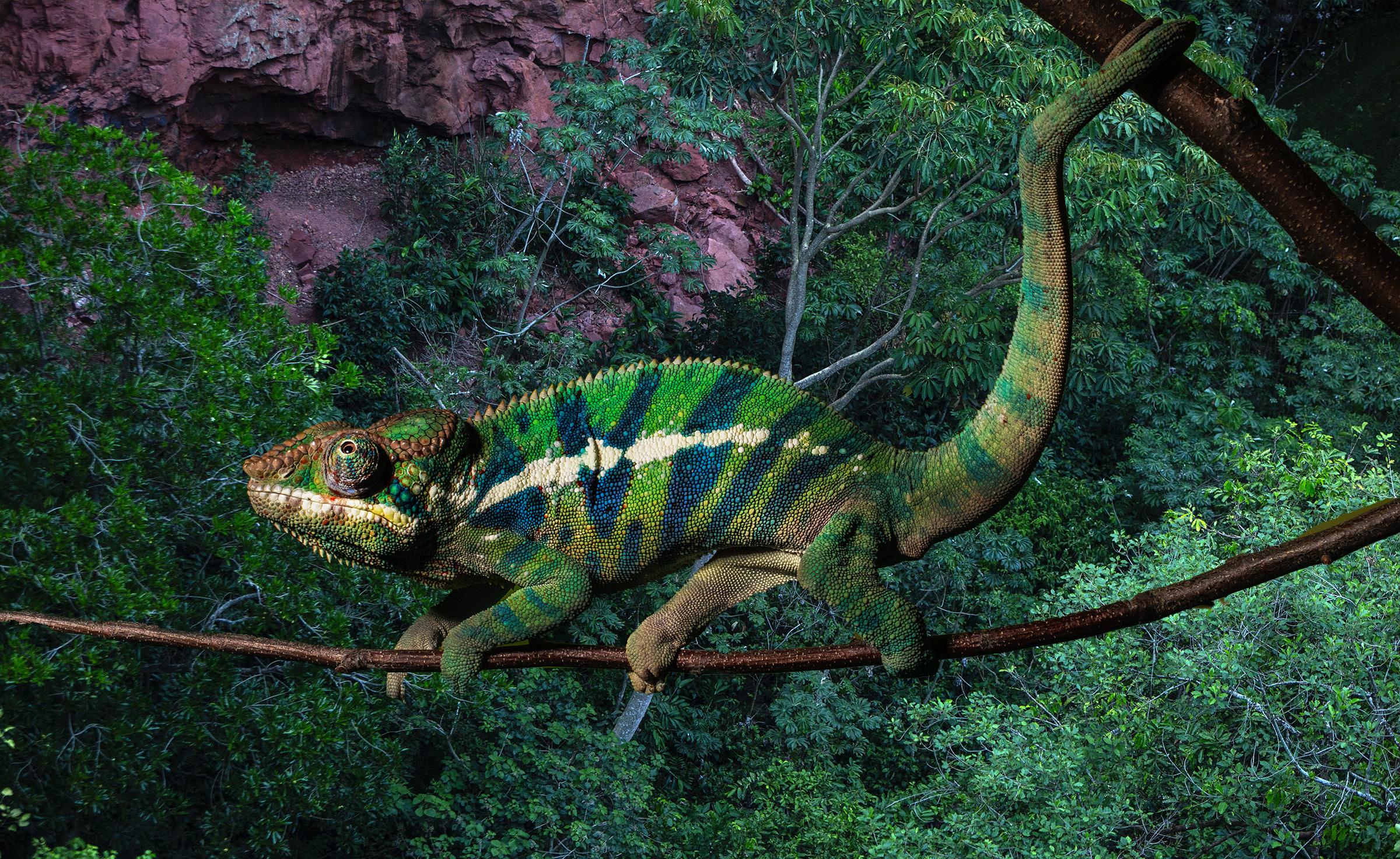
In the shot of the panther chameleon, also on page 7, the tree branches sticking out from behind the reptile's back are distracting. Again,
it's a situation where the graphic lines are not part of the subject. In addition, there is a small part of the lower portion of the tree extending down from one of the hind legs. That needs to be eliminated as well. Interestingly, the branch on which the chameleon is walking as well as the branch in the upper right corner of the frame are both graphic, but they are not distracting because they're part of the subject. That makes all the difference.
There are so many things to think about at the same time when taking pictures -- camera settings, exposure, composition, depth of field, subject matter, background, lens choice -- it's amazing we are able to take the good pictures we do. After exposure, the next most important aspect of picture taking is whether or not
the background is complimentary. It must make the subject look good and direct our attention to it without distraction.
As we all know, when things are happening fast -- a flying bird, a person moving through a crowed festival, a quickly changing perspective if you're in a moving vehicle -- it's just not feasible to concentrate on the background because it's constantly changing.
In this kind of scenario, you have to deal with the background in post-processing by either cloning out the unwanted graphic elements or replacing the background entirely.
With some pictures, like the cheetah portrait on page 4, there is nothing to be done. All of
the cat's fine hair and whiskers are almost impossible to separate from the background such that it looks real to a critical eye.
It takes mental discipline to focus on the background because ground because we are programmed to concentrate on the subject. It's good to make yourself glance behind the subject, though, to make yourself aware of distracting elements. It takes just a fraction of a second, but it will make a huge difference in your images. §
Problem Solving
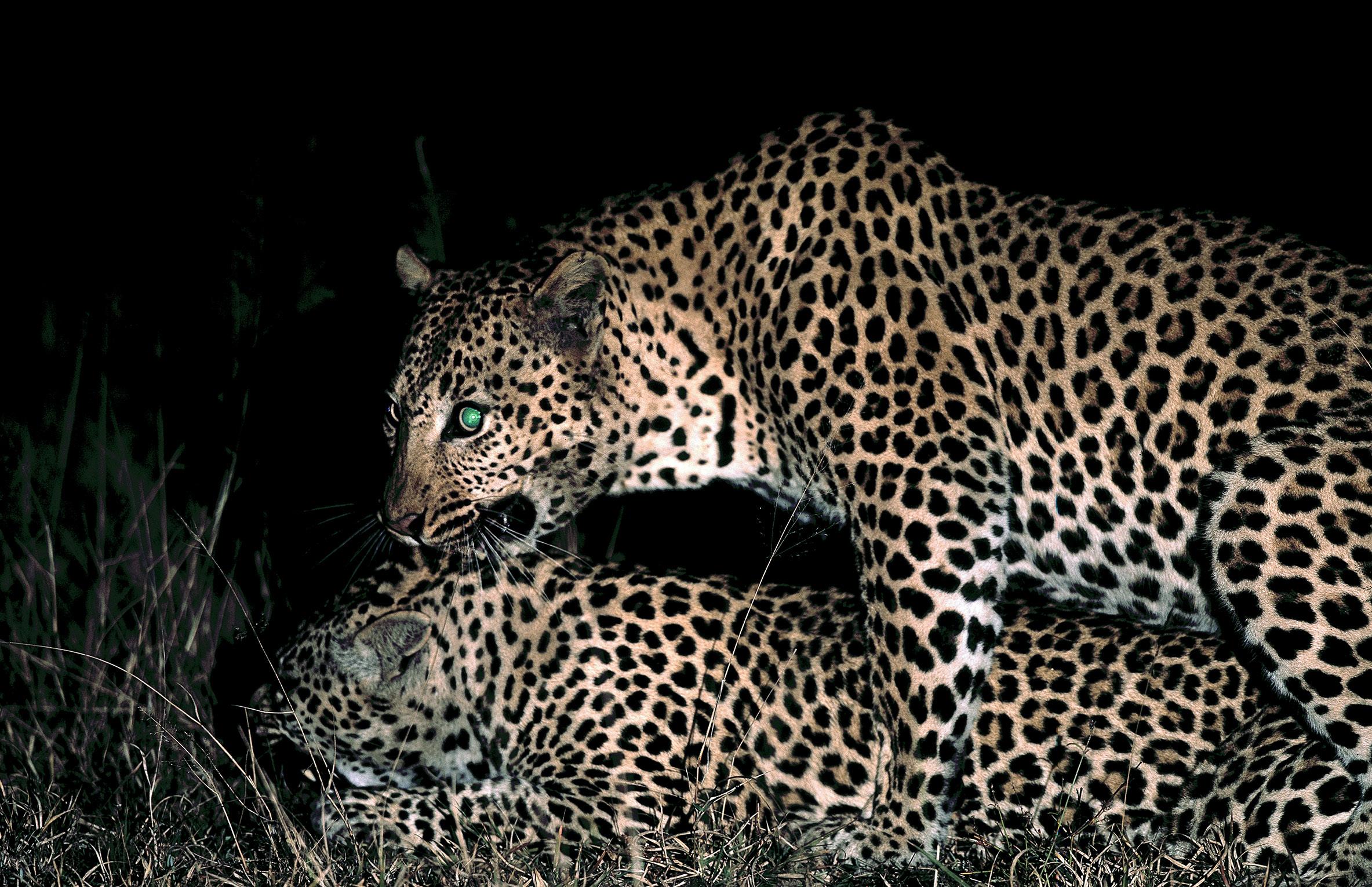
T.his is a rare shot of mating leopards at night. I went on a night drive in a private African reserve and came upon this scene in the dark. With a large flashlight, my guide illuminated the pair while I got off one shot. I took this image in 2000 when I was still shooting with a Mamiya RZ 67 -- a medium format film camera -- and everything was manual. Manual focus, manual film advance, and manual exposure. I couldn't shoot fast like I can today. By the time I took a single image, the leopards moved into the bushes out of sight. I
could hear them, but the photography was over.
I've had this picture for 26 years, and even though it was a remarkable experience to see and photograph, two things always bothered me about it.
First, the female's head was turned away from the camera. We can't even see her eyes or any meaningful part of her face.
And second, because I was shooting with a fixed focal length lens -- a 500mm RZ telephoto
(equivalent to a 300mm in the full frame digital format) -- I couldn't zoom back to include the haunches of the two cats. They were too close to my shooting position in the Land Rover for a full frame shot with the 500mm lens, and I didn't have time to change lenses. The 350mm would have been perfect, but I couldn't risk losing the shot.
If there was a third issue, the male leopard's eye reflected the light from the camera flash, and it turned solid green just like the eyes of people turn a ghostly red -- red eye -- from direct on-camera flash. That didn't look good to me.
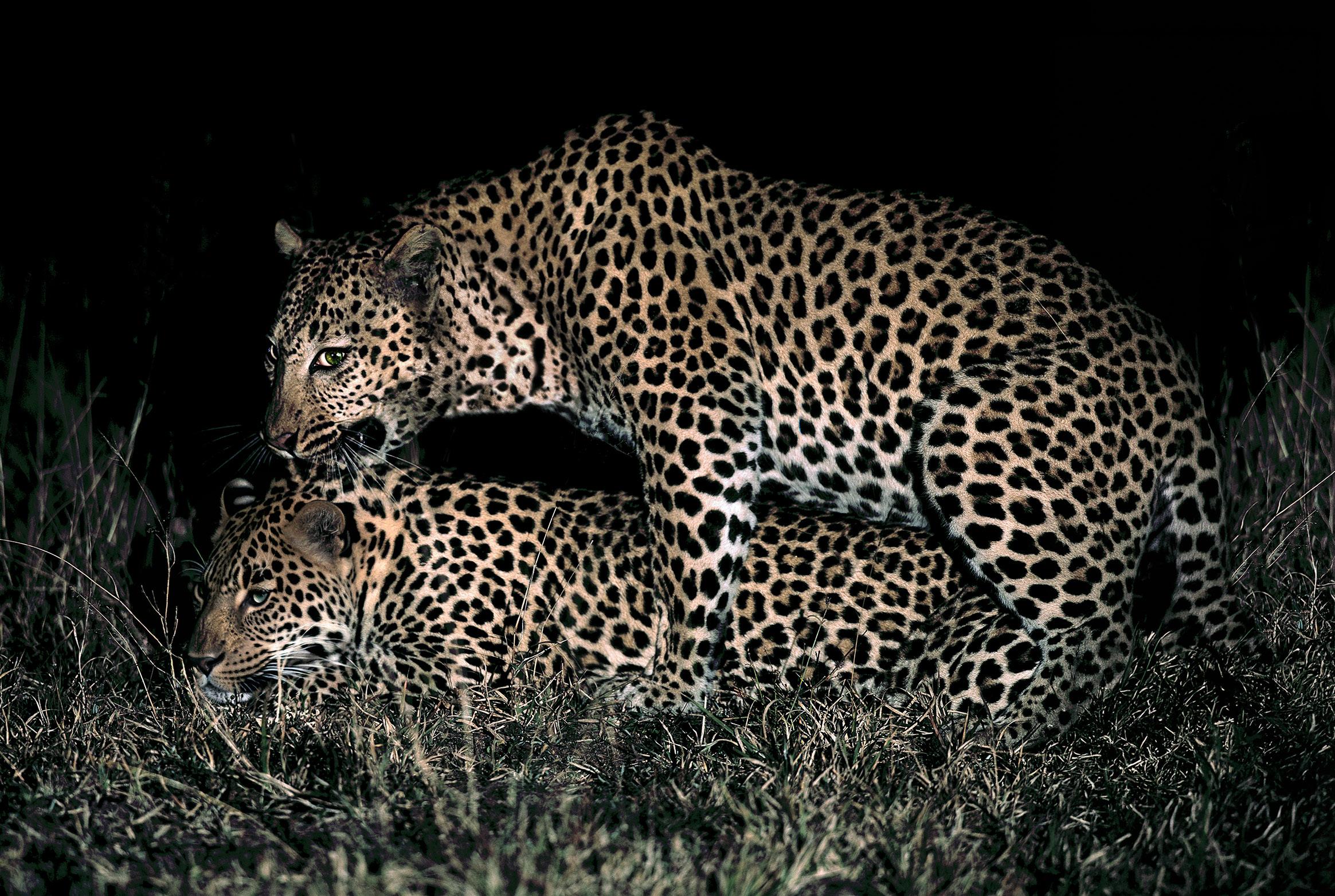
So, I thought I'd give the new AI technology in Photoshop a try to address these problems. First, I applied Generative Expand to rebuild
the rear portions of the animals. In the image above, you can see it did a brilliant job. I was very happy.
Next, I circled the head of the female with the lasso tool, selected Generative > Fill, and in the instruction box wrote, "Turn the female leopard’s face toward the camera somewhat." Much to my astonishment, the software created a new and realistic face exactly per my request.
Finally, I selected the male's eye, again with the lasso tool, and requested Generative > Fill to create a realistic eye illuminated by a flash light at night. And that's exactly what I got.
Pictures you took years ago that are less than perfect can very possibly be saved by using these technques. What a great time to be a photographer! §
Something Fun to Try
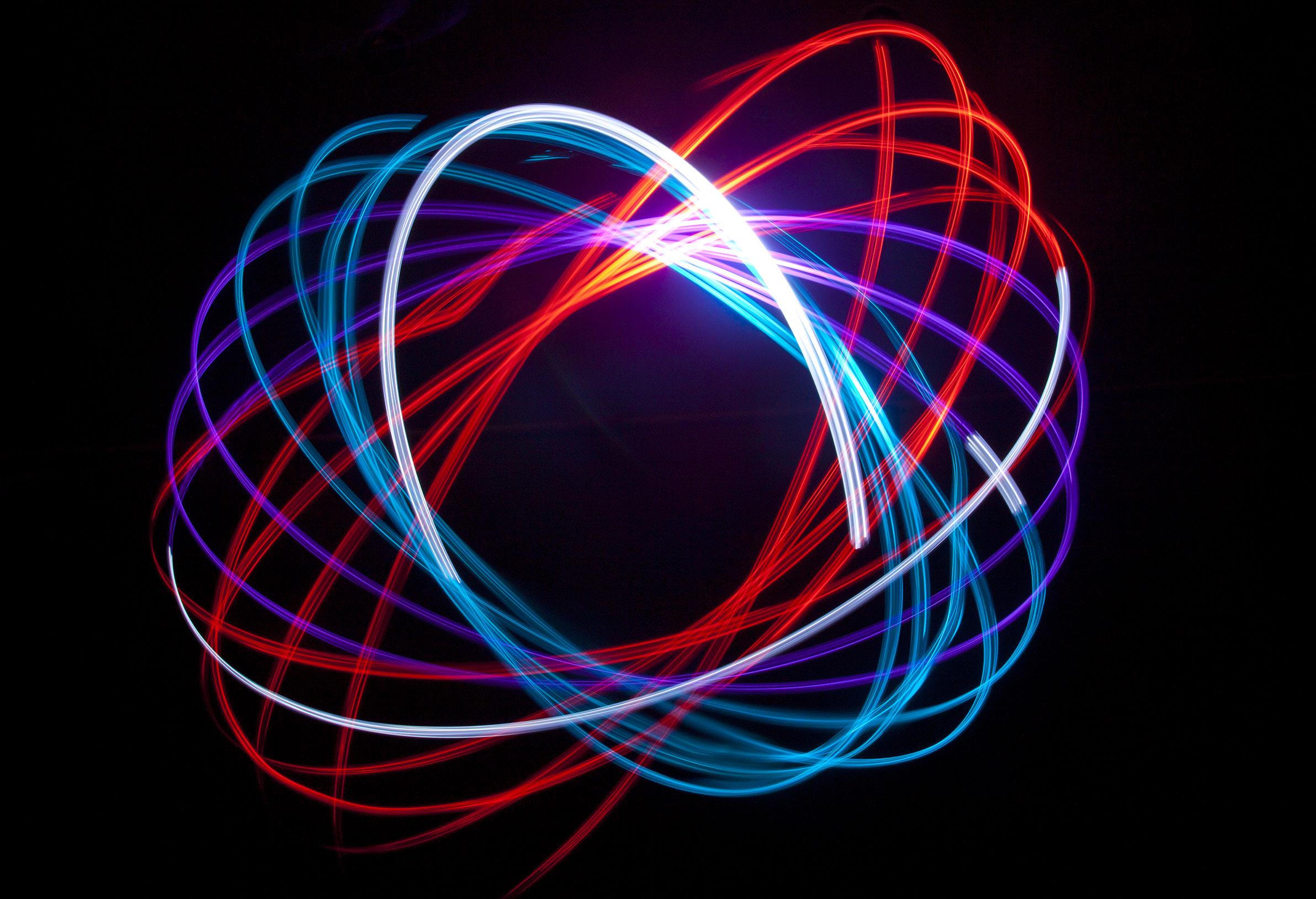
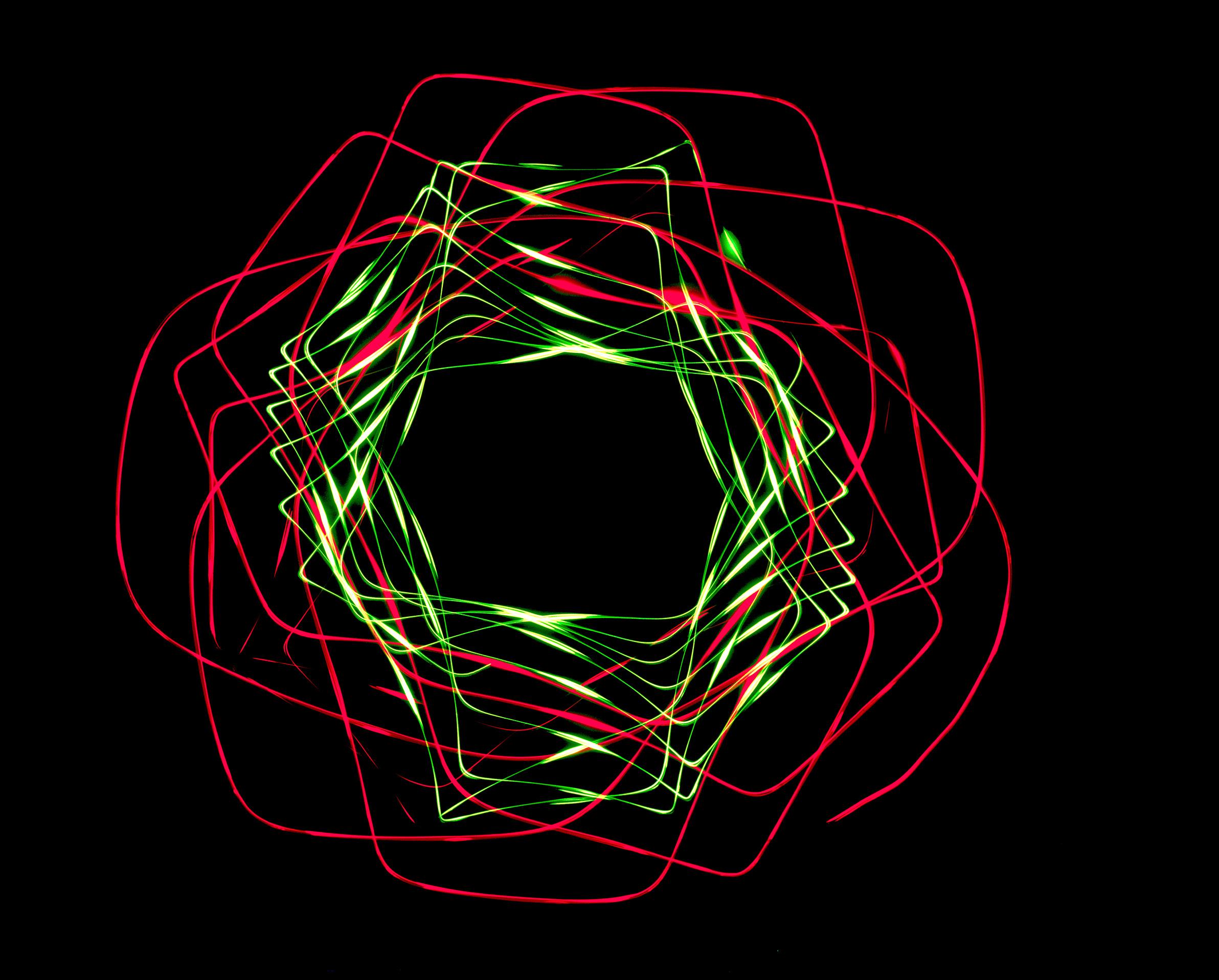
O.ne of the first experimental -techniques I tried when I first discovered photography was this one. It reminds me of electron orbitals around the nucleus of an atom.
I created this abstraction using a small flashlight suspended from any kind of height. You could hang the flashlight from the ceiling, but that's not very convenient especially if you have high ceilings in your home.
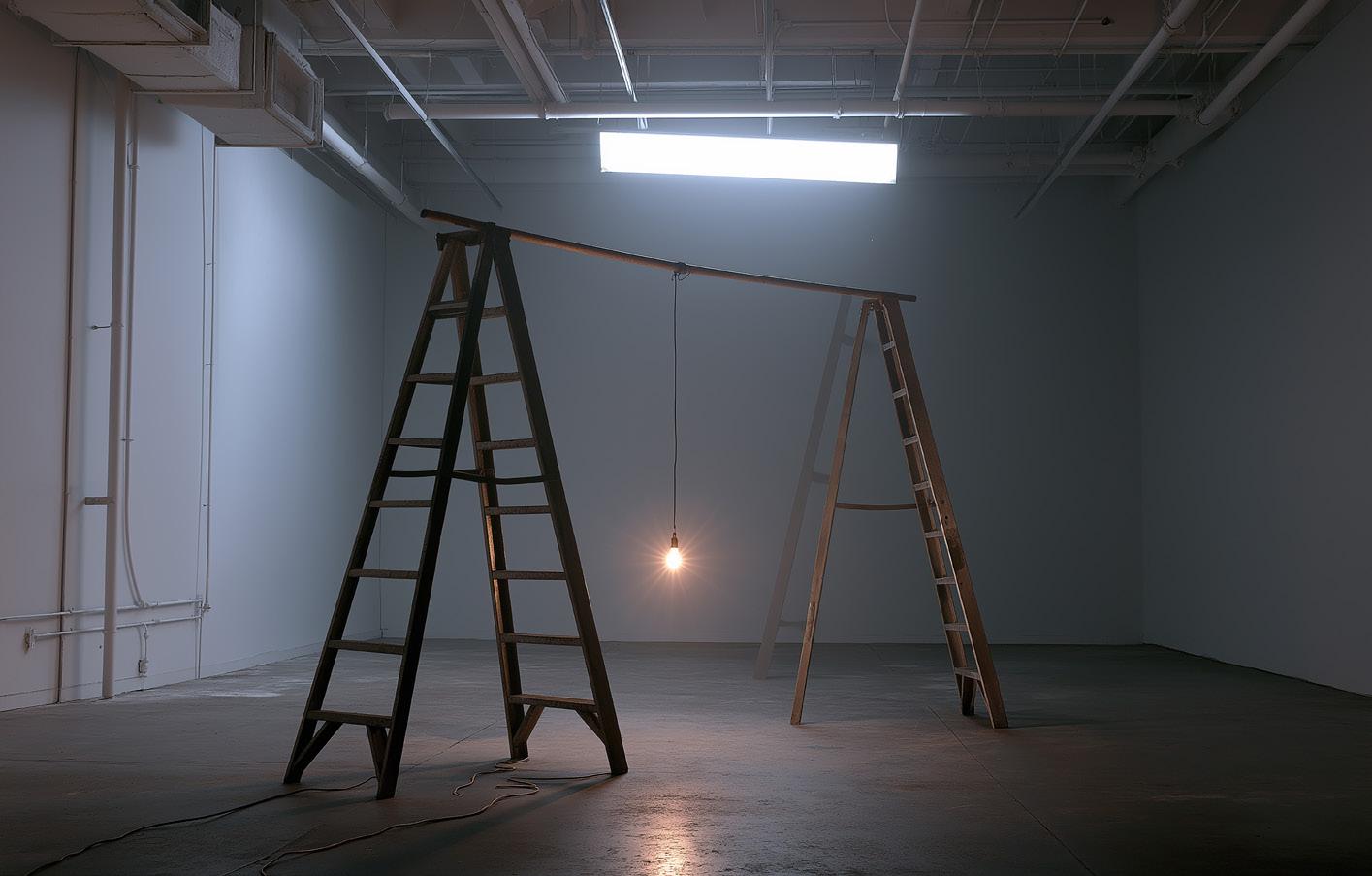
Alternatively, place two 8 or 10 foot ladders about 5 or 6 feet apart, and then put any kind of wooden or aluminum dowl (like a broom handle or anything similar) between the ladders. You could even string an electrical cord between the ladders. Tie a string onto the flashlight and attach the other end of the string to the horizontal dowl or cord. The distance from the light to the floor should be about 4 or 5 feet.
Place your camera with a wide angle on the floor facing up toward the ceiling. Using the articu-
lating screen, focus on the flashlight as it is hanging down.
Have various gels available to use during the exposure. Turn the room lights off, turn the flashlight on, give it a twirl. Open the shutter and make the exposure. The image on the previous page was exposed at 25 seconds, f/11, and 200 ISO. As the flashlight spun and during the exposure, I changed the colored gels in front of the lens to inject color into the resulting abstraction.
It takes several tries to get it right, but with the immediate feedback on the LCD screen, it's easy to start producing very interesting images in a short time. §
Iceland Drone Tour
August 24 - September 2, 2026
Frog and Reptile
Workshop
June 12 - 13, 2027
Exotic Birds of Colombia
Sept. 23 to Oct. 3, 2026
The Pantanal, Brazil
Nov. 11 - 19, 2027
Photography Quiz
1. Which has more depth of field if the subject is 20 feet from the lens: A 16mm lens at f/4 or a 500mm lens at f/32?
a. 16mm at f/4
b. 500mm at f/32
2. How many f/stops are lost in exposure when using a polarizing filter?
a. One
b. Two
c. Three
d. Four
3. Large softboxes in a photo studio are designed to simulate what kind of light?
a. Direct sunlight
b. A cloud cover
c. Sunset glow
d. All of the above
4. Shooting into the sun with a telephoto can damage your lens.
a. True
b. False
5. You can hand hold a camera and lens to do a 5-frame HDR, but the lens used should be:
a. A wide angle
b. A telephoto
c. A macro
6. When photographing something with multiple planes of focus, like a lion in tall grass, the only sensible option is to:
a. Use autofocus
b. Change focus point arrangement
c. Switch to a telephoto
d. Use manual focus
7. In the darkest conditions, what is the last color you can see before you see nothing?
a. Green
b. Red
c. Yellow
d. Blue
8. Back in the day, color infrared film with a yellow filter turned vegetation what color?
a. Yellow
b. Blue
c. Magenta
d. Black
9. Which of the following film cameras were not medium format?
a. Rollei Rollieflex
b. Hasselblad
c. Mamiya 7
d. Topcon
10. Exension tubes allow any lens to focus closer, but the price you pay is:
a. Degradation in quality
b. A subtle shift in color
c A loss of light
d. Increased noise
Answers on page 49
UPCOMING PHOTO WORKSHOPS
GREAT GRAY OWLS, CANADA
Get up close and personal with these spectacular birds flying with their magnificent wing spans. The slow flying owls are easy to photograph, even for beginners, and you will absolutely love your pictures!
February 13 - 18, 2027
TEXAS BIRDS
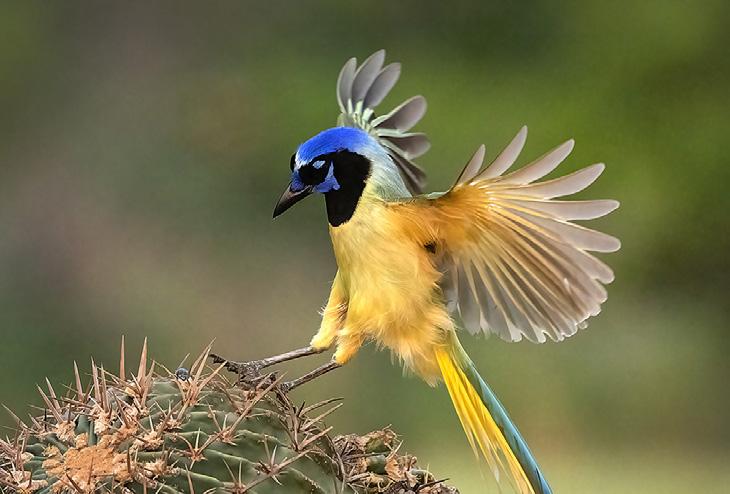
Get up close and personal to many species of exotic and colorful birds. We shoot from a blind and get frame-filling shots of cardinals, green jays, crested caracaras, painted buntings, and more. Based in McAllen, Texas.
May 12 -15, 2027
FROG & REPTILE
WORKSHOP
in Kansas City
This is an exciting macro workshop in which you will be able to photograph about 40 species of colorful dart frogs and exotic reptiles. Held in a hotel conference room, Jim sets up natural backgrounds for outstanding photos. The photo at left shows a Jackson chameleon with the background replaced in Photoshop.
June 12 - 13, 2027
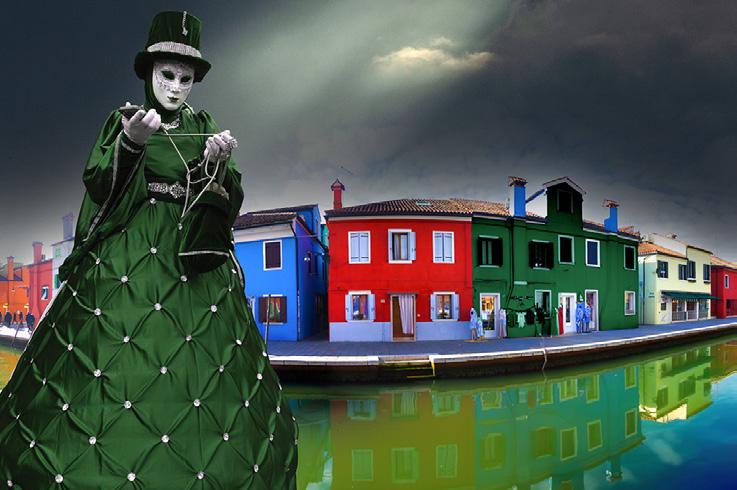
Carnival in Venice
January 30 - February 5, 2027
What's Wrong with this Picture?
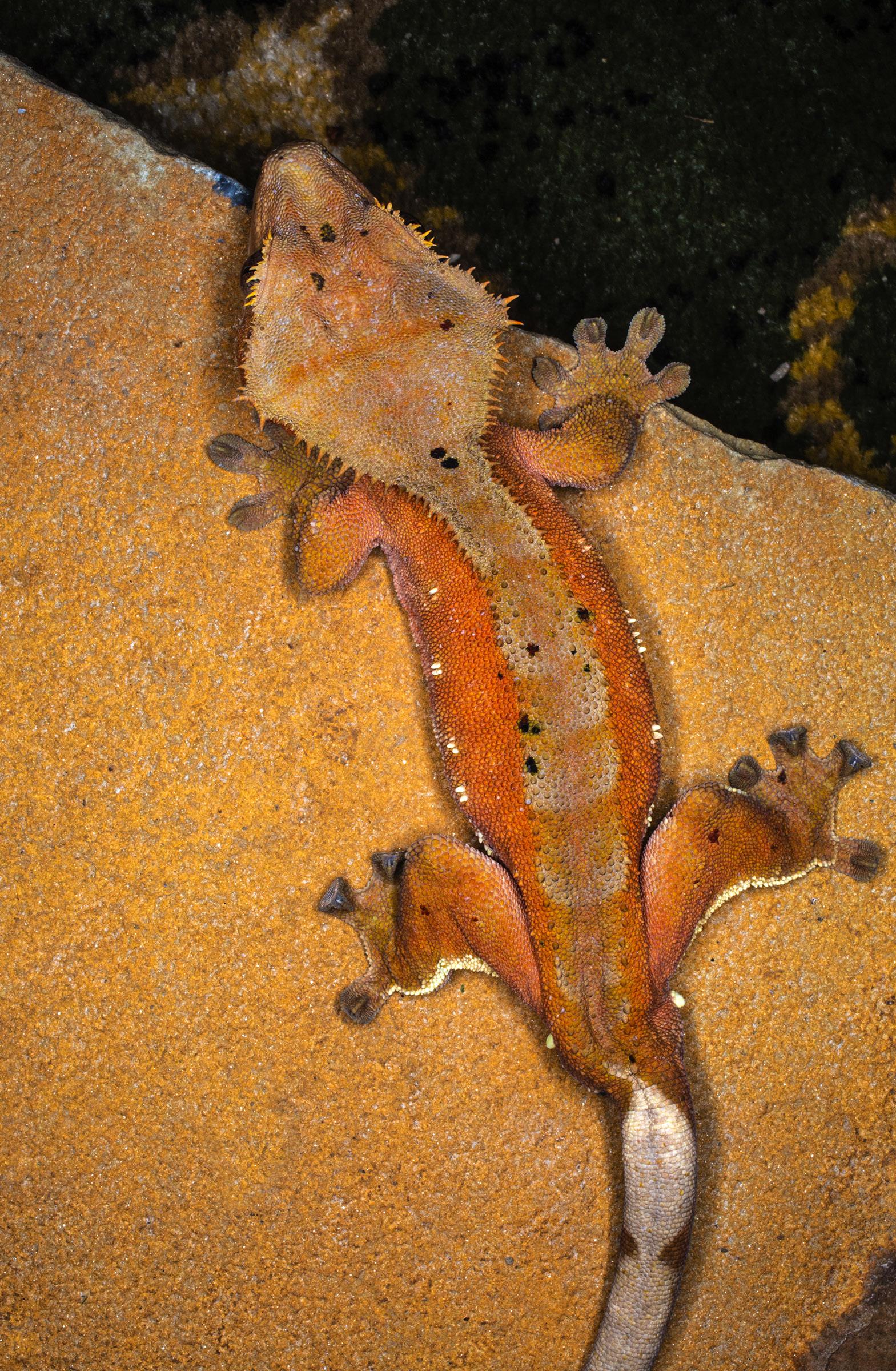
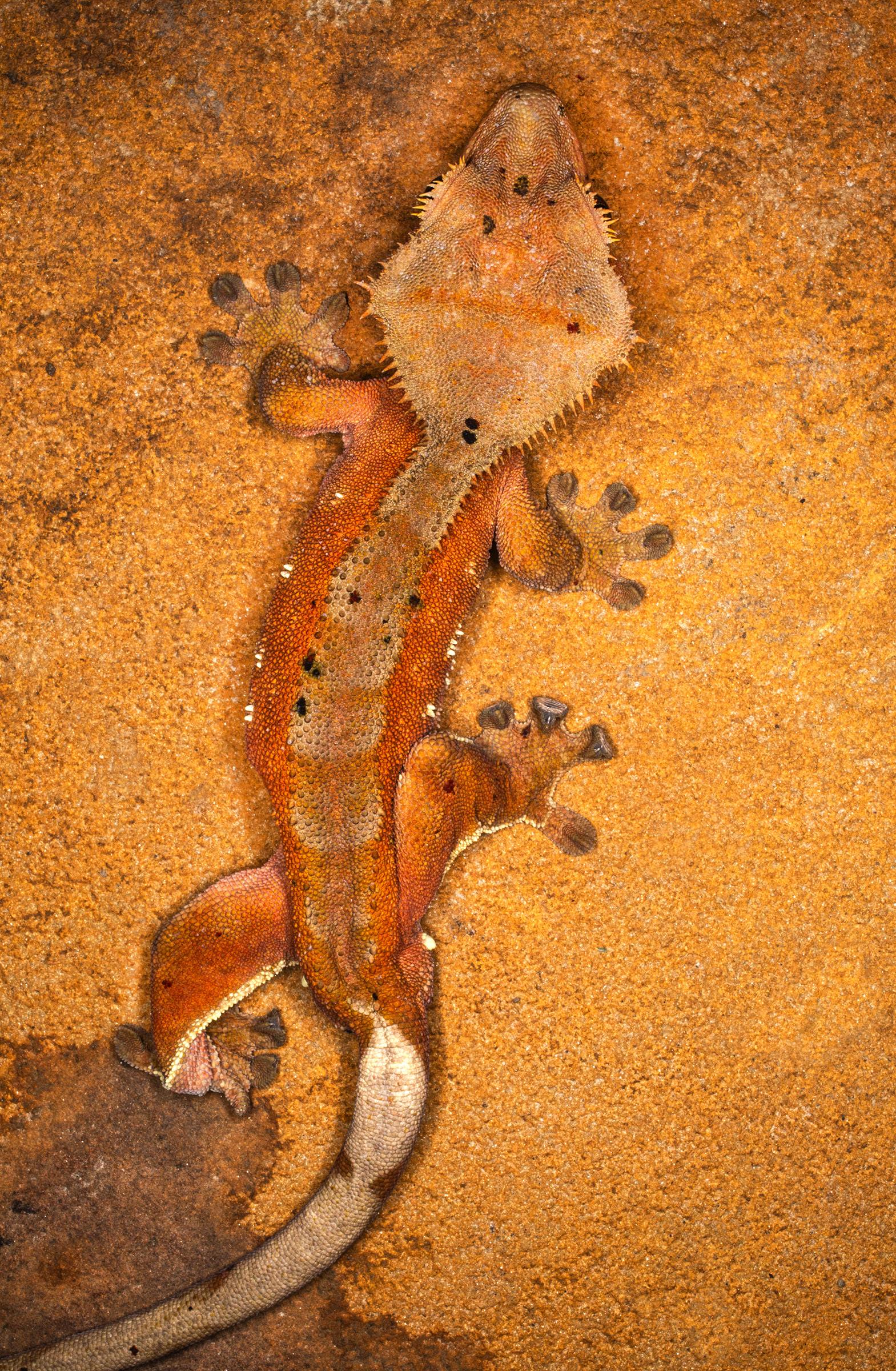
T.his is a crested gecko I photographed in my annual Frog and Reptile workshop held in Kansas City. There is one problem with this picture. Since diagonal lines are such a dynamic compositional element, and since large dark areas in a picture are often distracting if they are not part of the subject, the upper right section of this image is a bold and graphic part of the composition and, therefore, it's distracting from the subject.
The whole point of a photograph is to direct attention to the subject. You can do this several ways -- by making the background out of focus, by making the subject the lightest element in the shot, by strategic lighting, etc. Anything that detracts from the subject is usually not good. So, in this case, our eyes are diverted from the gecko to the black area too much.
In this image, where the gecko was repositioned on the rock surface thus eliminating the dark upper-right corner, nothing draws our eye away from the subject. This makes a big difference in the success of a picture.
Every shot you take should be evaluated in such a way as to determine whether or not there are distracting elements behind the subject. If so, maybe you can recompose the shot or, in post-processing, perhaps Photoshop can be used to clean up the background.
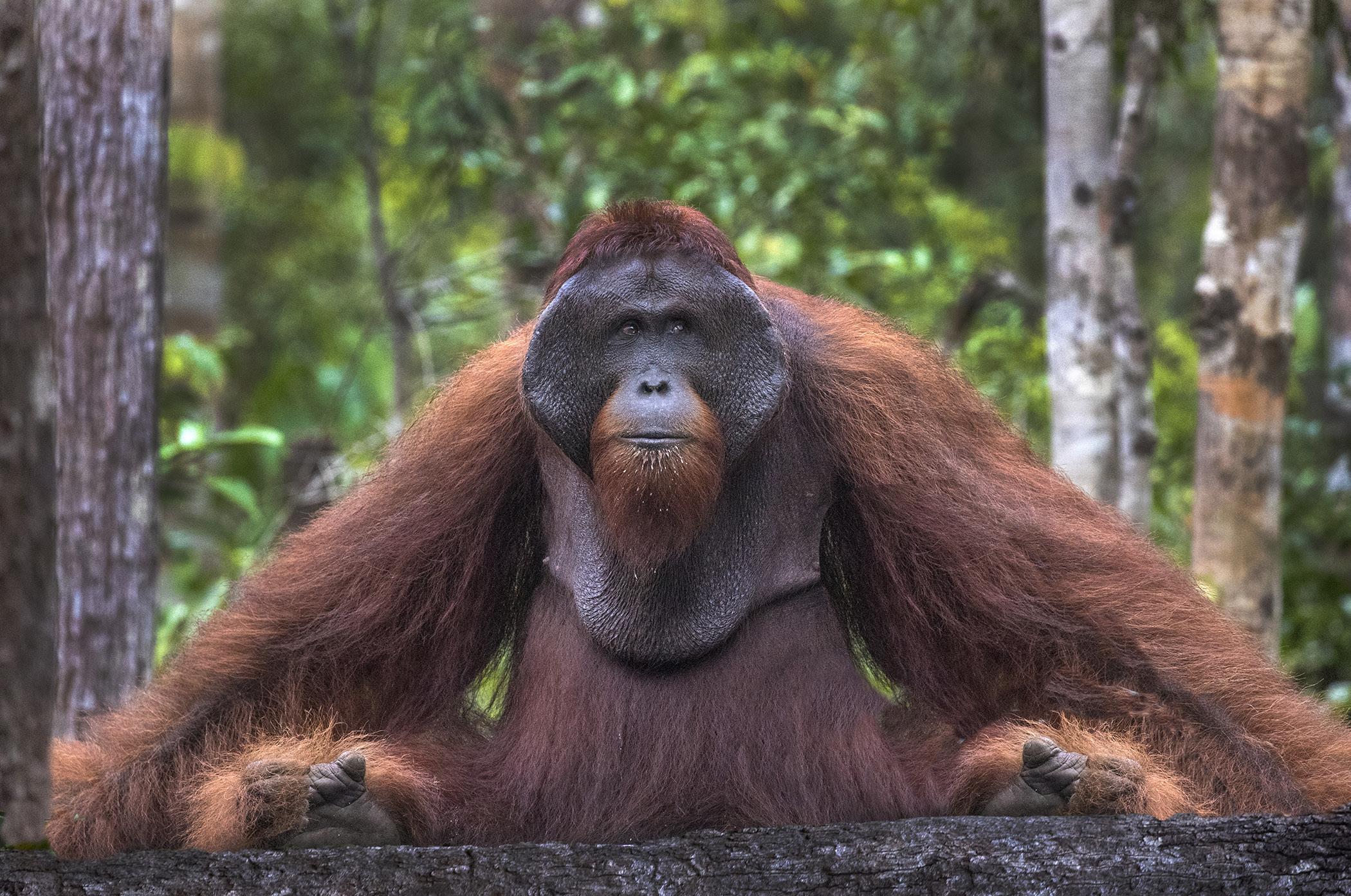
Can distracting elements ever work? Yes, they can. No rule or guideline is always true. There are always exceptions. For example, in the shot of the orangutan in Indonesian Borneo on the next page, the light tree on the right is somewhat distracting from the alpha male primate. In this case, though, I didn't remove it because orangs live in dense forests and that's what I wanted to convey. §
Indonesia Wildlife
October 29 - November 8, 2027
SHORT AND SWEET
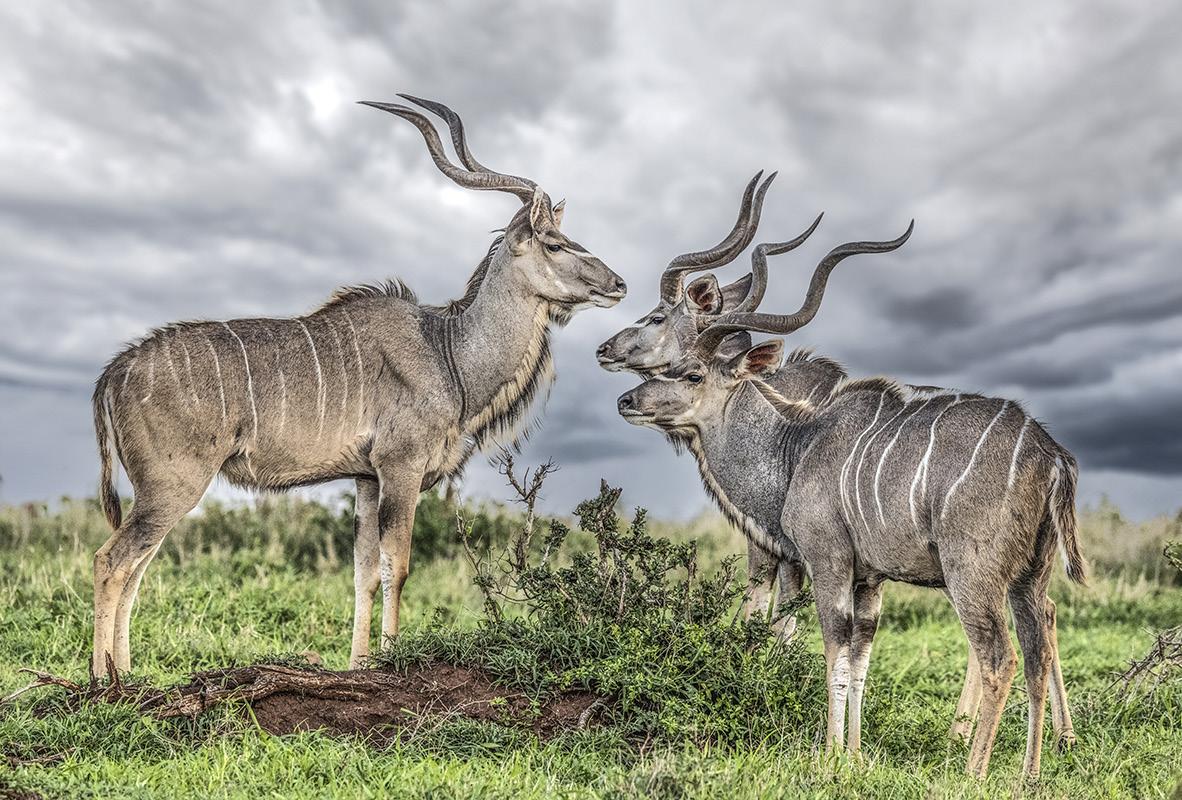
1. When you replace the sky, as I did behind these kudu, look carefully at the landscape. If DOF is fairly shallow and the land goes soft behind the subject(s), the sky must be out of focus, too. You can't have a sharp subject, a soft mid-area, and then a sharp sky. Make the sky out of focus with Filter > Blur Gallery > Field blur.
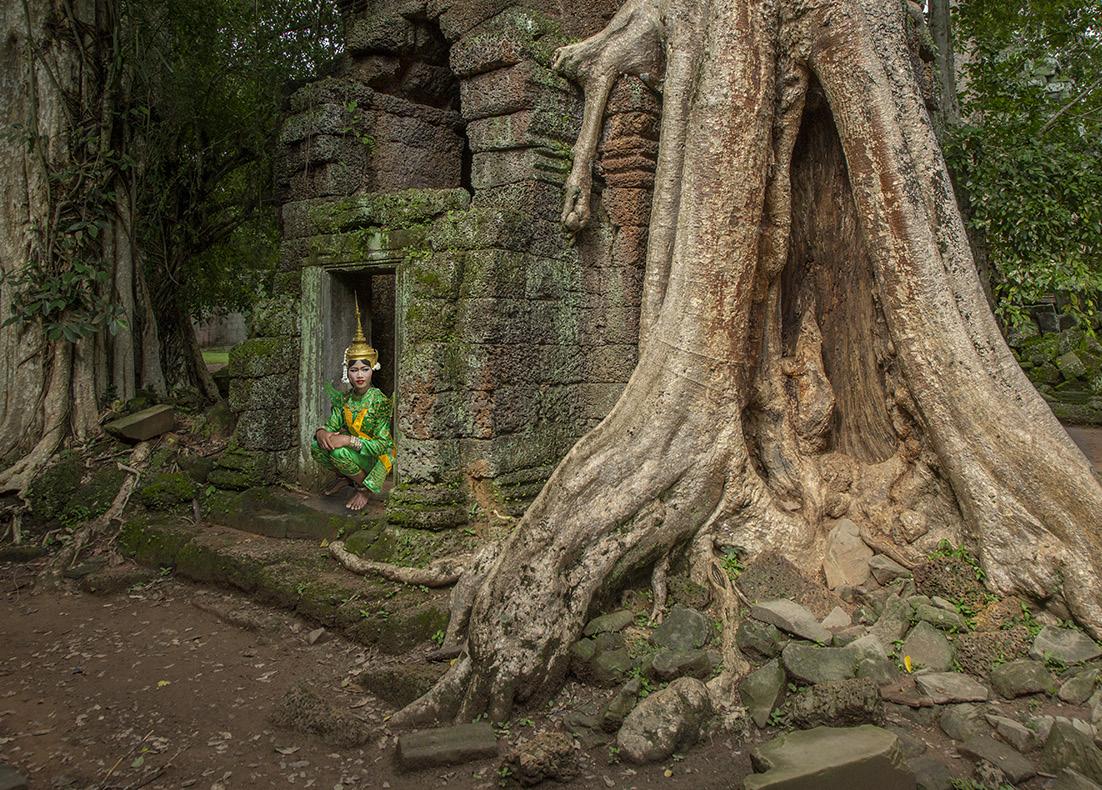
3. Notice two things about this image. First, the Cambodian dancer is very small in the frame. Second, the shot was taken with a wide angle lens -- a 24mm in this case. Don't be afraid to use wide angle lenses for portraits. It's a different kind of look. It can be very effective when including the environment.
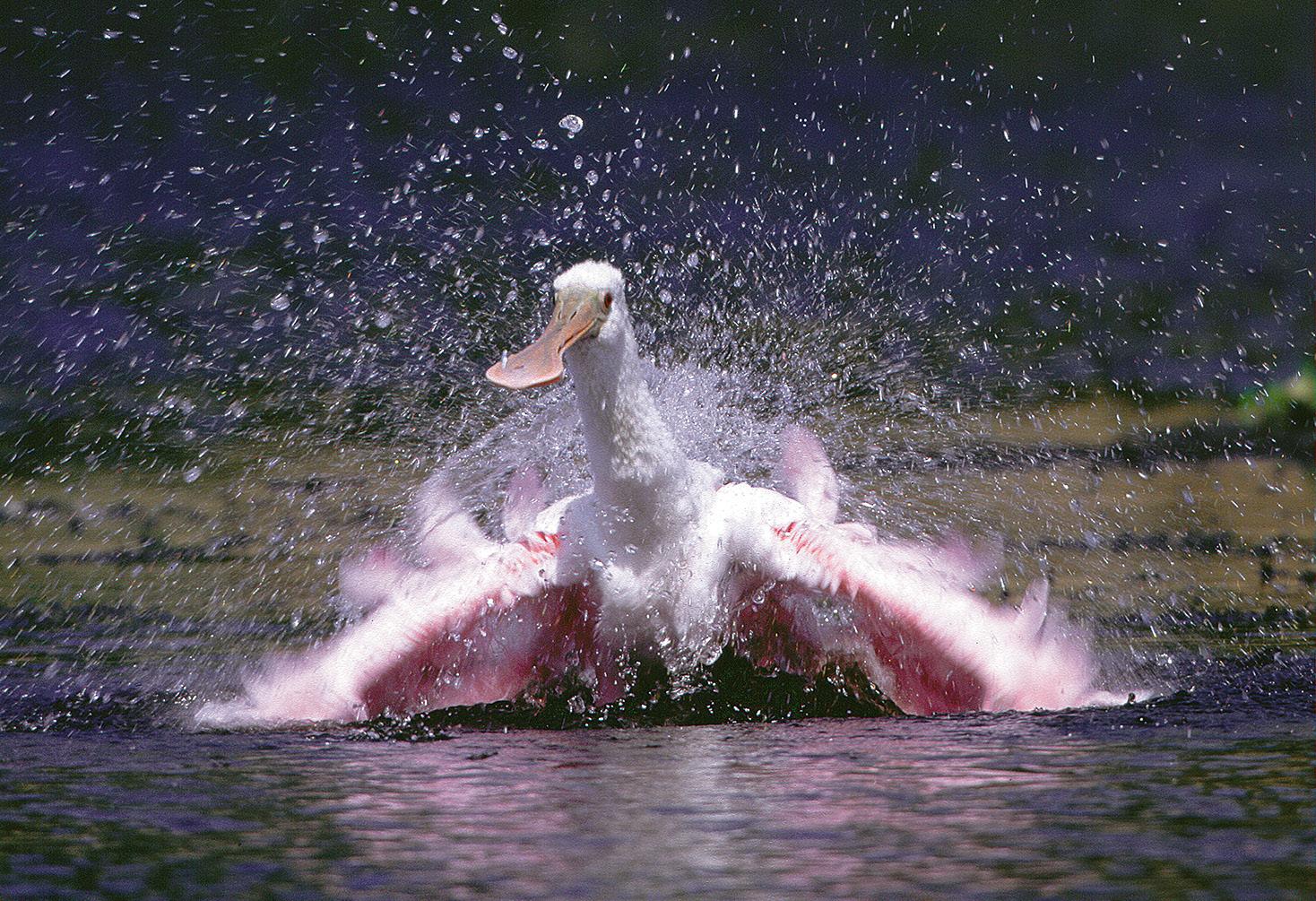
2. Photographically, both small and large animals as well as birds benefit from the lowest possible shooting angle. I took this picture of a roseate spoonbill in Florida where the camera was 2 feet above the ground. The lower the better -- it gives a more intimate view and increases the stature of the subject. I shot this in Myakka River State Park.
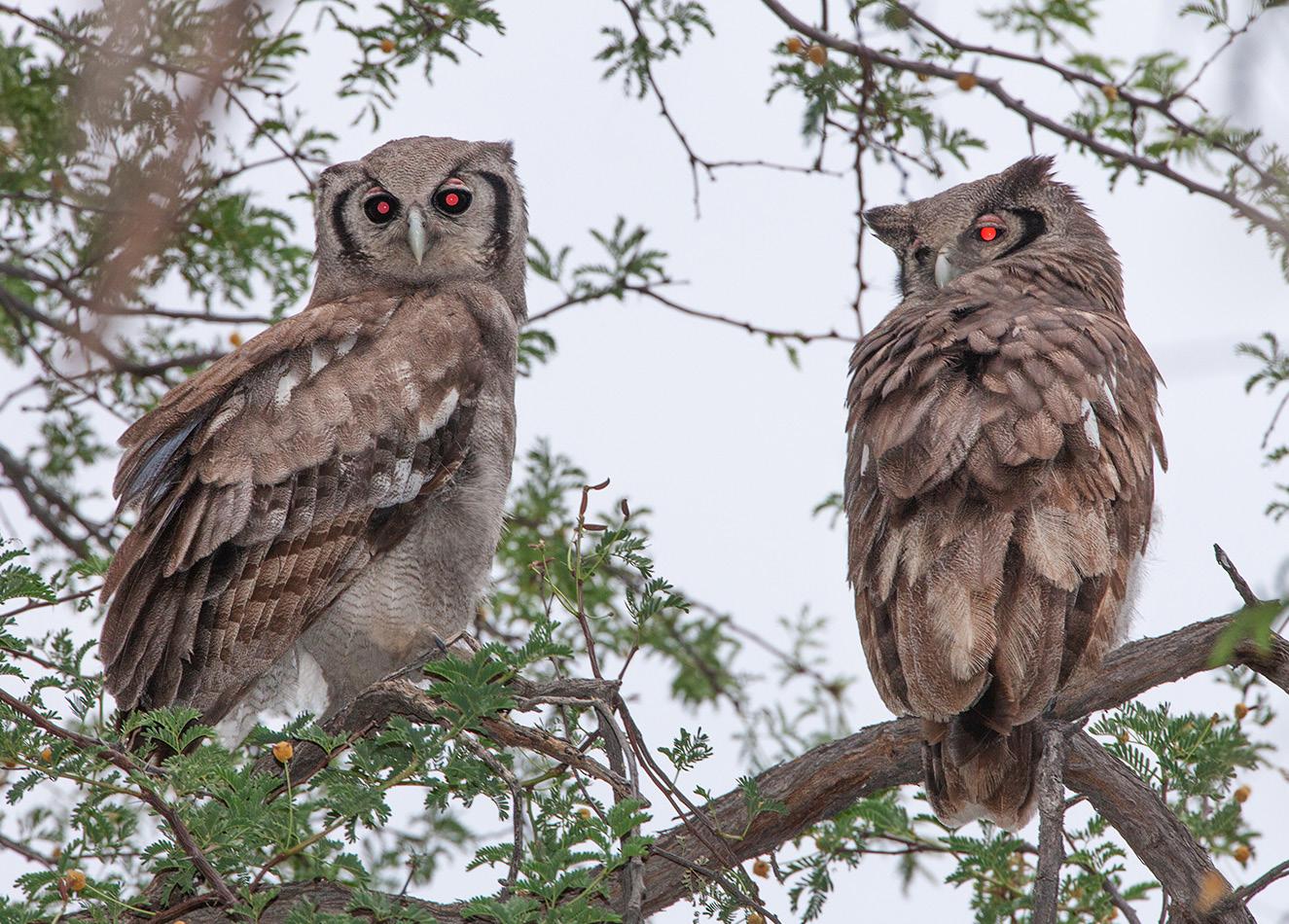
4. When you use flash with animals, be prepared to have their eyes look ghostly if their heads are turned toward the camera and flash. This is similar to red-eye in people where the retina reflects the light back into the camera. These Verreaux eagle-owls in Africa were shot with on-camera flash. §
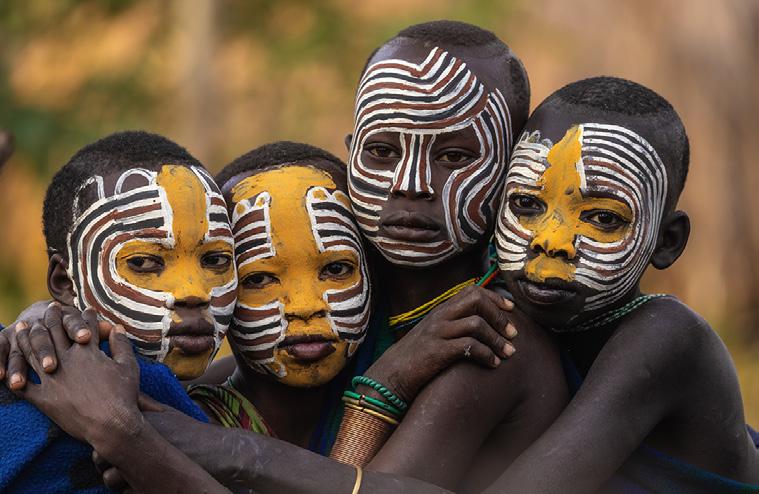
Ethiopia photo tour
Go back in time 20,000 years
January 5 - 18, 2027
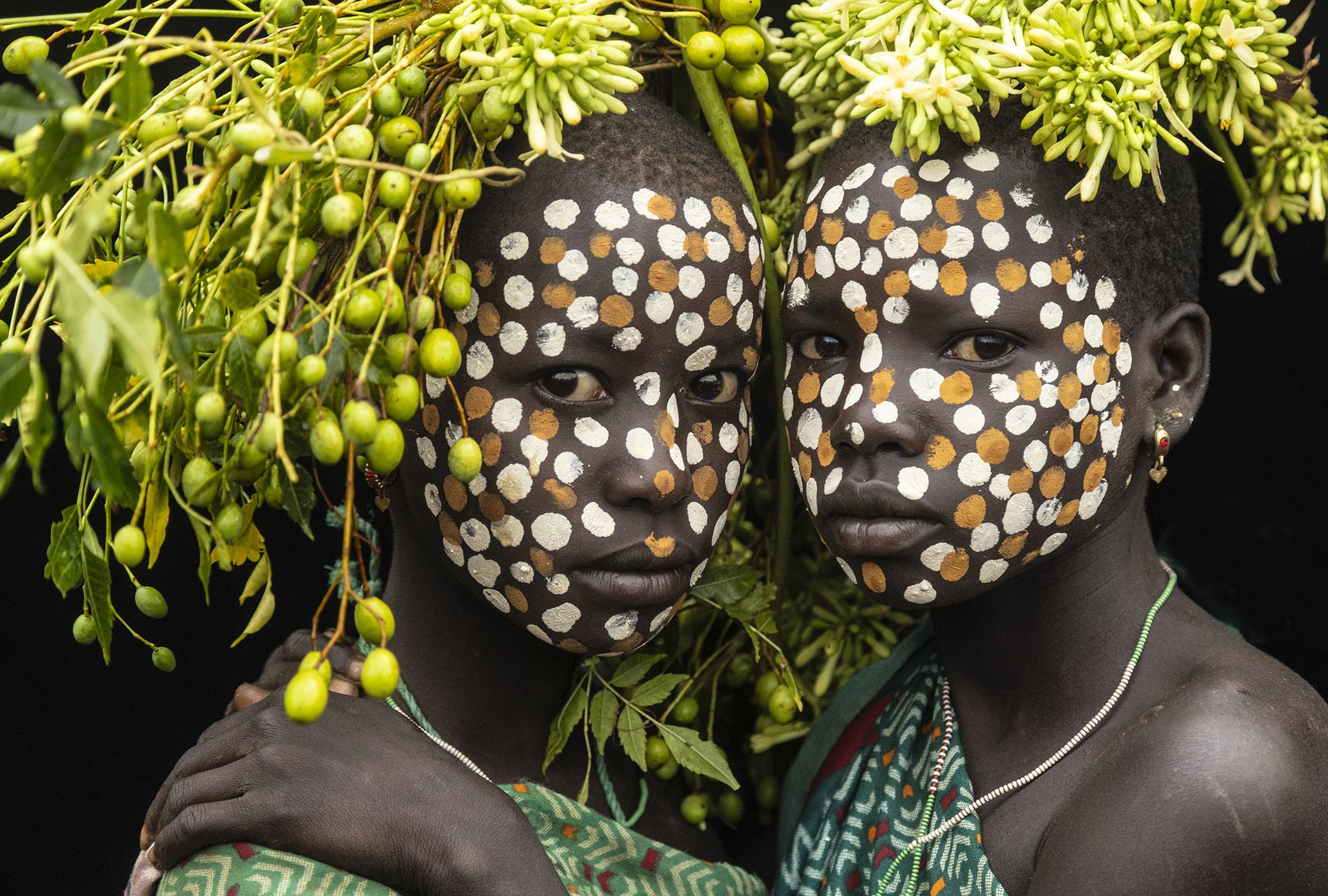
Surma tribe
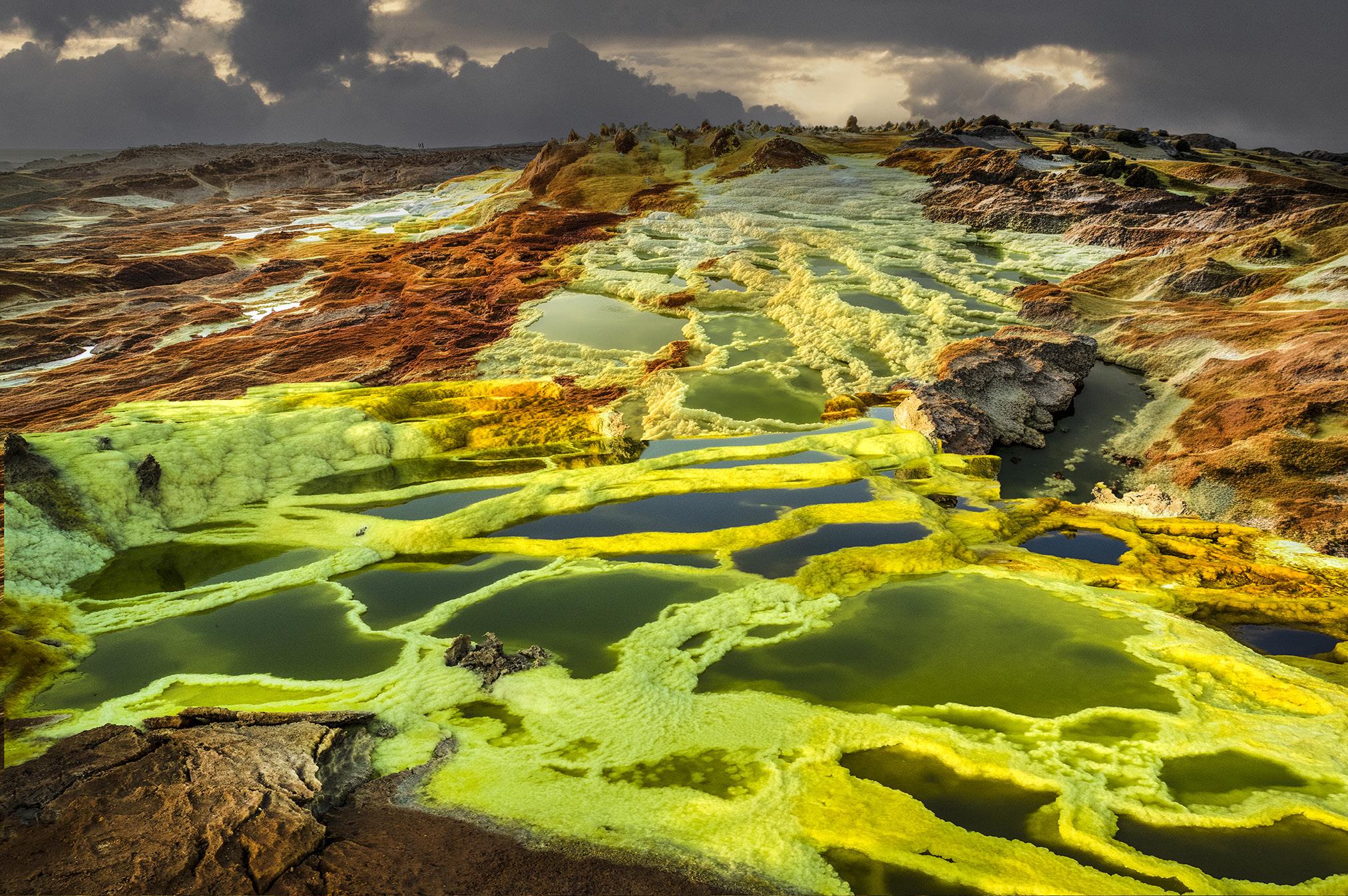
Dallol Depression
ASK JIM
Every month, Jim answers a question from his online students, from people who participate in his tours and workshops, or from subscribers to this magazine. If you have a question you’d like Jim to answer, please drop him a note at photos@jimzuckerman.com.
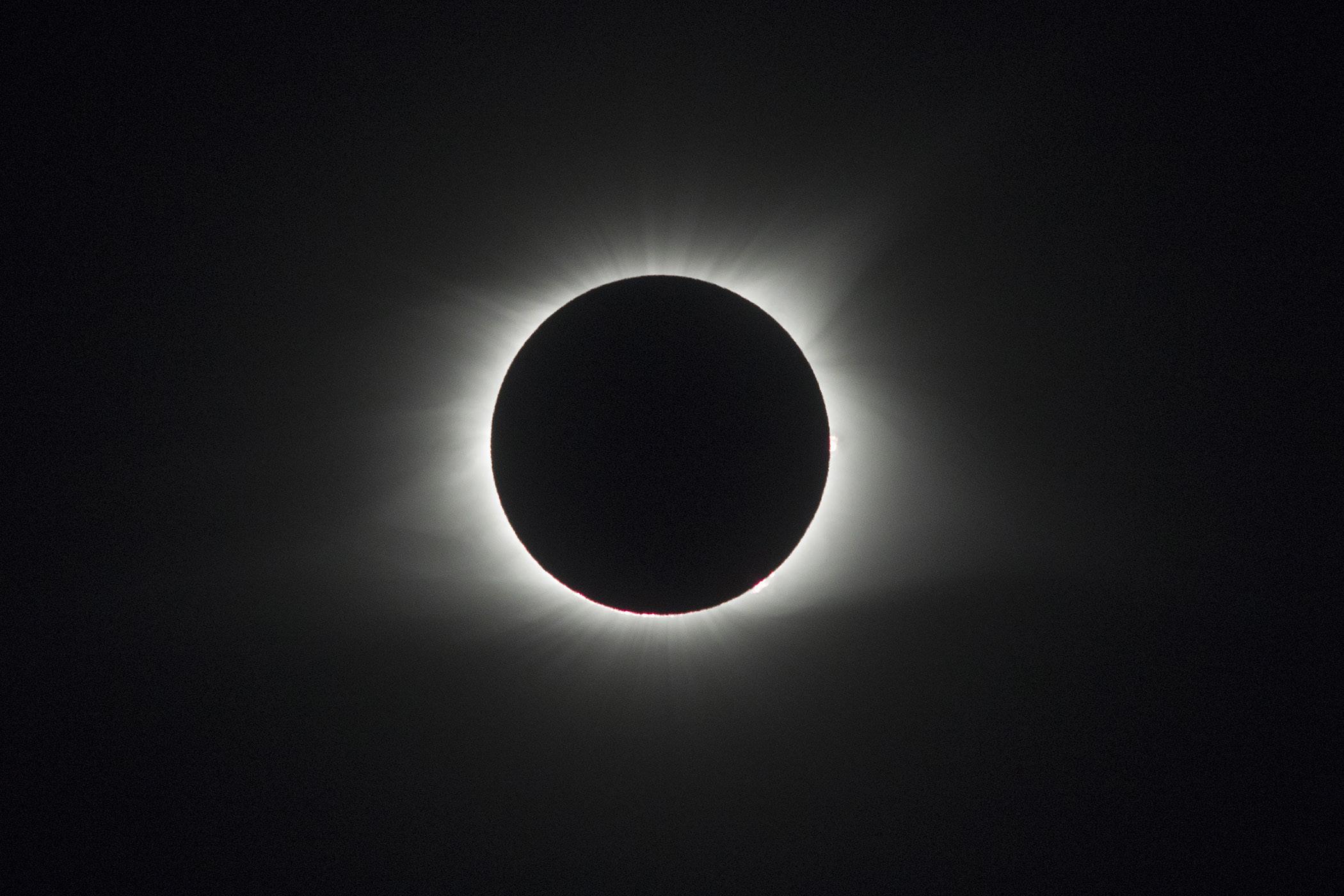
Q: Jim . . .I know you are conducting a photo tour to Spain next month for the eclipse. I'll be there, too. What settings would you suggest for shooting the eclipse during totality? Jane Thornton, Colorado Springs, Colorado.
A: The eclipse on August 12 whose path goes through northern Spain is a sunset eclipse. That's what makes it so unique. The sun will be 8 degrees above the horizon. I've never photographed such an eclipse before, but the image below shows totality for the 2017 eclipse that passed through Nashville, Tennessee. My settings for this shot were 1/800, f/9, and 3200 ISO. I used a 500mm lens plus a 1.4x teleconveter giving me 700mm of focal length. This image is uncropped. I used manual exposure mode, and I did not use an ND filter or a tripod for this shot.
For the sunset eclipse, I'm expecting a 2 f/stop increase in exposure, but that's just a guess. I will use a tripod for this one. Totality is 1 minute and 44 seconds in Burgos, Spain, where I'll be with my group. That is enough to allow a photographer the time to adjust camera settings according to the image displayed on the LCD screen. §
Partial List of Photography Tours
2026 - 2027
EXOTIC COLOMBIA BIRDS
Sept/Oct 2026
ETHIOPIA
Jan 2027
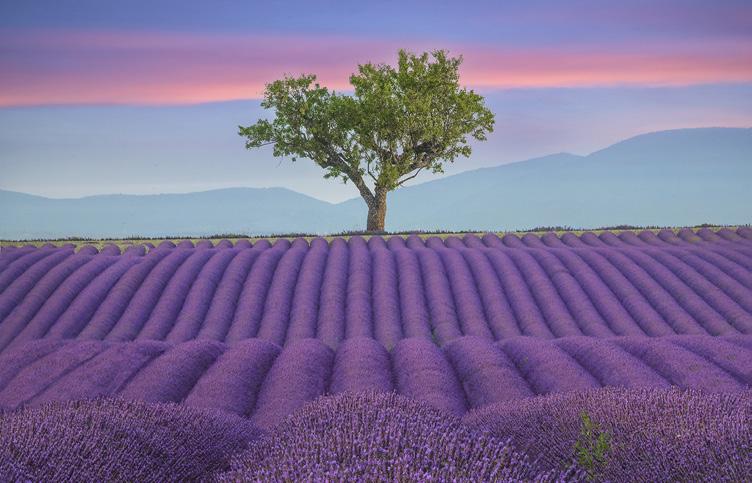
LAVENDER FIELDS, FRANCE
July 2027
INDONESIA WILDLIFE
Oct/Nov 2027
DUBAI & ABU DHABI Nov 2026
CARNIVAL in VENICE
Jan/Feb 2027
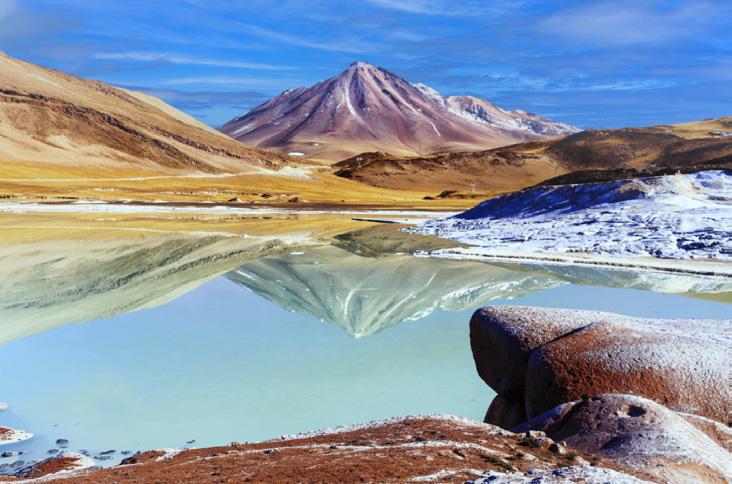
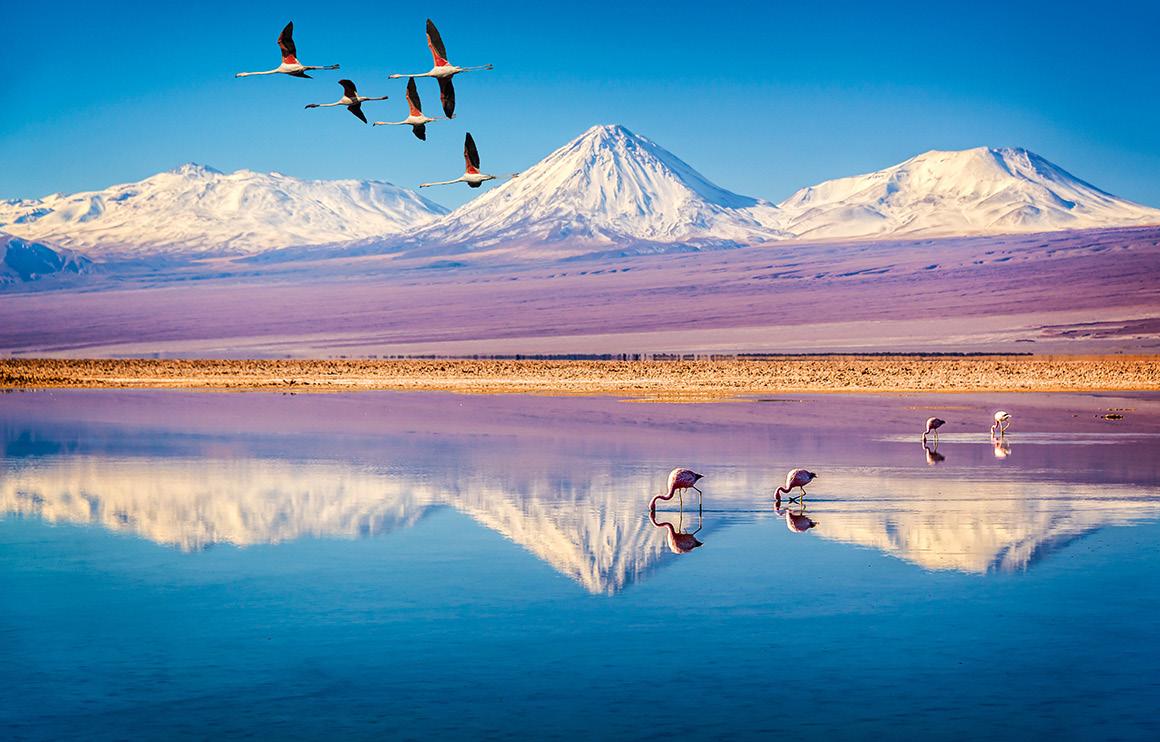
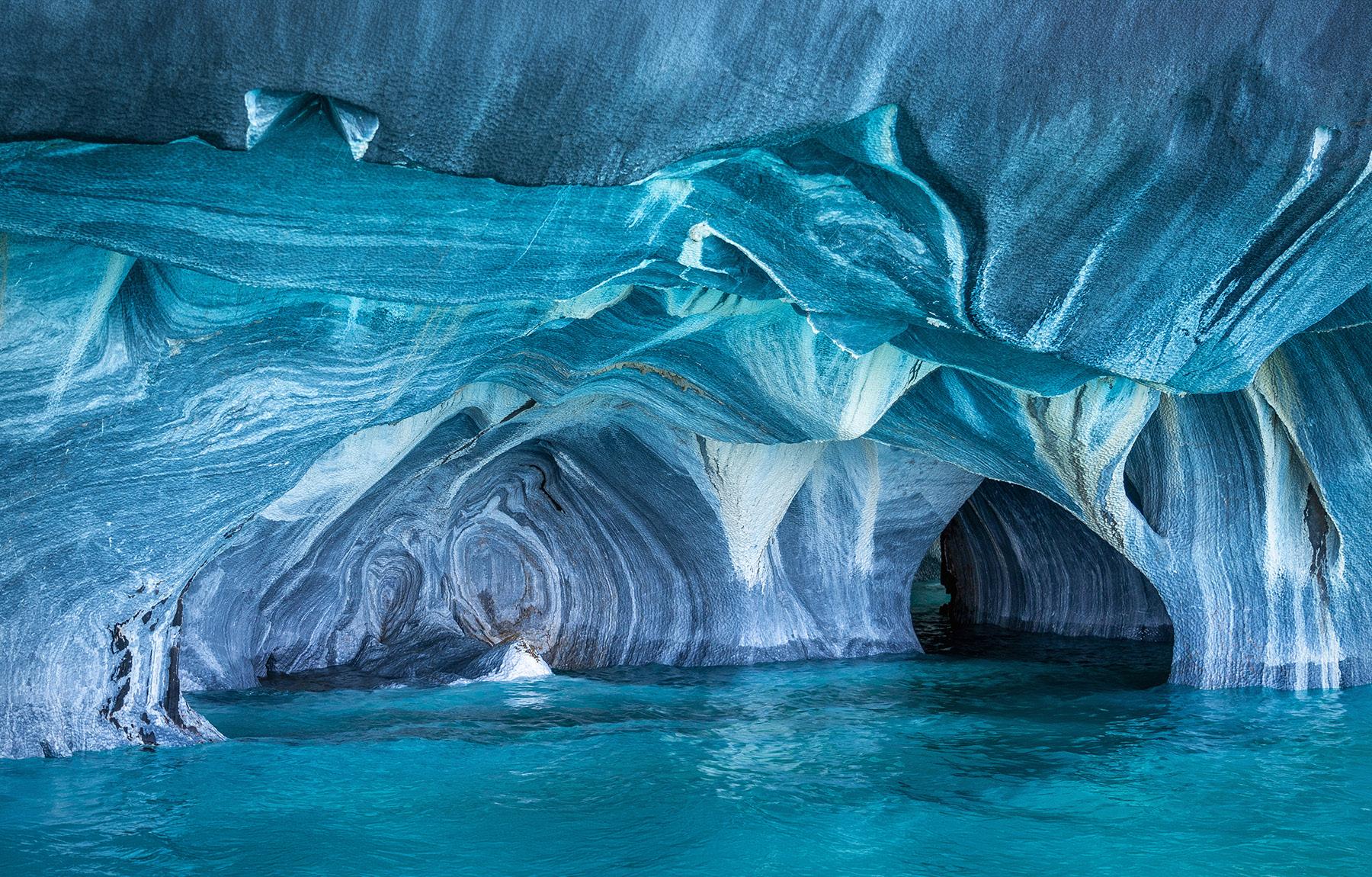
CHILE:THE DESERT to the SEA Sep 2027
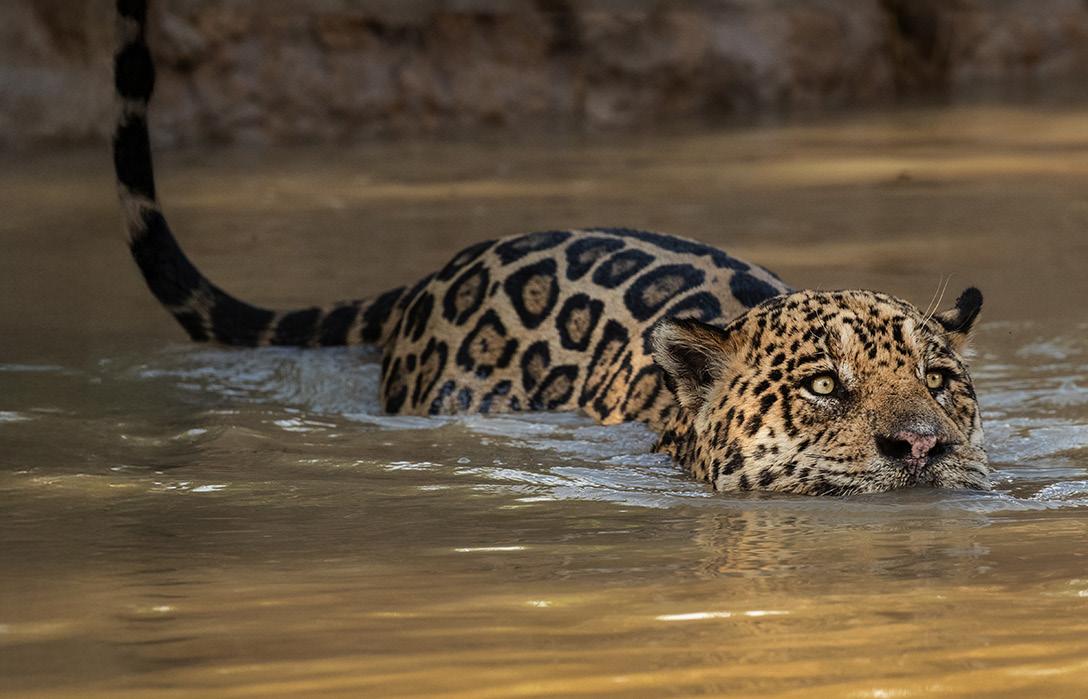
THE PANTANAL, BRAZIL Nov 2027
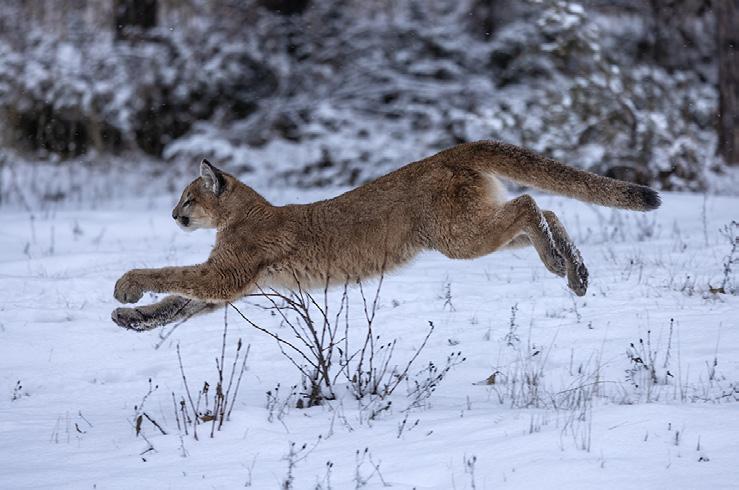
WINTER WILDLIFE WORKSHOP Dec 2026
TEXAS BIRDS WORKSHOP May 2027
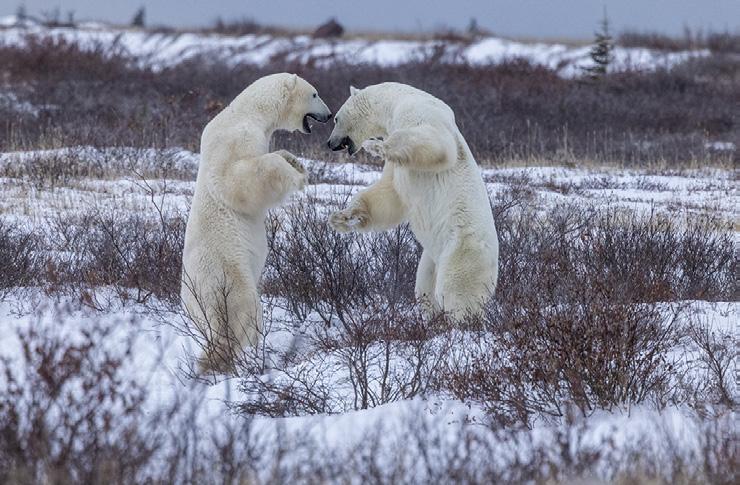
POLAR BEARS Oct 2027
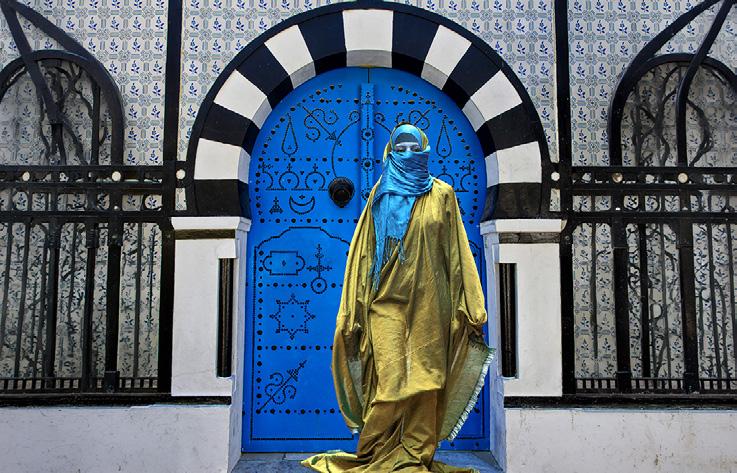
TUNISIA
April/May 2028
WINTER WILDLIFE WORKSHOP
December 16 - 20, 2026
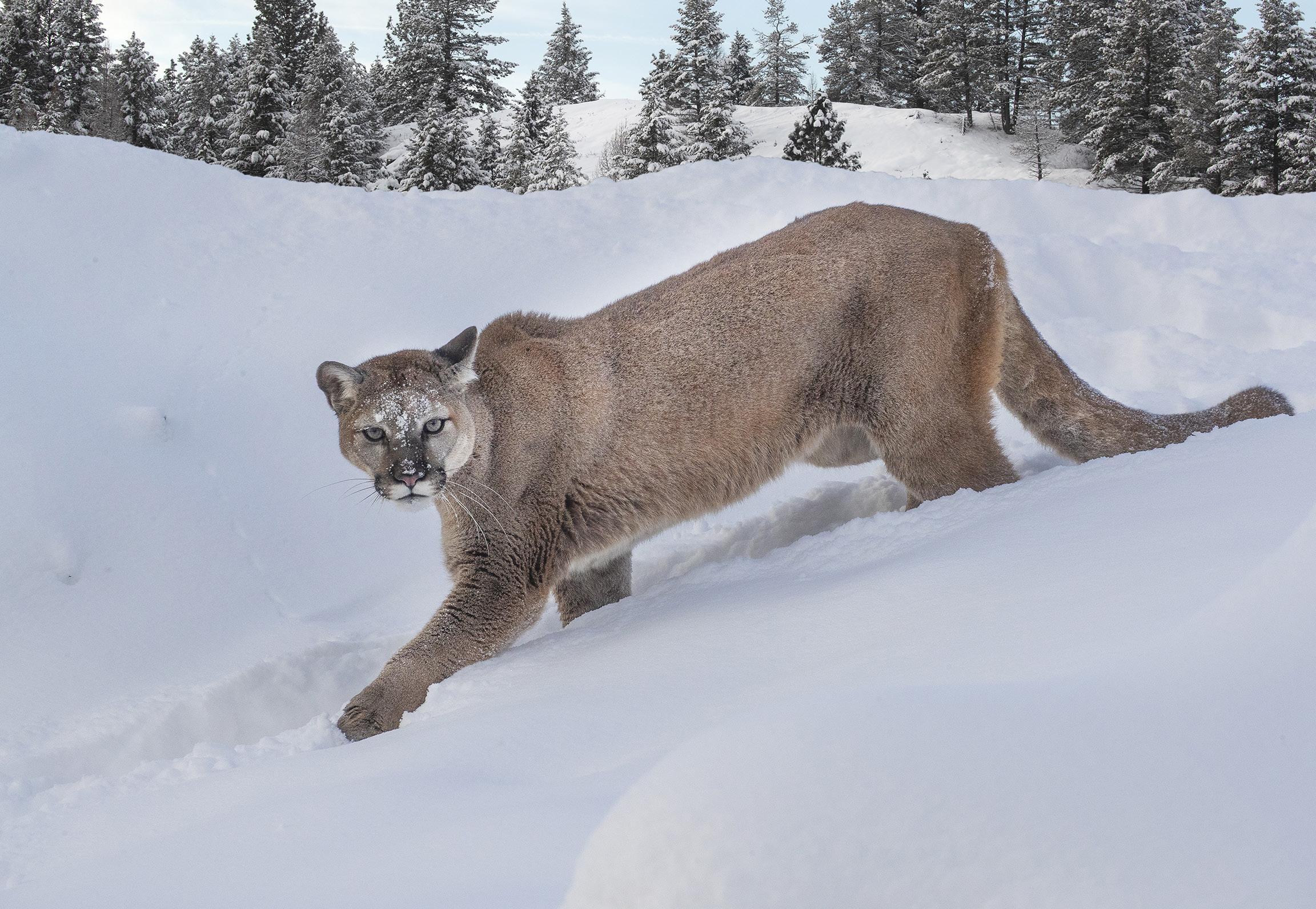
Mountain lion
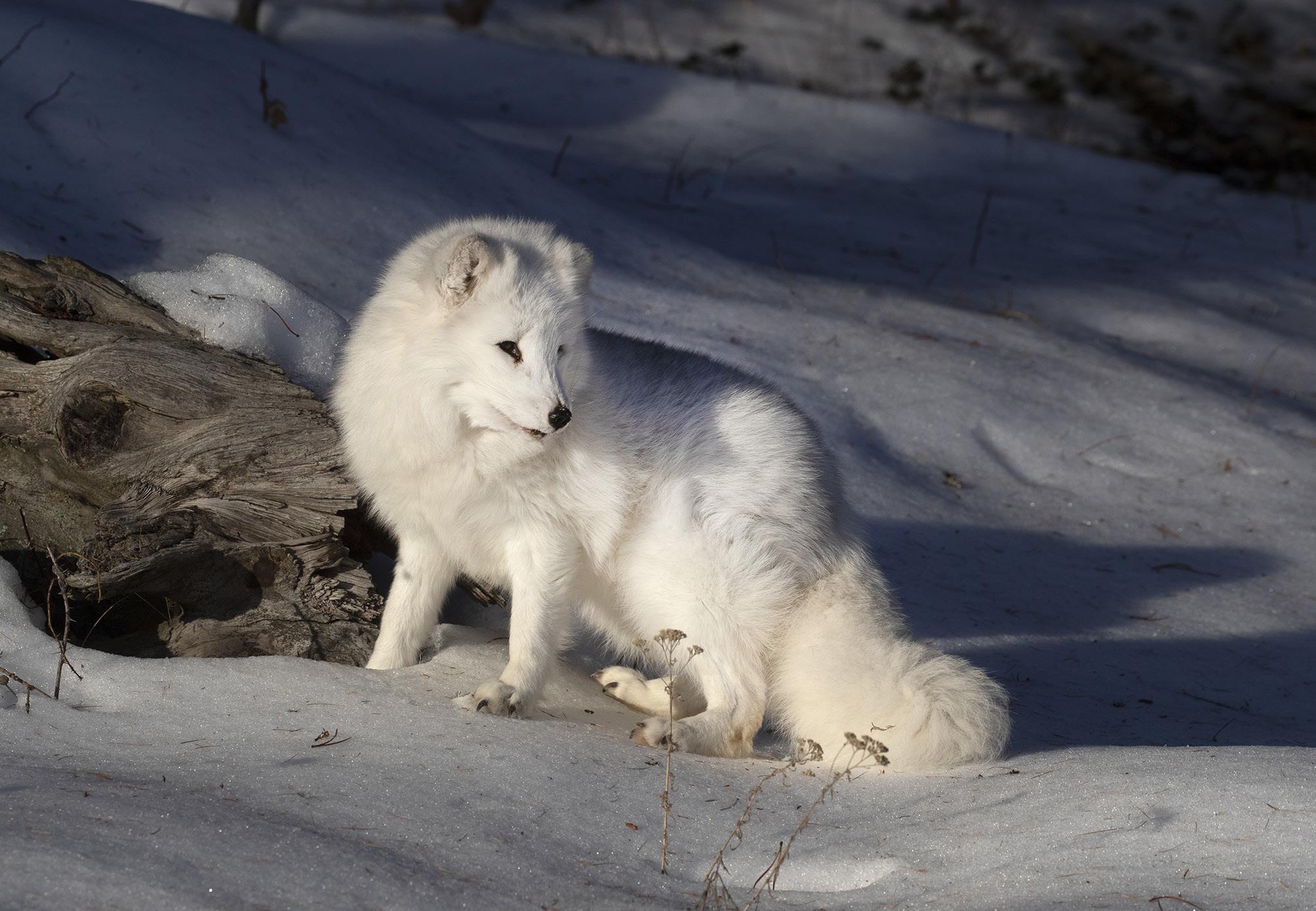
Arctic fox
STUDENT SHOWCASE
Each month, Jim features one student who took beautiful and inspiring images on one or more of his photography tours or workshops. It’s really fascinating how photographers see and compose such different images even though we may go to the same places. Everyone takes great photographs on Jim’s trips.
Cheryl Roth, Yorba Linda, California Patagonia photo tour, China photo tour, Iceland drone tour, Iceland winter tour, Utah photo tour, South Africa photo tour, Snowy owls photo tour, Frog and reptile workshop, Bali photo tour, Japan/Singapore photo tour, and Montana wildlife.
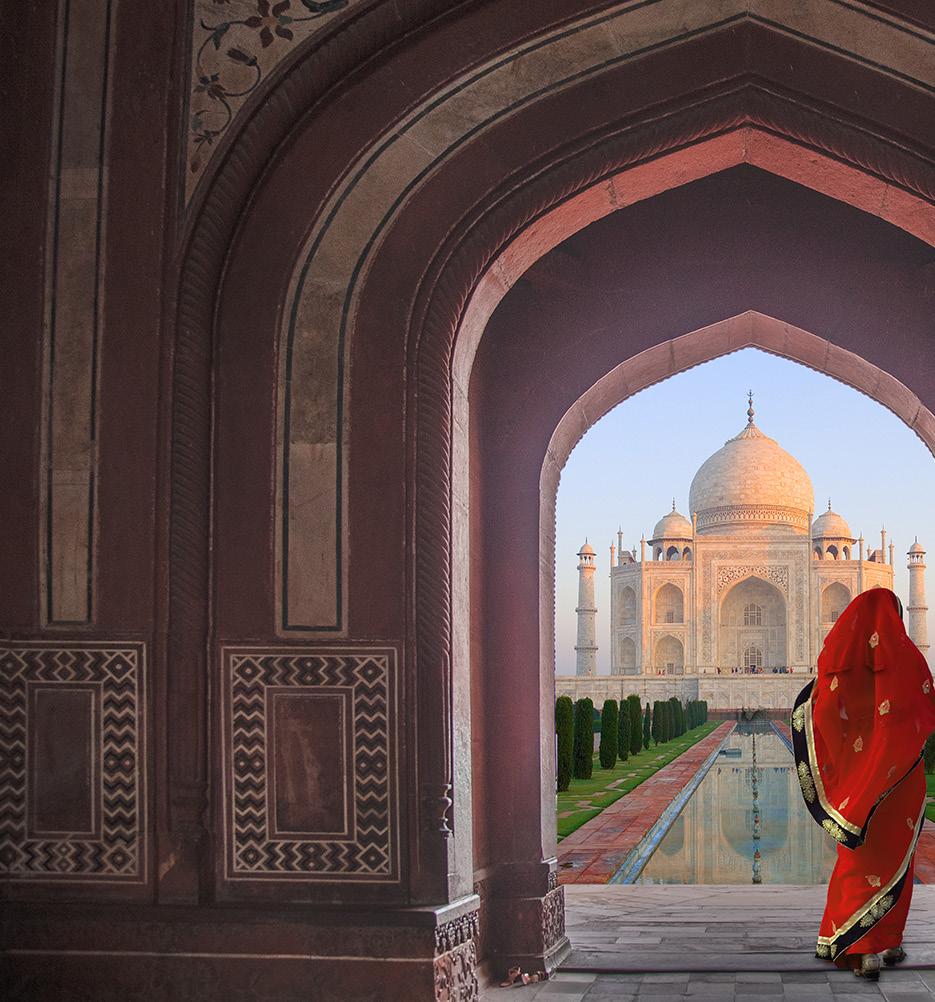
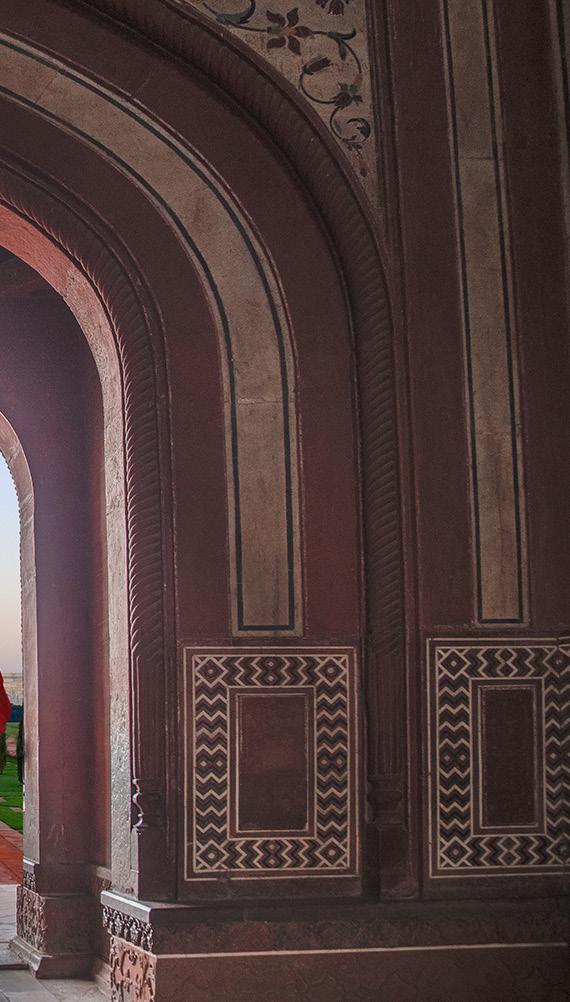
Tthe first time I visited the Taj Mahal in Agra, India, I thought getting up early to photograph the beautiful tomb at sunrise would be devoid of people. Wrong was I! This is India, after all, with one and a half billion people, and it's also the most famous place in the entire country to photograph. I learned that there is a crowd here at sunrise every morning.
There were so many people waiting for the sunrise -- both photographers and non-photographers -- that it was literally imposible to get this shot without other tourists in the frame. This is the picture I had in mind, but with the crowd there was simply no way to do it.
So, there was only one solution. I had to piece it together. I took three separate shots: the archway, the model, and the Taj in sunrise light. I pasted them together in Photoshop later when I got back to my computer. §
‘19 Jan. ‘20
Subject index for past Photo Insight issues
1/3 focus law Jul. ‘15
3D sphere Mar. ‘16
90 degree finder Mar. ‘13
Abstracts in soap Feb. ‘15
Abstracts, Shooting Mar ‘19
Aerial photography Jun. ‘13
Aerial photography Jan. ‘21
African safari May ‘16
AI plus Photograpjhy Oct. ‘23
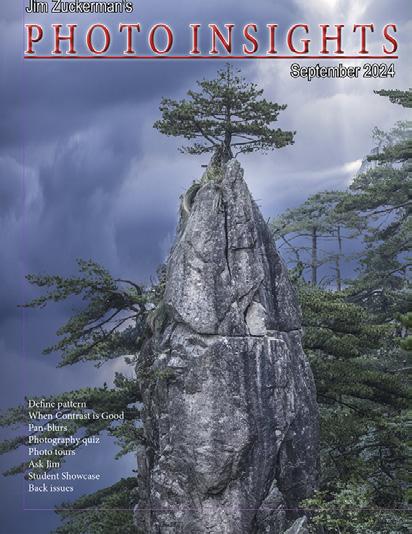
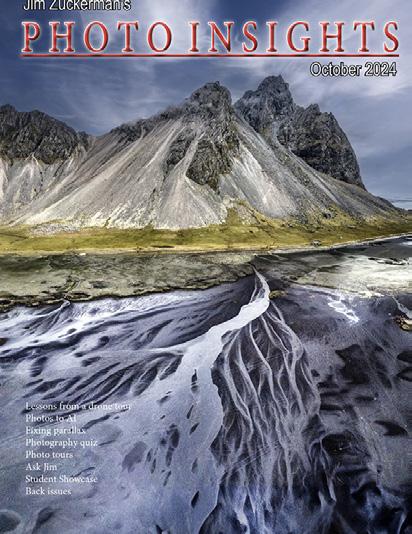
AI, Photos-to-AI Oct. '24
Airplane windows Mar. ‘16
Alien landscapes Jan. ‘13
Anatomy of 8 photographs Jan. ‘16
Anatomy of an Action Shot Feb. ‘24
Angled perspectives Jan. ‘19
Aperture vs. shutter speed May ‘14
Aperture priority Sept. ‘14
Aperture priority and other modes Jul. ‘24
Aurora Borealis Apr. ‘17
Autofocus, When it fails Aug. '25
Auto white balance Dec. ‘13
Autofocus, when it fails Apr. ‘15
Autofocus failure Aug. ‘15
Autofocus failure Jan. ‘17
Autofocus challenges Apr. ‘18
Auto ISO Nov ‘17
Auto White Balance Mar’ ‘21
Autumn Foliage Sep. ‘18
Autumn Color Sep. ‘20
Autumn foliage photography Oct. ‘21
AWB versus Daylight WB May ‘24
Back button focus Oct. ‘18
Backgrounds, wild Nov. ‘12
Backgrounds, busy Apr. ‘13
Backlighting Apr. ‘16
Backlighting Oct. ‘22
Birds in flight Aug. ‘13
Birds in flight Jan. ‘14
Birefringence May ‘18
Birefringence Dec. 24
Birds in flight Mar. ‘16
Birds in flight, camera settings Jan. ‘23
Birds in flight, camera settings Dec. '24
Birds in flight, Strategies for shooting Dec. 25
Bird Photography Jun ‘19
Black backgrounds Aug. ‘23
Blacklight photography Feb. ‘21
Black velvet Mar. ‘14
Black and white conversions Mar. ‘17
Black and white infrared Apr. ‘24
Black and white solarization Sep. ‘17
Black and white with color Jan. ‘20
Black and white plus color Mar. ‘23
Blown highlights Feb. ‘18
Blue monochromes Jan. ‘22
Black Plexy Aug. ‘22
Blur, field Nov. ‘18
Blur technique Oct. ‘17
Bokeh Jun. ‘15
Botanical gardens, shooting Apr. ‘22
Butterfly photography Jul. ‘14
Buying nature Jul. ‘24
Camera buying guidelines
Dec. 21
Camera settings for landscapes Feb. ‘23
Camera setting priorities Jun. ‘17
Canon R5 Mar. ‘21
Capturing lightning Jun. ‘13
Capturing lightning Jun. ‘24
Capturing what we see, Or not Jun. '26
Capturing what you don’t see May ‘21
Catchlights Jul. ‘16
Changing perspective May ‘21
Cheap flash stand Apr. ‘13
Chemical crystals, photographing Mar. '27
Children photography Jun. ‘14
Choosing a telephoto lens Dec. ‘20
Chromatic aberration May ‘13
Chrome Dec. ‘18
Cityscapes Aug. ‘14
Cityscapes May ‘16
Clone tool, fixing an issue Sep. ‘17
Clone tool technique Jul. ‘20
Color theory Nov. ‘23
Composites and Light Dec. ‘17
Composites, Secrets to perfect Jun. ‘24
Compositing images Apr. ‘19
Compositing, 7 steps Jan. 22
Composites, How to make Aug. '25
Composition, different approach Jan. ‘15
Composition tips Jul. '26t
Content-aware, New Aug. ‘20
Content aware move tool Jan. ‘23
Contrast vs. exposure Jul. ‘15
Contrast, When it is good Sep. '24
Converting to black and white Mar. ‘22
Correcting keystoning Jun. ‘21
Creating a star field Jan. ‘14
Creating Art out of Motion May ‘22
Creating a Sketch Dec. ‘17
Creative blurs Jan. ‘14
Custom functions Jul. ‘23t
Dark backgrounds Nov. ‘19
Dawn photography Jan. ‘17
Dawn photography Feb. ‘17
Dead center Jan. ‘13
Dead center Oct. ‘23
Dealing with smog Oct. ‘16
Decay photography Sep. ‘15
Define Pattern Sep. ‘18
Define Pattern Sep. '24
Depth of field Aug. ‘16
Depth of field confusion Jan. ‘20
Depth of field and distance Dec. ‘18
Depth of field and obliqueness May ‘21
Depth of field, shallow Apr. ‘20
Depth of field vs. sharpness Nov. ‘20
Diagonal lines, Using Aug. '25
Double takes Apr. ‘20
Drone flying in winter Feb. '26
Drone photography Mar. ‘23
Drone, Lessons from a tour Oct. '24
Drop shadows Apr. ‘19
Dust, Minimizing Aug. ‘19
Dust specks May '25t
eBook, how to make Jan. ‘13
Elevated vantage points Aug. ‘23
Eliminating people from photos Jun. ‘22
Embedded in Ice Oct. 17
Subject index for past Photo Insight issues
Energy saving bulbs
Sep. ‘14
Equidistance and telephoto lenses Apri. ‘23
Exploring the power visuals of AI Mar. ‘23
Exposing for the sun Sep. ‘16
Exposing for silhouettes Mar. '26
Exposure, the sun
Jul. ‘13
Exposing for snow Dec. '24w
Exposure technique
Exposure, snow
Exposure triangle
Exposure, to the right
Exposure compensation
Exposure compensation
Extension tubes
Sep. ‘13
Jan. ‘14
Nov. ‘14
Apr. ‘15
Sep. ‘16
Mar. ‘21
Dec. ‘13
Extension tubes Jul. ‘23
Face sculpting Apr. ‘21
Face sculpting Feb. ‘22
Festival photography Sep. ‘20
Fill flash Sep. ‘13
Filter forge Feb. ‘13
Fireworks Jul. ‘13
Fireworks, Compositing Jun ‘20
Fisheye lenses May ‘13
Fisheye lenses Feb. ‘15
Fisheye fantasies Oct. 21
Fixing parallax Oct. '24
Flash backlighting May ‘15
Flash, balancing exposure Oct. ‘15
Flash, balancing off-camera Dec. ‘18
Flat art Sep. ‘16
Flexify 2 Mar. ‘20
Flood fixes problems Nov. ‘19
Floral Portraits, Indoors Aug. ‘21
Flowers
Flower photography
Flowers in harsh light
Focus on the eyes
Focus points
Focus points
Focus stacking
May ‘15
Apr ‘21
Jul. ‘16
Dec. ‘20
Mar. ‘15
Sep. ‘20
Mar. ‘17
Focus stacking Aug. ‘19
Fogged lenses
Jan. '26
Focusing in the dark Oct. ‘16
Foreign Dancers, Photographing Nov’ 17
Foreign models Jun. ‘13
Fractals, generating Sep. ‘13
Fractals Jul. ‘19
Framing May ‘17
Framing Jan. ‘24
Freezing ultra action
May ‘17
From Terrible to Beautiful Aug. ‘19
Fun with paint Oct. ‘16
Fundamental ingredients Apr. ‘13
Fundamentals That Make Great Photos Jan. ‘19
Fun With Christmas Lights Jan. ‘21
Fun with Food
Graphic Design
Jul. ‘20
Garish imagery Dec. ‘15
Generative fill Jun. ‘23
Generative fill Jun. '26
Getting money for used gear Jan.’ 22
Getting the blues out Dec. ‘23
Great subjects Apr. ‘15
Great ceilings & HDR Panos Jul. ‘19
Green screen Mar. ‘13
Ground level shooting Oct. ‘22
Grunge technique
Feb. ‘13
Harsh light, the problem of Apr. ‘24
Harsh, Midday light May '26
Heavy Lens Debate, The Feb. ‘23
Helicopters, Shooting from Mar. '25
HDR, one photo Apr. ‘13
HDR at twilight May ‘13
HDR, realistic Jun. ‘15
HDR, hand held Dec. ‘16
HDR, hand held Nov ‘17
HDR, hand held Jul. ‘18
HDR panoramas Jun. ‘16
HDR, choosing the number of frames Jun. ‘22
High wind Apr. ‘17
Highlights Apr. ‘14
Highlights, overexposed Feb. ‘15
Histograms, Why I Don’t Use Jun ‘19
Histogram problems Apr. ‘20
Home nature projects Jun. ‘23
Hotels with a view Mar. ‘20
Humidity Oct. ‘13
Hummingbird photography Apr. ‘13
Hyperfocal distance Jul. ‘13
Image resizing Aug. ‘18
Implying motion Sept.‘14
Impossible DOF Feb. ‘16
Impossible DOF Jan. ‘17
Impossible metering situations Feb. '26
Indestructible camera bag Dec. ‘14
Infrared photography Jul. ‘14
Insane ISO settings Dec. ‘22
Interiors Oct. ‘15
iPad: Loading photos Aug.‘17
iPhone photography, pros and cons Apr. ‘22
Jungle photography Dec. ‘14
Kaleidoscopic images Jan. ‘15
Kaleidoscopis images Aug. ‘20
Keystoning Nov. ‘23t
Keystoning, correcting Aug. ‘15
L Bracket Feb. ‘18
L Bracket Feb. ‘21
Landscape photography Dec. ‘12
Landscape photography Apr. ‘14
Landscape photography Nov. ‘16
Landscapes, Post-processing May '26
Layer Masks, The Power of Feb. ‘22
Leading Lines Aug. '24
Lessons Learned from Extreme Cold Feb. ‘24
Light fall-off Feb. ‘14
Light painting Dec. ‘21
Lighting a face Oct. ‘13
Lightning photography May ‘20
Liquify Feb. ‘18
Liquify Distortions Sept/Oct. ‘19
Lenses, Essential Aug. ‘23
Long lens portraits Oct. ‘18
Long Lenses for Flowers Jul. ‘20
Low light photography May ‘15
Luminar 4 Jan. ‘20
Macro flash Nov. ‘12
Macro flash Sep. ‘14
Subject index for past Photo Insight issues
Macro flash
Aug. ‘15
Macro flash Aug. ‘22
Macro flash advantage
Feb. '25
Macro photography and DOF Feb. ‘22
Macro trick
Managing soft focus
Mannequin heads
Metering modes
May ‘19
Jul. ‘21
Apr. ‘16
Nov. ‘16
Meters, How They Work Jul. ‘18
Meters, when they fail Dec. ‘16
Metering situations, Impossible Jul. ‘19
Middle gray Nov. ‘15
Midday sunlight, The Challenge of Feb. '25
Milky Way, Photographing the Aug. '25
Minimizing dust on the sensor Nov. ‘21
Optical infinity Jun. ‘16
Mirrors Jan. ‘19
Mirror images May ‘23
Model shoot Jan. ‘17
Moon glow Oct. ‘16
Mosaics Jun. ‘17
Mundane to Ideal Nov. ‘19
Museum photography Mar. ‘13
Museum photography Aug. '25
Natural Light Portraits Aug. ‘21
Negative space Jan. ‘16
Neon edges on black Aug. ‘14
Neutral Density filters Jun. ‘18
New depth of field preview Mar. ‘24
New shooting style Mar. ‘24
Neutral Density filters and water Mar. ‘22
Night photography Feb. ‘14
Night Safaris Jun. ‘18
Night to Twilight Dec. ‘17
Noise reduction Feb. ‘17
Off-camera flash
Jan. ‘24
Oil and water May ‘20
Online Nature Mar. '25
Organization of photos Mar. ‘18
Out of focus foregrounds Jan. ‘20
Out of focus foregronds Nov. 25
Paint abstracts May ‘13
Paint abstracts Aug. ‘21
Painting with light Sep. ‘15
Pan-blurs Sep. '24
Panning motion Dec. ‘16
Pano-Mirrors with a twist Jan. ‘18
Parades Sep. ‘13
Parallax, Correctingt May '25
Parallelism Nov. ‘19
Parallelism and DOF Feb. ‘21
Perspective, Super Exaggeration of Dec. ‘21
Photo shsaring Apr. ‘23
Photo terms Nov. ‘22
Photographing Christmas Dec. ‘23
Photographing insects Apr. '26
Photography to Art Dec. ‘17
Photography solutions Jan. ‘18
Photoshop, content Aware Nov. ‘12
Photoshop, sketch technique Apr. ‘13
Photoshop, replace background Apr. ‘13
Photoshop, actions palette Dec. ‘13
Photoshop, layer masks Feb. ‘13
Photoshop, the clone tool May ‘13
Photoshop, soft foliage Oct. ‘13
Photoshop, mixer brush tool Sept. ‘14
Photoshop, b & w with color Jun. ‘14
Photoshop, drop shadows Jul. ‘14
Photoshop, creating texture Feb. ‘14
Photoshop, face mirrors Feb. ‘14
Photoshop, liquify Mar. ‘14
Photoshop, face mirrors Aug. ‘14
Photoshop, digital spotlight Sep. ‘14
Photoshop, enlarge eyes Nov. ‘14
Photoshop, darken the periphery Dec. ‘14
Photoshop, mirror images Dec. ‘14
Photoshop, beam of light Apr. ‘15
Photoshop, polar coordinates Mar. ‘15
Photoshop challenge Jan. '26
Photoshop, chrome May ‘15
Photoshop, actions palette Nov. ‘15
Photoshop, cut and paste Nov. ‘15
Photoshop fixes problems Jan. '26
Photoshop, geometrics Oct. ‘15
Photoshop, plugins Oct. ‘15
Photoshop, multiple selections Apr. ‘16
Photoshop, sharpening Apr. ‘16
Photoshop, Flood plugin Apr. ‘16
Photoshop, Desaturation Aug. ‘16
Photoshop, making a composite Aug. ‘16
Photoshop new tool May ‘20
Photoshop, place one element behind Aug. ‘18
Photoshop, the pen tool Feb. ‘16
Photoshop, canvas size Jan. ‘16
Photoshop, using the earth Jun. ‘16
Photoshop, define patterns May ‘16
Photoshop, paste into Nov. ‘16
Photoshop, b & w with color Feb. ‘17
Photoshop, open a closed door Apr. ‘17
Photoshop, palettes May ‘17
Photoshop, My favorite plugins Jan. ‘20
Portrait options Jan. ‘19
Portrait techniques Nov. ‘15
Portraits Mar. ‘13
Portraits, mixed lighting Aug. ‘14
Portrait Professional Nov. ‘19
Portraits, Lens choice Sept/Oct. ‘19
Portraits, side lighting Sep. ‘17
Portraits, window light Mar. ‘15
Portraits, outdoors May ‘17
Post-processing checklist Dec. ‘13
Post-processing: Contrast Aug. ’17
Practicing graphic design, Part I Dec. ‘22
Practicing graphic design, Park II Jan. ‘23
Practicing graphic design, Part III Feb. ‘23
Pre-capturing technology May ‘23
Predictive Focus Sep. ‘18
Problem/solution Apr. ‘17
Problem Solving in Photoshop May ‘22
Problem with cruises Jan. ‘18
Protecting extremeities from the cold Dec. ‘22
Protecting highlights Dec. ‘12
Puppies Jan. ‘15
Puppy photography Feb. ’18
Subject index for past Photo Insight issues
Rays of Light Mar. '25
Reflections Feb. ‘13
Reshaping faces Oct. ‘22
Restoring old photos Jun ‘20
S-curves Aug. '24
Safari May ‘13
Safari strategies Jul. ‘15
Seeing as the lens does Nov. ‘14
Selecting faces Apr. '26
Seeking Cool Snow Photos Jan. ‘21
Selective filtering Mar. ‘18
Selective focus Jun. ‘15
Self-critiques Jul. ‘13
Self-critiques Oct. ‘13
Self-critiques Nov. ‘20
Sensor cleaning Jun. ‘18
Sepia and dark contrast Jun. ‘15
Sepia, Traditional look of Shade May ‘14
Shady side Jun. ‘18
Shadows define the shot Dec. ‘23
Shadows, Paying Attention to Mar. ‘18
Sharp, 6 reasons why photos are not Apr. ‘24
Sharpness problems Mar. ‘14
Shooting from helicopters
Shooting in Inclement Weather Nov. ‘22
Shooting thru glass May ‘24
Shooting through textured glass May ‘23
Shooting through wire mesh Sept. ‘14
Shooting into the light Jun ‘20
Shooting through glass Nov. '25
Side lighting Jan. ‘24
Silhouettes Jun. ‘13
Silhouettes, How to make Apr. ‘22
Silhouettes, Exposing for Sept/Oct. ‘19
Silvered landscapes Mar. ‘20
Sketch, How to Make Jun ‘19
Skies make or break a picture Aug. ‘21
Sky replacement Nov. ‘20
Sky replacement: Uploading photos May '26
Sky replacement strategies Aug. ‘22
Snow exposure Nov ‘17
Snow exposure Nov. ‘19
Soap abstracts Aug. ‘23
Soft light Jan. ‘13
Somethiing fun to try Jul. '26
Smart phone photography May ‘19
Some people are clueless May '25
Stained glass Mar. ‘17
Star photography and noise Jan. ‘18
Stock photography Sep. ‘14
Sunrise & sunset Jan. ‘19
Symmetry Aug. '24
Tamron 150-600mm Apr. ‘14
Ten reasons photos are not sharp Jan. ‘19
Texture, Adding Mar ‘19
Texture Mapping in 3D Jul. ‘21
To Polarize or not to Polarize Jun. '25
Too much lens Jul. ‘24
Topaz AI Gigapixel Mar ‘19
Topaz glow Jan. ‘15
Topaz glow Sep. ‘17
Topaz Impression Sep. ‘15
Topaz Remask 5
Oct. ‘17
Topaz Simplify 4 Dec. ‘12
Topaz simplify 4 Jun. ‘14
Topaz Studio Apr. ‘18
Total solar eclipse, How to shoot Mar. ‘24
Translucency & backlighting Nov. ‘18
Travel photography Feb. ‘ 13
Travel portraits Mar. ‘14
Travel tips Apr. ‘14
Travel photographer’s guide Jun. ‘17
Traveling Lighter Nov. '25
Tripods, not allowed Jun. ‘24
Tweaking exposure on the fly Apr. ‘23
Twilight photography in the rain Apr. ‘19
Twilight, Creating Oct. ‘23
Two subject rule Dec. '25
Tripods Mar. ‘18
Two subject sharp rule May ‘14
Two subject focus rule Jan. ‘20
Two subject focus rule Jun. ‘21
Urban heights Jun. ‘21
Ultra distortion May ‘18
Unusual Panos Nov. ‘22
Upside Down Reflections Aug. ‘21
Warm fingers in winter Nov. ‘15
Water drop collisions May ‘18
What NOT to do in photography Apr. ‘18
When diagonals are distracting Feb. '26
When You Needed a Zoom Aug. ‘21
White on White Dec. ‘20
White on White Nov. ‘23
White on White Jun '26
White vignette Aug. ‘15
White balance Feb. ‘15
White balance, what's the best Jun. '25
White balance, custom Mar. ‘16
White balance, What Jun. ‘23
Wide angle conundrum May ‘19
Wide angle distortion, correcting May ‘24
Wide angle landscape technique Aug. '25
Wide angle lenses Mar. ‘13
Wide angle portraits Nov. ‘14
Wide angle lenses Jun. ‘17
Wide angle lenses: Outside the Box Jun. ‘22w
Wide angle keystoning Nov ‘17
Wildlife photos with wide angles Mar. ‘15
Window light Dec. ‘15
Window light portraits Aug. ‘18
Window light portraits Feb. ‘24
Window frames Feb. ‘16
Winter photography Dec. ‘12
Winter bones May ‘13
Winter photography Dec. ‘15
Winter photography Nov. ‘18
Wire Mesh, Shooting Through Jul. ‘18
White balance Mar. '26
Workflow May ‘13
Subject index for past Photo Insight issues
Quiz answers
1. a 2. b 3. b 4. b 5. a 6. d 7. a 8. c 9. d 10. c Your score
90% - 100%: You could have been a pro
80% - 89%: Your glasses probably need a new prescription