1 minute read
Removing the Camera Module


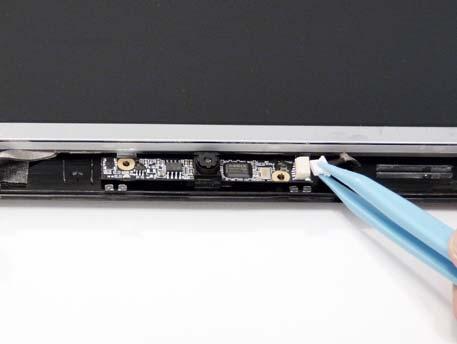
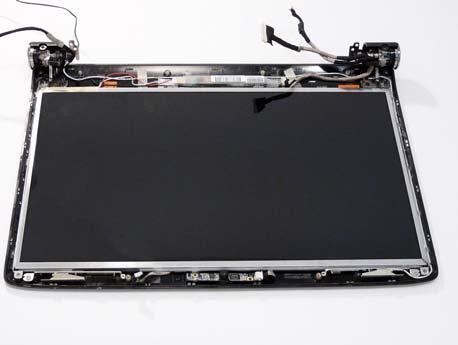
1. Remove the LCD Bezel. See “Removing the LCD Bezel” on page 87. 2. Disconnect the Camera Module cable as shown.
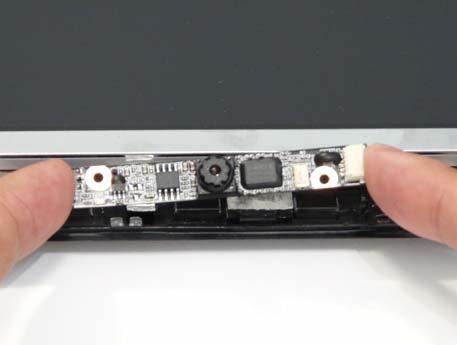
NOTE: If necessary lift the camera module to provide better access to the cables. 3. Place your finger on the ends of the module and pry it away from the cover.