1 minute read
Removing the LCD Panel Hinges


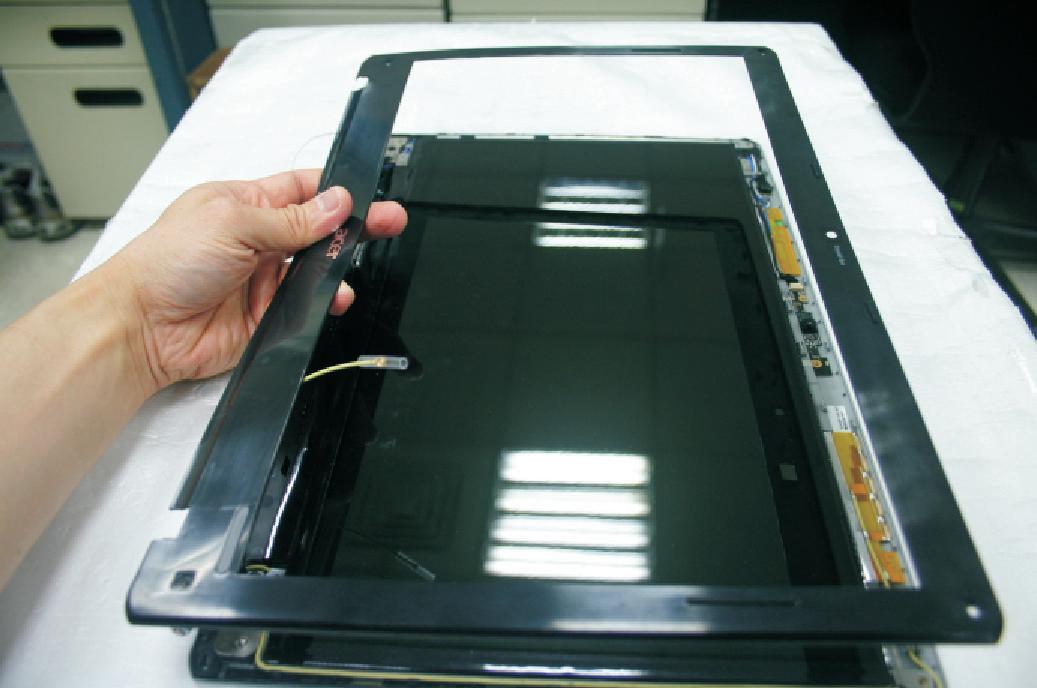
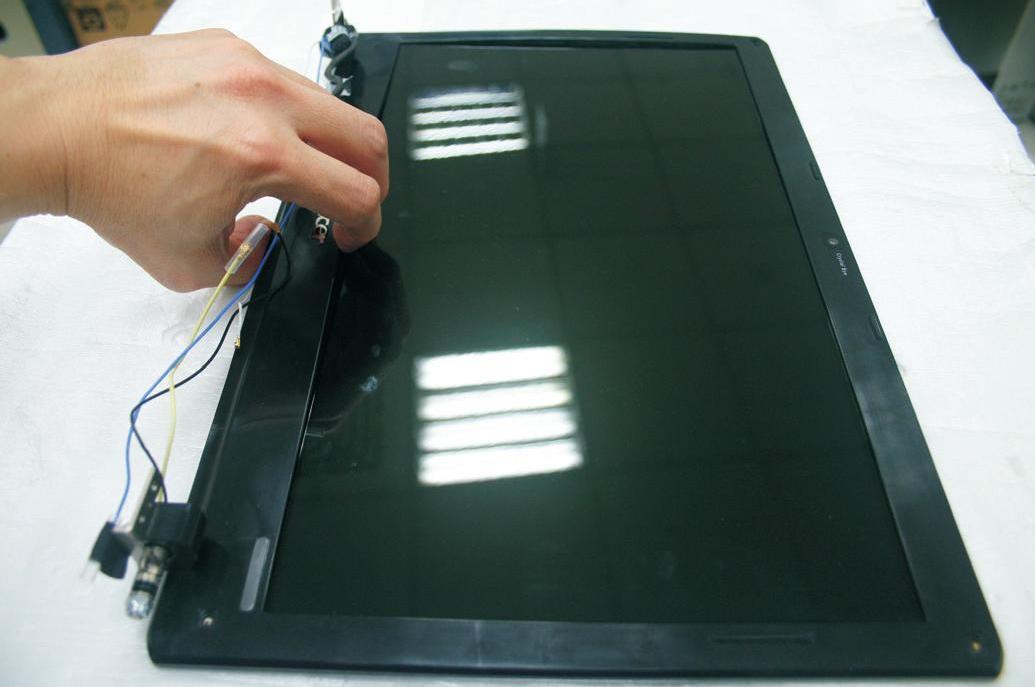
1. See “Removing the Battery Pack” on page 42. 2. See “Removing the Lower Cover” on page 43. 3. See “Removing the Lower Cover” on page 43. 4. See “Removing the Optical Drive Module” on page 44. 5. See “Removing the DIMM” on page 45. 6. See “Removing the Hard Disk Drive Module” on page 46. 7. See “Removing the SSD Module” on page 48. 8. See “Removing the RTC Battery” on page 48. 9. See “Removing the Keyboard” on page 50. 10. See “Removing the WLAN Board Module” on page 51. 11. See “Separating the Upper Case from the Lower Case” on page 52. 12. See “Removing the System Board” on page 58. 13. See “Removing the LCD Module” on page 61. 14. See “Removing the LCD Bezel” on page 70.
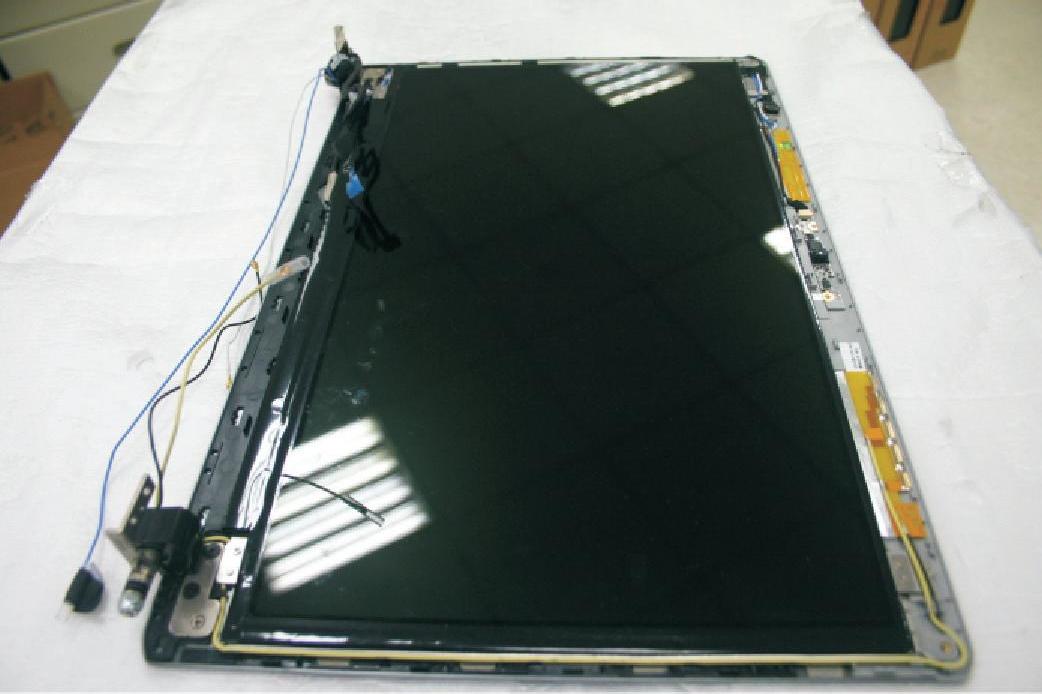
16. Remove the four screws (F) securing the left and right hinges.
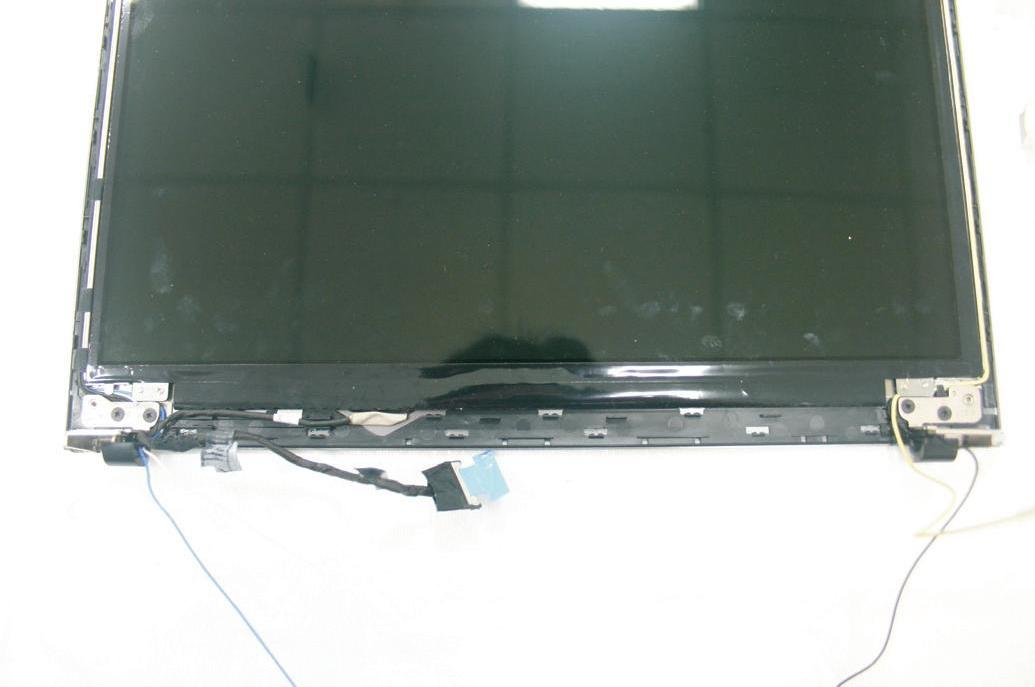
Step Size (Quantity) Color Torque
1~4 M2.5 x L2.5 (4) Black 3.0 kgf-cm
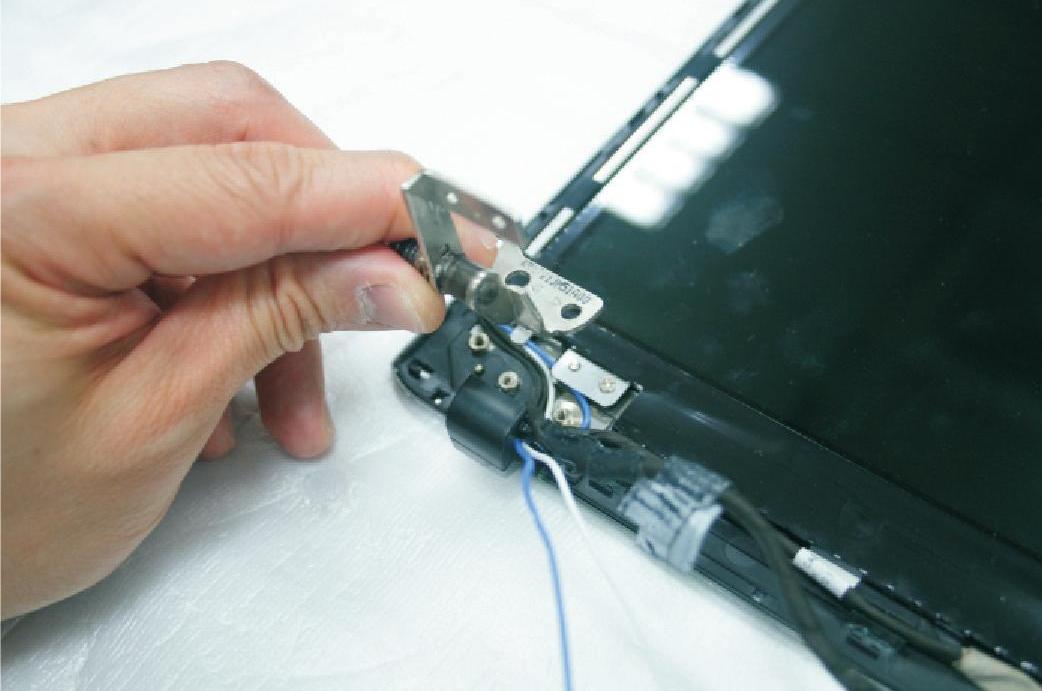
17. Remove the left and right hinges.