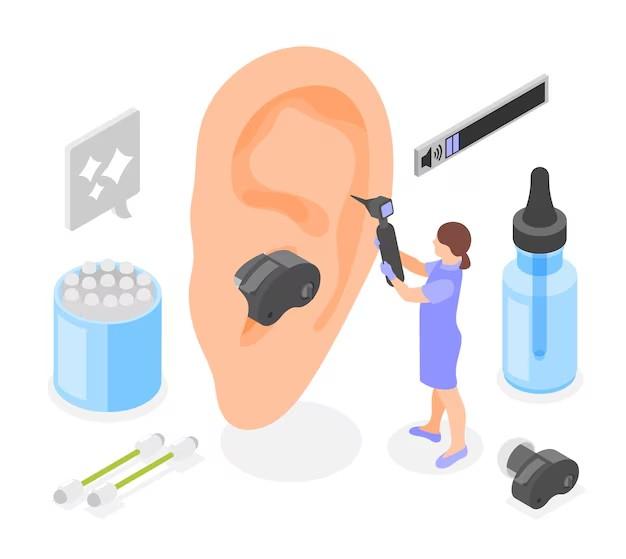
HOW TO RESTART SIGNIA HEARING AIDS?
Presented By : HearSan


INTRODUCTION
Hearing aids are lifesavers, helping users experience the world of sound with clarity. But what happens when your Signia hearing aids stop working or start acting up? Restarting them can often resolve minor glitches and connectivity issues. If you’ve found yourself wondering, how to restart Signia hearing aids?, you’re in the right place!

WHEN SHOULD YOU RESTART?
• Device not responding
• Bluetooth connectivity issues
• Low or no sound output
• Performance glitches
RESTARTING RECHARGEABLE SIGNIA HEARING
AIDS
• Place the hearing aids in the charging case.
• Close the lid and wait for 10 seconds.
• Open the lid and remove the hearing aids—this automatically restarts them.
RESTARTING BATTERY-POWERED SIGNIA HEARING
AIDS
• Open the battery compartment.
• Remove the battery and wait for 10 seconds.
• Reinsert the battery and close the compartment.
• The hearing aid will power on automatically.
RESTARTING VIA SIGNIA APP (IF APPLICABLE)
• Open the Signia app on your smartphone.
• Navigate to the settings and select Restart or Reconnect.
• Follow on-screen instructions.


TROUBLESHOOTING TIPS
• Ensure the battery is charged or fresh.
• Clean the hearing aids before restarting.
• Check Bluetooth settings if using a mobile app.
• Contact Signia support if issues persist.
CONCLUSION & KEY TAKEAWAYS
• Restarting is a simple yet effective troubleshooting step.
• Follow the correct method based on your hearing aid type.
• If problems continue, seek professional assistance.

THANK YOU
Presented By : HearSan