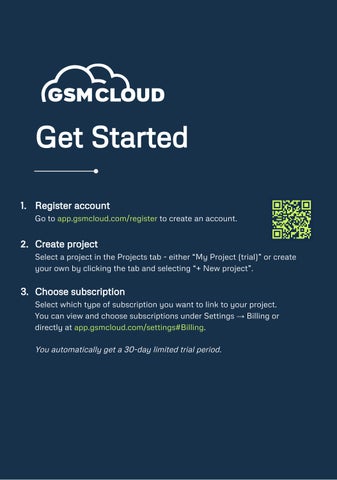

Get Started
1. Register account
Go to app gsmcloud com/register to create an account
2. Create project
Select a project in the Projects tab - either “My Project (trial)” or create your own by clicking the tab and selecting “+ New project”.
3. Choose subscription
Select which type of subscription you want to link to your project. You can view and choose subscriptions under Settings → Billing or directly at app.gsmcloud.com/settings#Billing.
Youautomaticallygeta30-daylimitedtrialperiod
4. Add device
Devices are added under the Devices menu by entering their ID, which can be an IMEI number or a MAC address. Here, you can assign a name to the device and adjust ports and other settings. IMEInumberwillalwaysbeonthesideofthedevicebox.
5. Configure device
You configure and program your devices under the Flows menu. You can create reports under Logs and build your custom Apps under Dashboards. Read more on our helpdesk.
6. Helpdesk
You can find extensive help for GSMCloud that explains all features in detail, with examples and videos.