
Around the world, golfers are still paying for competitions with cash and spare change. This guide demonstrates how golfers can top-up their digital wallet and pay for competition entry fees online or via the Golf Genius mobile app. It removes payment friction, creates a modern payment experience, and saves everyone a bit of time in the process.

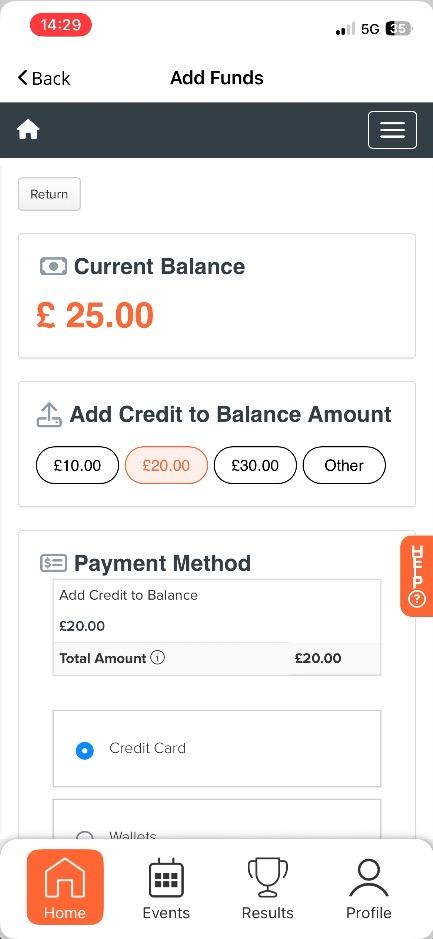



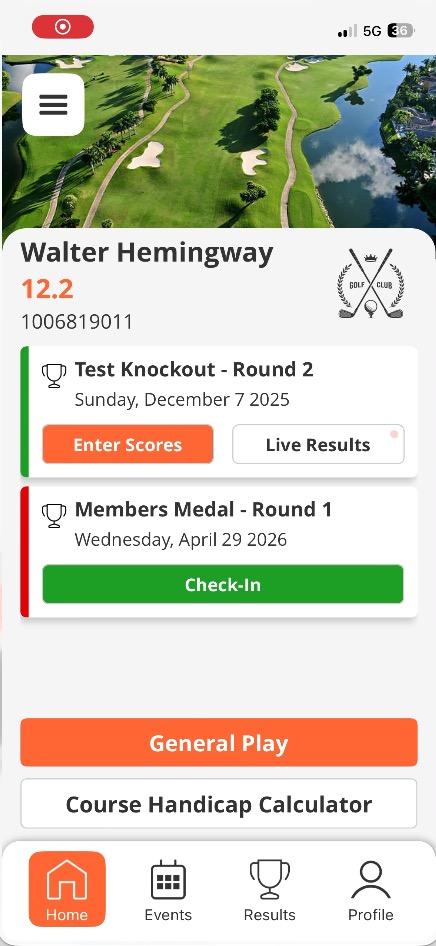


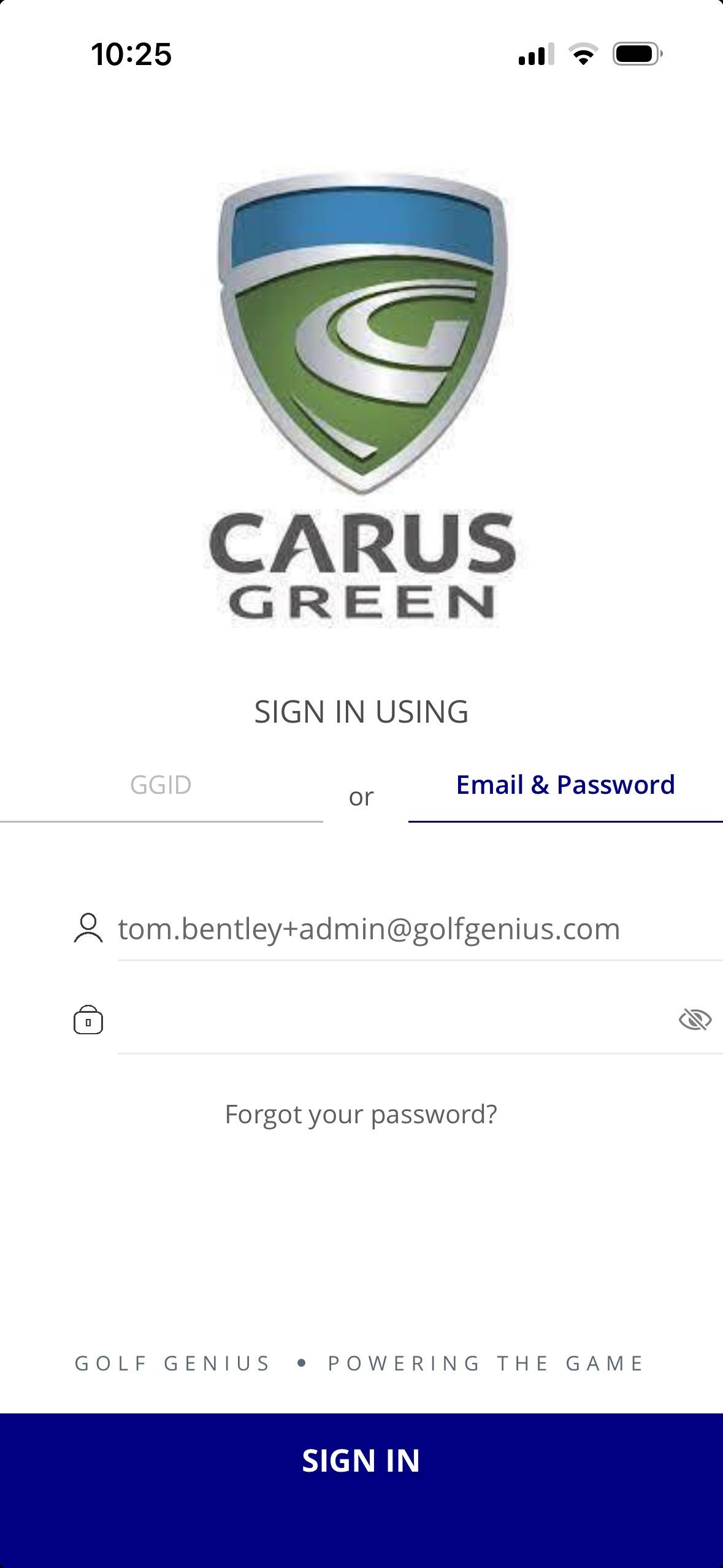

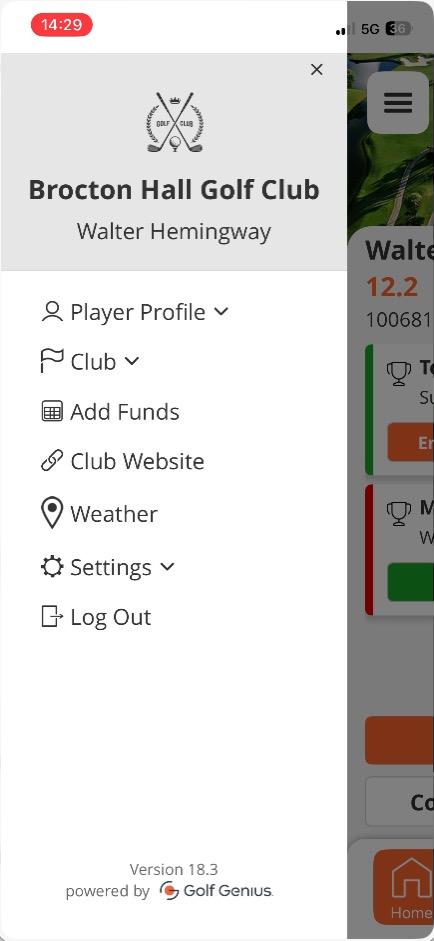
Find the Golf Genius app and log in using your member credentials. Once logged in, select the menu icon in the top left corner of the screen. Then, select the ‘Add Funds’ option in the menu.
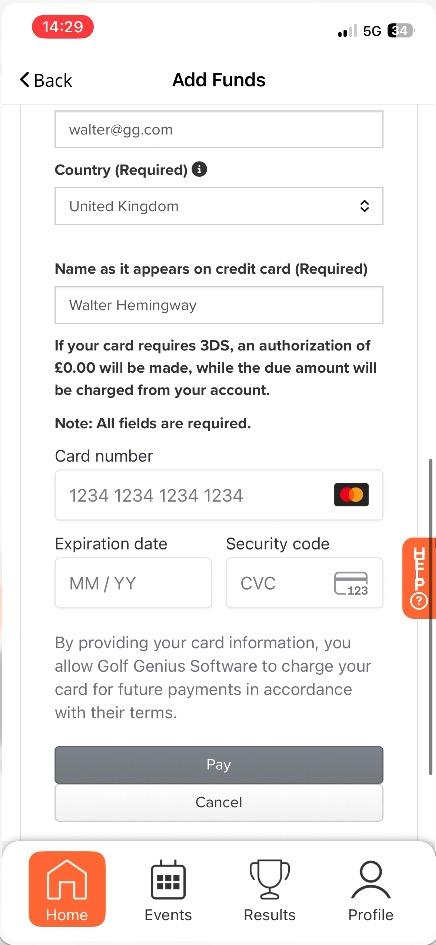
top-up your digital wallet with funds from your credit or debit card.
Select the amount you want to top up and complete the form with your credit or debit card information. Once complete, click pay to complete the process and securely add more money to your digital wallet. Funds will be added to your digital wallet and synchronise instantly with the BRS Members Wallet (if applicable).
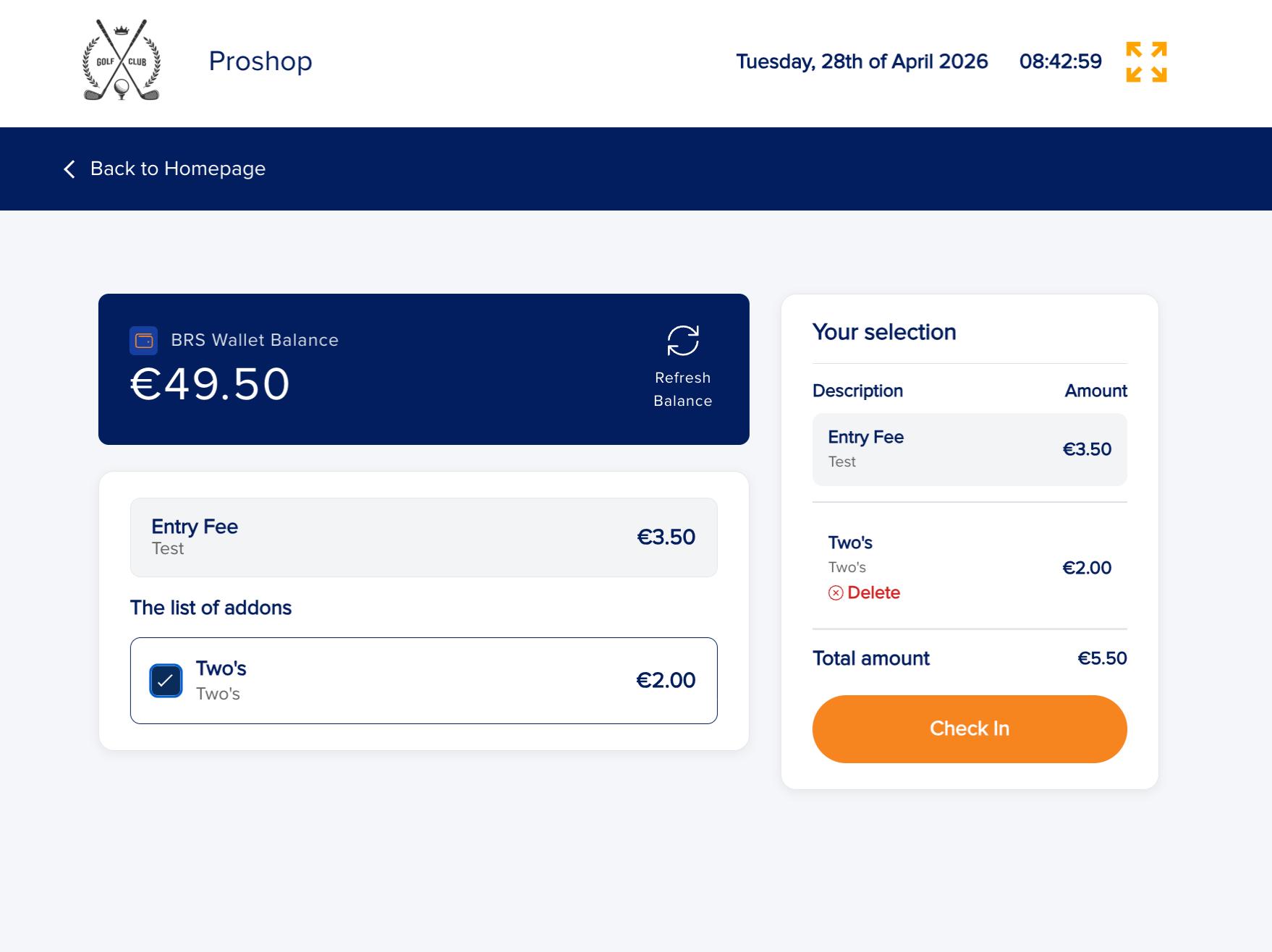
Check-in to your competition using the Score Input Terminal. This is usually located in the Pro Shop or clubhouse foyer. Select the competition you want to play in and on the following screen, you can view competition fees and your current Digital Wallet balance. Select the fees and press ’Check-in’ to complete the process. You will only be able to enter and pay for the items if you have enough funds available on your wallet.