A Quick Guide to Setting Up Your Account
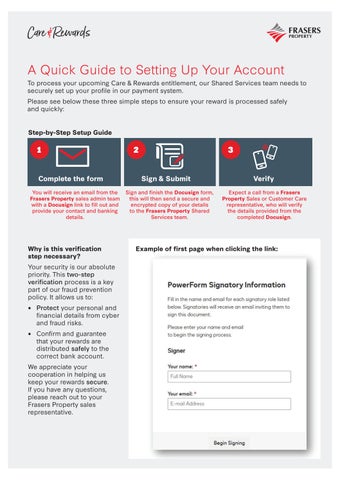
To process your upcoming Care & Rewards entitlement, our Shared Services team needs to securely set up your profile in our payment system.
Please see below these three simple steps to ensure your reward is processed safely and quickly:
Step-by-Step Setup Guide
Why is this verification step necessary?
Your security is our absolute priority. This two-step verification process is a key part of our fraud prevention policy. It allows us to:
• Protect your personal and financial details from cyber and fraud risks.
• Confirm and guarantee that your rewards are distributed safely to the correct bank account.
We appreciate your cooperation in helping us keep your rewards secure. If you have any questions, please reach out to your Frasers Property sales representative.
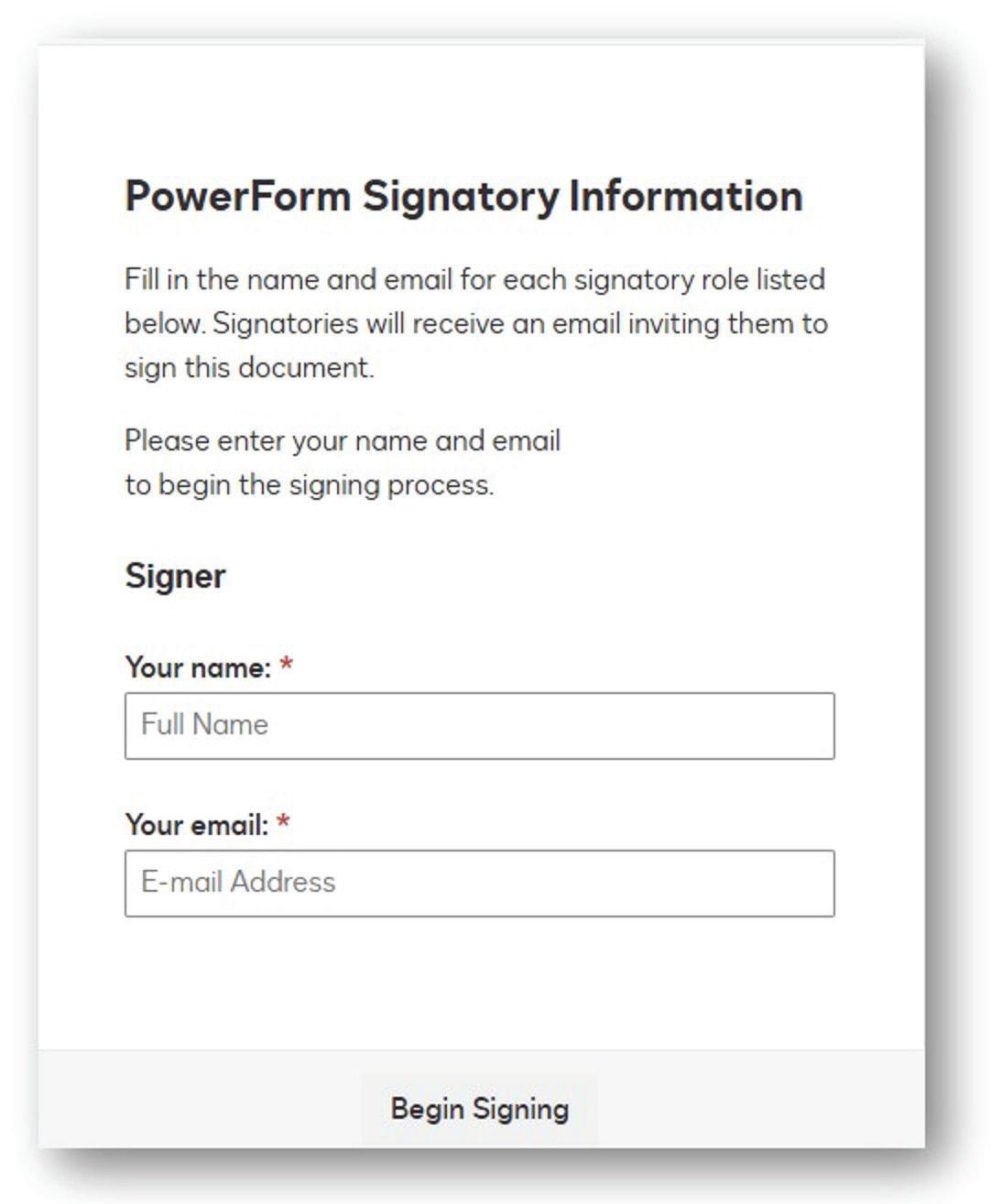
Example of first page when clicking the link:
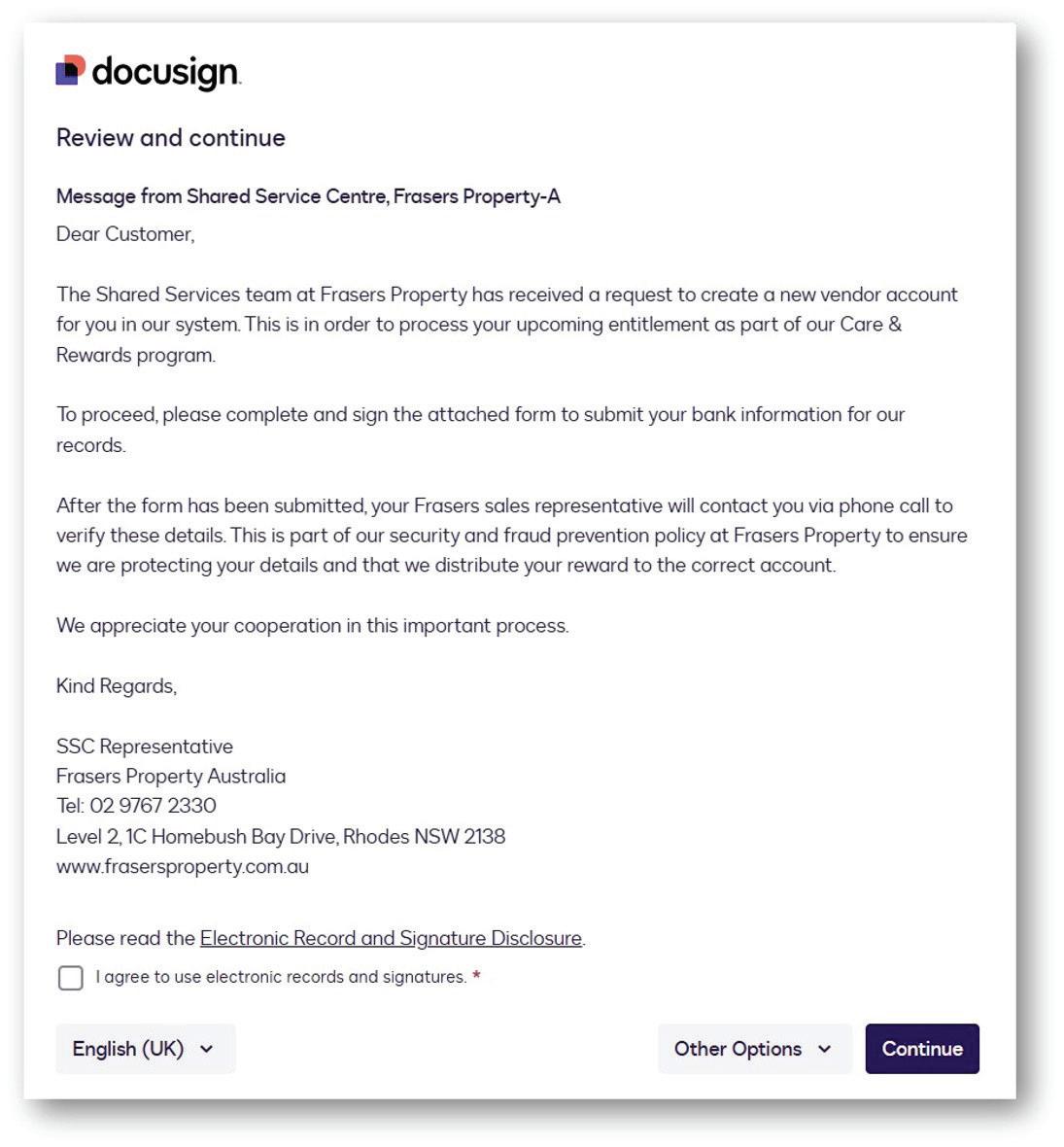
Example of the Introductory message
Example of first page when clicking the link:
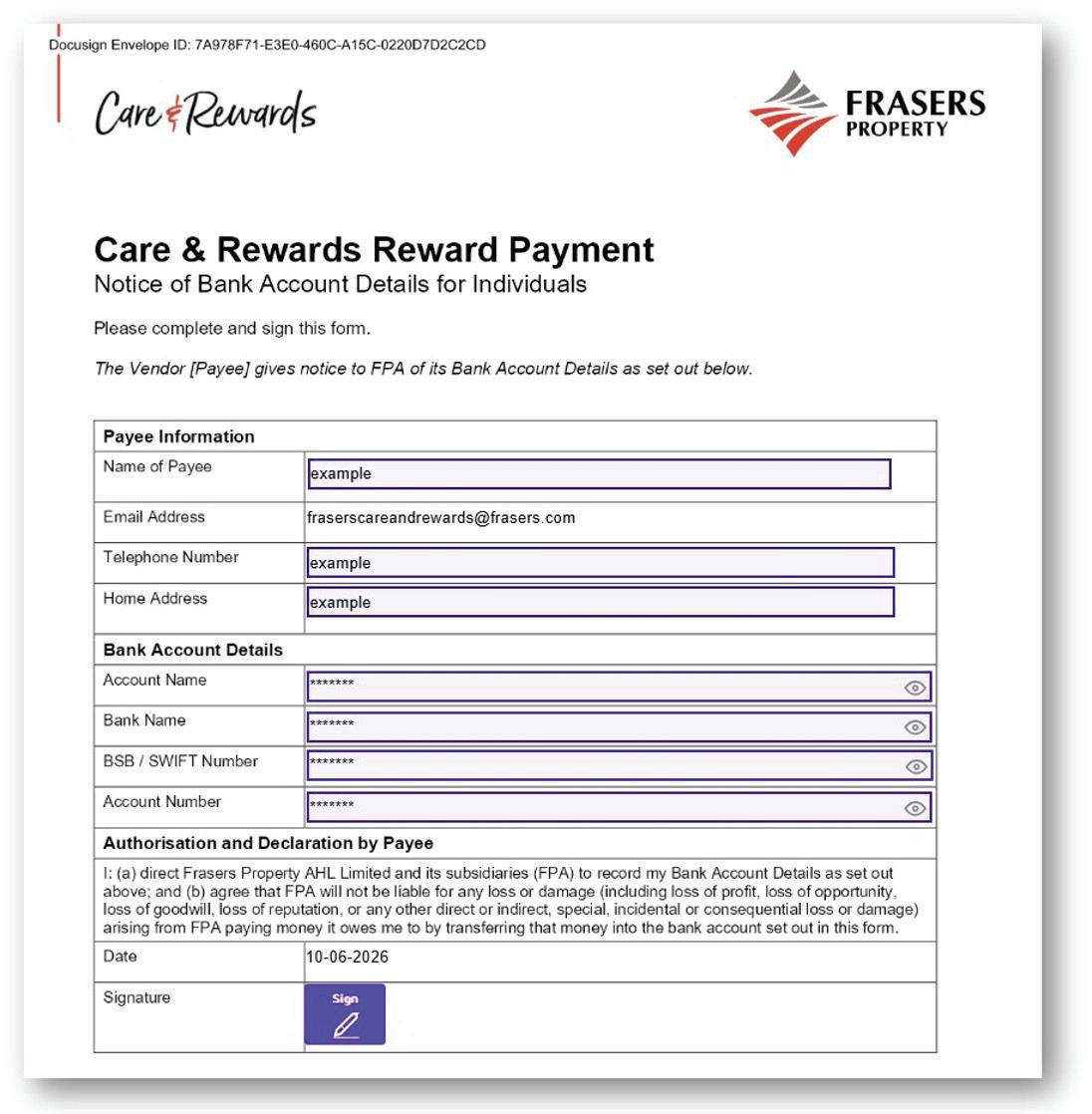
Example of the Care & Rewards - Reward Payment form.