5 minute read
How to Trade Forex on TradingView: Step-by-Step Guide

from Tips Trade
Forex trading is one of the most exciting financial markets, and traders today want tools that combine powerful analysis, social learning, and easy execution. One of the most popular platforms for this is TradingView.
But here’s the key question: Can you actually trade forex on TradingView? The answer is yes—if you connect your broker account. In this guide, you’ll learn step-by-step how to use TradingView for forex trading, from setting up an account to placing your first trade.
What is TradingView and Why Traders Use It
Overview of TradingView Platform
TradingView is a web-based charting and trading platform used by millions of traders worldwide. It provides real-time forex data, powerful charting tools, and social networking features for traders.
Benefits of Using TradingView for Forex
Easy-to-use, beginner-friendly interface
Wide range of technical indicators and drawing tools
Access to forex, stocks, crypto, and commodities
Community-driven with trade ideas from other traders
Available on desktop, mobile, and web browsers
Step 1: Create a TradingView Account
Free vs. Paid Plans
TradingView offers a free plan with limited indicators and features, and paid plans (Pro, Pro+, Premium) with advanced features like more indicators per chart, faster data, and multiple charts on one screen.
How to Use EXNESS On Tradingview
Setting Up Your Profile
Go to TradingView.com
Sign up using email, Google, or Facebook
Customize your profile with your trading focus (Forex, Crypto, Stocks, etc.)
Step 2: Explore TradingView Charts
Customizing Chart Layouts
Once logged in, open a chart and customize it by changing candlestick styles, colors, and background.
Choosing Forex Pairs (EUR/USD, GBP/JPY, etc.)
Use the search bar to find forex pairs like EUR/USD, GBP/JPY, or even exotic pairs like USD/KES.
Step 3: Learn the Basic Tools on TradingView
Drawing Tools (Trendlines, Fibonacci)
You can draw trendlines, support/resistance zones, and use Fibonacci retracement to analyze markets.
Indicators (Moving Average, RSI, MACD)
TradingView offers over 100+ indicators. Beginners can start with:
Moving Averages (MA) → Identifies trends
Relative Strength Index (RSI) → Measures overbought/oversold levels
MACD → Helps spot trend reversals
Timeframes and Multi-Chart Views
You can analyze forex pairs across different timeframes (1m, 5m, 1h, daily) and view multiple charts at once.
Step 4: Connect a Forex Broker to TradingView
How to Link Your Broker Account
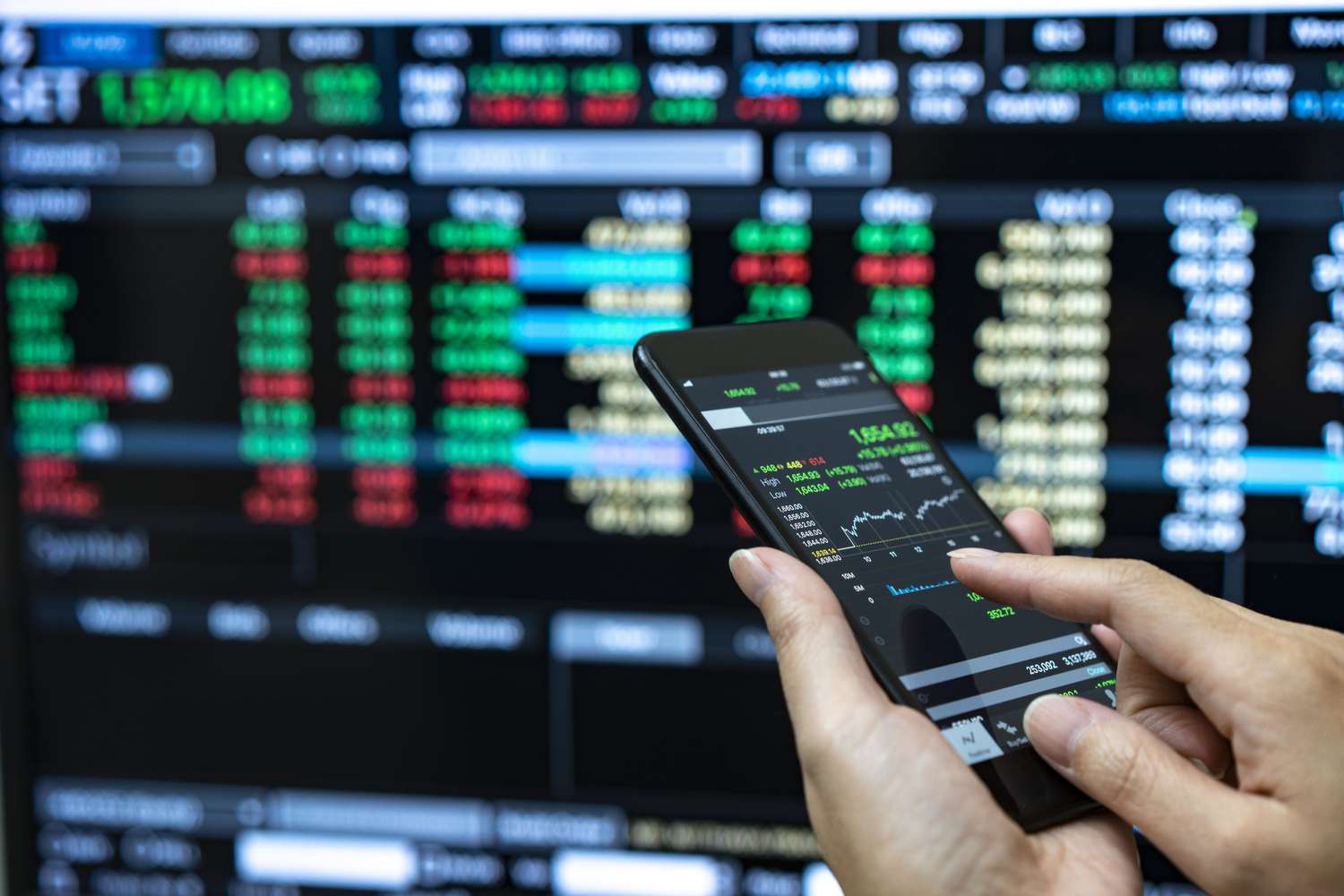
Click “Trading Panel” at the bottom of your TradingView chart
Choose a broker (e.g., OANDA, Forex.com)
Log in with your broker credentials
Your account will be linked directly
Popular Brokers That Work with TradingView
If you don’t have an account, you can open one with OANDA or Forex.com, both widely used for forex trading.
Step 5: Practice with Paper Trading on TradingView
How to Activate Paper Trading
Paper trading allows you to practice with virtual money before going live.
Go to the “Trading Panel”
Select “Paper Trading by TradingView”
Start placing demo trades
Benefits of Practicing Before Going Live
No financial risk
Build confidence
Test strategies safely
See more: How To Change EXNESS chart to TradingView
Step 6: Place a Forex Trade on TradingView
How to Place Buy/Sell Orders
Open a forex pair chart
Click “Buy” if you expect the currency to rise
Click “Sell” if you expect it to fall
Setting Stop Loss and Take Profit
Always use Stop Loss (SL) to protect yourself from large losses, and Take Profit (TP) to lock in gains automatically.
Monitoring Your Trade
Once your trade is open, you can track performance directly on your chart.
Step 7: Analyze the Market Using TradingView Features
Technical Analysis Tools
TradingView provides professional-grade charting tools for analyzing price action.
Fundamental Analysis via Economic Calendar
Use the built-in economic calendar to track forex news like interest rate decisions, inflation data, and central bank announcements.
Step 8: Join the TradingView Community
Sharing and Copying Trading Ideas
TradingView has a massive community where traders share their ideas and setups.
Learning from Experienced Traders
Beginners can follow professional traders, comment on ideas, and even backtest shared strategies.
Step 9: Manage Risk and Improve Your Strategy
Risk Management Tools on TradingView
Use position size calculators
Place SL/TP orders
Track profit/loss in your trading journal
Journaling Your Trades
Keep a record of your wins, losses, and mistakes to improve over time.
Step 10: Upgrade for Professional Features (Optional)
Benefits of Pro, Pro+, and Premium Plans
Multiple charts on one screen
Faster execution
More indicators per chart
Priority customer support
Common Mistakes Beginners Make on TradingView
Trading without practicing in paper mode
Using too many indicators at once
Ignoring stop-loss orders
Copying others blindly without analysis
FAQs: Trading Forex on TradingView
Q1: Can I trade forex directly on TradingView?Yes, but only by connecting a supported broker.
Q2: Is TradingView free for forex trading?Yes, but advanced features require a paid plan.
Q3: Which brokers work with TradingView?OANDA, Forex.com, Pepperstone, and others.
Q4: Can I practice forex trading on TradingView?Yes, via the built-in paper trading feature.
Q5: Does TradingView support M-Pesa or local payment methods?No. Payments and withdrawals depend on your broker.
Q6: Is TradingView good for beginners?Yes, thanks to its user-friendly interface and strong community support.
Conclusion: Start Trading Forex with Confidence
Trading forex on TradingView is beginner-friendly yet powerful. By creating an account, exploring charts, practicing with paper trading, and connecting to a trusted broker, you can start trading confidently.
TradingView isn’t just a platform—it’s also a learning hub with thousands of traders sharing ideas daily. Use it wisely, manage your risks, and you’ll be well on your way to becoming a skilled forex trader.
📖 To explore TradingView features, visit Forex Trading Issuu
See more:
Which forex broker is legal in Dubai?
How to open an EXNESS account in Dubai?