HOW TO CHOOSE THE RIGHT MONITOR ARM
The practical specification guide for modern workplaces
The practical specification guide for modern workplaces
Walk into any office and you’ll see it right away: large monitor stands that take up a lot of desk space, cables running across the desk, and screens that are just not in the right place. In theory, that’s not a problem — almost every monitor nowadays comes with an adjustable stand. In practice, however, these stands are often the cause of a less efficient workplace.
That is precisely why monitor arms have become a fixture in modern office design in recent years. Not because it is necessarily required for ergonomic or regulatory reasons, but because a monitor arm simply makes a workplace function better. It creates space, flexibility, and a professional look — three factors that are becoming increasingly important for organisations.
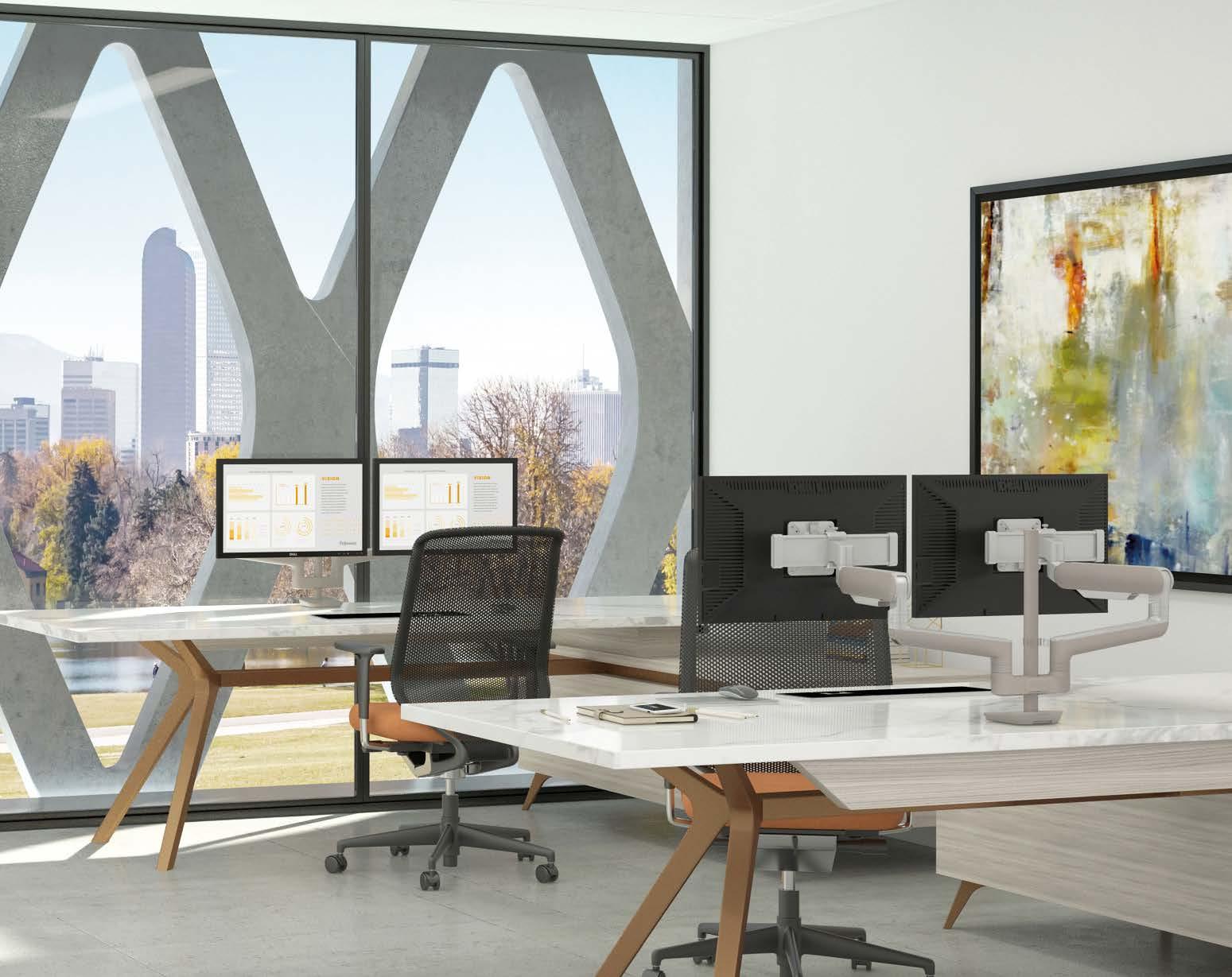
A monitor arm makes it possible to position a screen exactly where it is needed. This creates more space on the desk, makes screens easier to align, and allows workstations to be more easily adapted to different users or situations. For organisations that work with flexible workstations, sit-stand desks, or multiple screens, this is often the difference between a workstation that “works” and one that functions really well.
The result is not only a more pleasant workplace for employees, but also a more efficient use of office space.
Every effort has been made to ensure that the information in this document is current and accurate. However, Fellowes cannot guarantee and accepts no legal liability or responsibility for the accuracy or completeness of the information provided. If you discover an error or have additional information, please contact us at nlinfo@fellowes.com
Many organisations are discovering that monitor arms have a surprisingly large impact on the quality of workstations. While a standard monitor stand is often seen as a natural part of a screen, in practice it often causes limitations.
The right monitor arm changes that completely. Instead of a fixed position on the desk, the screen is given a freely positionable place in the space above the worktop. That may seem like a small difference, but in daily practice it offers several advantages.
For example, a workplace with monitor arms offers considerably more usable desktop space. This creates a tidier work surface and makes it easier to work with documents, laptops, or other devices. In addition, screens can be positioned much more precisely, which is especially important in multi-monitor setups. Other factors also play a role for organisations. Monitor arms contribute to a sleek, professional look for workstations and help to organise cables neatly. They also make workstations more flexible, which is important in offices where workstations are shared or change regularly.
In practice, organisations often choose monitor arms because they:
• Create more space on the desk
• Make workstations more flexible
• Simplify multi-monitor setups
• Better organise cables and equipment
• Give office interiors a professional look
The result is a workplace that not only works better for employees, but is also easier to manage for IT and facility management.
Although the range of monitor arms seems vast, the choice is actually quite straightforward. In most situations, the right arm is determined by four simple questions:
1 2 3 4
Is the workplace fixed or flexible?
How will the arm be mounted?
Is there a partition wall or bench setup?
How many monitors are used?
The first and often most important choice is the type of monitor arm. A distinction is usually made between static and dynamic arms.
A static monitor arm is adjusted manually and then remains in the same position. This type of arm is ideal for workstations where a single user works in the same place for long periods of time and where the position of the screen hardly needs to be changed. In such situations, a static arm is a stable and cost-effective solution.
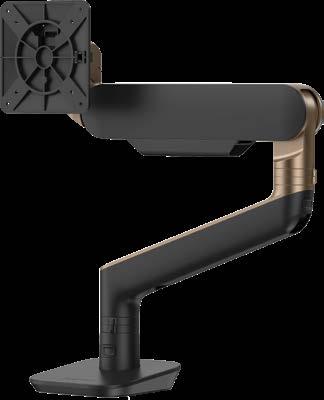
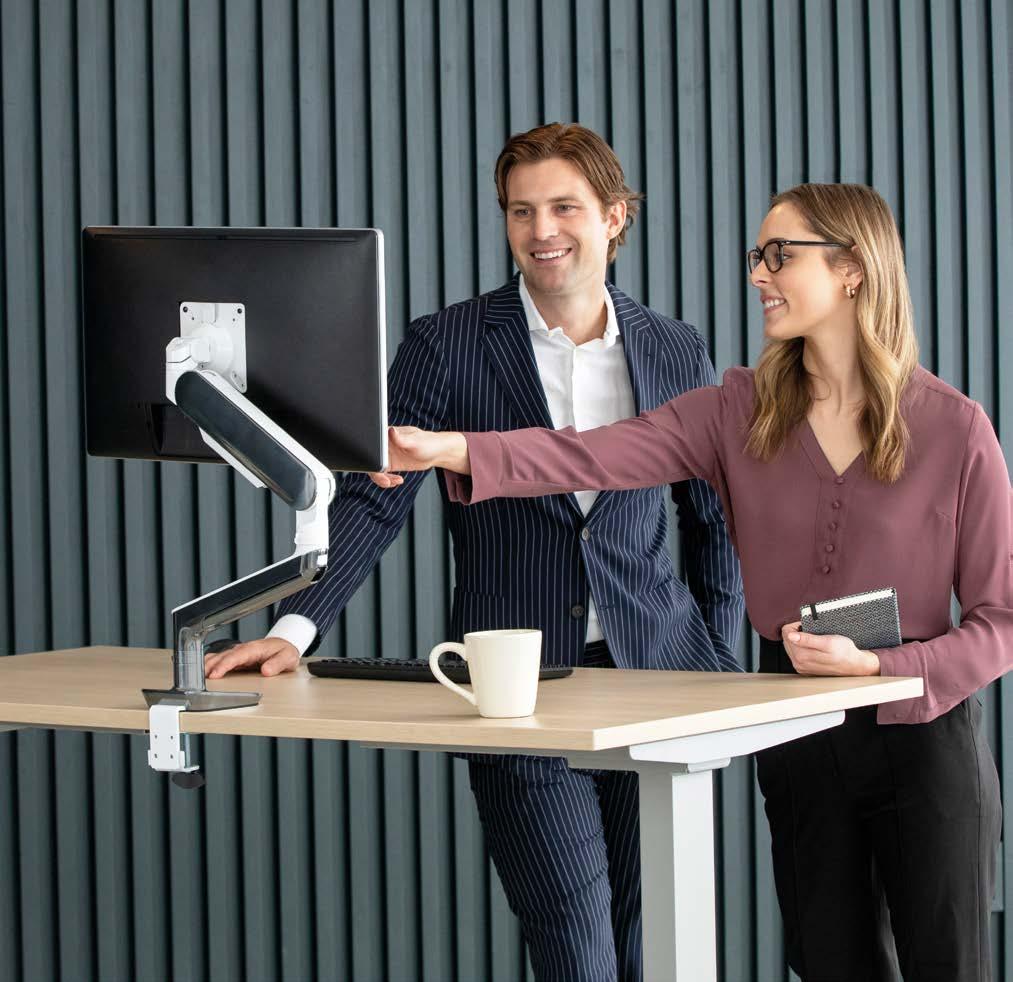
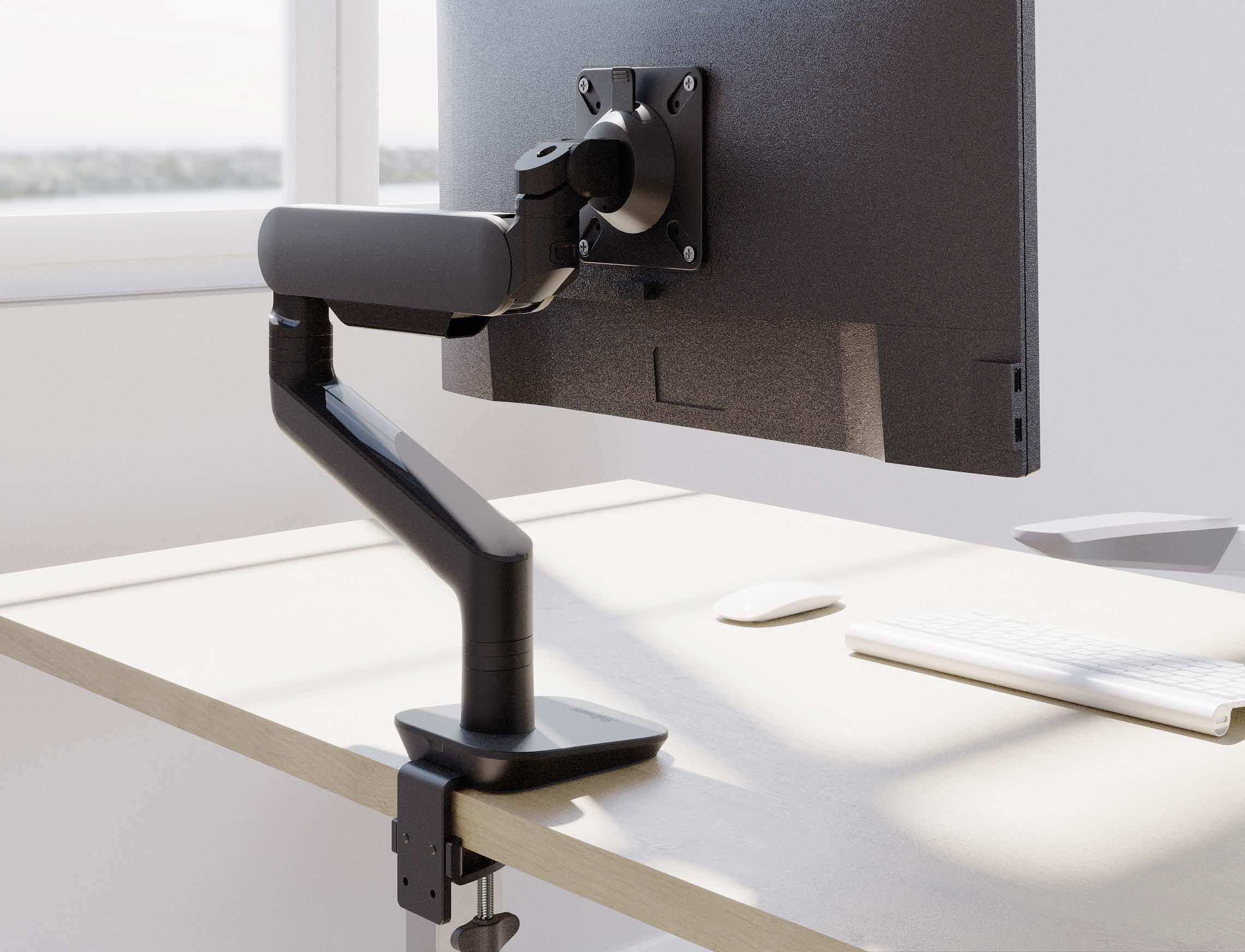
However, in modern office environments, dynamic monitor arms are increasingly being chosen. These arms use a gas spring or mechanical spring, allowing the screen to be easily adjusted with one hand. This allows users to quickly adjust their screen to their preference or working posture.
This is a major advantage for flexible workspaces, shared workspaces, and sit-stand desks. After all, when different users work in the same place, it must be possible to quickly adjust a screen without tools or complicated settings.
That is precisely why dynamic monitor arms are now the standard choice in many new office projects.
THE
Once it is clear what type of arm is needed, the next question is: how is the monitor arm attached to the workstation?
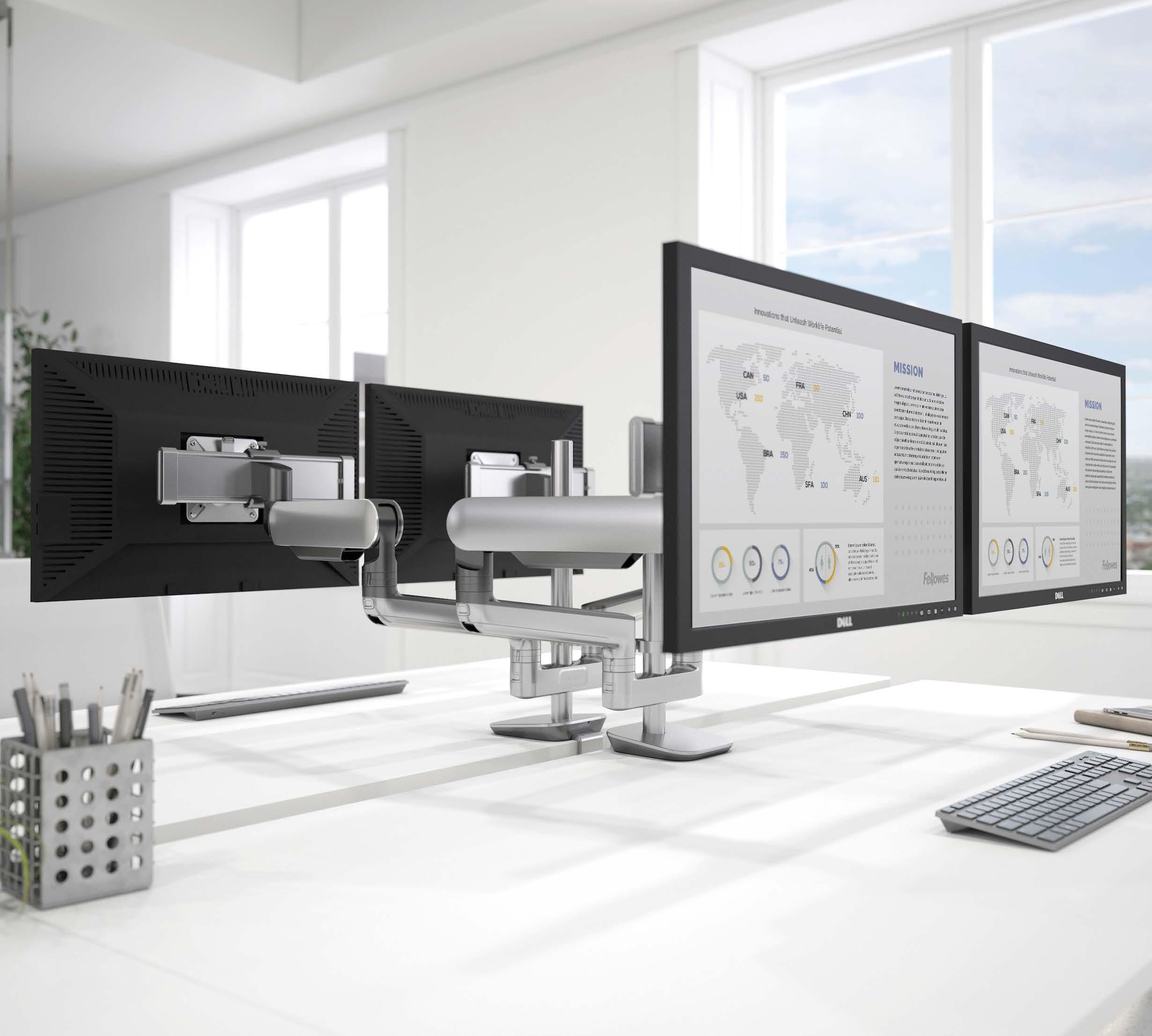
The most common method is a desk clamp or top mount clamp. This simply attaches the arm to the edge of the desk. This solution is popular because installation is quick and easy and no modifications to the desk are required.
Another commonly used option is a grommet mount. This involves mounting the arm through a hole in the desktop. This ensures a very stable construction and a sleek, minimalist look. Keep in mind, however, that the position of the hole can only be determined once.
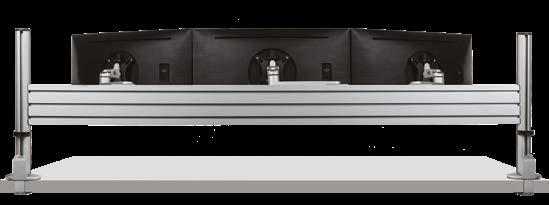
For larger workstation setups, for example with multiple monitors or additional accessories, a modular rail system can be an interesting solution. This allows multiple arms and accessories to be combined into one integrated system.
In some situations, mounting on the desk is not desirable or possible. Think, for example, of reception desks, narrow worktops, or medical environments. In such cases, wall mounting can be a practical solution.
In modern offices, workstations are often arranged in bench configurations, with desks facing each other and separated by acoustic panels or privacy walls.
These types of configurations sometimes require a slight adjustment in the choice of monitor arm. When an arm can rotate freely, there is a risk that a screen will turn against a wall or a colleague’s screen. That is why monitor arms with a built-in rotation stop are available. This limits the arm’s rotation, keeping the screen within a safe zone. In many situations, a 180-degree rotation stop is sufficient to prevent collisions.
In addition to the type of arm and mounting, the number of screens is also an important factor.
For workstations with a single monitor, a single monitor arm is usually sufficient. The most important technical parameter here is the load capacity of the arm, so that the screen is supported safely and stably.
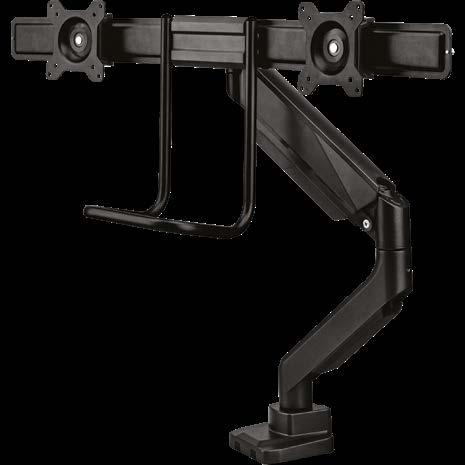
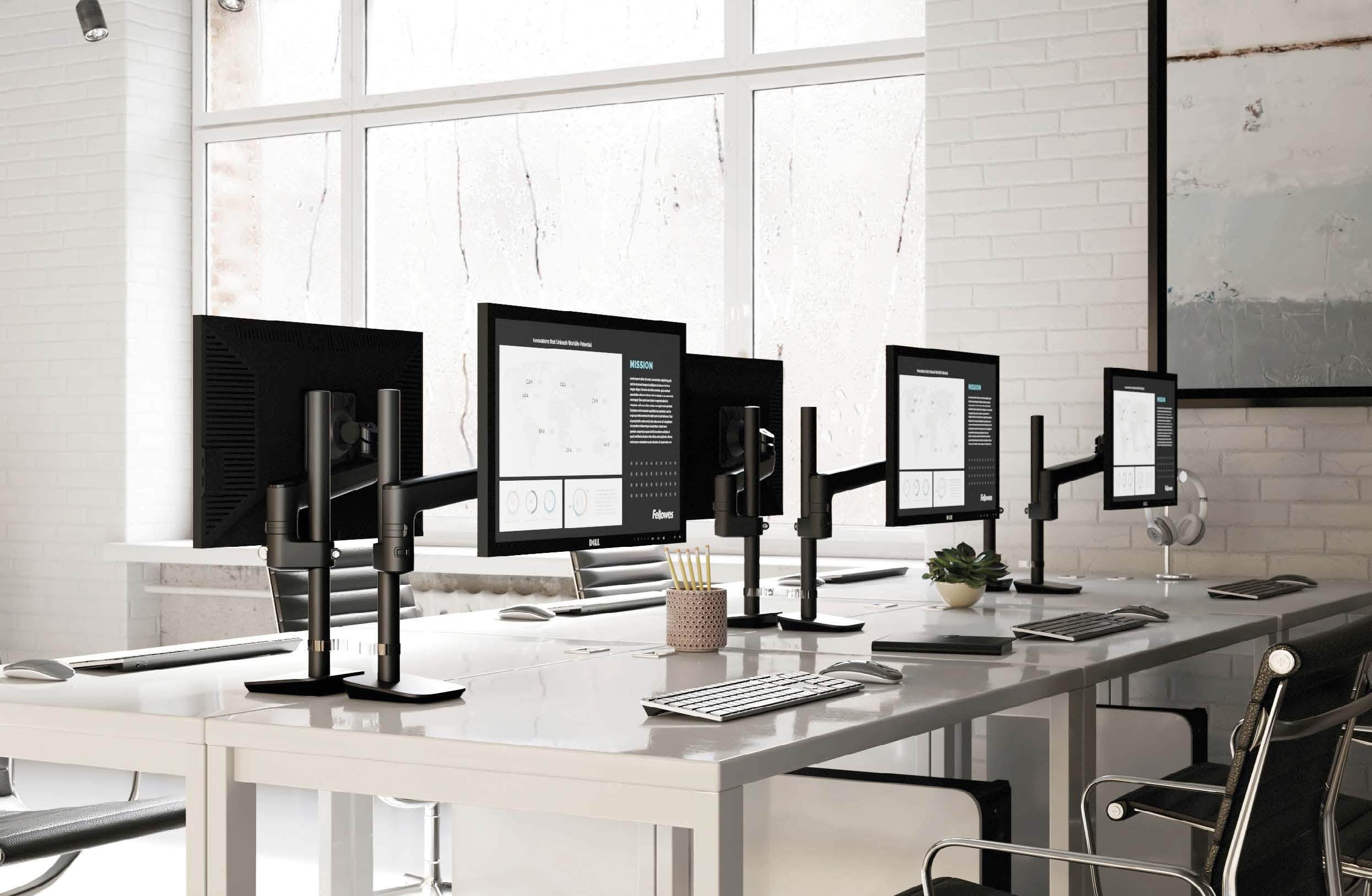
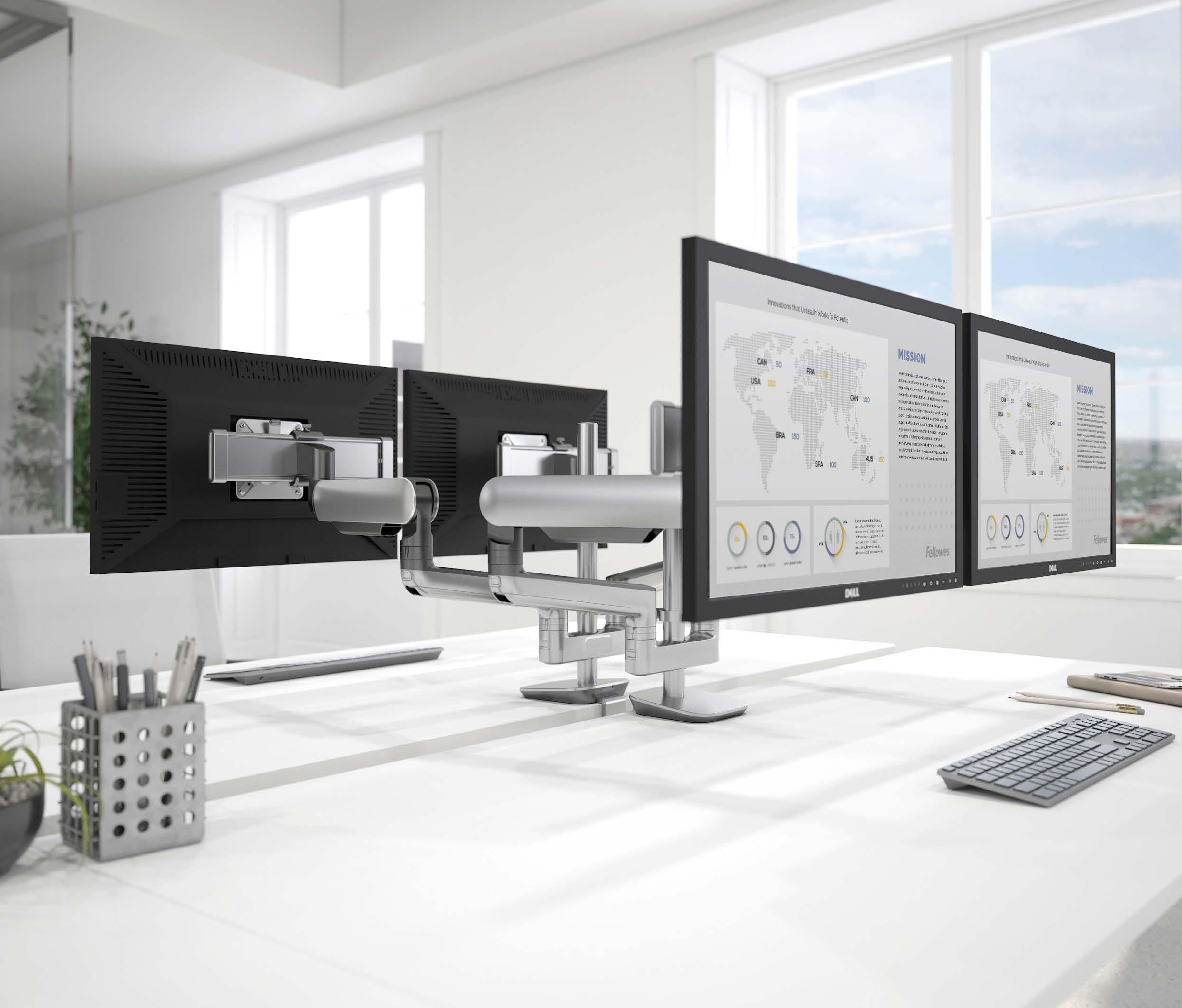
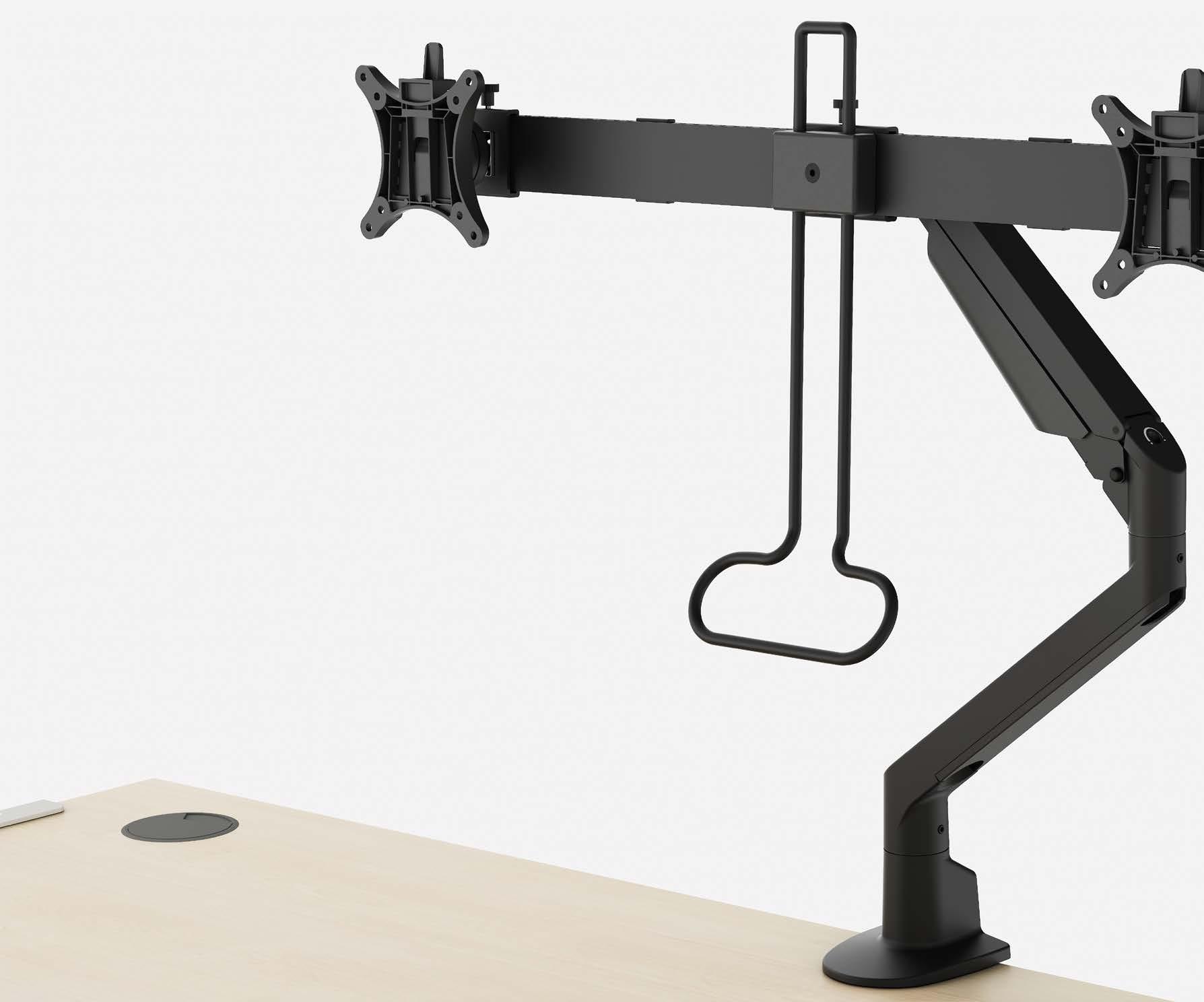
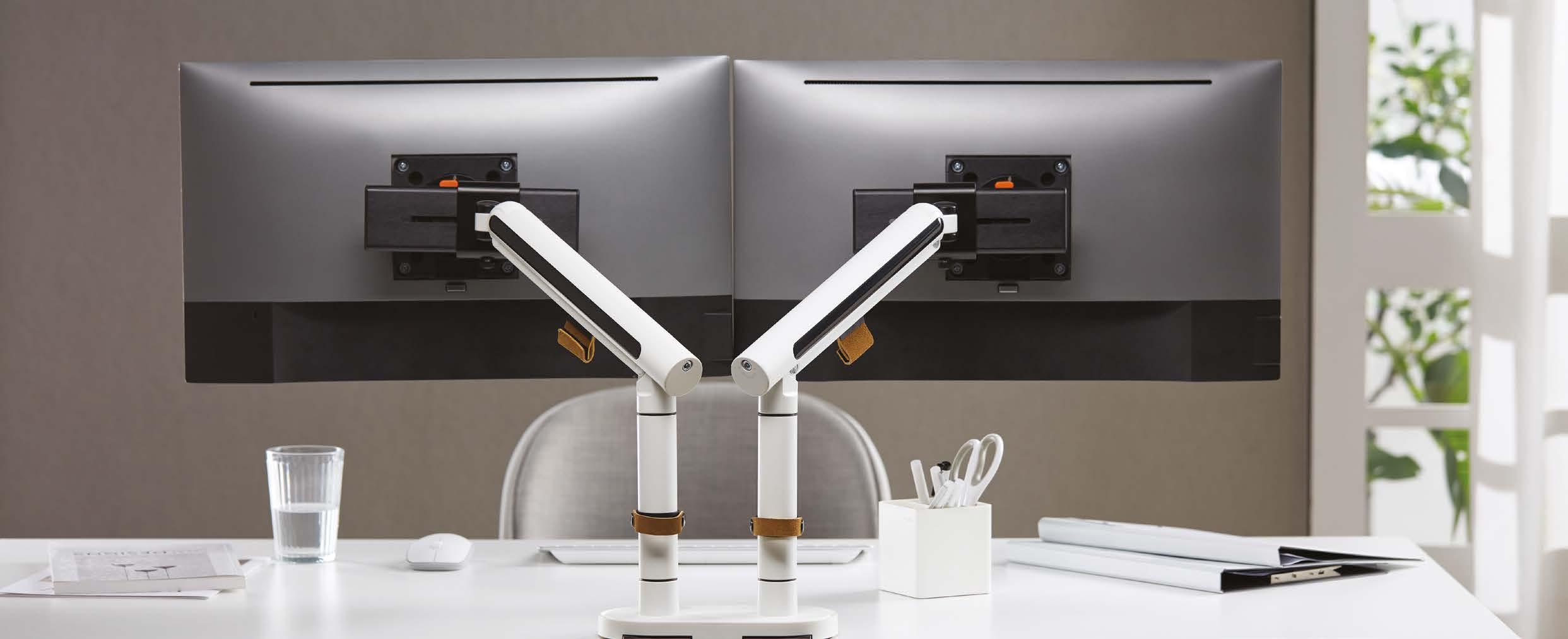
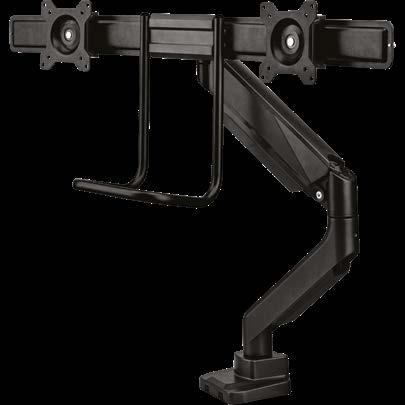
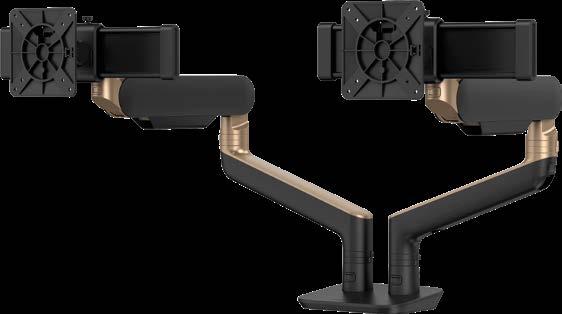
For workstations with two monitors, various configurations are possible. Sometimes two independent arms are used, allowing both screens to be adjusted completely independently. In other situations, a crossbar solution is chosen, whereby two screens are mounted side by side on a single bar.
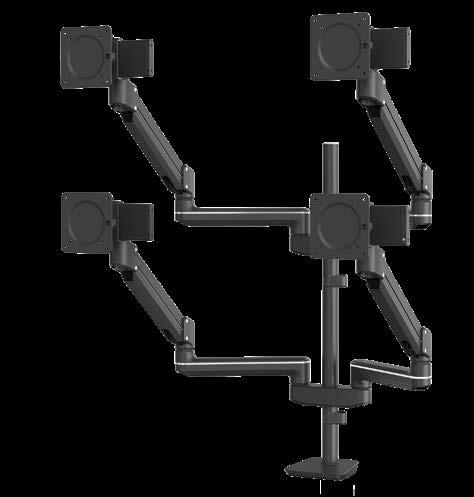
Modular systems are often chosen for more complex setups with three or more screens. These make it possible to place multiple screens in rows or clusters, for example in control rooms or specialised workplaces.
The emergence of ultrawide and curved monitors has changed the requirements for monitor arms. These screens are often wider and have a different center of gravity than traditional monitors.
Therefore, when choosing a monitor arm, it is important to consider not only the weight of the screen, but also the maximum width and load capacity of the arm. A practical rule of thumb is that a monitor should ideally use no more than about three-quarters of the maximum load capacity of an arm. This leaves sufficient margin for stability and future upgrades.
The value of monitor arms often becomes most apparent when you look at the daily practice of different roles within an organisation.
For IT managers, for example, monitor arms provide greater standardisation. Workstations can be set up more uniformly and equipment can be managed more easily.
Facility managers mainly see the advantages in terms of space utilisation and flexibility. Workstations can be set up more efficiently and are easier to adapt when organisations grow or change.
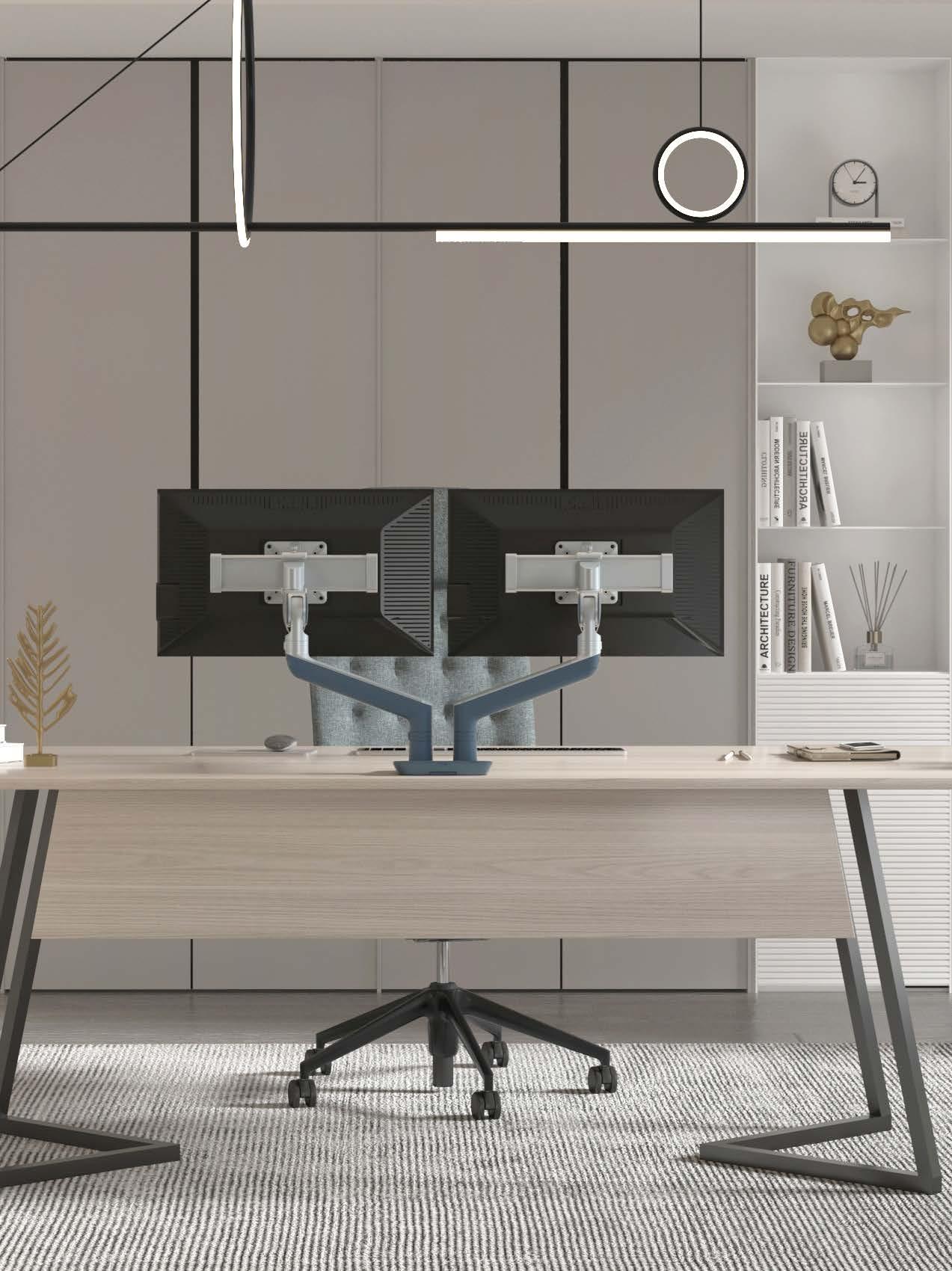
For architects and interior designers, monitor arms are often a way to create a sleek and minimalist workplace. Integrating cables into the arm and positioning screens freely above the desk creates a calmer and more professional design.
Although monitor arms are available in many variants, in most situations the choice comes down to a few simple decisions.
In practice, you can often determine the right solution by considering:
1 2 3 4
Once these factors are clear, the range of possible solutions quickly becomes much more manageable.
1.
Dynamic (gas spring)
Flexible workspace / Sit-stand desk with alternating users? Dynamic arms can still be an option for this kind of setting, dependent on user requirements.
A fixed position that rarely needs adjusting?
Is there an acoustic screen/partition or a workstation directly behind it?
Rotation stop can still be helpful to avoid extension of the arm beyond the footprint of the workstation.
Is there a sturdy desk edge available that is suitable?
Would you prefer a ‘clean’ installation, or do you have a cable entry hole?
Are you unable or unwilling to mount it on the tabletop (no edge, fragile tabletop, need to maximise space)?
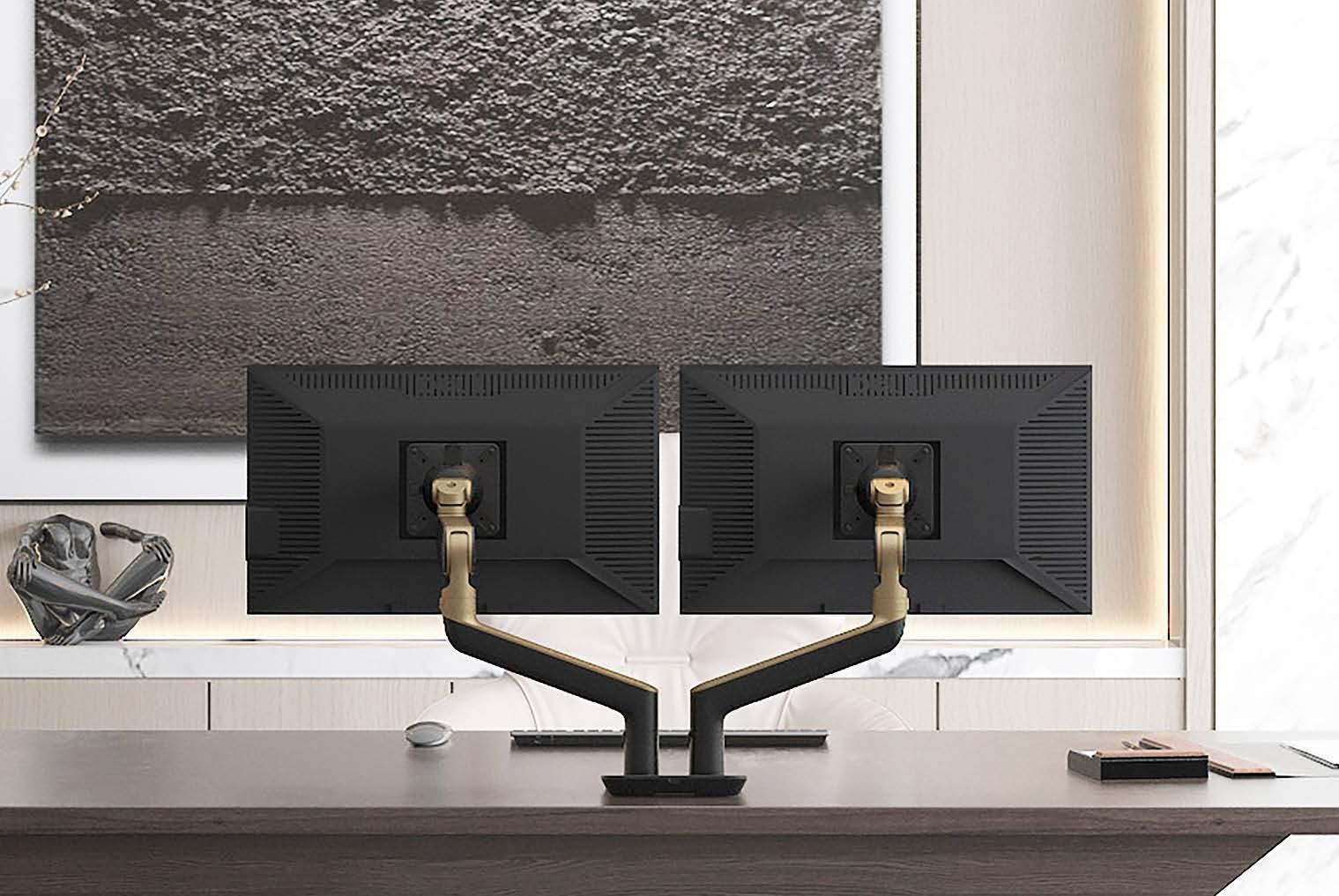
Monitor arms are sometimes seen as an accessory for a workplace, but in practice they are often one of the most effective upgrades you can make. They create space, make workplaces more flexible, and ensure a sleeker and more professional look. In addition, they help organisations to better standardise workplaces and make them future-proof. That is precisely why more and more organisations are choosing to no longer view monitor arms as an optional addition, but as a standard part of modern workplace design.
Not because they have to. But because it simply works better.