How to register on Binance website
You can easily register a Binance account with your email address on the website in just a few steps.
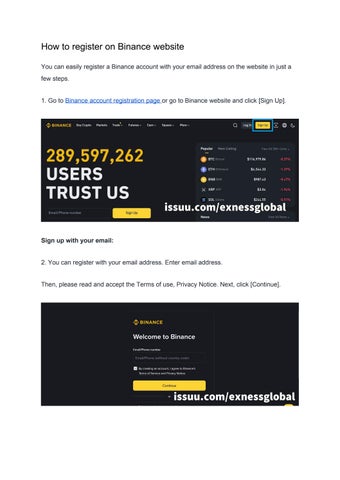
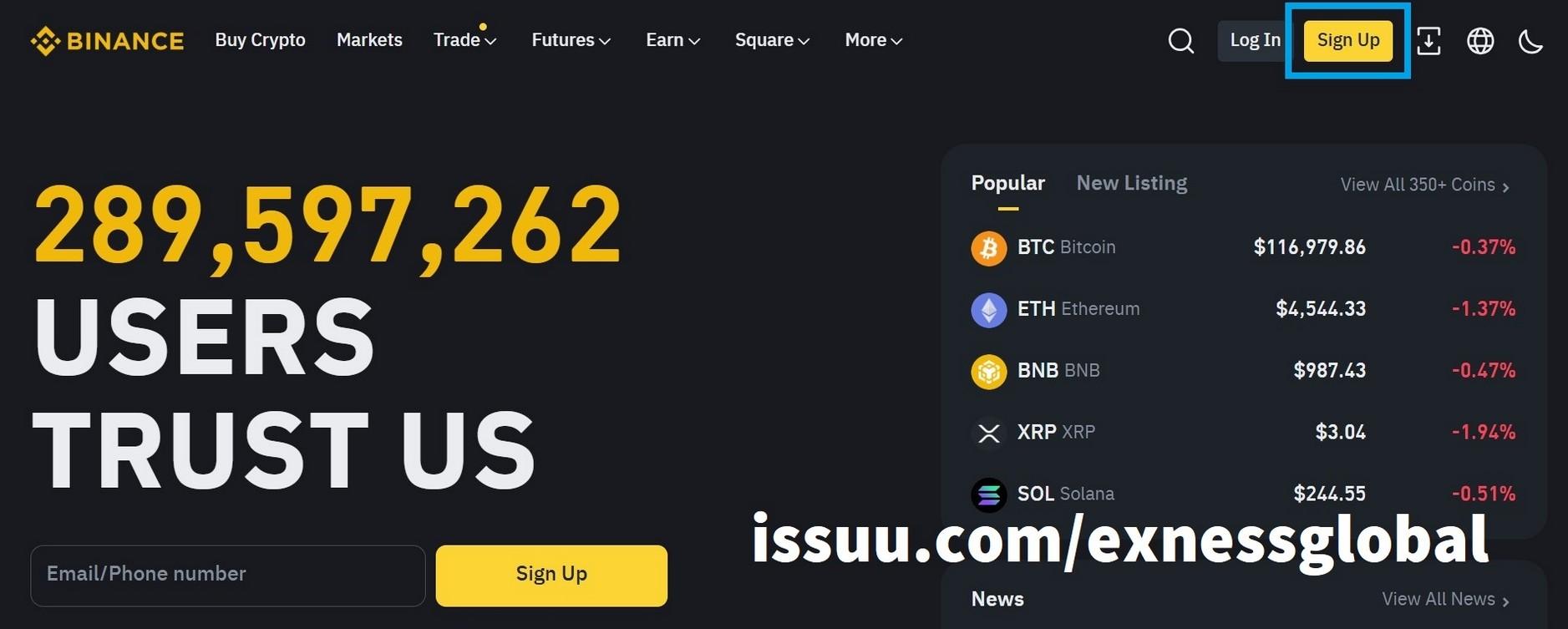
1. Go to Binance account registration page or go to Binance website and click [Sign Up].
Sign up with your email:
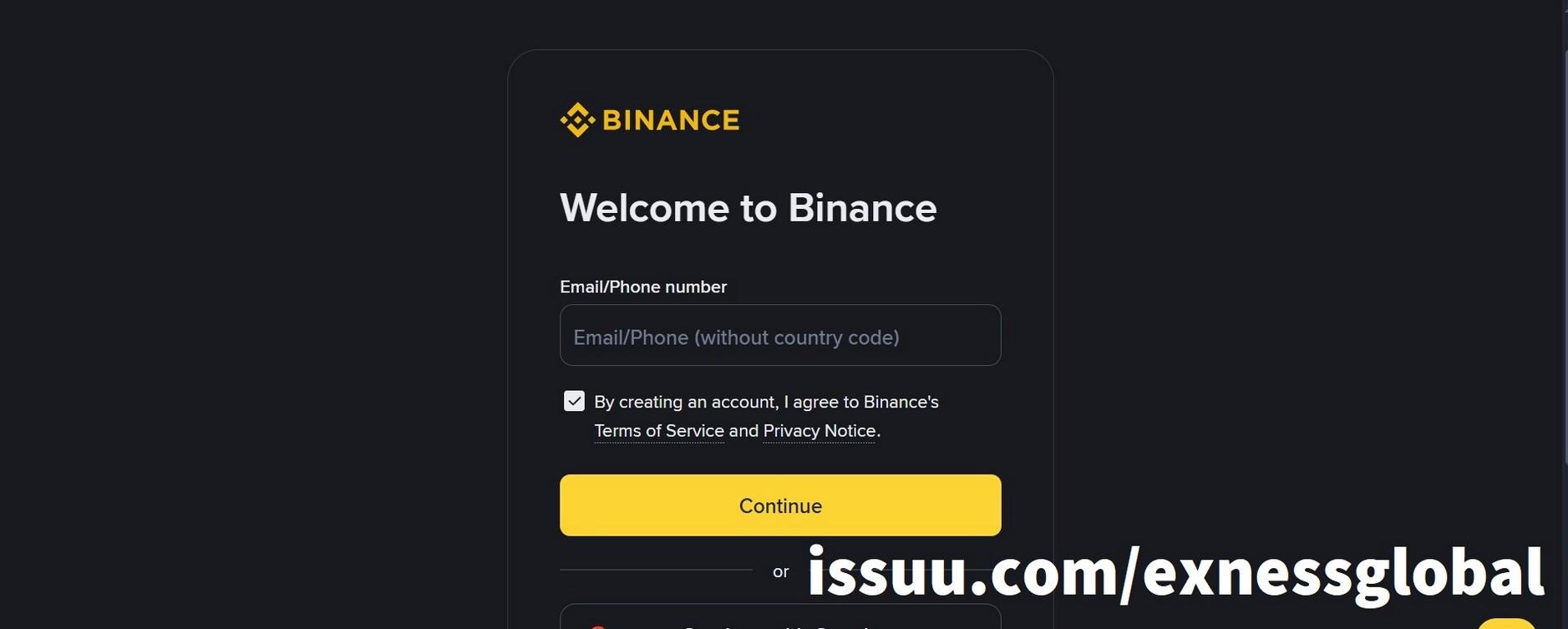
2. You can register with your email address. Enter email address.
Then, please read and accept the Terms of use, Privacy Notice. Next, click [Continue].
3. Binance requires you to verify your email by entering the code sent to your registered email.
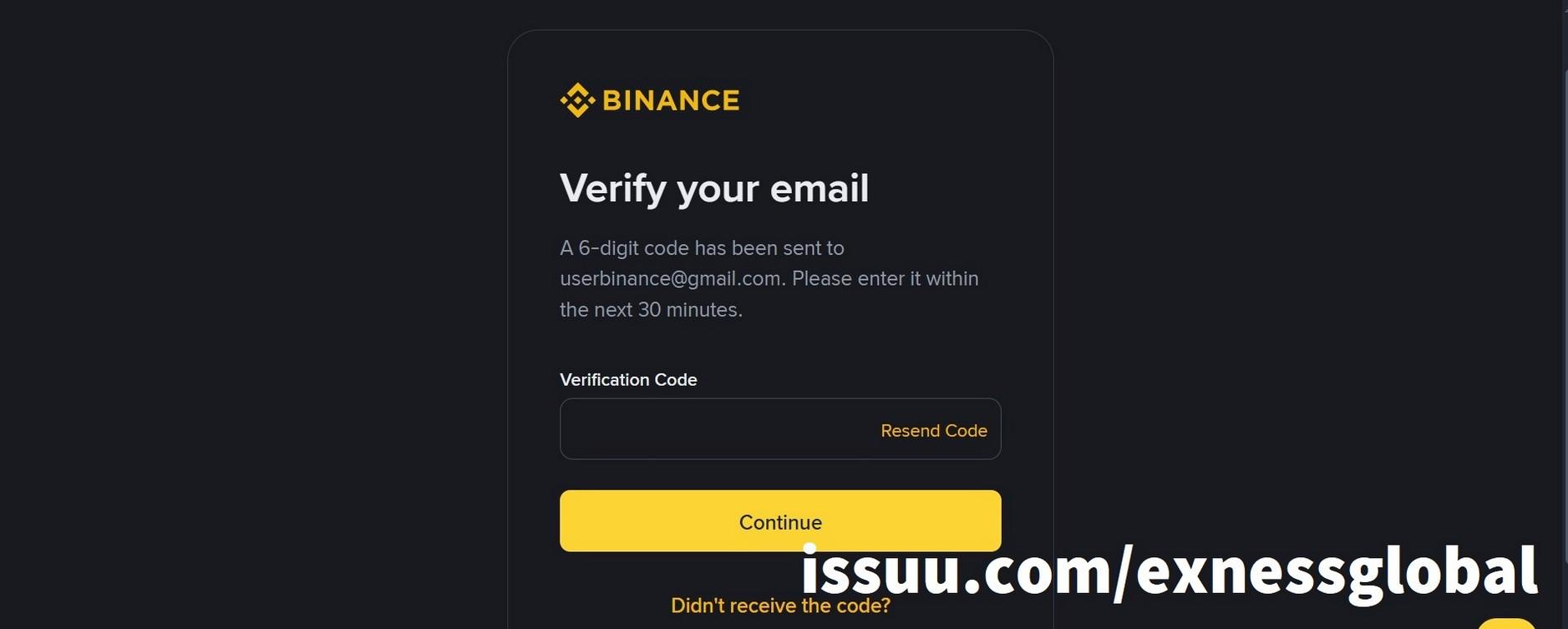
4. You will receive a 6-digit verification code in your email. Open the [Confirm Your Registration…] email from Binance, find the code and fill it in the [Verification Code] section on the web. Email sent from: Binance <do-not-reply@ses.binance.com> or Binance <do_not_reply@mgdirectmail.binance.com>
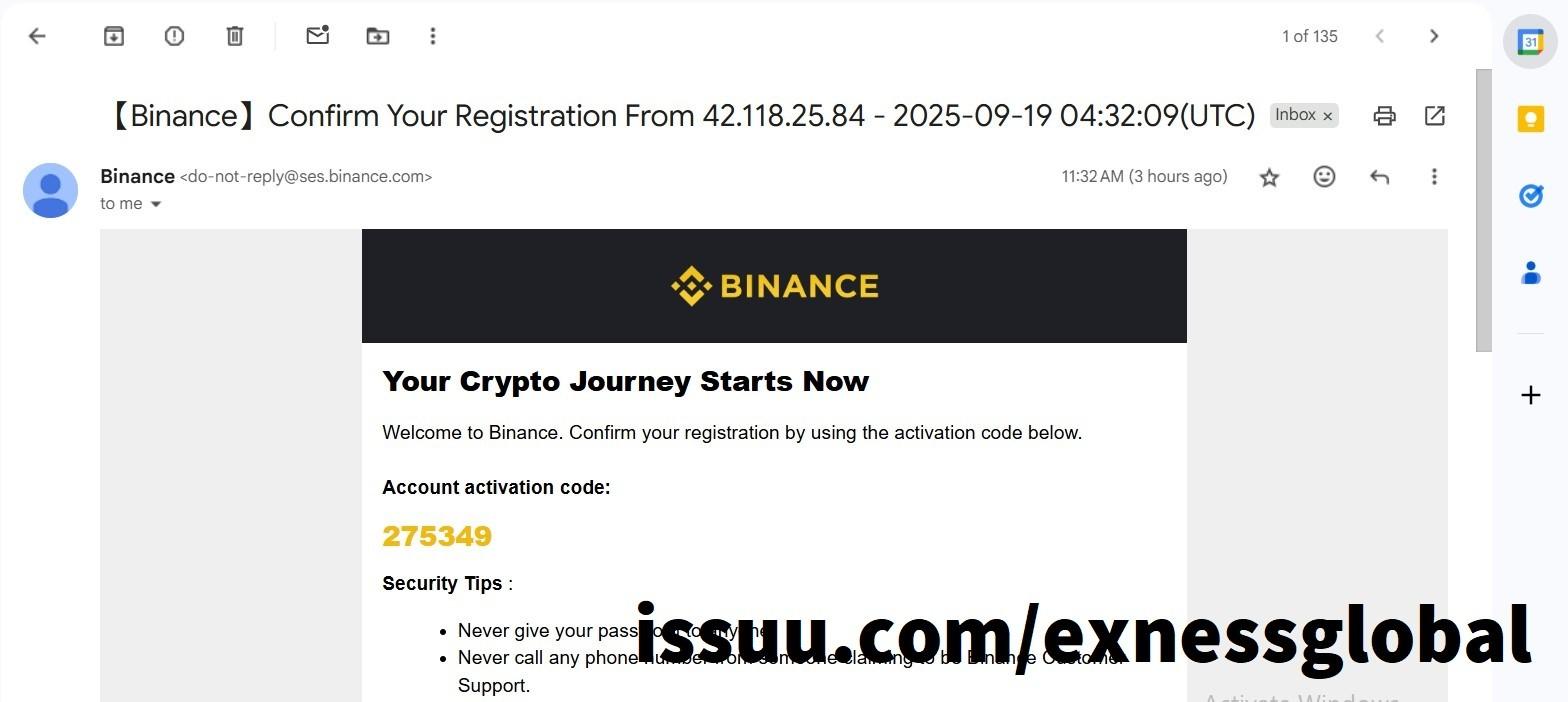
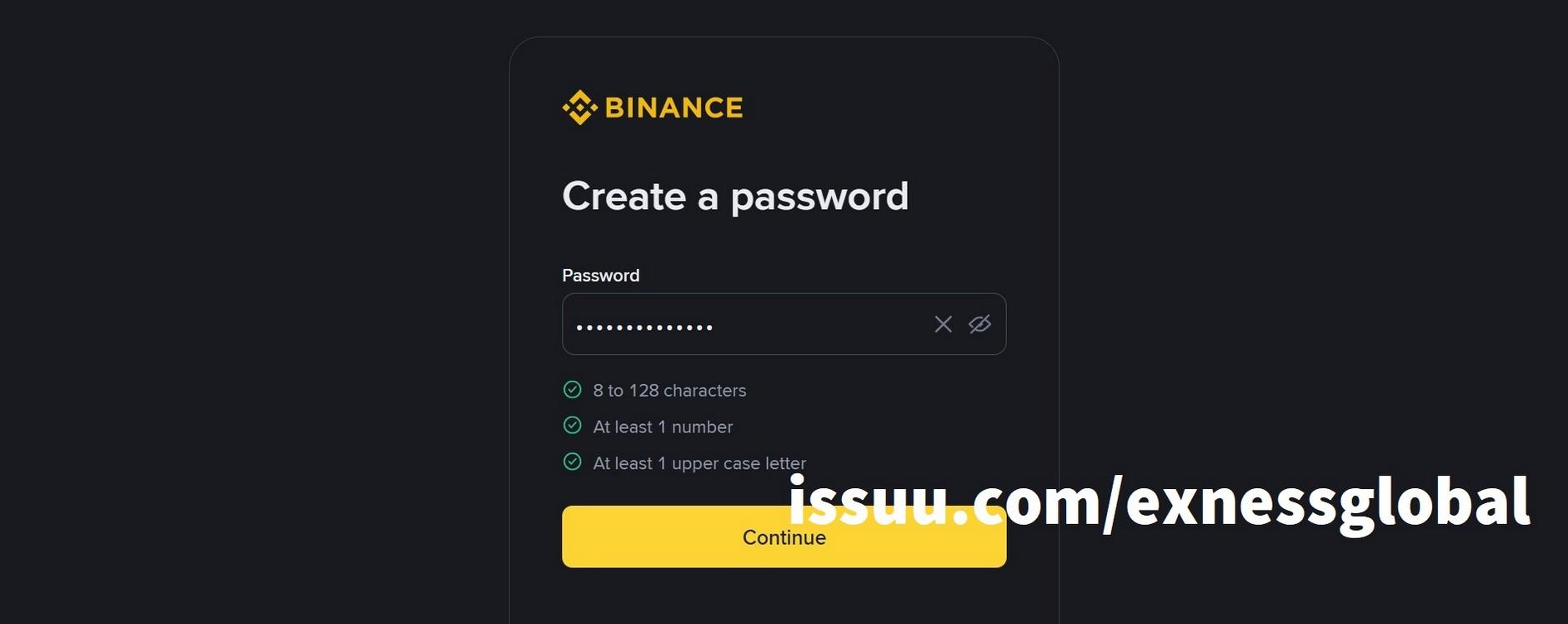
5. Create a secure password for your account.
Note: Your password must be at least 8 characters long, contain at least one uppercase letter and one number.
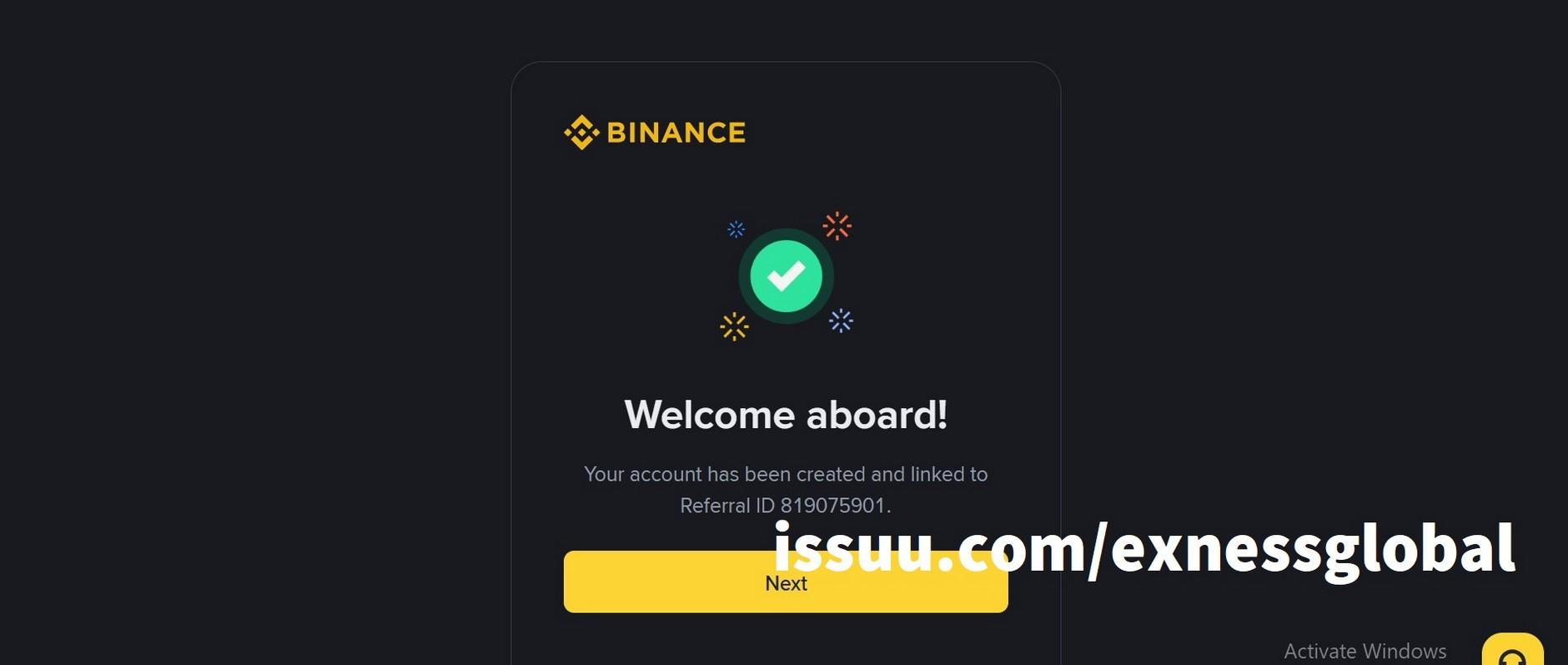
6. Congratulations! You have successfully created a Binance account.
Note:
● To protect your account, we strongly recommend that you enable at least one two-factor authentication (2FA) method.
● Please note that you will need to complete identity verification before making deposits, withdrawals and trading.
How to register a BINANCE account using the “Sign up as an entity” option
1. Go to the BINANCE website and click [Sign Up] or go to the Binance account registration page .
Scroll down to the bottom of the registration form and select [Sign up as an entity]
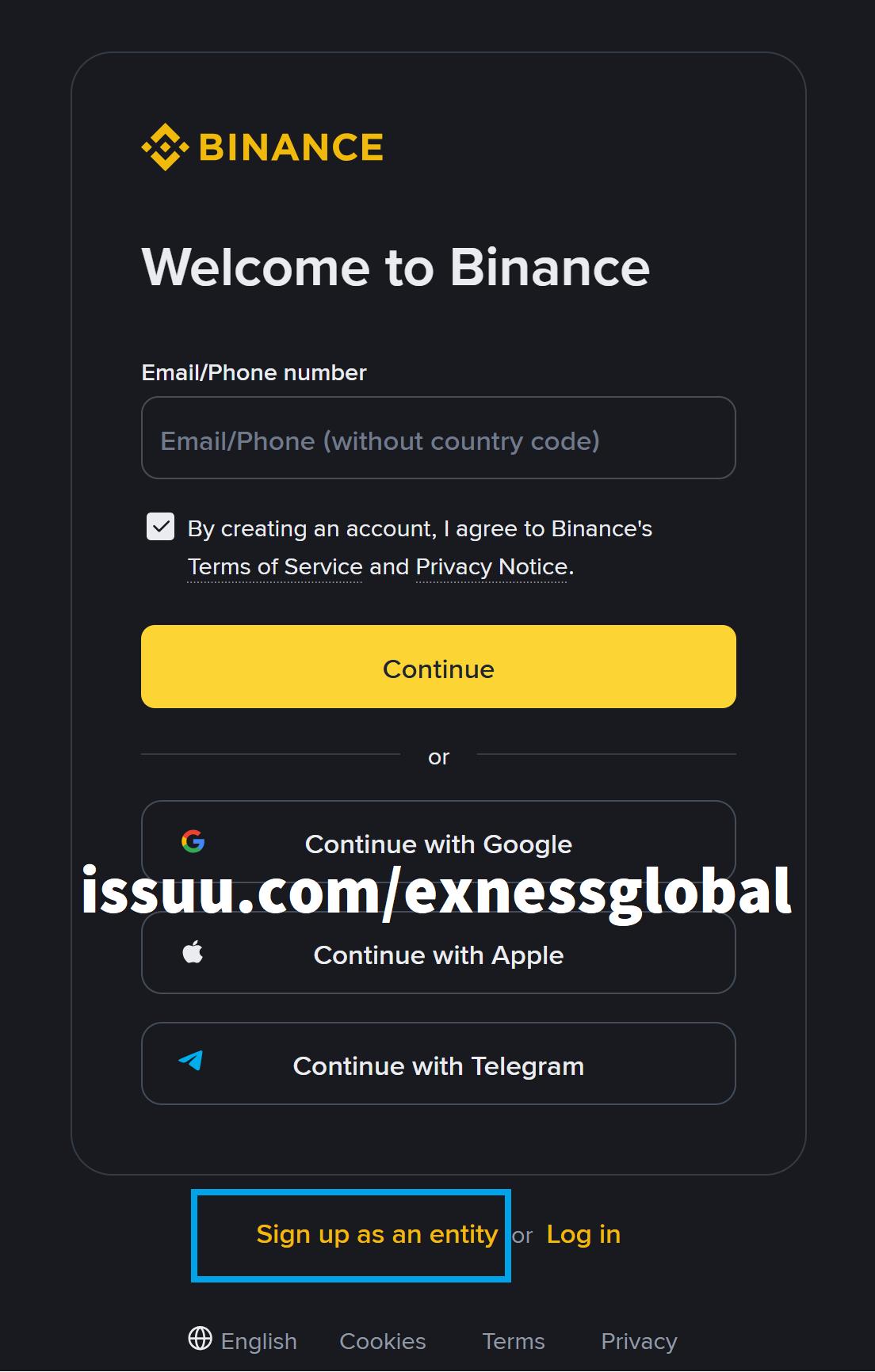
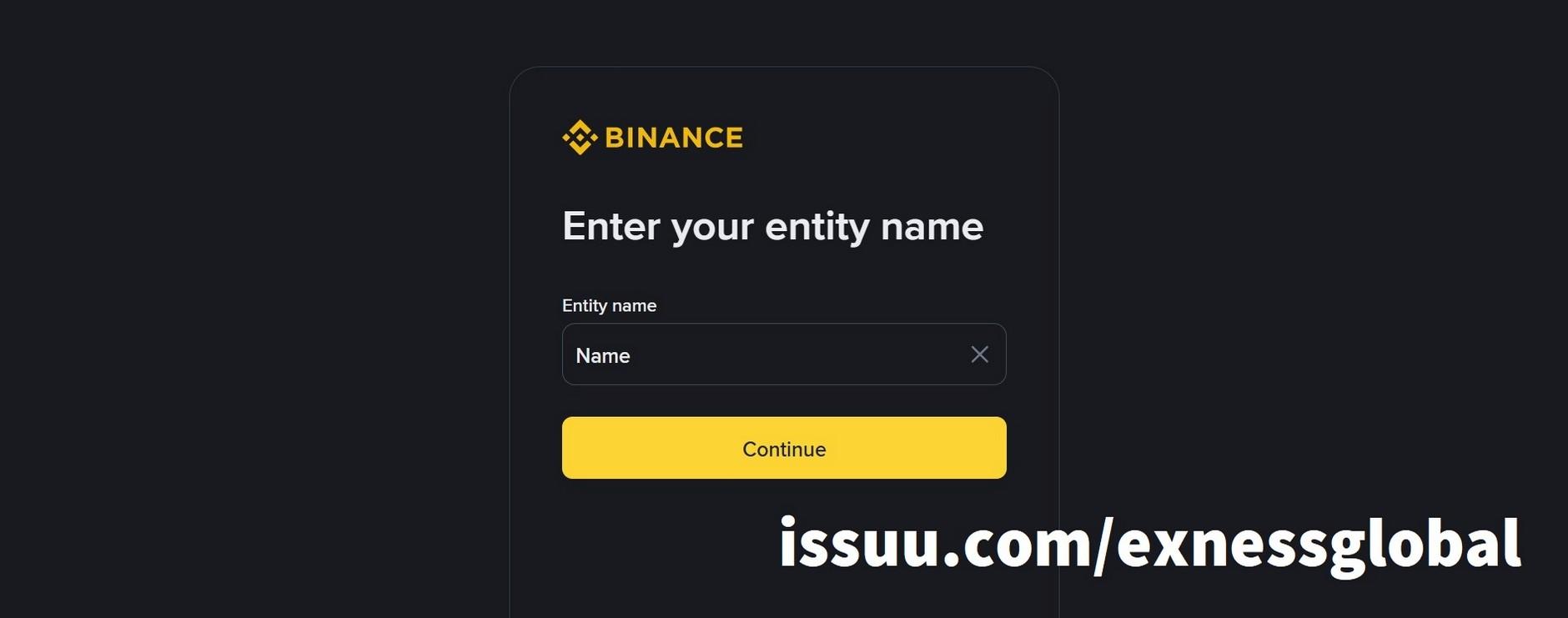
2. A pop-up window will appear asking you to fill in your Binance account name. Please fill in the correct name and click [Continue].
3. In the next window, fill in your email. Then, please read and accept the Terms of use, Privacy Notice. Next, click [Continue].
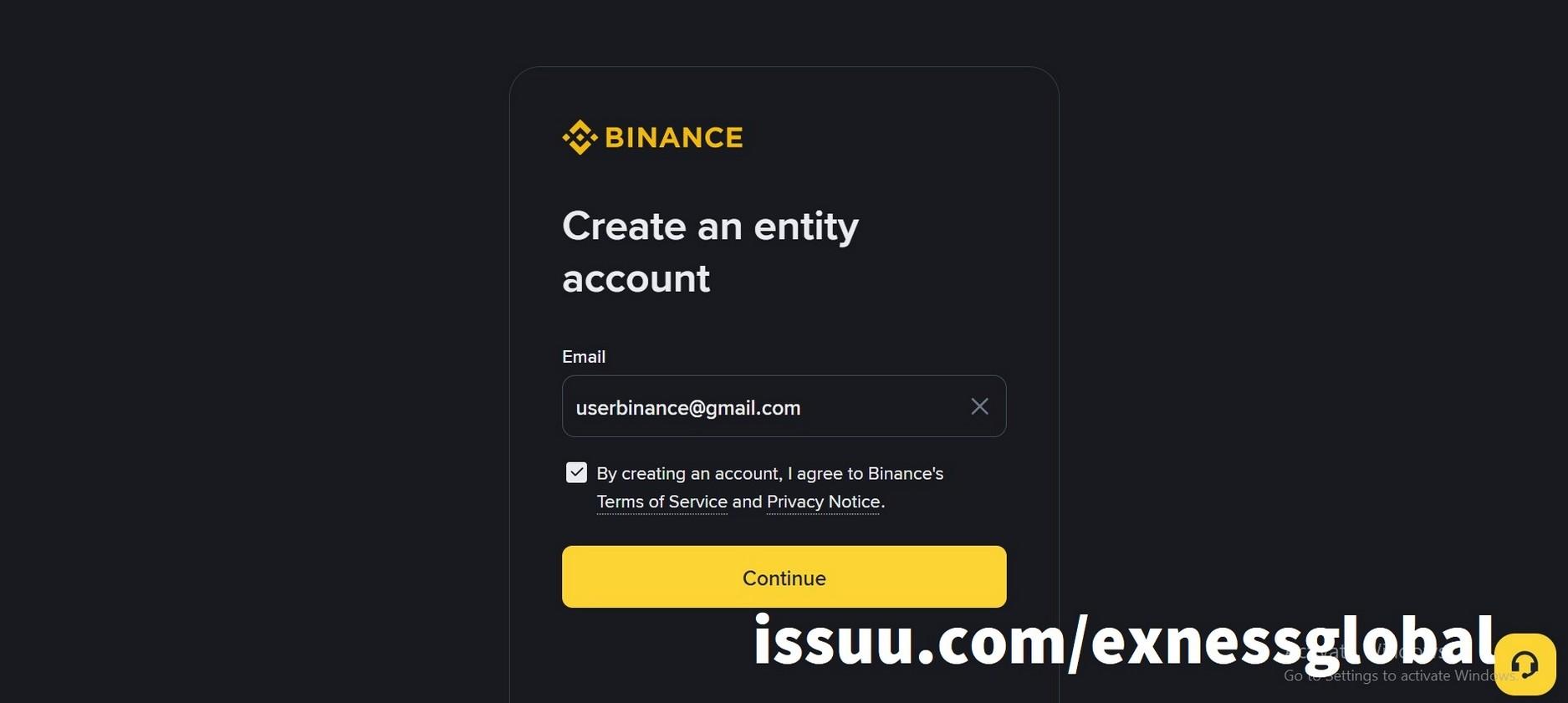
NOTE: BINANCE will use your email address and name information to KYC your Binance account, so you need to fill in this information correctly.
4. The email verification screen opens. You need to get the verification code to fill in here.
5. Open the email registered with Binance to get the 6-digit verification code.
Fill in the verification code on the Binance website and click [Continue]
6. Create a strong password to log in to Binance. Your password must be at least 8 characters long, contain at least one uppercase letter and one number . Then click [Continue]
7. Congratulations! You have successfully created a Binance account. If the “Stay inthe-know” window appears, you can ignore it by clicking [No].
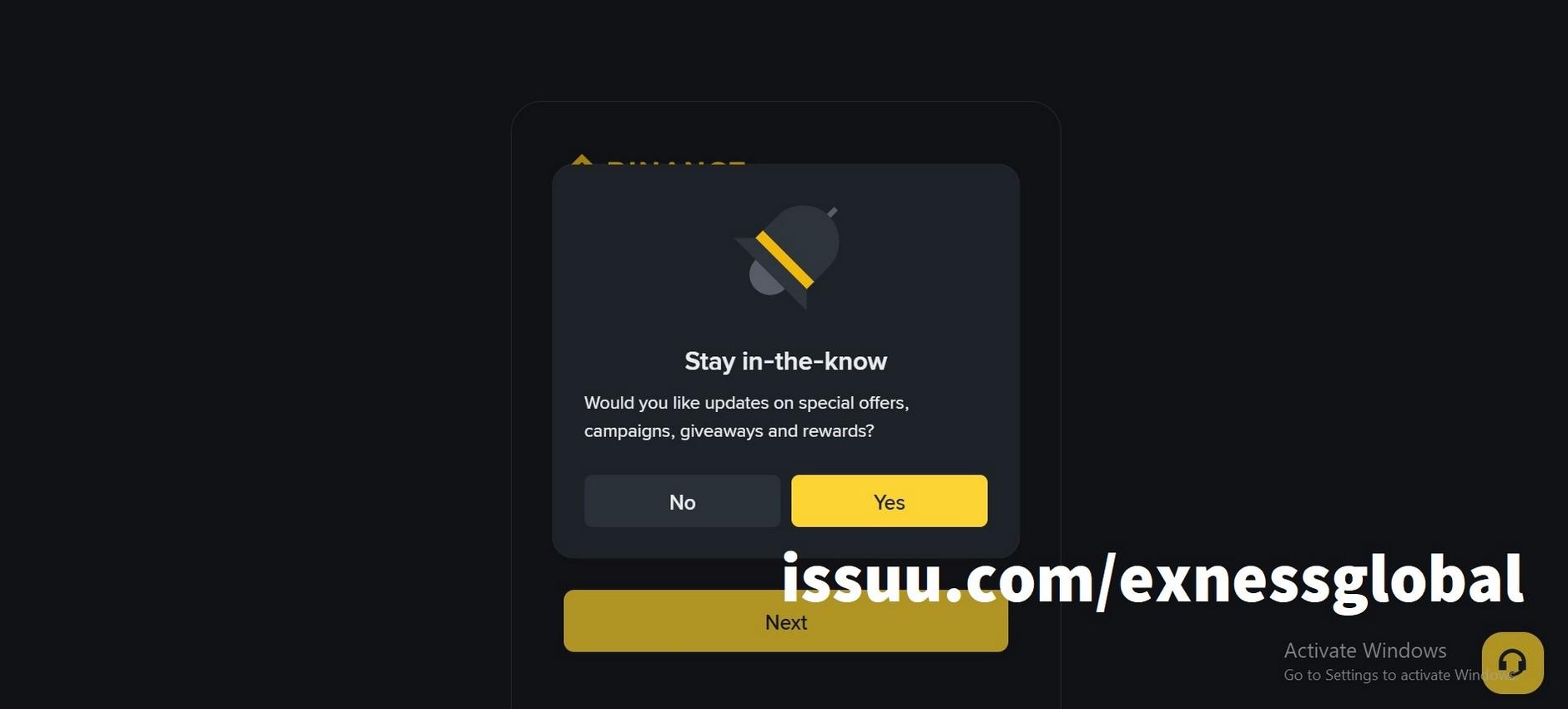
The “Welcome aboard!” screen appears, signaling that you have successfully created a Binance account.
Note:
● To protect your account, we strongly recommend that you enable at least one two-factor authentication (2FA) method.
● Please note that you will need to complete identity verification before making deposits, withdrawals and trading.