6 steps to register to open a trading account with Exness
When it comes to global retail trading websites, Exness is a well-known broker that many people trust. However, for traders who are new to using this website, we will guide you through how to register with Exness to open an Exness trading account in an easy-to-understand way.
How many types of Exness accounts are there?
For traders looking to open an Exness account, there are five different account types.
● Standard Account: Ideal for beginner traders, no minimum deposit required, fixed spreads, no trading fees, over 120 currency pairs to trade and no requotes.
● Standard Cent Account: Ideal for beginner traders who want to test their trading skills with low trading volumes, fixed spreads and no fees.
● Pro Account: Ideal for professional traders, with unlimited trade orders and instant execution or market trading with spreads as low as 0.1.
● Raw Spread Account: Ideal for experienced traders who want fixed, tight spreads with low fees and no restrictions on orders during trading hours.
● Zero Account: Ideal for those who prefer to trade at market prices as there are no spreads on the top 30 trading instruments for 95% of the trading session and unlimited number of trades.
Understanding the MetaTrader 4 and MetaTrader 5 trading platforms
In addition to opening an Exness account, there are also different trading platform options, such as signing up for Exness MT5 or Exness MT4, which many may know as MetaTrader. Another question you may be wondering is how these two platforms differ. We will briefly explain the differences below.
● MT4 interface is easier to use than MT5.
● MT5 has 21 timeframes for analysis, while MT4 has 9 timeframes.
● MT4 has 4 types of orders to execute, but MT5 has 6 types of orders to execute.
Which Exness account should I choose to open?
You should open an Exness account based on your trading experience. If you are new to trading or are new to it, the Standard account is probably your first choice, as it offers the most comprehensive trading experience and meets your trading needs. As you gain more experience, you can also consider applying for other Exness account types.
You can open different types of accounts in the same Exness Personal Area. The maximum number of Exness MT4 and MT5 accounts that can be opened in a Personal Area is 1,620 accounts (including archived and blocked accounts). If you want to change the account type, you can completely open a new account. Therefore, you do not need to worry too much about what type of account to open.
6 Simple Steps to Register an Exness Account
Now that you have a clear understanding of the types of Exness accounts available, let’s see how to register for Exness from start to finish. Even beginners can follow along without any difficulty.
1. Go to the Exness website and select the “Register” button
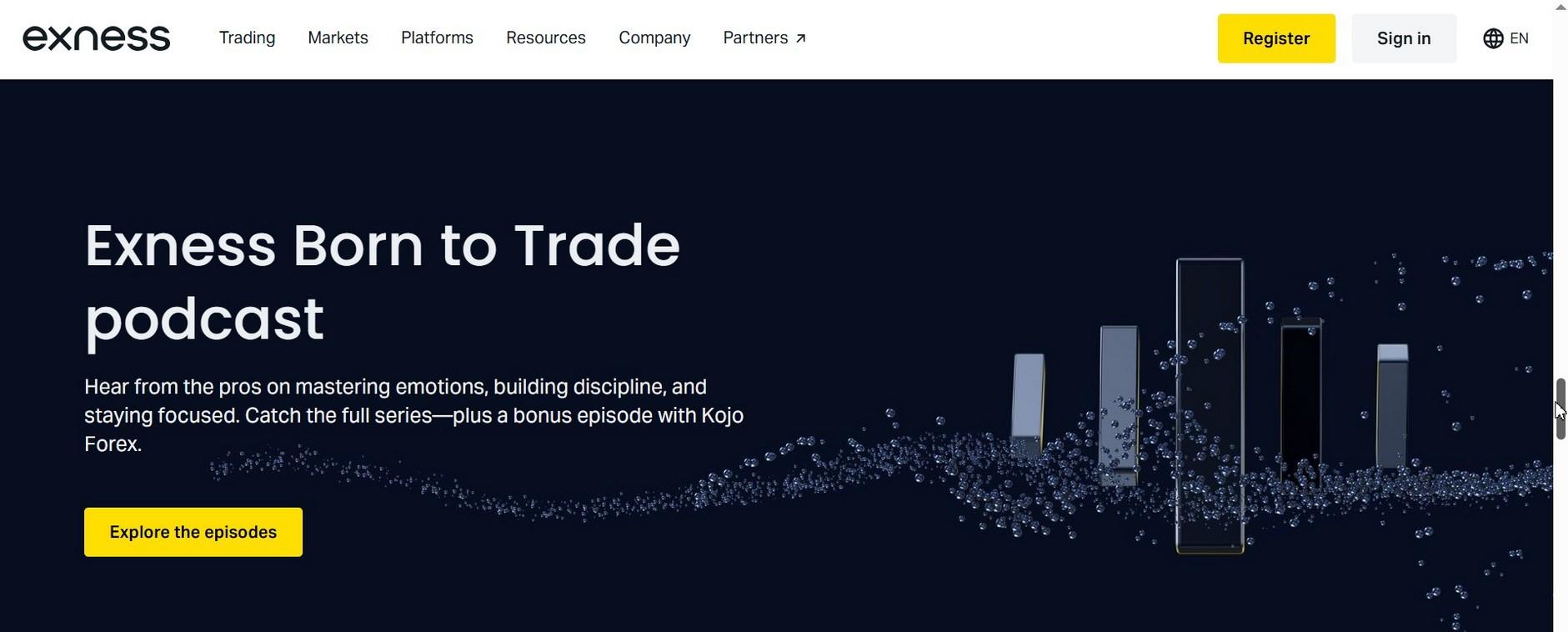
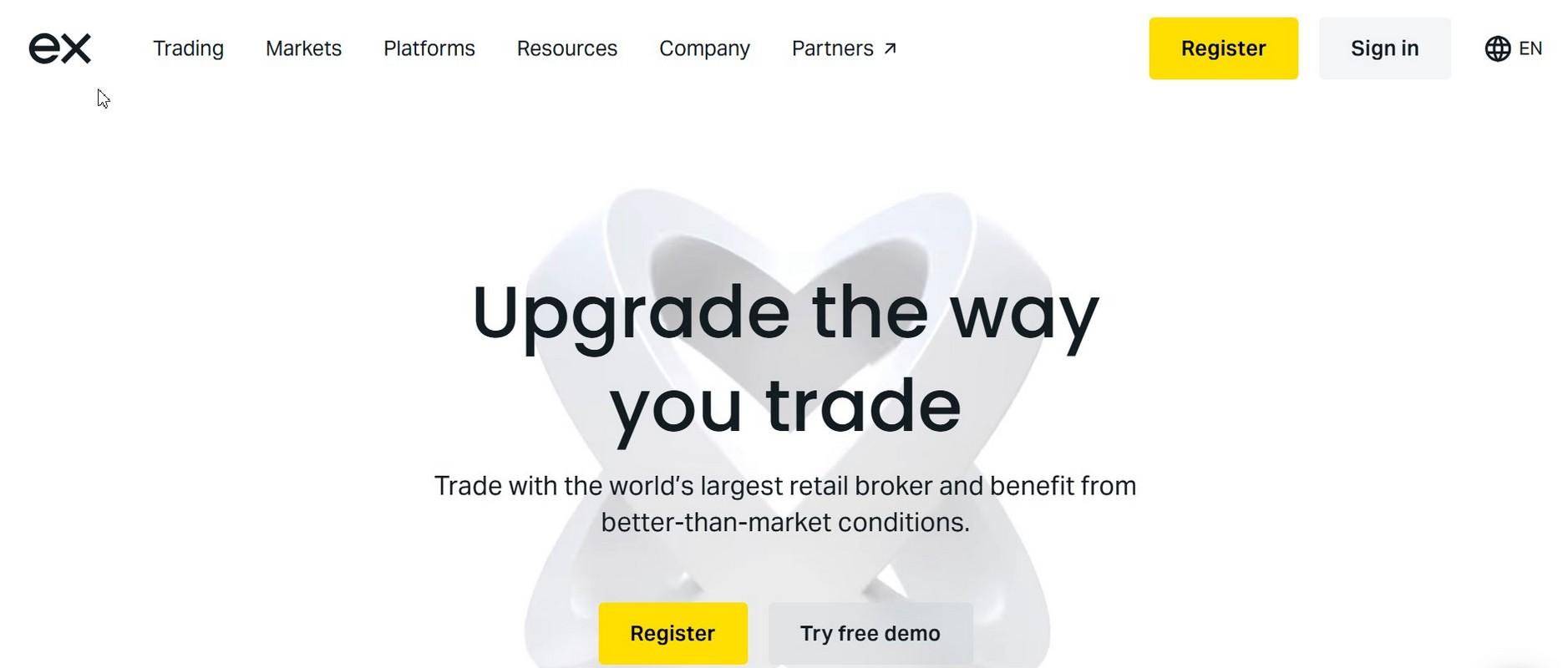
First, go to https://www.exness.com/ and select the “Register” button in the upper right corner to open an Exness account.
2. Fill out the Exness registration form to open an account
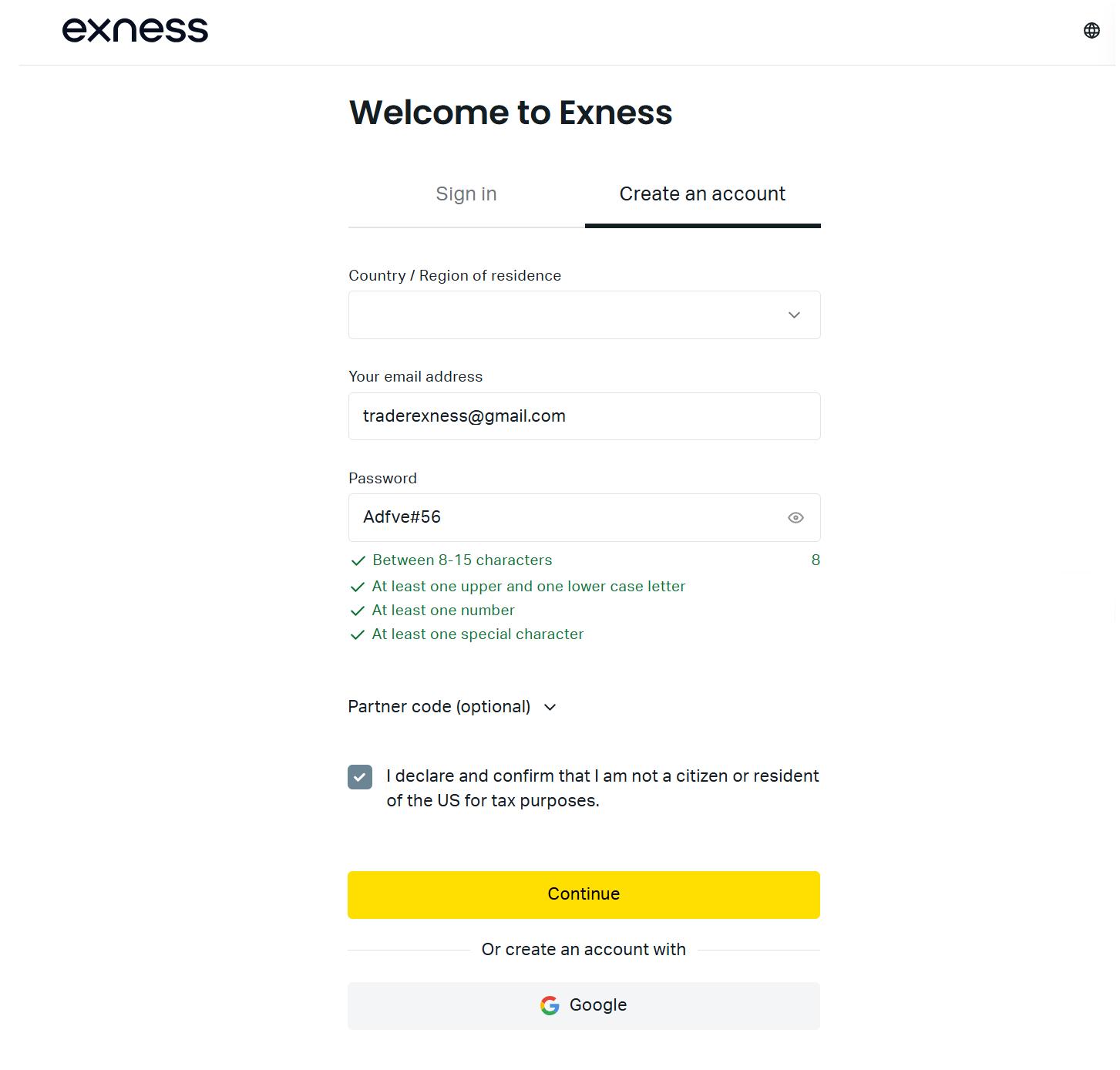
When you reach the registration page, please fill in all the information, such as country of residence, email address and password as required by the website's terms and conditions. Then, click "Continue" if you have completed the process.
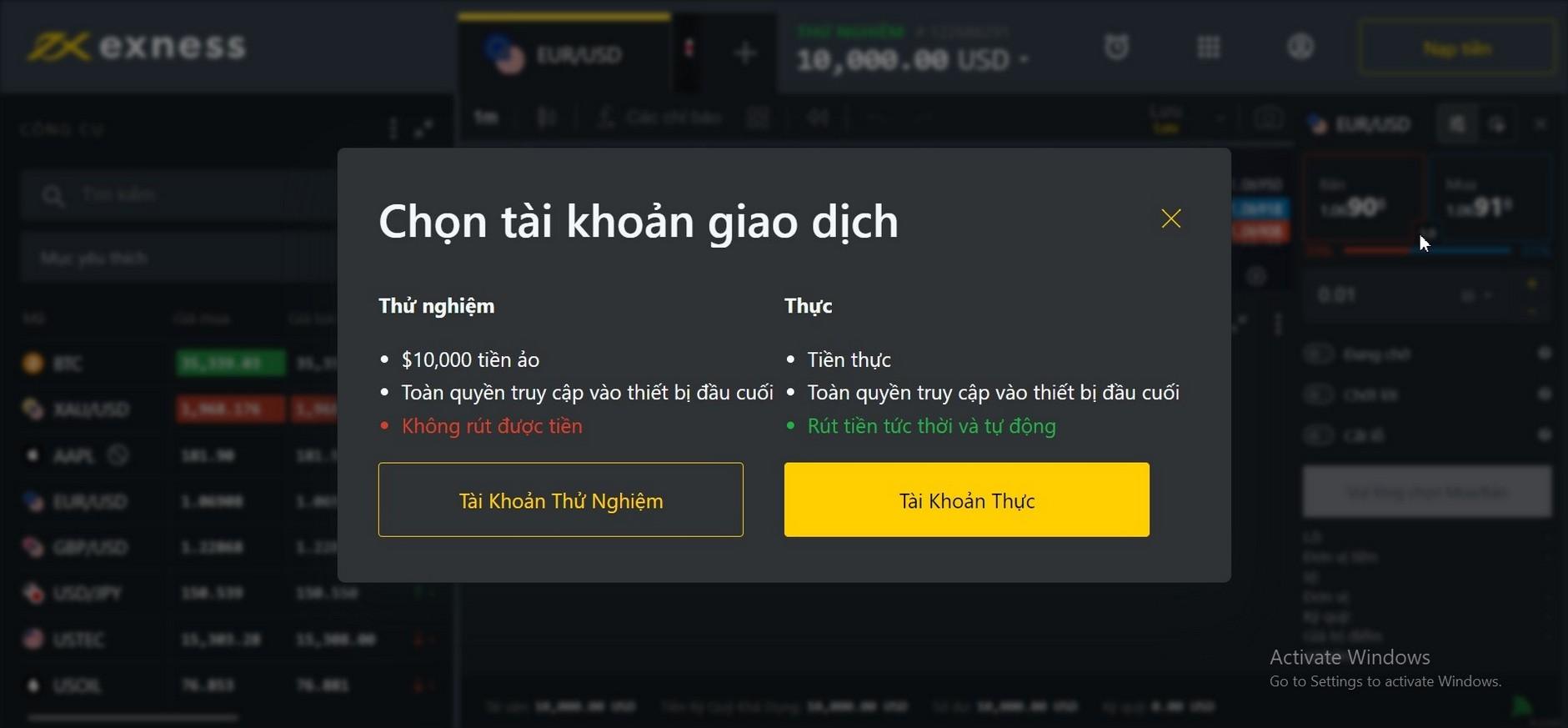
3. Select the account type to trade
The next step is to choose your trading account type. If you are a beginner, you can choose a demo account to get familiar with the interface. If you have used it before, you can choose a real account to start trading.
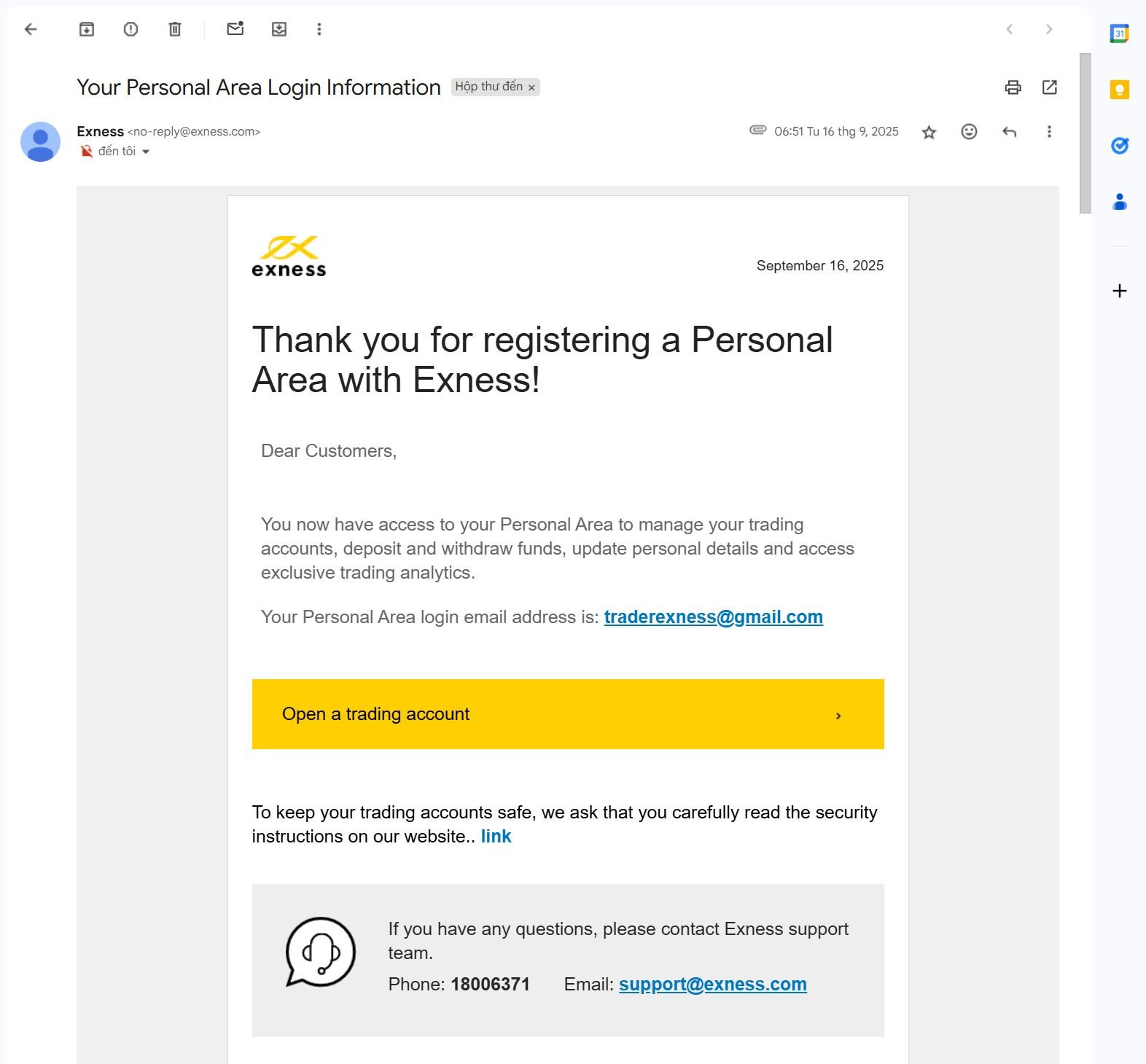
4. Click to confirm your email address to open an Exness account
Then, re-verify your account via the email address you provided when you signed up and select the link on the email page to return to the website.
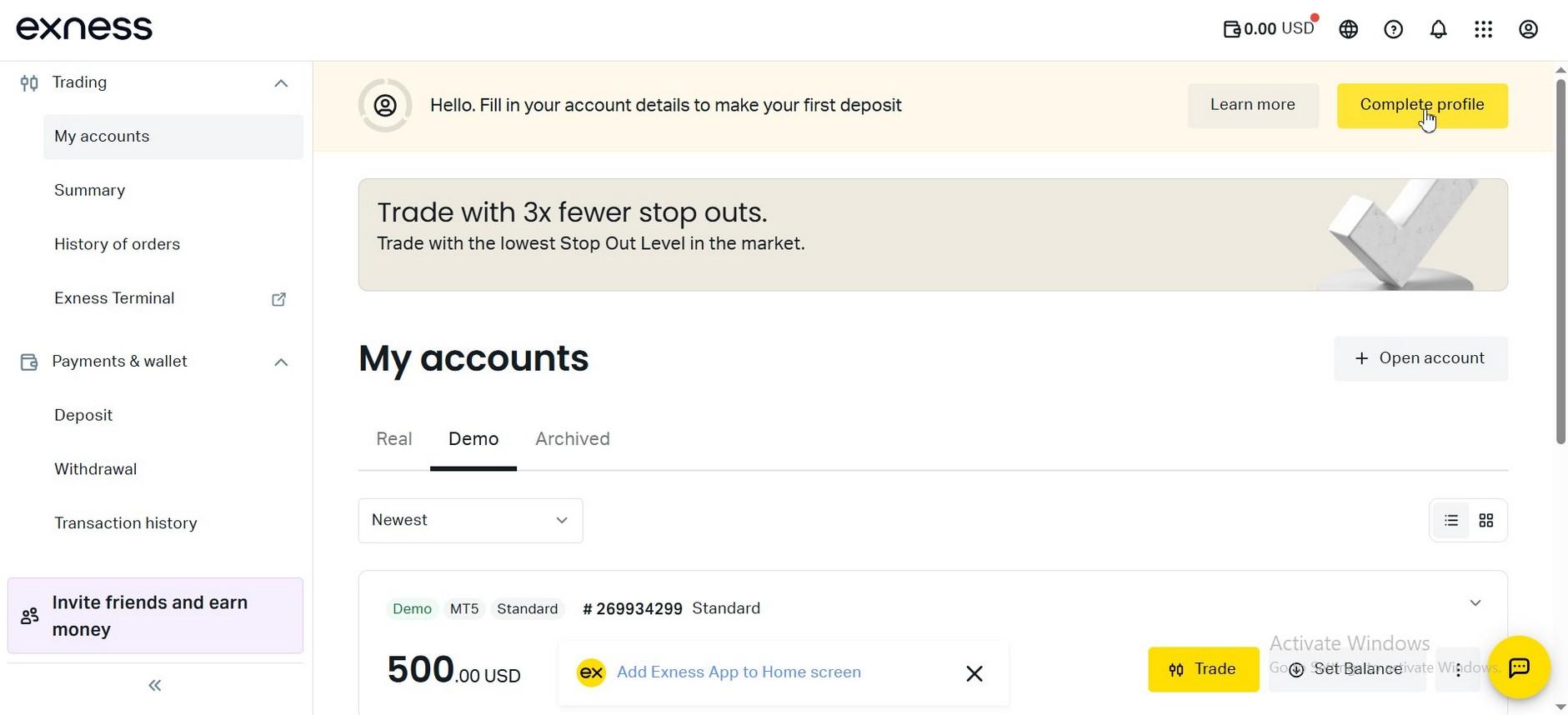
5. Go back and fill in more information after registering to open an Exness account
Complete your personal information for re-verification, such as email address, phone number, income information, occupation and other information, before depositing funds for real trading.
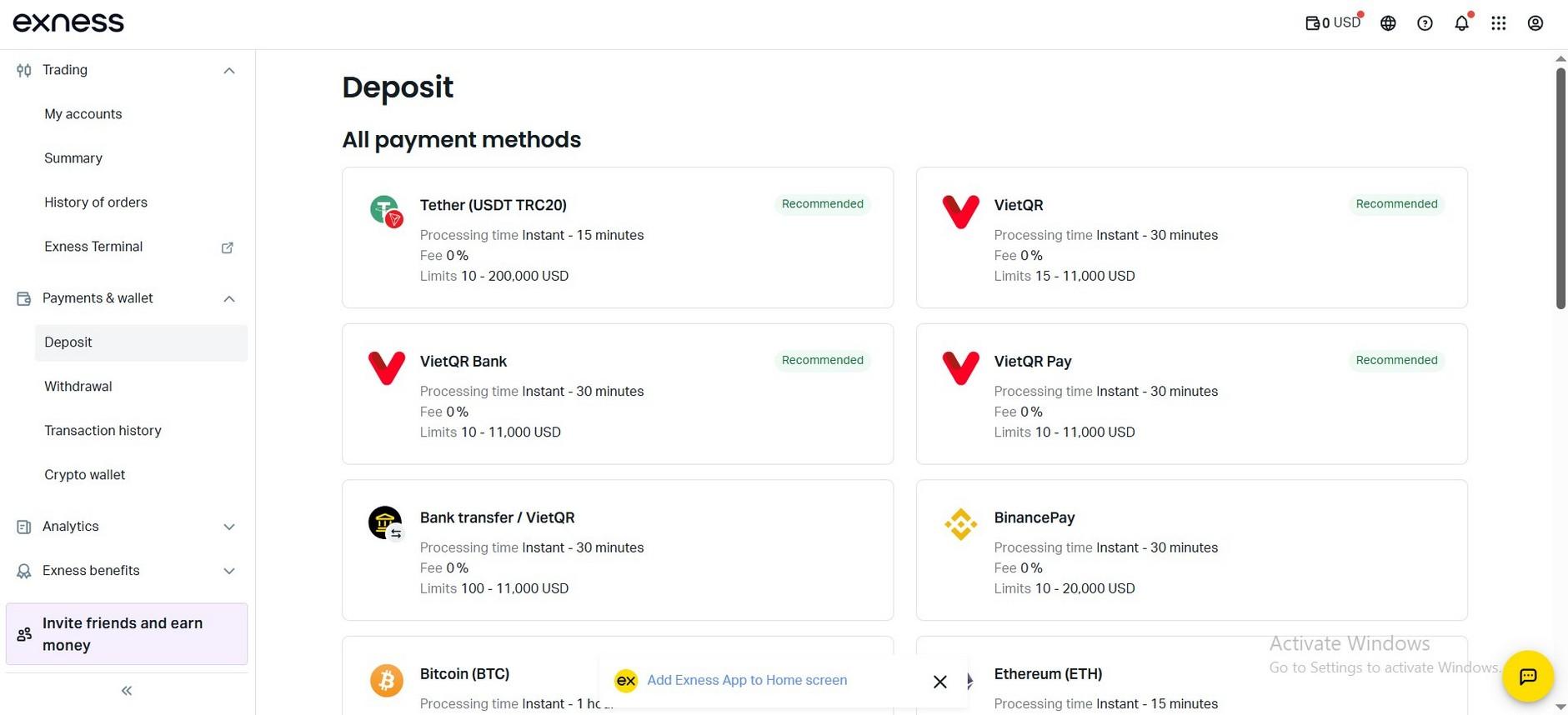
6. Deposit funds into your Exness account to start trading immediately
After successfully opening an Exness account, you can select the icon on the right to deposit funds into your live trading account as usual. Depositing funds through various channels is as convenient as with other applications.