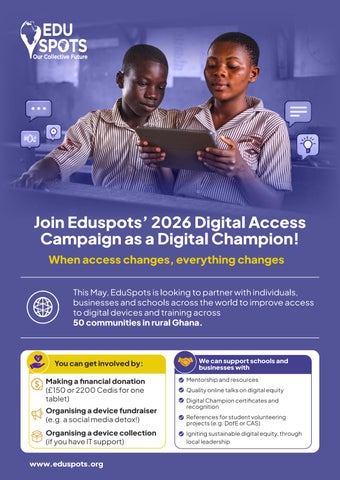
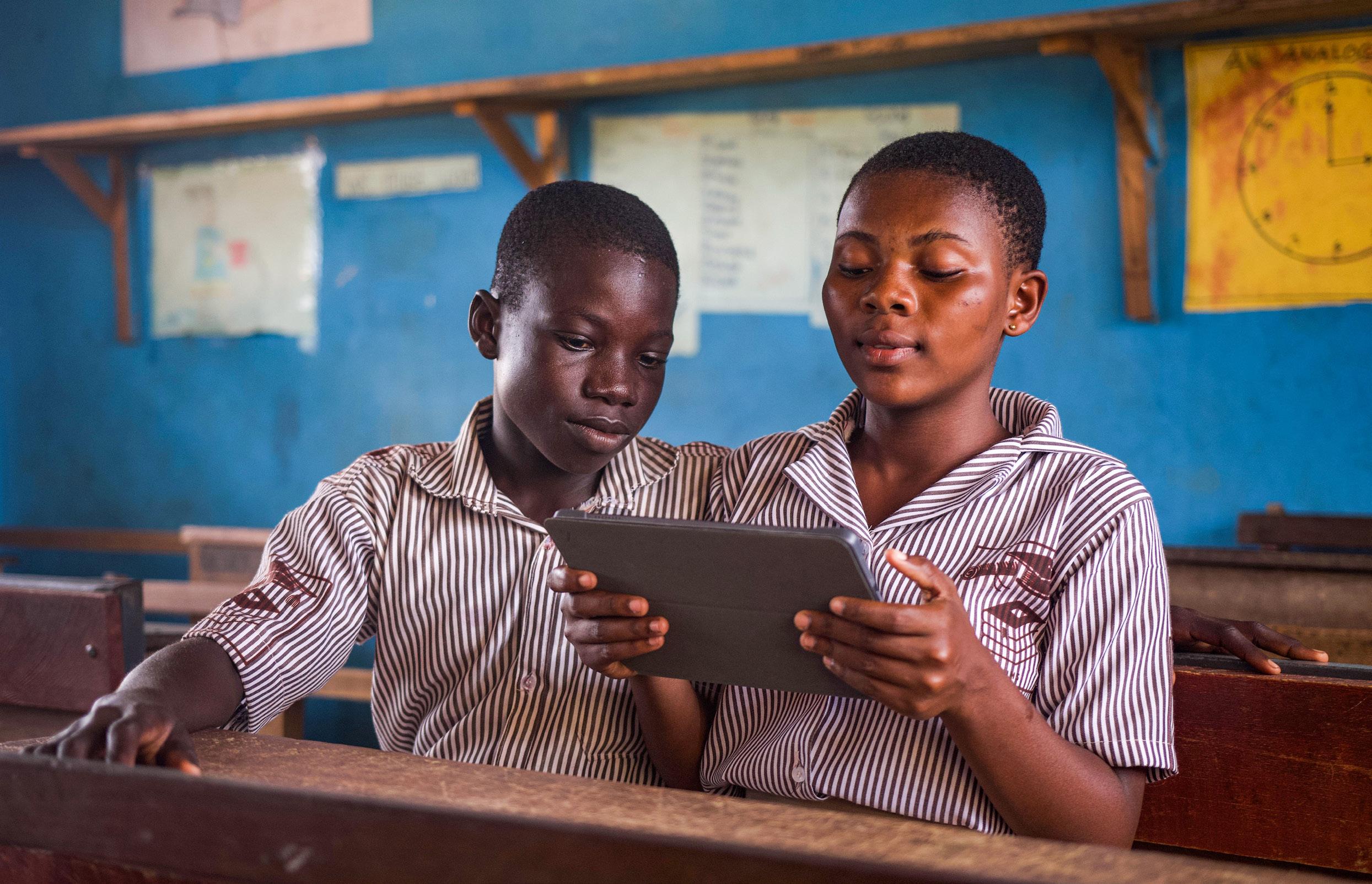
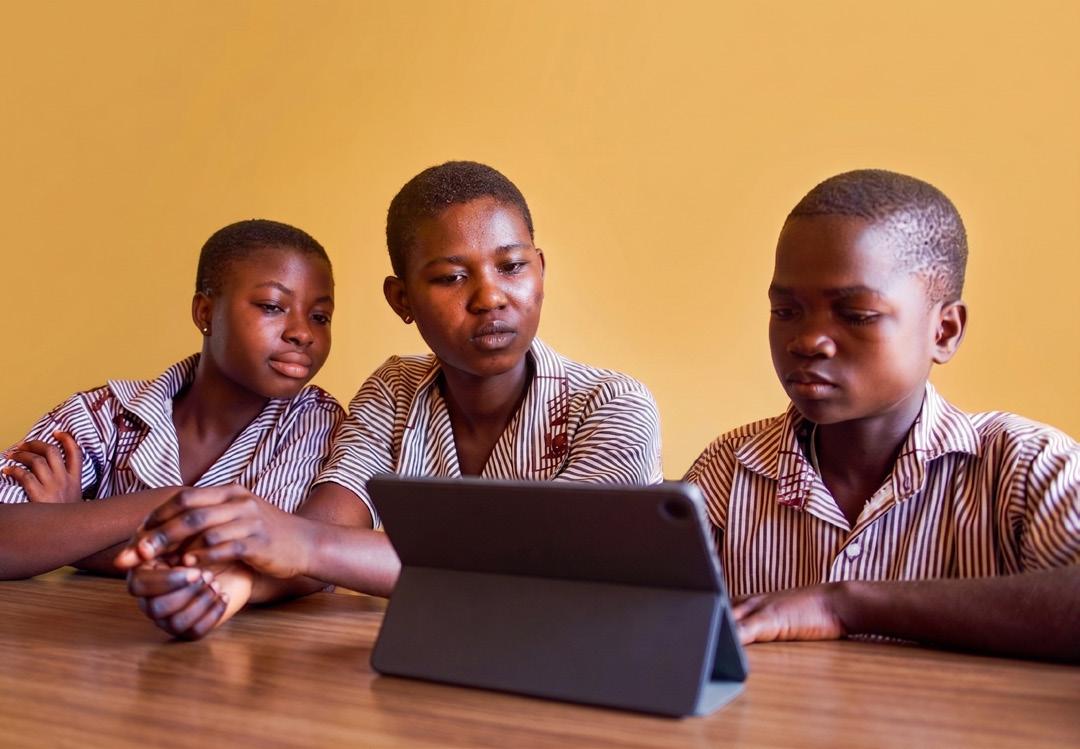
This May, EduSpots is looking to partner with individuals, businesses and schools across the world to improve access to digital devices and training across 50 communities in rural Ghana.
You can get involved by:
Making a financial donation (£150 or 2200 Cedis for one tablet)
Organising a device fundraiser (e.g. a social media detox!)
Organising a device collection (if you have IT support)
We can support schools and businesses with
Mentorship and resources
Quality online talks on digital equity
Digital Champion certificates and recognition
References for student volunteering projects (e.g. DofE or CAS)
Igniting sustainable digital equity, through local leadership
50%
I believe if students have the opportunity to use these kinds of devices, learning will be much easier and fun and many students will be dropping to the Spot.
(Aduko, DigiLit club member, Kalpohin Spot)
Only 50% o f learners in a DigiLit baseline study agreed that they were confident in turning on a digital device. 50
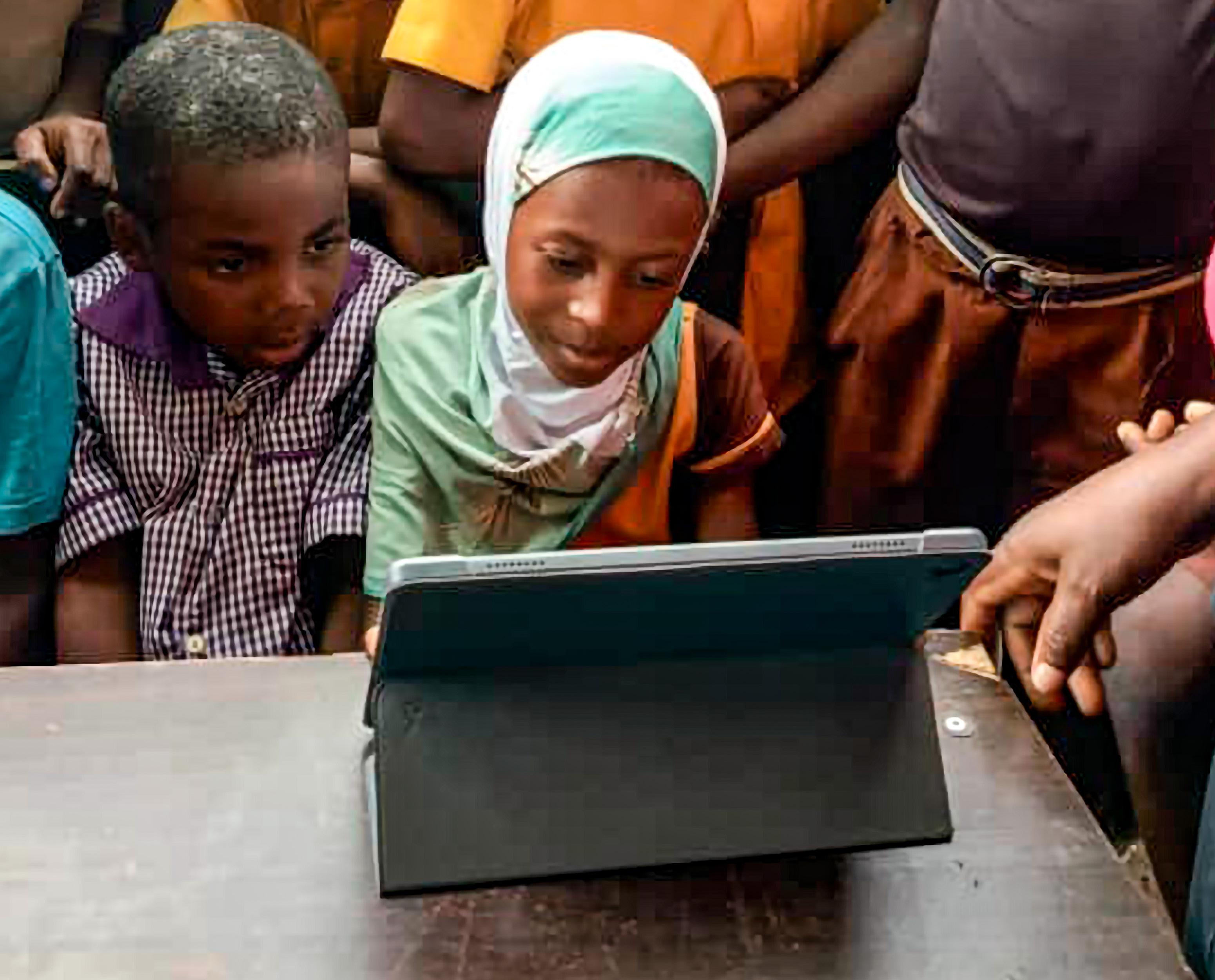
Presently 50 learning hubs average 2 devices each for 200 students, with learners often barely getting to touch the screen.
400+
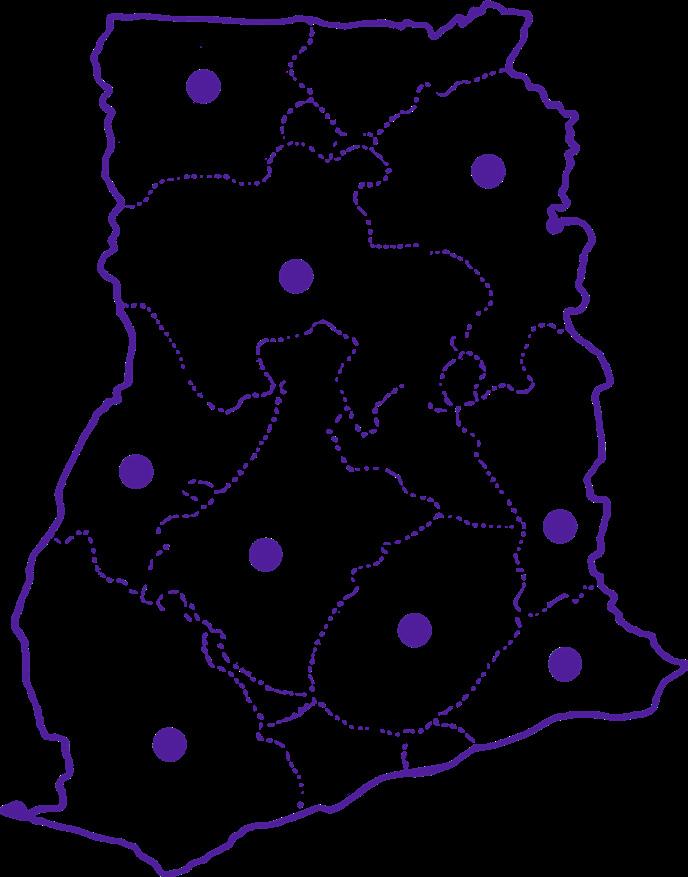
Over 400 local voluntary changemakers across 11 regions of Ghana have signed up to open access to digital tools and training, and lead wider co-curricular clubs.
DIGITAL FUTURES: ENABLING LEARNERS TO SWITCH ON A WORLD OF OPPORTUNITY
Learning Hubs: 50 community-led Spots enable communities to bring learners together to explore both online platforms and physical books, developing their curiosity, confidence and core literacy and digital skills.
DigiLit Clubs: 20 communities have chosen to lead DigiLit clubs for 600 learners, with local leaders accessing monthly challenge packs, WhatsApp for learning and peer mentorship.
EduBytes Courses: 100s of local changemakers are accessing bite-sized monthly courses delivered through a blend of Zoom, WhatsApp and practical tasks, enabling local educators to build confidence and capability in digital skills.
EduSpots App: Our App, in development with support of the Mastercard Foundation EdTech Fellowship enables local changemakers to track activities, membership and resource mobilisation, alongside accessing key resources.
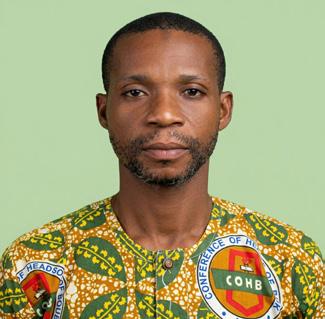
Before joining EduSpots, I didn’t know that you could be in a “room” in an online space; now, I’m hosting Zoom sessions on safeguarding for headteachers across the district.
(Hamidu Kaadri, Headteacher, Yamfo Spot)
11 regions of Ghana have signed up to open access to digital tools and training
Steps for leading a fundraising campaign
CREATE AWARENESS
• Build a team for the campaign, and delegate roles
• Gain permissions where necessary
For Questions or need support? Contact Priscilla Baffour pbaffour@eduspots.org MoMo (Ghana) 0595087801 1 2 3 4
• Identify your key audience (peers, customers, colleagues)
• Create your own campaign poster or video, emphasizing the impact
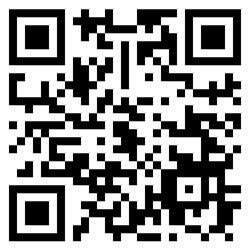
• Share our campaign animation, found at the QR code below.
• Ask EduSpots to offer an online talk!
BUILD YOUR FUNDRAISING STRATEGY
Tried and tested ideas include:
• A sponsored social media detox or offline day
• Welcome inspiring tech speakers to an event
• Organise a hackathon for good
• Organising a gaming competition
• Leading a quiz on digital inclusion
• Teaching digital skills for a fee
• Organising a bake-sale (digital theme)
• Running a race in support, using digital tools to track
• Creating your own personal digital challenge
ENSURE THAT DONATIONS ARE COLLECTED SAFELY
• Ask for donations via our existing Raisely page at: https:// eduspotsdigitalaccess.raiselysite.com/ or to our MoMo 0595087801 for Ghanaian supporters.
• All cash donations should be carefully monitored, with dual signatures, and transferred online.
• Contact Priscilla Baffour at pbaffour@eduspots.org for more information or to set up a specific tailored fundraising page.
THANK SUPPORTERS AND SHARE THE IMPACT AFTERWARDS!
• Follow @eduspots across all social media streams (@edu_spots on Instagram) to see the impact evolve.
• Tag us in any posts relating to your digital champions adventure!
READY TO GET STARTED?
Scan the QR Code to watch our campaign animation and start your digital champions adventure today
Tips for running a device collection
Note that this type of support is best for those with IT teams in house who can support with data cleaning and repair if needed.
DEFINE PURPOSE AND REQUIREMENTS
Be clear about who the devices are for (learners in rural Ghana), and the type needed (high quality, working, tablets, laptops or working smart phones).
SEEK PERMISSIONS
Schools and businesses should ensure the relevant people have given permission for the collection.
Include drop-off points and times, specific events, and details of EduSpots’ work - contact us if you need further information, or view www.eduspots.org
• What devices you accept (fully operational laptops, tablets, smart phones, projectors)
• How to prepare them (remove accounts, sign out, include chargers if possible)
• Request that all data is wiped prior to donation (gaining support in your team to check this before handover)
TRACK INCOMING DEVICES
Log each device as it arrives:
• Type, brand, condition (only accept high quality)
• Donor’s name and email address
• Unique ID or label
Make sure that you take the opportunity to thank people, and share links to EduSpots’ work, so that they can follow our ongoing process.
Together, we can create a world where every learner creates the futures they want to see for their communities, through education. Read more at www.eduspots.org Contact Priscilla Asamoah Baffour at pbaffour@eduspots.org or +233 54 523 3368 EduSpots’ supporters and recognitions include: In Ghana, drop off your device at Pippa’s Health Centre, Accra from 6am-8pm Mon-Fri;7am-4pm Sat in May, with UK drop-offs possible on 1-1 Any questions or suggestions, or want to build a wider Digital Futures partnership with us?