How Much Storage Does a Dash Cam Need?
Choosing the right storage capacity for your dash cam is essential to ensure continuous recording, smooth performance, and reliable footage capture. Since dash cams record video constantly, storage plays a critical role in determining how much footage you can save before it gets overwritten.
In this guide, we’ll break down how much storage a dash cam needs and how to choose the right memory card for your usage.
Why Storage Matters in a Dash Cam
A dash cam records video in loops, meaning older footage gets overwritten when storage is full. However, the amount of storage you have directly impacts:
● How many hours of footage you can store
● Video quality and resolution
● Ability to save important clips
● Overall performance of the dash cam
Higher storage capacity allows you to retain more footage before it is replaced.
Recommended Storage Based on Usage
The ideal storage for a dash cam depends on your driving habits and recording settings.
1. Light Usage (Daily Commute)
● 32GB – 64GB
● Suitable for short trips and occasional driving
● Stores a few hours of footage
2. Moderate Usage
● 64GB – 128GB
● Ideal for daily commuters
● Stores 6–12 hours of video depending on resolution
3. Heavy Usage / Long Drives
● 128GB – 256GB
● Best for long-distance travel or frequent driving
● Stores extended footage for better backup
4. Advanced Users (Multi-Channel Dash Cams)
● 256GB – 1TB
● Recommended for dual or triple-channel dash cam setups
● Needed for 4K recording and continuous monitoring
How Video Quality Affects Storage
The resolution of your dash cam has a major impact on storage consumption.
● 1080p (Full HD): Uses moderate storage
● 2K / 1440p: Uses more space with better clarity
● 4K Recording: Consumes storage quickly but offers high detail
Higher resolution means better footage but requires more storage capacity.
What Is Loop Recording?
Most dash cam devices use loop recording, which automatically deletes the oldest files when storage is full. This ensures continuous recording without manual intervention.
Important clips are protected using features like:
● G-sensor (locks footage during impact)
● Manual file protection
Choosing the Right Memory Card
Not all memory cards are suitable for dash cams. Look for:
● High-endurance microSD cards (designed for continuous recording)
● Class 10 or UHS-I speed rating
● Trusted brands for reliability
A good memory card ensures smooth recording and prevents data corruption.
Storage Support in Modern Dash Cams
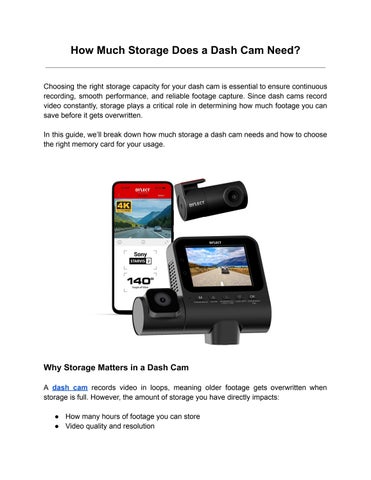
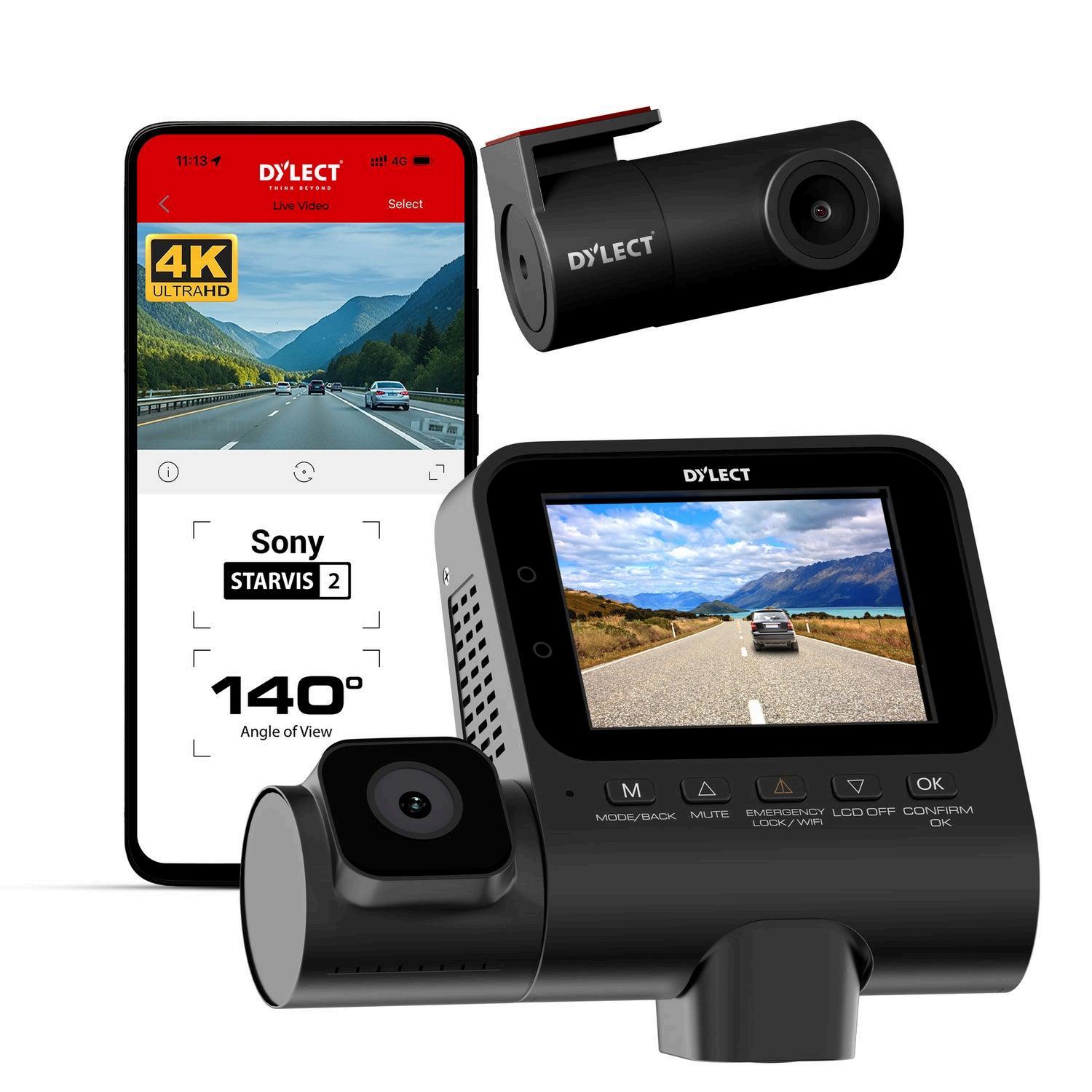
Many modern dash cam models support high-capacity storage for better performance. For example, options from Dylect support up to 1TB microSD cards, making them ideal for high-resolution and multi-channel recording.
Tips to Optimize Dash Cam Storage
● Format the memory card regularly
● Avoid filling storage completely
● Use appropriate resolution settings
● Check and replace old memory cards when needed
These steps help maintain performance and extend the life of your dash cam.
Final Thoughts
So, how much storage does a dash cam need? It depends on your usage, recording quality, and features. For most users, 64GB to 128GB is sufficient, while advanced users may need higher capacities.
Investing in the right storage ensures your dash cam captures every important moment without interruptions, giving you peace of mind on every drive.