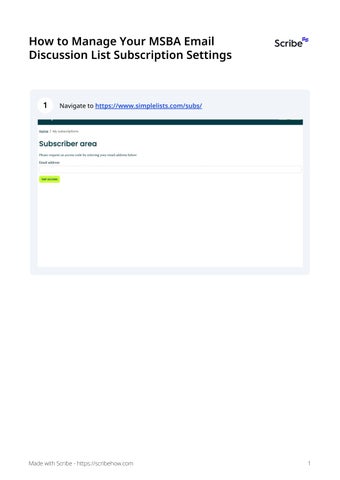

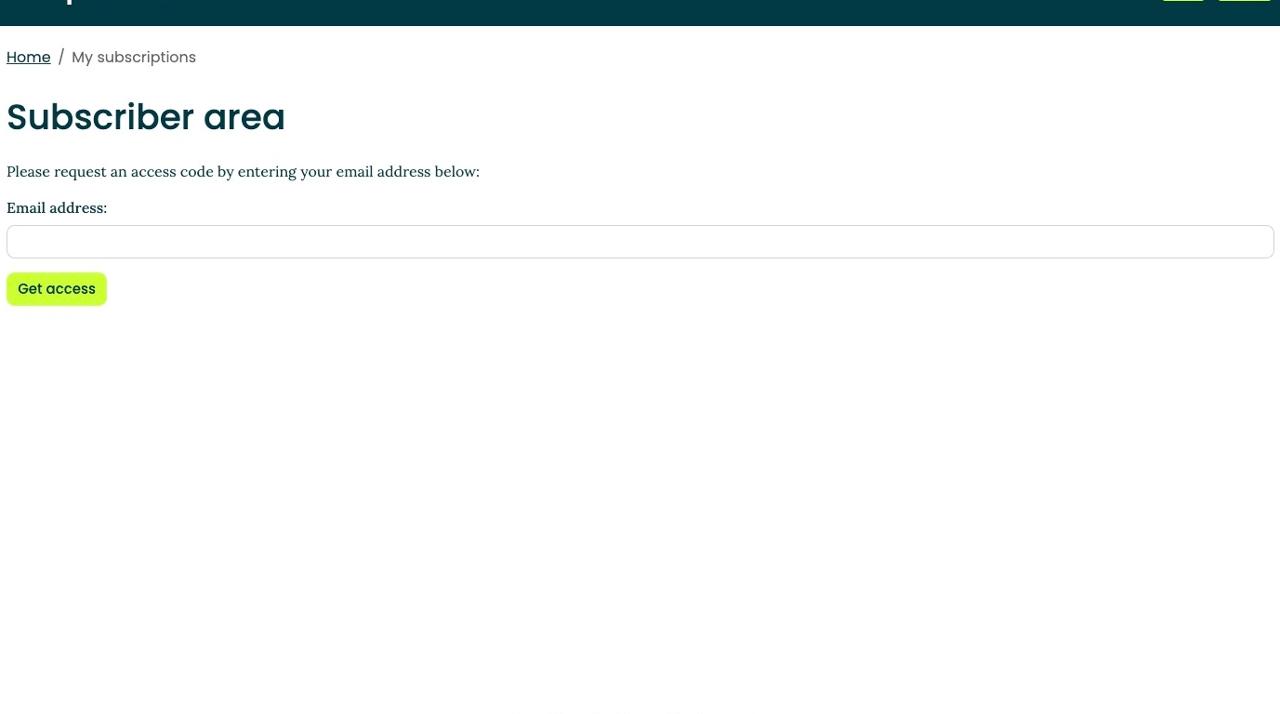
1 Navigatetohttps://www.simplelists.com/subs/
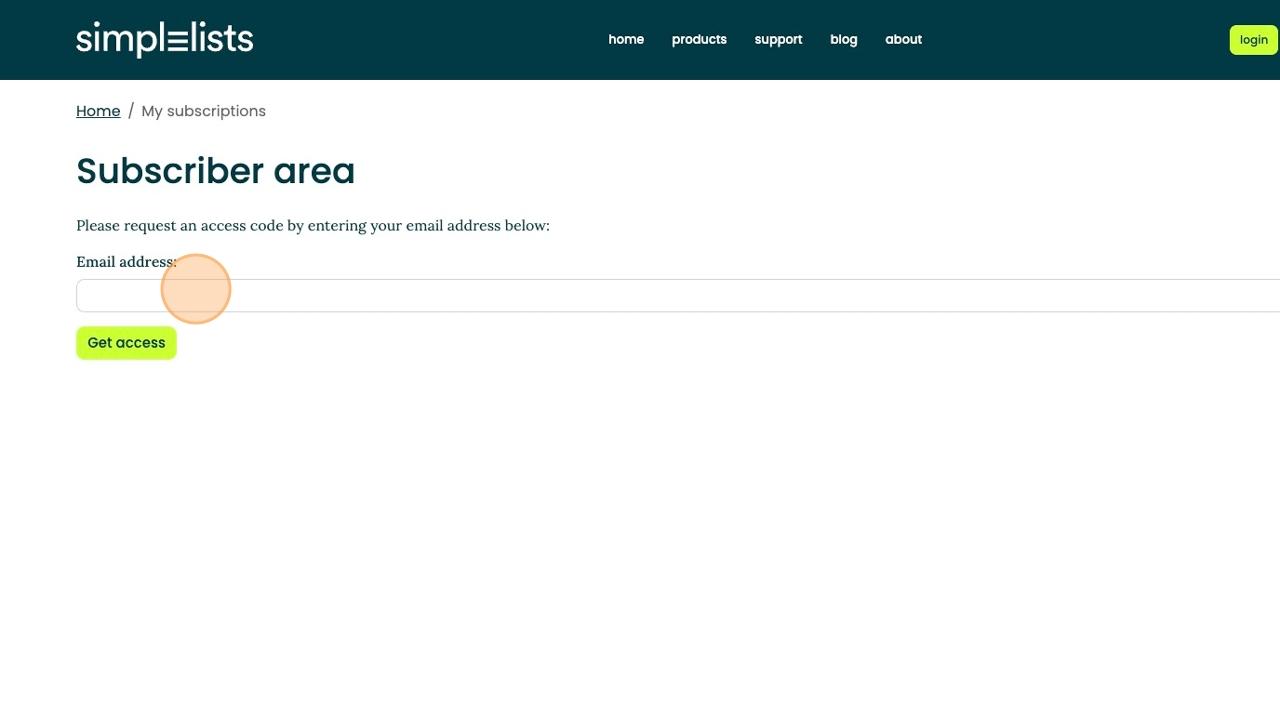
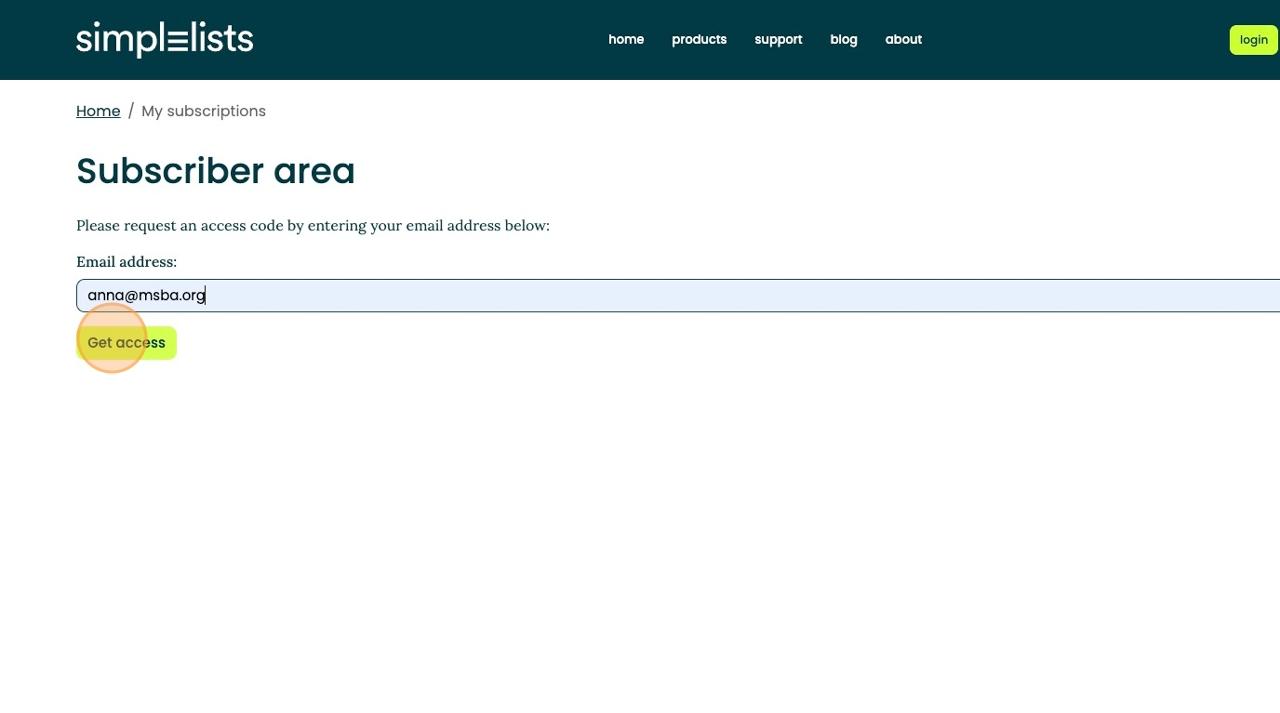
2 Clickthisemailfield,andtypetheemailassociatedwithyourMSBAMembership account
3 Click"Getaccess"
4 ReviewyouremailforaonetimeloginlinkfromSimplelists(Checkyourspam filterifyoudonotseethisemailinyourinbox).
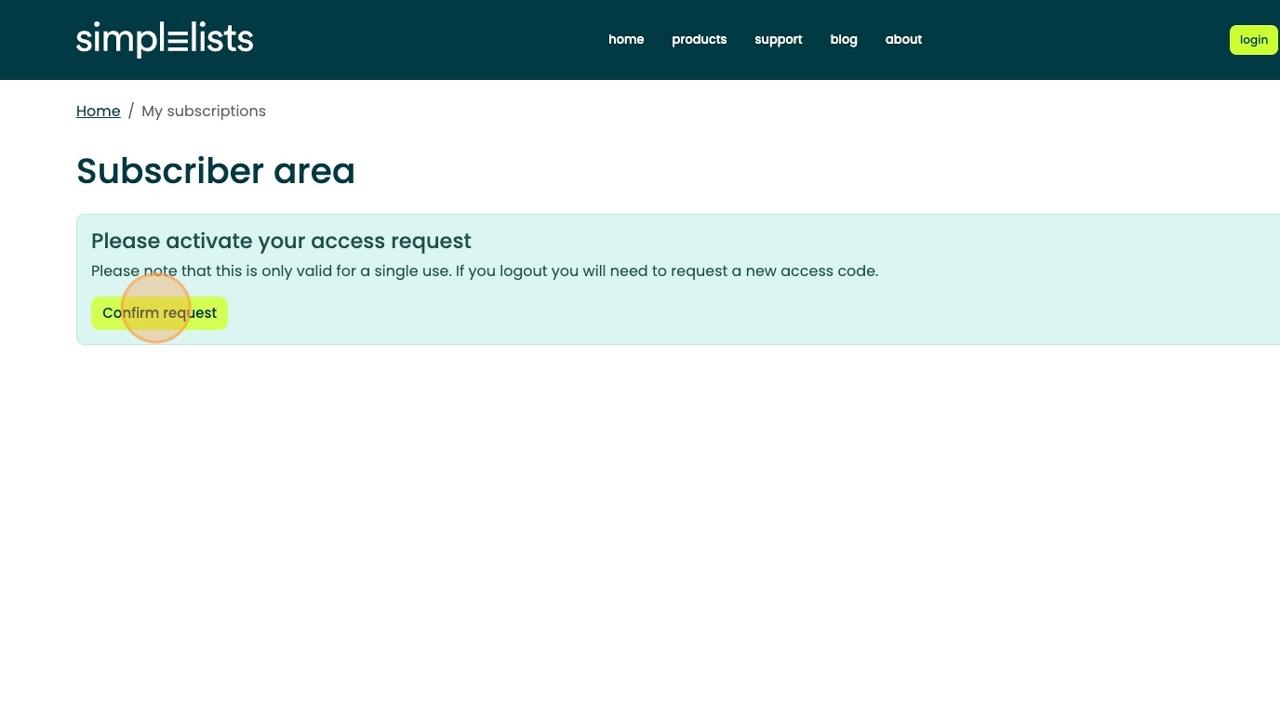
5 FollowthelinktotheSimplelistssubscriptionareaandclick"Confirmrequest"
Tip!Onceinthesubscriberareayouhaveavarietyofoptionstocontroltheemail volumeoftheSectionEmailDiscussionLists.
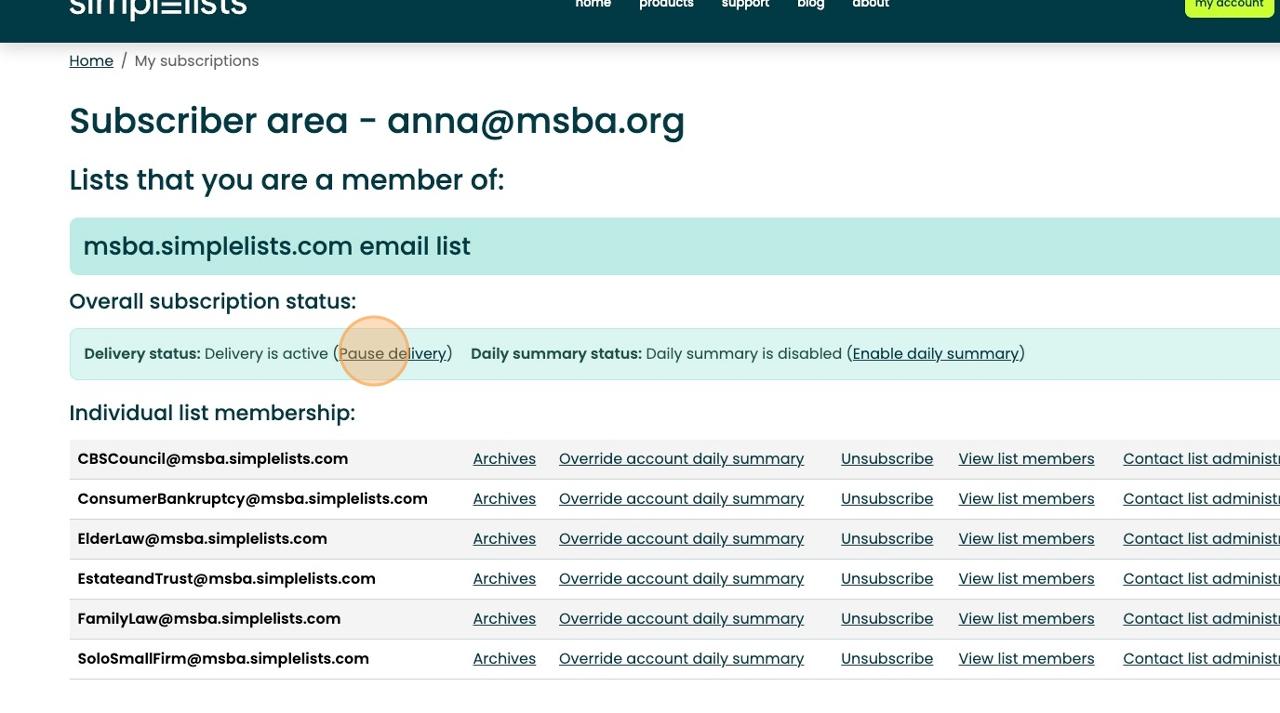
6 Ifyouwouldliketopausedeliverywhileyouareonvacation,intrial,orotherwise unavailable,Click"Pausedelivery"
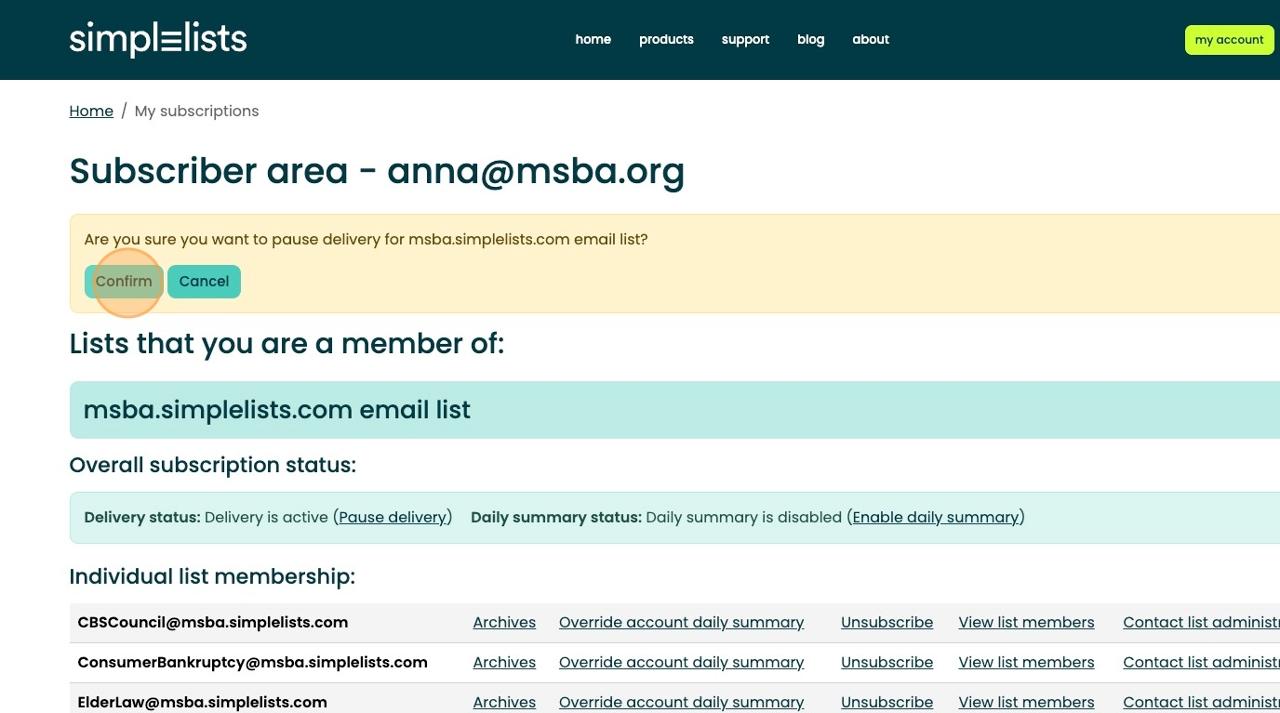
7 ThenClick"Confirm".
8 Toresumedelivery,click"Resumedelivery"onthesubscriberpage.
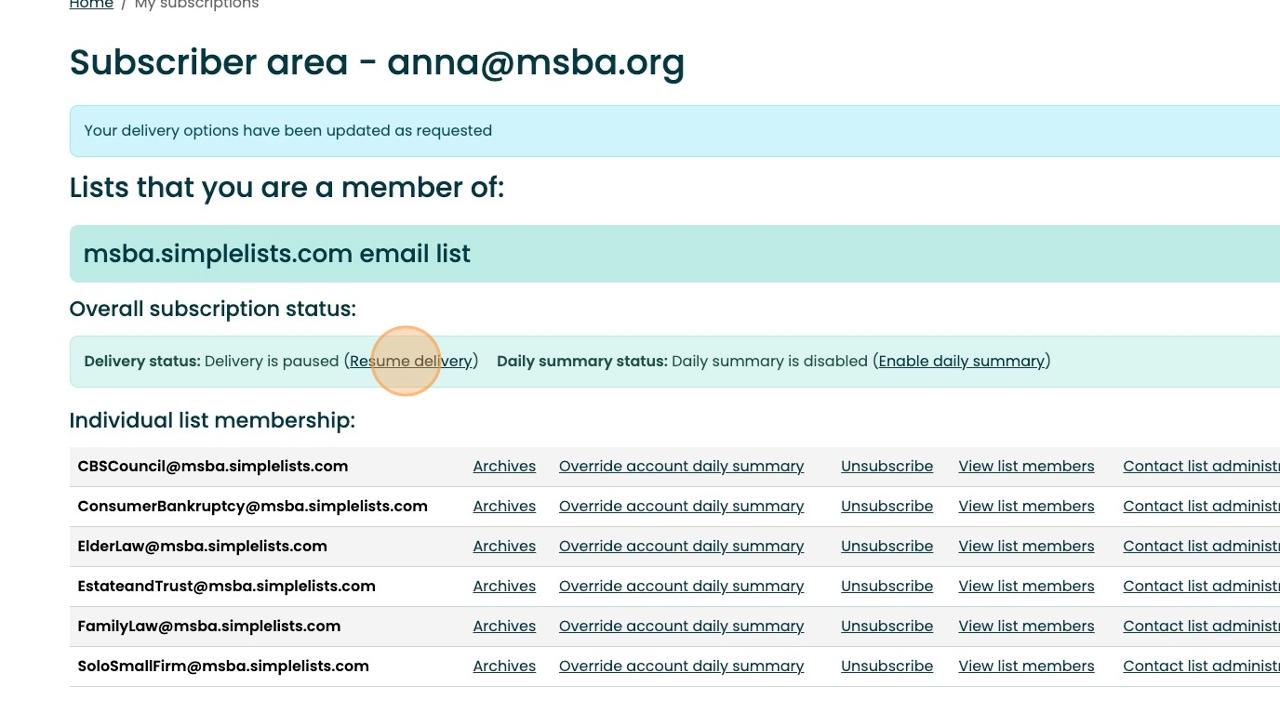
9 Thenclick"Confirm"toresumedelivery.
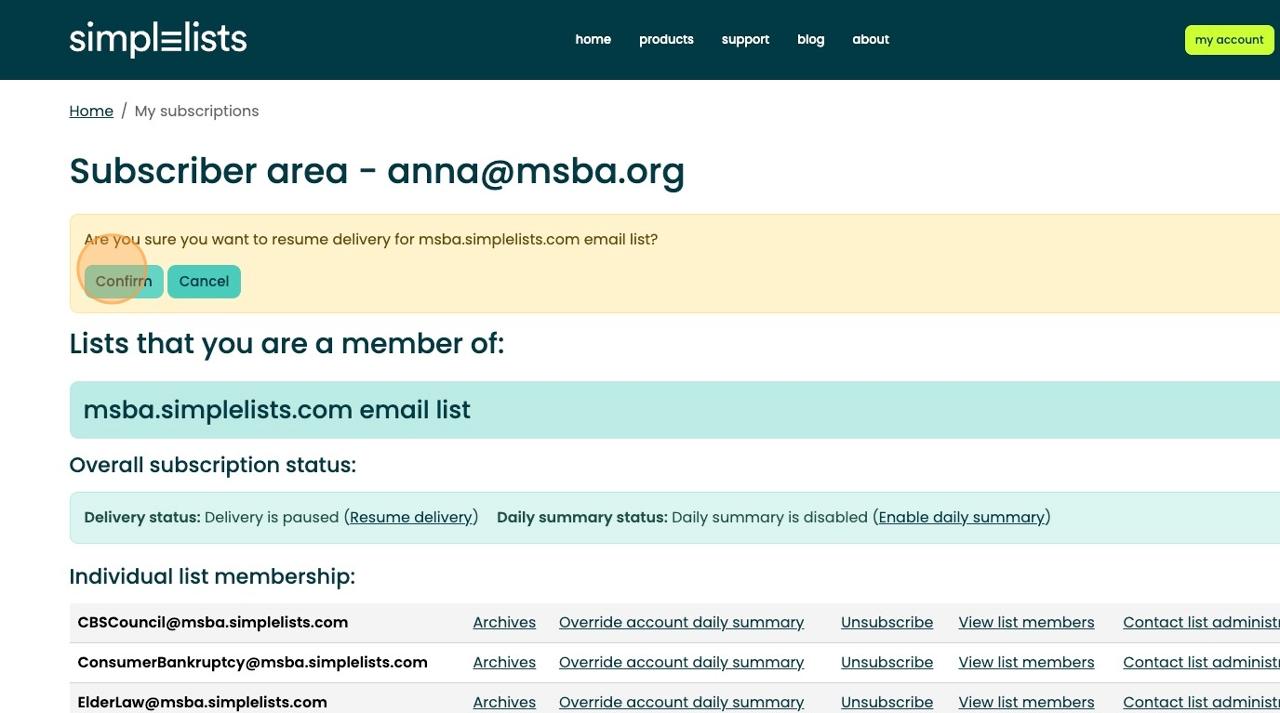
10 Toa"Enabledailysummary"foralllistsofyourSectionEmailDiscussionlist,click "EnableDailySummary"inthemiddleofyourscreen.
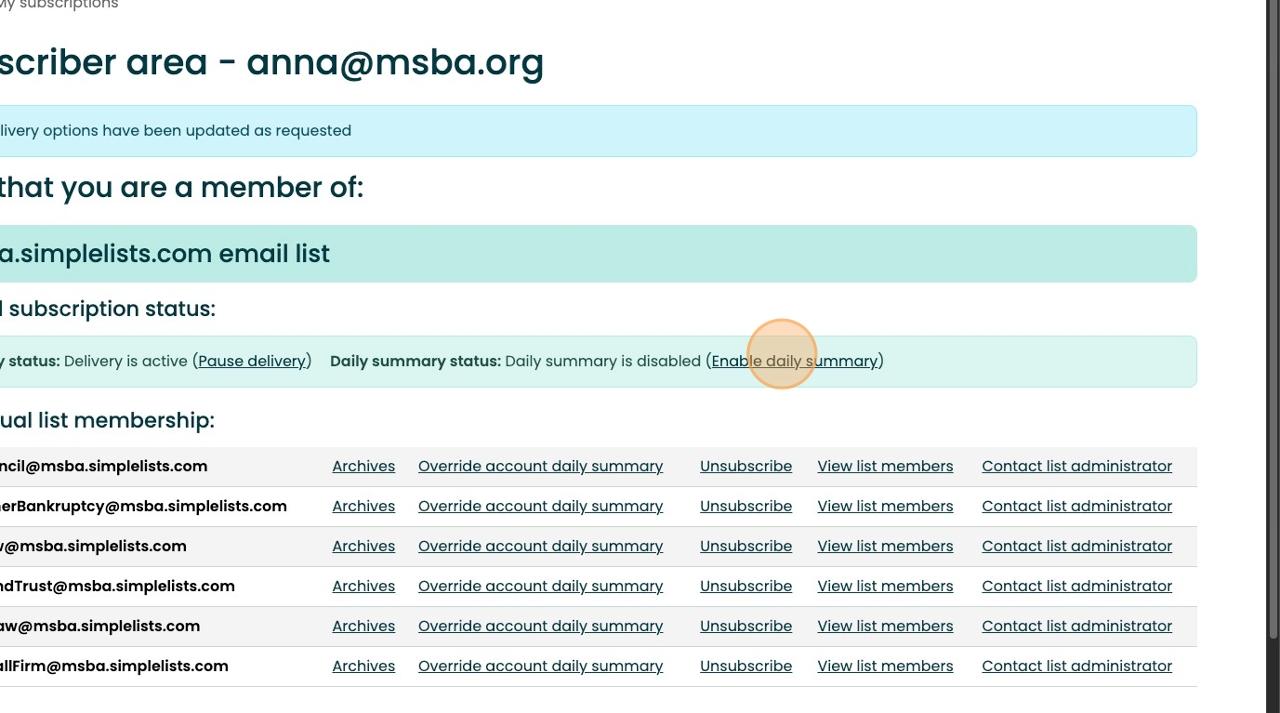
11 Thenclick"Confirm".YouwillnowreceiveaDailySummaryemailfromeachlist withasummaryofalltheactivityfromthatday.Pleasenote:Ifnoemailswere exchangedonalistonaparticularday,youwillnotreceiveasummaryemailthat day.
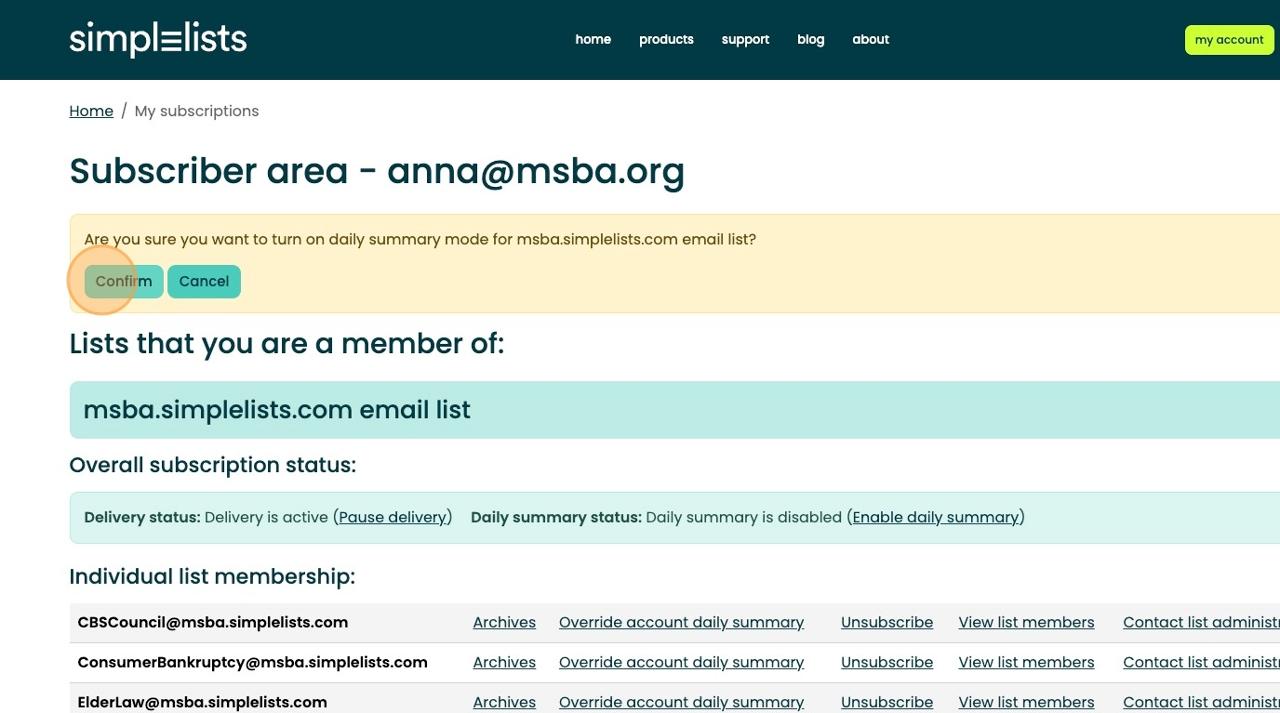
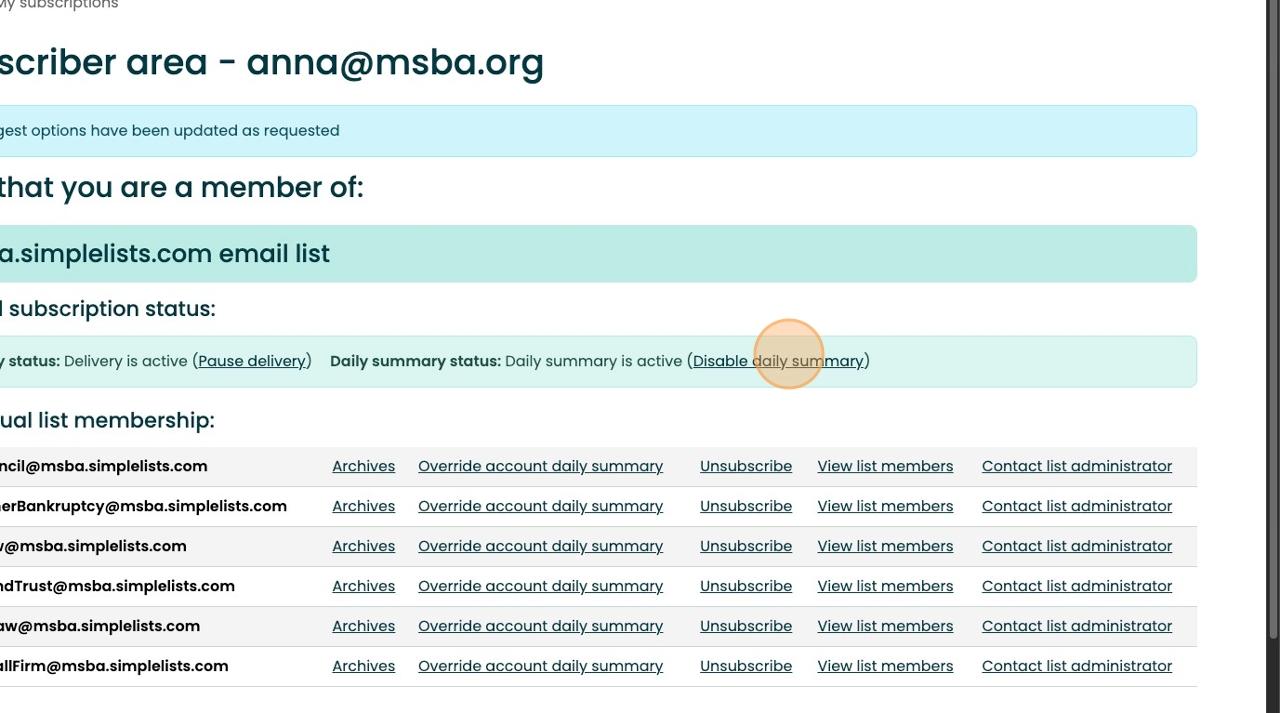
12 Toreturntoreceivingeveryemail,click"Disabledailysummary"
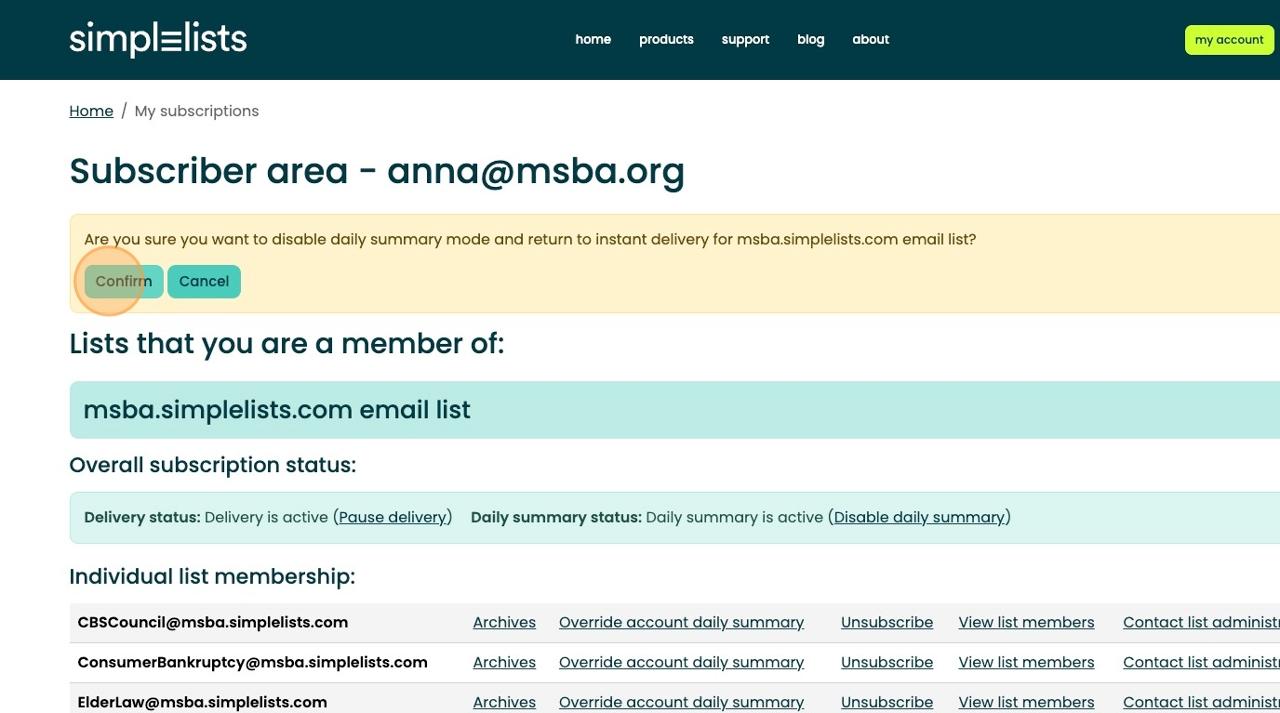
13 Thenclick"Confirm"
14
Tip!Youcanalsochangesettingsforeachlist.Seebelowformoreinformation.
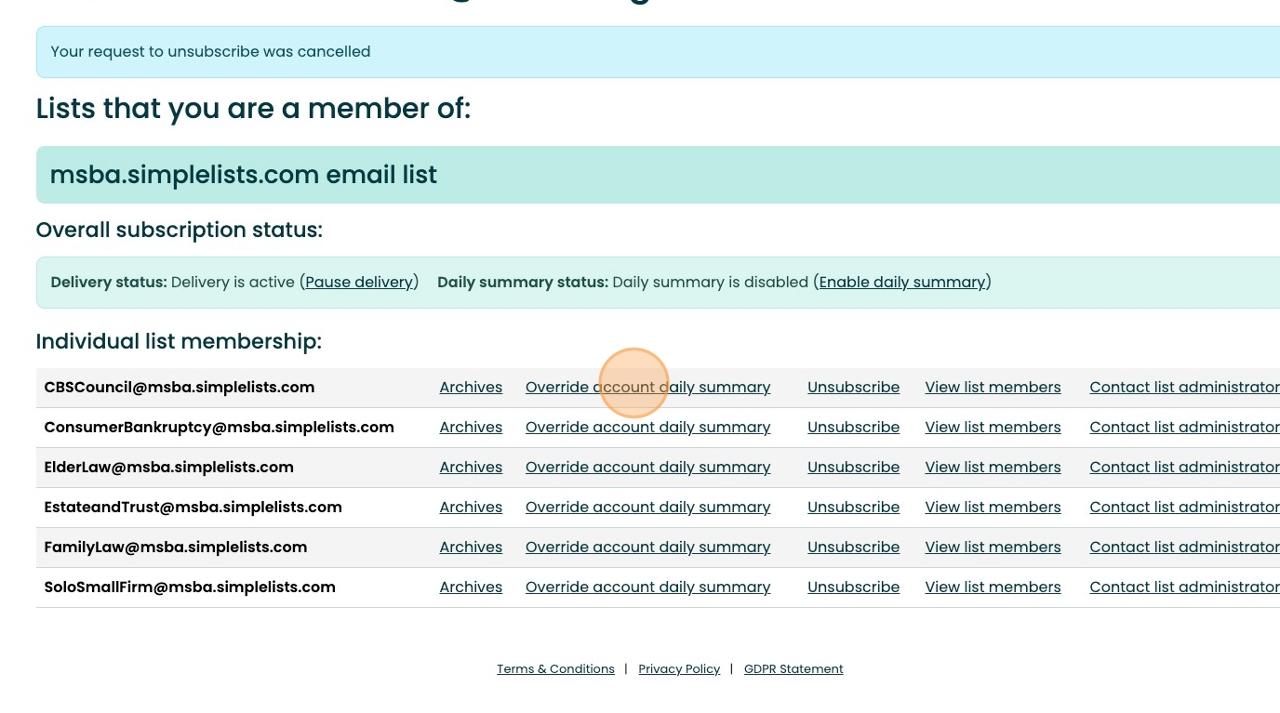
ToenableaDailySummaryforaparticularlist,Click"Overrideaccountdaily summary"forthedesiredlist.
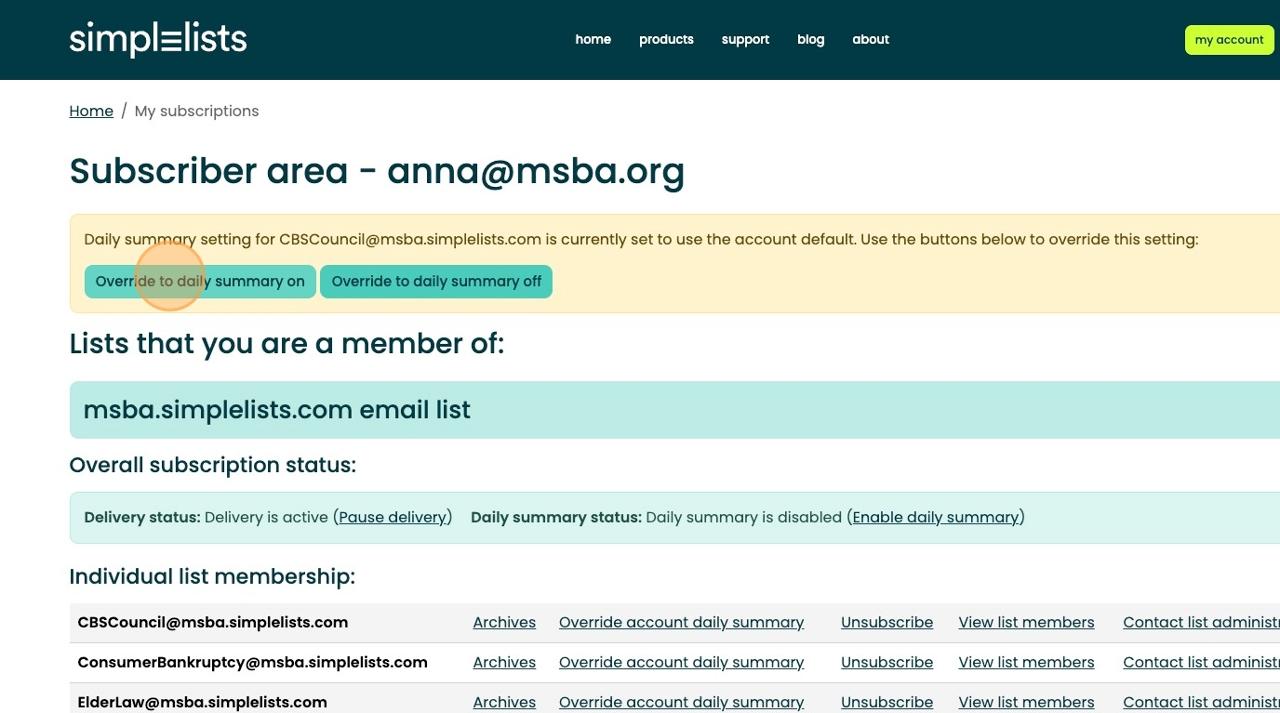
15 Thenclick"Overridetodailysummaryon"
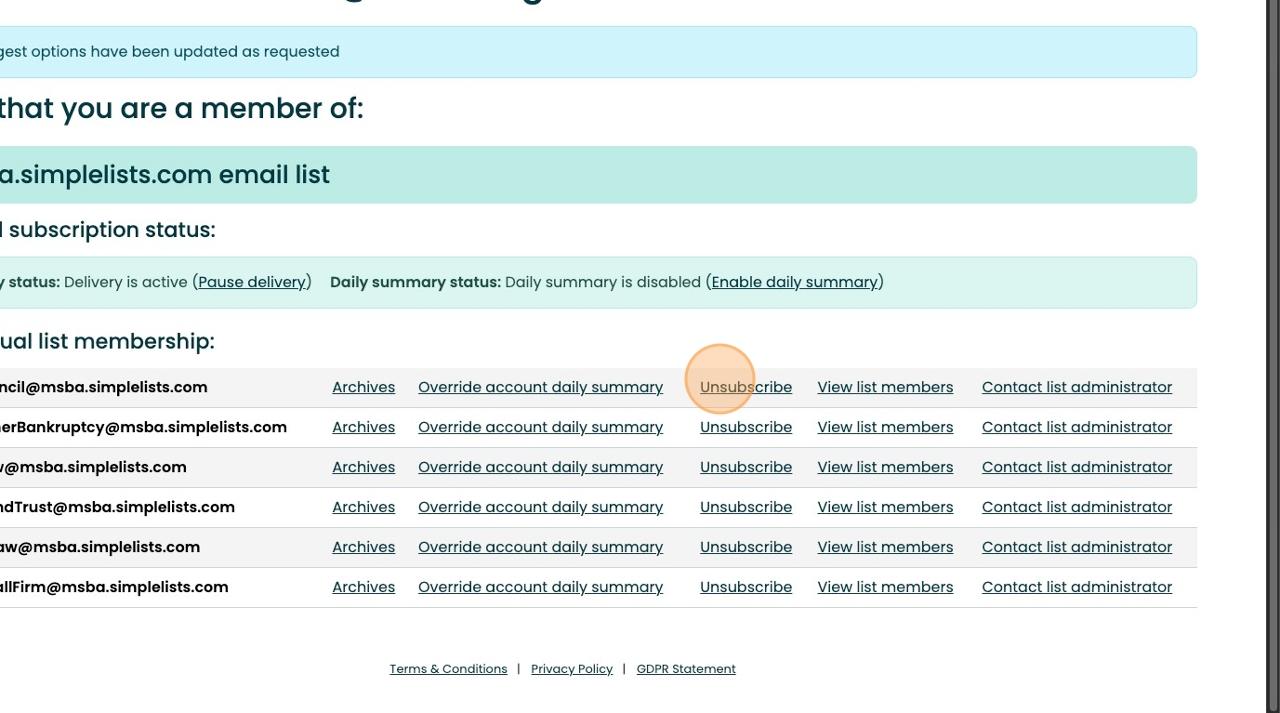
16 Tocompletely"Unsubscribe"toaparticularlist,click"Unsubscribe"onthedesired list.
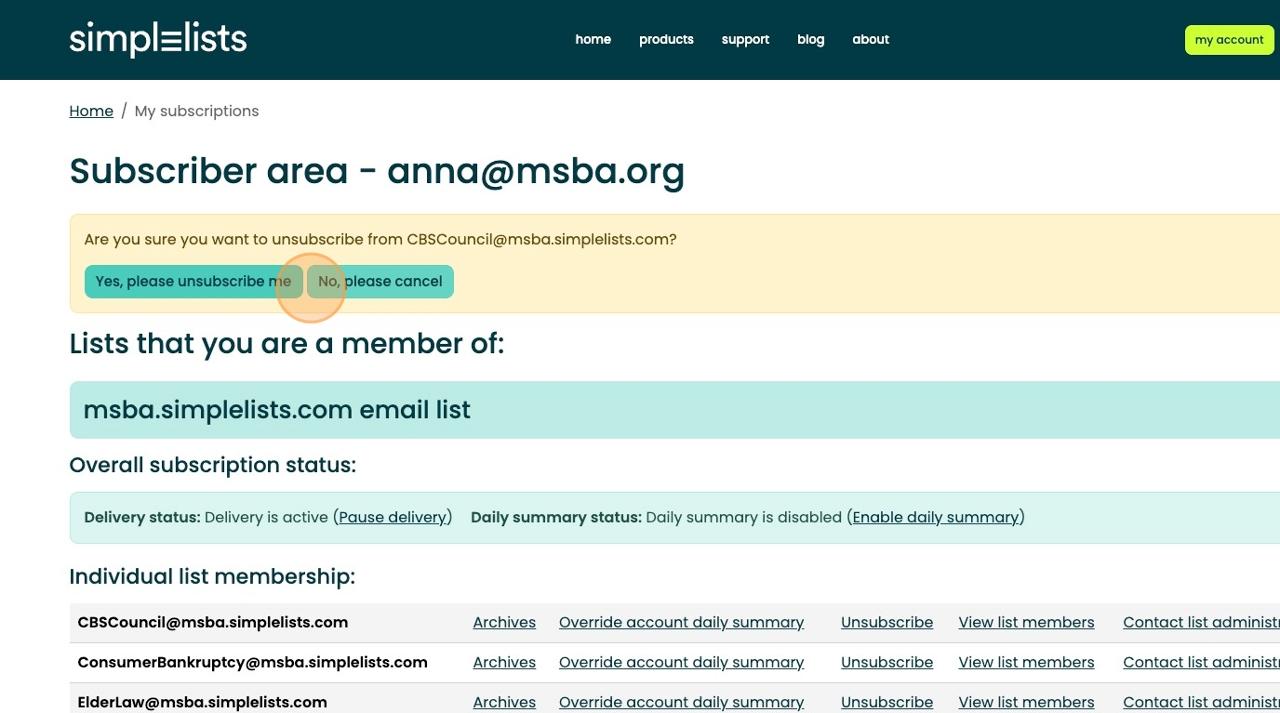
17 Thenclick"Yes,pleaseunsubscribeme"toconfirm.
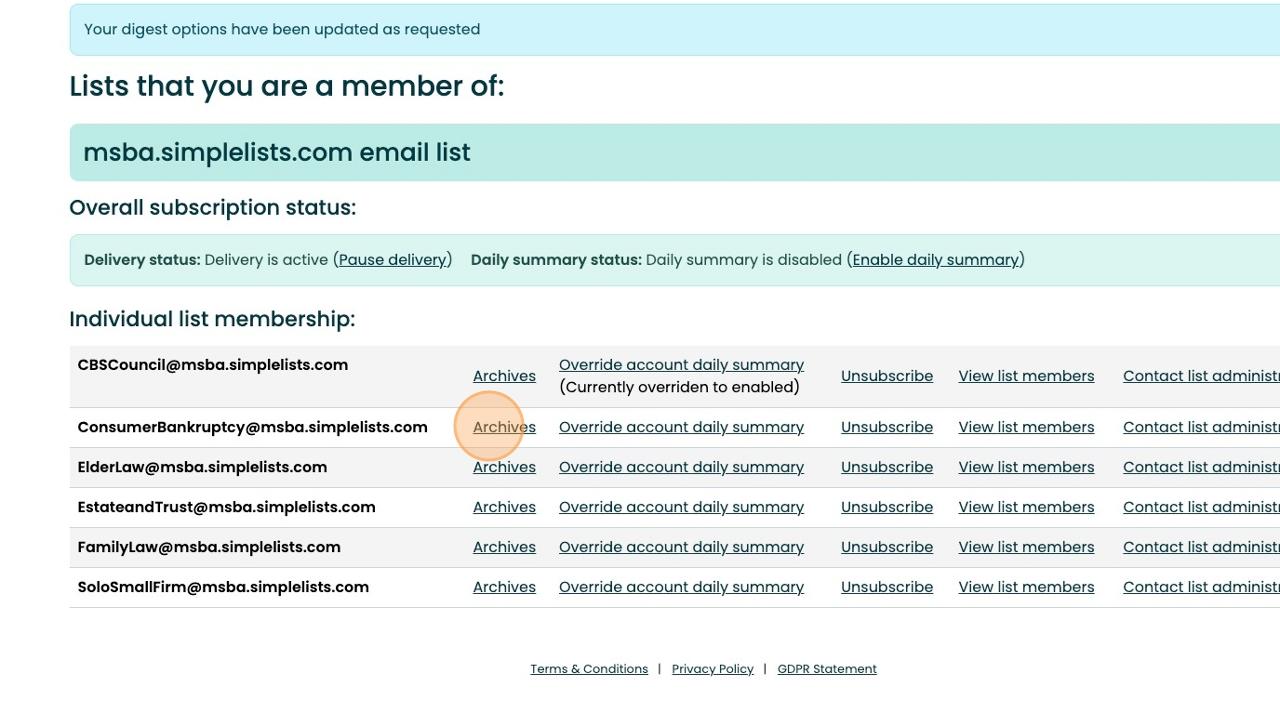
Tip!EveryMSBASectionEmailDiscussionListhasasearchablearchive.Toaccess, logintothesubscriberareafollowinginstructions1-5above,andthenfollow theseinstructions.
18 Click"Archives"onthedesiredlist.Thearchiveswillopeninaseparatetab.