Cambridge IGCSE and O Level Programming Book
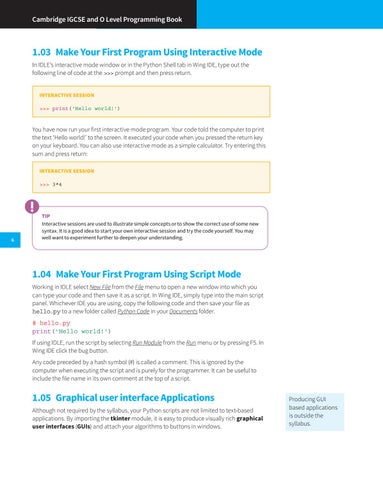
1.03 Make Your First Program Using Interactive Mode In IDLE’s interactive mode window or in the Python Shell tab in Wing IDE, type out the following line of code at the >>> prompt and then press return. INTERACTIVE SESSION >>> print('Hello world!')
You have now run your first interactive mode program. Your code told the computer to print the text ‘Hello world!’ to the screen. It executed your code when you pressed the return key on your keyboard. You can also use interactive mode as a simple calculator. Try entering this sum and press return: INTERACTIVE SESSION >>> 3*4
6
TIP Interactive sessions are used to illustrate simple concepts or to show the correct use of some new syntax. It is a good idea to start your own interactive session and try the code yourself. You may well want to experiment further to deepen your understanding.
1.04 Make Your First Program Using Script Mode Working in IDLE select New File from the File menu to open a new window into which you can type your code and then save it as a script. In Wing IDE, simply type into the main script panel. Whichever IDE you are using, copy the following code and then save your file as hello.py to a new folder called Python Code in your Documents folder. # hello.py print('Hello world!') If using IDLE, run the script by selecting Run Module from the Run menu or by pressing F5. In Wing IDE click the bug button. Any code preceded by a hash symbol (#) is called a comment. This is ignored by the computer when executing the script and is purely for the programmer. It can be useful to include the file name in its own comment at the top of a script.
1.05 Graphical user interface Applications Although not required by the syllabus, your Python scripts are not limited to text-based applications. By importing the tkinter module, it is easy to produce visually rich graphical user interfaces (GUIs) and attach your algorithms to buttons in windows.
Producing GUI based applications is outside the syllabus.