COMMUNITY SERVICE: 1-2-3!
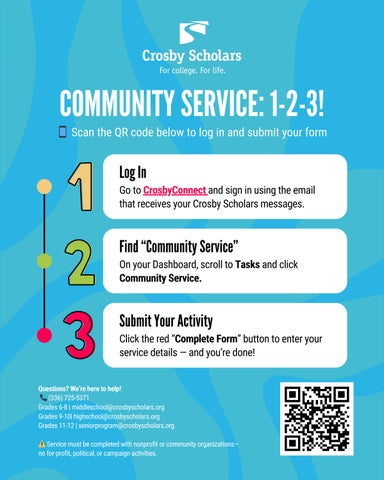
📱 Scan the QR code below to log in and submit your form Log In Go to CrosbyConnect and sign in using the email that receives your Crosby Scholars messages.
Find “Community Service” On your Dashboard, scroll to Tasks and click Community Service.
Submit Your Activity Click the red “Complete Form” button to enter your service details — and you’re done! Questions? We’re here to help! (336) 725-5371 Grades 6-8 | middleschool@crosbyscholars.org Grades 9-10| highschool@crosbyscholars.org Grades 11-12 | seniorprogram@crosbyscholars.org
📞
⚠️ Service must be completed with nonprofit or community organizations— no for-profit, political, or campaign activities.