Why Is My Cricut Not Cutting Properly?
Is your Cricut cutting materials incorrectly 4 wasting time and vinyl? Most cutting issues stem from bladeproblems, incorrectsettings,ordirtbuildup. This guide covers simple fixes to get you back on track.




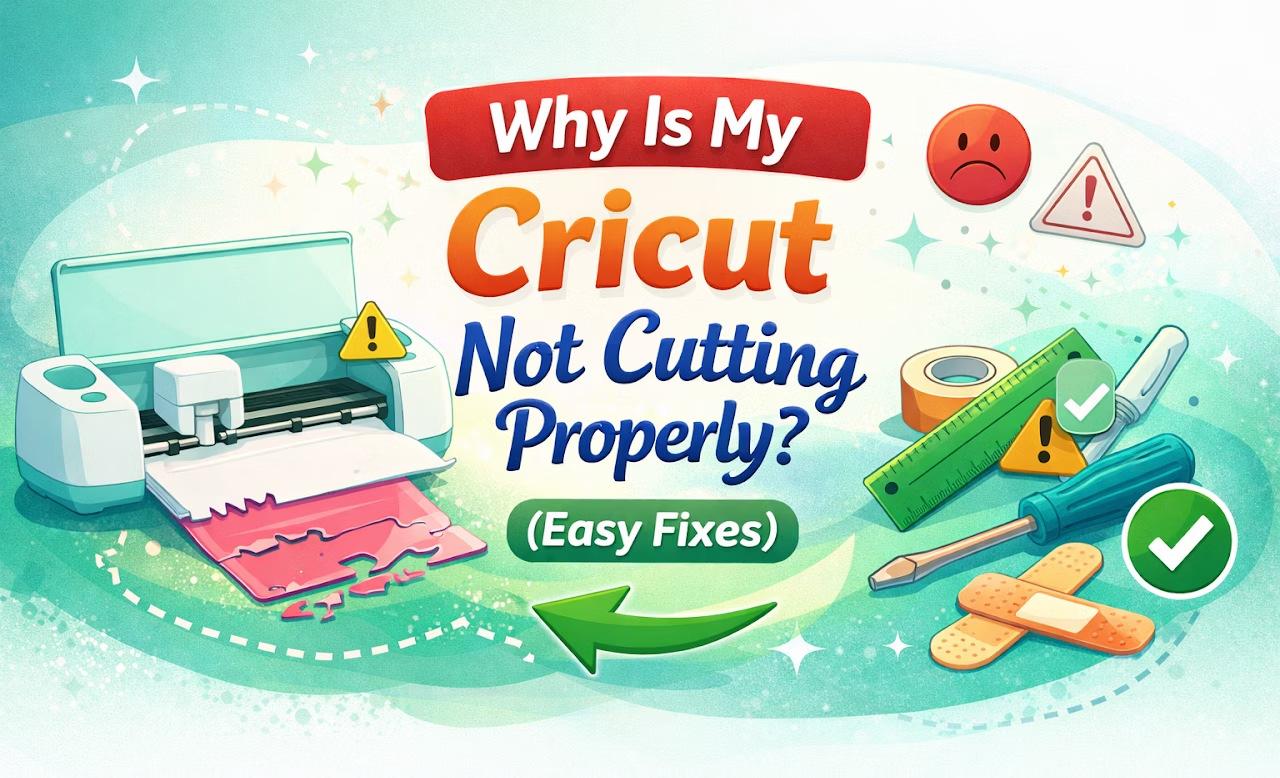
Is your Cricut cutting materials incorrectly 4 wasting time and vinyl? Most cutting issues stem from bladeproblems, incorrectsettings,ordirtbuildup. This guide covers simple fixes to get you back on track.
A worn or dirty mat causes material to shift, producing inaccurate cuts.
Wash the Mat
Clean with mild detergent and water if too dirty.
Secure the Material
Use a scraper or brayer to hold material in place.
Align Properly
Ensure the mat sits correctly between guides and rollers.
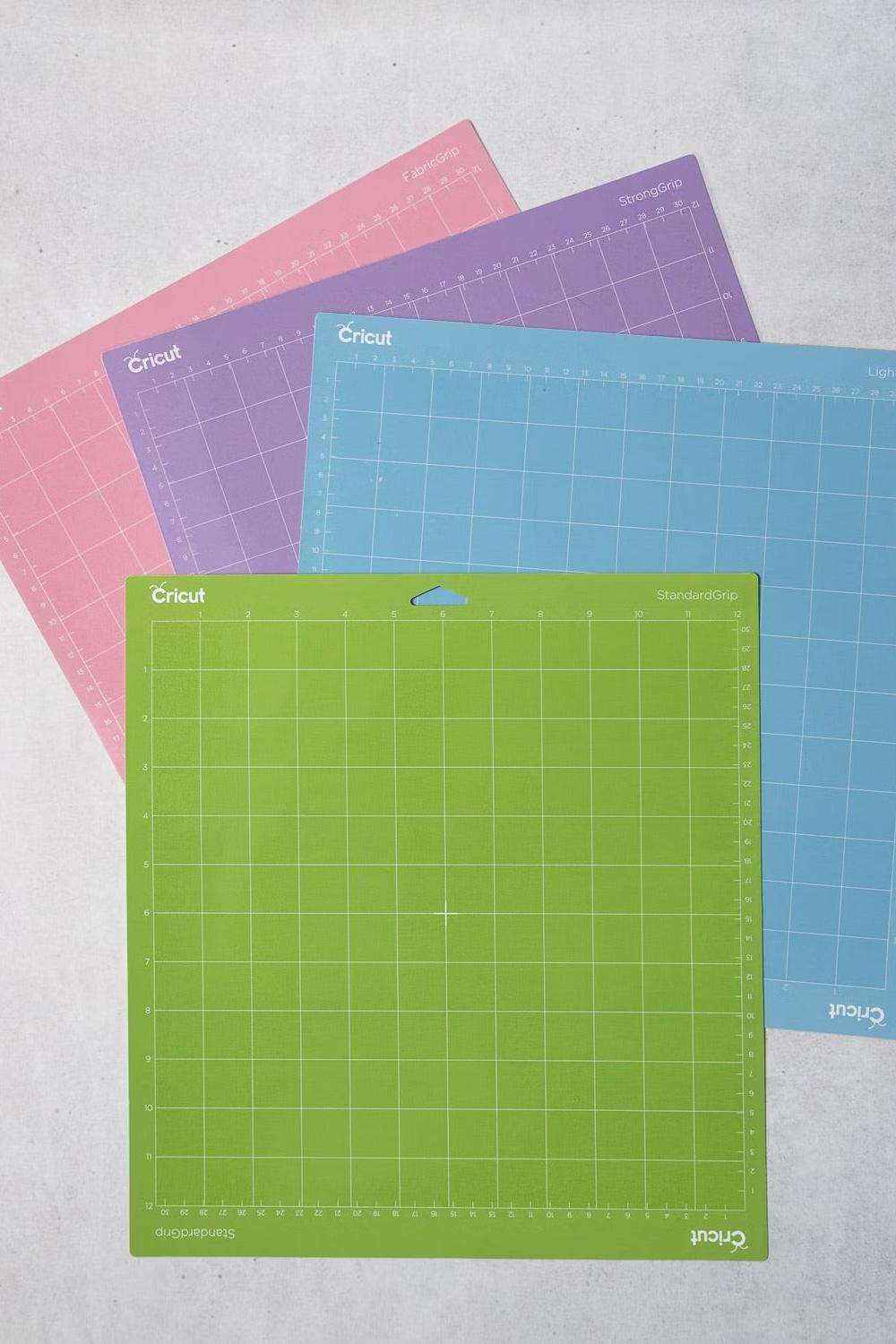
If the material in Design Space doesn't match what's loaded, cuts will fail.
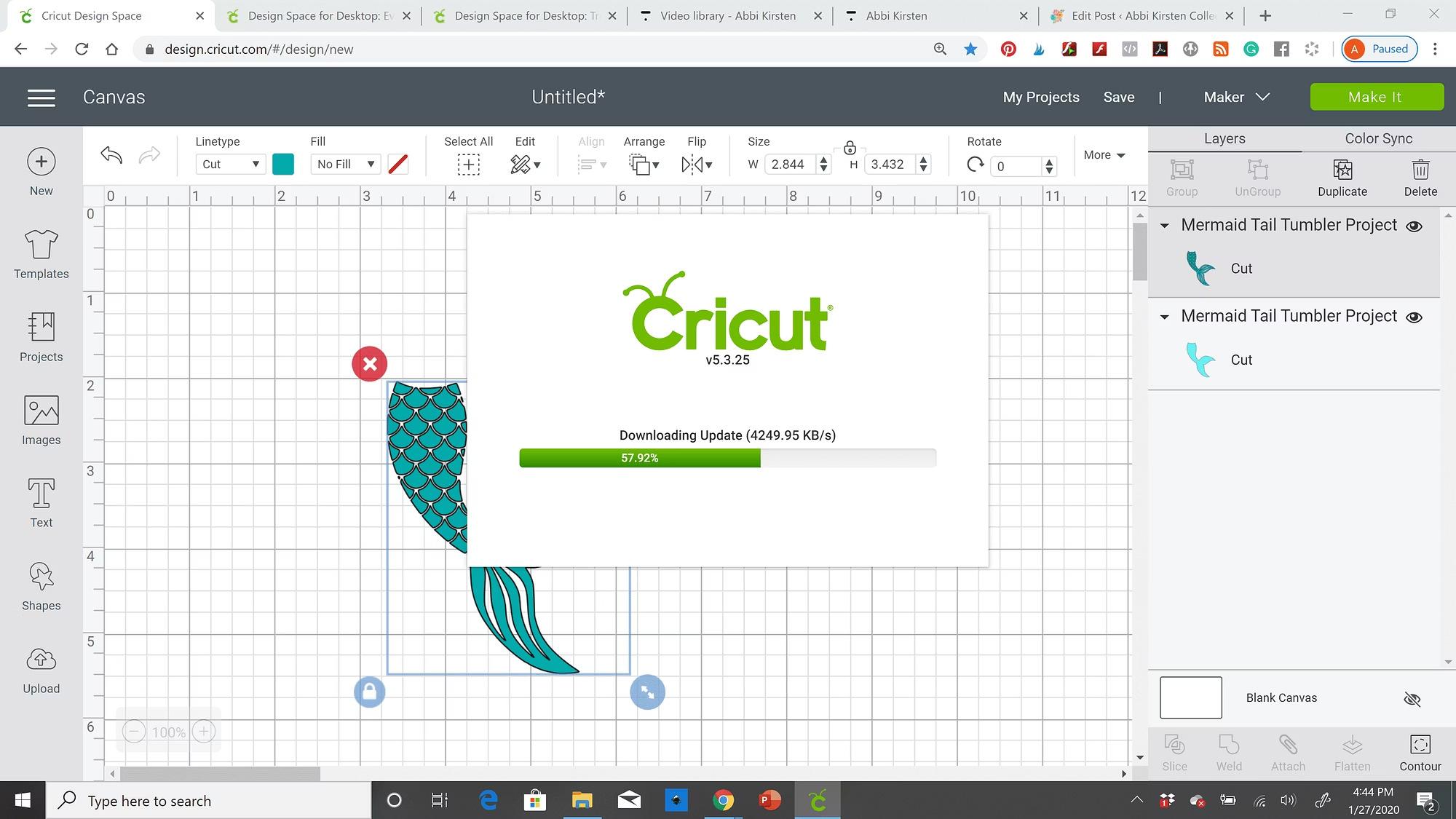
Select the Right Material
Click "Browse All Materials" on the preview screen.
Lower Pressure
If material is tearing, reduce pressure in Design Space.
Increase Pressure or MultiCut
For incomplete cuts, raise pressure or enable multi-cut.
A dirty blade housing causes imprecise cuts. Remove the housing, release the blade by pressing the plunger, and clean carefully.
01 Remove & Release
Take out the blade housing and release the blade via the plunger.
02 Wipe the Blade Without touching the tip, wipe with a clean paper towel.
03 Foil Method
Gently press the blade into aluminum foil 15320 times.
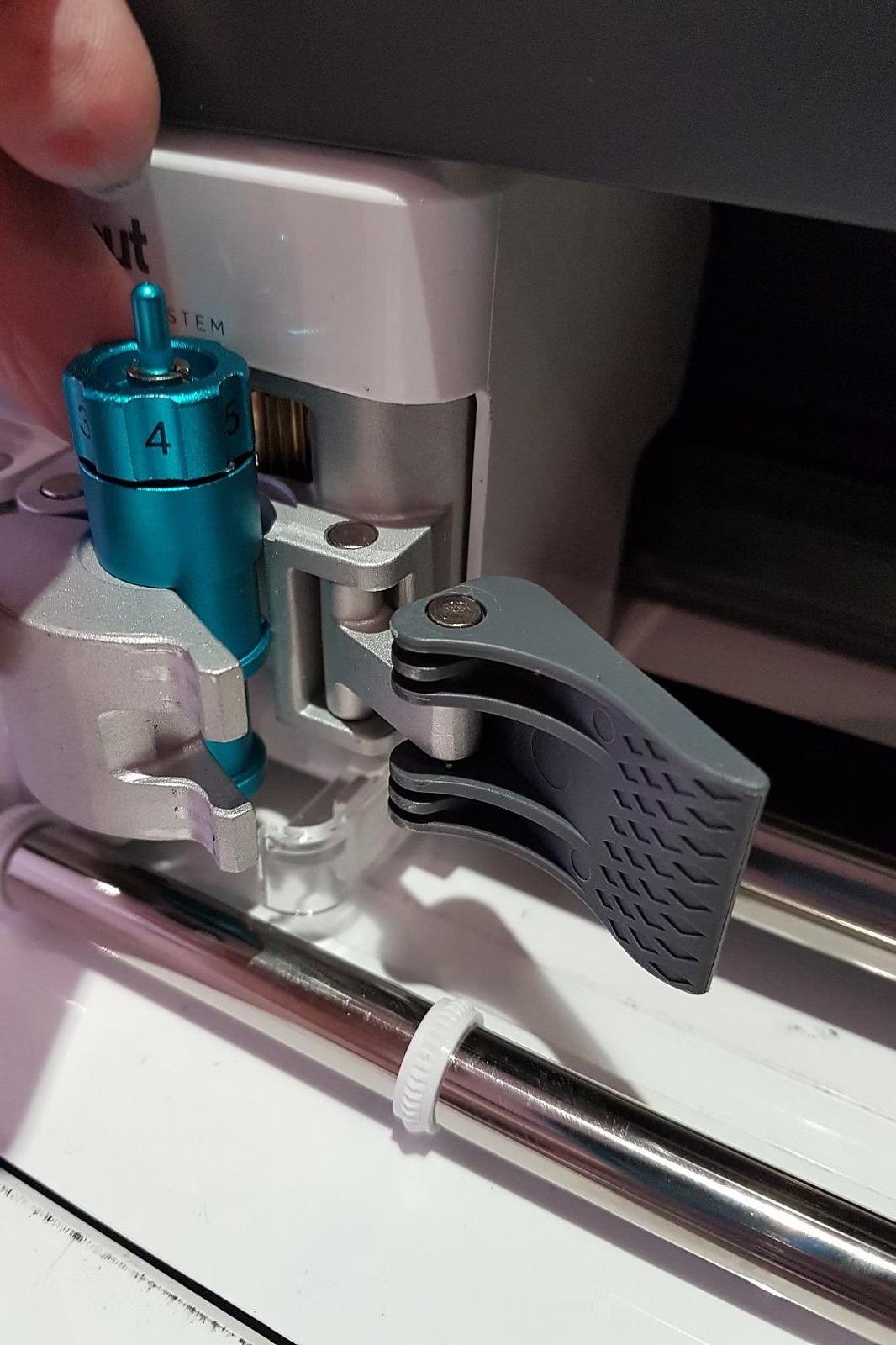
Blades dull over time 4 especially with thicker materials. Replace every few months depending on usage.
1 Remove & Discard
Take out the old blade from the housing.
2 Insert New Blade
Place the new blade in the housing 4 don't touch the tip.
3 Replace Housing if Needed
Some machines require full housing replacement.
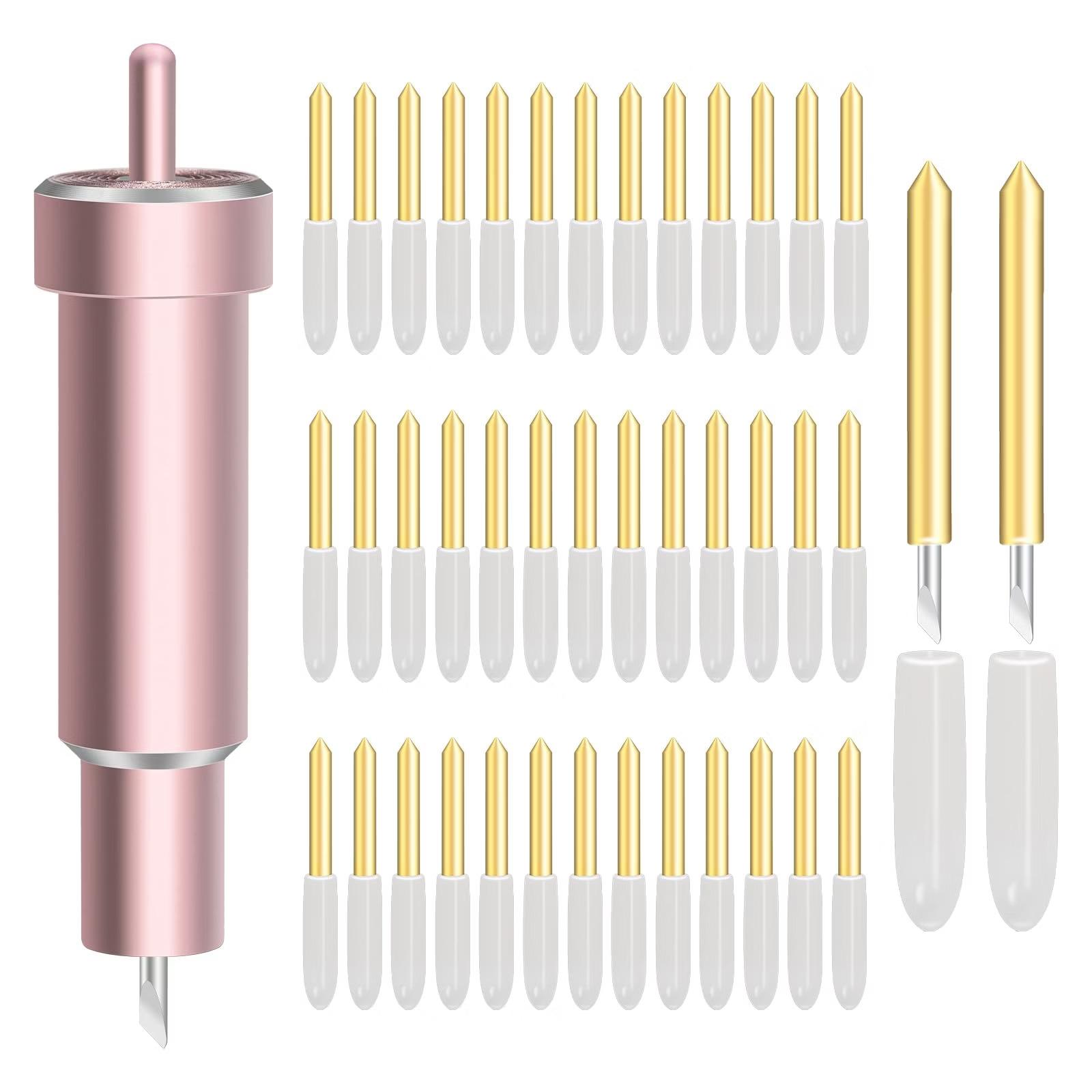
Always use authenticCricutblades 4 avoid third-party blades.

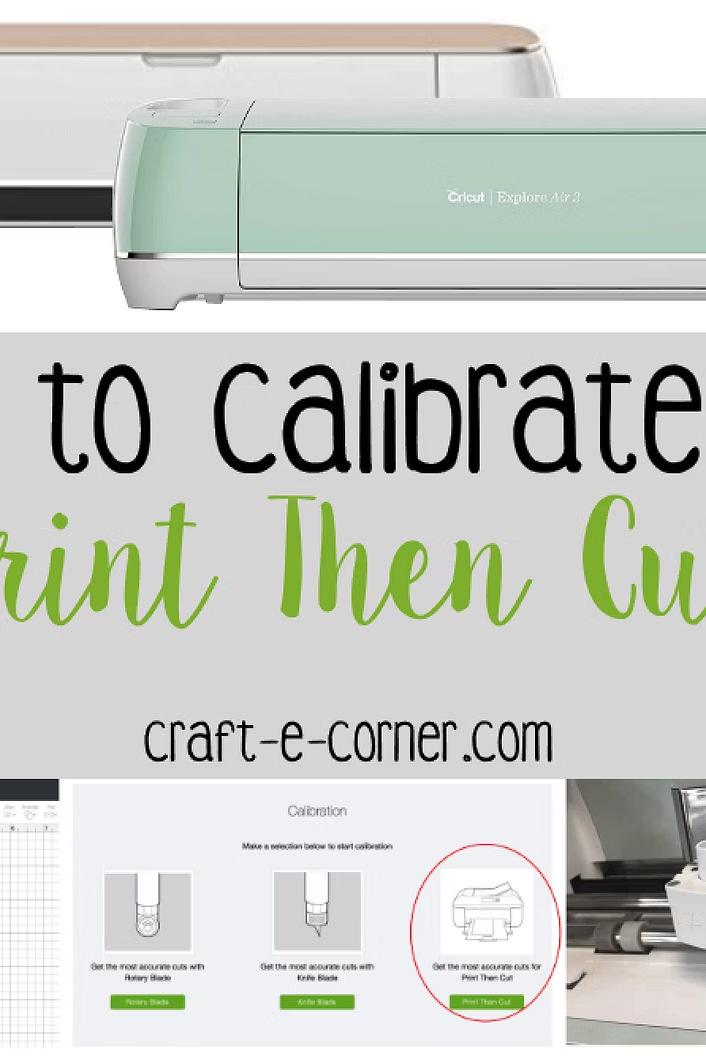
Calibration aligns your machine with the design 4 an often-overlooked step when cuts aren't precise.
Settings Go to Menu ³ Settings in Design Space.
Select Calibration Choose Machines ³ Machine Calibration.
Follow On-Screen Steps Select "Print Then Cut" and complete the guided process.
Why isn't my Cricut cutting all the way through?
Dull/dirty blades, incorrect material or pressure settings, or a mat that lost stickiness.
Source: mycricutisnotcuttingproperly
How do I know if my blade is dull?
It tears material instead of cutting cleanly, or creates partial cuts that are hard to weed.
Why is my Cricut cutting too deep?
Pressure may be too high, the blade is new, or the wrong material is selected.