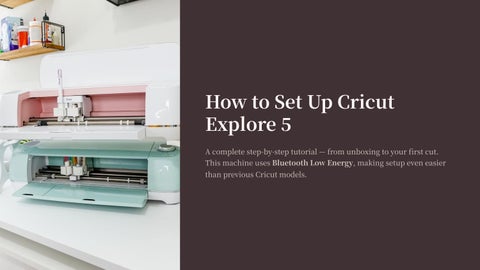
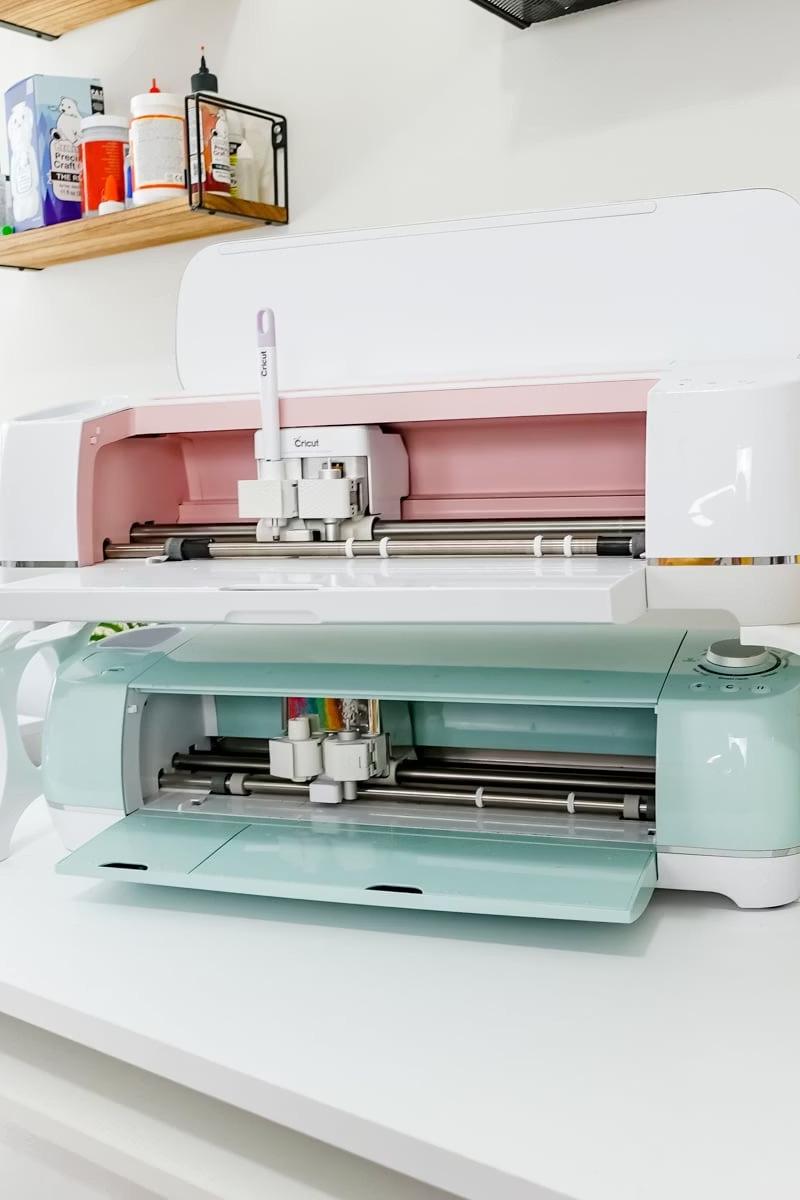
HowtoSetUpCricut
Explore
Acompletestep-by-steptutorial—fromunboxingtoyourfirstcut. ThismachineusesBluetoothLowEnergy,makingsetupeveneasier thanpreviousCricutmodels.
WhatYouNeedBefore Setup
Device
Acomputerormobiledevice(Windows,Mac,Android,oriOS)
Internet
Astableinternetconnectionfordownloadingsoftware
Cables
PowercordandUSBcable(includedinthebox)
Software
CricutDesignSpaceinstalledonyourdevice
Step:UnboxYourCricutExplore
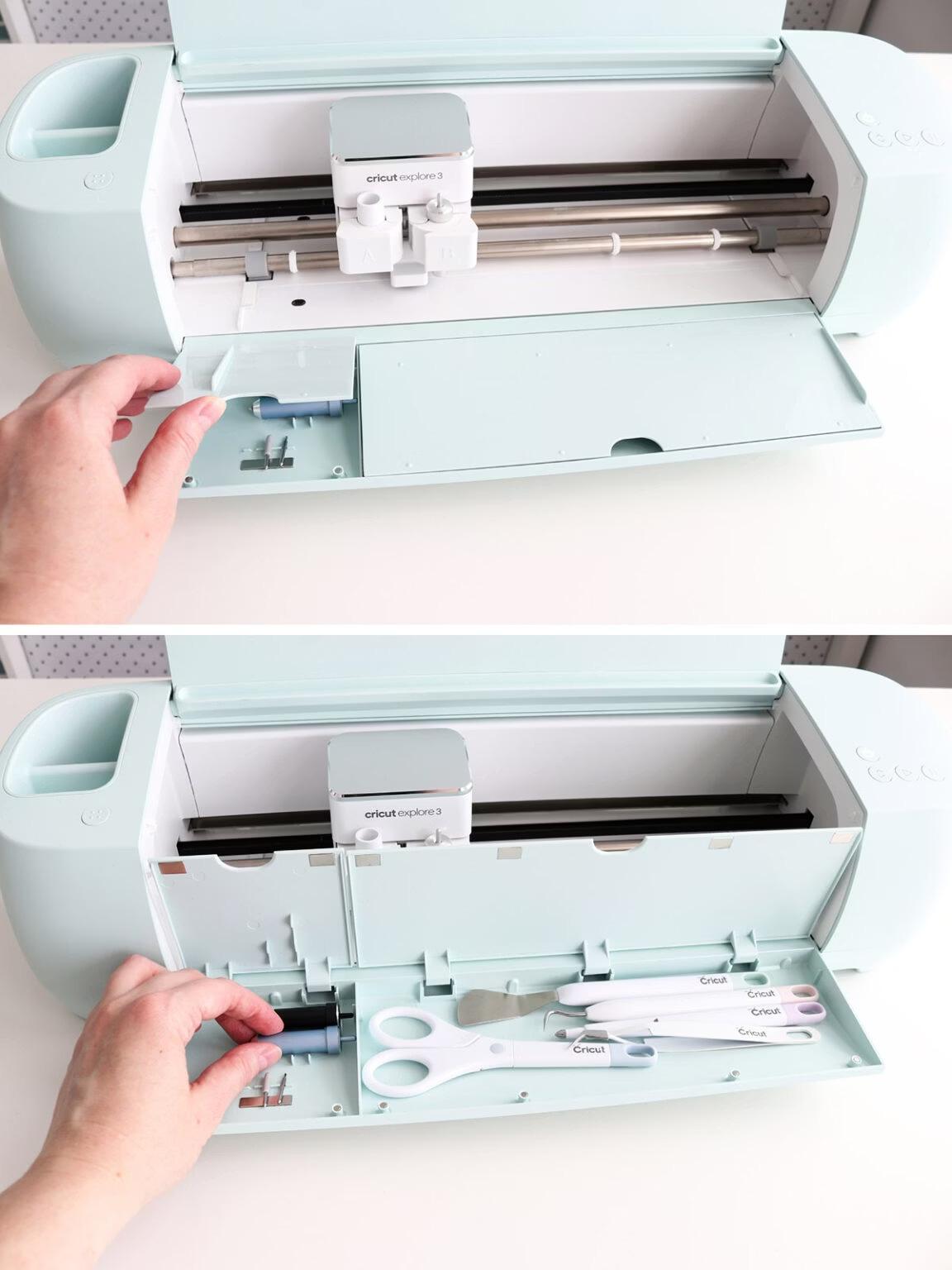
What'sInside
Checkthemachine'scondition,power cord,andUSBcableincludedinthe box.
PoweringOn
Connectthepowercordtothebackof themachineandtoawalloutlet.Turn iton—Bluetoothactivates automaticallywhenpoweredon. ThereisnodedicatedBluetooth button.
Step:InstallCricut DesignSpace
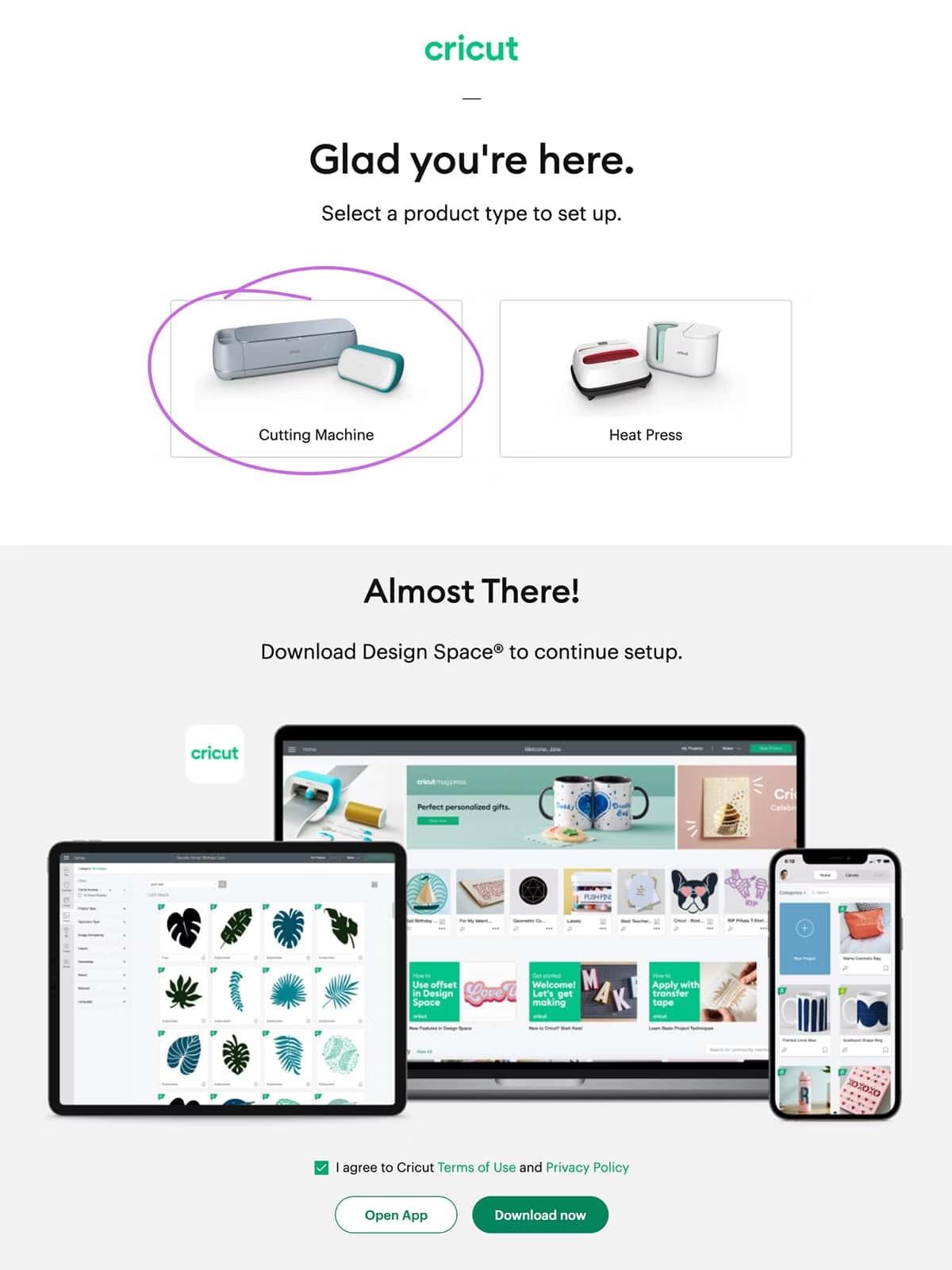
DesignSpaceisthededicatedsoftwareforallCricutcuttingmachines. Visitdesign.cricut.com/setuptogetstarted.
SelectYourMachine ChooseyourmodelandaccepttheTermsofUse&Privacy Policy
Download HitthegreenDownloadbuttonandlettheinstallation finish
SignIn LoginwithyourCricutID,orcreateanewaccount

InstallingonComputers(Windows/Mac)
Windows
GotoDownloadsfolder→ double-clickthefile→let installationcomplete
Mac DragtheCricuticonto Applicationsfolder→opento startinstallation
CreateAccount
Click"CreateCricutID"and enteryourname,email,country, andastrongpassword
InstallingonMobile(Android/iOS)
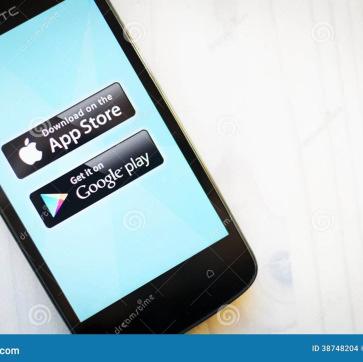
DownloadtheApp
GotothePlayStoreorAppStore,searchfor CricutDesignSpace,andtap"Get"or "Install"
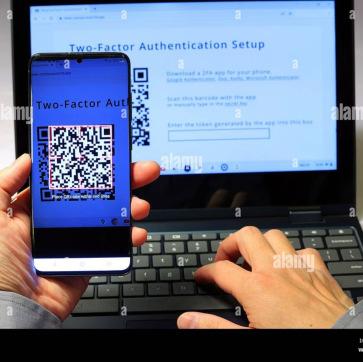
SignInorCreateID
OpentheappandsigninwithyourCricut ID,ortap"CreateCricutID"tosetupanew account
Step:ConnectviaUSBCable
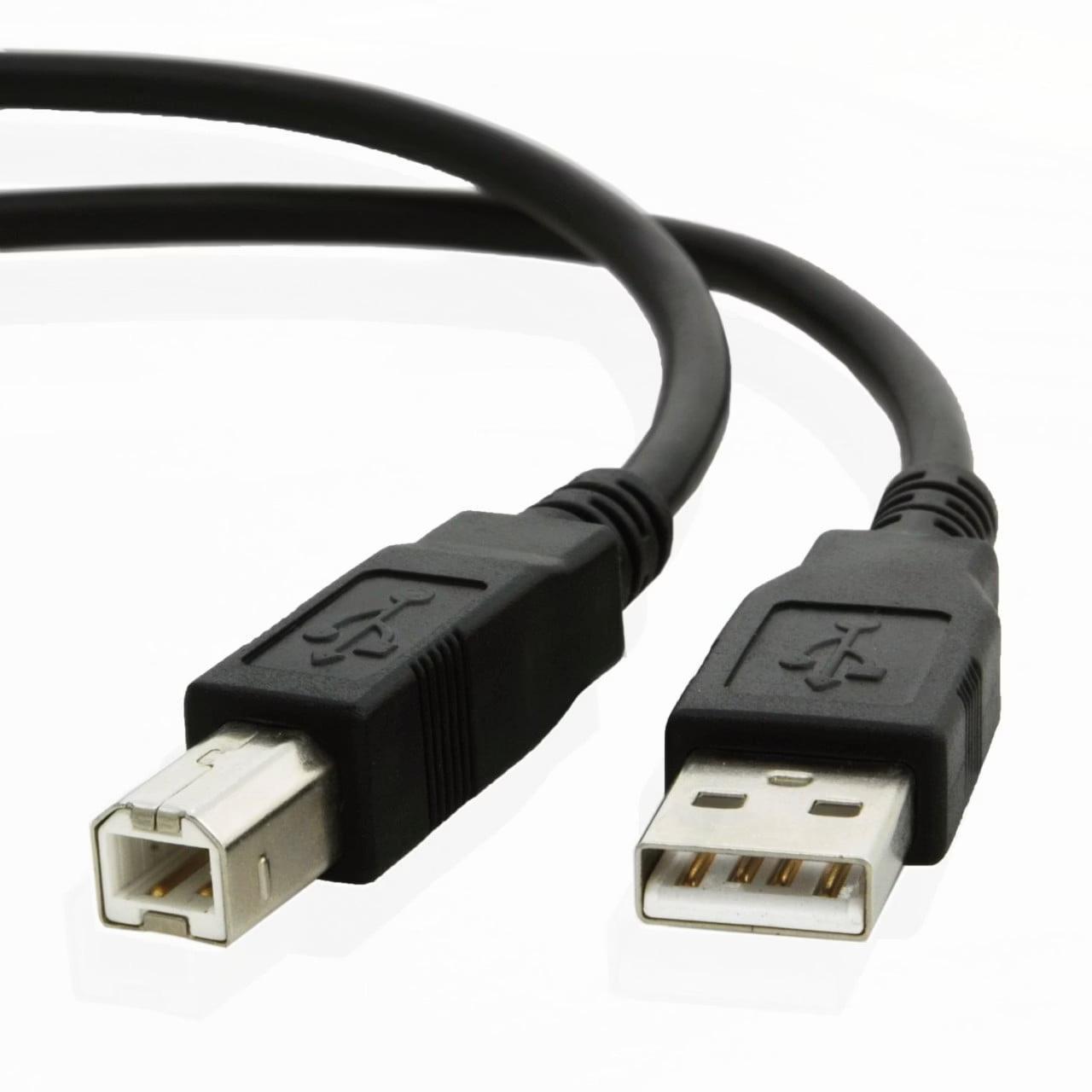
Method—WiredConnection
Thesimplestwaytogetstarted—no pairingrequired.
TaketheUSBcablefromyour machine'sbox
Connectoneendtothe machine'sUSBport,theotherto yourcomputerormobiledevice
DesignSpacewillautomatically recognizeyourmachine— you'rereadytogo

Step(OptionA):Connect viaBluetooth—Computer
PowerOn
Ensureyourmachineisonandwithin‒feetofyourcomputer
OpenDesignSpace
Chooseyourmachinefromtheupper-rightdevicemenu nearby machineswillappear
SelectYourMachine
LookforExplore-BDCorasimilaralphanumericname
Connected
DesignSpacedisplays"Connected."Ifsetupispending,aSetupor Updatebuttonwillappear
Step(OptionB):ConnectviaBluetooth— Mobile
OpentheApp
TaptheMenuiconintheleft corner→selectyourmachine fromthelist
IdentifyYourMachine
Yourmachineshowsacharacteralphanumeric BluetoothIDforeasyrecognition ConnectionConfirmed
Theappshowsagreen "Connected"indicator.If pending,tap"SetuporUpdate"
FinalTips&FAQs
KeyReminders
YourCricutaccountworksonmultipledeviceswith thesamelogin
Alwaystakeatestcutbeforeyourfinalprojecttosave material
Oneaccountisusuallysufficientformostusers
BluetoothNotConnecting?
Ensuredevicesarewithin‒feet.Restartyourdevice andtrypairingagain.
MoreHelp HowDoICreatea CricutAccount?
HowDoISetUpCricut ExploreFortheFirst Time?
HowDoIFixBluetoothConnectionIssues?
Source:CricutExplore