Cricut Explore 5 Review
Features, Pros, Cons & Price

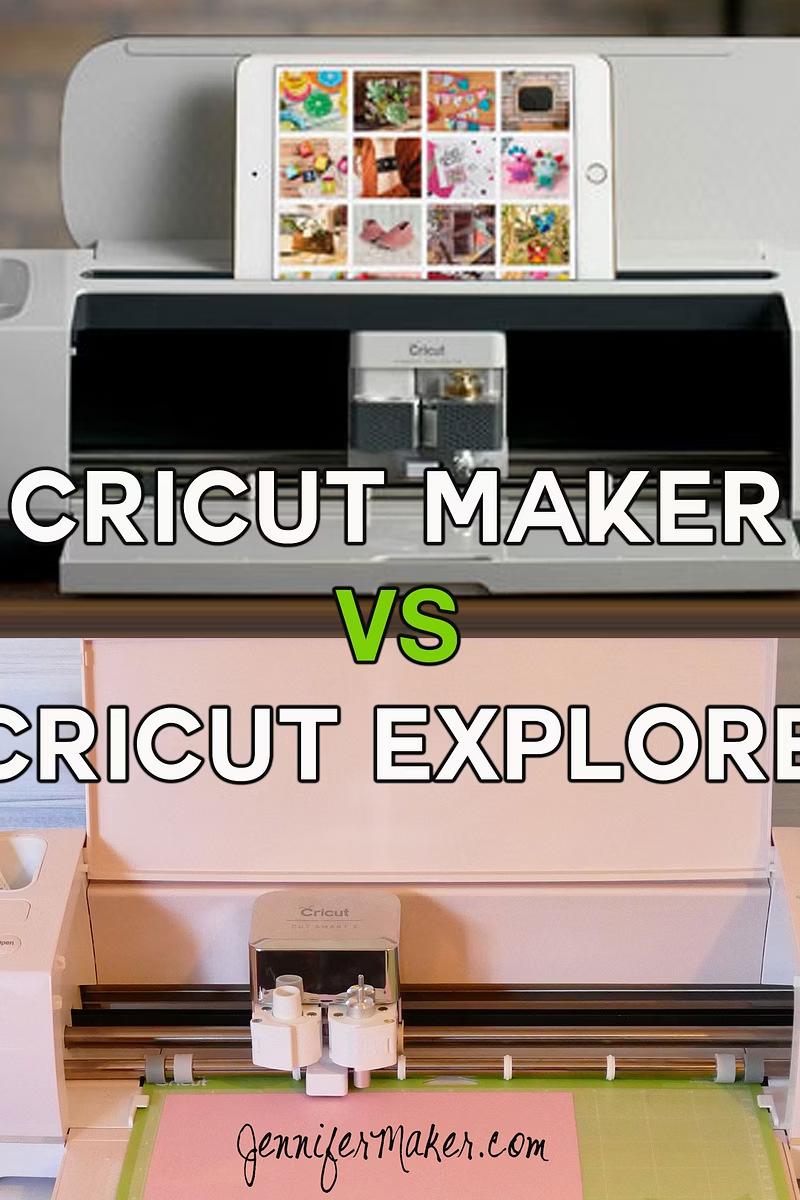
What Is Cricut Explore 5?
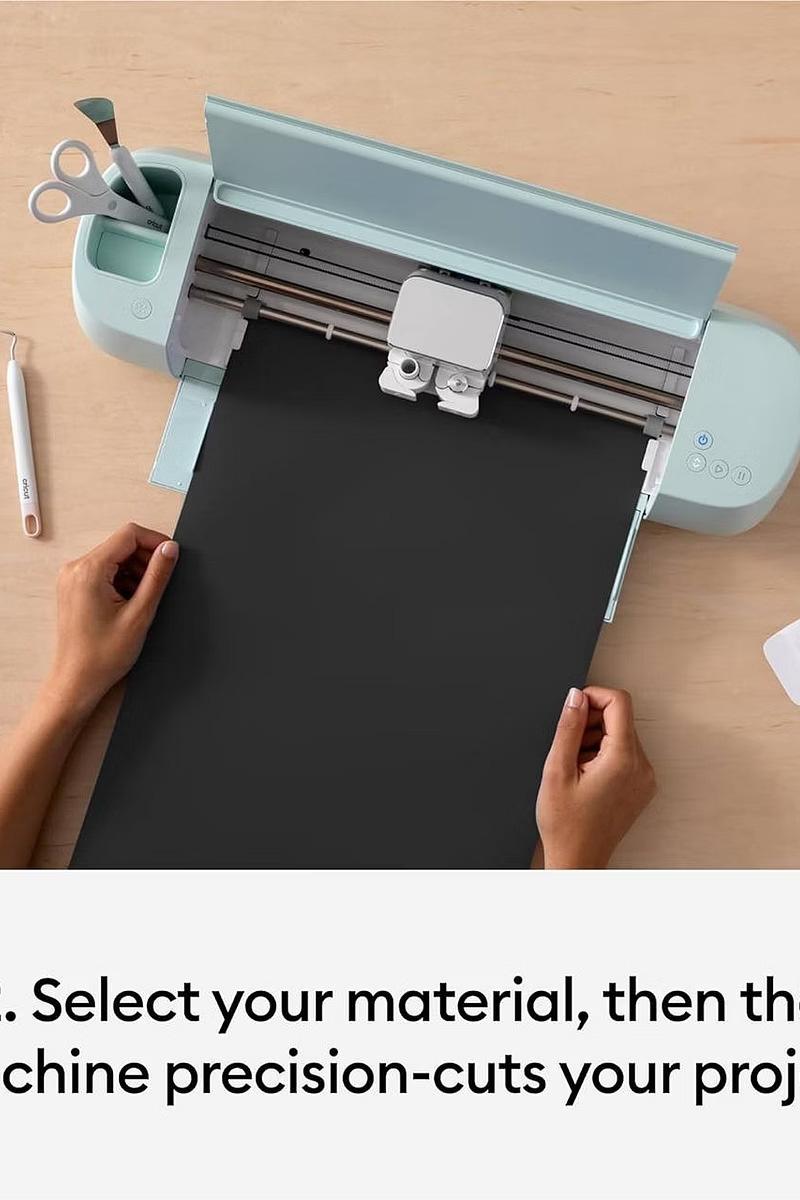
The latest 12-inch smart DIY cutting machine, successor to the Cricut Explore 4. More compact and designed for faster, smoother cutting.
Precisely cuts, draws, scores, and foils over 100 materials including iron-on, vinyl, and cardstock.
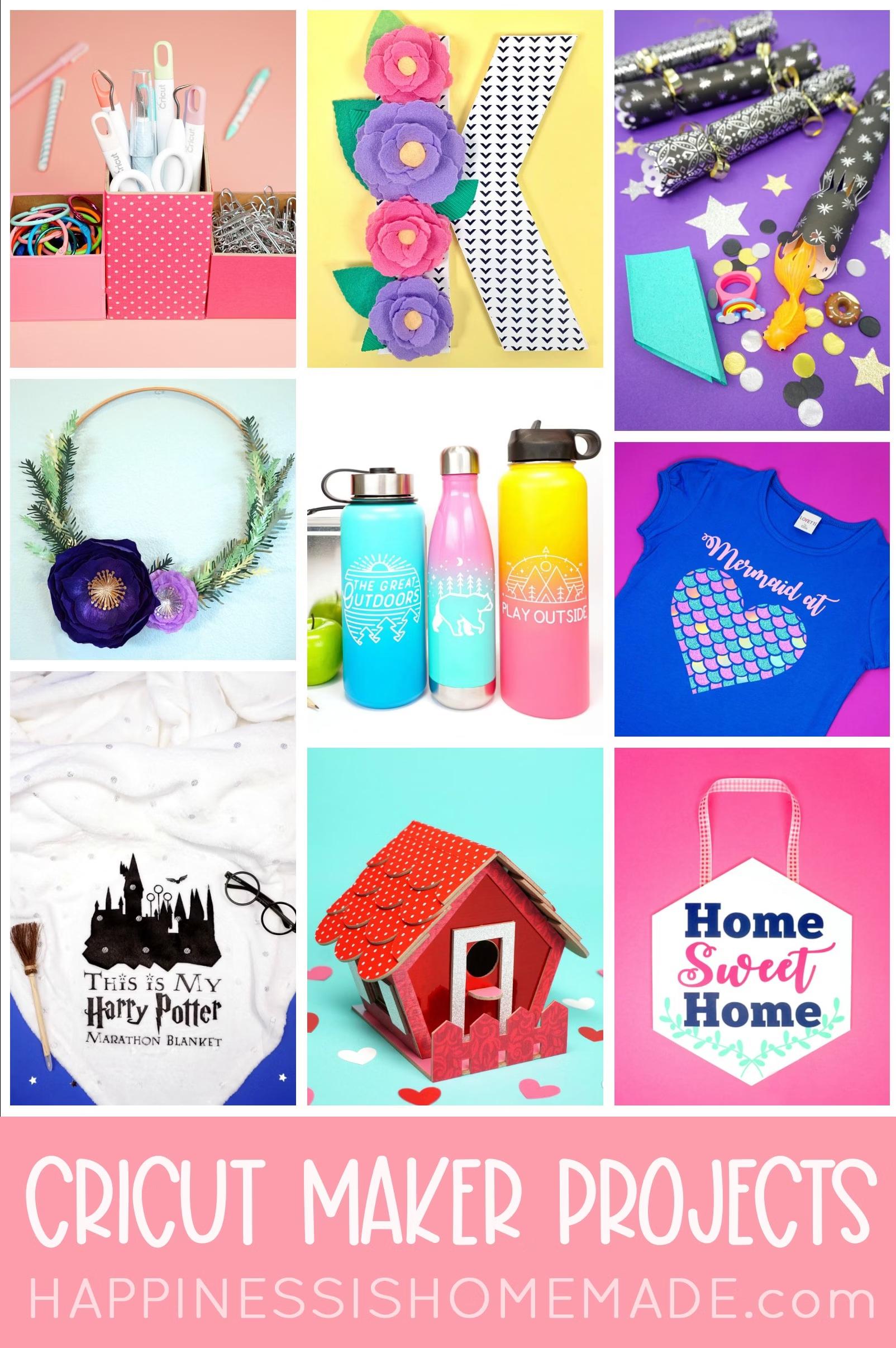
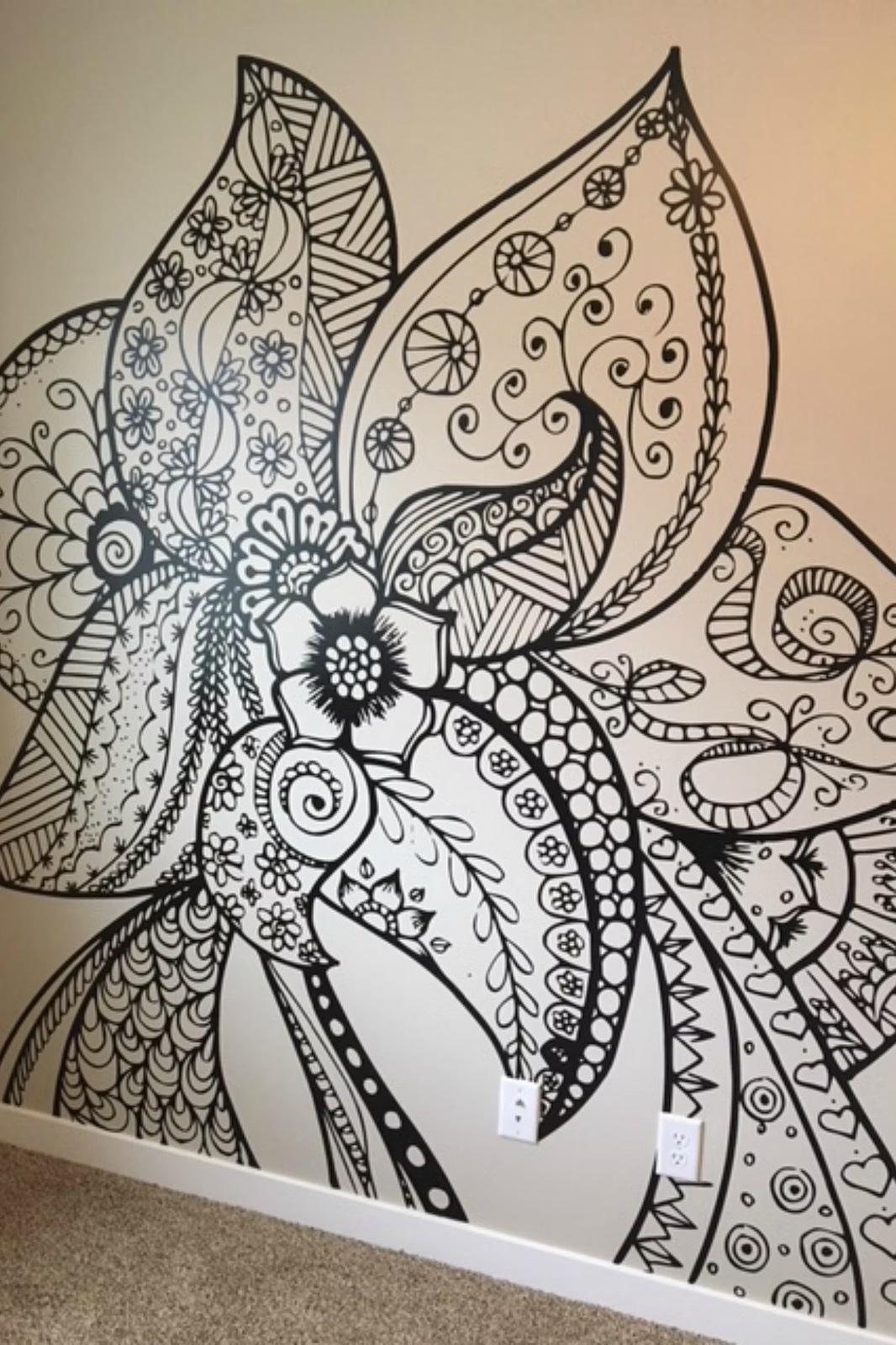
Create customized apparel, decals, and stickers with ease.
Key Features
30% More Compact
Smaller than earlier versions, perfect for limited spaces.
Versatile Cutting
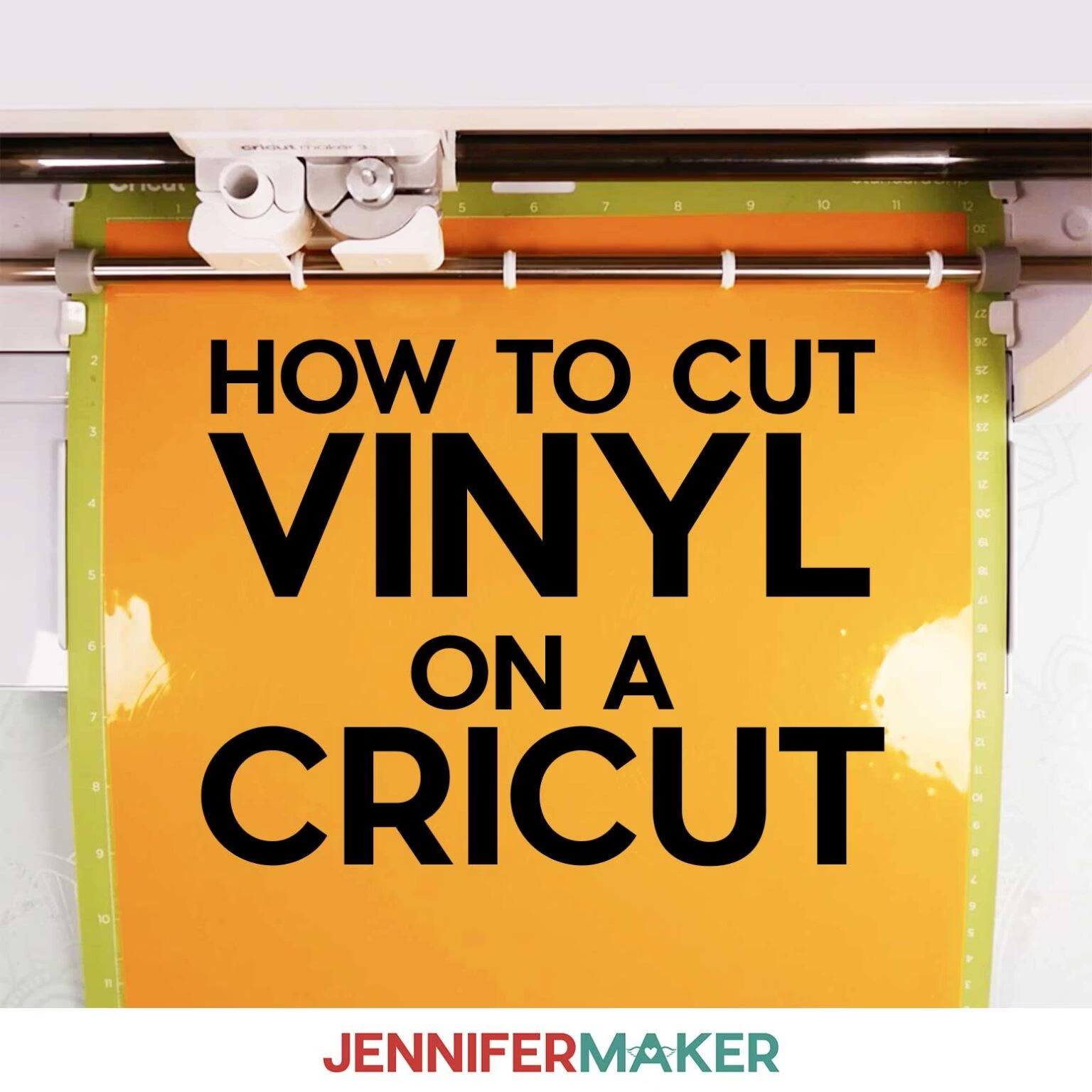
Works with over 100 materials: vinyl, iron-on, paper, smart materials, cardstock.
Improved Connectivity
Connects via Bluetooth Low Energy to mobile devices and computers.
Print Then Cut
Automatically detects and cuts around printed images for full-color decals. 6-Tool System
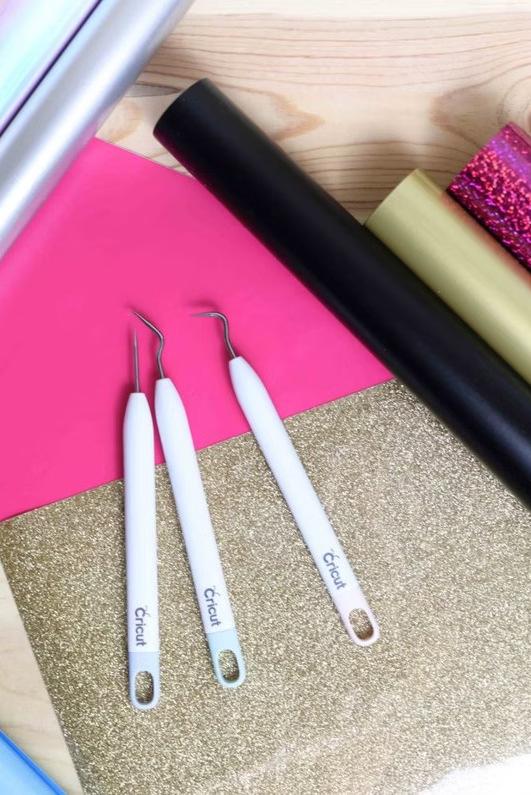
Cutting, drawing, scoring, and deep-cutting capabilities.
Pros & Cons
Pros
30% smaller and lighter than previous version
Improved speed for Print Then Cut tasks Includes essential tools and materials
Cost-effective with advanced features
Cons
Lacks additional cutting capabilities
Dust collects in top gap— requires regular cleaning
New pen system incompatible with older pens
Can't match Maker 3 for heavy/thick materials
Pricing & Value
Higher than previous models but includes advanced features 100+
Base Price
Materials Supported Vinyl, iron-on, paper, cardstock, smart materials
Price varies with essential bundle or subscription. Compact design helps start crafting in smaller spaces without advanced design skills.
Who Should Buy?
New Crafters & Beginners
Machine delivers high-quality results immediately with ease of use.
Limited Space Crafters
Ideal for smaller craft rooms and compact workspaces.
Vinyl & Paper Crafters
Create custom decals, cards, and stickers with precision.
Upgrade Seekers
Those using older machines wanting speed and accuracy improvements.
Who Should Avoid?
Explore 4 Users
Similar features with only compact design difference—not worth upgrade.
Heavy Material Crafters
Can't handle metal, leather, or wood like Maker 3.
Small Item Creators
Overkill for only labels, small stickers, and cards.
FAQs
Is Explore 5 better than Explore 3?
Yes—faster cutting speed and smaller design, easier to use in limited spaces. Is it good for beginners?
Yes—beginner-friendly with greater versatility and ease of use for vinyl, cardstock, paper, iron-on, and smart materials.
What materials can it cut?
Adhesive and iron-on vinyl, paper/cardstock, and smart materials like smart paper and sticker cardstock.
Bottom Line
The Cricut Explore 5 is one of the best DIY machines to get started with in 2026. It offers faster cutting speed than previous Explore models and works with over 100 materials. Great for beginners and crafters with limited space. However, Explore 4 users may not find it worth upgrading. Learn more at cricutdesignspace-setup.com
Ready to Craft?
The Explore 5 combines speed, precision, and versatility in a compact design.
Perfect for starting your DIY journey or expanding your crafting business.
Visit cricutdesignspace-setup.com for more details