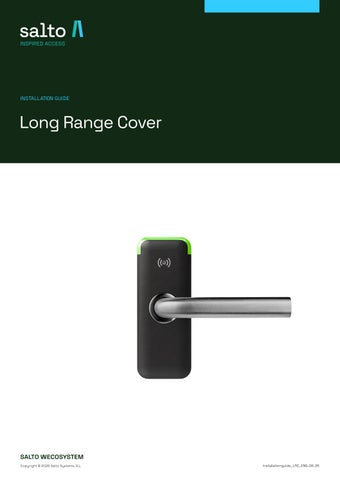
Long Range Cover
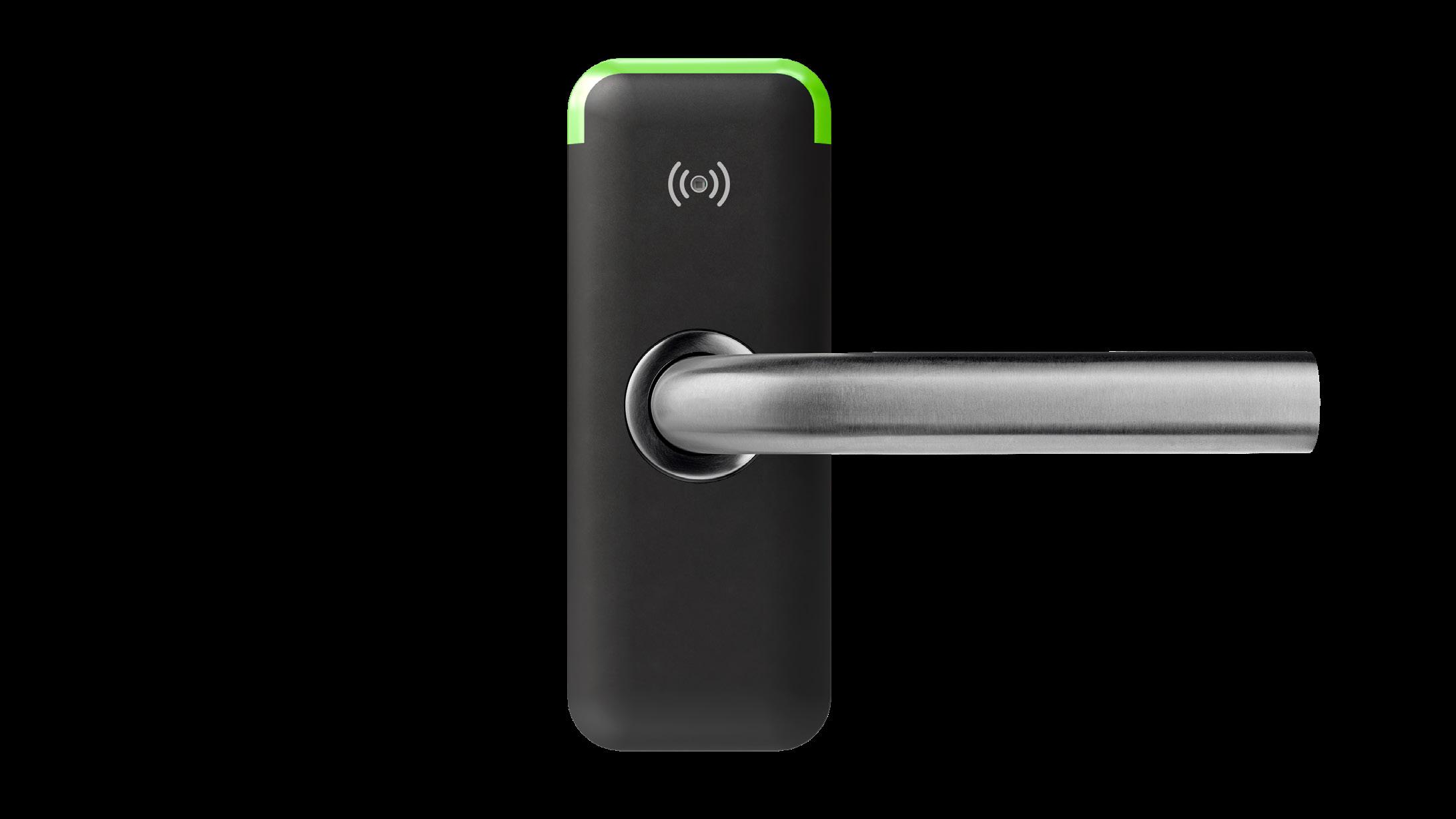
Powering the Device:
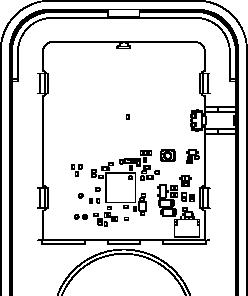
Insert a 3.7V Lithium battery into the device to power it up.
Initial State (Multicolor Blink):
On first power-on, and every time the device is rebooted, it indicates this state by blinking once, cycling through six different colors.
To start a configuration mode, is mandator to push one of the button on the back of the device.
Button 1 for Device Configuration and Whitelisting.
Button 2 for Key Assignment.
Key Assignment
Push the BUTTON 2 on the back of the device to activate the “Key Assignment” mode. The device LED blinks yellow.
Use the Salto Space platform with the Encoder tool to assign an user key to the device.
This key is essential for opening and managing third-party BLE tags.
Place the device onto the Encoder.
Encoder
Long Range Cover
Entering Configuration Mode (Cyan Blink):
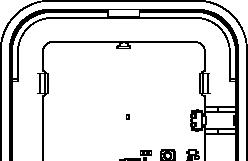
To enter the Configuration Mode, press BUTTON 1 on the side of the device. A blinking cyan LED will illuminate when this mode is acivated.
In this mode, the device awaits a smartphone connection to whitelist authorized BLE tags.
The application works only on Android phones. Please refer to the Long Range Cover Application manual.
Pairing with a smartphone:
Open the Long Range Cover App on your smartphone.
Ensure the device is in Configuration Mode (Cyan Blink).
Tap your smartphone against the device to initiate pairing via NFC; the device will pair via Bluetooth. Ref. Long Range Cover Application manual.
Owner Account Registration:
Once paired initially, the device becomes exclusively linked to the owner’s Organization.
Whitelist Management:
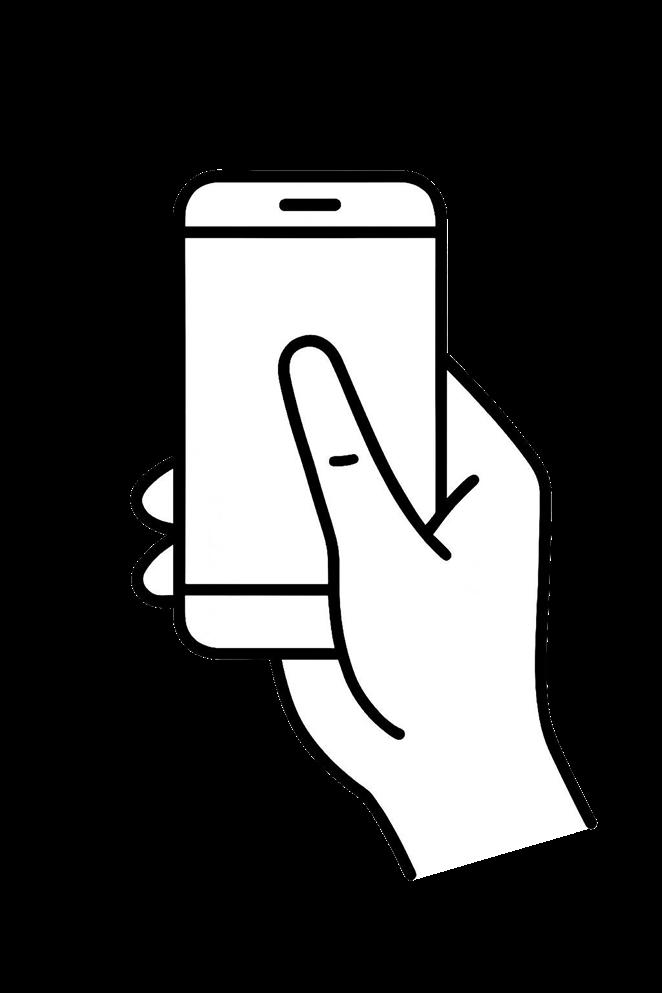
Within Long Range Cover App, tap the Whitelist Tags button.
Select the BLE tags intended for access (maximum 8 tags), then press Pair to confirm.
Note: Third-party BLE tags operate with low-security indentification methods and can only use the emergency key for granting access. For enhanced security and portability, we strongly recommend using our proprietary BLE tags. Our BLE tags can be individually assigned unique keys, which can be modified at any time.
INSTALLATION XS4 MINI + Long Range Cover for Scandinavian Locks
TORX 20 (X2)
BOLT (X4*)
TORX 20 (X1)
TORX 10 (X1)
20 (X4)
(X2)
SALTO recommends the use of a motise lock with a maximum 4º preturn.
TECHNICAL DATA
Housing dimensions (H x W x D): 155 x 59 x 28 mm
Weight: 60 g - 2,116 Oz
Cover material: Plastic
Battery powered: 3.7V Lithium battery
Number of openings: 40.000
Temperature: +5ºC / +60ºC
IP class: Not suitable for outdoor use. Up to max. 80% humidity, non-condencing.
Outputs: Open collector 500 mA
Inputs: -
Certifications: CE
Design: XS4 Mini cover
Compatible with:
REQUIREMENTS
XS4 Mini Scandinavian both with and without a mechanical key cylinder, as well as Euro and FI without a mechanical key cylinder.
Material name: Part number: Description:
ID TECHNOLOGIES
MIFARE: •
DESFire: -
BLE: •
NFC: •
Legic: -
HID Class*: -
Picoclass: -
i-Button: -
IR-Sensor*: •
FINISH
*Sensor range up to 1m. Black • White -
SALTO Encoder EC90XXx SALTO desktop tool for NFC tags. Ensure to use firmwarev.5.x or higher.
SALTO PPD PPD800 Door programming tool
SALTO XS4 MINI SI150XX..
Wristband and tag for BLE, black 461518
Software/App name: Part number: Description:
SALTO Pro Access Space SPABASIC
SALTO SAMKIT
SAMKIT9
SALTO Pro Access Space SPABASIC, incl. OPT-SAM. Ensure to have the function ‘SAM Custom keys defined by user’ enable with your subscription. Contact Salto for more info.
Needed to enable ‘SAM Custom keys defined by user’. Contact Salto for more information.
Long Range Cover App Android application for Long Cover configuring.