1. Click on “New rental”.
2. To find a locker, select the building and floor from the dropdown menus, or enter your locker number in the “Locker #” field.
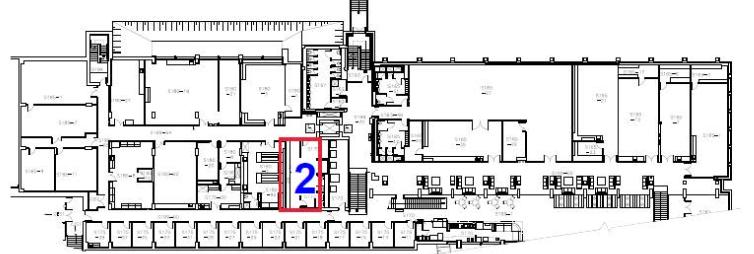
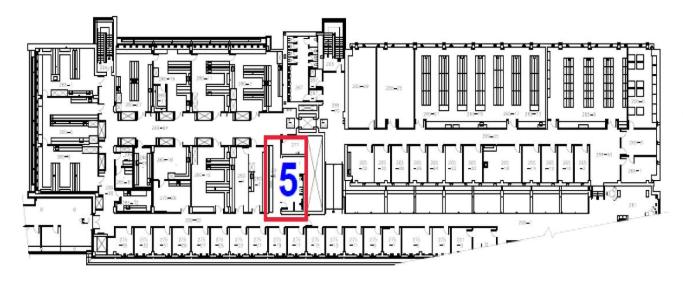
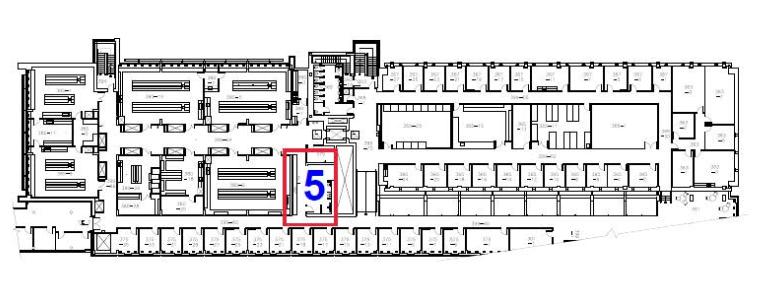
3. Click on “Floor map”, there’s a map for each floor.
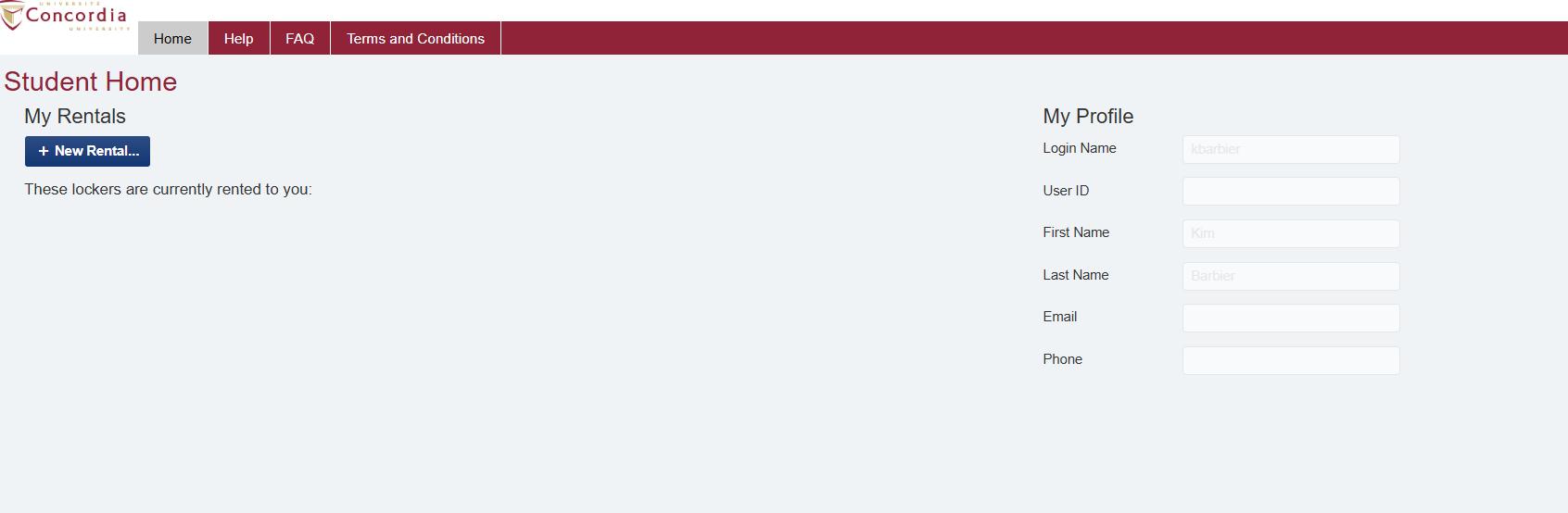
1. Click on “New rental”.
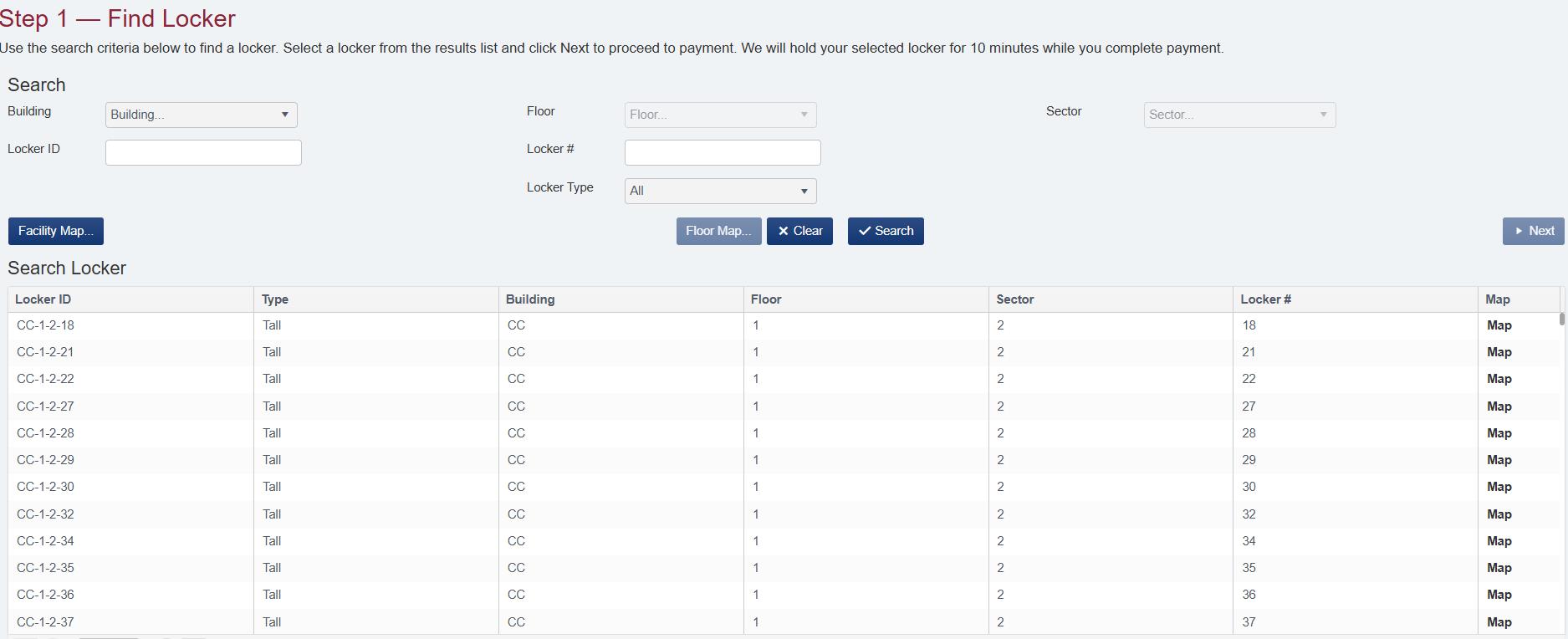
2. To find a locker, select the building and floor from the dropdown menus, or enter your locker number in the “Locker #” field.
3. Click on “Floor map”, there’s a map for each floor.
SP 3 B