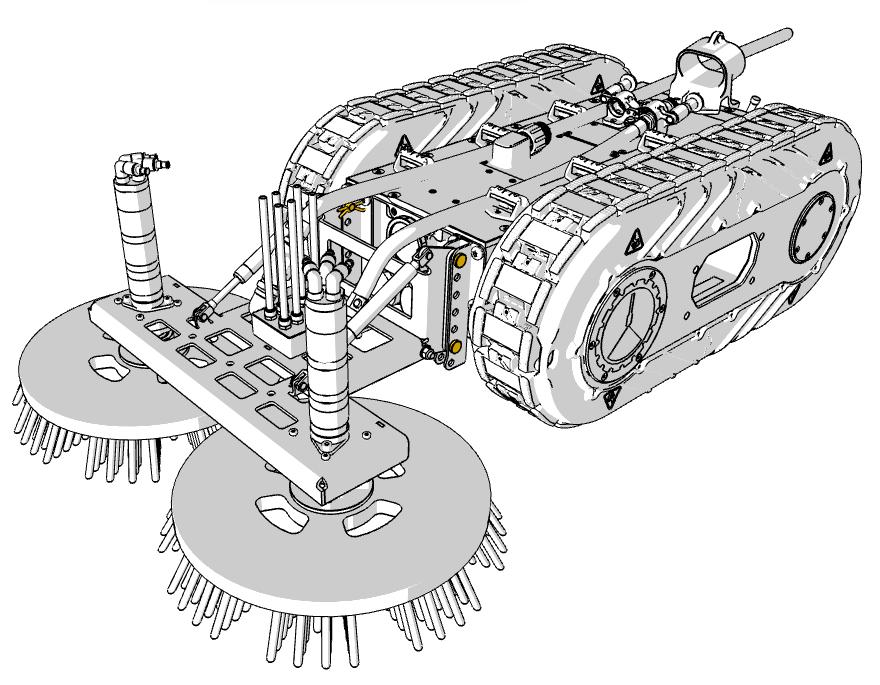
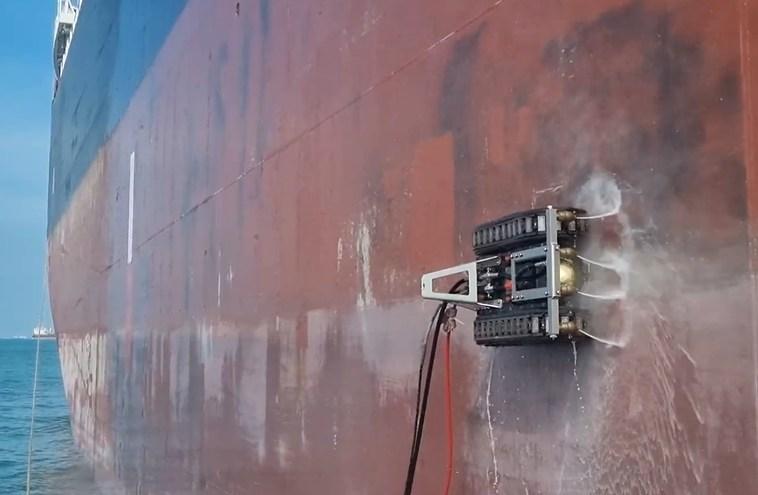
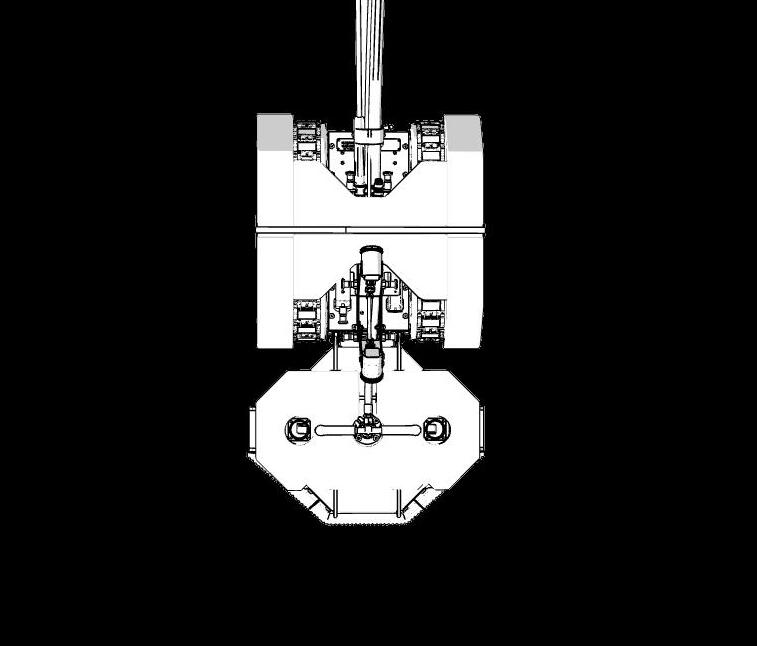
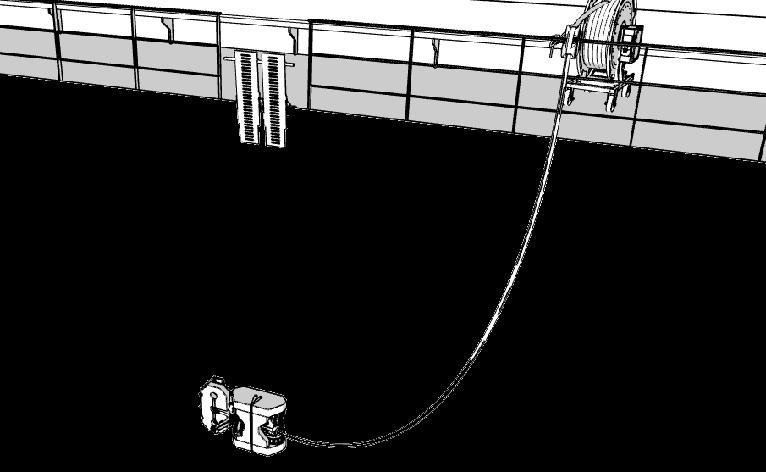
This is the universal manual for all RAW0011 offshore and hull configurations. The manual contains instructions on topics related to the operation of the robot and accessories in these conditions.
Read the safety instructions in this document carefully before first use.
Read all documentation before first use.
Recommended items for hull and offshore operations - Excluding spares
RAW0011 ++
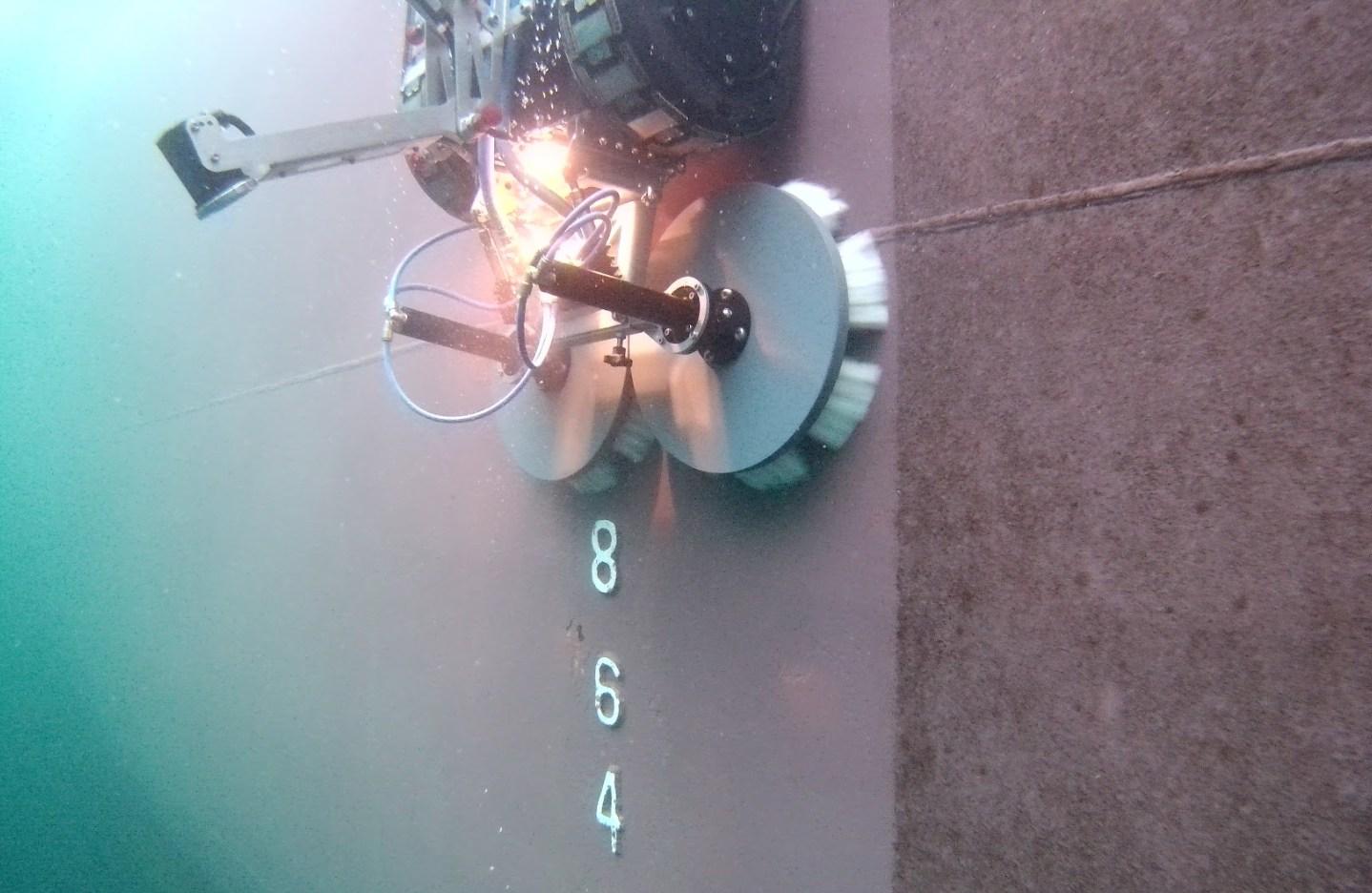
Hull Cleaning Robot Package
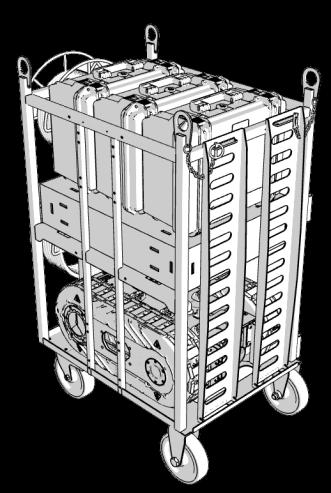
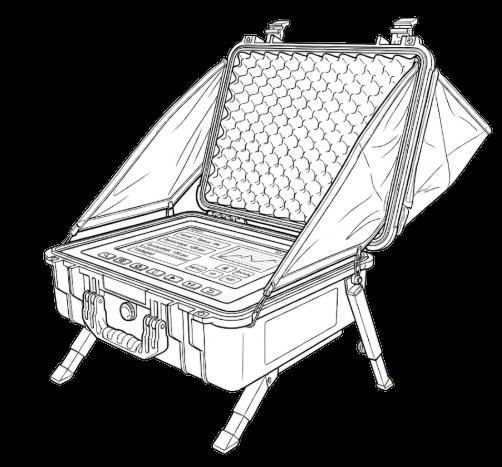
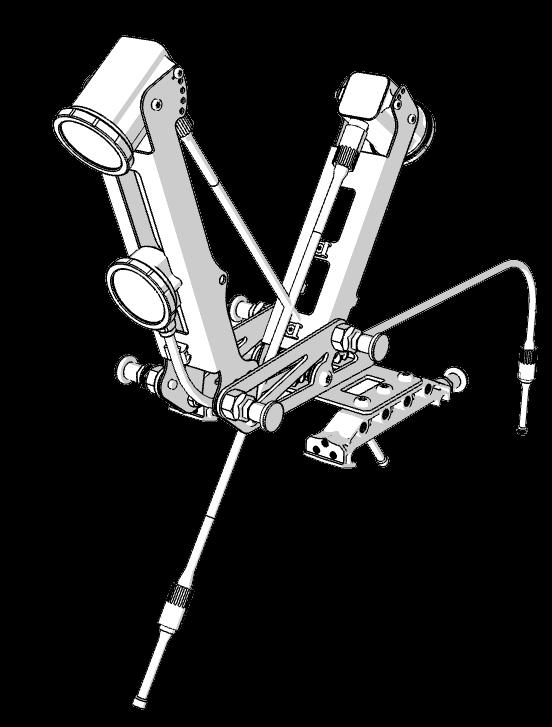
Robot configured for underwater operations, cage, basic spares, cables and tool box including controller.
WIN0003/4/5
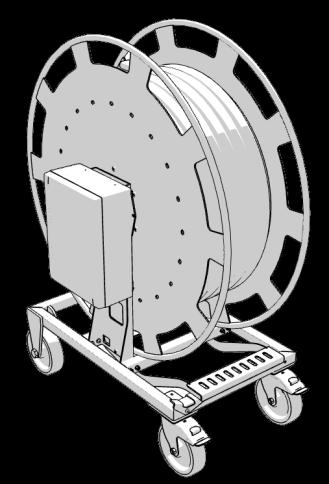
Winch (50m, 65m or 120m)
Winch including umbilical for 400 bar high pressure hose, hybrid cable and static rope.
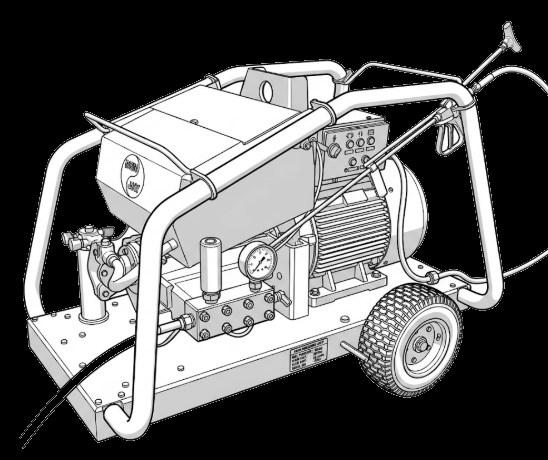
High pressure pump (400 bar)
Pump matching the Cavitation Tool (HPT0015).
MEA0236 / Under construction
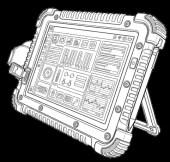
Screen solution
Device for viewing robot data and camera feed.
Camera system
Front and rear camera for underwater use. Equipped with powerful external light.
BOUY001/002
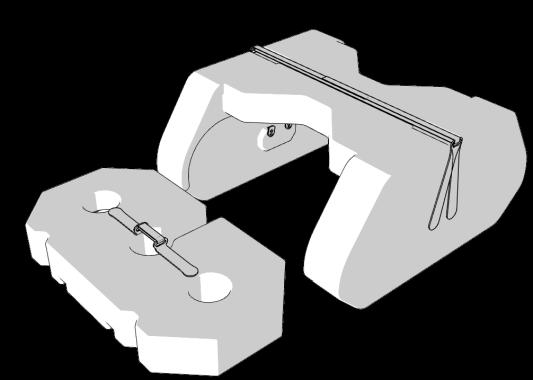
Buoyancy systems
To make robot and cavitation tool buoyant.
MHH0187
MA00145
Recommended items for hull and offshore operations - Excluding spares
HPT0014
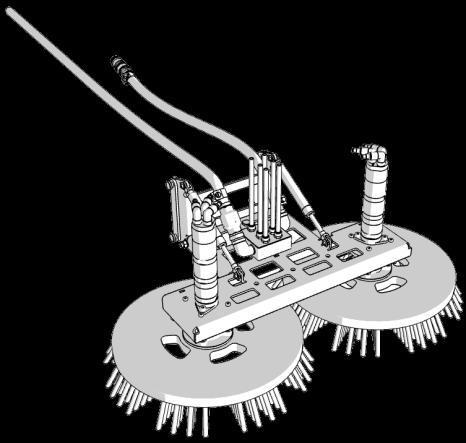
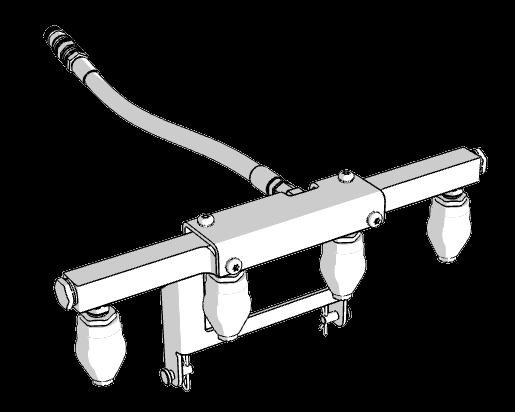
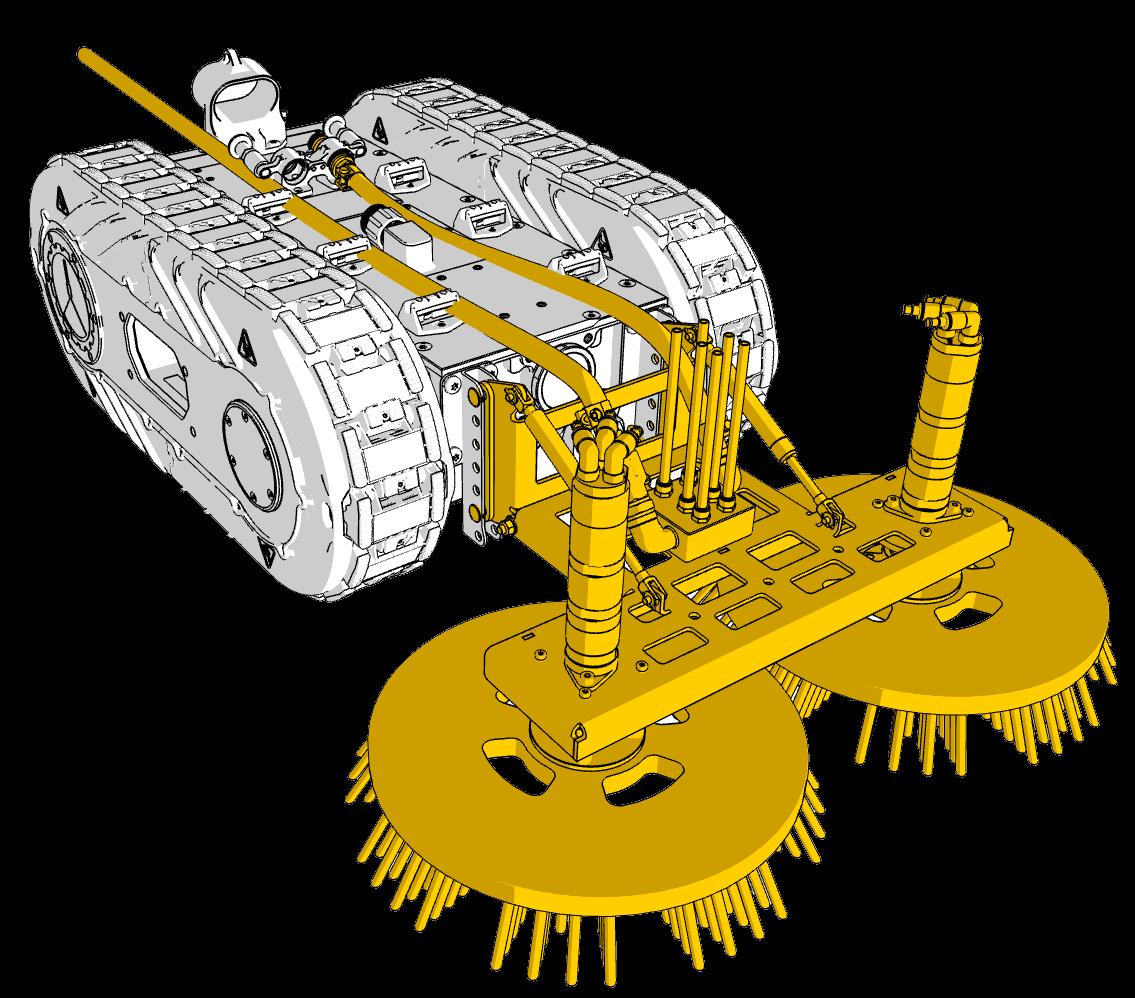
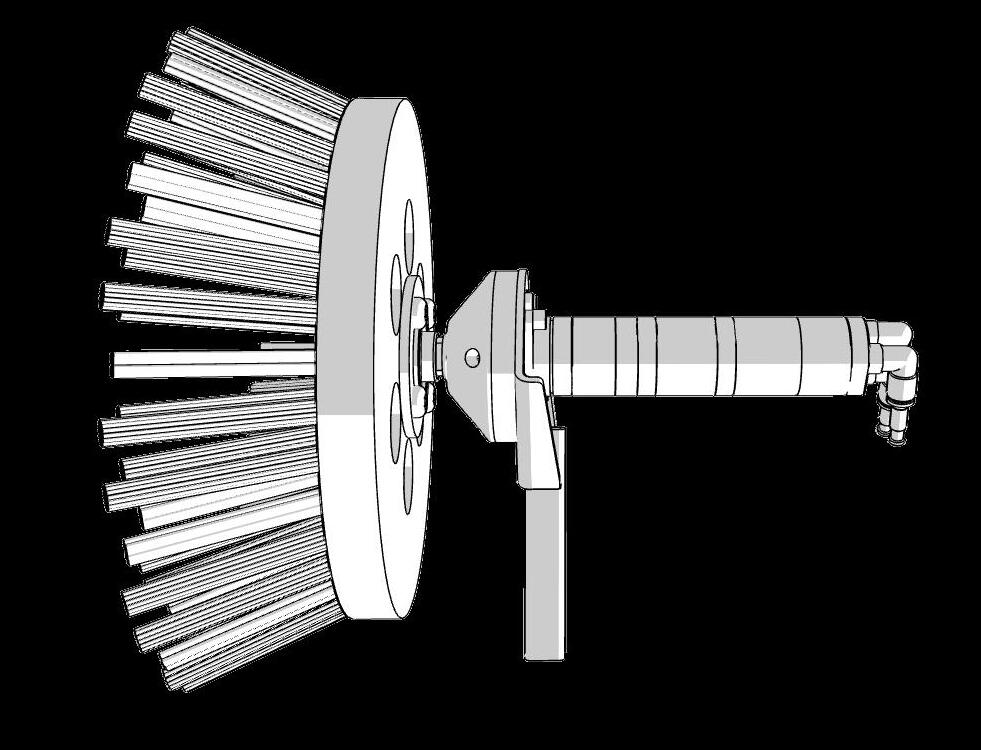
Brush tool for hull cleaning
Tool for removing light slime and algae driven by pressurized air. Requires wet biofouling for optimal cleaning.
HPT0015
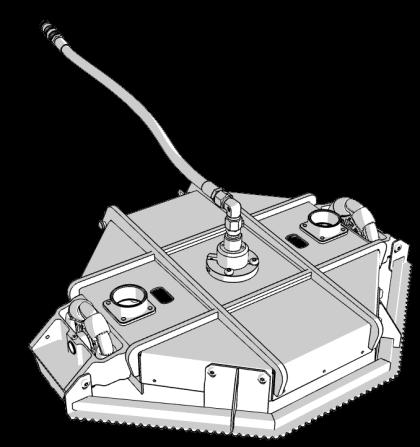
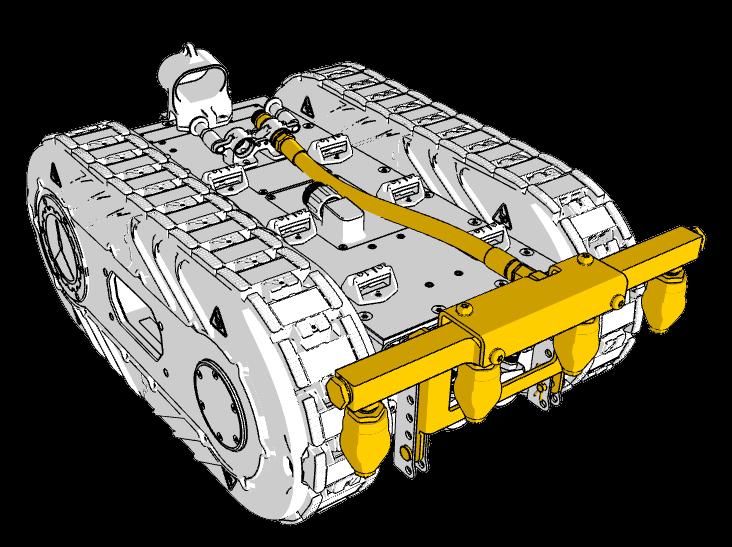
Cavitation tool for Hull Cleaning
Tool driven by pressurized water to drive the cavitation cleaning of heavy biofouling. Works only under water.
HPT0018
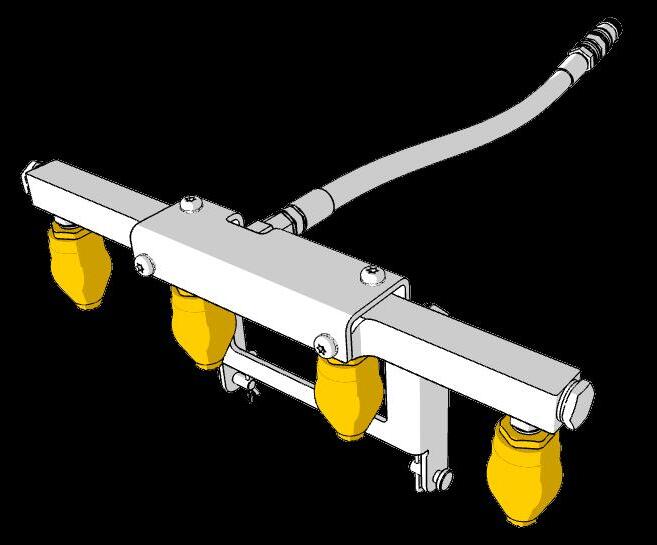
High pressure tool
High pressure tool for cleaning above the water line. Cannot clean under water.
LA00002
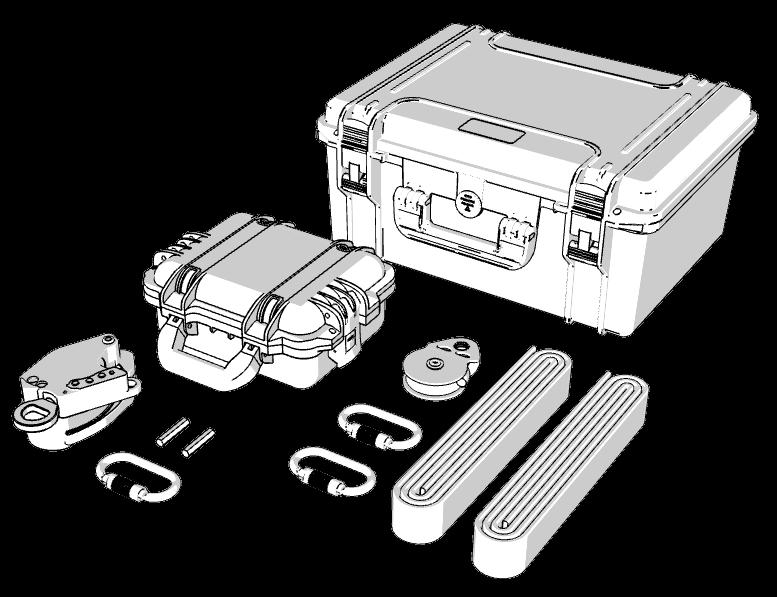
Launch and Recovery System
Items for safe launch and recovery of the robot.
MA00113 / BOX0009
Onboard package
Launch platform, rollers, zone markers.
or
Launch for Service Providers Excluding zone markers.
Redundancy spares
Accessible spares
To maximize operational uptime, critical contingency spares should be coordinated with a CLIIN Robotics sales representative.
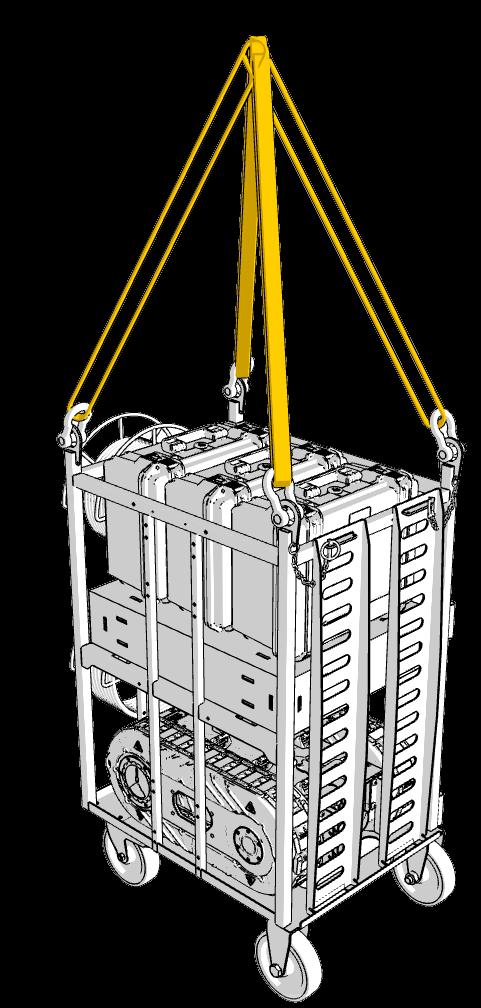
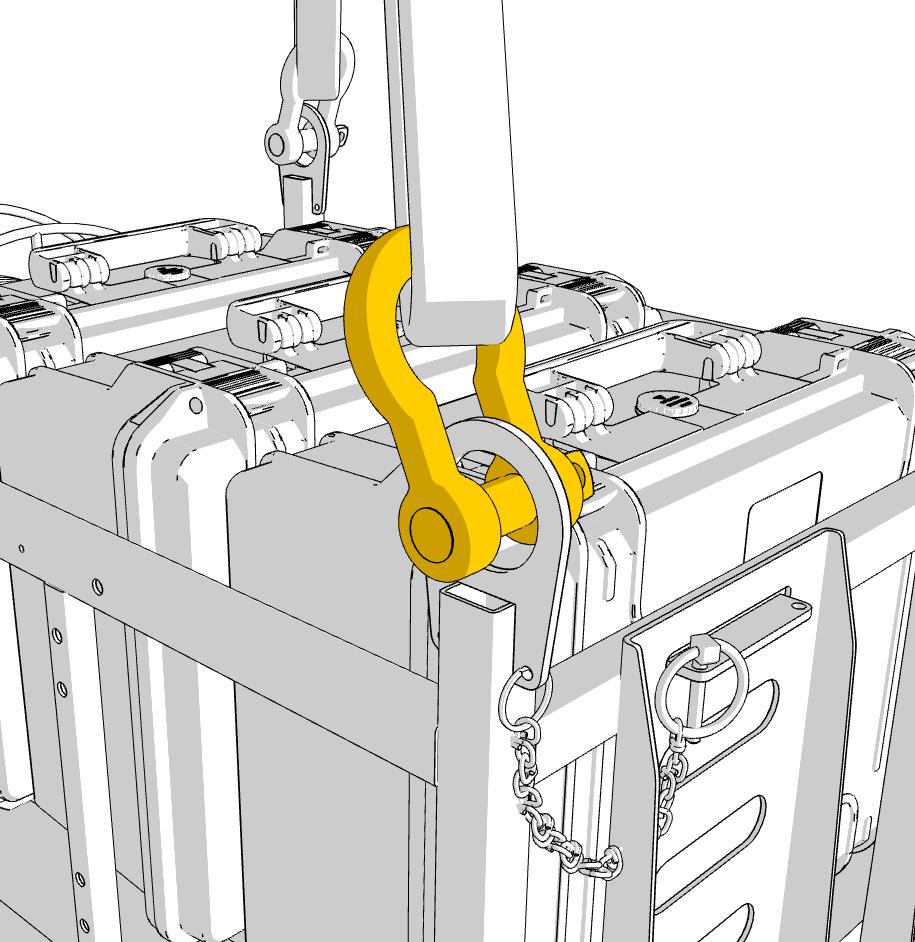
Lifting cage
Use appropriate slings and shackles for lifting. All four lifting points must be used on the cage.
NOTE: Shackles and slings are not included in the CLIIN delivery.
Annual recertification of equipment is not performed by CLIIN Robotics.
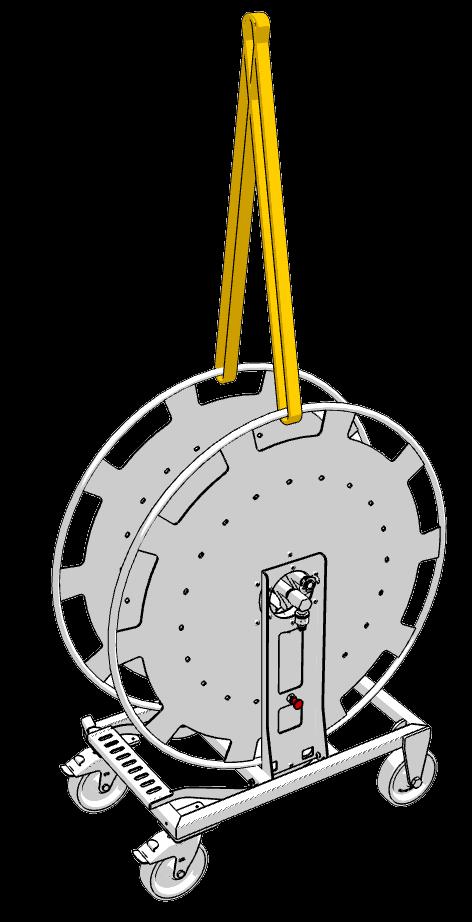
Lifting winch
Use appropriate slings for lifting. Two lifting points at the winch reel must be used.
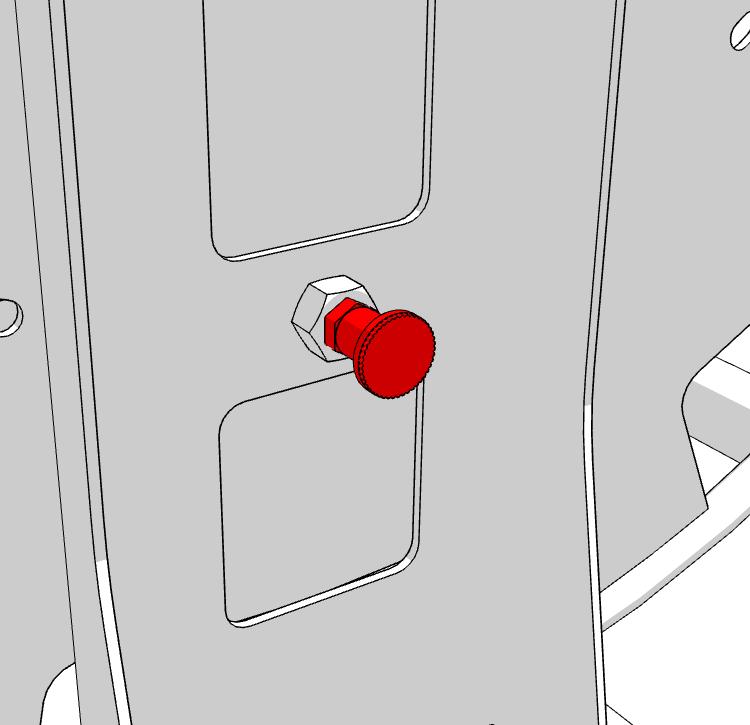
NOTE: Lock the winch reel by the red pin before lifting.
Slings are not included in the CLIIN delivery.
Annual recertification of equipment is not performed by CLIIN Robotics.
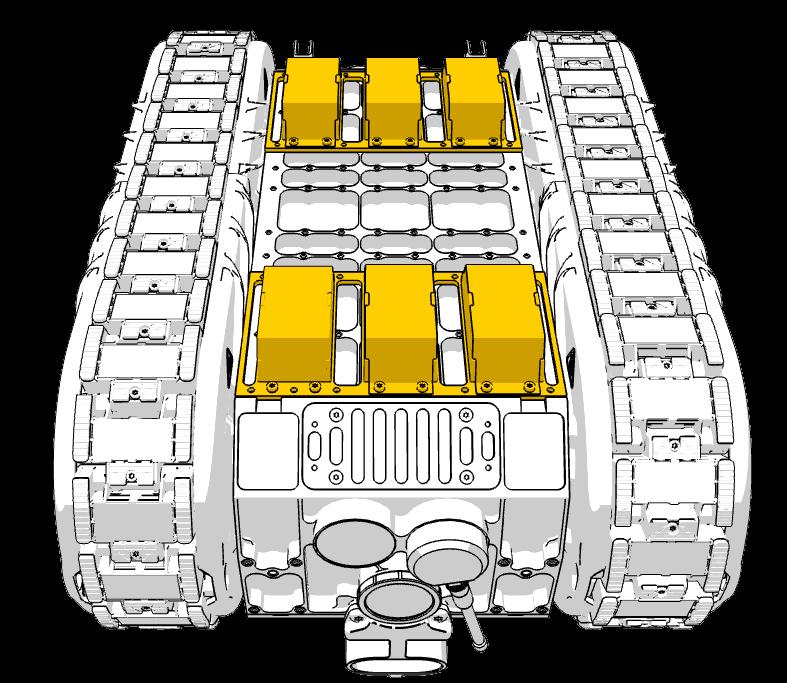
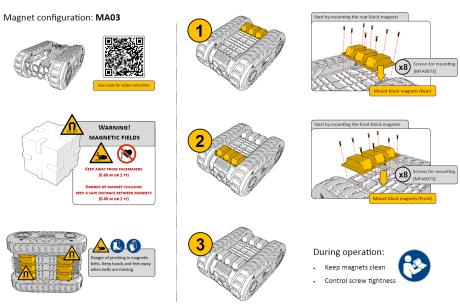
Magnet handling
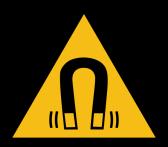
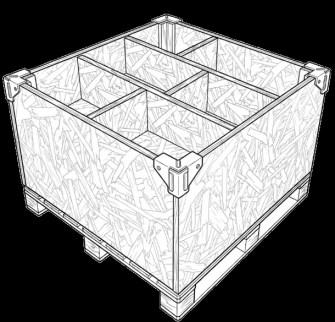
Following air freight, magnets are stored in shielded wooden crates per IATA PI 953
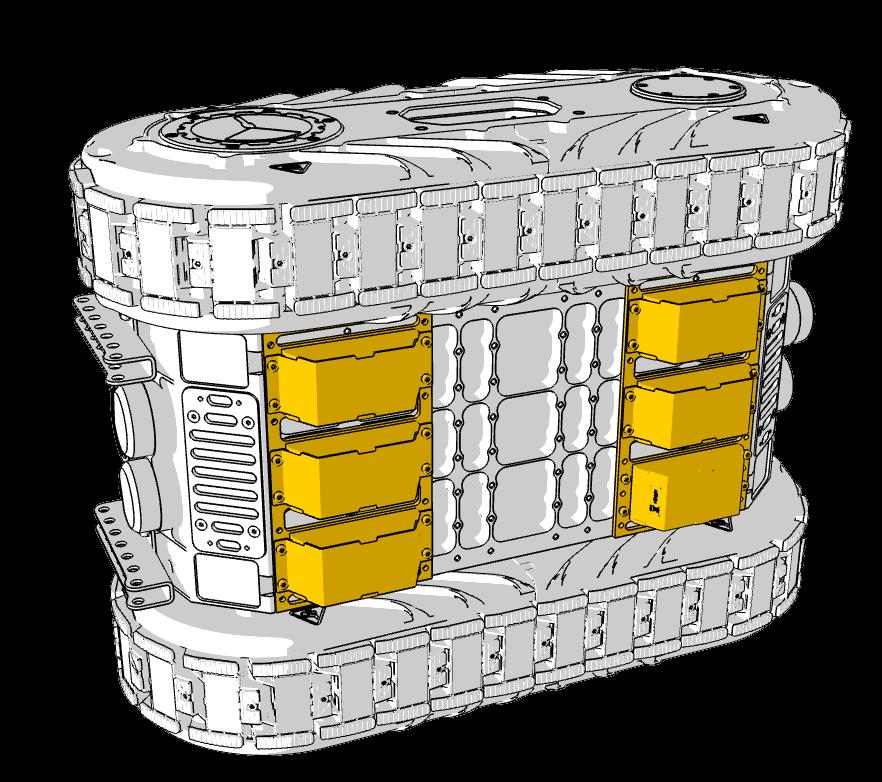
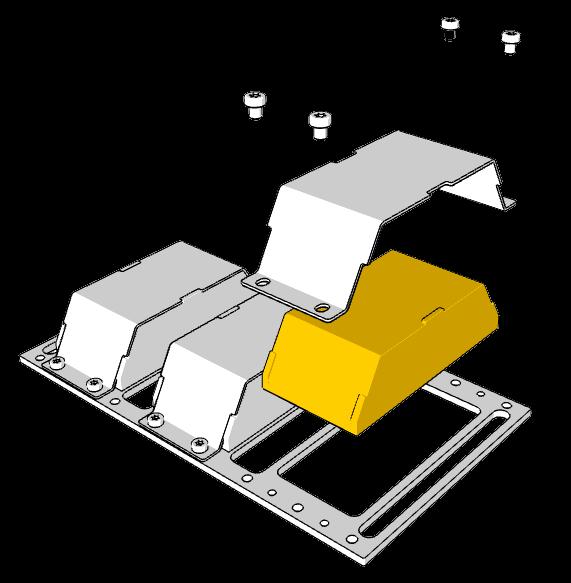
Installation: Install bottom magnets and tracks according to MANU013-RAW0011. This is a mandatory two-person task for safety.
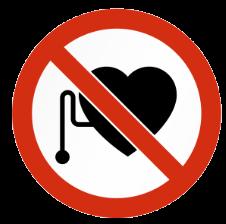
CRITICAL: Personnel with pacemakers or metallic implants must maintain a safe distance; magnetic fields may cause device failure.
Keep away from pacemakers (0.60 m or 2 ft)
Link to updated magnet handling guide
Additional magnet pack
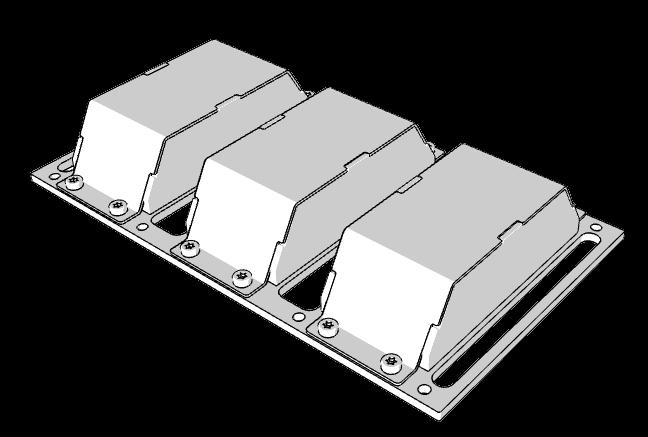
NOTE: If more friction is needed an additional MA00143 (3 pcs. magnet plate) can be added to the center of the robot. It is recommended to bring the MA00143 to the job, but only mount it if needed.
CRITICAL: Mounting is a 2-man operation
CRITICAL: Never dismount a single magnet from the safety plate without the instruction or consent from CLIIN Robotics.
MA00143 Magnets (x3)
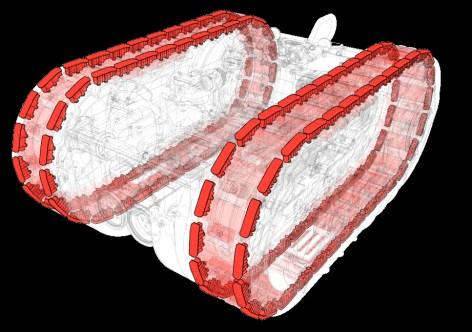
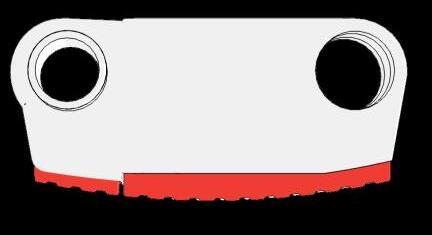
Correct rubber setup
Side [M000787] Center [M001173]
Anti bump - High profile
The high profile limits the track magnets contact with the surface. Further this profile is shaped round to enable a more smooth driving motion where the robot will not “jump”. This is suitable for very sensitive robot add-ons like NDT equipment etc.
Shaped profile
Round profile reduces robot “jump” to less than 1 mm during operation
Clear rubber
Side [M000040] Center [M000077]
Highest possible friction
The clear rubber is the recommended solution for offshore and hull operations to optimize the magnetic adhesion and thereby the operational window. Though clear rubber has lower durability, these needs to be monitored during each operation.
Flat profile makes robot “jump” 3 mm during operation
Red rubber
Tether management
Umbilical management
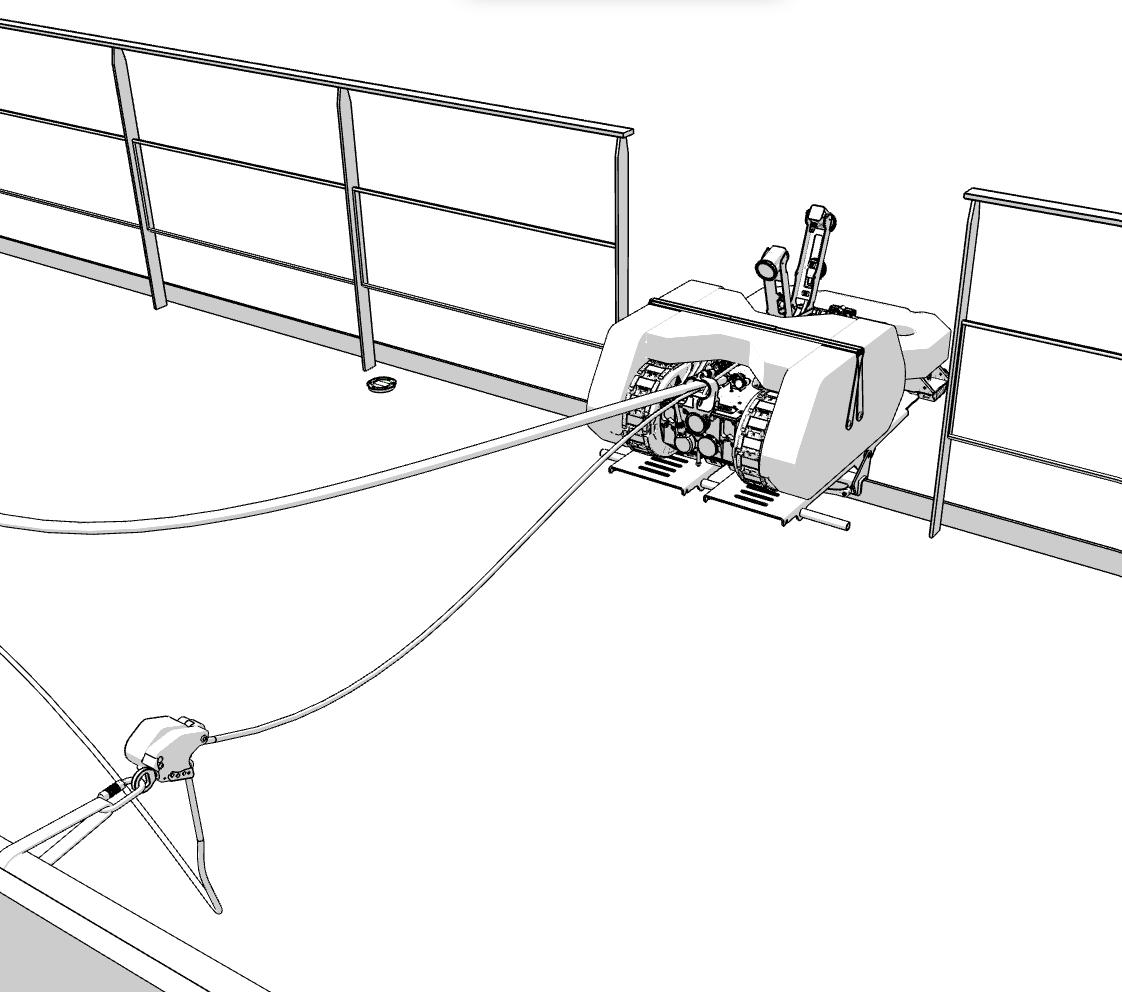
The umbilical to the robot is the most fragile part of the entire system. Redundancy must always be considered for offshore operations.
Ensure that the static rope always takes the stress in case of a pull or detachment. Further the static rope must be secured to the rear anchor on the robot.
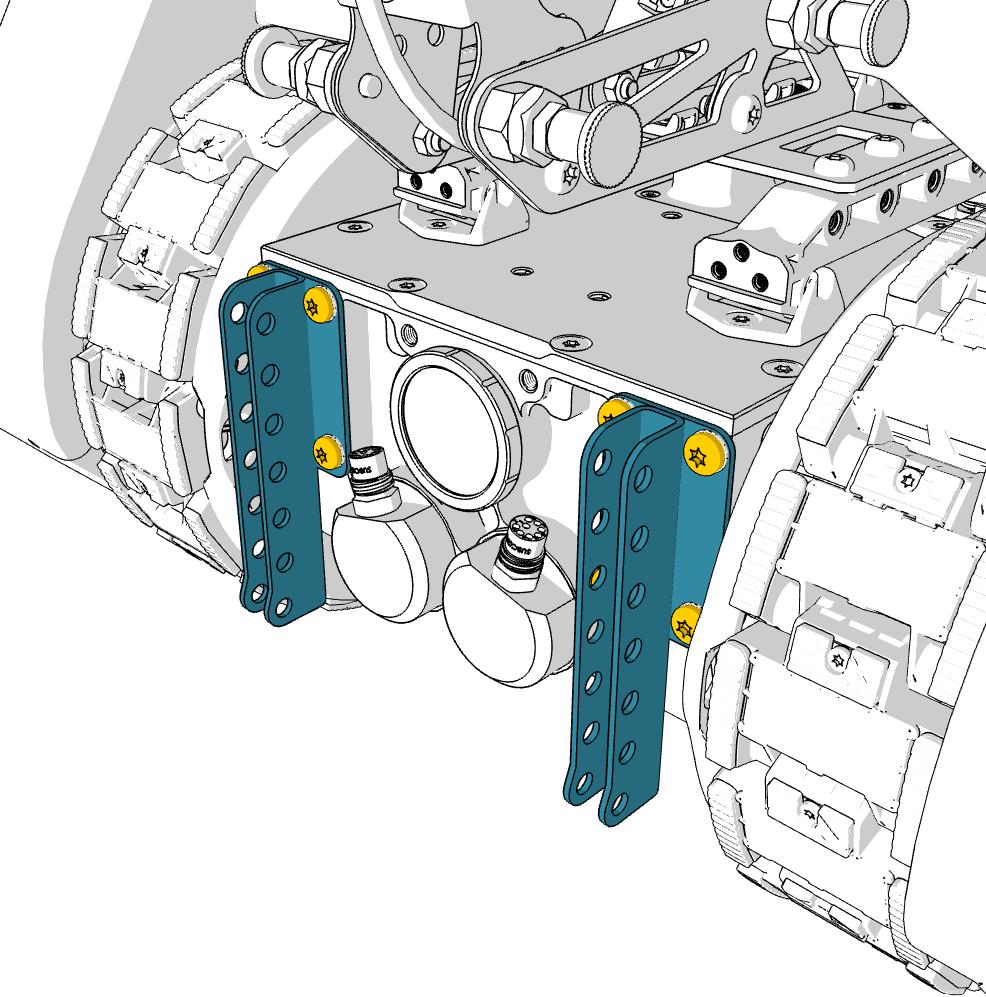
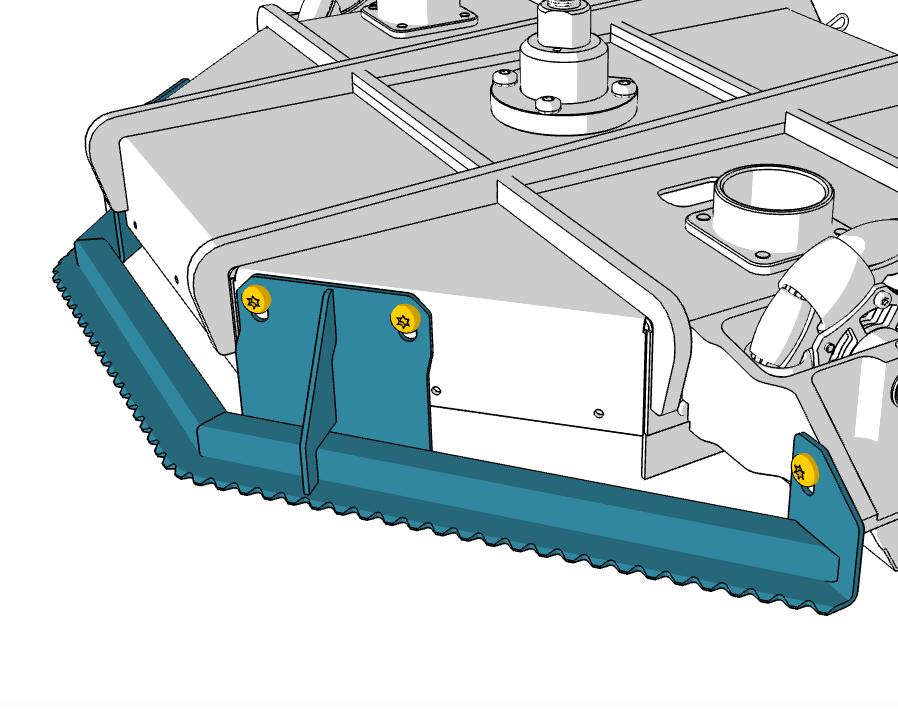
Bracket fine tuning
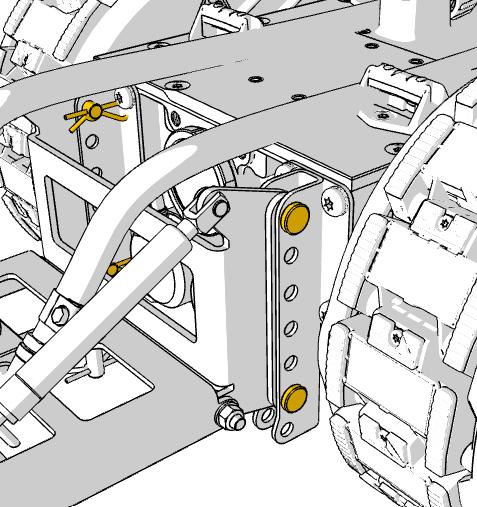
If finetuning is needed for sensitive equipment, e.g. NDT. The front and rear brackets can be adjusted in the 5 mm slots.
NOTE: Correct torque for tightening M8 bolts: 22-25 Nm
Loosen screws
Power setup and general checklist
Power verification
Make sure to determine if job has 50 or 60 Hz available.
50 Hz will lower the water volume from an electrical pump. Making sure nozzles are correctly sized is important for the cleaning quality.
220-240V 13A is required for the robot operation.
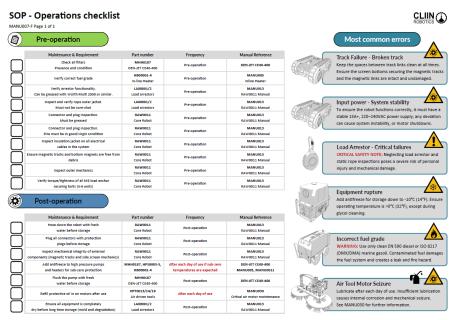
NOTE: Always follow the MANU007 checklist Pre- and Post-operation.
HPT0014 - Brush tool for underwater cleaning and grooming
HPT0014 - Brush tool for underwater cleaning and grooming
Tool suitability**
FR Type Description
Tool performance
HPT0014
Brush tool for underwater
*All cleaning speed are optimal values subject to paint type and paint condition.
**Tool ability to remove the FR-level.
0
Clean
10 Slime
20 Slime
No growths. A clean, foul-free surface.
Light slime. Semi-transparent or white; surface is visible.
Moderate slime. Thicker, may be colored (tan/brown); surface is masked.
30 Slime
40 Grass
2/h*
50 Grass
Heavy slime. Very thick, dark-colored; may have a fuzzy appearance.
Small soft growths. Early macrofouling (algae, bryozoans) under 7 mm.
Heavy soft growths. Dense mats of algae or tall "grass."
60 Calcareous
First hard fouling. Scattered barnacles or tubeworms (< 5% coverage).
70 Calcareous
Moderate hard fouling. Barnacles/tubeworms covering 5–10% of surface.
80 Calcareous
Heavy hard fouling. 10–50% coverage of the surface.
90 Calcareous
Very heavy hard fouling. Over 50% coverage.
100 Calcareous
Massive fouling. Large, mature barnacles and dense hard growth.
HPT0014 - Brush tool for underwater cleaning and grooming
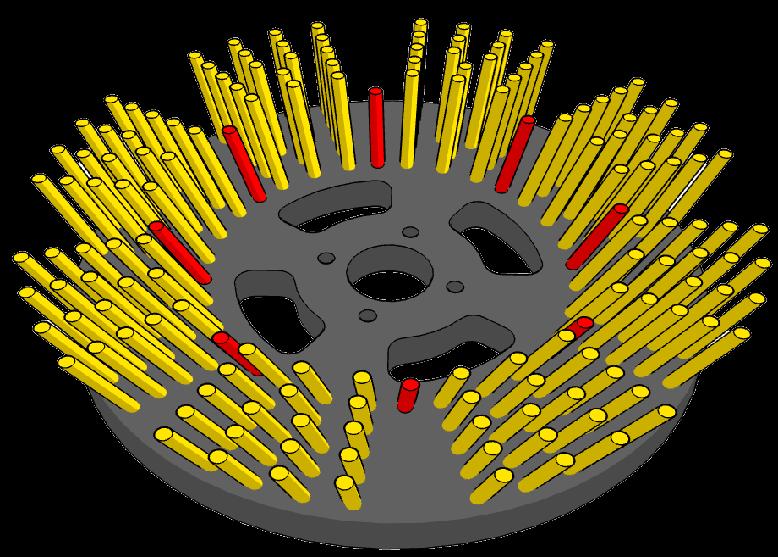
Recommended brushes
mm (very soft)
(soft)
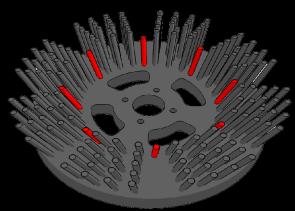
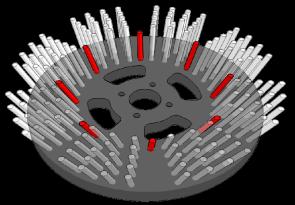
Change brush when brush hairs are worn to the red wear indicator.
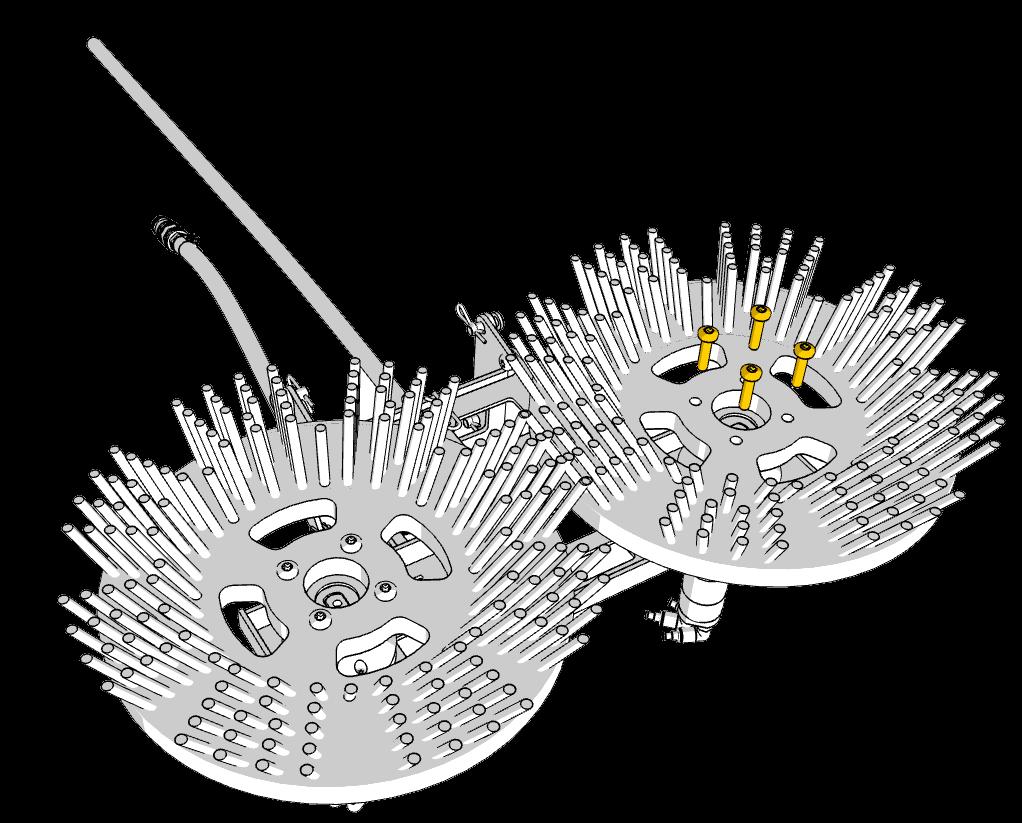
Remove bottom screws to exchange brush.
HPT0014 - Brush tool for underwater cleaning and grooming
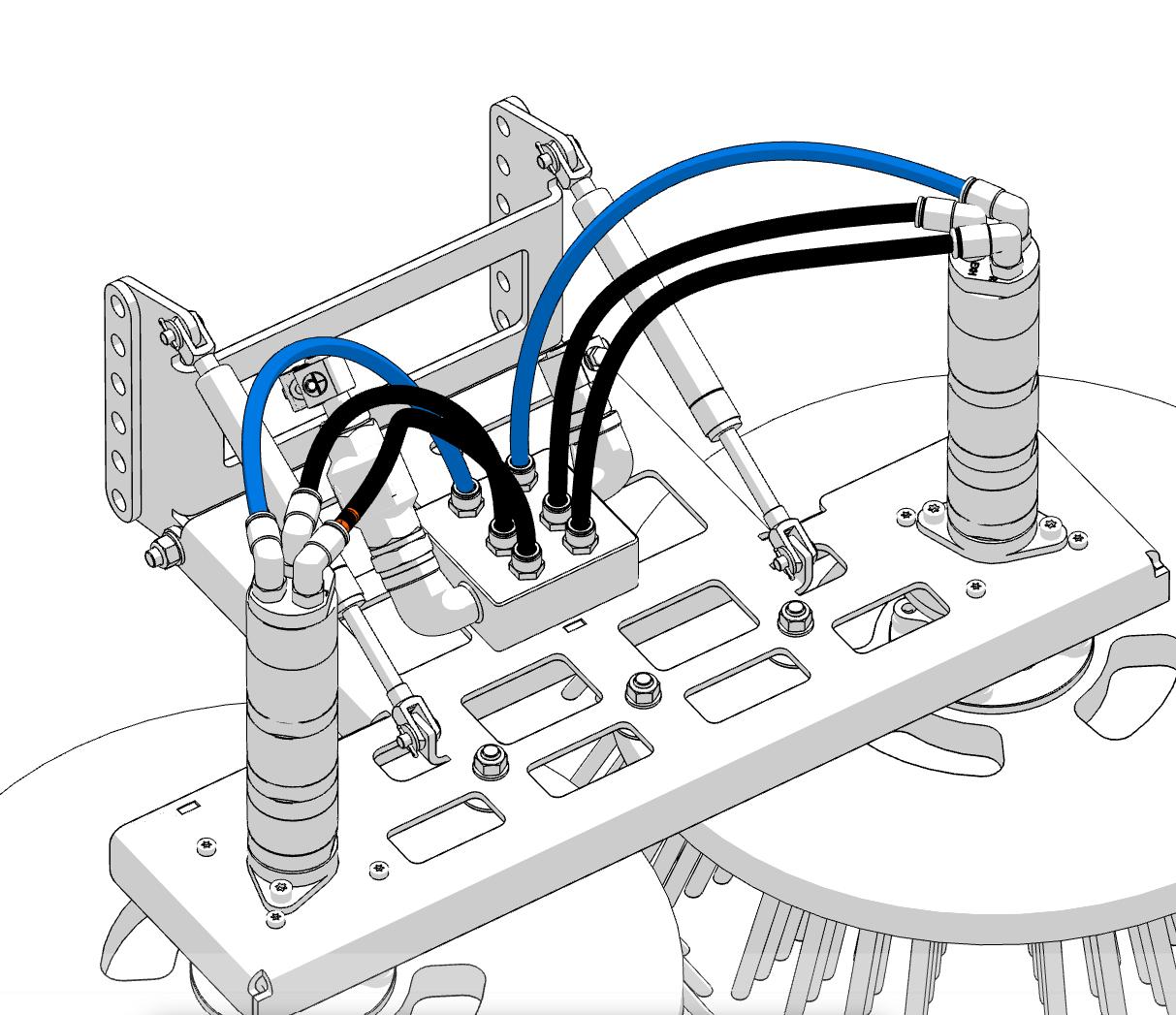
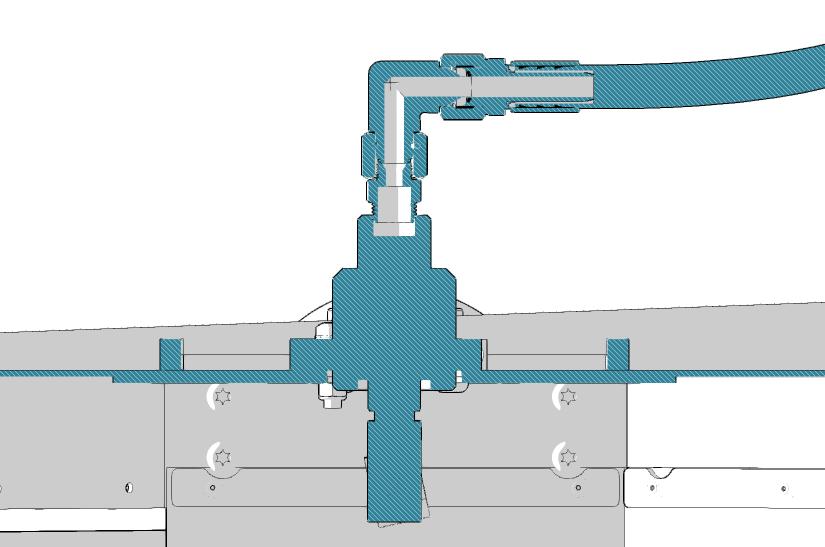
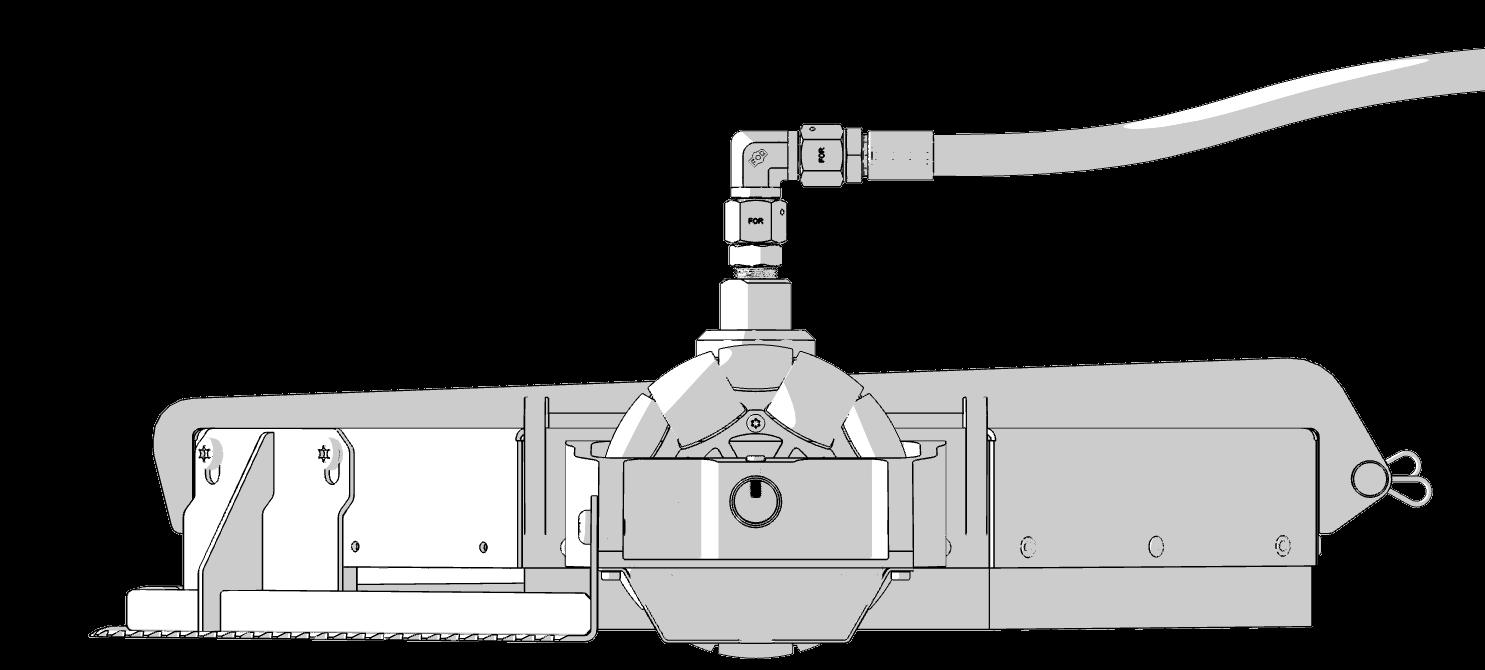
Mount hoses
Air inlet
6.3 bar @ 440 lpm needed pr. motor
NOTE: See MANU030 for more info
Air outlet
Mount blue hoses for air inlet and black hoses for exhaust.
Follow MANU030 for correct air motor maintenance and setup.
TIP: Run the air motors before mounting the robot on the hull to prevent the excess oil from going into the sea.
HPT0014 - Brush tool for underwater cleaning and grooming
Mount tool
Exhaust
Exhaust air in rear to prevent bubbles in front of main camera
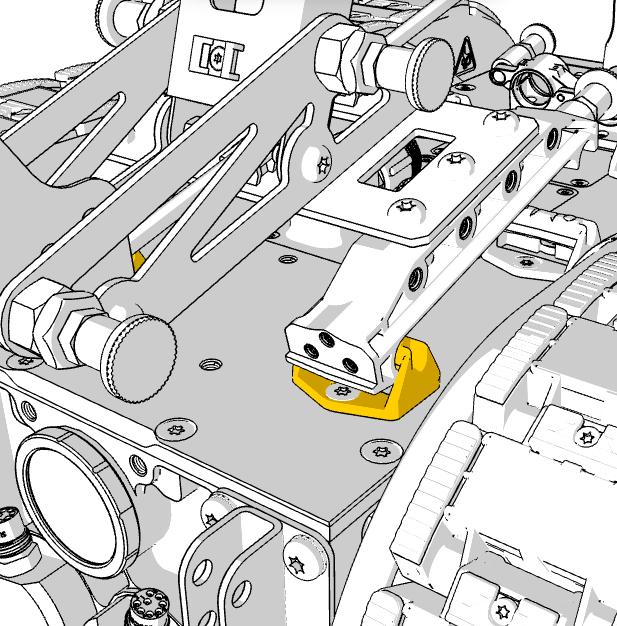
Mount tool in top holes on front brackets.
HPT0014 - Brush tool for underwater cleaning and grooming
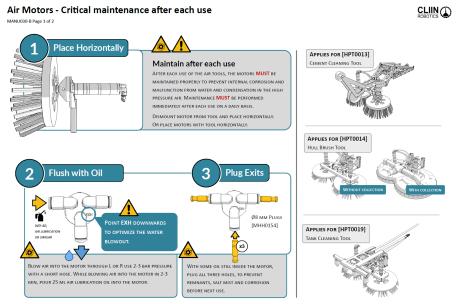
Maintain correctly
After each use of the air motor, the motor MUST be maintained properly to prevent internal corrosion and malfunction from water in the high pressure air. Maintenance MUST be performed immediately after each use on a daily basis.
Mobil Almo 525, air lubrication or similar.
Blow air into the motor through L or R
use 2-3 bar pressure. After blowing air into the motor, pour 25 ml air lubrication oil into the motor.
Link to MANU030 updated online guide
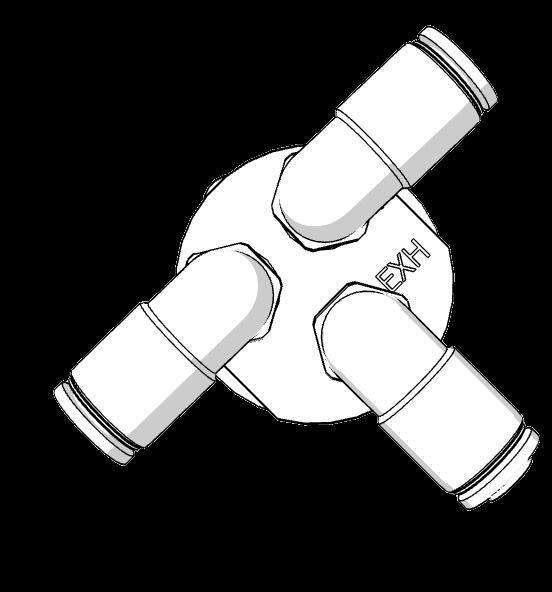
Exhaust Point EXH downwards to optimize the water blowout.
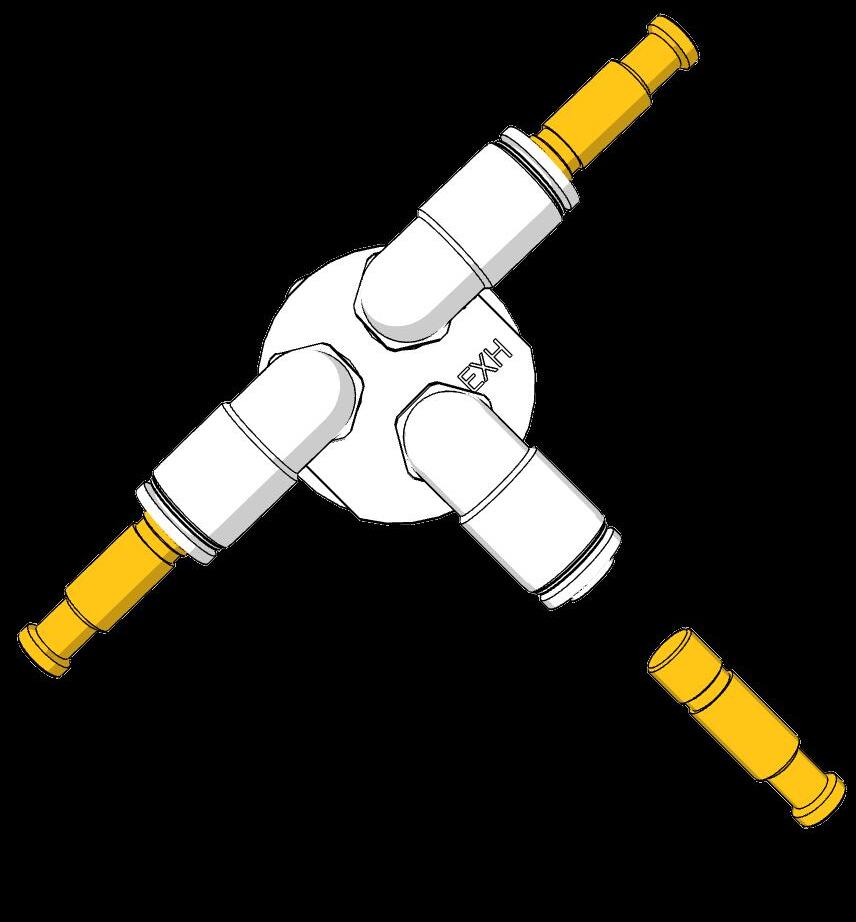
With some oil still inside the motor, plug all three holes, to prevent remnants to ingress and internal corrosion before next use. x3
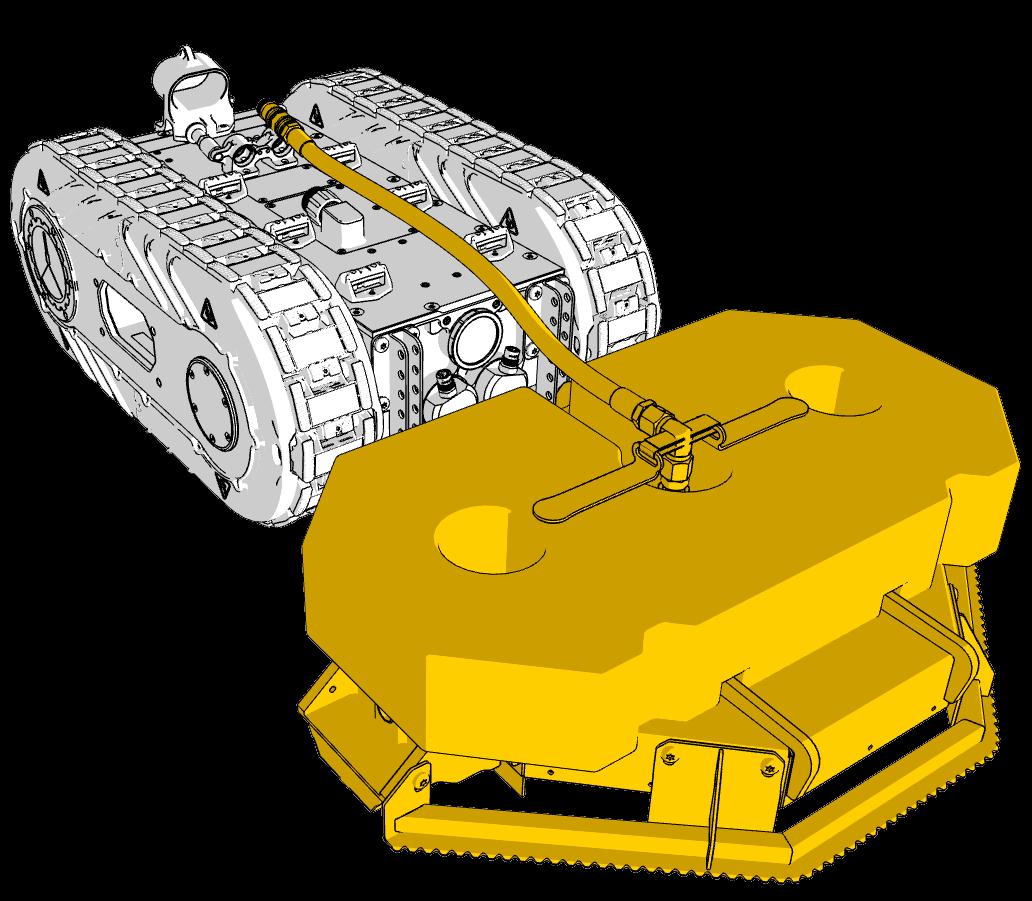
- Cavitation tool for heavy underwater cleaning
HPT0015 - Cavitation tool for heavy underwater cleaning
Tool suitability**
FR Type Description
Tool performance
N/A
HPT0015
Cavitation tool
*All cleaning speed are optimal values subject to paint type and paint condition.
**Tool ability to remove the FR-level.
0 Clean
10 Slime
20 Slime
No growths. A clean, foul-free surface.
Light slime. Semi-transparent or white; surface is visible.
Moderate slime. Thicker, may be colored (tan/brown); surface is masked.
30 Slime
40 Grass
Heavy slime. Very thick, dark-colored; may have a fuzzy appearance.
Small soft growths. Early macrofouling (algae, bryozoans) under 7 mm.
50 Grass
60 Calcareous
Heavy soft growths. Dense mats of algae or tall "grass."
First hard fouling. Scattered barnacles or tubeworms (< 5% coverage).
70 Calcareous
Moderate hard fouling. Barnacles/tubeworms covering 5–10% of surface.
80 Calcareous
Heavy hard fouling. 10–50% coverage of the surface.
90 Calcareous
Very heavy hard fouling. Over 50% coverage.
100 Calcareous
Massive fouling. Large, mature barnacles and dense hard growth.
HPT0015 - Cavitation tool for heavy underwater cleaning
Tool adjustments
Cavitation core adjustment
Recommended 34±3 mm distance for optimal cavitation effect.
Barnacle scraper
Recommended gap of 10 mm, can be adjusted to 20 mm if needed by moving the barnacle scraper. The scraper is needed to prevent clocking of cavitation swivel when removing heavy fouling.
HPT0015 - Cavitation tool for heavy underwater cleaning
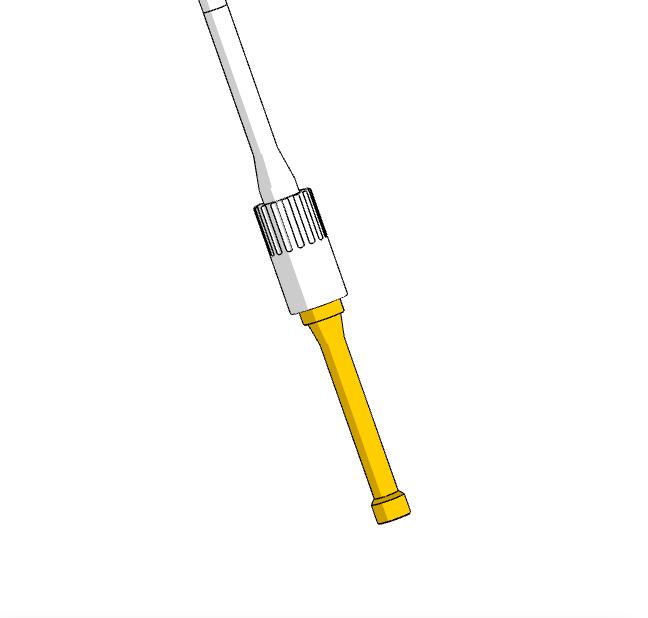
Nozzle exchange
Use the nozzle tool [MTO0039] for exchange. Typically the nozzles wear out every 100 hours in sea water.
Use Loctite 243 to secure threads to avoid loss of parts during operation.
Cavitation head angle
Head angled 15°±2° for optimal cavitation effect. (Preset)
Pump Requirements
Source pumps with 35–45 LPM constant flow, aligning nozzles to the performance chart. Ensure pressure ratings meet system requirements; units exceeding 390 bar must include a regulator, safety, or bypass valve to mitigate hose bursts and equipment damage.
HPT0015 - Recommended pumps and dimensioning for cavitation tool
Recommended pumps
Electric 380-440V 63A
Den-jet CE40-400
1.2mm (50 Hz) or 1.3 mm (60 Hz) nozzles are recommended to achieve optimal working pressure at tool.
Den-jet CD50-400
Mix of 1.2mm or 1.3 mm nozzles is recommended to achieve 350 bar at the HPT0015. Without mixing the nozzles, the pressure will either be too high or too low.
To achieve optimal cavitation cleaning, a minimum of 300 bar (4,350 psi) at the tool is needed (Tool pressure). Using a "Mixed Nozzle" setup (one 1.2 mm and one 1.3 mm) is a way to fine-tune the Tool pressure and thereby performance
CRITICAL: CLIIN equipment (hoses etc.) is rated at 390 bars. If own pump is sourced this criteria must be met.
Diesel driven
Common failure modes
Pressure drop
- Check pump filters, needs replacement often when running sea water
- Check for leakage in the system, fittings, hoses
- Check nozzle wear (exchange if runtime > 100h)
Lack of tool rotation (only cleaned local stripes)
- Large biofouling can block the rotating nozzle beam
- Check if bearings in the cavitation core is blocked (see next page)
- Check angles on the cavitation heads. - See previous
Excess paint removal (poor paint condition can flake)
-Increase the size of one nozzle at the time, to lower the tool pressure
-Raise the cavitation core to decrease the impact on the surface
-Adjust the angle on the cavitation heads to MAX 25° to increase the rotation speed of the cavitation beam, decrease pressure and lower the local exposure time
NOTE: Not recommended - complex to control.
HPT0015 - KIT0023 Cavitation Tool Spare Part Kit
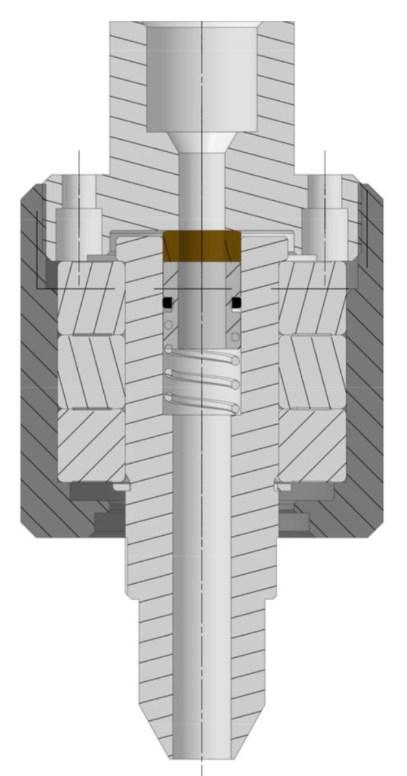
Service of cavitation core
KIT0023 includes the spares needed.
MIS0191 Ball bearing
MSE0056 Brass seal
MIS0193
Plastic rotation seal
MSE0055 O-ring
M001283 Spring
MIS0192
Absorb ring
HPT0018
HPT0018
Tool performance
Cleaning Speed
Up to 1200 m2/h
Effectively 600-800 m2/h, with overlap and navigation
Cargoes cleaned
• Cement (cured cement removed after cargo load or exhaust from well cementing on a drillship)
• Biofouling Above waterline / splash zone (FR10-60)
• Oil spills (with heated water)
HPT0018 -
HPT0018
Pump selection
HPT0018 tool pressure
The tool needs 175 to 255 bar to perform well.
Selecting one of the recommended pumps will enable a safe working area of 190 to 255 bars without changing any settings on the pump. See HPT0015 section for recommended pumps.
Simply swap from the cavitation tool [HPT0015 to the above waterline tool [HPT0018] and start cleaning without any adjustments. The pressure is preset in the nozzle selection.
CRITICAL: Tool nozzle pressure may not exceed 255 bar.
Overview
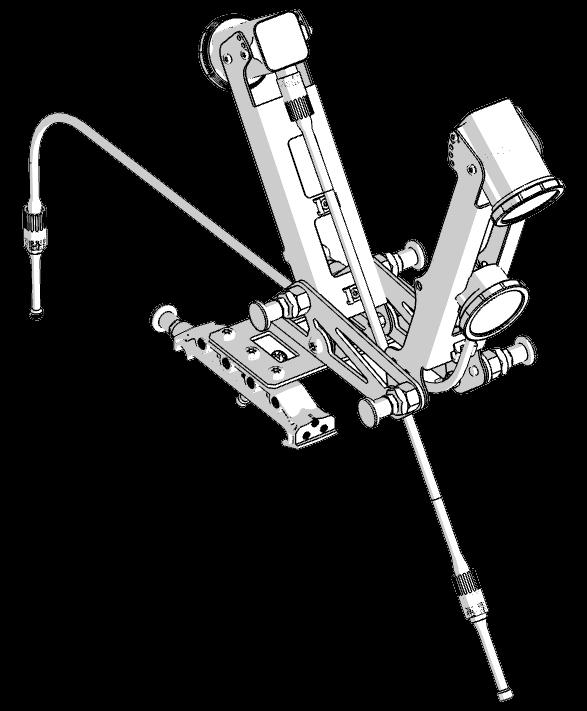
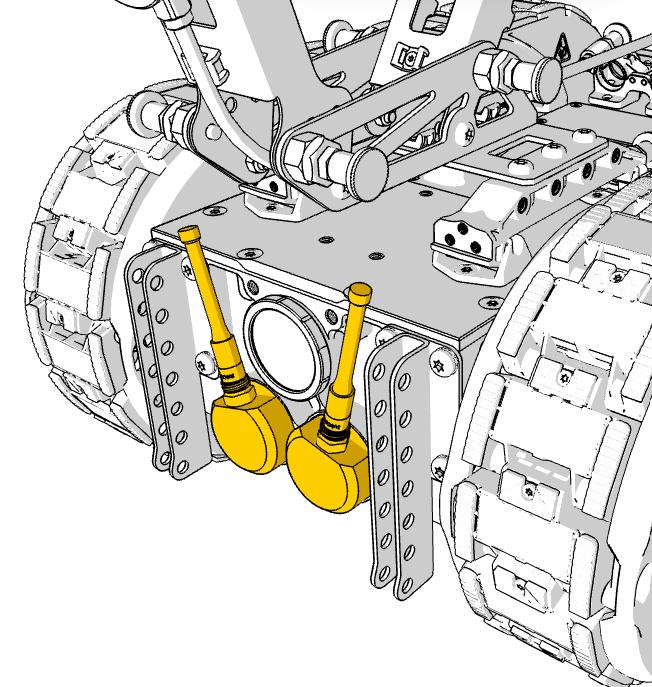
Camera (x2)
Fixed position with adjustable angle for both front and rear camera.
Camera res: 1920x1080
CRITICAL:
Remember dummy connectors.
External light approximate 5.000 Lumen for night operation.
Mount camera system on the tool brackets.
Remove the dummy connectors from the camera system and robot outlets and connect the two cameras and the external light.
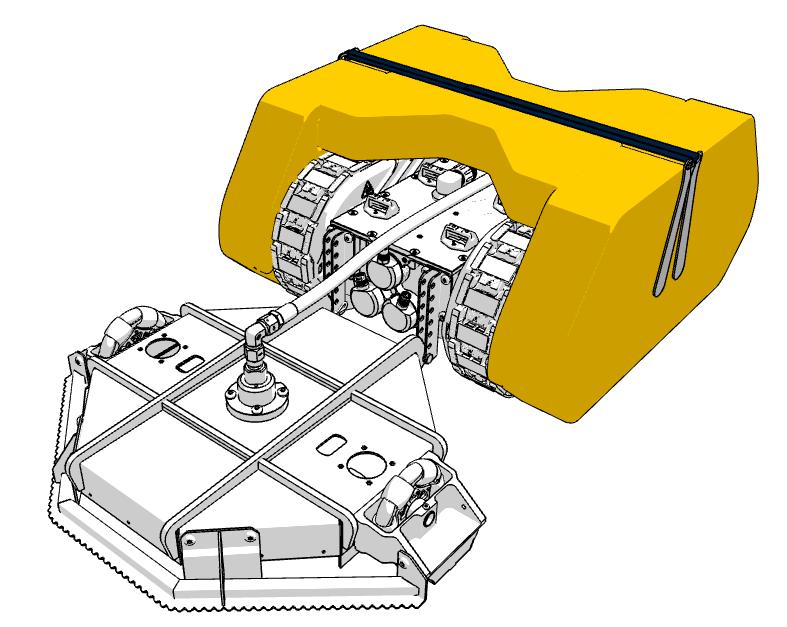
Mount tool
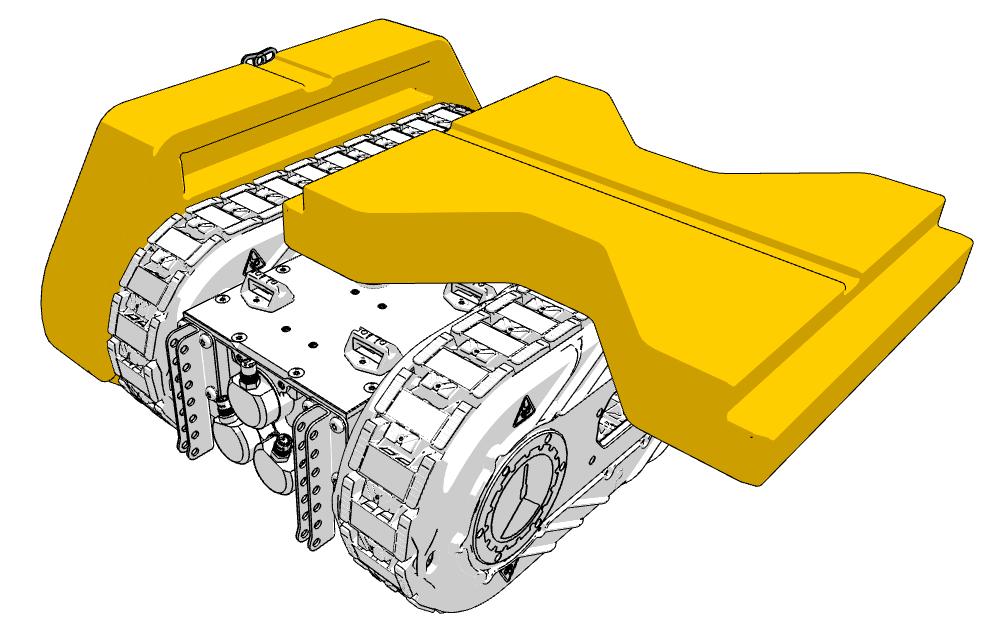
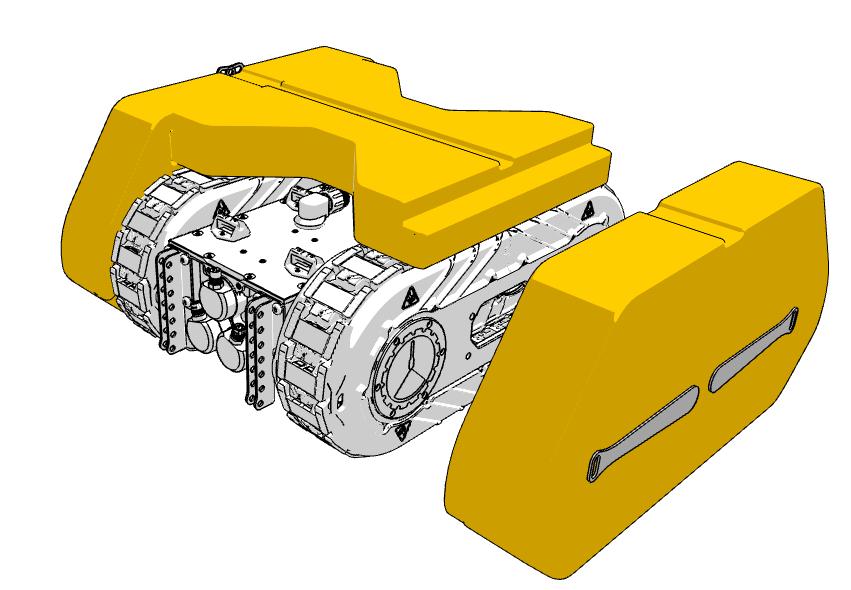
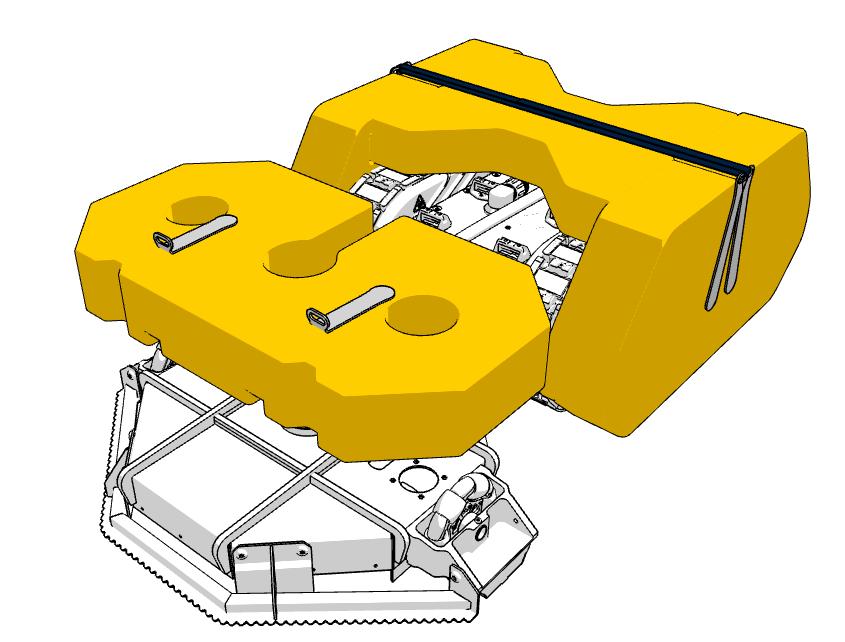
Mount buoyancy
Recommended use
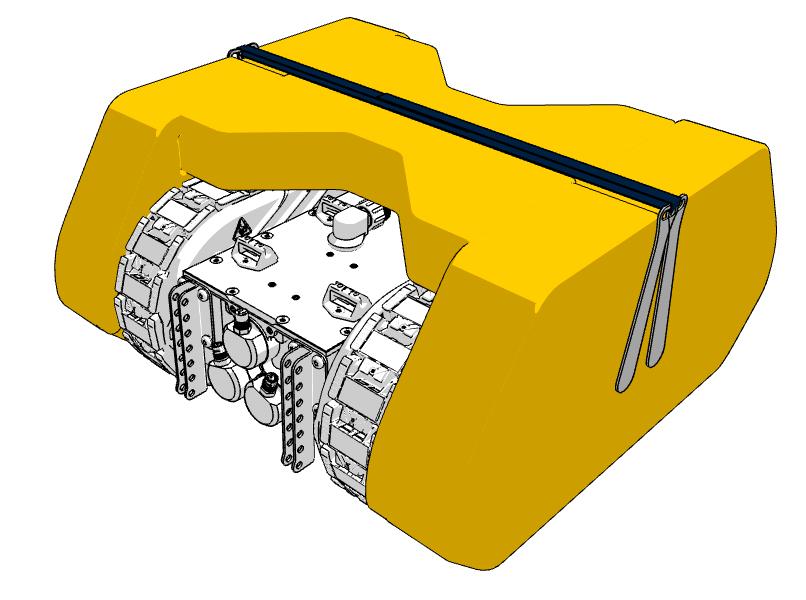
The Buoyancy [BOUY001] for the robot is always recommend for subsea and offshore operations. For operations with a tether exceeding 60m, it is required to prevent the robot from sinking below 60m depth in case of detachment, which could potentially cause water ingress (depth rating 60 m).
1
Handles in horizontal position, push buoyancy in place and rotate handles to lock.
2
Slide top buoyancy into the slot in the side.
Control correct mounting
Wiggle the sides
After mounting the buoyancy system, firmly wiggle the sides to control correct mounting.
3
Mount side 2 in the same ways as side 1. Handles horizontal —> push —> lock.
4 x2
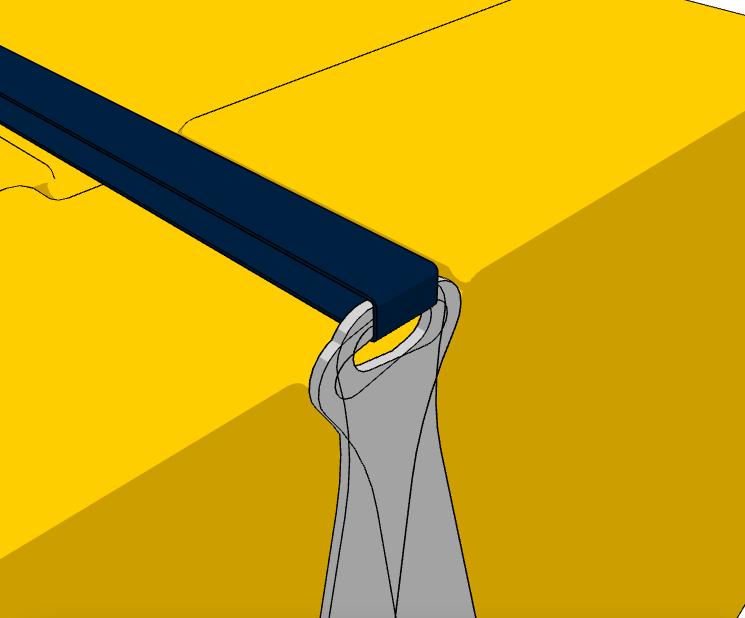
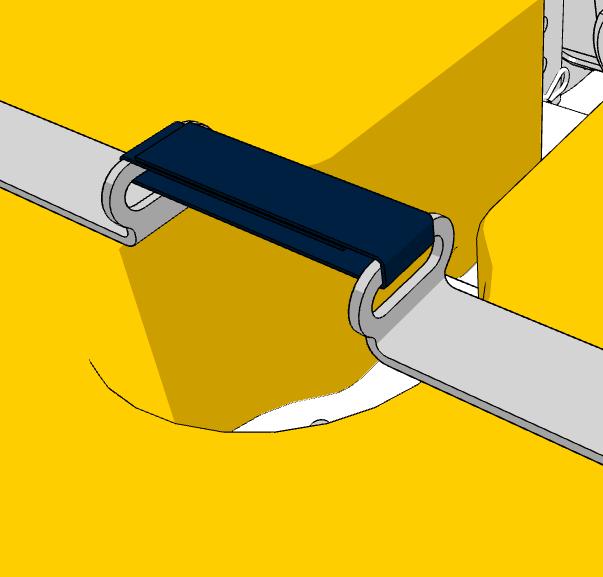
Secure the buoyancy with the Velcro strap.
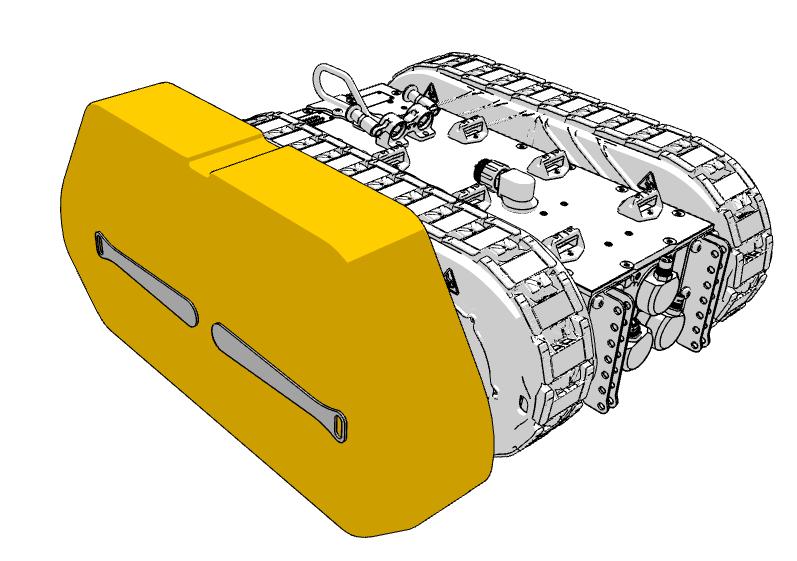
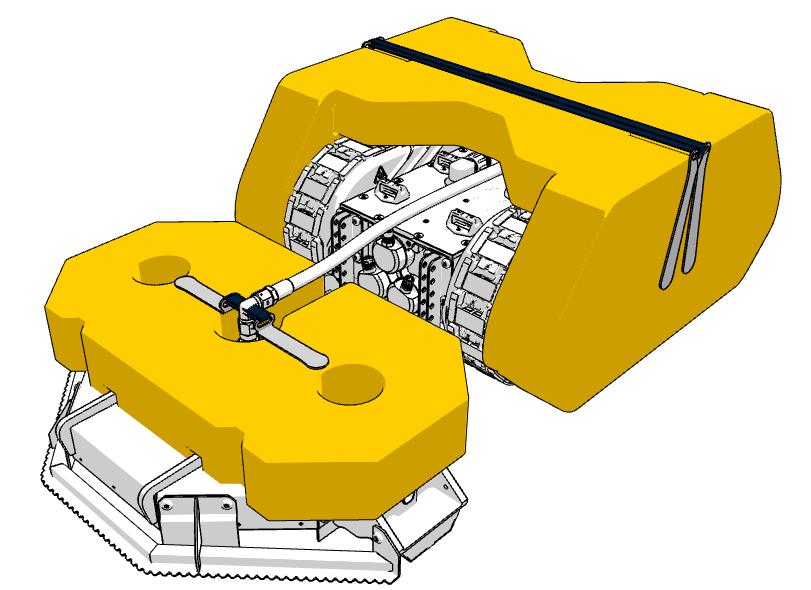
BOUY002 - Buoyancy system for Cavitation tool [HPT0015]
Mount buoyancy
Recommended use
The Buoyancy [BOUY002] for the Cavitation tool [HPT0015] is recommended for cleaning the flatbottom of vessels or offshore structures.
The Buoyancy will reattach the cavitation dome to the surface in case of detachment.
NOTE: For cleaning the vertical sides, the buoyancy system is not beneficial.
1Mount the cavitation dome on the robot before attaching the buoyancy.
BOUY002 - Buoyancy system for Cavitation tool [HPT0015]
Control correct mounting
Wiggle the
top
After mounting the buoyancy system, firmly wiggle it to control correct mounting.
2
Mount the buoyancy. Turn the handles > push down > lock.
3 x2
Secure the buoyancy with the Velcro strap.
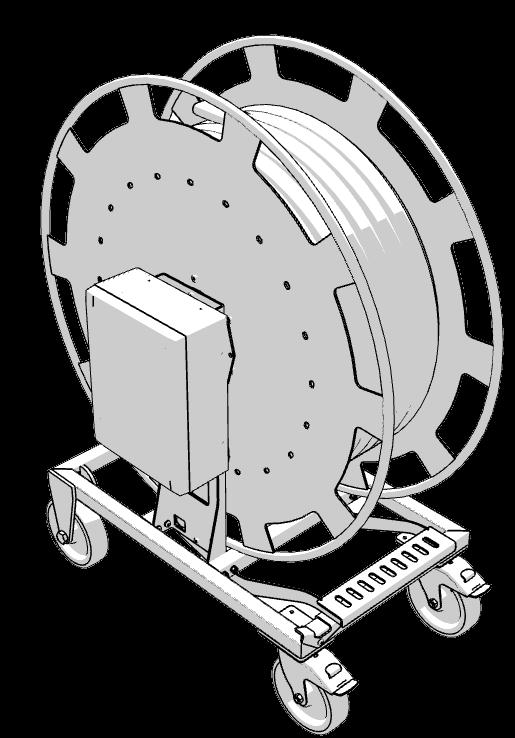
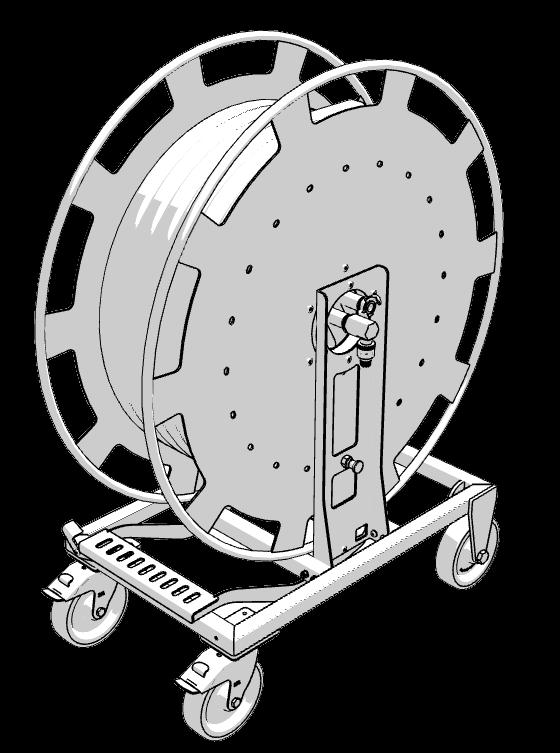
Overview
Wifi and Ethernet gateway
Connections to power and robot
Hybrid cable, High pressure hose & static rope
Foot brake for controlling roll out
Winch brake
Wheel brake (x2)
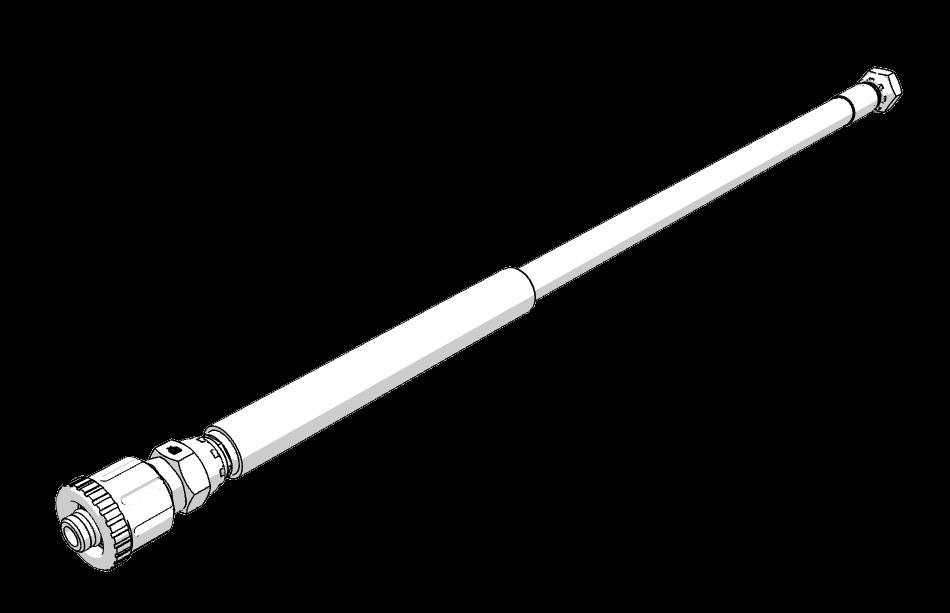
Sacrificial hose and ratings
Main winch hose (50m, 65m or 120m)
Temperature: -40 °C +100 °C (-40 °F +212 °F)
Air max T = +70 °C (+160 °F)
WP Hydraulics (Mpa): 24,5
WP Hydraulics (Bar): 245
WP Hydraulics (psi): 3500
WP Water (Mpa): 39,2
WP Water (Bar): 392
WP Water (psi): 5600
BP (Mpa): 98,0
BP (psi): 14000
BR (mm): 80
Weight (kg/m): 0,200
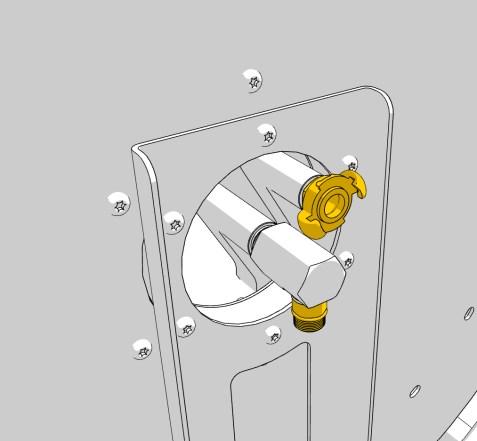
Recovery inlet
Air inlet for additional supply. Can be used for custom tools.
NOTE: Recommended 1/2” hose for air not pre-mounted.
Inlet for water or compressed air supply
Inlet for main hose, either pressurized water from the high pressure pump, or compressed air for the air tools.
NOTE: When using air tools, blow out the water from the hose before use.
3 m impact hose [M001284]
The first 3 m on the winch hose to the robot is steel reinforced and ruggedized with a thick protective clear rubber, as this area is more exposed to potential damage.
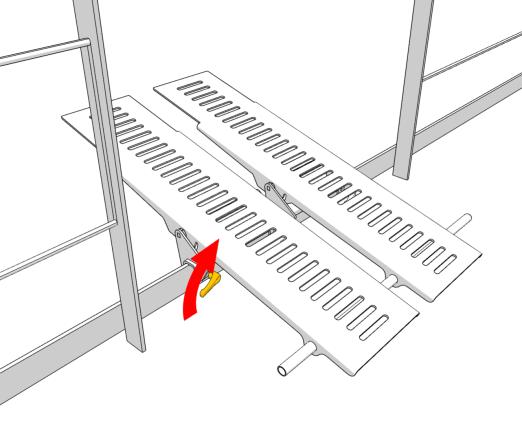
Mount correct fishplate type
If fishplate is offset, choose the 80 mm offset anchor [MA00140] or
80 mm offset anchor [MA00140]
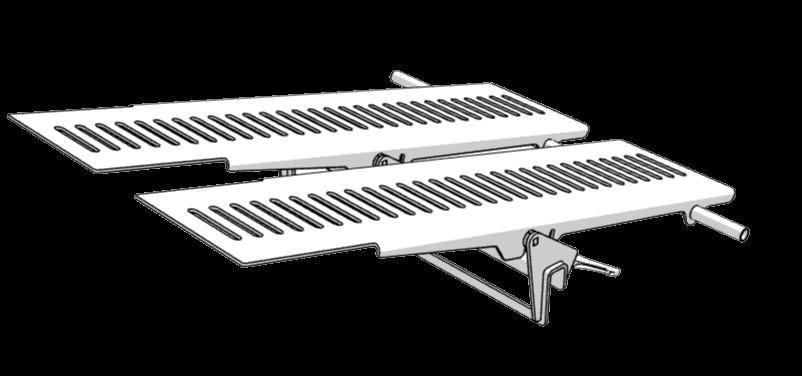
Magnetic Launch Ramp [M000967]
Flush anchor [MA00139]
If fishplate is flush with the hull, choose the flush anchor [MA00139]
Lock the fishplate anchor on the fishplate with the handles on the rear prior to launch preparation.
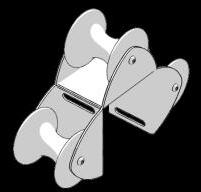
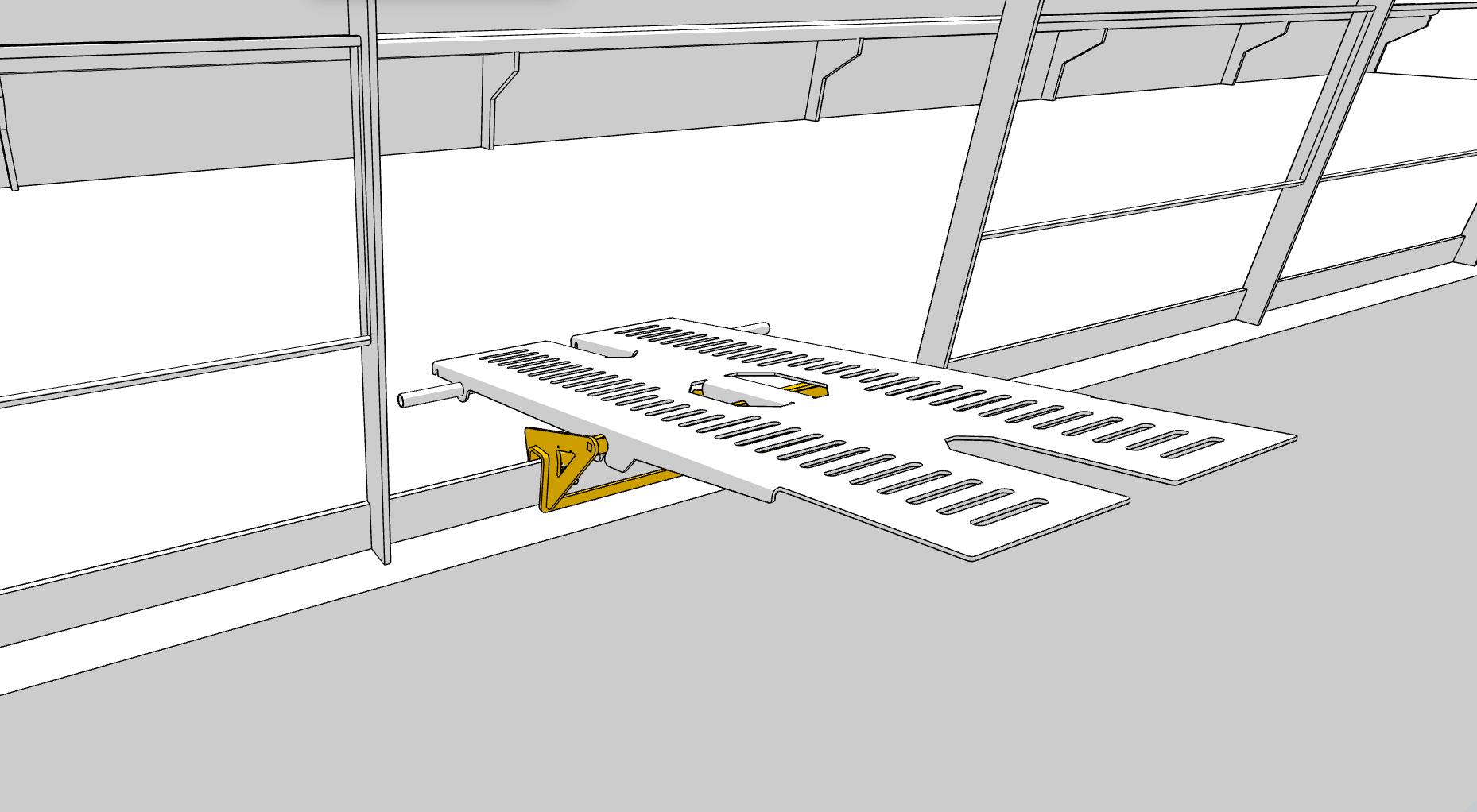
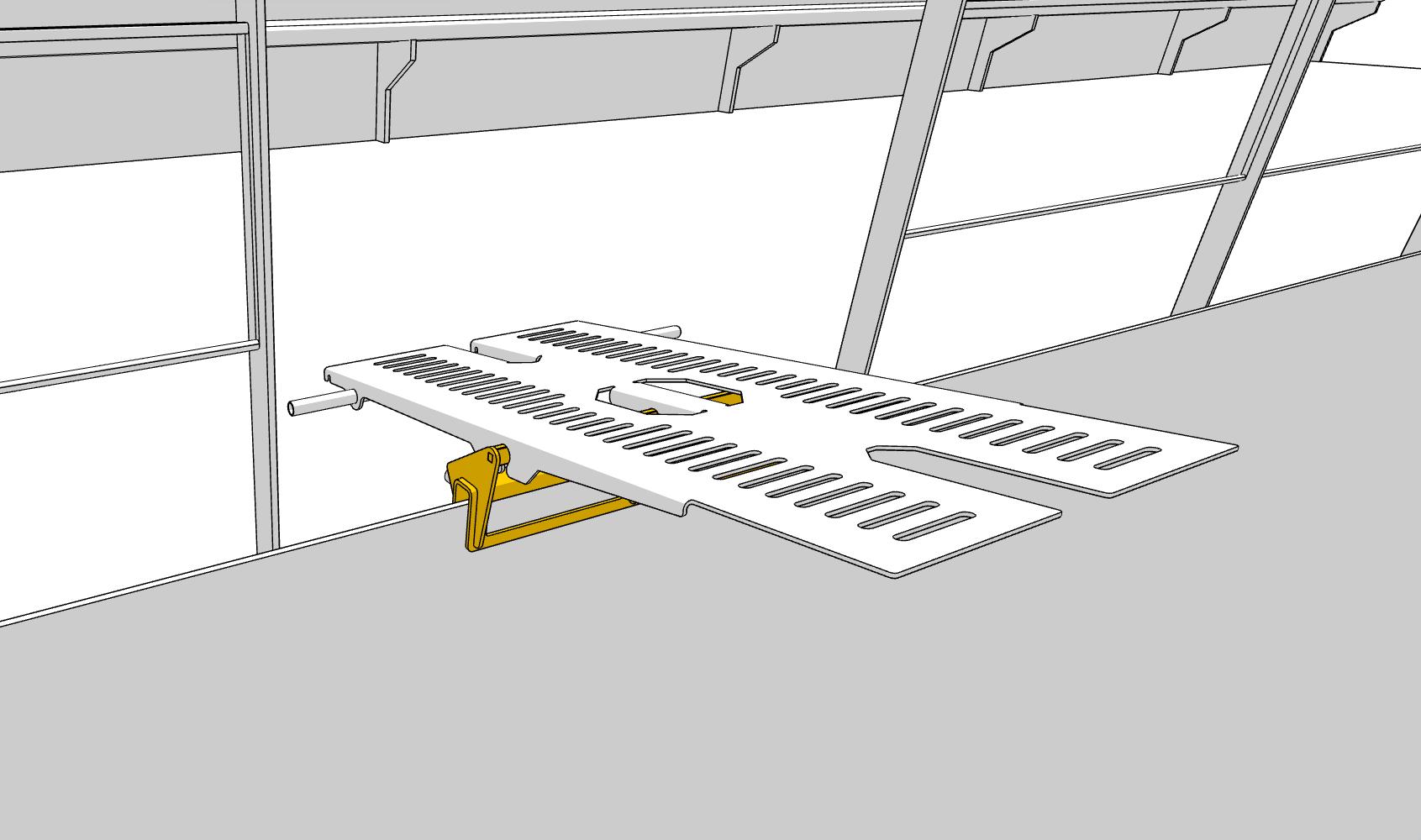
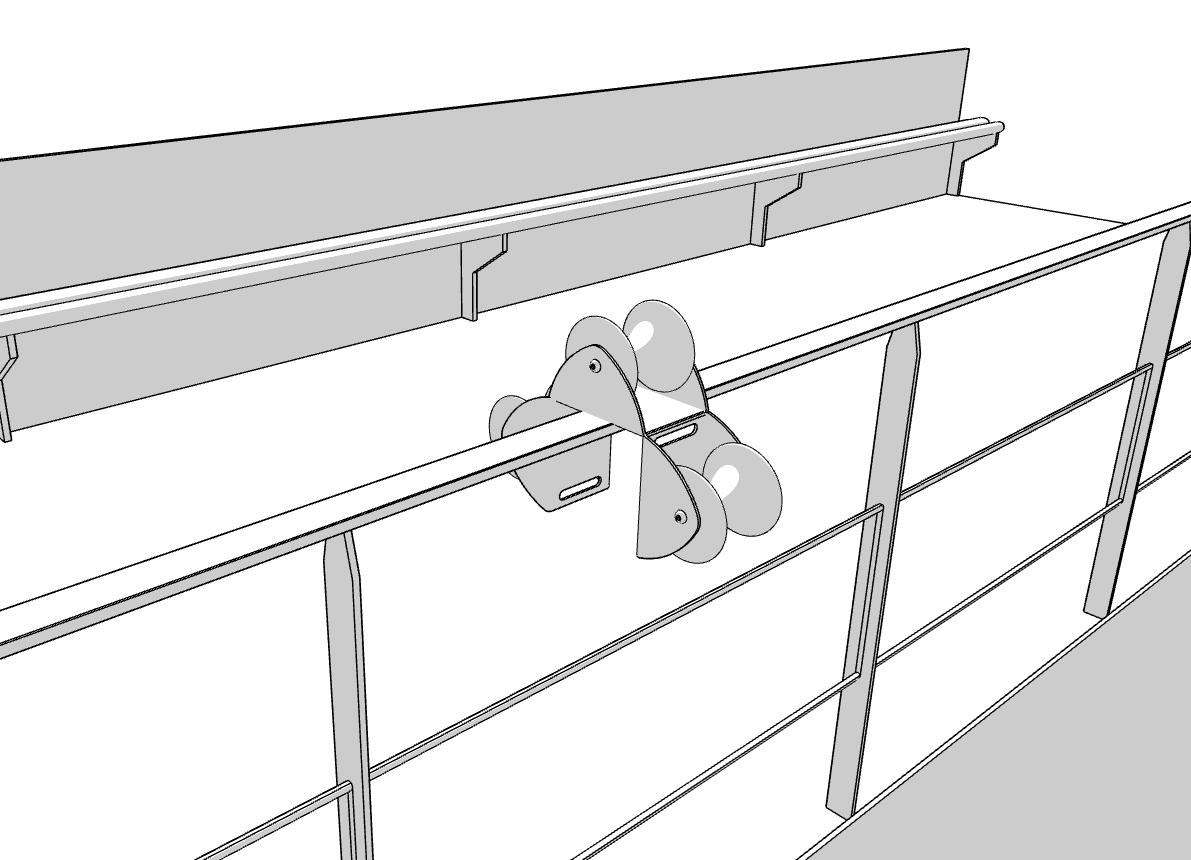
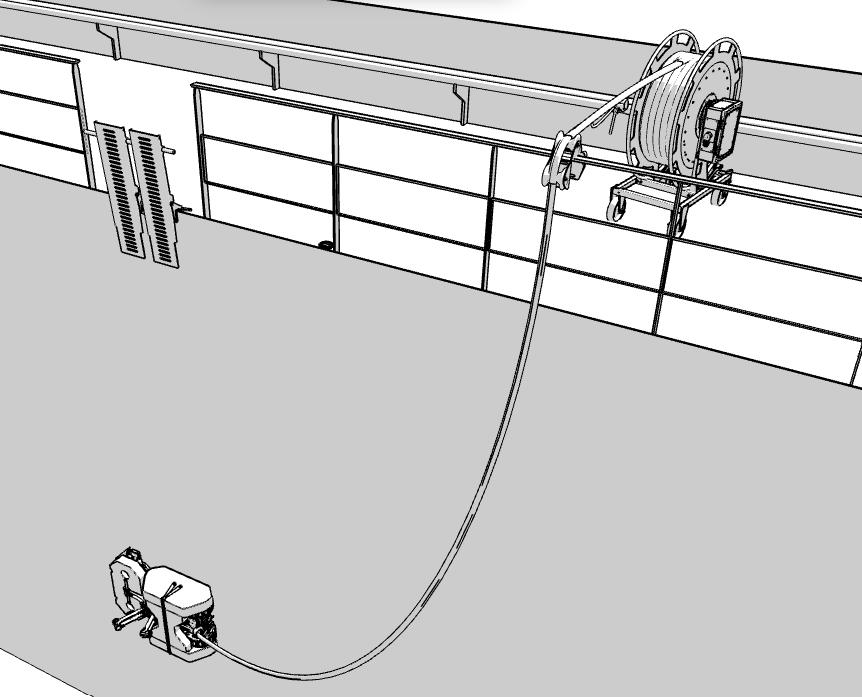
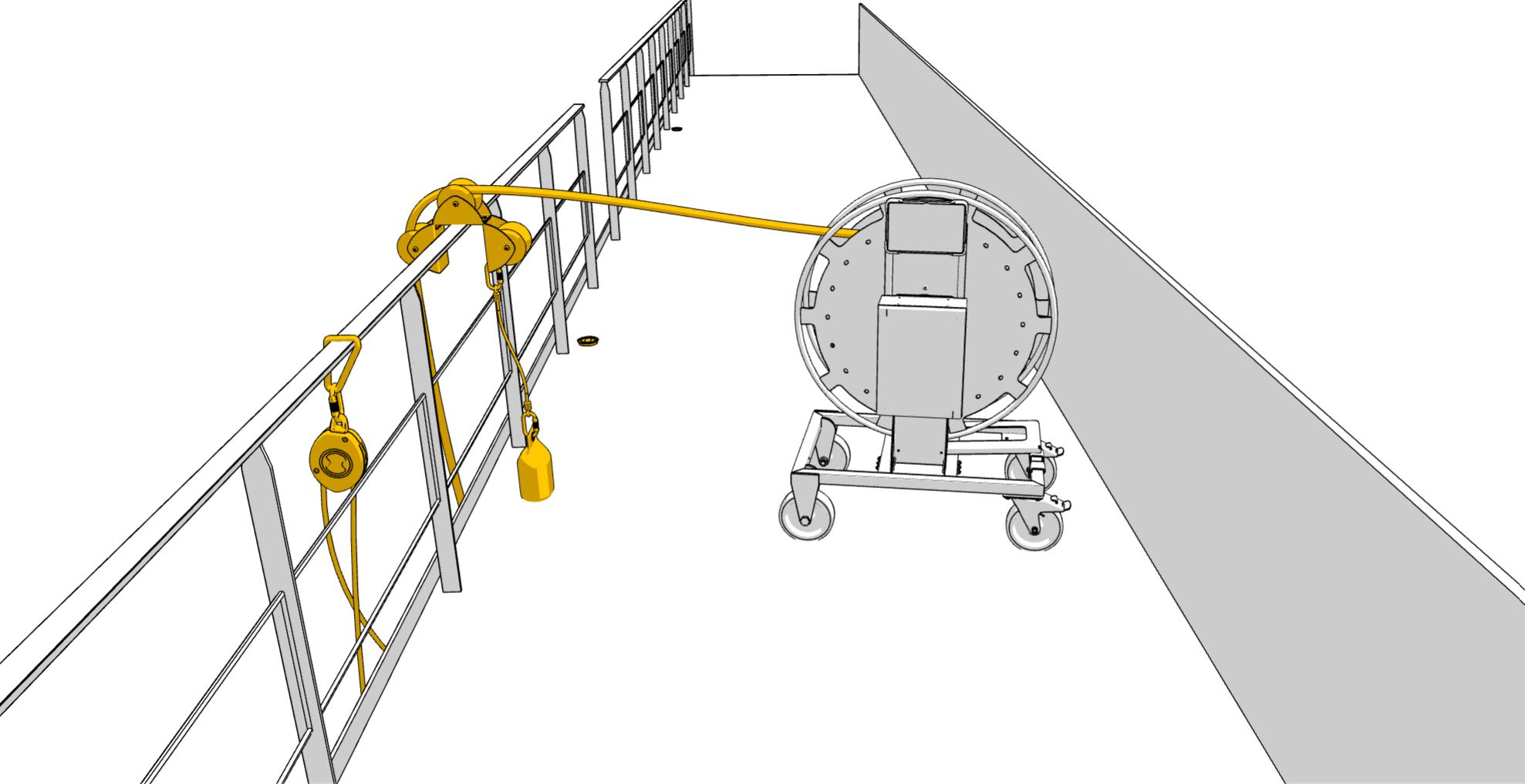
Mount 3-link Hose Roller
Secure 3-link roller
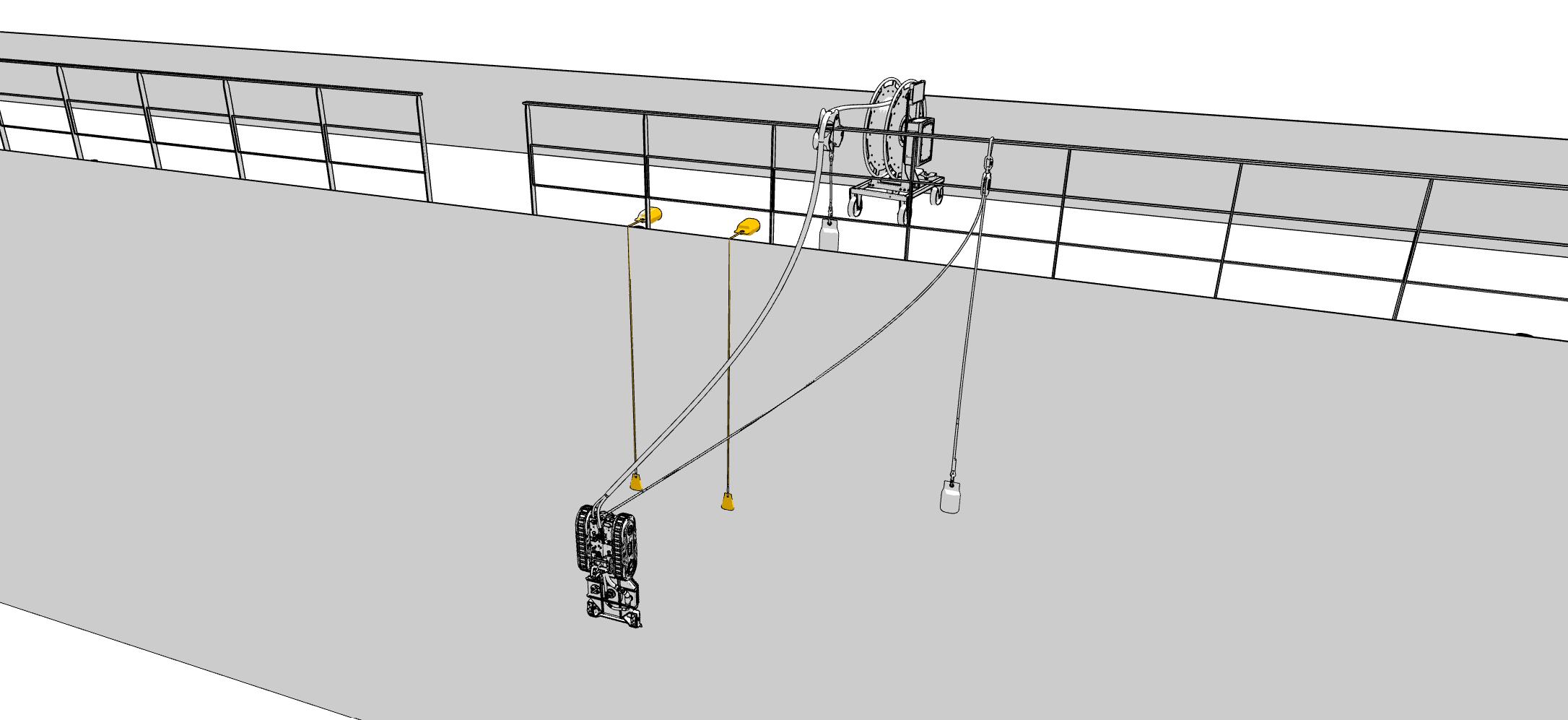
To protect the cables mount the 3-link roller on the railing or an opening on deck. Secure the roller with a rope or similar. The 3-link roller [MIS0164] is in the “Onboard Package” and “Onboard service provider package”
Launch process steps 1
Launch Pipe [M000966]
Launch process steps 1
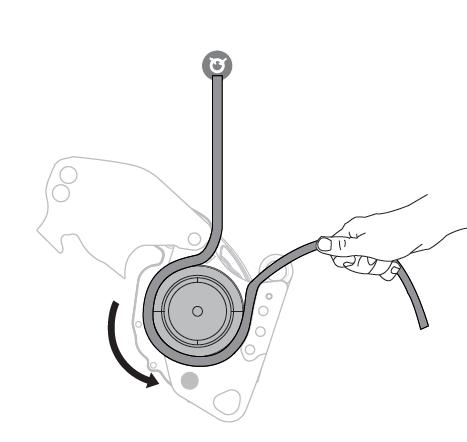
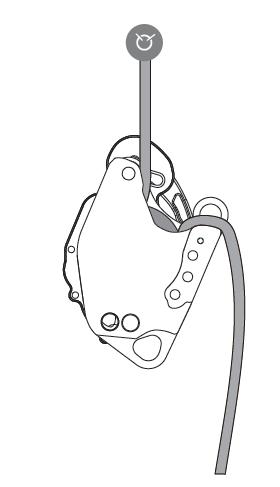
Use the static rope to secure the launch
A
B
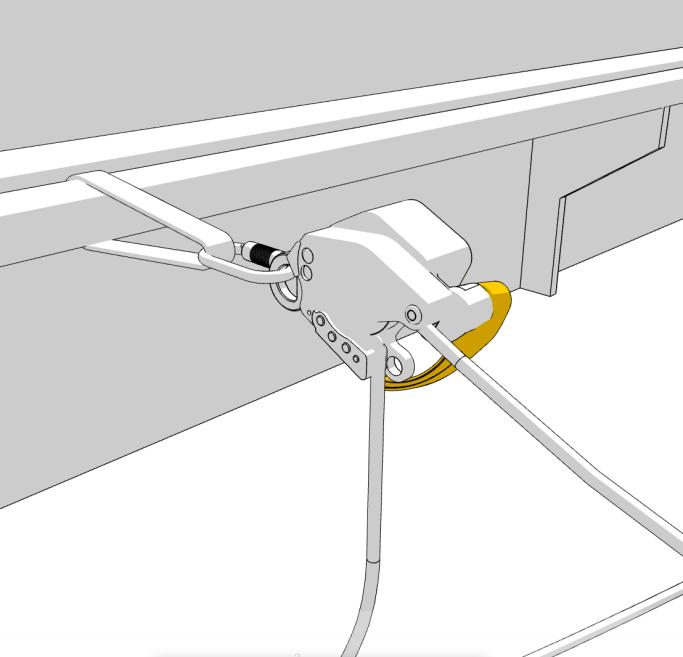
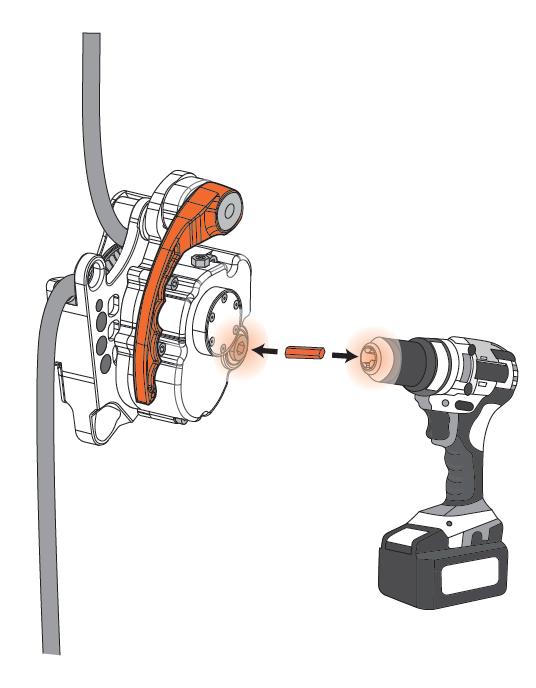
Secure the drill powered ascender/descender [BOX0011], to the deck with the sling in the [LA00002]
. Mount the static rope to the drill powered ascender/descender.
C
Close the drill powered ascender/descender. It is now secured for operation.
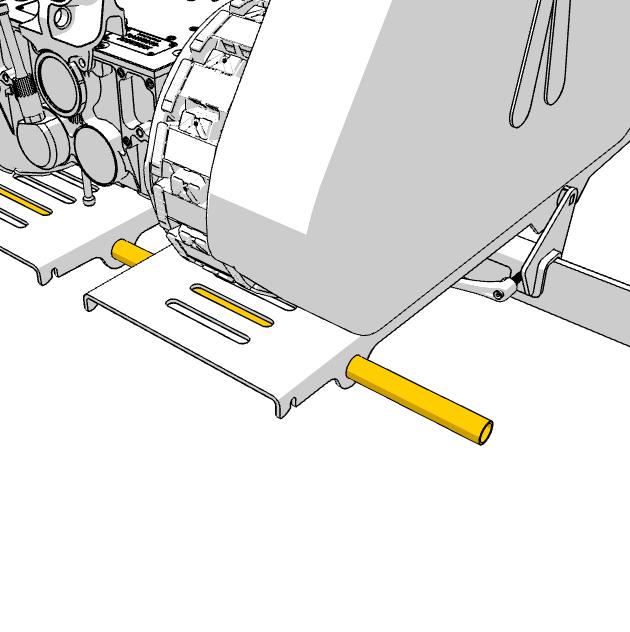
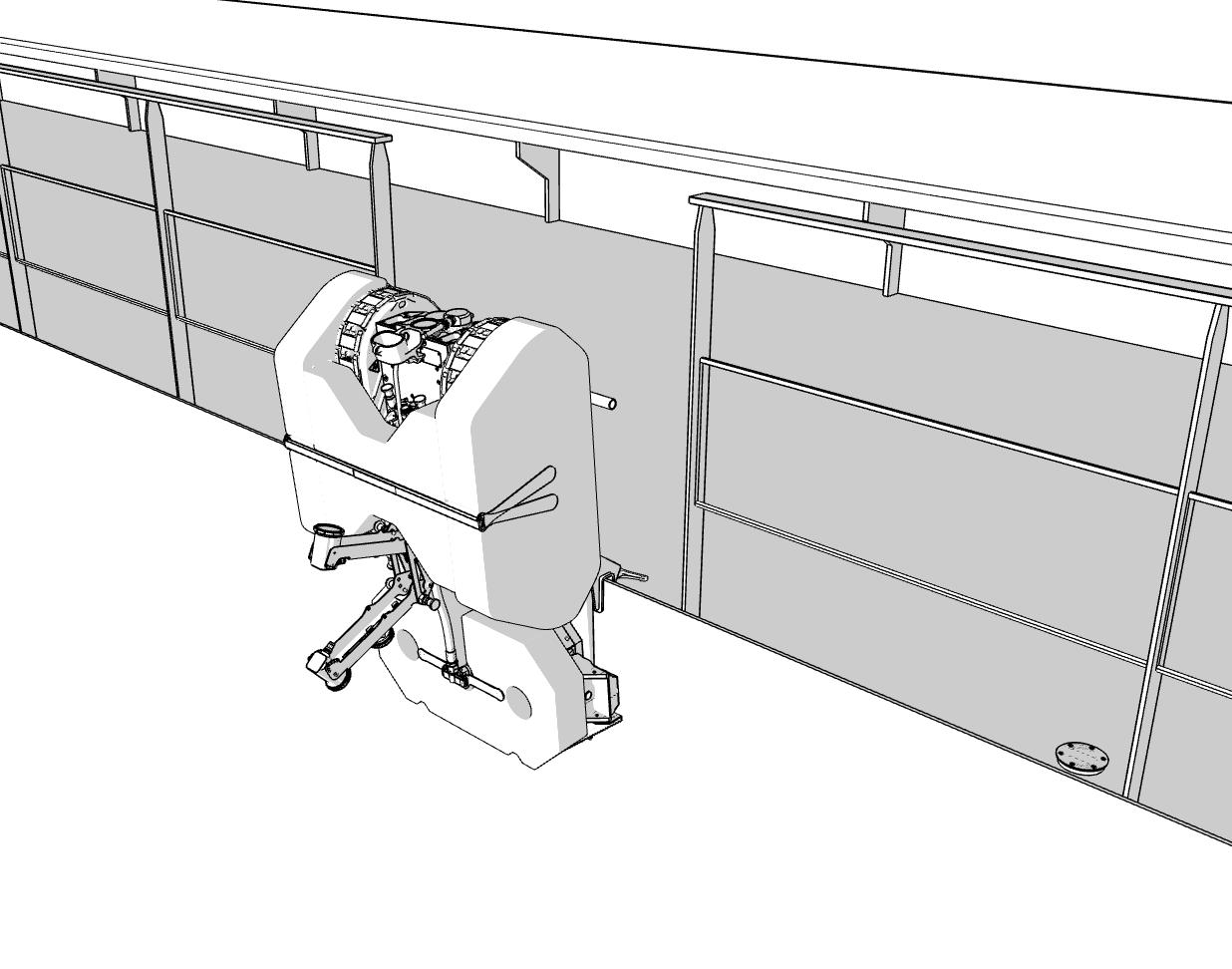
Drive the robot on the launch platform and use the steel rod (located on the Cage) to lift the Launch Platform, including the robot.
NOTE: This is a three person job. 1 to control the descender, 2 for lifting.
Launch process steps 2
Launch process steps 2
Secure the platform lift with controlled veering
CRITICAL: Step away from all cables and hoses during the launch to avoid accidents
Release the handle on the drill powered ascender/descender [BOX0011] to facilitate veering of the rope. Immediate braking of the descend will happen, if the handle on the descender is released.
While veering the static rope, slowly lift the platform to ensure a safe launch.
After the robot has been driven on to the hull securely, the static rope is dismounted from the descender and rigged on to the winch again.
SOP - Emergency retrieval step - In case of power loss or non-respond
Emergency Retrieval
Emergency Retrieval
Prepare the setup for emergency retrieval
CRITICAL: Only use this procedure in case of emergency. If no emergency is present, drive the robot to the launch platform and reverse the launching procedure to retrieve it.
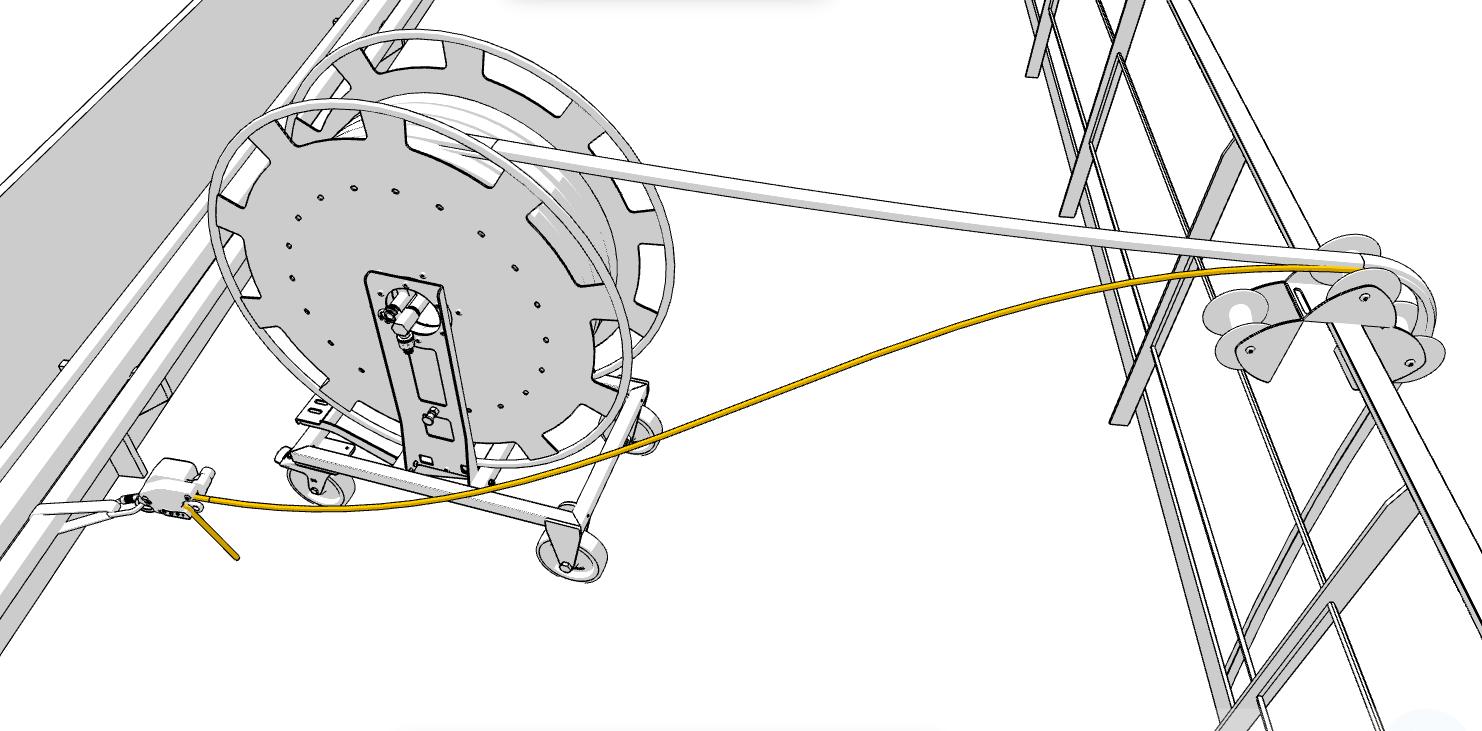
Start by changing the placement of the 3-link roller, to prepare retrieval next to the launch platform.
NOTE: In some cases the pulley [MIS0174] is a better option than the 3-link roller.
x3
SOP - Emergency retrieval step - In case of power loss or non-respond
D
Emergency Retrieval
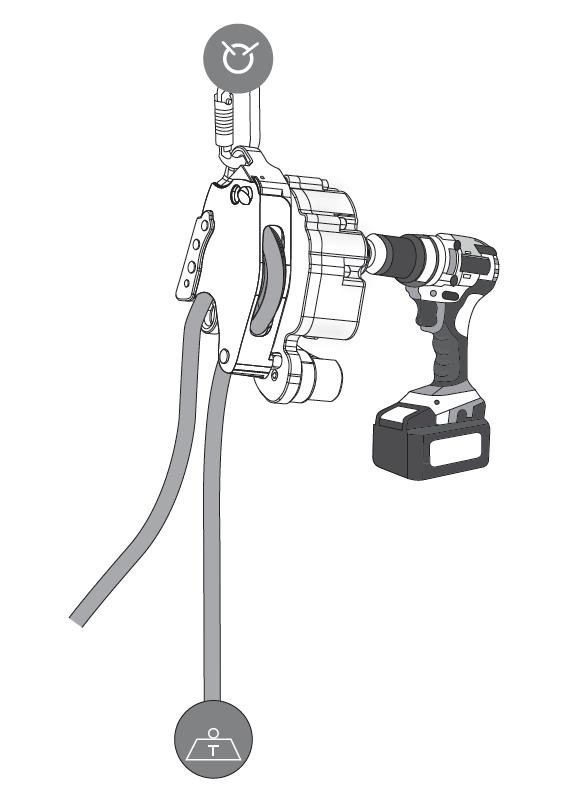
Use the LA00002 and BOX0011 for retrieval
Secure the drill powered ascender/descender [BOX0011], to the deck with the sling in the [LA00002].
Separate the static rope from the winch to the drill powered ascender/descender.
Mount the static rope to the drill powered ascender/descender and use a high torque power drill to retrieve the robot. (Power drill not included). The [BOX0011] is geared 12:1 and will function as a small deck crane. The rated pulling force on the BOX0011 device is 2850N
C x3 B D
SOP - Emergency retrieval step - In case of power loss or non-respond
Emergency Retrieval
Emergency Retrieval
Pull in the robot and safely retrieve the robot while still secured
CRITICAL: If the torque on the power drill is insufficient for the retrieval, the pulley [MIS0174] from the [LA00002] can be used to make and additional gearing with the static rope to increase the pull power to 5700 N.
Use the drilling machine on the safety power lift to retract the robot to the launch area.
NOTE: Carefully manage the robot cables and hoses to prevent damage.
When the robot is pulled on to the launch ramp, the ramp is flipped and the system is recovered.
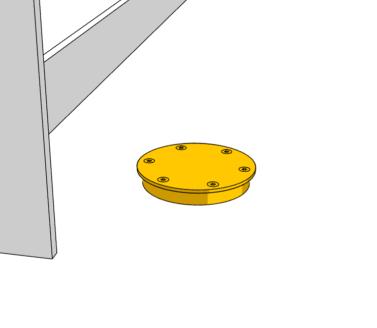
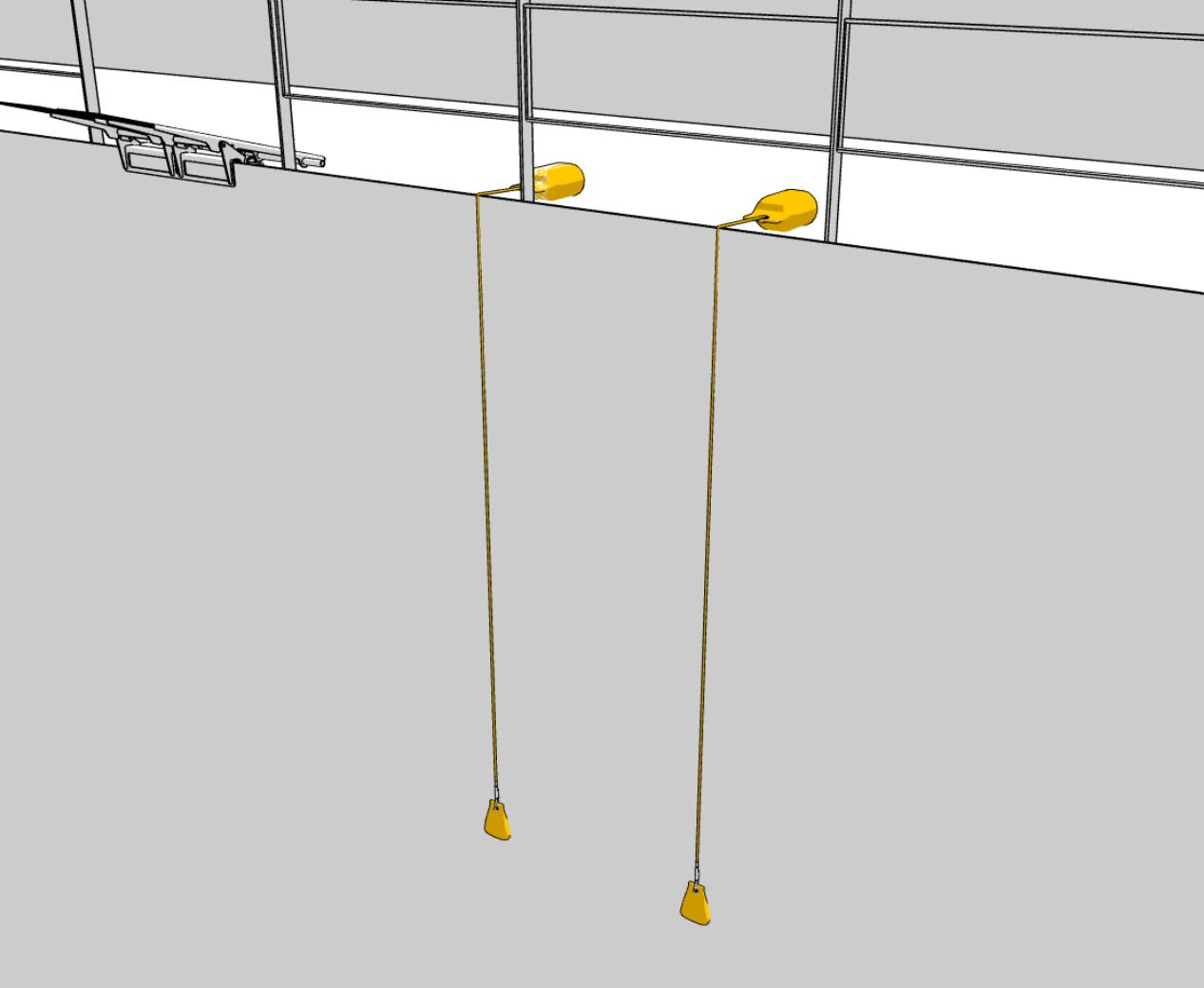
Zone Marker Placement
Correlate the physical zone markers to the zones on the user interface for effective reporting
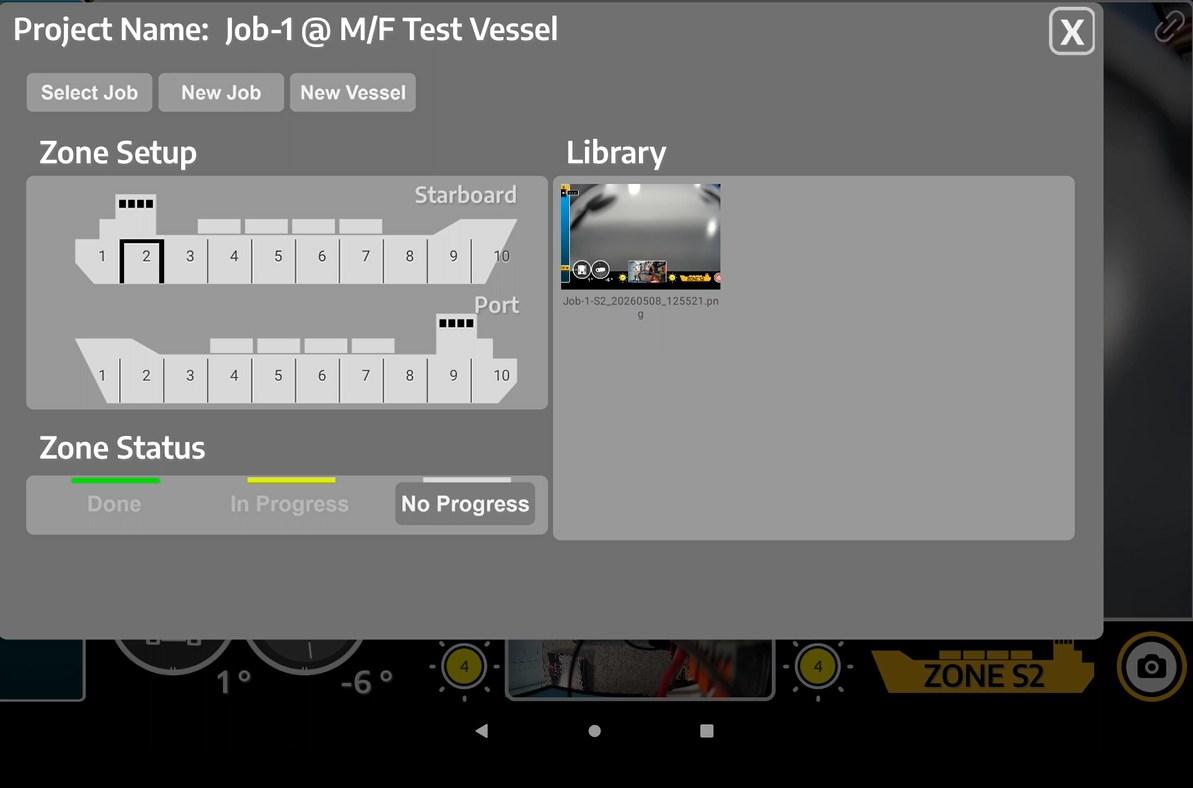
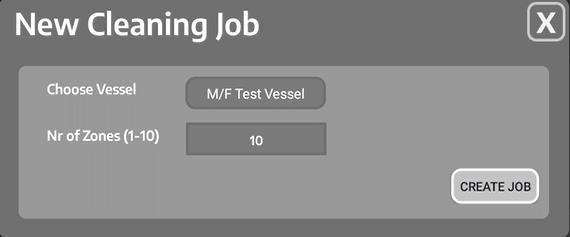
Divide the vessel into zones on the UI (screen interface). Each zone can be set to: “Done”, “In Progress” and “No Progress”. Pictures can be stored in each zone for reporting purposes. Large vessels are normally set to 6-10 zones on both Port and Starboard side, while smaller vessels will be 2-6 zones.
If the Hull Cleaning Solution is a permanent installation a vessel with repeated cleanings, the physical zone markers from the “Onboard Package” is a recommended purchase. These zone markers are placed on deck i.e. zone 1 starting with marker “1” ending with marker “2”. When the robot is switching cleaning zone, the zone is manually changed on the interface.
Status indicator (on one marker), can be moved to the latest cleaned location, if cleaning is abrupt. ´
All markers and status indicators has strong magnets inside.
SOP
User Interface
Equipment Setup
Cleaning Initiation
Equipment setup and cleaning initiation
NOTE: This SOP is recommended for cleaning in murky waters. The setup is constructed to support cleaning in total blindness relying on sensors and physical indicators only.
Place the lane markers from the “Onboard Package” on the deck, with app. 1 m spacing. The lane markers are physical visual aiming for the operator to align the robot from one cleaning lane to the next.
When cleaning is completed between “A” and “B”, the lane marker
“A” is moved to the “C” position to repeat the process. This is continued until the entire zone is cleaned and the equipment needs to be moved.
Before starting the cleaning in heavy biofouling, a full path must be cleared for the robot to operate better. Do this by wiggling from side to side.
Cleaning Procedure
Cleaning overlap
By using the lane markers explained on the previous page, a cleaning overlap is much easier to obtain to ensure a thorough cleaning.
ABilge keel
Set the depth on the user interface to the depth of the bilge
Cleaning Procedure
The cleaning sequence in total “blindness” (murky waters)
CRITICAL: When going in reverse without optimal visibility, it is important to keep the tether tight to ensure that the tether is not damaged by kinks or drive over.
NOTE: Use sensors on the user interface to navigate effectively. The tilt/IMU (direction), and the depth sensor will trigger an interface alarm for stopping before the bilge. Cameras are used for obstacle avoidance, if any visibility is present.
NOTE: This method is the slowest, but most secure way of cleaning in low visibility.
The cleaning is performed by going up and down in the same lane and resetting above the water line, where the lane markers are visible. After resetting, the process is repeated with a slight cleaning overlap.
Cleaning Sequence
B
Strong currents
Sea stage 5 proven operation:
4-5 knots current
3 m waves in splashzone
Tether roll out
It is recommended to operate in sections of MAX 50-60 meters if possible to ease the tether management.
C
Cleaning Initiation
Equipment setup and cleaning initiation
NOTE: This SOP is the recommended way of cleaning when optimal visibility is present. This is also the most efficient way of cleaning in strong current in general.
Before starting the cleaning in heavy biofouling, a full path must be cleared for the robot to operate better. Do this by wiggling from side to side.
Always clean against the current for the following reasons:
1. Clearing bio-debris away from the cameras to optimize visibility.
2. Tether is better managed as the current makes the tether straight.
After cleaning a lane, it is recommended to drive backwards in the cleaned lane to the starting point, and then restart the cleaning against the current in the next lane.
CRITICAL: Manage the cables while going in reverse and observe on the rear camera.