
FAST, EASY ORDERING
WITH SAP CUSTOMER CHECKOUT
MOBILE ORDER
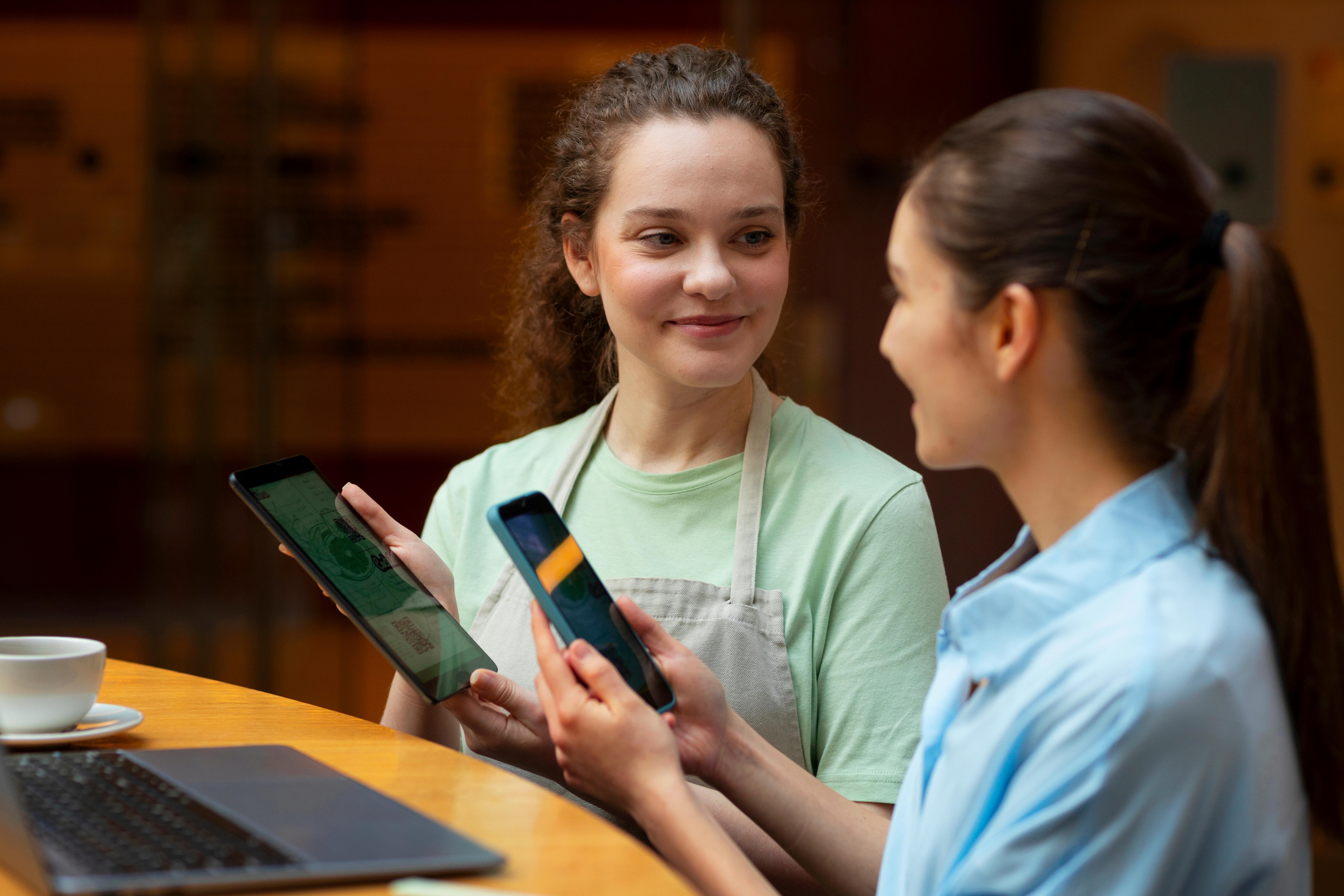
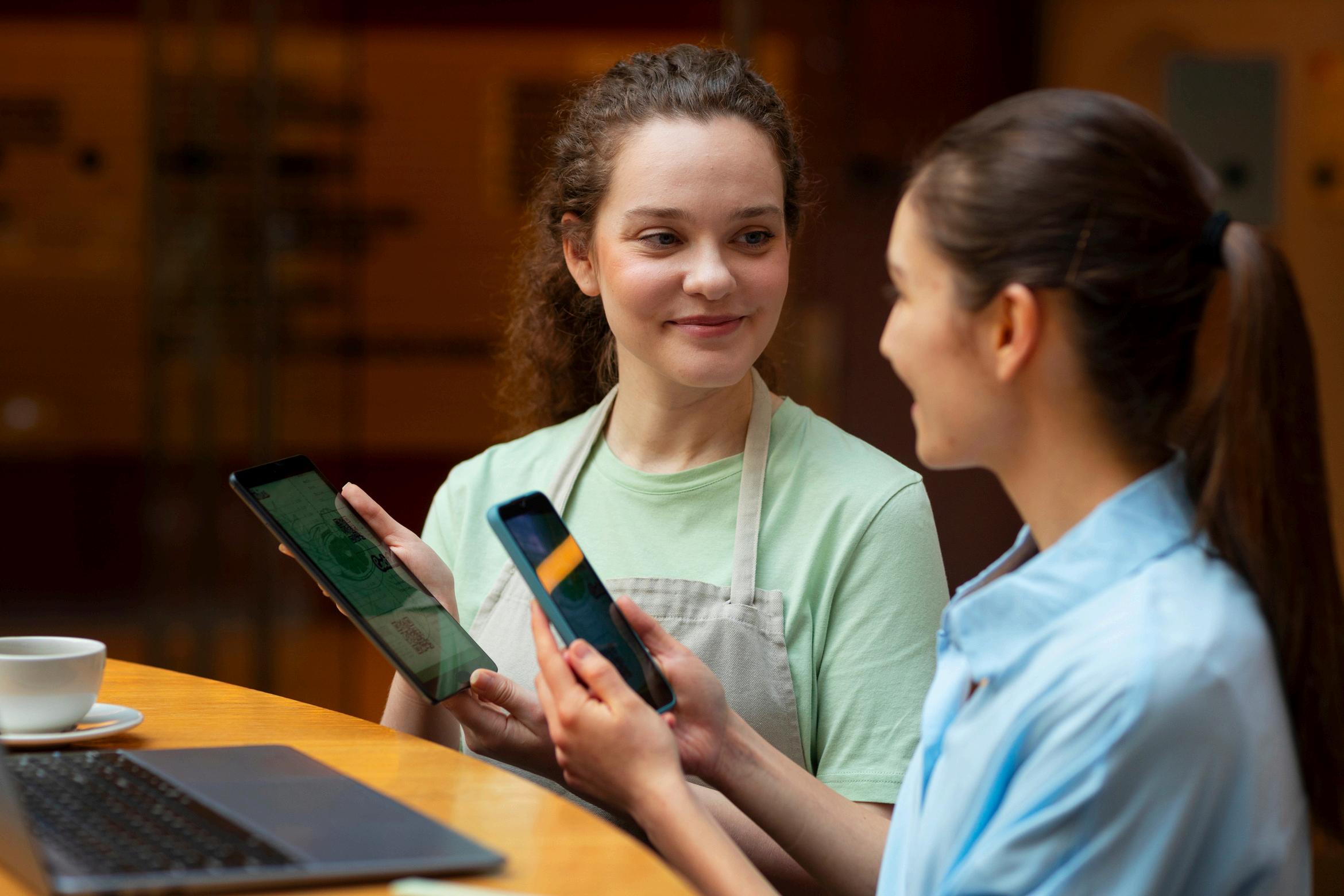
Let your guests order food or drinks right from their phones, no app needed.
Works on any phone browser
Perfect for stadiums, concerts, and big events
Links up with SAP Customer Checkout to keep things smooth
Helps beat long lines and serve more guests
Quick - Simple - Touch-free - Made for busy places


HOW GUESTS USE MOBILE ORDER
SAP CCO Mobile Order is as simple as 1, 2, 3:
Scan a QR code or get a link to start ordering
Pick your seat or spot to see nearby food and drinks
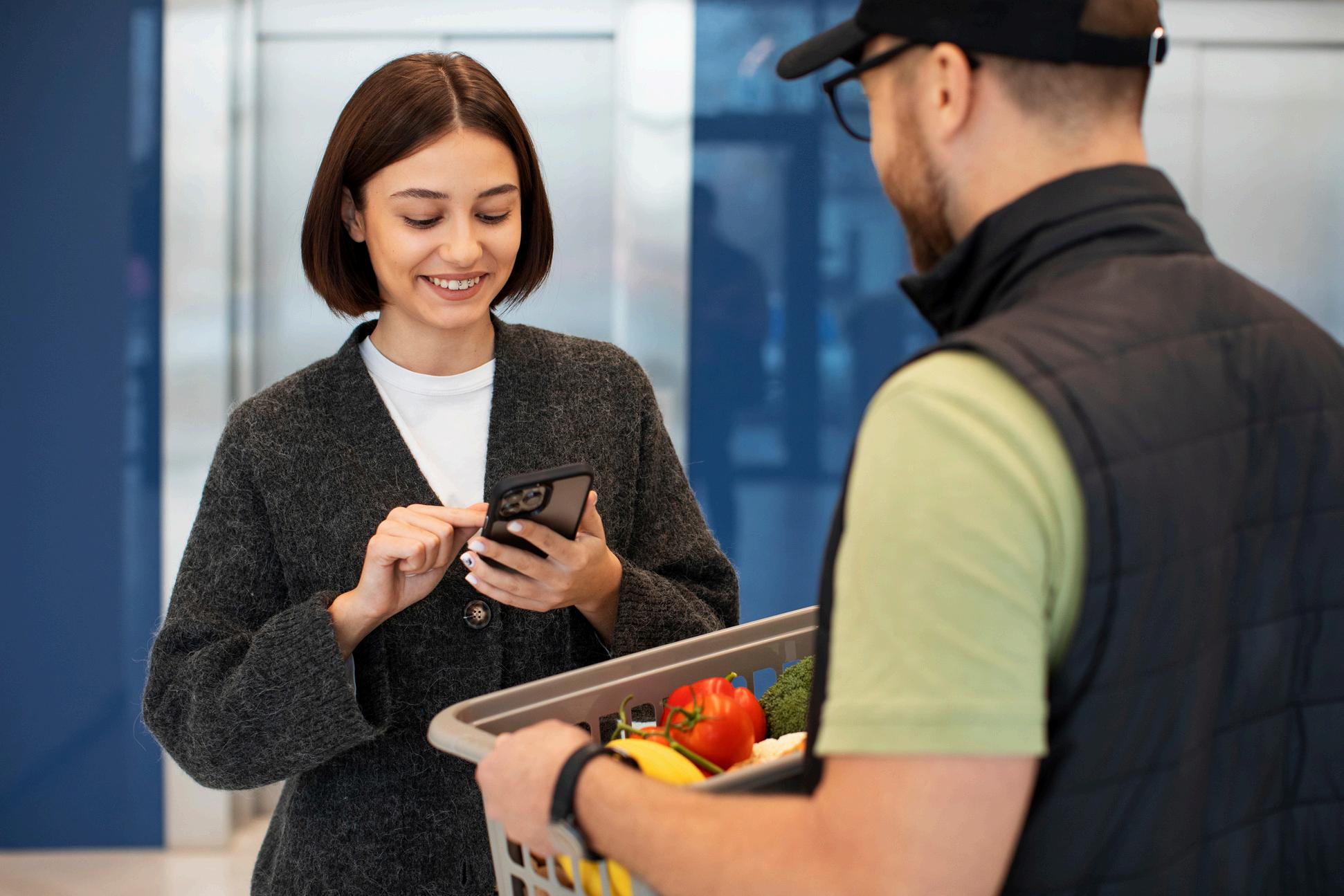
Choose what you want, pay right away on your phone
Get a QR code to pick up your order without waiting
Staff see your order instantly and prepare it fast
WHAT MAKES MOBILE ORDER WORK SO WELL
No app: works on all smartphones through the internet
Fast snack pickup by scanning a QR code
Orders show up right away in SAP’s system
Pay with cards, PayPal, Apple Pay, and more options
Collect points and get rewards with loyalty programs
Change the menu and prices for different events
Safe and reliable with SAP’s strong security
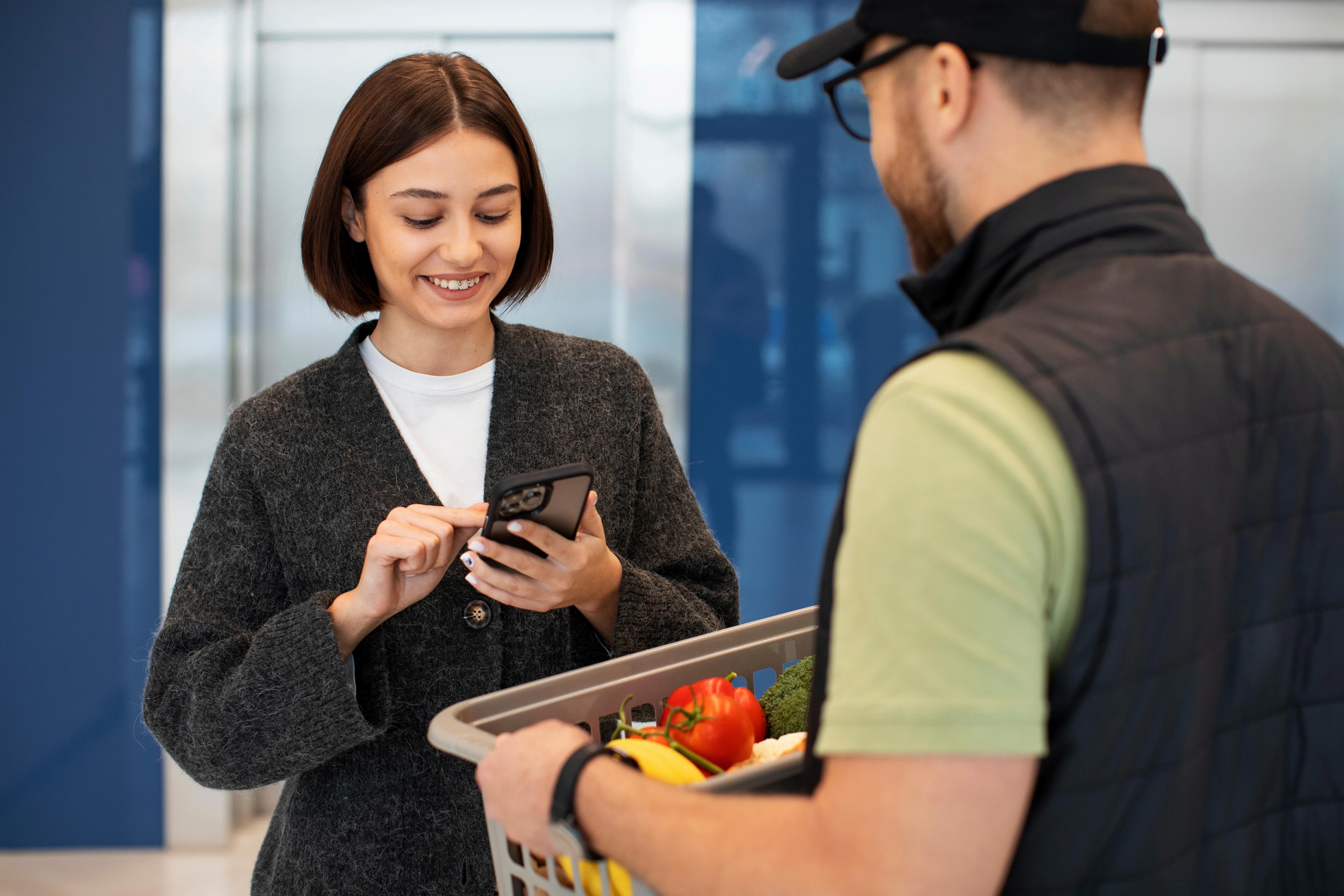
SIMPLE ORDER STEPS
1.Scan or click to open the Mobile Order page
2.Pick your seat or location
3.Choose items from the menu
4.Pay in seconds using your favorite payment method
5.Show your QR code at the pickup counter
6.Grab your food or drink without standing in line

WHY CHOOSE SAP CUSTOMER CHECKOUT
MOBILE ORDER?
Speed up service and cut down waiting times
Handle more orders during busy times
Let staff focus on making your food, not handling cash
Give your guests a smooth, easy ordering experience
Keep customers coming back with reward points