

01 Choose Your Version
Freeappoffersstandarddefinitionvideo.ProversionunlocksHD qualityandadvancedcontrols.
02 Connect Devices
LinkphoneandPConthesameWi-FinetworkorviaUSBcablefor stability.
03 Install Client Software
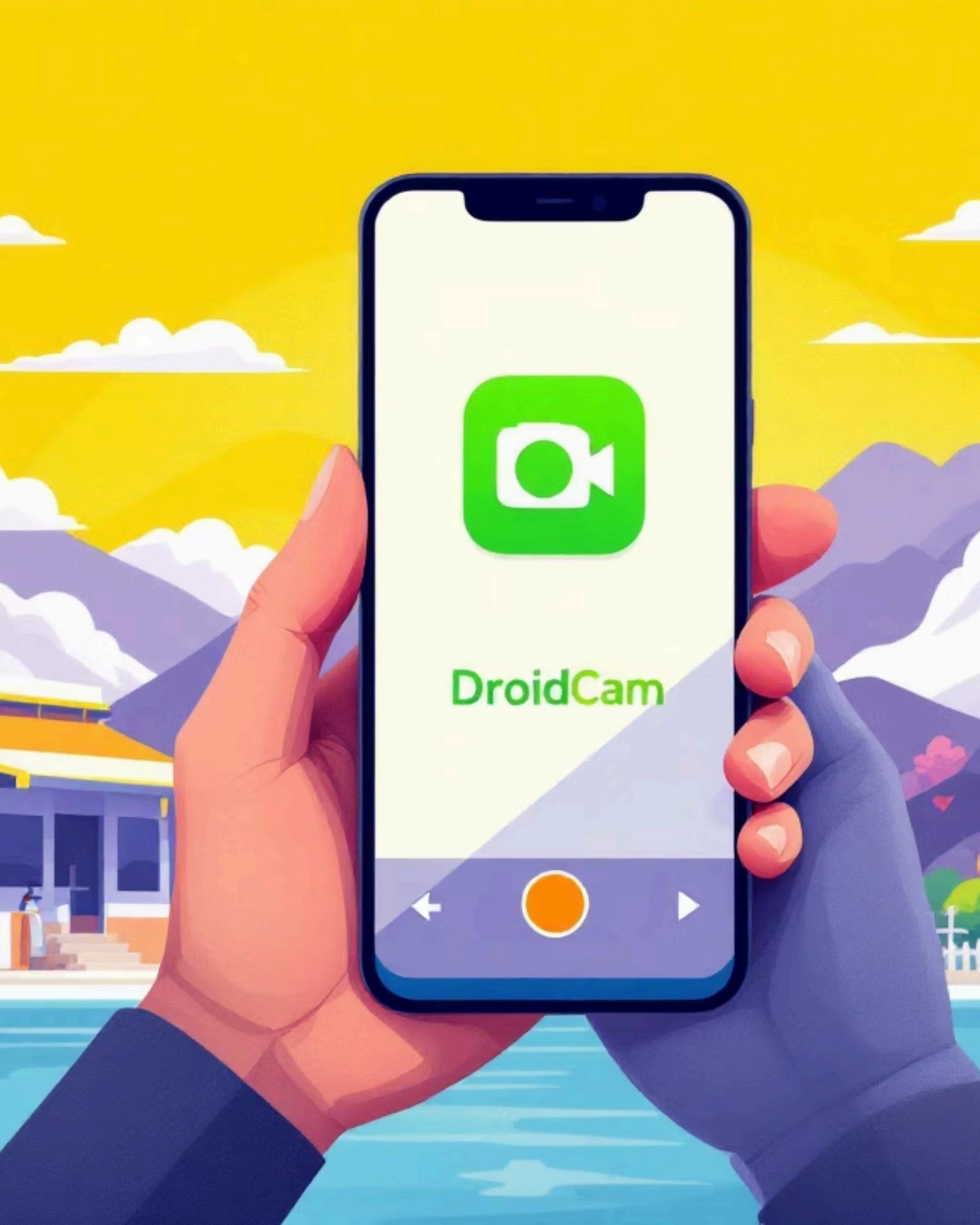
UseDroidCamclientonWindows,Mac,orLinuxtocompletethe connection.

Pricing Options
Freeversionincludesadsand watermark.$7.99upgraderemoves themandaddscrispHDvideo.

Connection Flexibility
WorkswirelesslyorviaUSBonboth WindowsandmacOSsystems.
Pro Features
Supportsmicrophoneinput,digital zoom,andmanualfocuscontrolsfor preciseshots.
Quick Setup
InstallapponiPhoneplusdriverson computer,thenconnectonsameWi-Fi network.
BuiltdirectlyintoiOS16+andmacOSVentura+—completely seamlessintegrationwithnodownloadsrequired.
AutomaticallyconnectsviaWi-FiandBluetoothwhenboth devicessharethesameAppleID.
MountyouriPhoneonyourMacdisplayoruseanystable standforconsistent,shake-freevideo.
WorksperfectlywithFaceTime,Zoom,Teams,andvirtually allvideocallingapplications.

Useatripodordedicatedphonestandtoeliminatecamerashakeand maintainprofessionalframingthroughoutyourcalls.

EnsurebothdevicesconnecttothesameWi-Finetworkwithexcellentsignal strengthtopreventlagordisconnections.

Apps Shutdownotherappsusingthecameratoavoidconflictsandensuresmooth, uninterruptedvideoperformance.

Addexternallightingorpositionyourselfnearnaturallightforclearer,more professional-lookingvideoquality.
Choosetherightsolutionforyoursetupandbudget:

Turnyoursmartphoneintoawirelesswebcamtoday—betterquality, lesshassle,zeroextracost!
DroidCam, EpocCam,or ContinuityCamera andseethedifference instantly.