Annotated sample pages
© Cambridge University Press & Assessment 2026
ISBN: 978-1-009-78780-2
About these annotated sample pages:
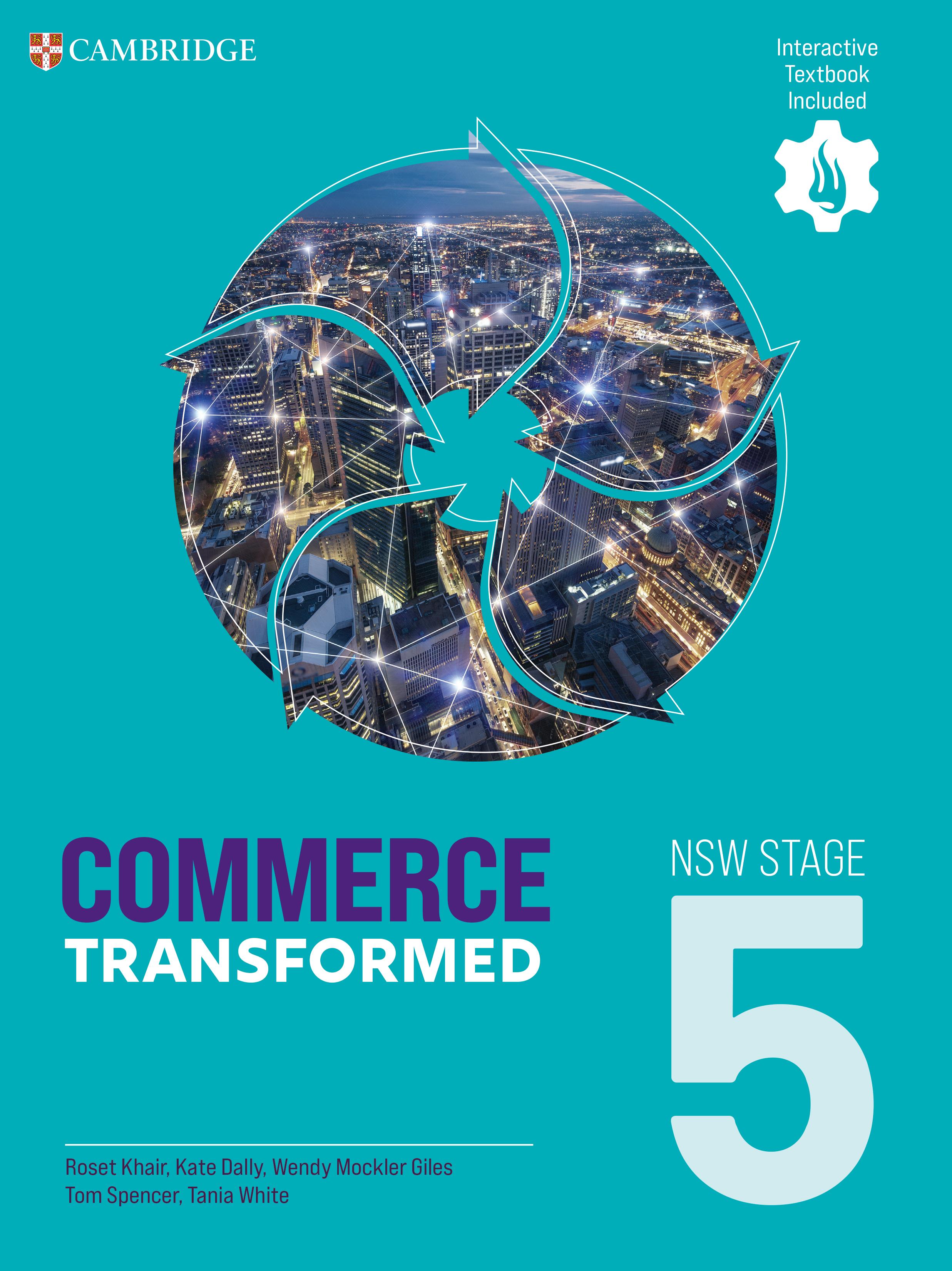
These uncorrected sample pages include selections from Chapter 1 of Commerce Transformed NSW Stage 5
For more information contact your Education Resource Consultant or visit: cambridge.edu.au/commtransformedNSW
To view more sample pages and to preview the Interactive Textbook go to: cambridge.edu.au/commtransformedNSWpages

Your Education Resource Consultants:
Caroline Poole
NSW State Sales Manager caroline.poole@cambridge.org 0408 583 390
Jacob Munday Metro: (Inner West, North), Central Coast, Newcastle jacob.munday@cambridge.org 0477 383 462
Debra Wilson Regional NSW debra.wilson@cambridge.org 0414 495 388
Haris Dzonlagic haris.dzonlagic@cambridge.org 0477 714 280
Caitlyn Stubbs caitlyn.stubbs@cambridge.org 0461 310 349
Commerce Transformed NSW Stage 5 empowers teachers to deliver rigorous, real-world Commerce learning by seamlessly integrating explicit instruction with structured project‑based learning opportunities.
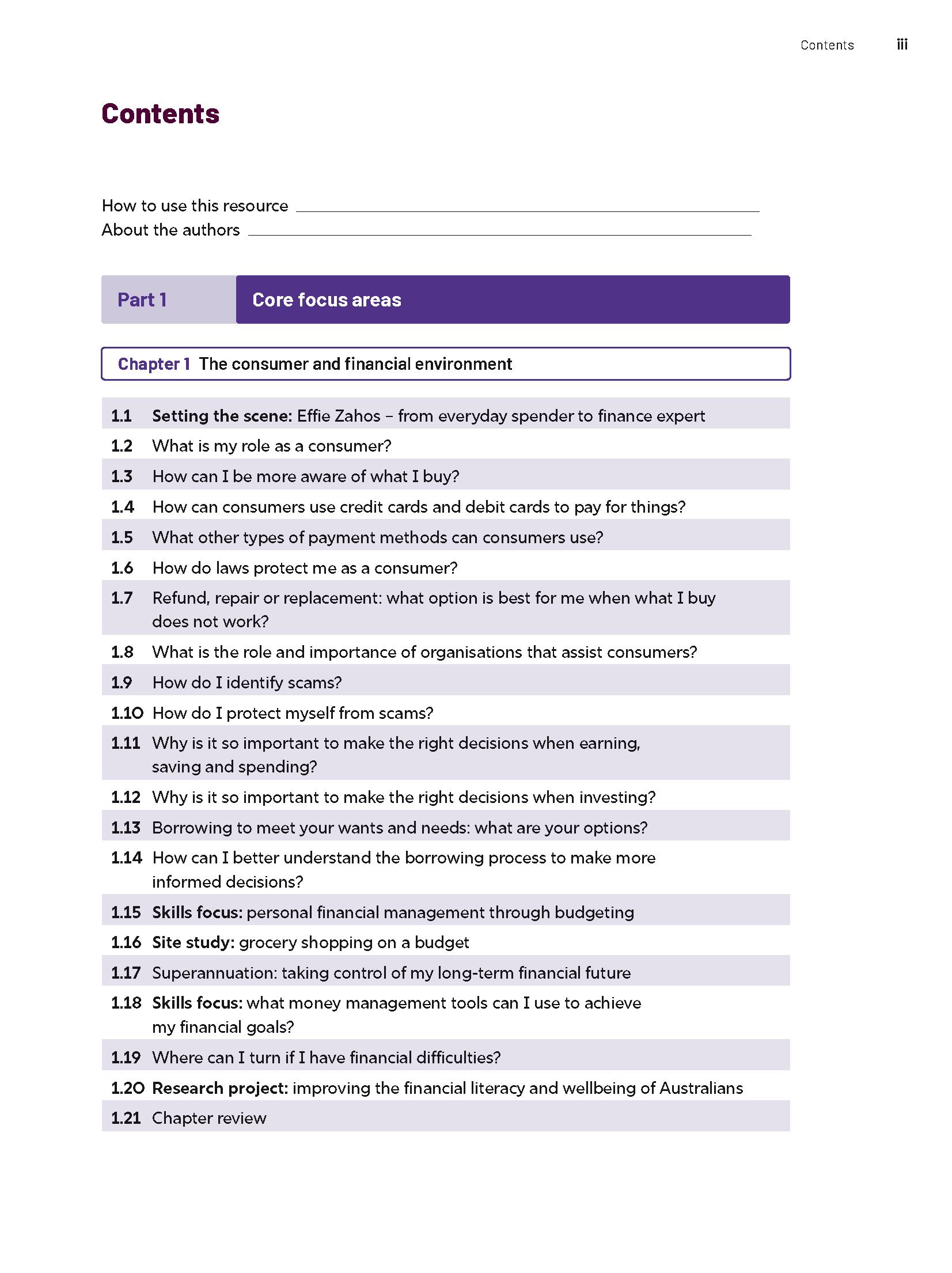
All syllabus Core and Optional focus areas are covered (some Optional topics are digital only), and planning support is provided for delivering either a 100-hour or 200-hour course.
Lessons are structured, purposeful, and ready to use, helping teachers deliver essential knowledge with confidence while meeting the intent of the NSW Commerce 7–10 Syllabus.
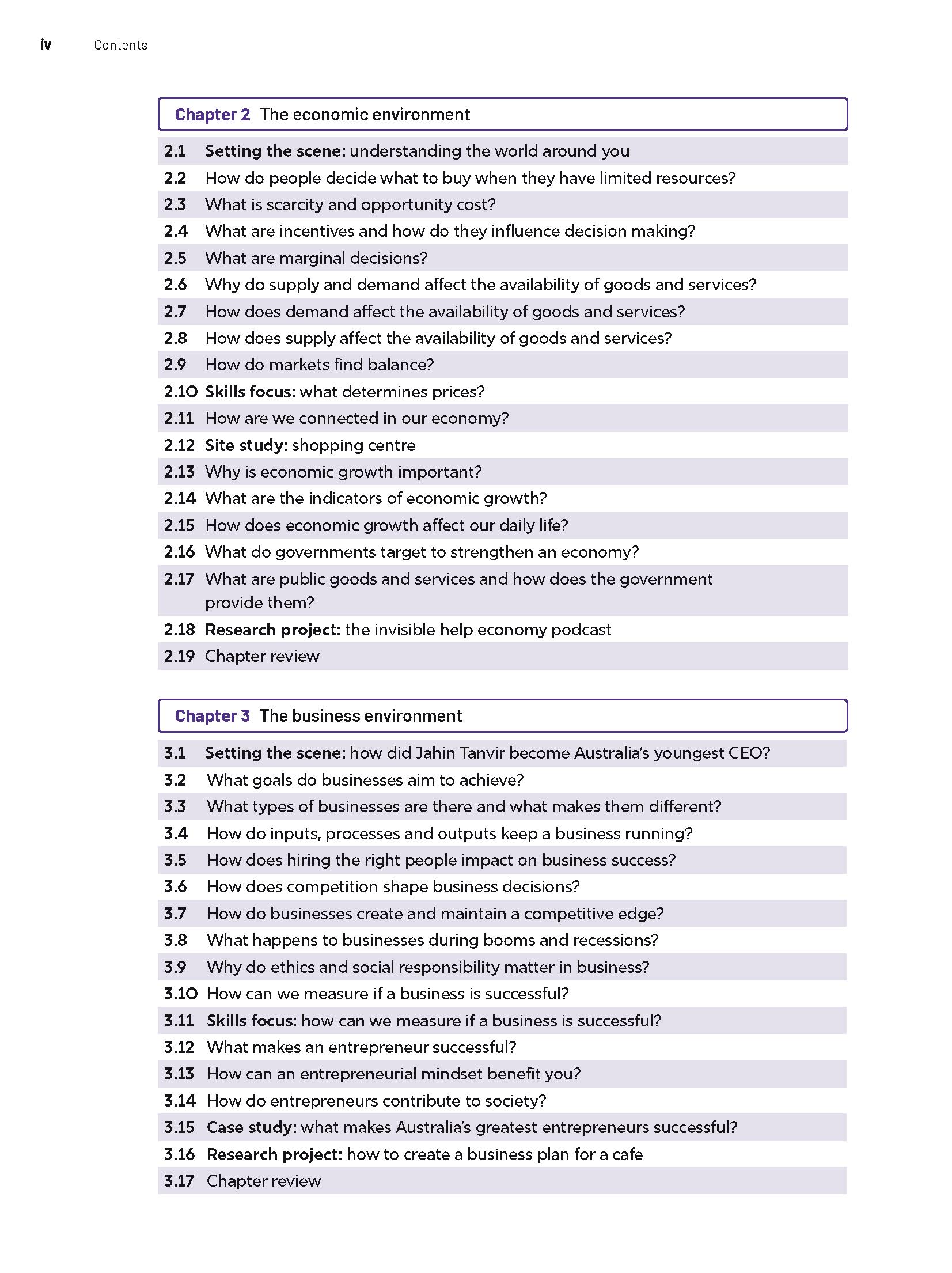
Teachers are also empowered to shape learning around student needs, interests and future pathways using project‑based learning approaches, without adding to their workload.
Each topic follows a streamlined, teacher-friendly PBL sequence that supports the full project learning cycle, while keeping teachers confidently in control of syllabus delivery.
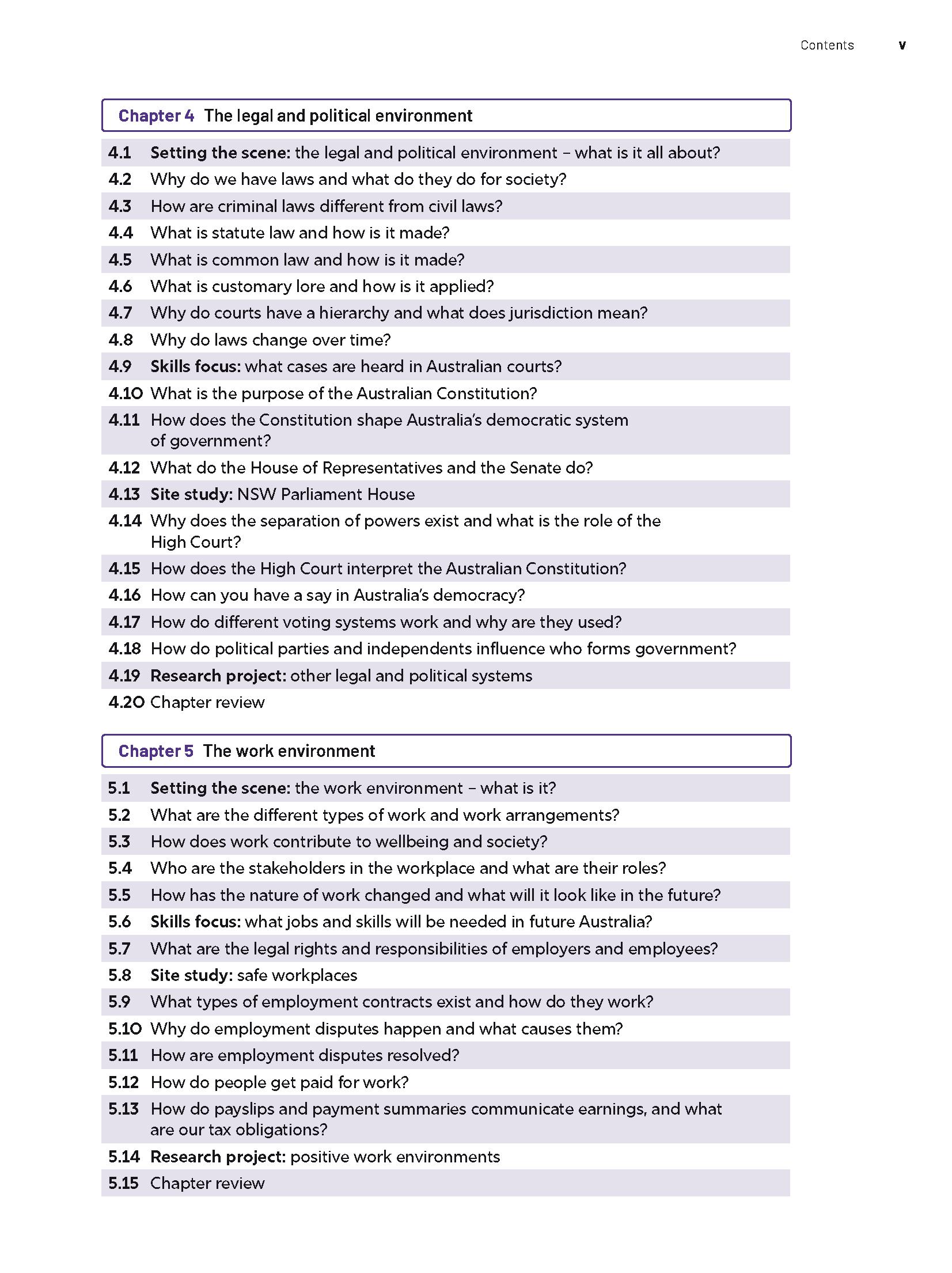
The most popular Optional focus areas will be included in both the print and digital resources. Some topics will be covered in the digital resources only.
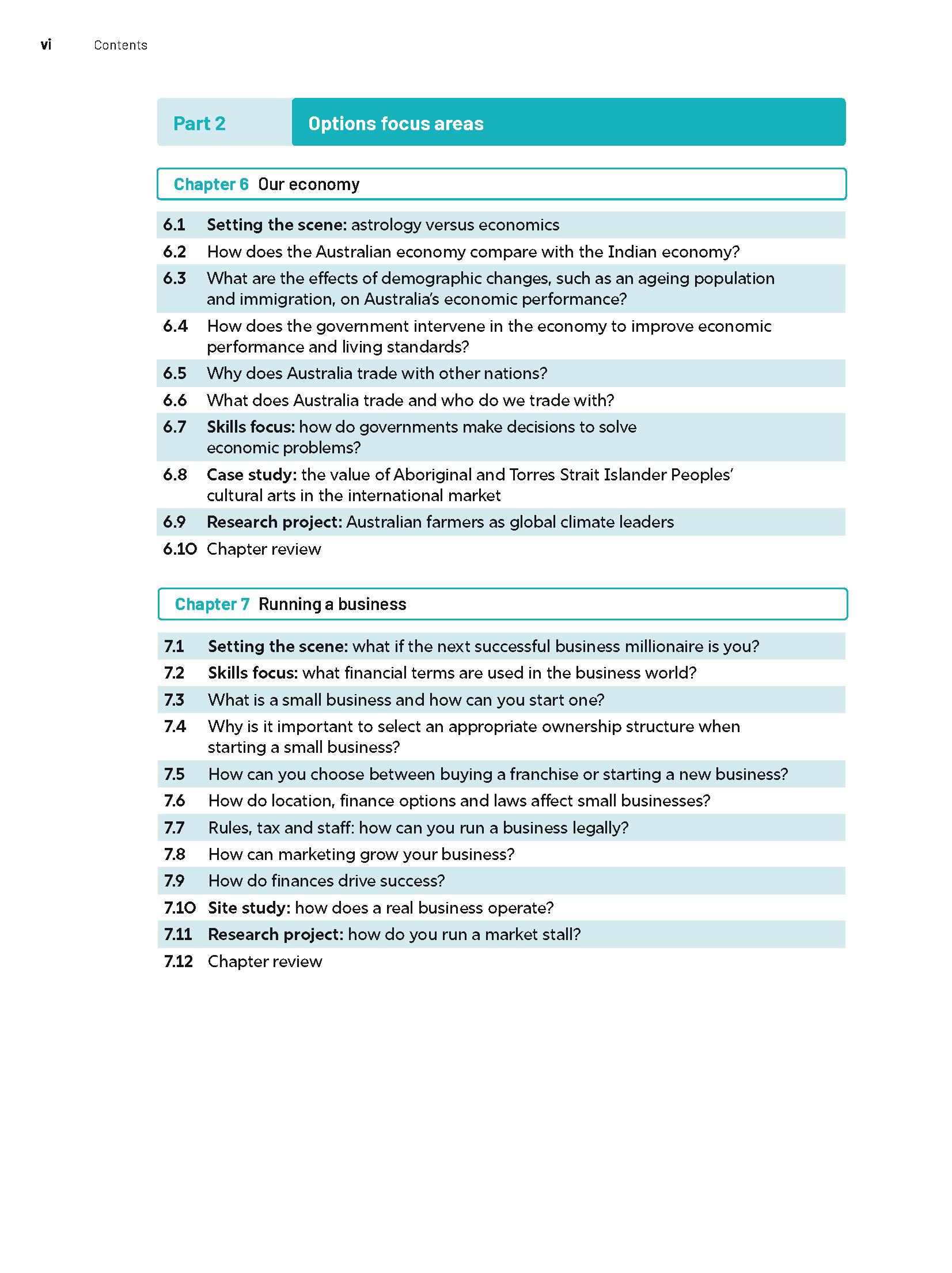
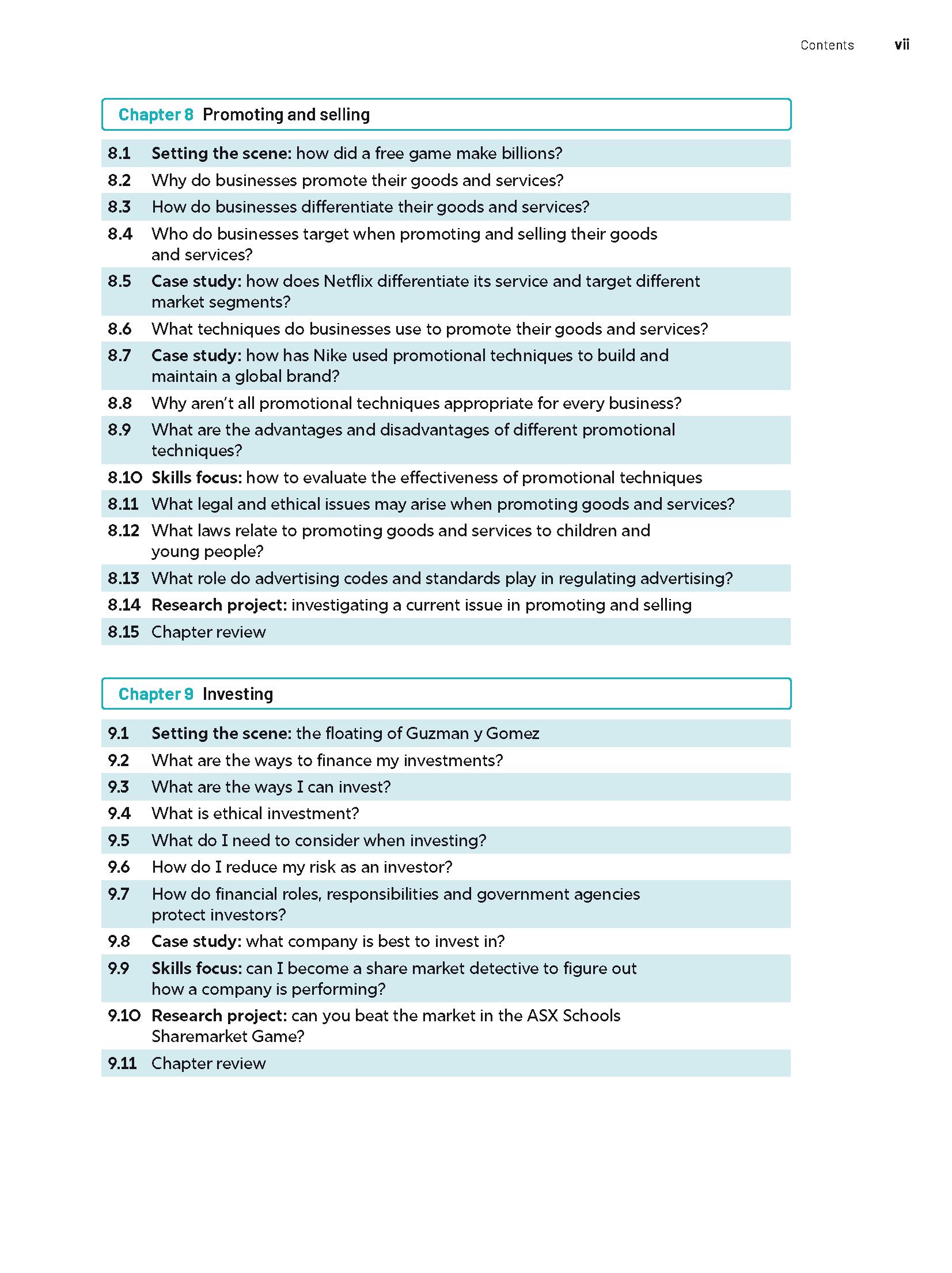
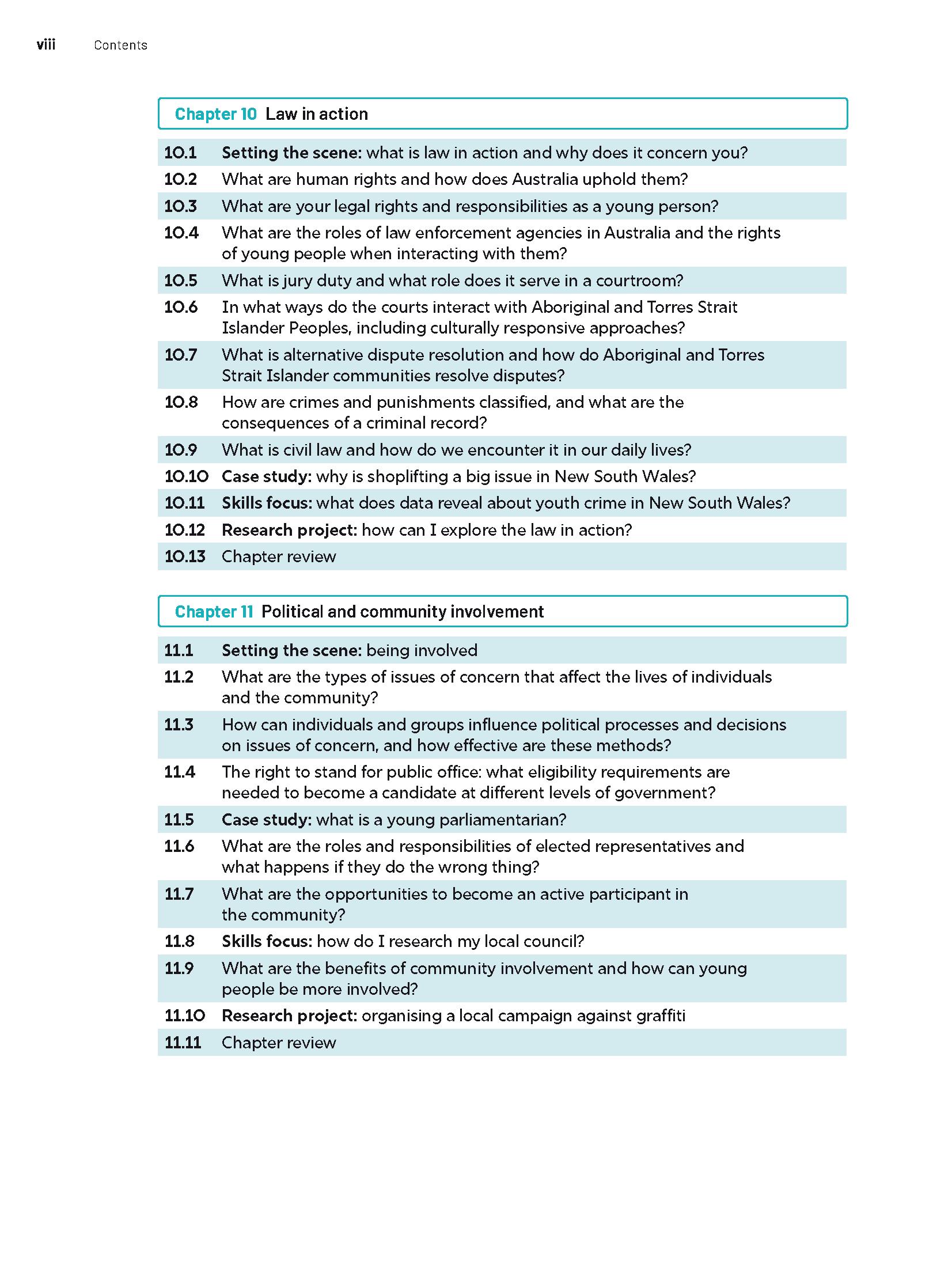
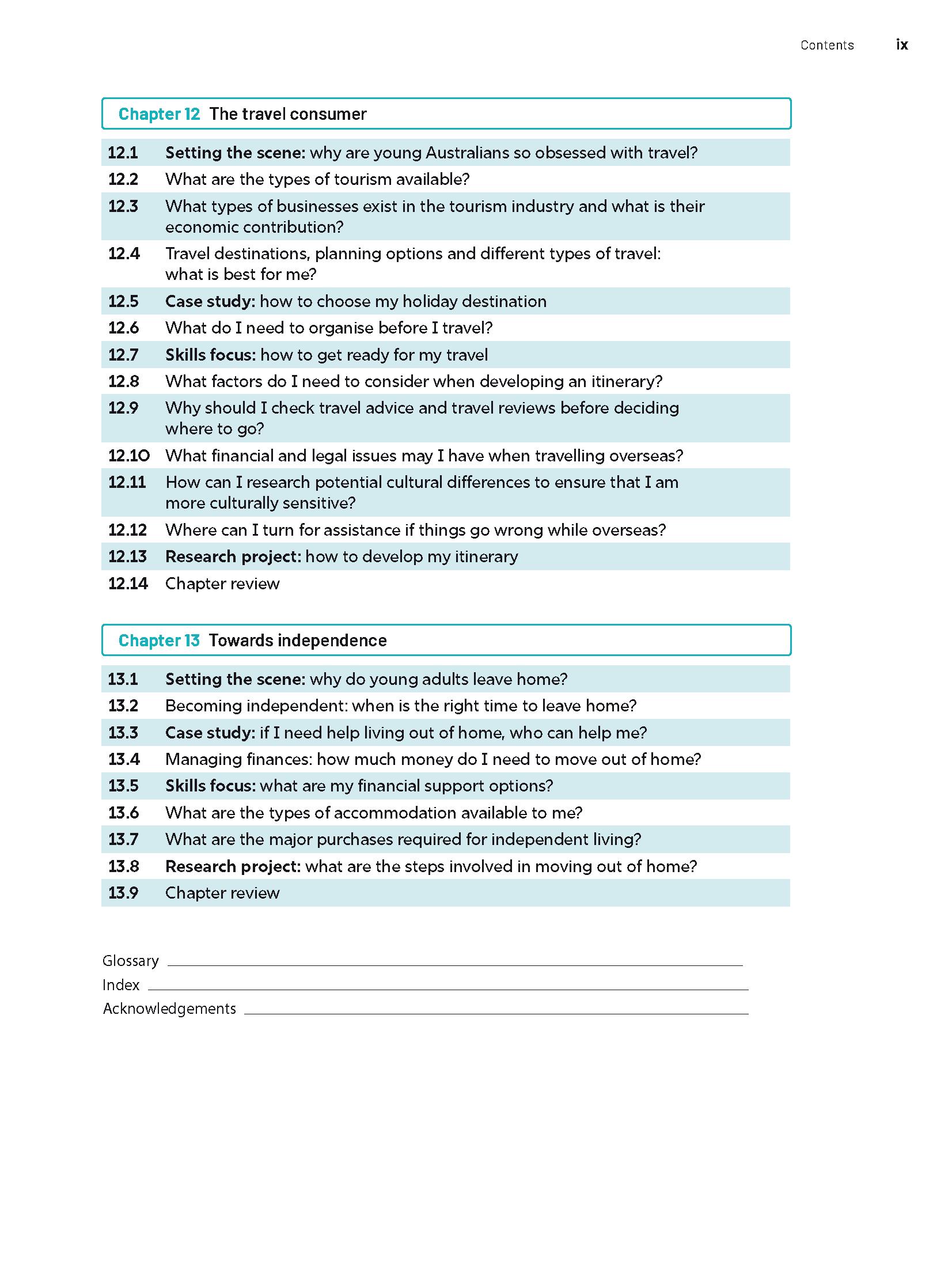
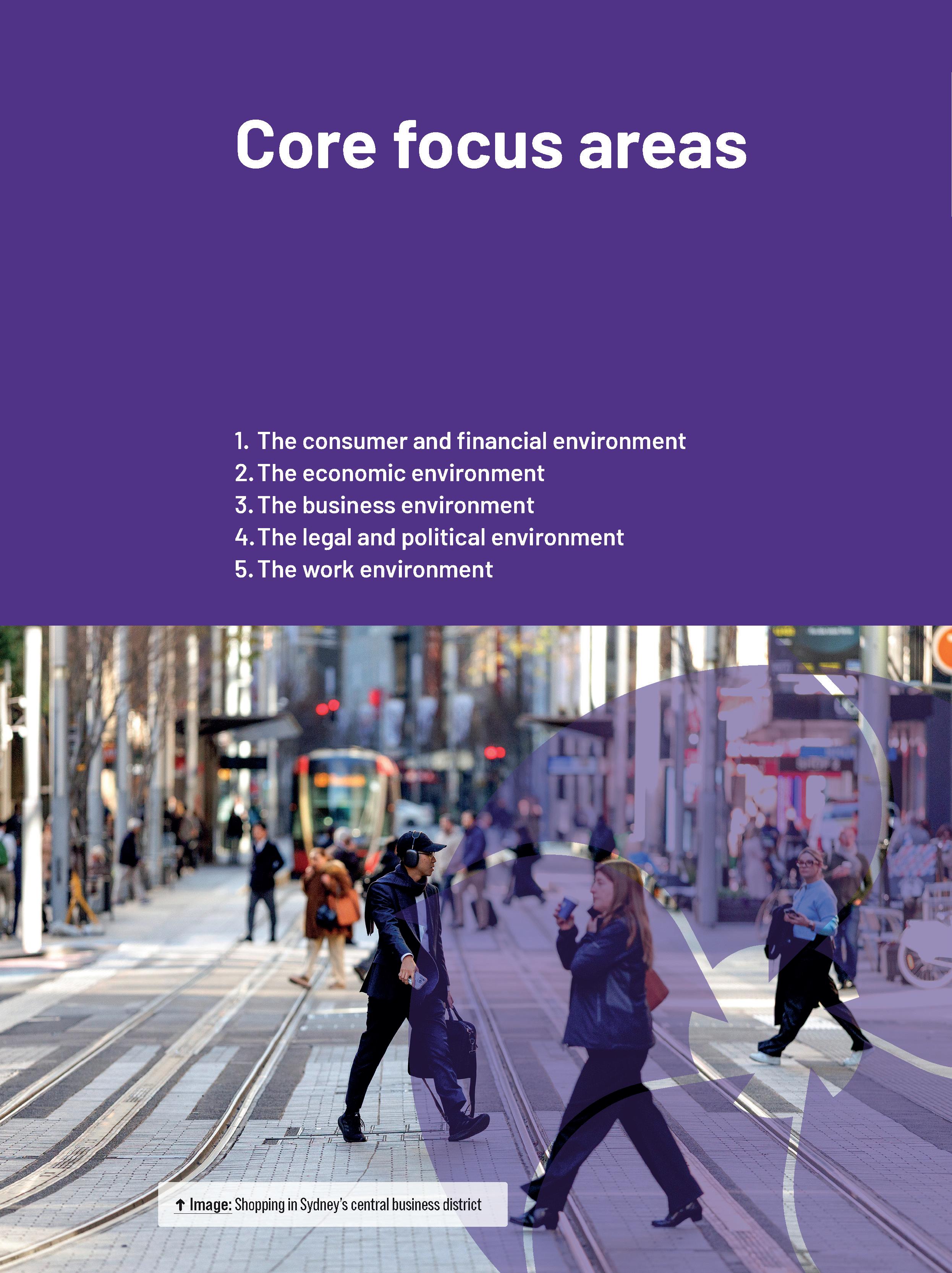
The chapters are broken into consistently structured lessons, and largely designed to be completed in a single school period.
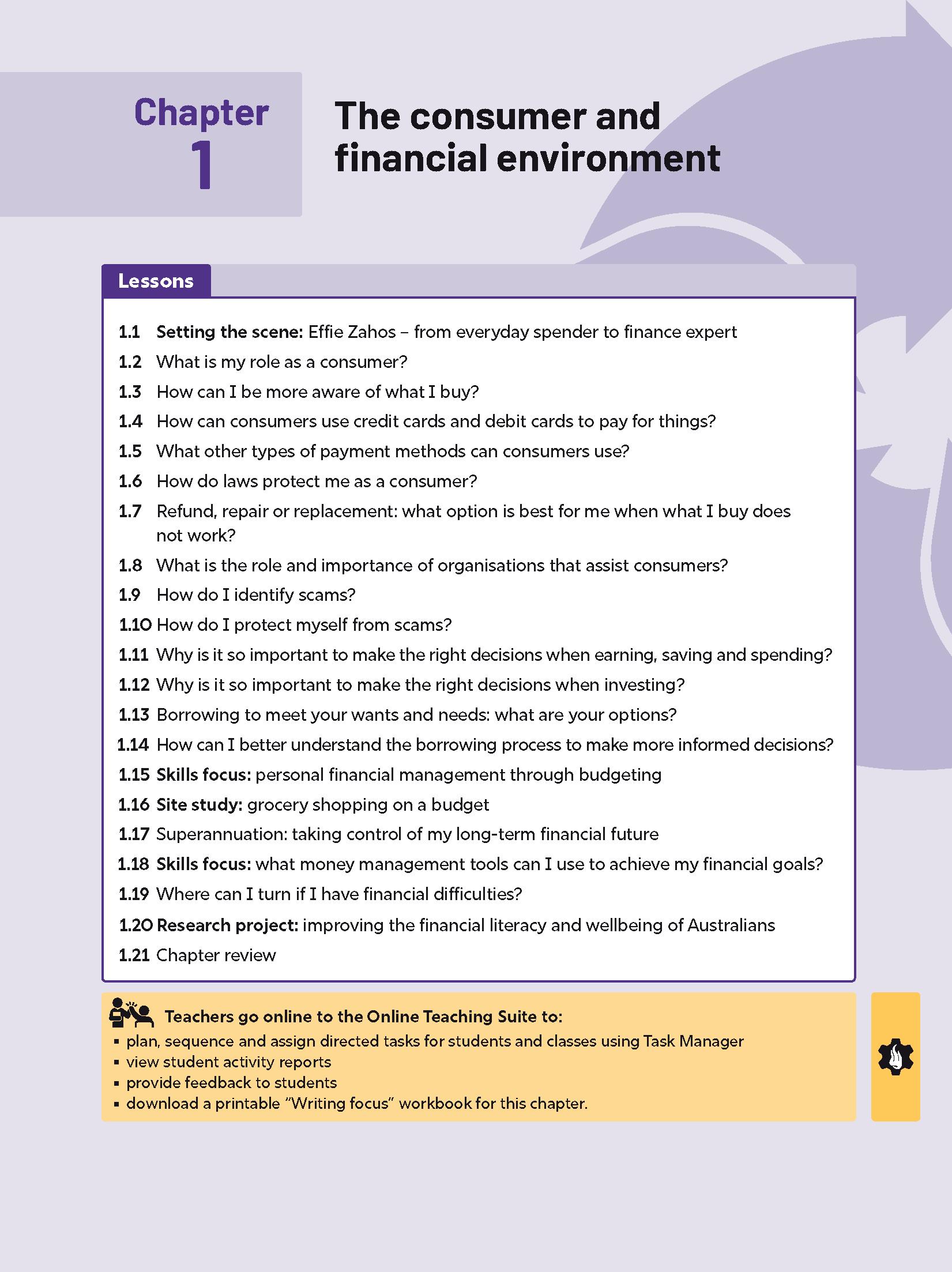
A downloadable ‘Writing focus’ workbook for teachers collates all the student worksheets and model answers for each chapter in an all-in-one resource.
A Setting the scene lesson opens each chapter and provides students with a short and engaging case study to hook them into each new topic.
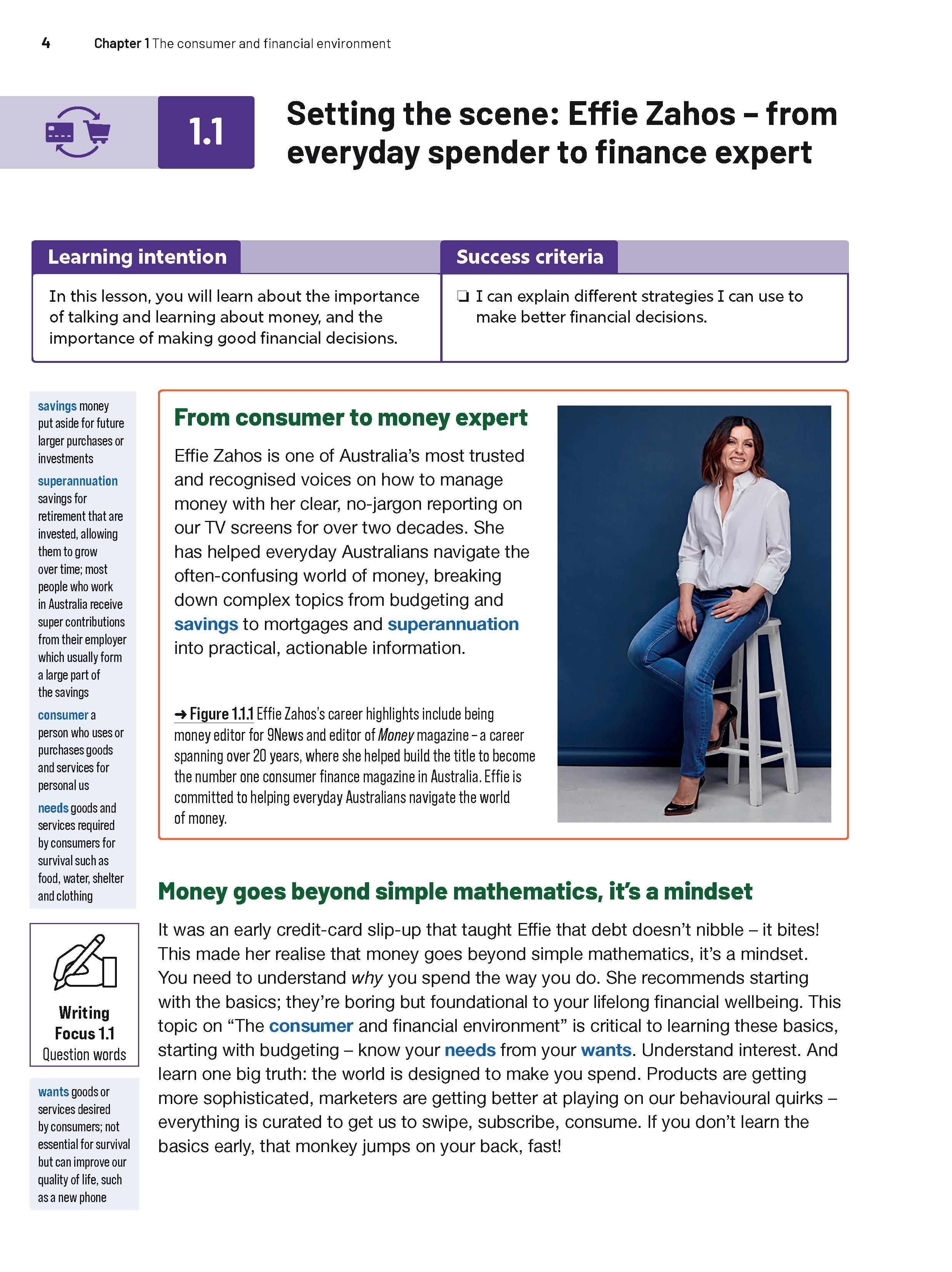
Engaging Setting the scene videos activate students’ prior knowledge, allow them to connect the topic to their own lives, and outline what they will learn in the chapter.
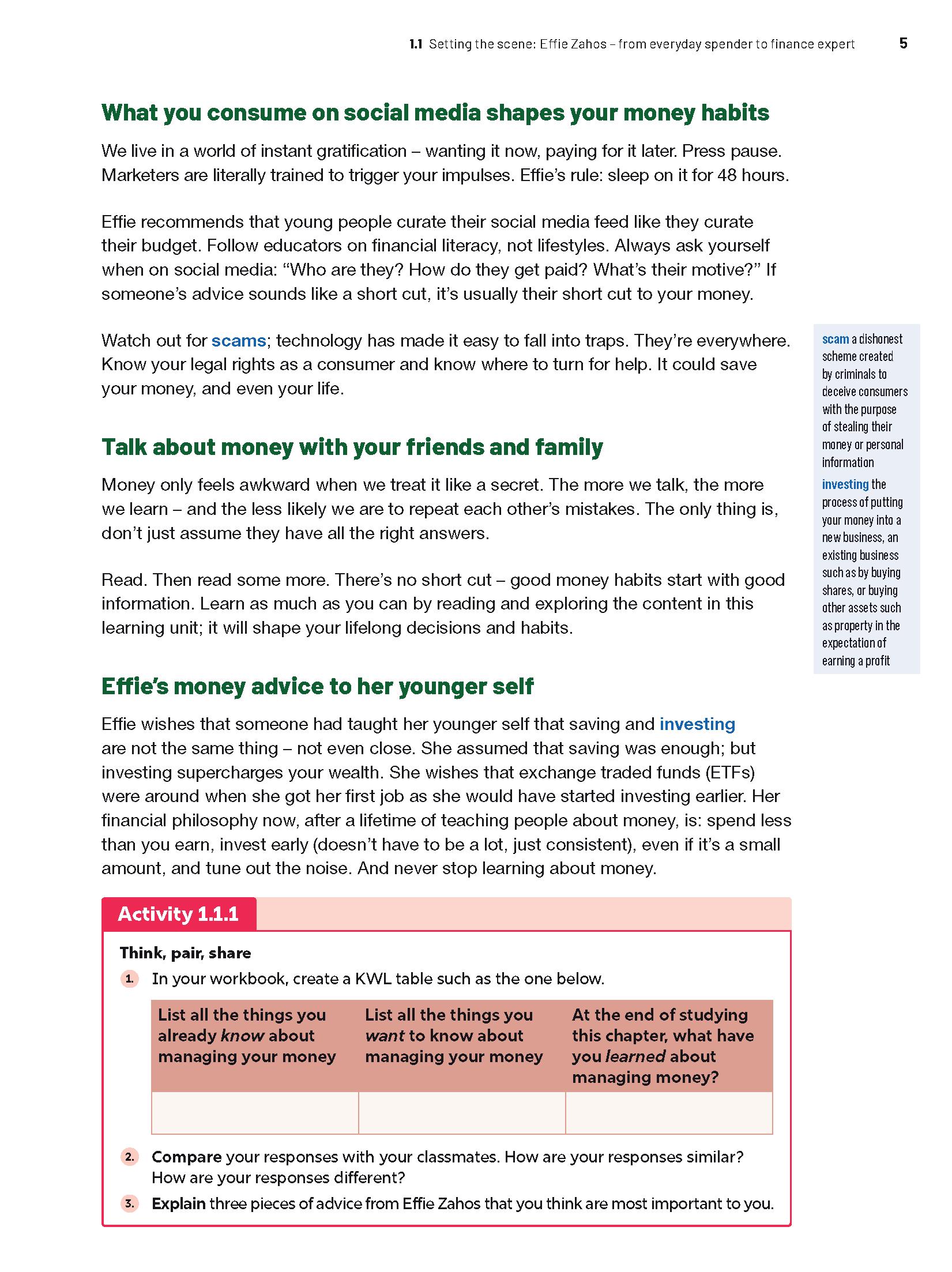

Content has been carefully structured to reduce student cognitive load, with chapters split into digestible inquiry‑based lessons.
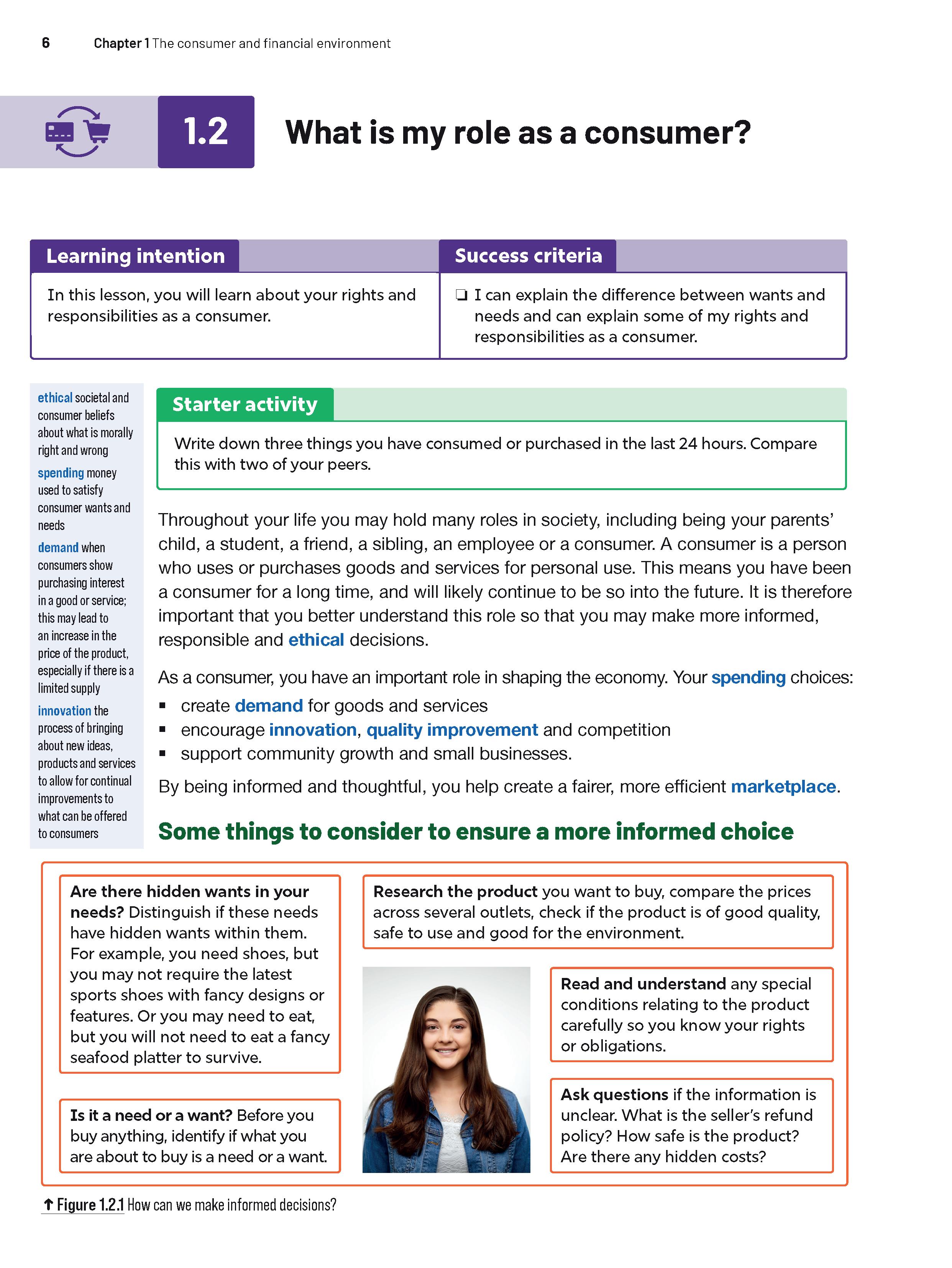
Lessons are introduced with clear learning intentions and success criteria, outlining what’s to come.
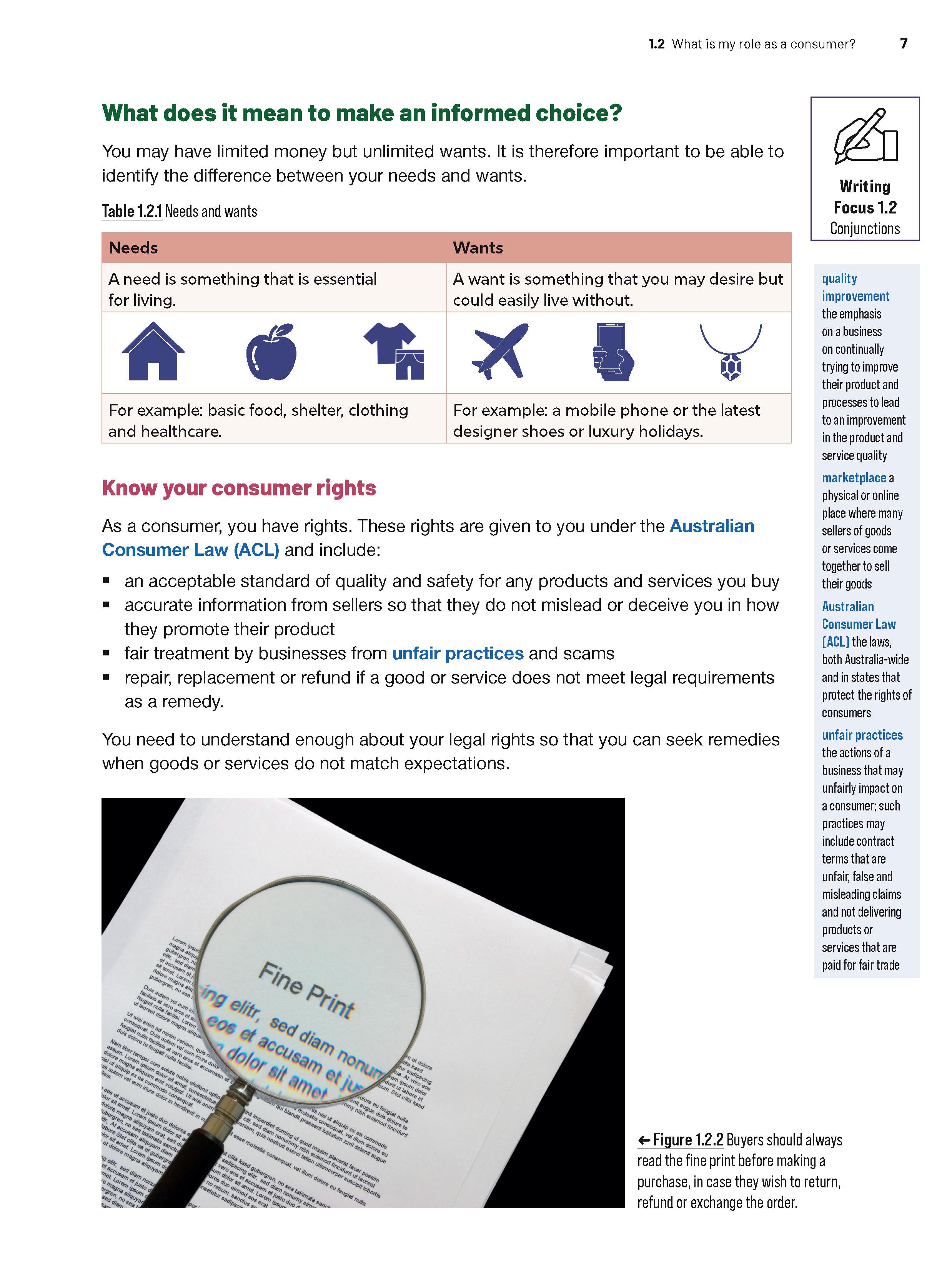
Dynamic real‑world case studies and business examples connect student learning to what is happening in the business world around them.
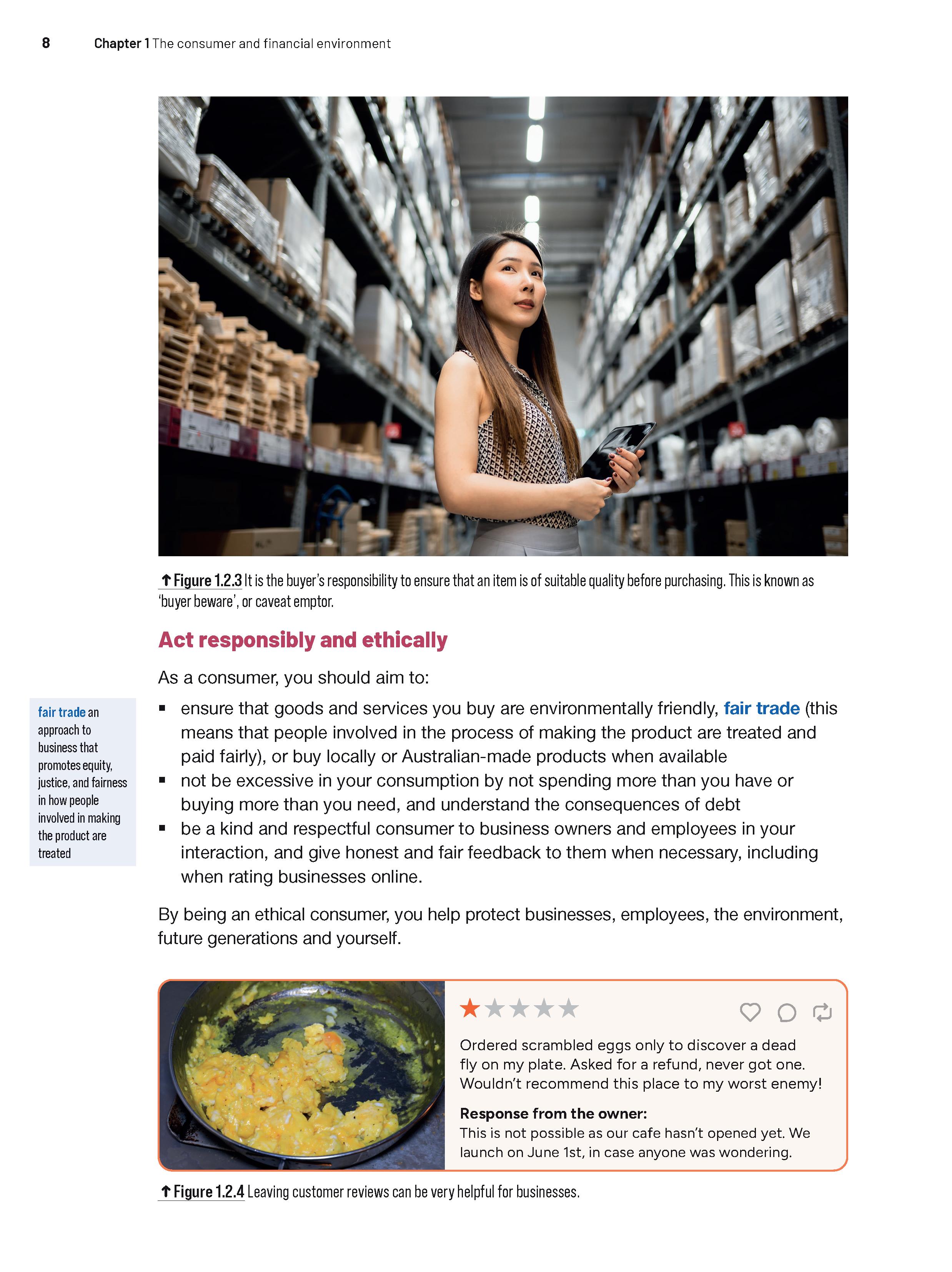
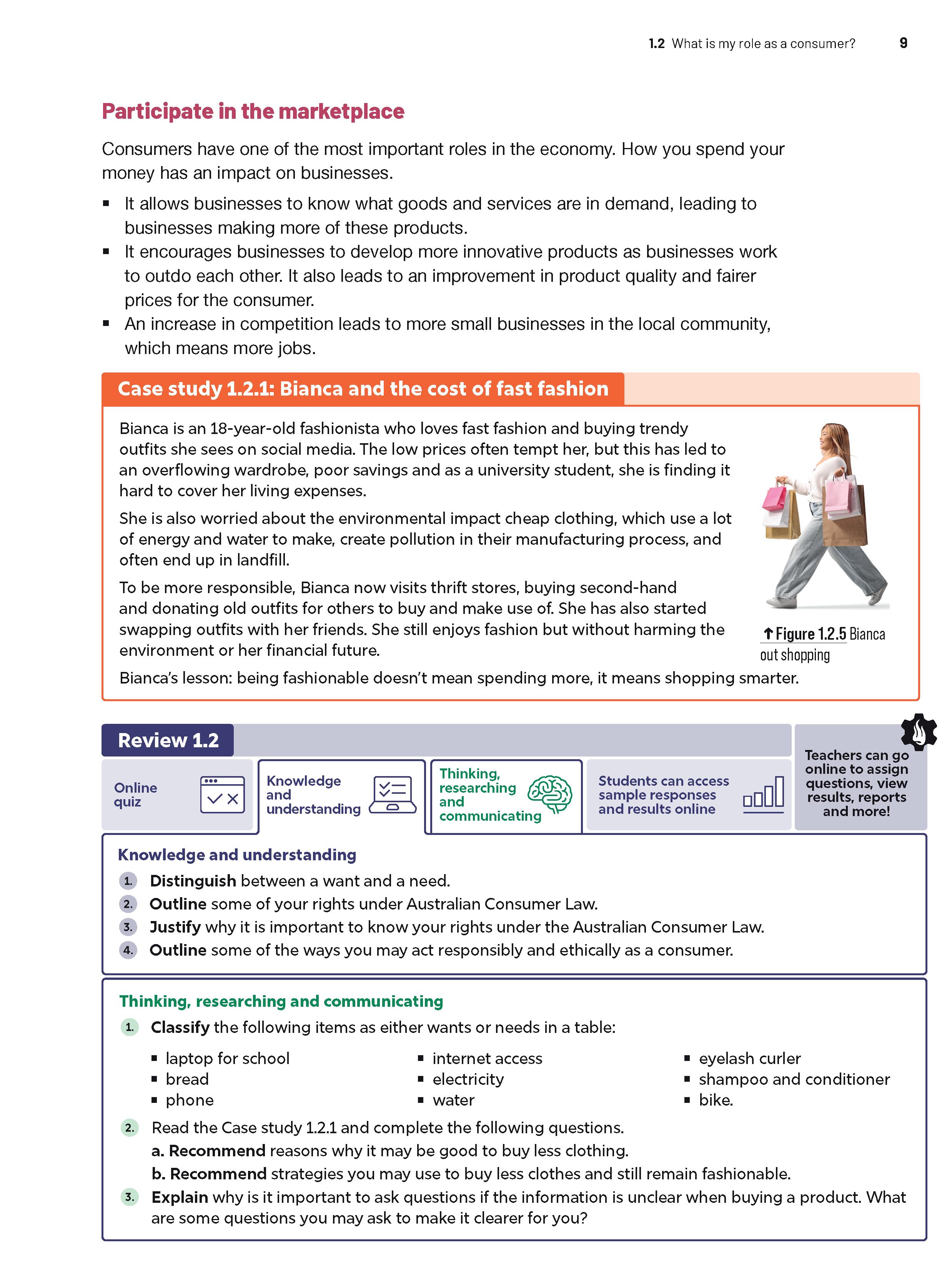
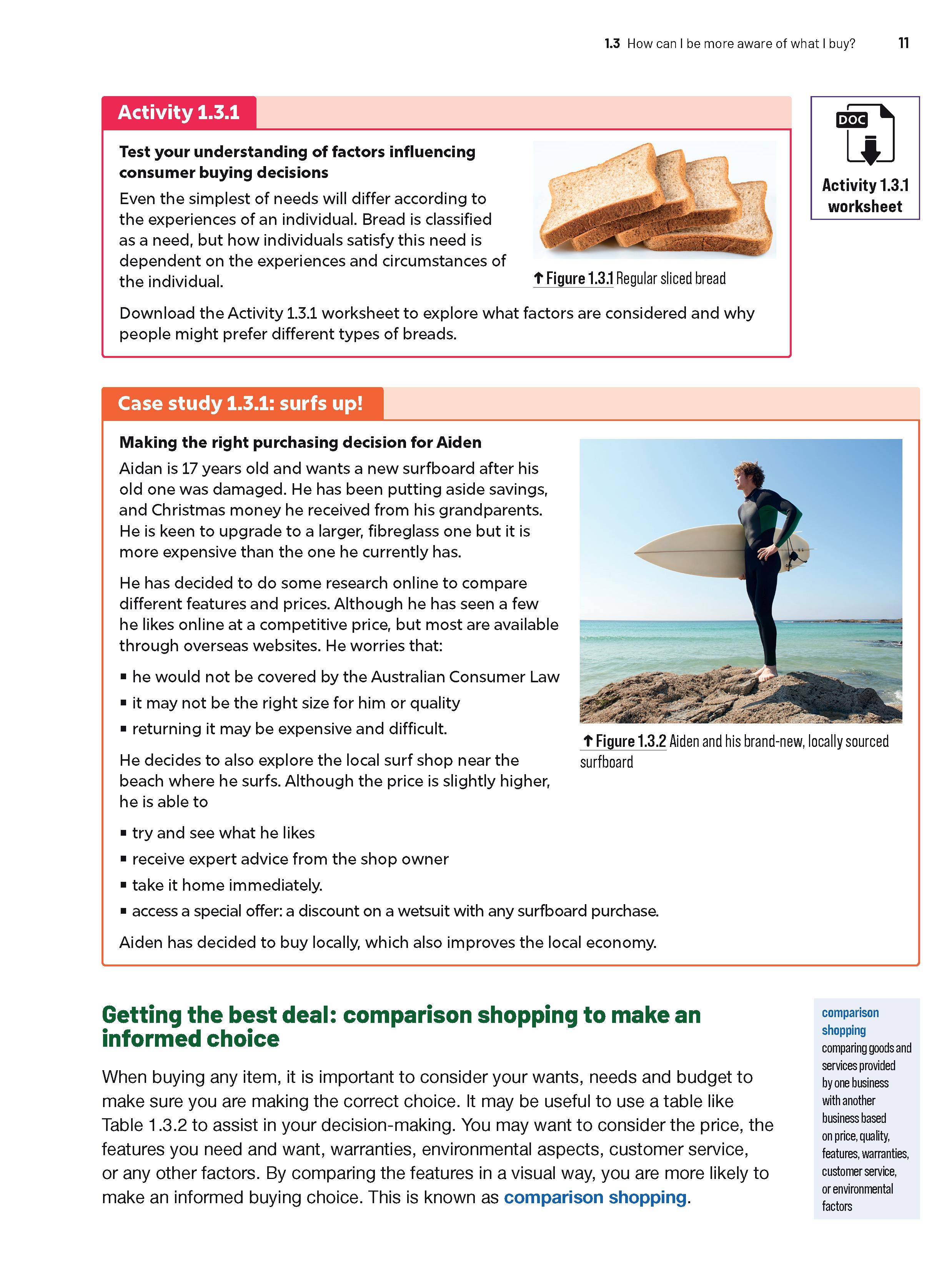
Teachers can confidently deliver syllabus-aligned content with consistently‑structured lessons that provide clear explanations, case studies, models, and skills-focused activities.
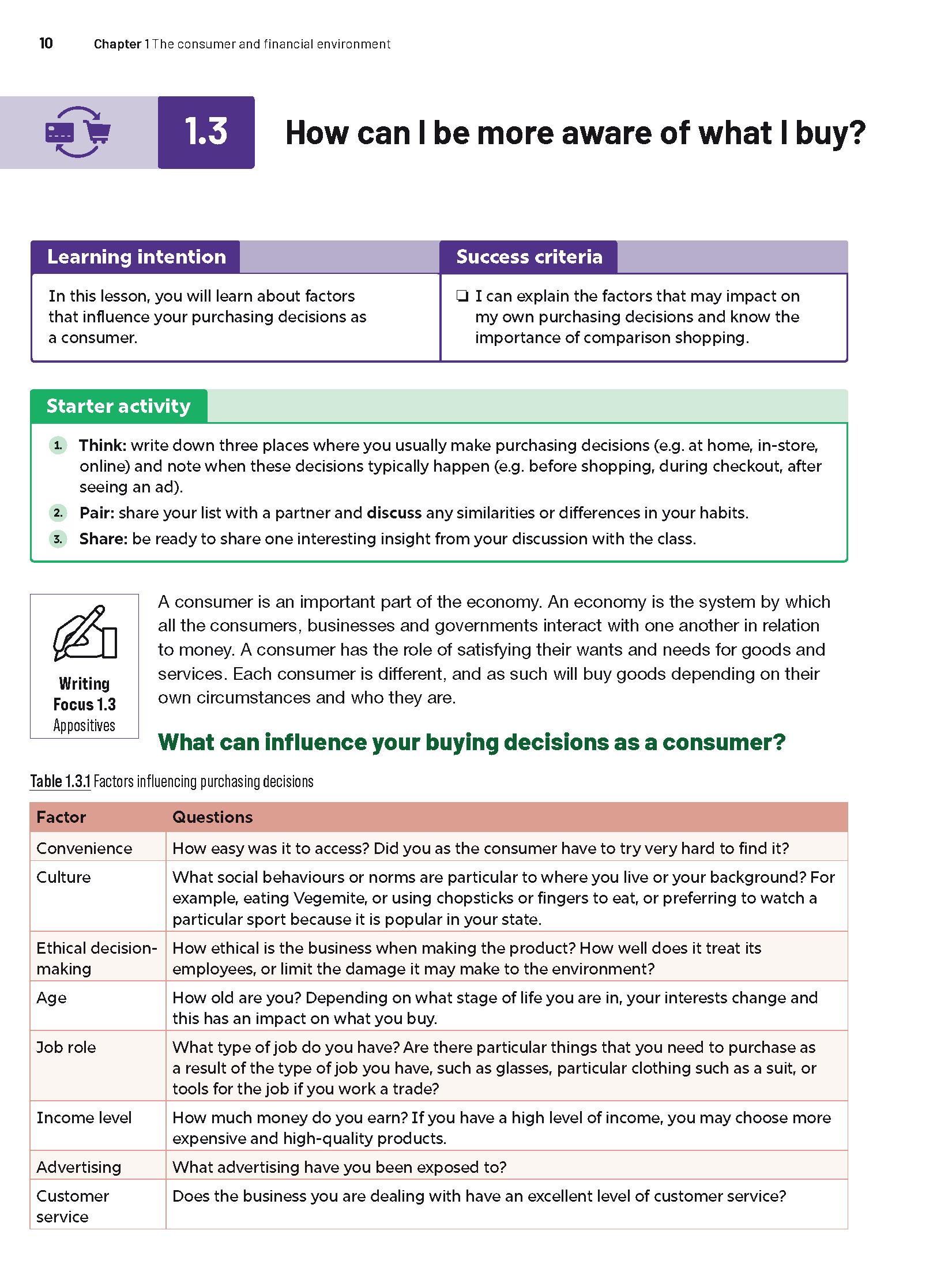
End-of-lesson reviews include Knowledge and understanding questions and Thinking, researching and communicating questions, which provide many opportunities for differentiation.
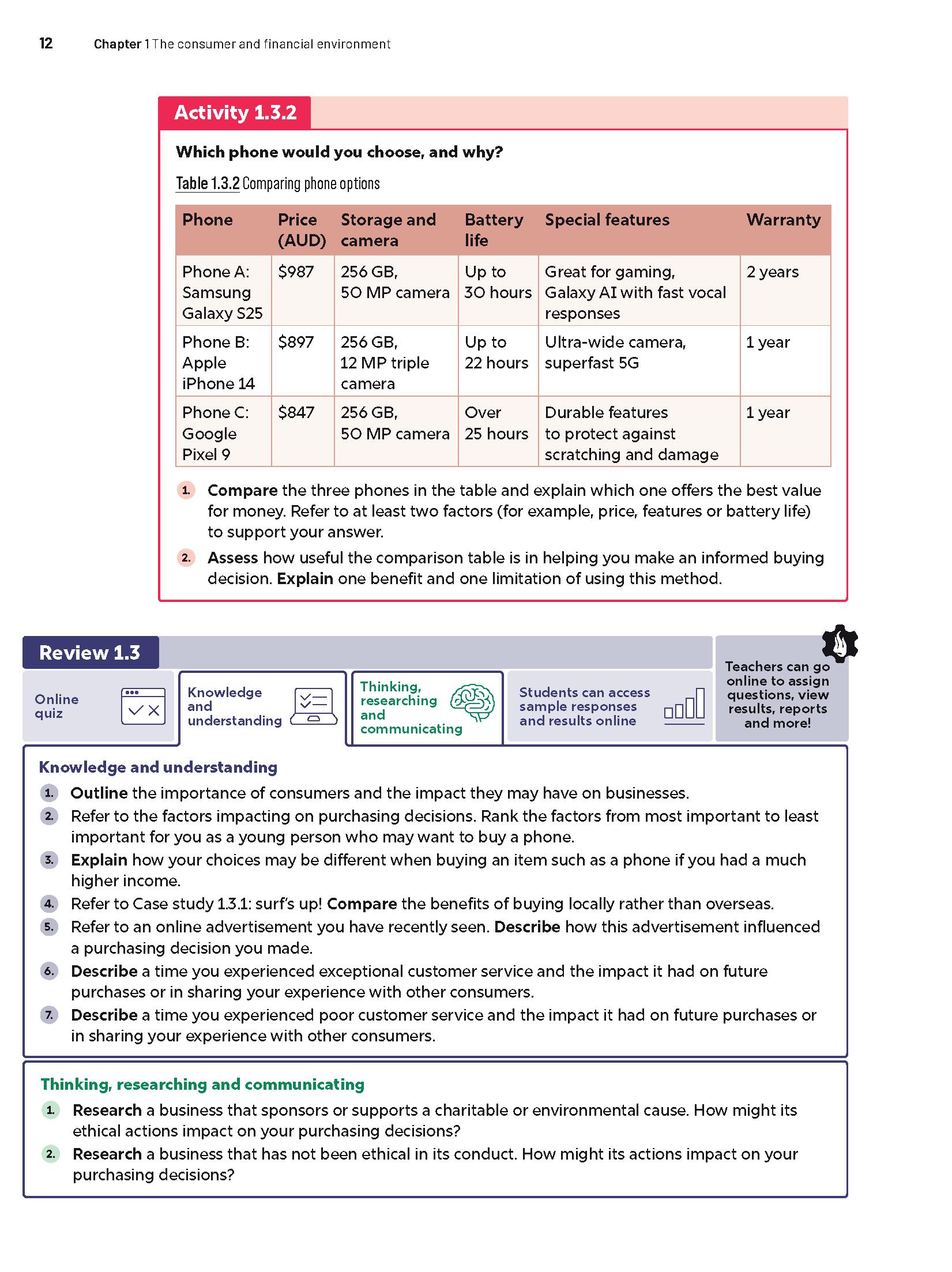
Auto‑marked quizzes include drag and drop, multiple-choice or fill-in-the-blank questions that allow students to quickly check their recall of the content.
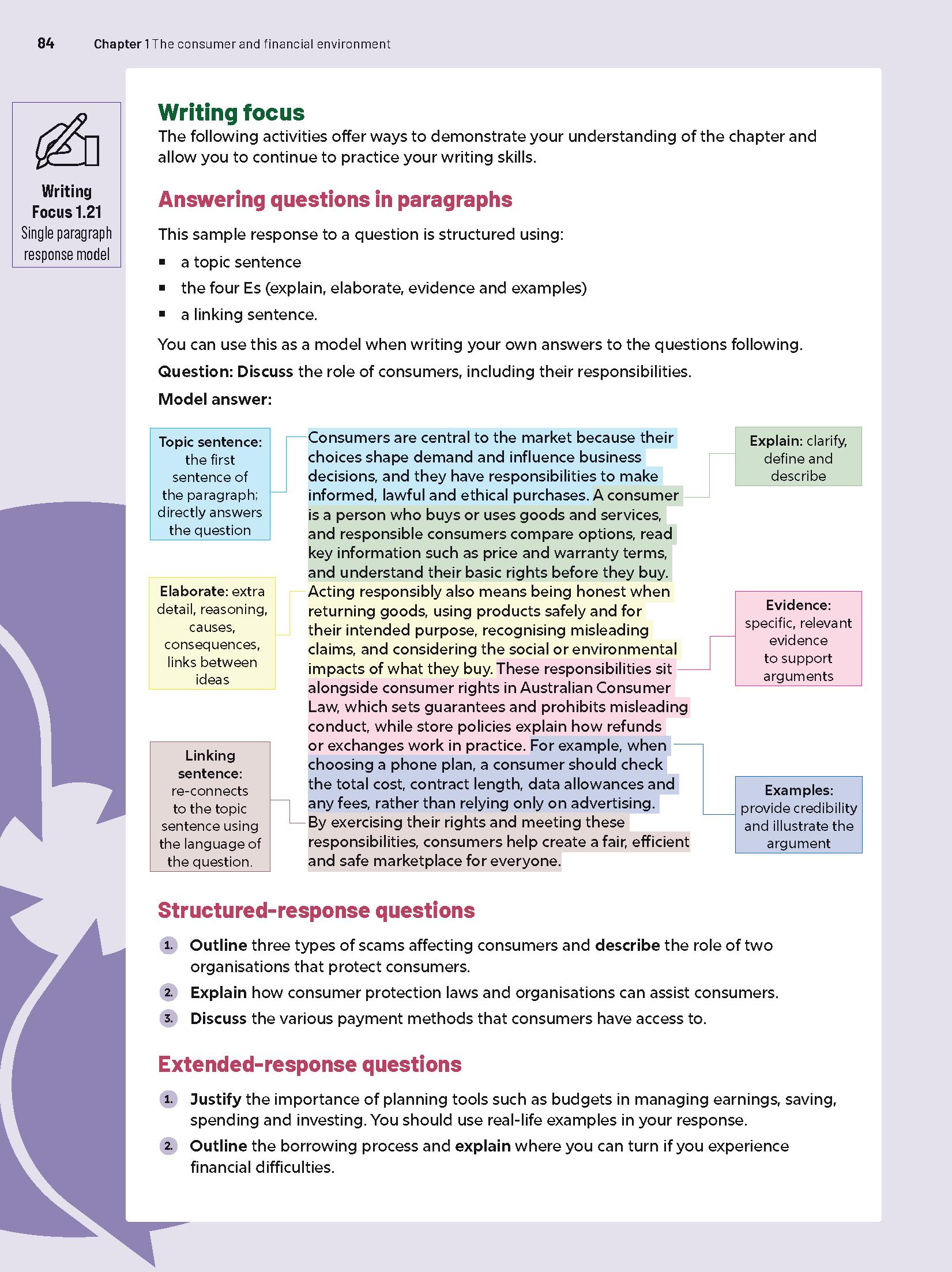
Explicit writing instruction: Downloadable ‘Writing focus’ worksheets aligned to the chapter content in every lesson teach explicit, scaffolded writing skills.
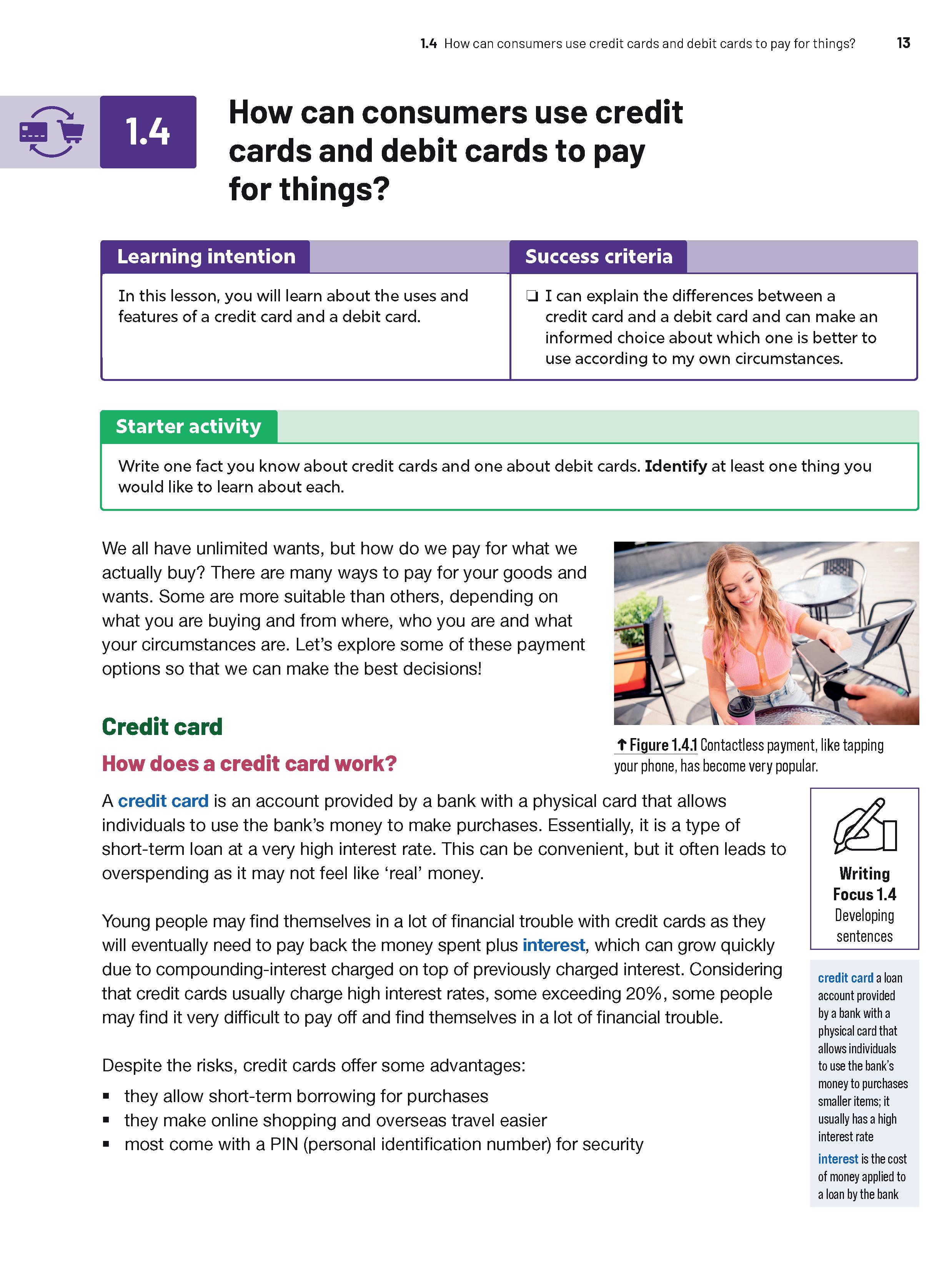
Explicit writing instruction: Digital quizzes for each lesson reinforce subject-specific terminology.
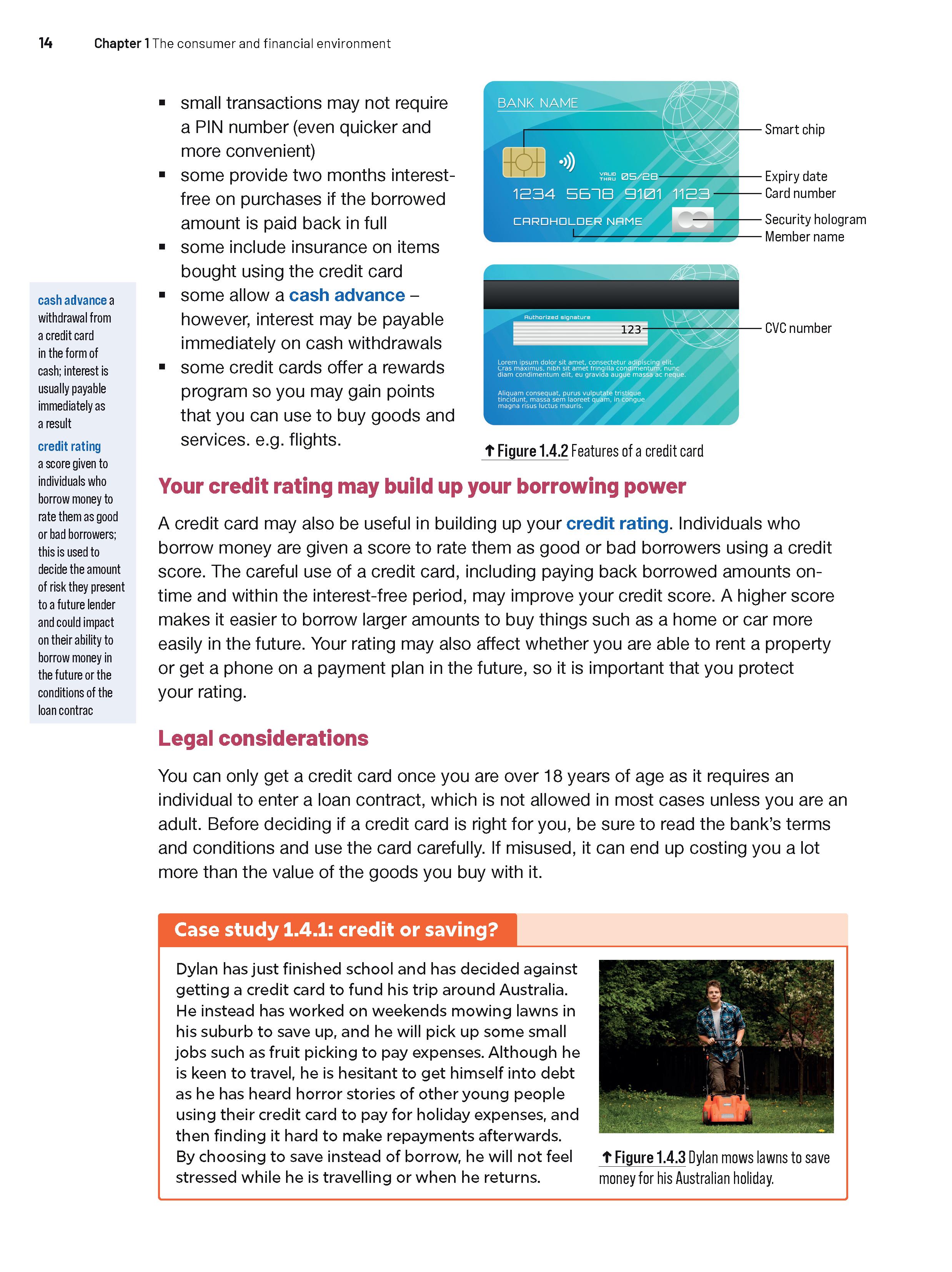
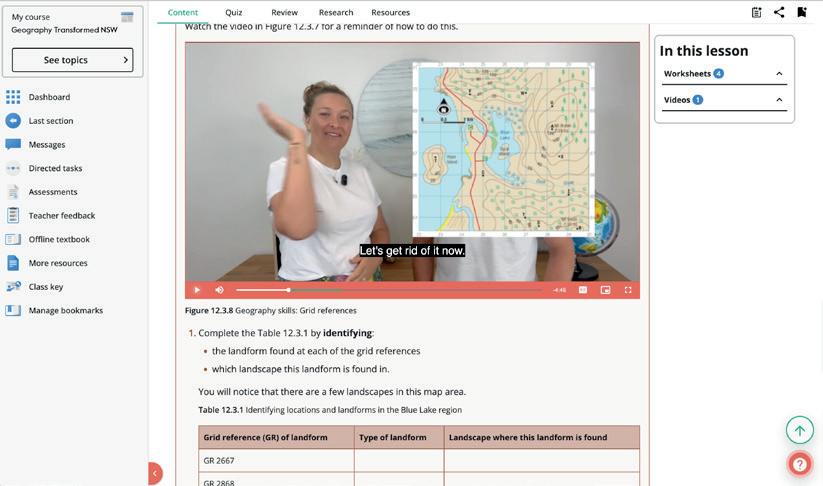
Knowledge and understanding questions can be answered directly in the Interactive Textbook using workspaces.
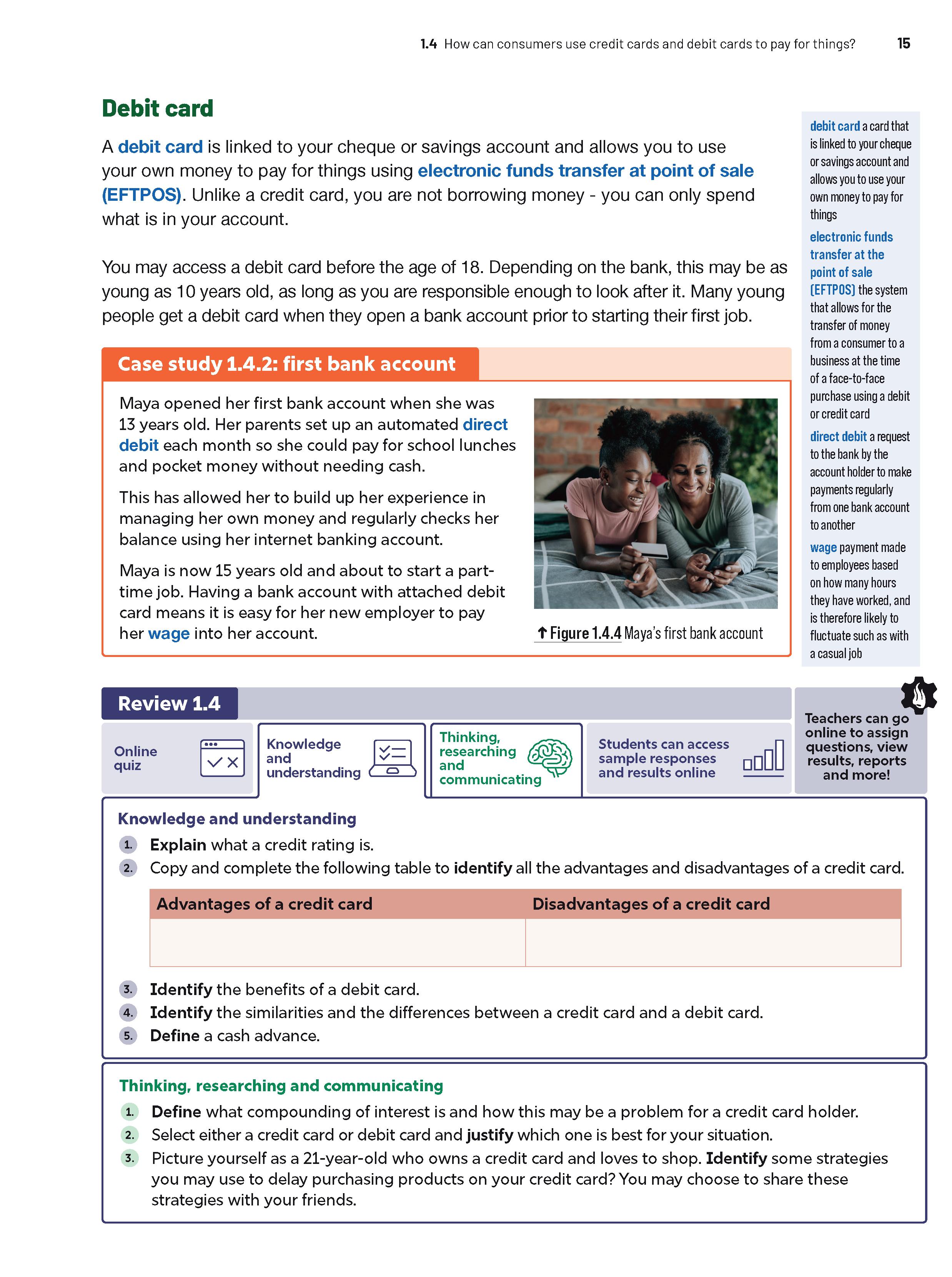
Explicit writing instruction: ‘Writing focus’ activities gradually build from word and sentence to paragraph and composition level.
Exemplar responses, available in the Online Teaching Suite, model strong writing structure for the ‘Writing focus’ worksheets and other activities.
Key terms are defined in the margins for immediate comprehension and in a glossary at the end of the book. Rollover definitions are included in the Interactive Textbook.
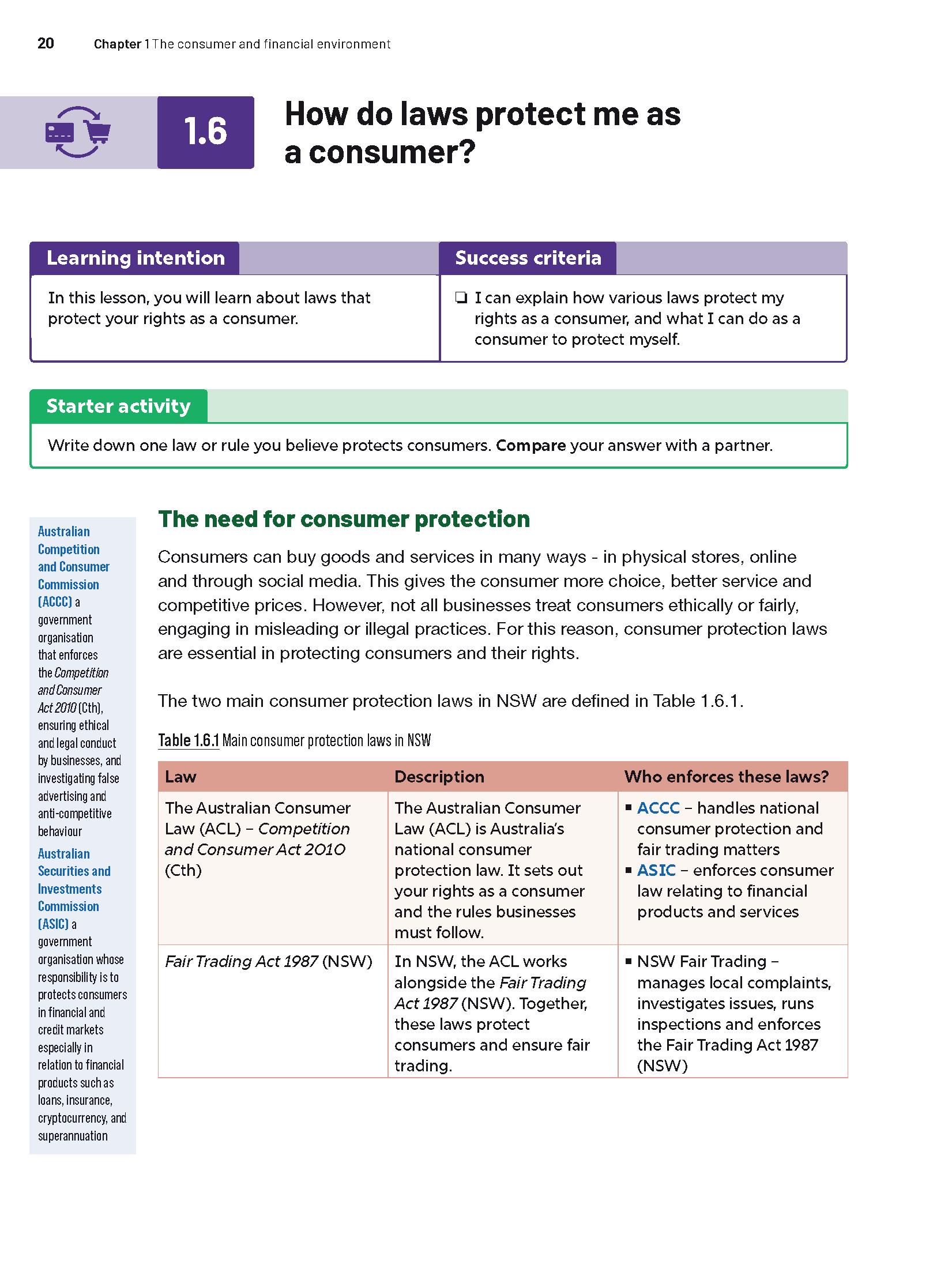
Relevant local case studies and other local content ensure students can genuinely connect key syllabus content to real-world contexts.
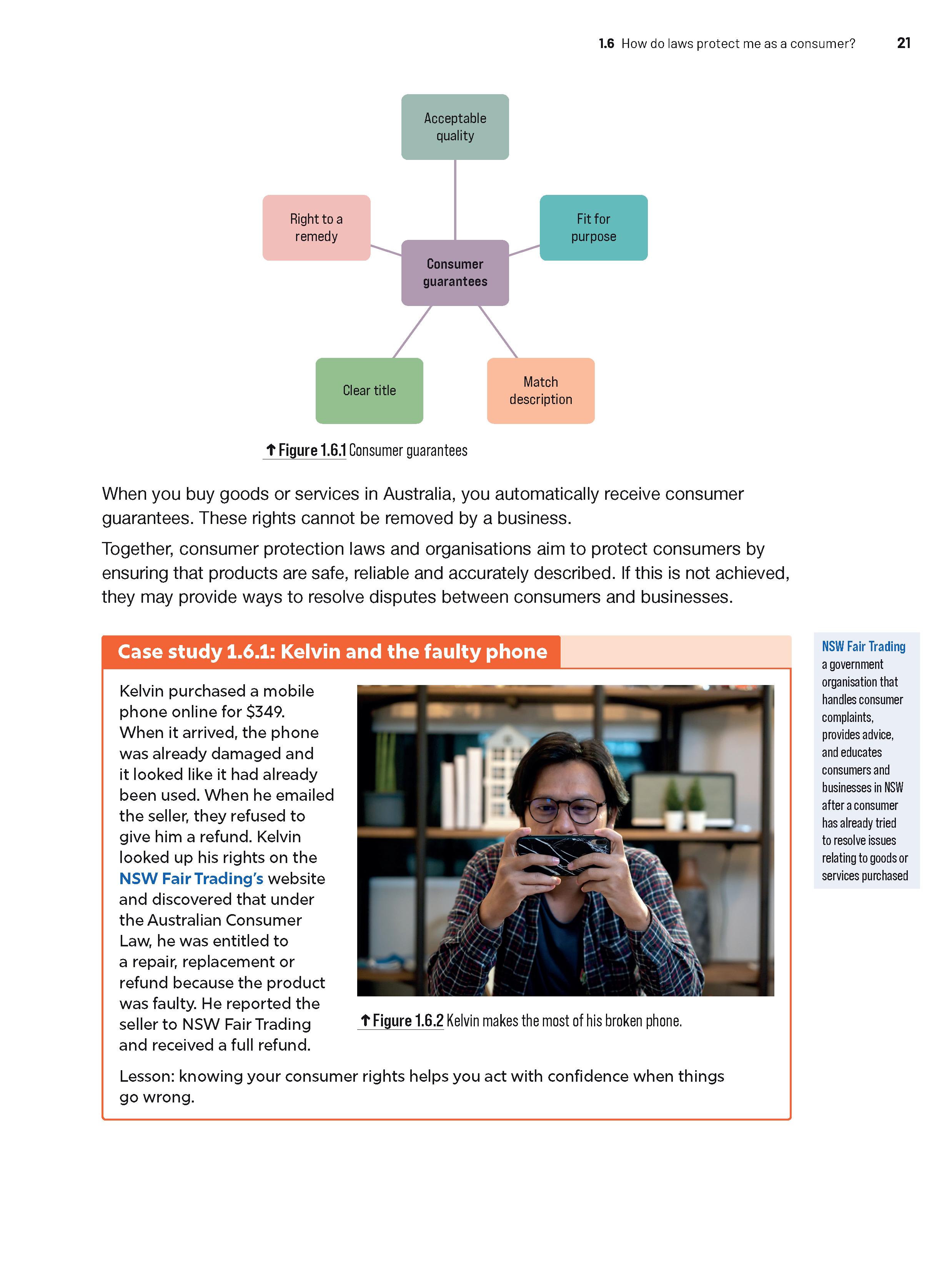
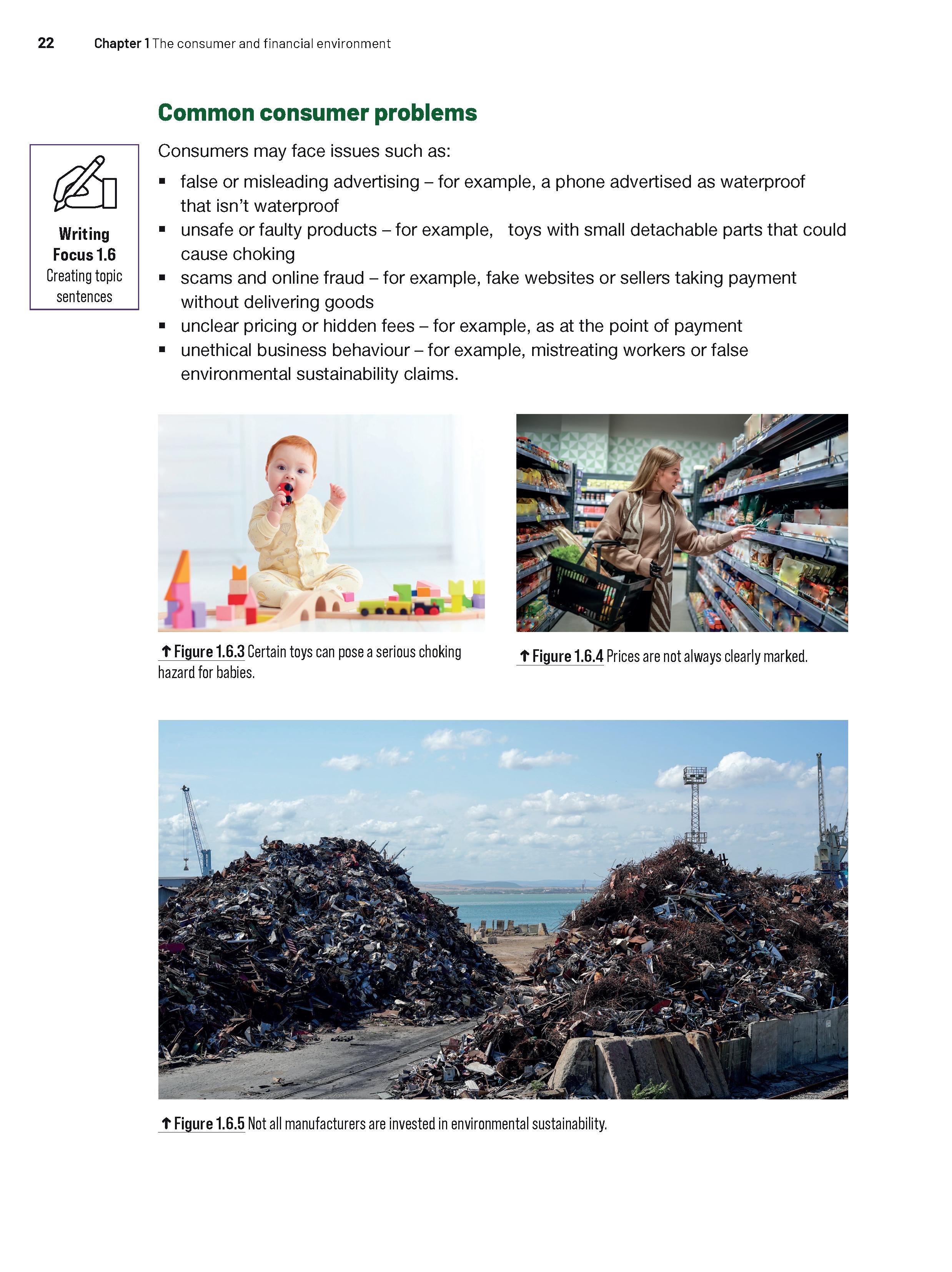
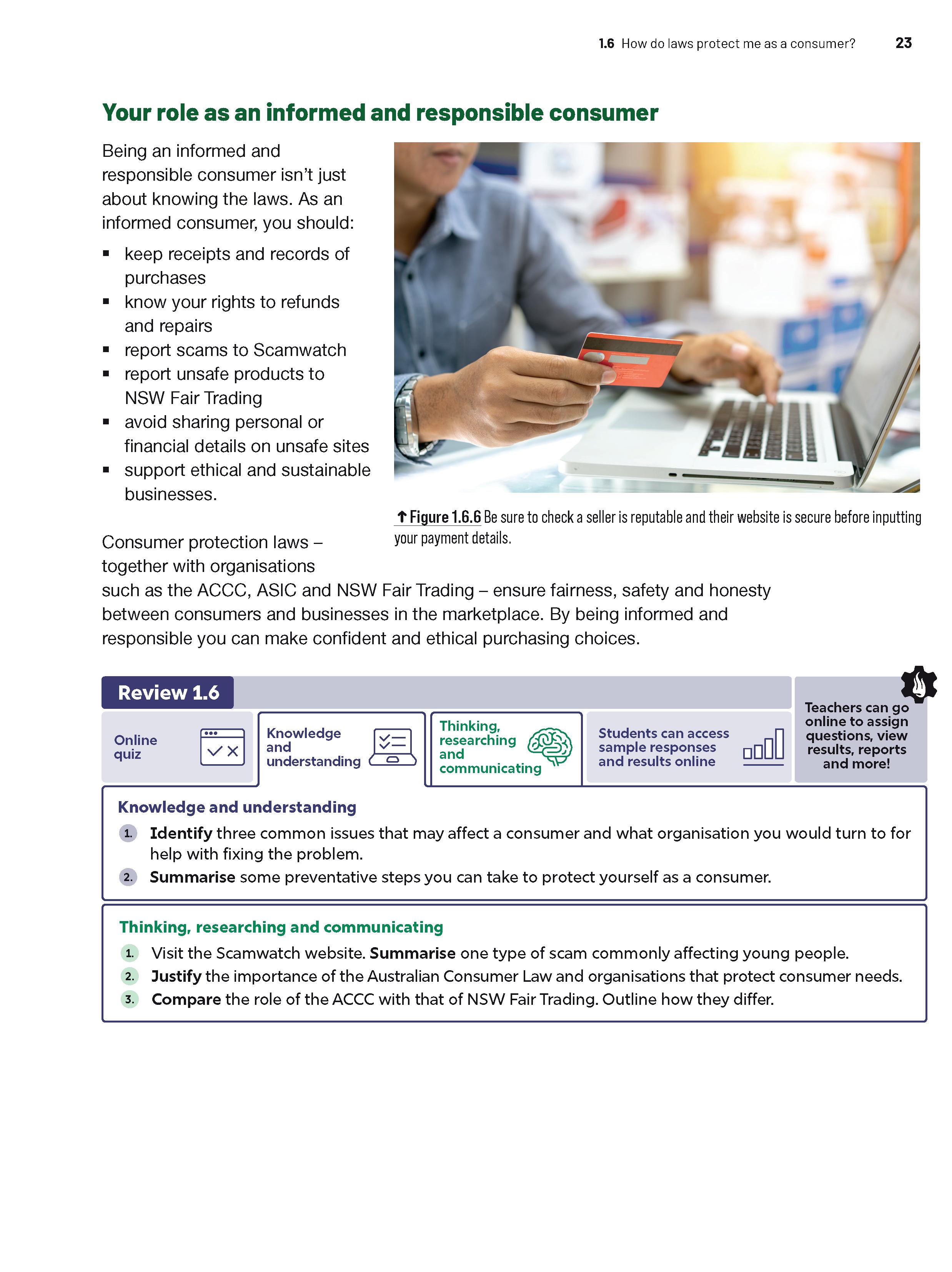
Cognitive verbs are highlighted in carefully-scaffolded question sets to familiarise students with these terms.
Flexible site studies offer engaging virtual and in-person opportunities for practical, real-world learning to extend student knowledge and understanding.
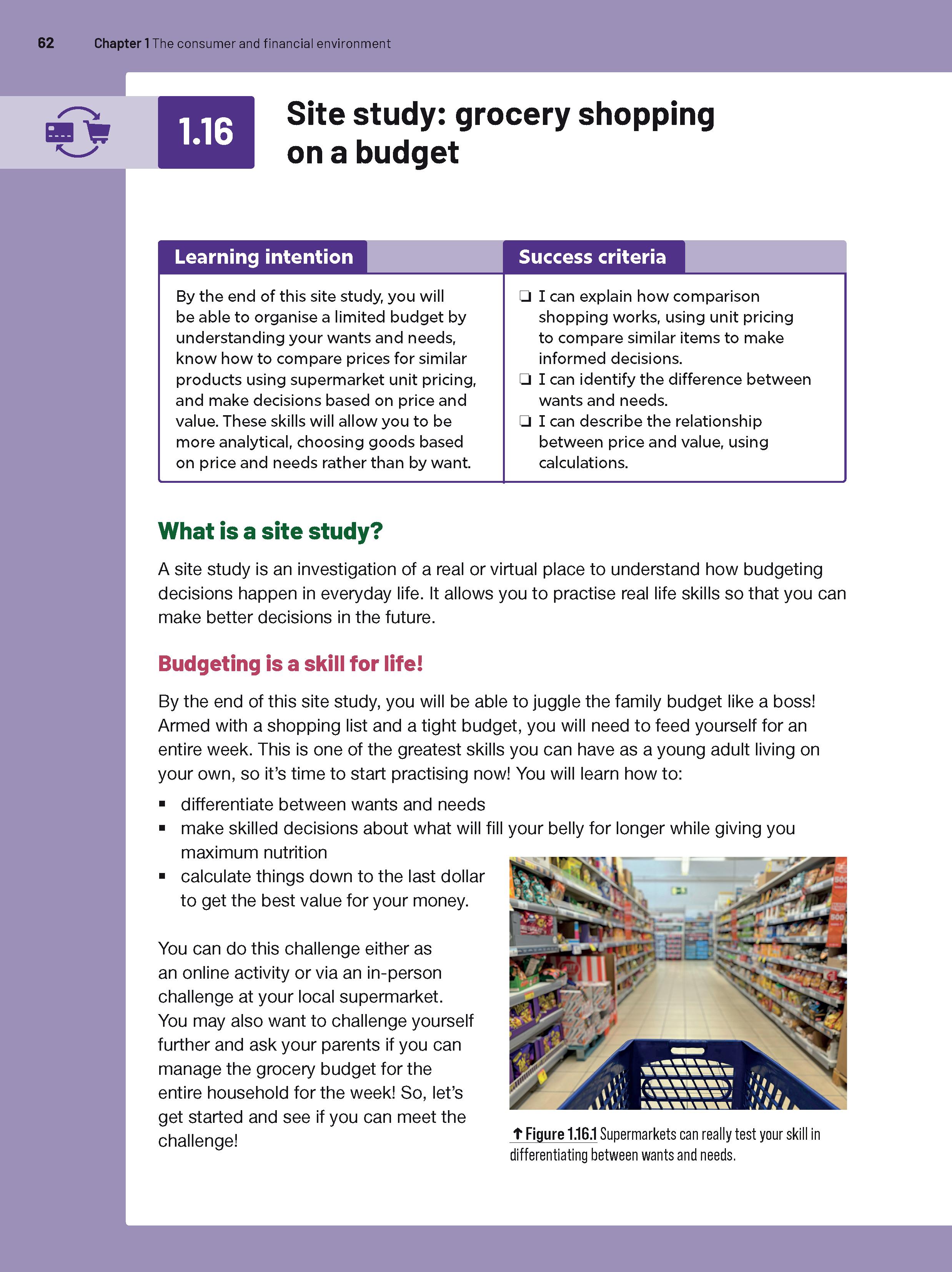
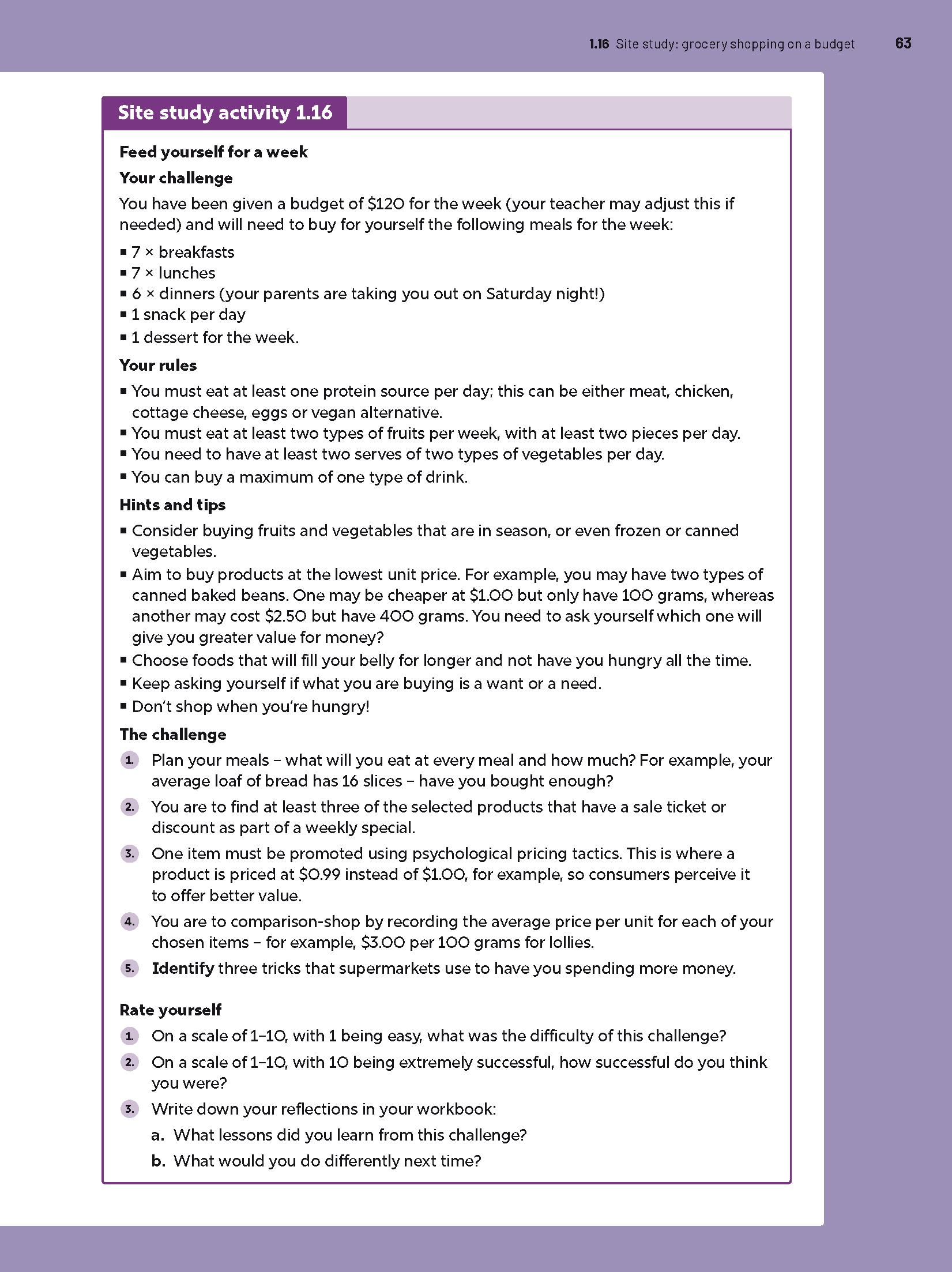
Skills focus lessons in each chapter teach important and relevant skills through hands-on, real-life activities that develop students‘ ability to solve problems and communicate effectively.
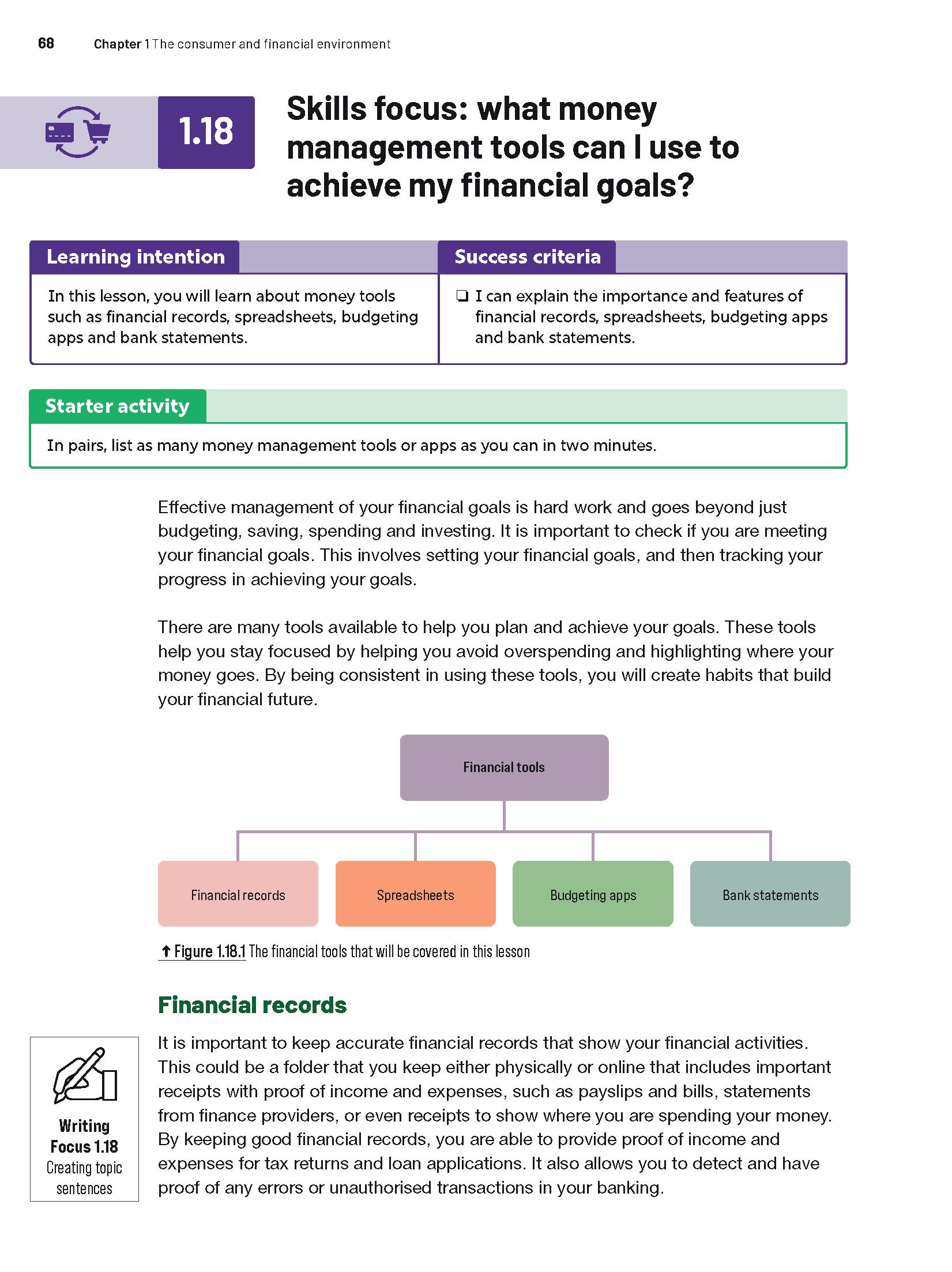
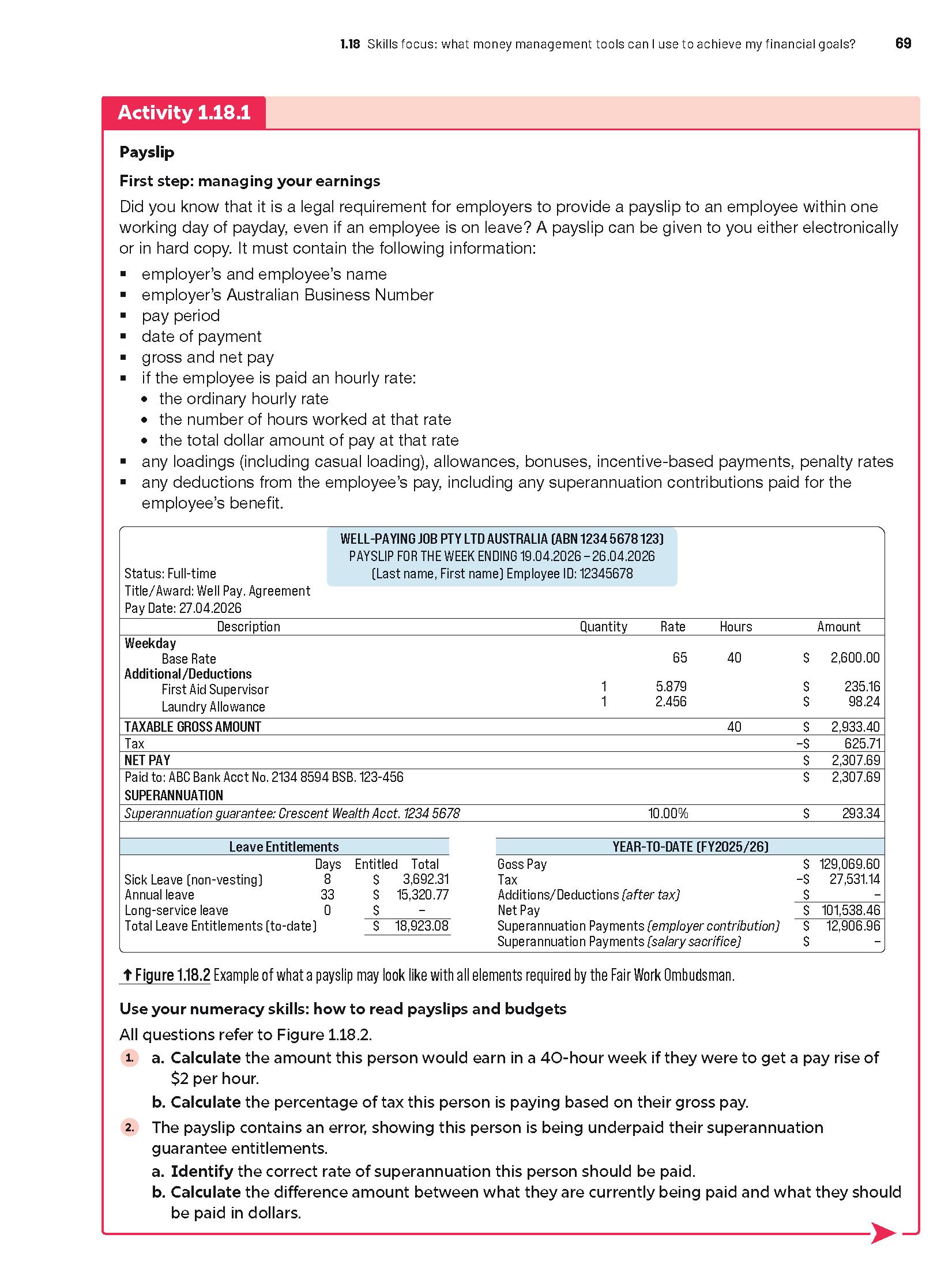
Curated weblinks are provided to ensure that students can always connect to the relevant online information.
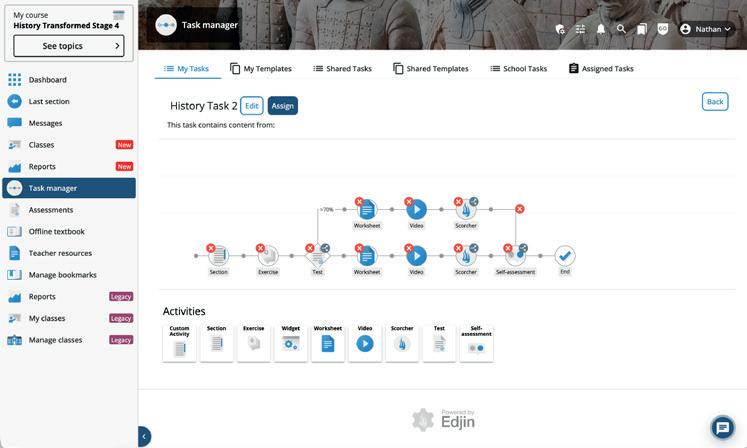
When Interactive Textbooks are linked in a class, the teacher can assign tasks, view results and much more in their Online Teaching Suite. Read on for more information.
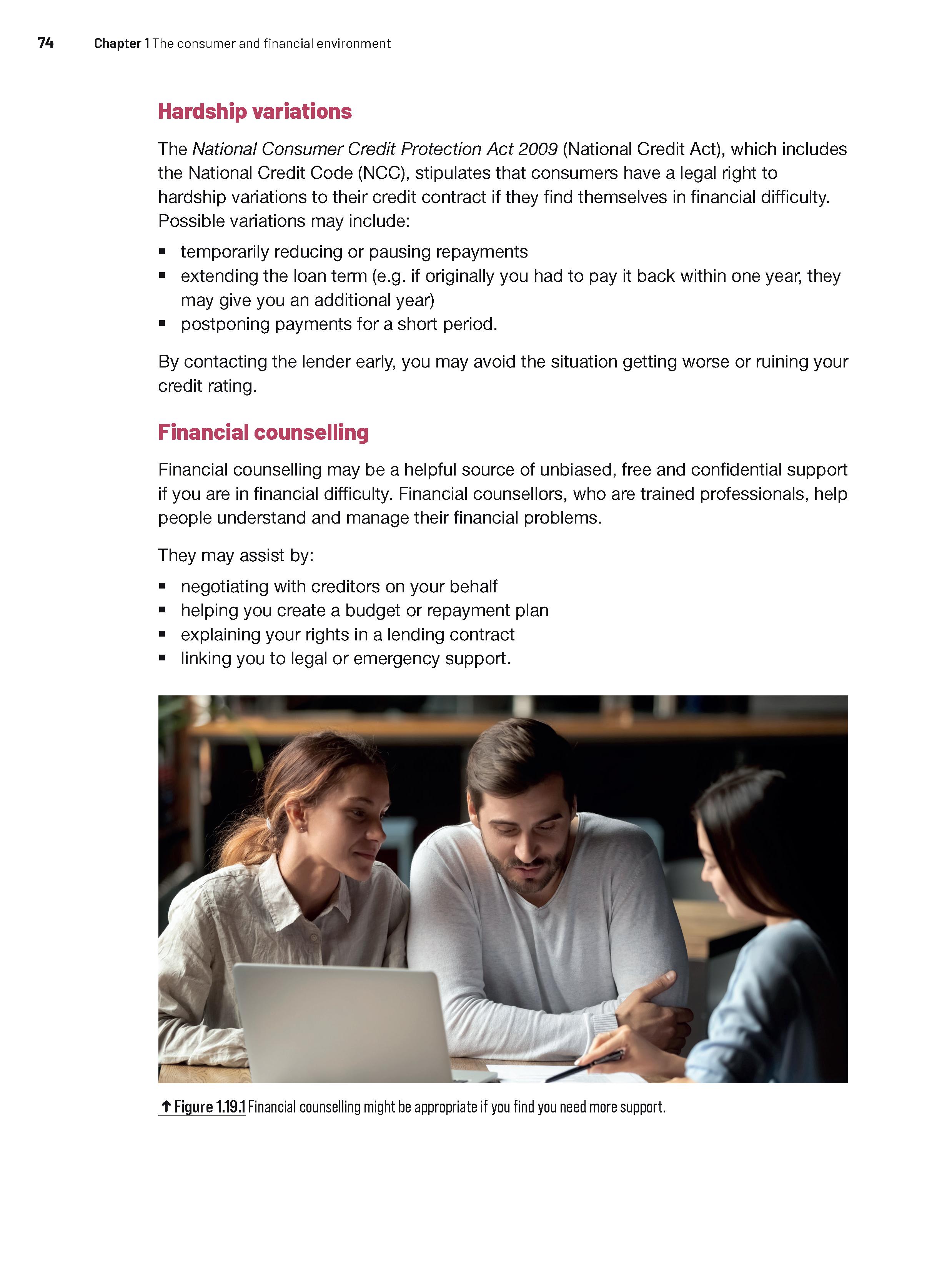
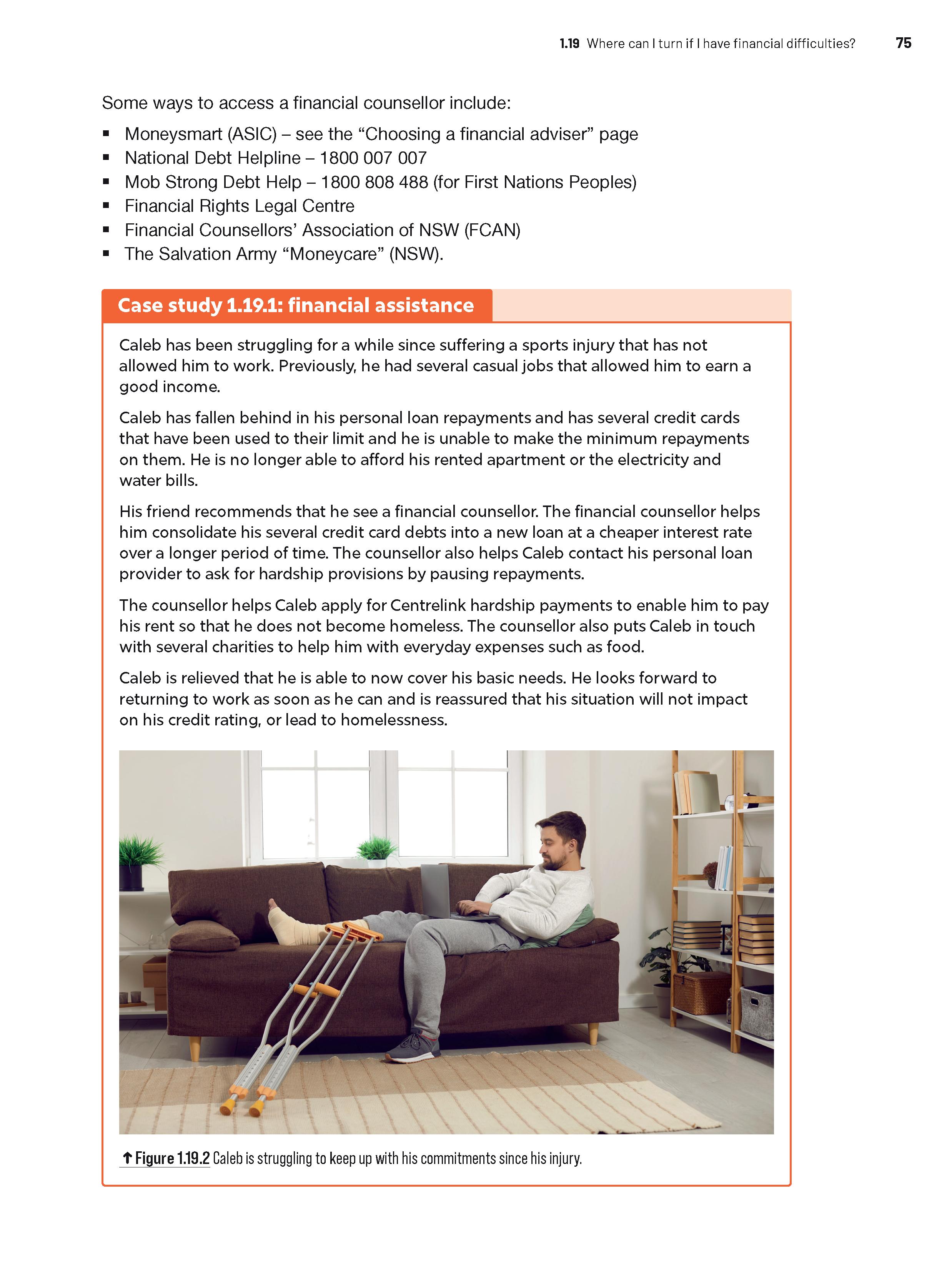
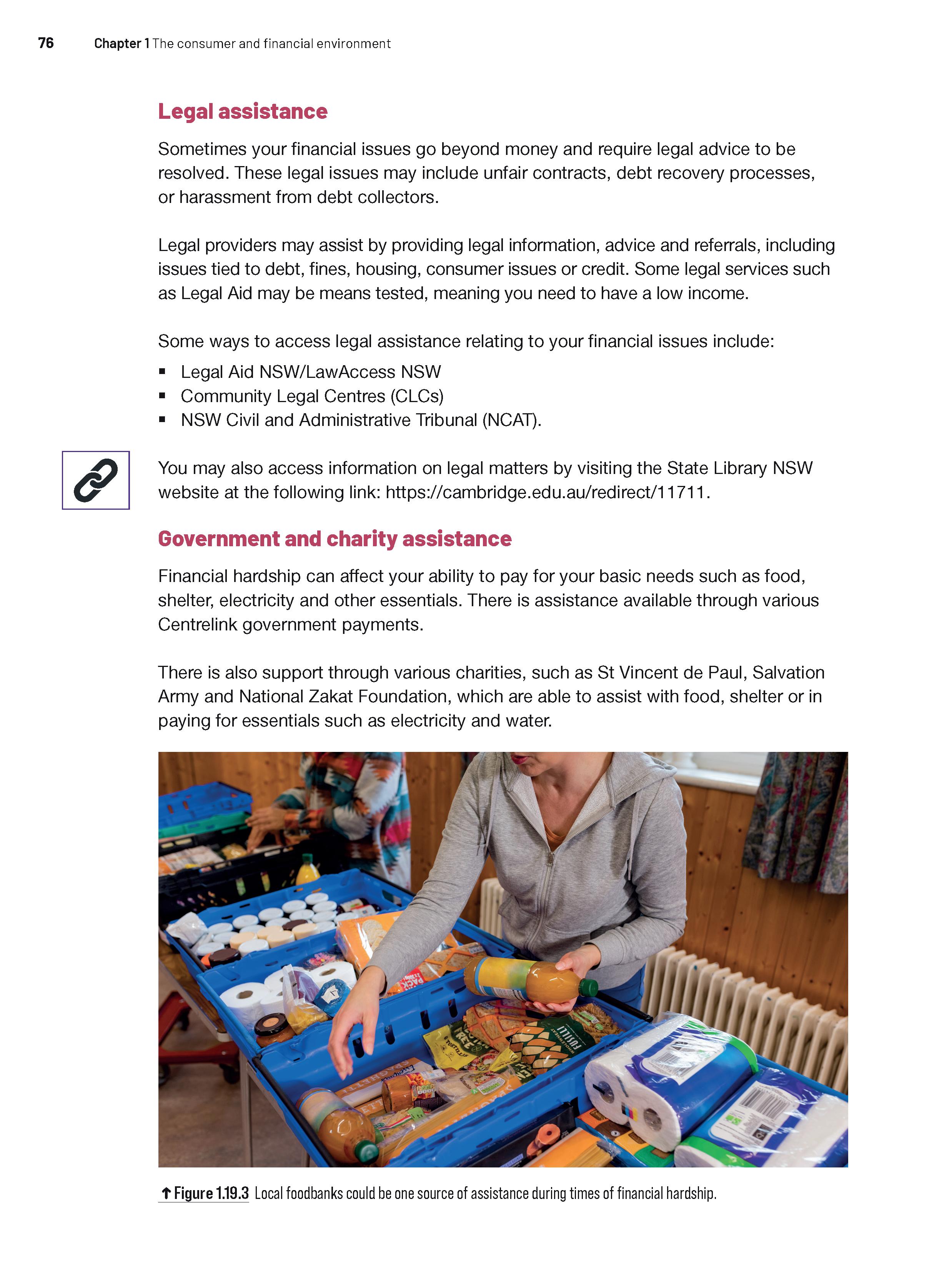
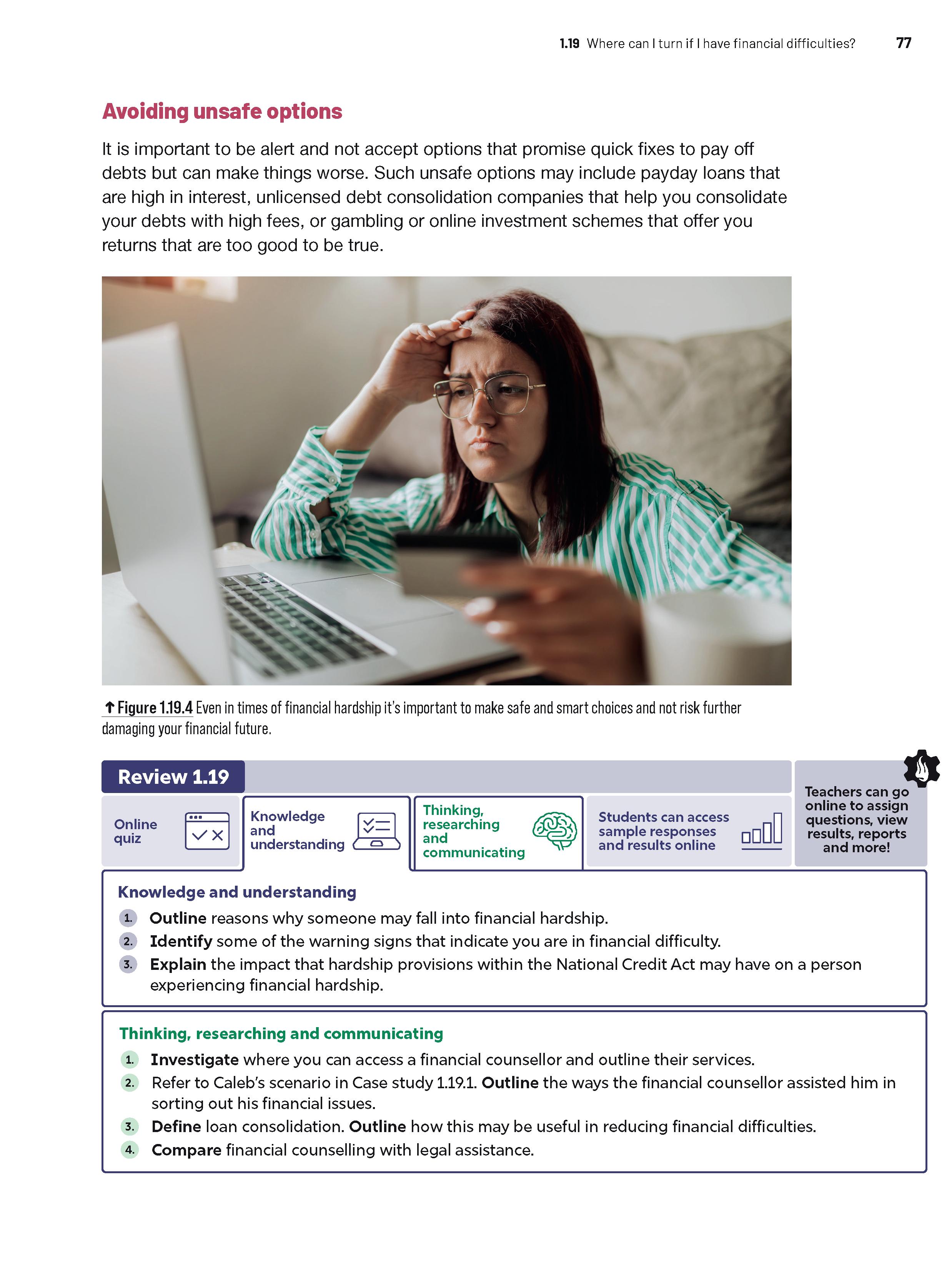
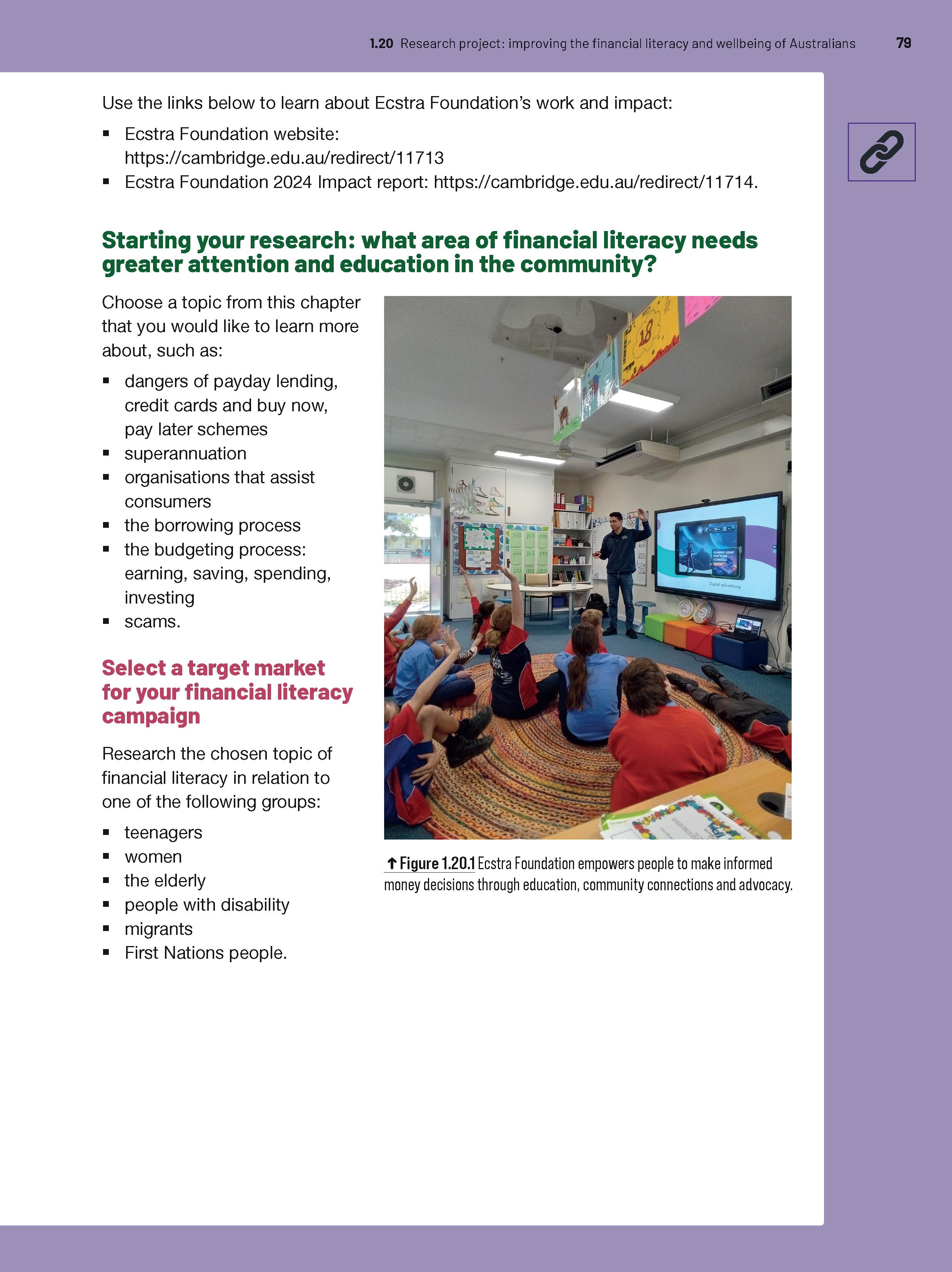
A research project in every chapter allows students to further consolidate their learning and showcase their understanding as they investigate current issues.
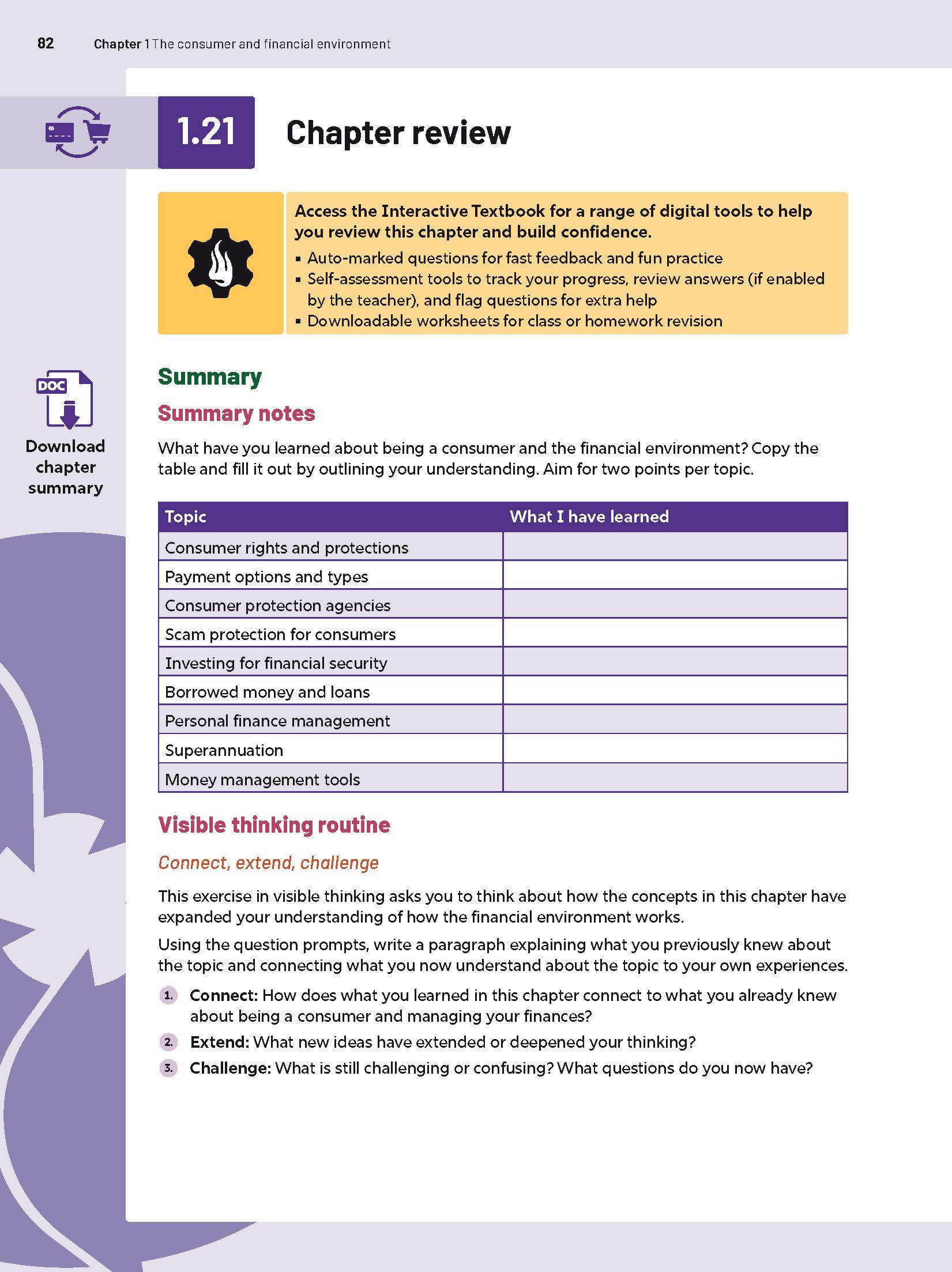
Each chapter includes structured end‑of‑chapter activities, including Summary notes, Visible thinking routines, Short-answer questions and ‘Writing focus’ activities.
Chapter summaries can be downloaded from the Interactive Textbook. Projectable chapter-summary PowerPoints are provided in the Online Teaching Suite.
Our popular Scorcher competition: timed online quizzes with a leaderboard available across the class, school and state.
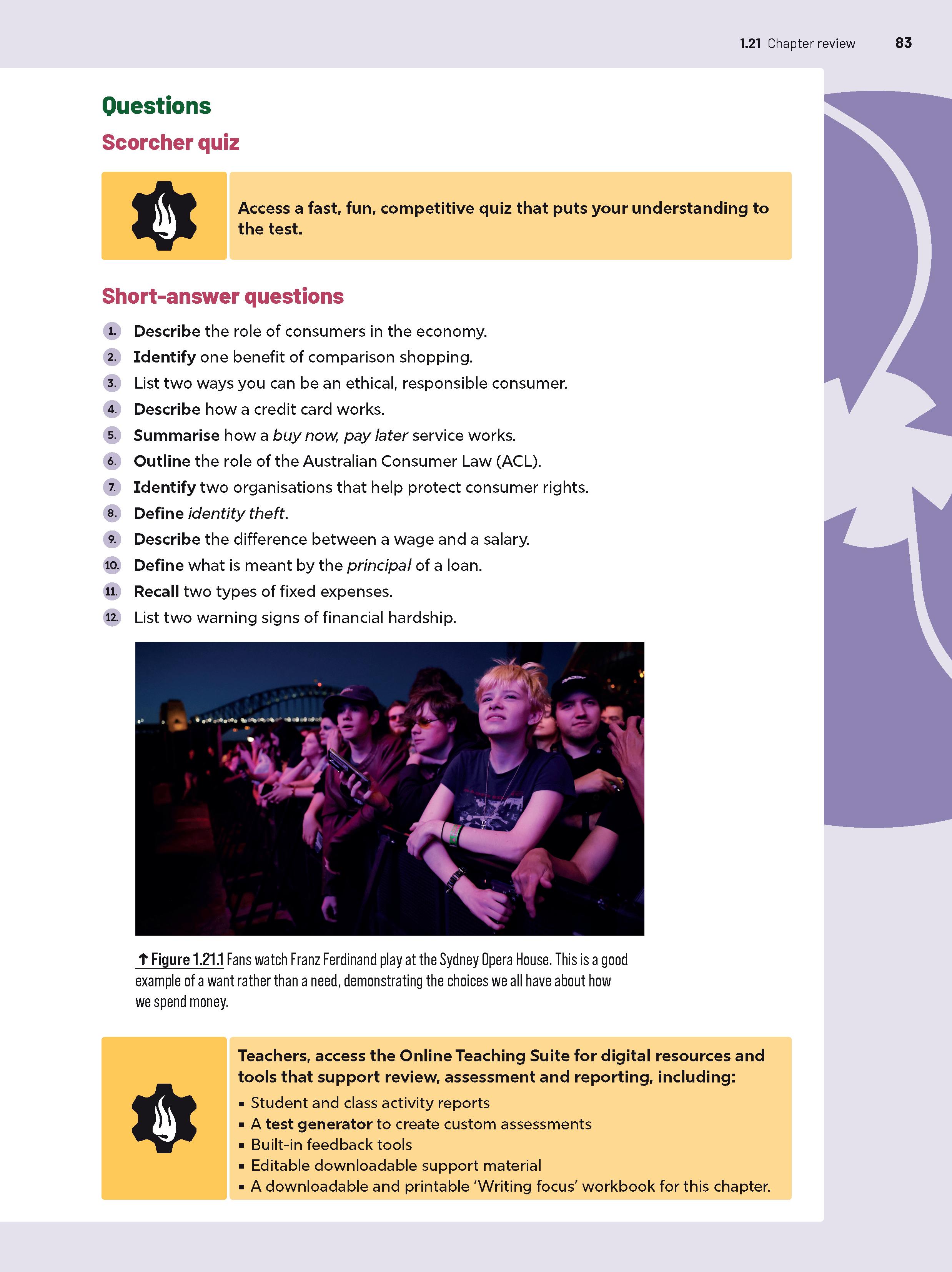
Teachers can access a host of support resources in the Online Teaching Suite.
Chapter review ‘Writing focus’ activities include a sample paragraph-response question and annotated model answer, as well as vital practice with the Structuredresponse and Extended-response questions students will encounter in senior studies.