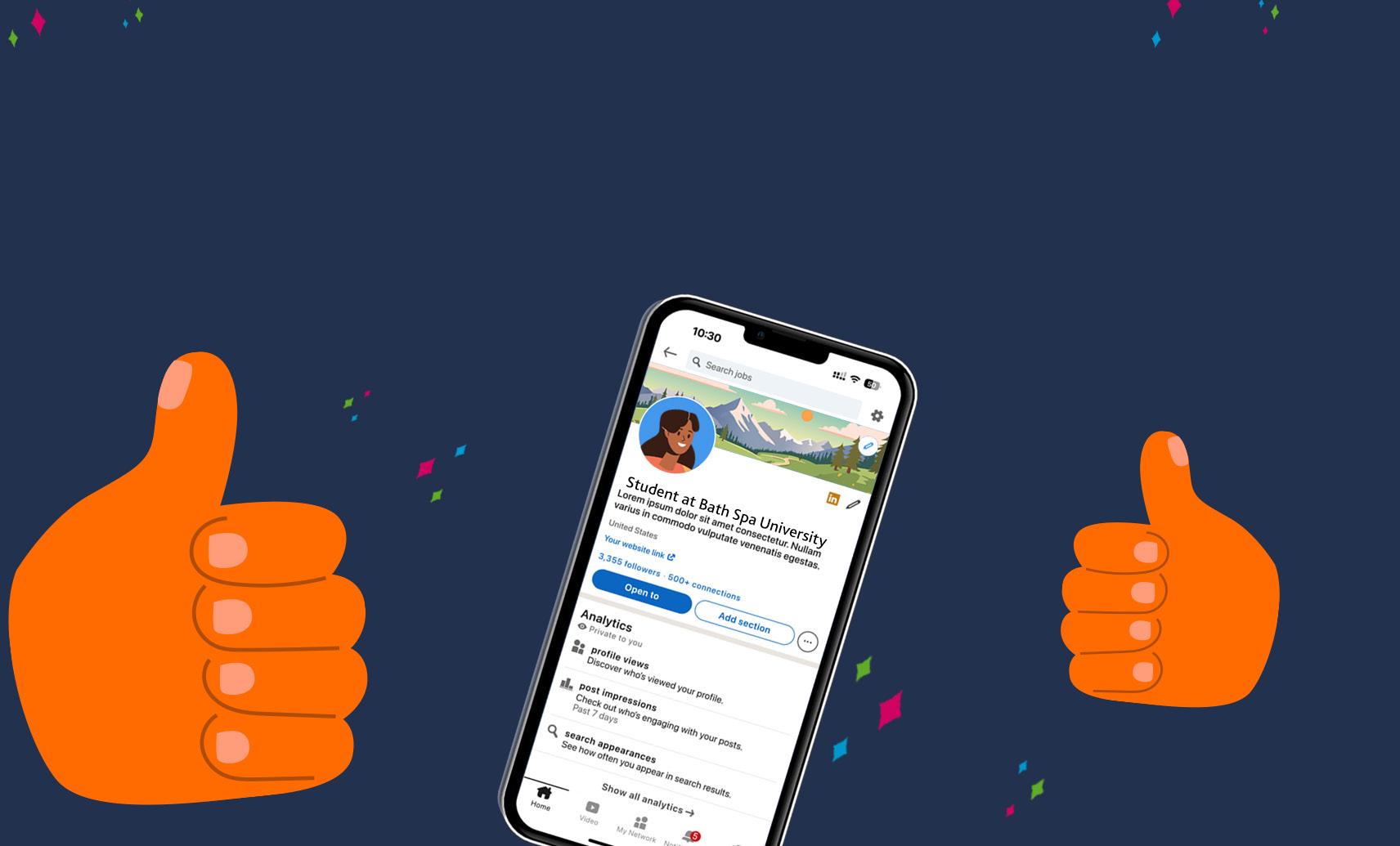
Have you asked yourself if it's a good idea to create a LinkedIn profile? The answer is: yes, it is!
Whether you're a student, a recent graduate, a professional looking to progress, or someone considering a career change, LinkedIn is beneficial no matter what stage you're at in your career. As the de-facto social media platform for professionals, LinkedIn offers valuable tools and resources to help you achieve your goals through the ability to engage and connect with industry professionals, research and stay updated on industry trends, and showcase your skills and experience through developing your personal branding. By building a strong LinkedIn network, you can gain insights, receive recommendations, and discover new opportunities.
BENEFITS OF LINKEDIN
SEARCH FOR JOBS
LinkedIn features a comprehensive jobs board that will recommend positions based on what skills and experiences you've put in your profile. You can also sort roles through several filters, and see jobs that companies are actively hiring for on their pages, to produce a personalised approach for your job-hunting goals.
ACCESS THE HIDDEN JOB MARKET
Many jobs are filled through networking rather than advertised postings. LinkedIn helps you tap into this hidden market as you'll be able to see, and take part in, discussions when opportunities could be available but not formally advertised for.
SHOW OFF SKILLS AND BE OPEN TO WORK
Your LinkedIn profile can provide more detail, examples, and context than a traditional CV. Clicking 'Open to' in the top box of your profile page will also let you select 'Finding a new job' (among other options) which will add the "#opentowork" frame on your profile picture, which is a helpful feature to signal to recruiters that you’re pursuing new opportunities.
STAY IN CONTACT WITH PEOPLE YOU MEET
Maintain connections with colleagues, classmates, industry contacts, and other BSU alumni. Remember that the people on your course - including those who have been in different years to you - and your lecturers are a ready-made network!
RESEARCH YOUR INTERESTS
Connect with professionals in your desired field to gain insights and advice. LinkedIn users will be used to receiving contact in this way, and many will be happy to chat – so be brave! You can learn about various roles and career trajectories by exploring others' profiles and job postings.
SEE COMPANY UPDATES
Searching for companies you admire and then clicking 'Follow' in the top box of their profile will help you stay updated on news and job openings from them, as their content will then appear in your feed.
SCOPE OUT INTERVIEW PANELLISTS
Research the profiles of people who will be interviewing you to understand their background, demystifying ahead of time who they are and what kind of insight they'll be bringing to the process.
PROFILE CONTENT
When you come to register for a LinkedIn account, you'll need to verify your email address and set a profile photo. You'll then be recommended to set up your profile section-by-section.
If you've previously set up an account but not populated your profile, it may be worth changing your privacy settings before beginning to edit your profile to avoid multiple updates to your connections. To do this, click the 'Me' icon on the toolbar at the top of LinkedIn, then select 'Settings & Privacy'. On the Settings page, select 'Visibility', then look for the 'Visibility of your LinkedIn activity' heading to toggle 'Share profile updates' to 'No'. Once you're done editing and fleshing out your profile, simply follow these steps again to turn this feature back on so that connections don't miss out on positive updates from you in the future.
1. PROFILE PHOTO
Getting a photo that you're happy with for a profile can feel agonising, but there are a few simple tips to keep in mind to get a great professional headshot.
Firstly, make sure the photo is recent, accurately reflecting your current look and styling (e.g. presence of facial hair, or make-up preferences), and show you in smart-casual workwear as though
you might be attending an in-person meeting. The photo should only contain you, so avoid photos from nights out (or similar) where there might be random friendly arms around your shoulders, even if you look nice! Try to frame the photo so that the top of the photo has a small gap between the frame's edge and your head, and the bottom of the photo roughly aligns with your collarbone. Finally, don't forget to smile - it's not a passport pic!
If this feels like a lot to consider, look out for Careers' events throughout the year where you can get a professional headshot taken especially for LinkedIn for free.
2. PROFILE HEADLINE
The headline is the most visible section of your LinkedIn where you can present your personal brand. It's a short sentence that's displayed prominently under your name when users search for you and at the top of your profile page. Make it clear and concise, highlighting a key education or work experience achievement, graduate attribute, and career aspiration linked to your achievement. For
example: "Psychology Graduate | Emotionally Attuned | Researcher of Psychological Sexual Health".
3. COVER IMAGE
A nice cover image can make your profile 'pop' through being visually engaging and memorable.
Try to use imagery related to your personal brand or desired career path.
If you feel that you might struggle to make a nice picture, utilise tools like Adobe Express (https:// adobe.ly/3PNYeVC ) that has lots of effective templates you can use. Some LinkedIn users also like to use images representative of their current workplace, so you might also like to consider using a stock photo of one of BSU's campuses.
4. ABOUT
Write a powerful two-to-three sentence summary highlighting your achievements, skills, and professional interests. Write in the first-person, taking a conversational but professional tone.
5. EXPERIENCE
Writing about where you've developed your skills can elevate your profile. You can include volunteering, extracurricular activities, part time work, summer internships, roles of responsibility in university, and so on.
6. EDUCATION
Adapt information from your CV, but provide more specialist depth through details about your modules and accomplishments. Add projects to highlight relevant coursework, research skills, dissertations, portfolios, or final-year projects. This is especially important if you have a limited amount of work experience.
7. SKILLS
Add specific skills relevant to your discipline or target career area. Use the
you make throughout your profile. Like a reference for a job application, it's best practice to politely approach the person personally beforehand to check they're happy to do this.
To request this functionally, go to your connection's profile, click the ellipsis ('...') in the top box of their profile page, then select 'Request a recommendation' and fill out the three options you're presented with. Your contact will do the rest, but you'll get a chance to vet what they write!
MySkills discovery tool on MyCareer (https://bit.ly/49ql3pq) to identify the soft skills and graduate attributes that you'll have developed through your course and activities whilst at BSU, and list hard skills or technical programmes that you feel confident to be tested on in an interview task (e.g. proofreading, Adobe InDesign).
8. RECOMMENDATIONS
Getting a peer, line manager, or academic contact to write you a recommendation on LinkedIn can provide valuable credibility to the claims
Clicking 'Add section' in the top box of your profile page and then the 'Additional' collapsible will enable you to add even more content in a way that's officially supported by LinkedIn's structure. To help you stand out even more, you could add details such as additional languages you can speak, or causes or charities you support.
9. MORE!
OPTIONAL IMPROVEMENTS
URL
Consider using the custom URL feature on your profile page to make it more professional and easier to share. Instead of a random string of characters, you can make it something simple like your name. You might have to try various combinations - e.g. /alexstroud, /alex-stroud, /a-stroud - depending on other namesakes who have got to this function before you. For digital security best practice, don't use your date of birth as a string of numbers in this.
PRONUNCIATION
If you have the LinkedIn app, you can add a short recording pronouncing your name to help others address you correctly. (Please note that this feature is unavailable outside of the app.) To record one, head to your profile, tap the pencil icon in the top-right of your profile box, then the '+ Add name pronunciation' button and follow the on-screen instructions.
GROWING YOUR CONNECTIONS
Getting started on LinkedIn will involve recognising your existing network and reaching out to people you know. Search for your classmates, society friends, lecturers, work colleagues, past employers, and alumni, and you'll see how quickly your professional relationships add up.
If you want to connect with a BSU graduate from your course, search your degree on BSU's 'Alumni' profile tab (https://bit.ly/4tE5Zez) to explore where they are now. Remember: the results are based on alumni who have included BSU within their Education section, so it won't show absolutely everyone.
Once you've done that, you'll likely begin to see '1st', '2nd', and '3rd+' appear around the website next to peoples' names. This is LinkedIn's connections system, and it works by degrees of separation. Your direct connections are your '1st': the people that have accepted your requests on LinkedIn; your '2nd' connections are people that someone in your network is connected to but you're not; and your '3rd+' connections are everyone beyond that.
2nd-degree connections are normally simple to approach. You can send a personalised message name-dropping your mutual contact and politely explain why you'd like to connect.
3rd+-degree connections will need some extra work, and you'll get the best results when you explain precisely why you'd like to connect. Lots of professionals use LinkedIn for sales leads and send generic statements about wanting to connect, so somebody reaching out clearly for personal and professional development will be generally well received. Questions you could ask include:
How did you get into your current role?
What skills do you feel are important in your work (soft skills, knowledge, technical, etc)?
What kind of skills and experience would I need to get [position]?
How do people find work experience or jobs in your field?
What's your organisation like as an employer?
Do you offer internships?
Joining groups can also boost your network and provide opportunities to engage with like-minded professionals.
Finally, follow people and organisations of interest to stay updated on their activities and posts. Following people lends itself more to typical social media activity whereby you'll see content from them in your feed, but otherwise aren't professionally linked.
TOP TIPS FOR MAXIMISING LINKEDIN
If you're new: be accessible and approachable, and don't be afraid of reaching out to others with personalised introductions. Make sure you check messages regularly and that your contact details are up to date.
If you have limited work experience: share any projects that have come from your modules, websites, online portfolios, blogs, or vlogs you run. Highlight your education and focus on transferable skills and how they apply to your desired career path.
If you're changing career: emphasise your transferable skills and experiences. Connect with professionals in your new field with a personalised introductory message explaining your position to seek advice on making the transition.
If you're considering using AI: try to use it as a starting point over full generation. Getting used to posting LinkedIn updates is tricky, so many users have turned to AI. However, this carries with it the risk of losing your personal brand and own voice. Consider what you want to be known for, who you're trying to influence, and how your content adds value to your network. Focus on quality over quantity.
If you're considering LinkedIn Premium: ask yourself if its features work for your exact profile and position right now. Premium is best when you're using LinkedIn as your primary tool for searching for work, your profile is fully populated with content optimised to your industry of choice, and you're reaching out to company contacts and hiring managers several times a month. It's often not needed by most graduates, despite Microsoft's sales pitch for the contrary.
FURTHER SUPPORT
If you would like further support from Bath Spa Careers, please visit MyCareer at mycareer.bathspa.ac.uk where you can book a personalised appointment, ask us a question, browse further resources, attend informative events, and search our huge jobs database.
Links to external content do not represent endorsement by Bath Spa University.
KEEP IN TOUCH
Follow our social media channels for the latest opportunity highlights, fun advice clips, alerts when programmes launch, and information on our helpful events.