
Why Is Fast Charging Not Working on My Mobile Phone?

Page 1


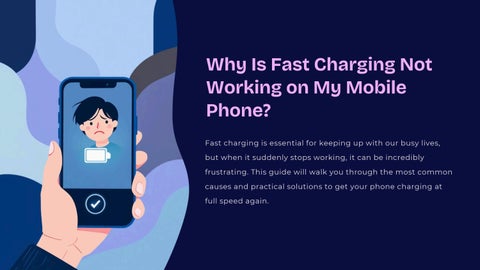
Why Is Fast Charging Not Working on My Mobile Phone?

Fast charging is essential for keeping up with our busy lives, but when it suddenly stops working, it can be incredibly frustrating. This guide will walk you through the most common causes and practical solutions to get your phone charging at full speed again.

Common Causes: Charger & Cable Issues

The Foundation of Fast Charging

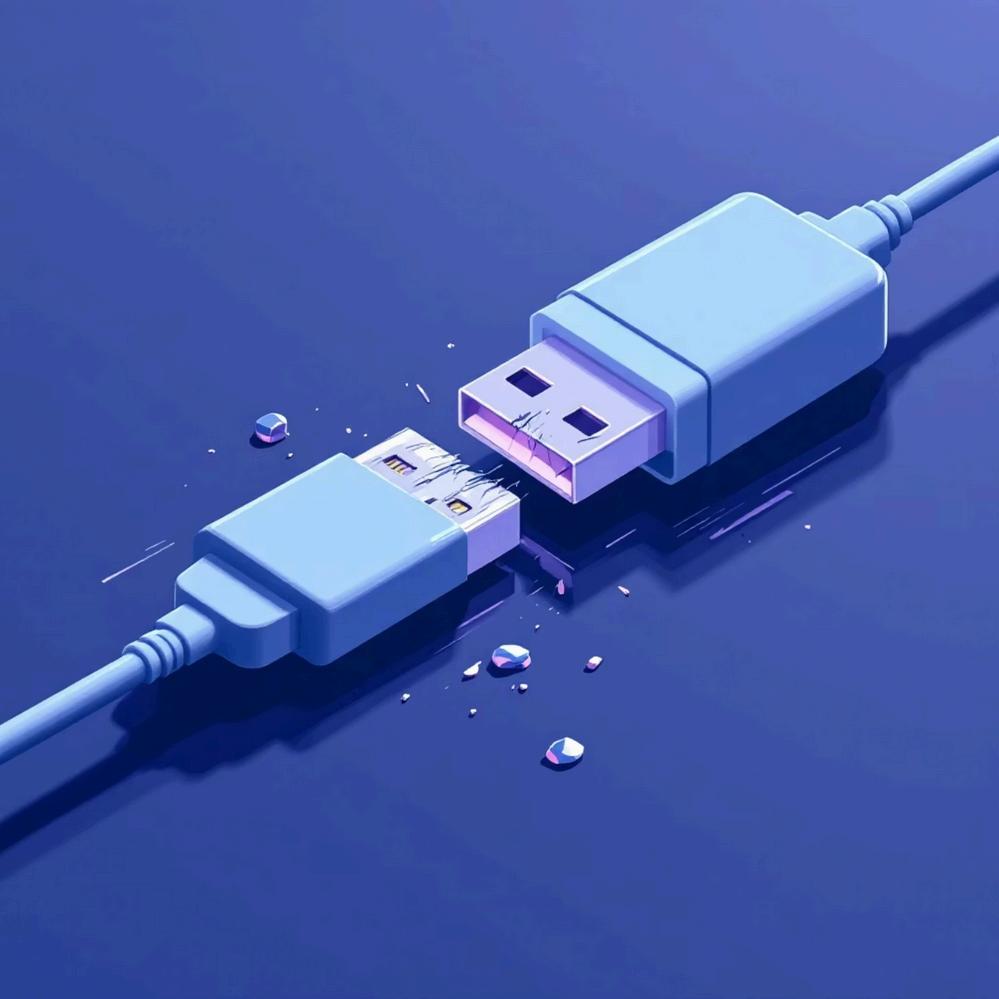
Your charger and cable are the gatekeepers of fast charging. Using a non-compatible or lowquality charger immediately blocks fast charging capabilities, while damaged or bent cables reduce current flow dramatically.

Pro Tip: Xiaomi, Samsung, and other manufacturers design their phones to work optimally with original or certified accessories. Always use the charger and cable that came with your phone or invest in certified replacements to ensure maximum charging speed.

Charging

Port Problems: Dirt & Damage

01 Inspect the Port

Use a flashlight to look inside your charging port. Dust, lint, or debris can accumulate over time and block proper connection between your cable and phone.

02 Clean Carefully

Gently remove debris with a soft brush, toothpick, or compressed air. For stubborn residue or corrosion, use an alcohol swab on a cotton tip.

03 Check for Damage

Loose or damaged ports cause intermittent or slow charging. If pins are bent or the port moves when inserting the cable, professional repair may be needed.

Software & Settings Check

Enable Fast Charging

Navigate to Settings > Battery > Fast Charging and ensure the feature is turned on. Some phones disable it by default or after updates.

Software Glitches

Recent app updates or system bugs can disrupt charging behavior. Check for pending software updates that might fix known issues.

Restart Your Phone

A simple restart clears temporary glitches and resets charging protocols, often restoring fast charging functionality immediately.

Temperature Protection

Phones automatically disable fast charging if overheating is detected. Let your device cool down before attempting to charge again.

Hardware Failures Inside the Phone

When Internal Components Fail

Internal hardware problems are less common but more serious. The battery charging IC (integrated circuit) manages power delivery and can fail due to physical drops, water damage, or electrical surges.

Battery degradation is natural over time—after 500-800 charge cycles, batteries lose capacity and charging efficiency. Old batteries may no longer support fast charging protocols even with perfect cables and chargers.

Faulty charging circuits require professional diagnosis and repair. These components are delicate and attempting DIY fixes can cause permanent damage to your device.

Step-by-Step Troubleshooting Summary

Verify Settings

Confirm fast charging is enabled in your phone's battery settings menu.

Check Accessories

Use original or certified fast charger and cable third-party accessories are the most common culprit.

Clean Port

Inspect and clean charging port carefully to remove dust, lint, or corrosion.

Restart Device

Power cycle your phone to clear software glitches affecting charging speed.

Use Wall Power

Avoid charging from weak power sources like laptop USB ports use a wall outlet instead.

Seek Expert Help

If problem persists after all fixes, consult a professional for hardware diagnosis.

When to Seek Professional Help

Persistent Slow Charging

If you've tried all troubleshooting steps and fast charging not working, internal hardware damage is likely the cause.

Visible Physical Damage

Corrosion, bent pins, or cracks inside the charging port require specialized tools and expertise to repair safely.

No Charging Recognition

When your phone completely fails to recognize the charger or shows no charging icon, the charging circuit may be damaged.

Authorized Service Centers

Manufacturer-authorized centers can accurately test components, replace faulty parts with genuine replacements, and maintain your warranty.

Fast Charging Restored: Stay Powered Up!

The Perfect Handshake

Fast charging depends on seamless communication between your charger, cable, and phone—all three must work together perfectly.

Prevention is Key

Regular maintenance and using genuine accessories prevent most charging issues before they start.

Quick Fixes Save Time

Simple solutions like cleaning your port or restarting your phone can restore charging speed in seconds and extend your battery's overall lifespan.

Keep your device ready for the fast pace of life you're now equipped with everything you need to troubleshoot and solve fast charging issues!

Turn static files into dynamic content formats.

Create a flipbook
Why Is Fast Charging Not Working on My Mobile Phone? by Repair Laptop Dubai - Issuu