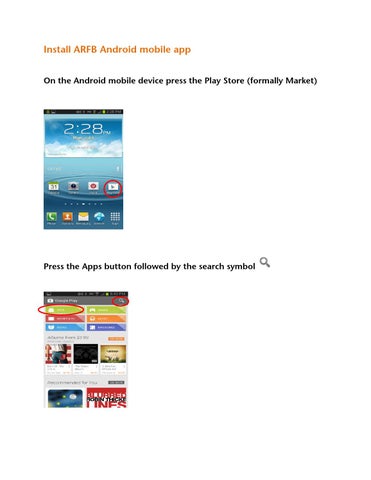
Install ARFB Android mobile app On the Android mobile device press the Play Store (formally Market)
Press the Apps button followed by the search symbol
Enter Arkansas Farm Bureau in the search field and press the search symbol
in the lower right-hand corner
Press the Free button
Press the Install button
On the App permission screen press the Accept button
If you are asked to Update Automatically, press Allow Press the Open button
You have completed installing the mobile app and can now enjoy checking up-to-date market quotes, headline news, member benefits and events by pressing the appropriate button!!!
The mobile app can be launched from the desktop icon