How to build an Android app with Google AI Studio (2026 Guide)
Creating a mobile app used to require coding knowledge, expensive development resources, and powerful hardware. Today, AI is changing that process completely. If you've ever wanted to build android app with Google AI Studio but felt limited by programming skills, Google's latest AI-powered tools make it easier than ever
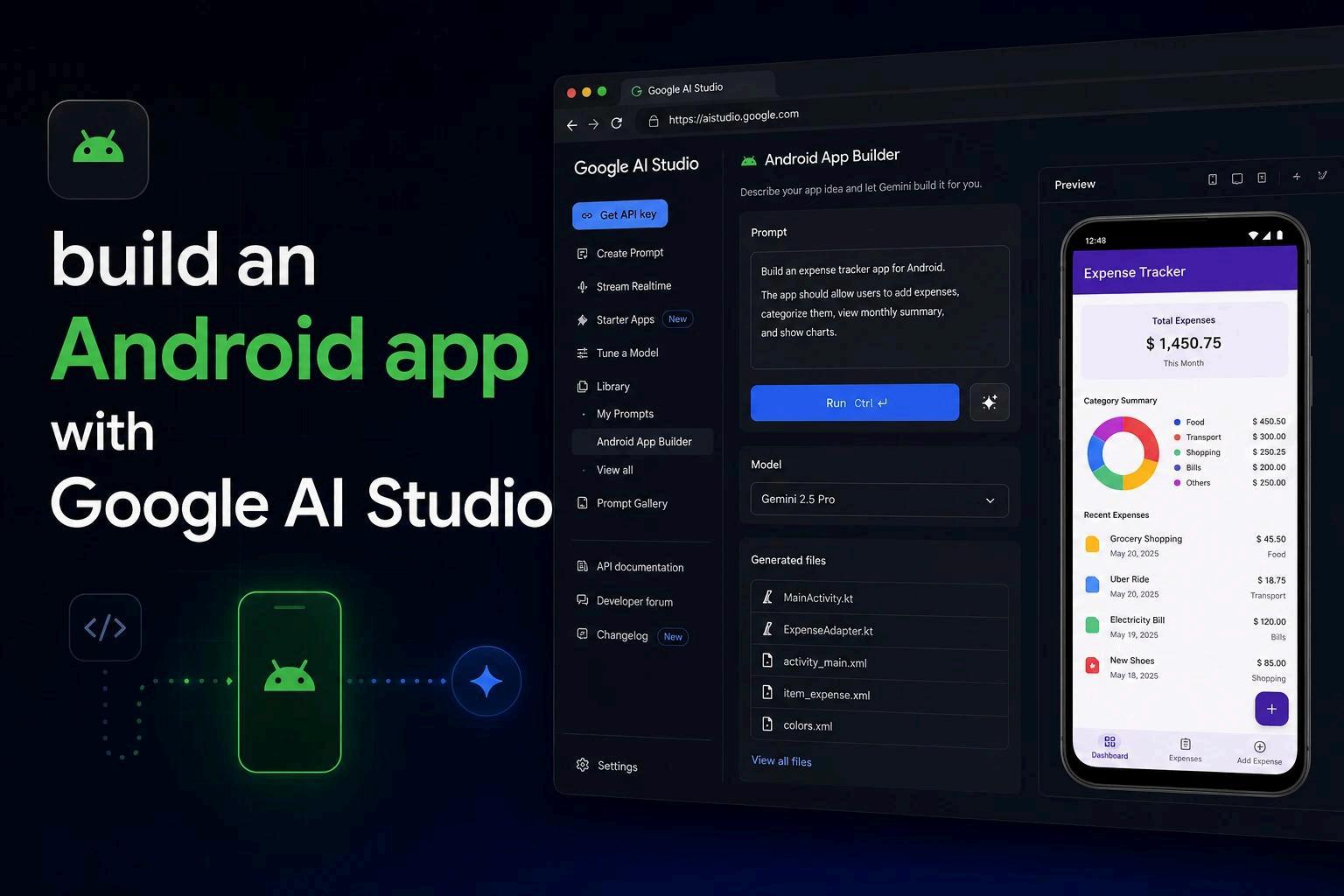
With Google AI Studio and Gemini AI, you can describe your app idea in plain language, generate a functional Android application, test it directly in your browser, and even download an APK file for installation on your device.
In this guide, we'll show you how to build android app with Google AI Studio step by step and create a functional Android application using AI-powered tools
What Is Google AI Studio?
Google AI Studio is Google's platform for experimenting with and building AI-powered applications using Gemini models Recently, it introduced features that allow users to build android app with Google AI Studio through simple text prompts
Instead of manually writing thousands of lines of code, users can explain their app requirements, preferred design, and functionality. Gemini AI then generates the application structure, UI components, and underlying code
This makes it a powerful solution for anyone looking to:
● Create Android apps without coding
● Build MVPs quickly
● Test startup ideas
● Prototype mobile applications
● Learn AI-assisted development
How to Build an Android App With Google AI Studio
Step 1: Open Google AI Studio
Visit Google AI Studio and sign in with your Google account. Inside the dashboard, select the build section where app generation tools are available
Step 2: Choose Android App Builder
Google AI Studio provides multiple AI tools, but for mobile development, you'll want to choose the Android application creation option This enables Gemini AI to generate a native Android app based on your instructions.
Step 3: Describe Your App Idea
This is where prompt engineering matters. The more detailed your prompt, the better the result. Instead of providing a basic app idea, include information about the app's purpose, target audience, key features, design preferences, and user experience requirements
Step 4: Select a Design Layout
Once Gemini generates design options, you'll typically see multiple UI layouts
Examples may include:
● Elegant Dark
● Sophisticated Dark
● Clean Minimalism
● Immersive UI
● Bento Grid Layout
Choose the design that best matches your project goals
Step 5: Let Gemini Generate the App
After selecting a layout, Gemini begins generating the application During generation, Google AI Studio may also suggest additional features such as:
● Achievement badges
● Gamification systems
● Health API integrations
● AI-powered recommendations
● Personalized dashboards
These suggestions can be added with a single click
Step 6: Testing Your Android App in the Browser
One of the most impressive features is the built-in browser emulator Instead of installing Android Studio or running a heavy emulator, you can:
● Scroll through screens
● Tap buttons
● Enter information
● Test navigation
● Verify functionality
This significantly speeds up development and validation If your goal is to build an Android app without coding, this browser-based testing experience makes the workflow even easier
Step 7: Download and Install the APK
Once your app is ready, you can generate and download the APK file from Google AI Studio, install it on your Android device, and test its functionality in a real-world environment. This makes it easy to validate your app idea and share working prototypes without any coding experience
Benefits of Using Google AI Studio for Android App Development
● Faster Development
Google AI Studio helps speed up the app development process by generating Android applications from simple text prompts, allowing users to create functional apps in significantly less time
● Lower Costs
By enabling rapid prototyping and idea validation, Google AI Studio can reduce development expenses and help users test concepts before investing in a full development team.
● Beginner-Friendly
The platform is designed for both technical and non-technical users, making it possible to create Android applications without extensive coding knowledge
● Rapid MVP Creation
Startups and entrepreneurs can quickly build minimum viable products (MVPs), gather user feedback, and refine their ideas before launching a complete product
●
AI Assistance
Gemini AI provides intelligent suggestions, feature recommendations, and design improvements throughout the development process, helping users create better applications more efficiently
Watch the Complete Google AI Studio app building tutorial.
If you'd like to follow the entire process step by step, this video demonstrates how to create, test, and install an Android application using Google AI Studio and Gemini AI.
Tutorial video:
Google AI Studio Android App Tutorial
Final Thoughts
AI-powered development is transforming how mobile applications are created. Today, anyone can build Android app with Google AI Studio using simple prompts instead of traditional coding workflows
Whether you want to create an Android app without coding, build a startup MVP, test a business idea, or explore AI-assisted development, Google AI Studio and Gemini AI provide an accessible starting point
As these tools continue to evolve, the ability to build apps without code will become even more powerful, making app creation faster, more affordable, and available to everyone