ROGUE


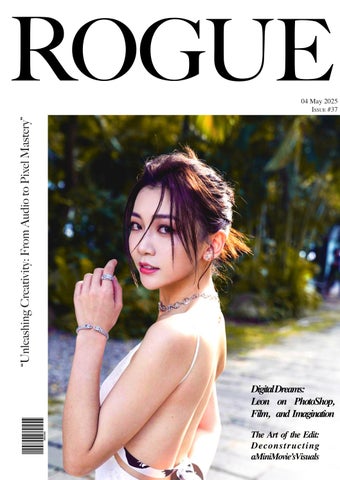
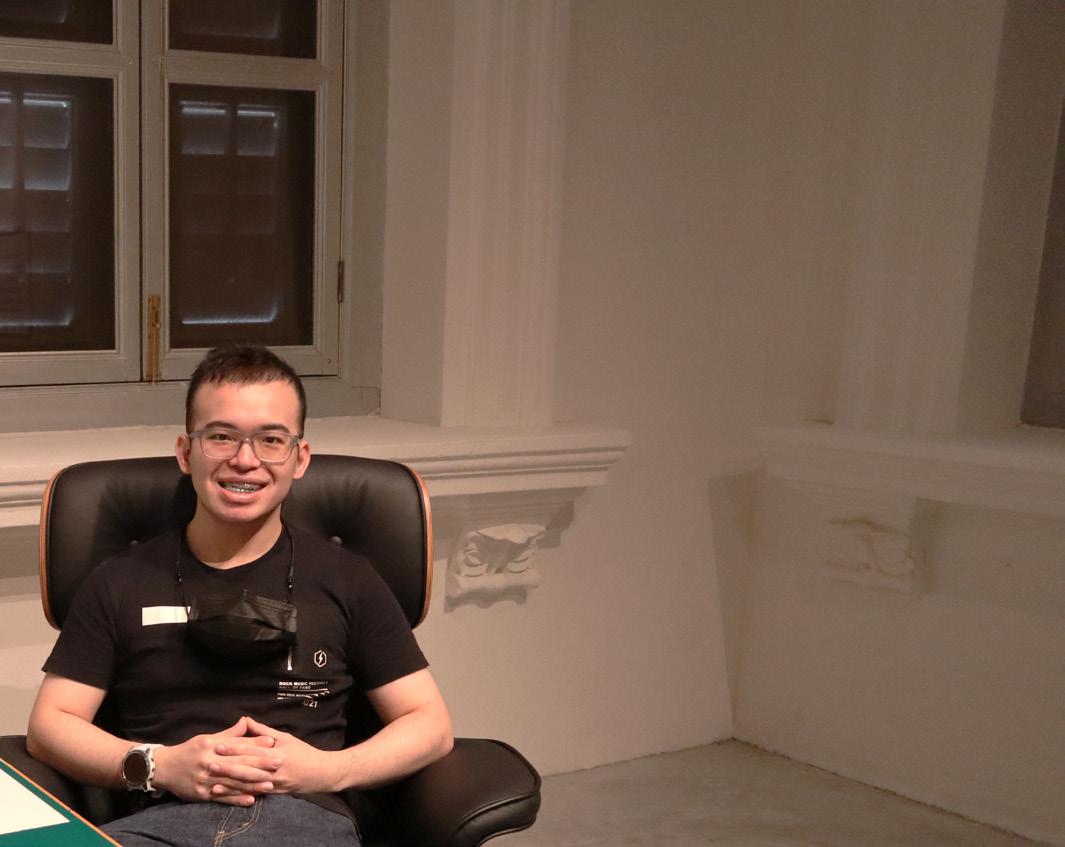
THIS issue of “ROUGE” showcases individual media production, a compilation of creative works, and personal research into the processes of media creation. As the project’s sole author and designer, Teo Liang Zi Leon utilized this endeavor to integrate and exhibit skills developed during academic training. Drawing upon a foundation in film production, digital art practice, and sound composition. This project was more than an academic assignment; it was an opportunity to synthesize and showcase the skills I’ve cultivated throughout my studies.
Every element reflects my creative vision, from the initial concept to the final layout. The audio interviews, for instance, are a testament to my desire to learn directly from those who have mastered their craft. Carefully curated movie spotlights reveal my analytical approach to cinematic storytelling. The Photoshop workshops, which are marked by perfect accuracy, demonstrate my commitment to teaching practical skills, but the more experimental pieces, such as the zombie transformation and photo mashup, indicate my ambition to push creative boundaries.
This magazine also acts as a self-portrait, highlighting my technical skills, creative thought process, commitment to learning, and enthusiasm for all aspects of media creation. Through these pages, I hope you get insight into my development and possibly find inspiration for your own artistic activities. This project has been a very fulfilling experience, and I’ve learnt a lot about the many facets of media development.
Emma will share more information about herself in the interview.
Kyra will share her working experiences working in the engineering industry.
This is a trial production to familiarize myself with the software, and the topic is I’m Hungry.
This production will bring you in-depth into the method of adapting to the hot weather in Singapore.
Introduction to “Portrait, Close Up, Landscape, and Action” photo angle.
Introducing the method of using tools in the software to create 3D effects on a person.
Utilizing 10 copyright free photos to create an original art piece in PhotoShop.
Research on the concept of Lossy vs. Lossless and copyright
This is a process of the practice interview session conducted during the lesson. The purpose is to familiarize the Adobe Audition software in the system to host an interview for the main project.
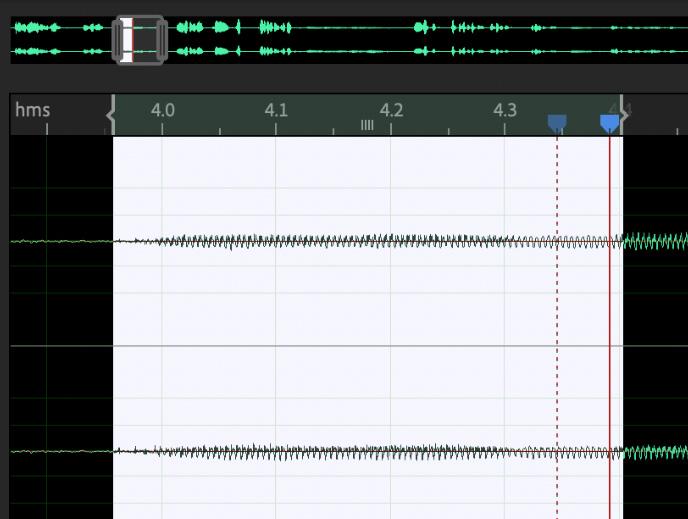
Emma shared information about herself during the interview. She mentioned activities she had done in her free time and another four questions that related to her.
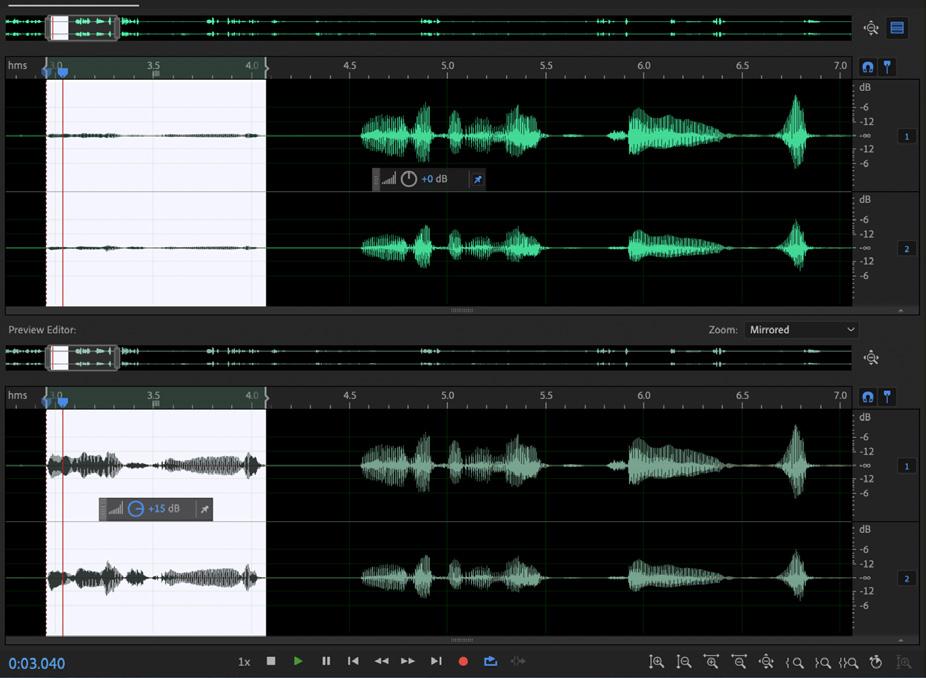
The audio file focuses on a few parts, firstly, on editing and removing the Umm..., Ahh..., Oo..., mentioned during the whole interview by clearing the selected audio sections. Secondly, as the interviewer and interviewee’s volume were captured in different decibels and some sections reached the red zone, an adjustment of decibels is needed to balance the whole audio file.
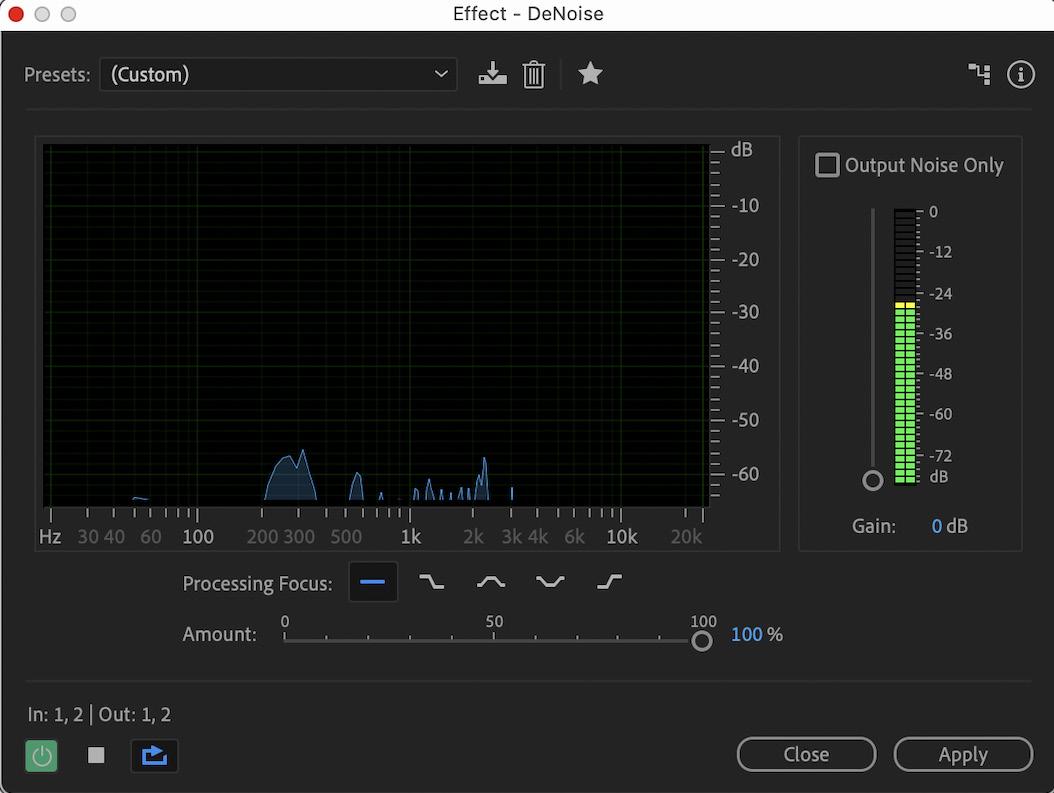
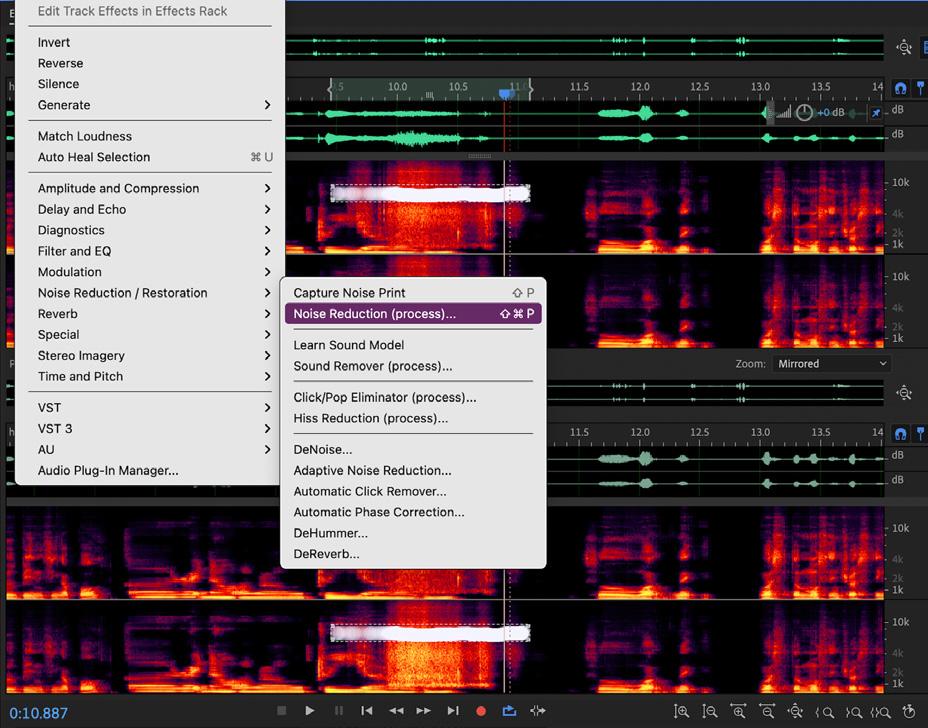
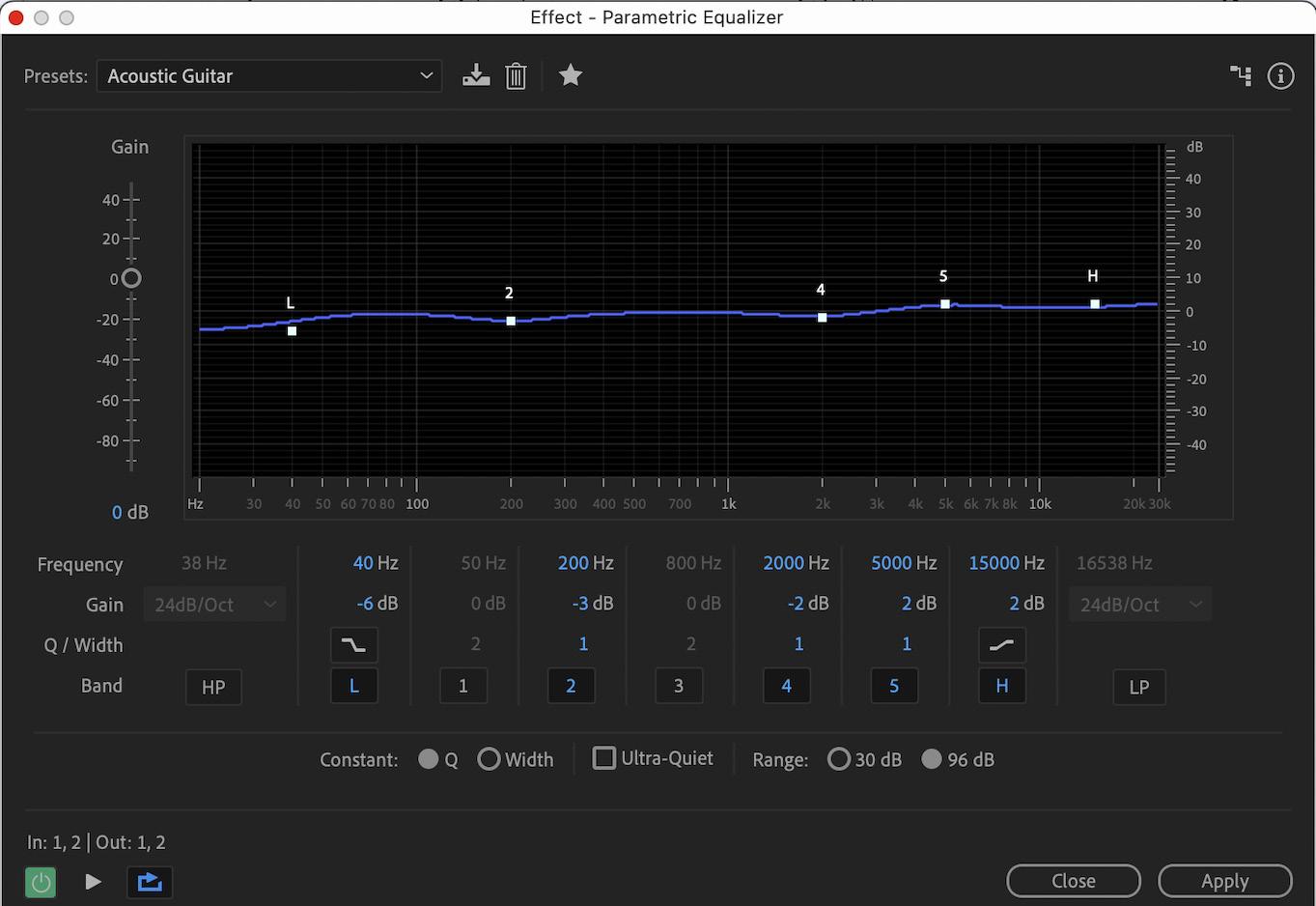
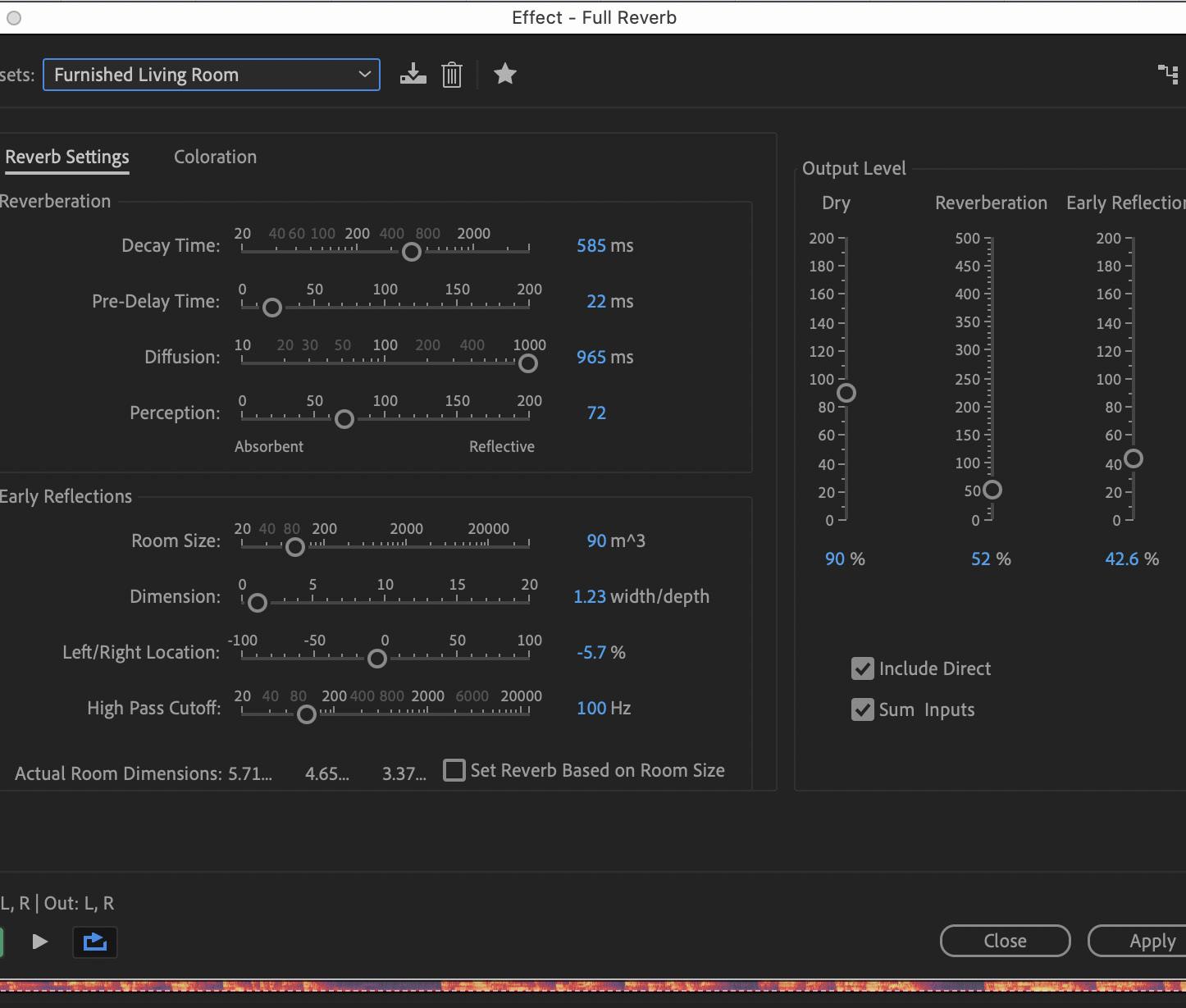
Thirdly, utilizing effects such as DeNoice and Noise Reduction allows me to remove or reduce specific and unwanted noise detected behind the audio. Lastly, utilizing a parametric equalizer allows me to control the entire interview according to the present or manual setting. This allows me to adjust the echo and the original environment setting. Lastly, with these edits, the audio can reduce the time usage and focus on the content without unnecessary pauses.

This is a process of an interview conducted during the curriculum. The purpose is to host an interview with an industrial professional and edit the audio file under the requirements in Adobe Addition.
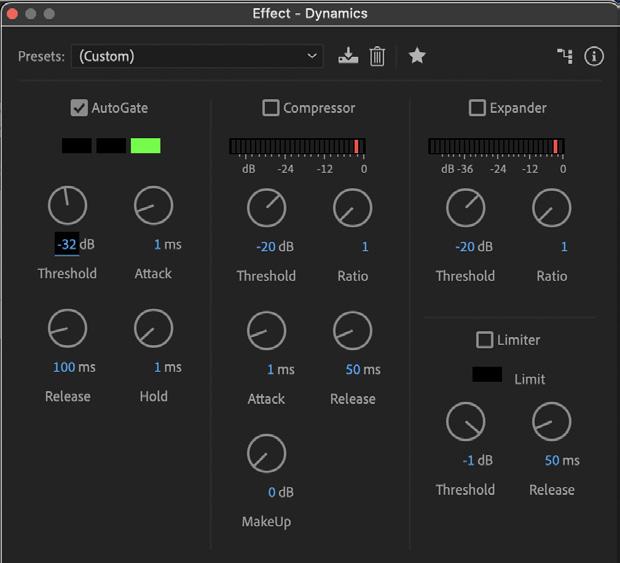
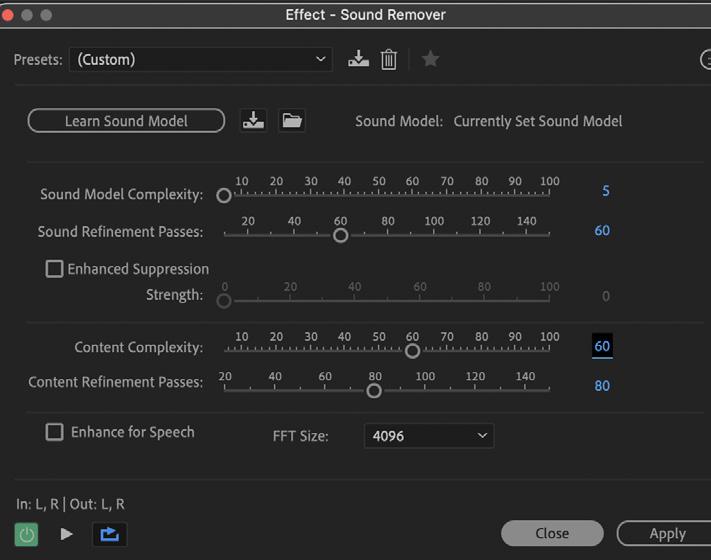
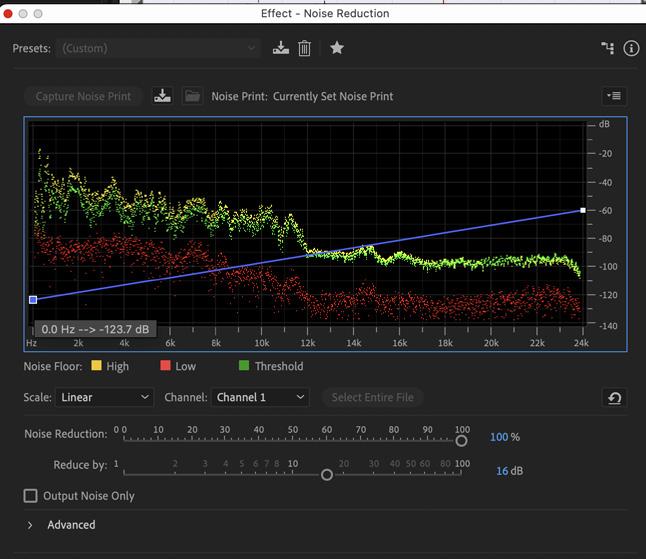
Adobe Audition offers powerful effects. Dynamics tools like compressors and limiters control volume variations, ensuring consistent levels. Sound Remover analyzes and eliminates unwanted audio elements, such as coughs or clicks. Noise Reduction algorithms reduce background hiss and hum, improving clarity. These tools enhance audio quality for professional results. ground hiss and hum, improving clarity. These tools enhance audio quality for professional results.
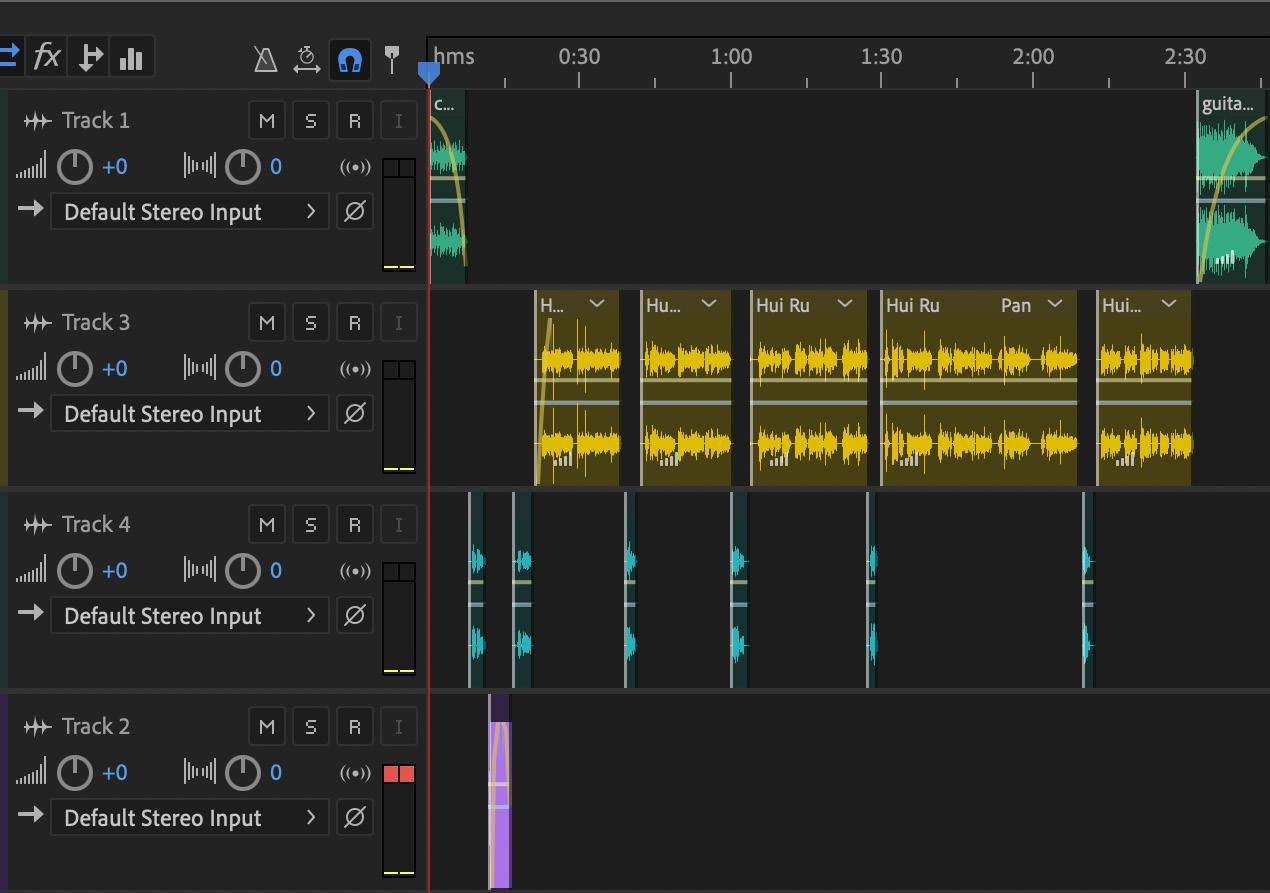
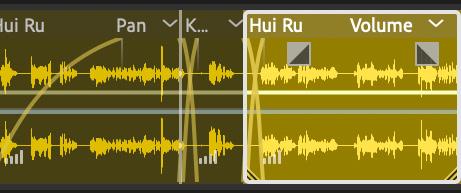
Crossing over audio files enables audio to produce a smoother presentation, by Reducing the previous audio volume and increasing the next audio volume at the same frame time.
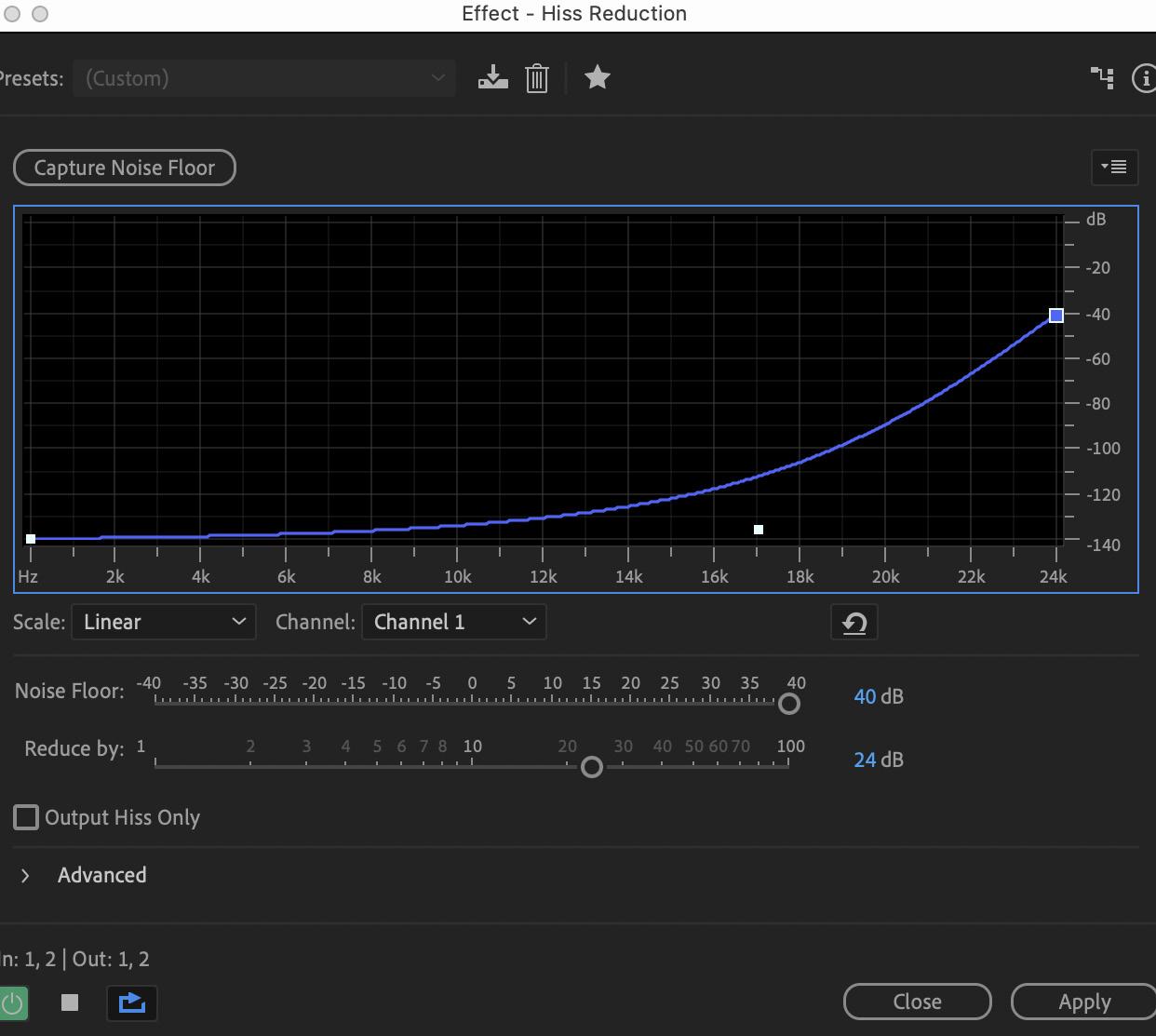
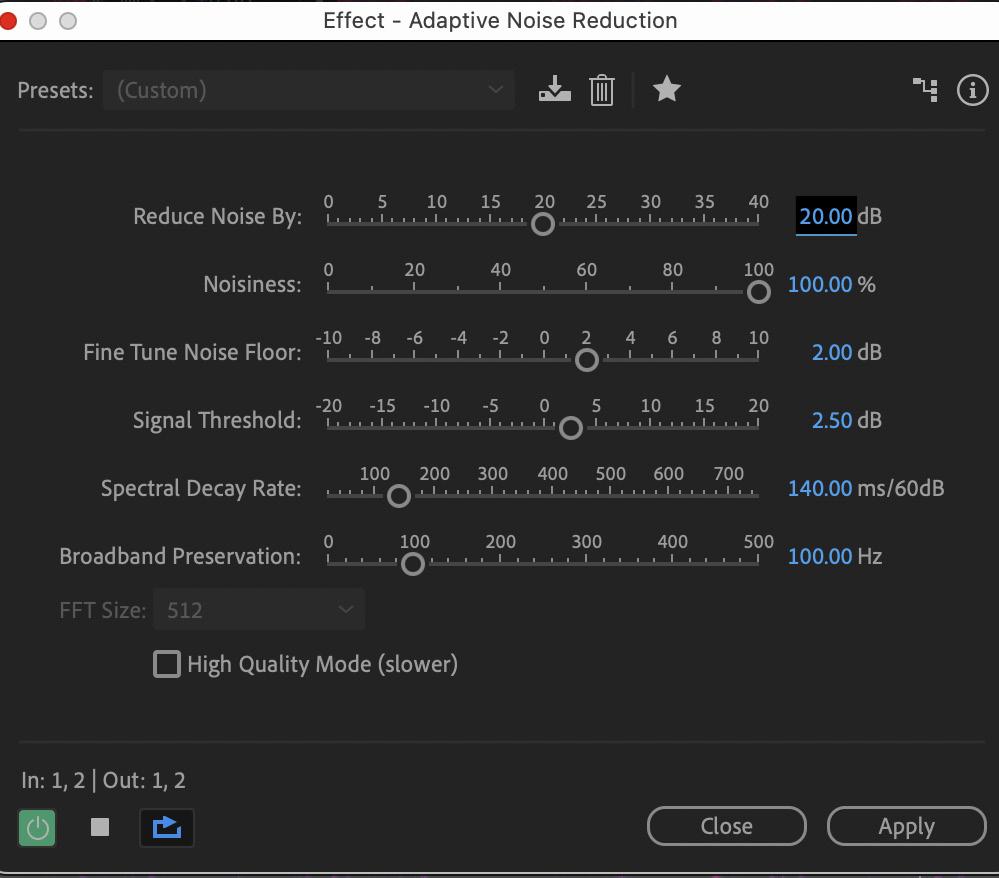
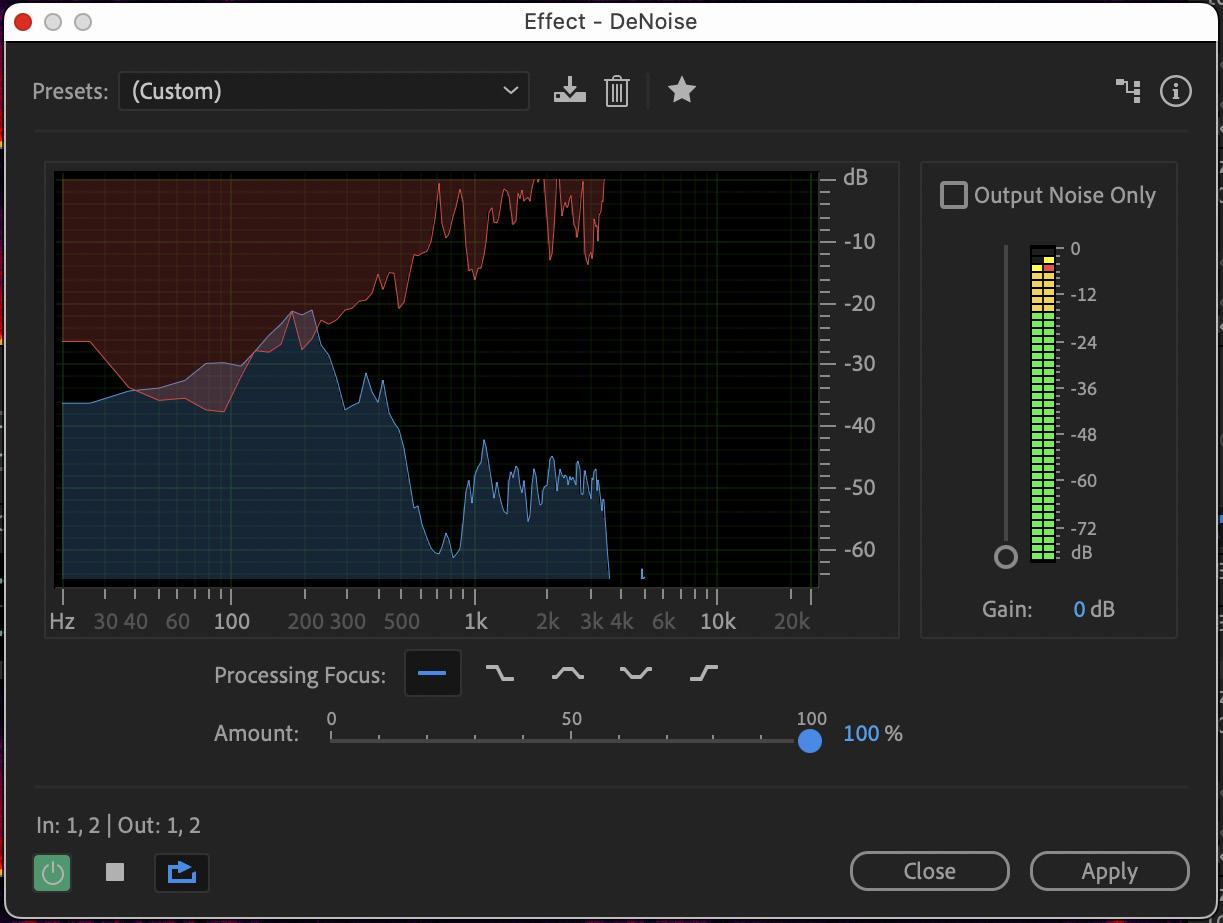
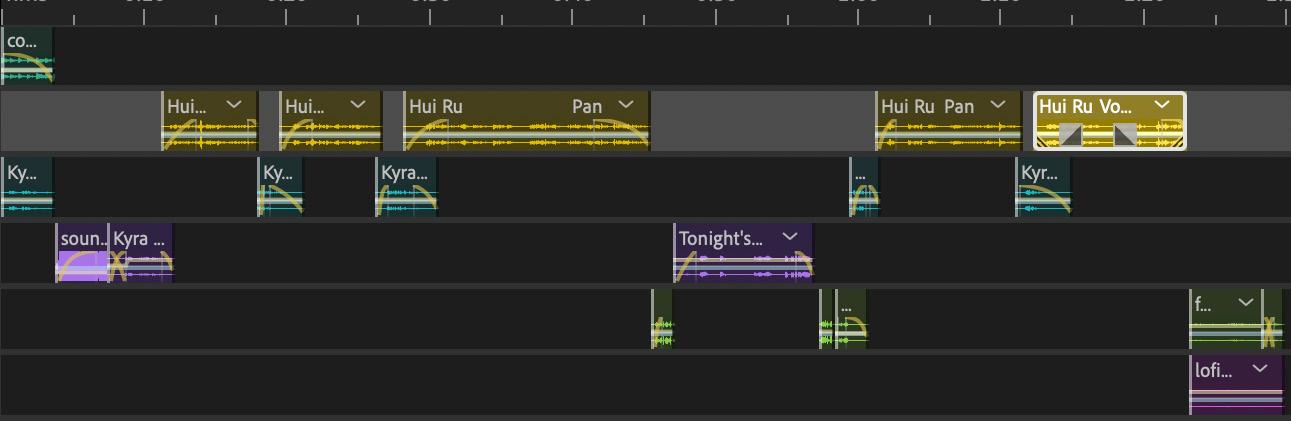
Kyra is a professional in the engineering industry. In this interview, Kyra will share her goals for the year and how she will work hard to achieve those goals.
This audio critical will require a total of one minute. Thirtysecond audio interviews and editing of the audio are required to extract the focus of the interview and remove the unnecessary elements within the audio file. My project consists of a total of 6 files: Intro Music, Interviewer Audio, Interviewee Audio, Sound Effects, Advertisement, and lastly, Outro. Edits such as crossing over and laying over audio files enable me to smoothen the audio effect, which provides a dimension of contract and draws the attention of the listener into the interview.
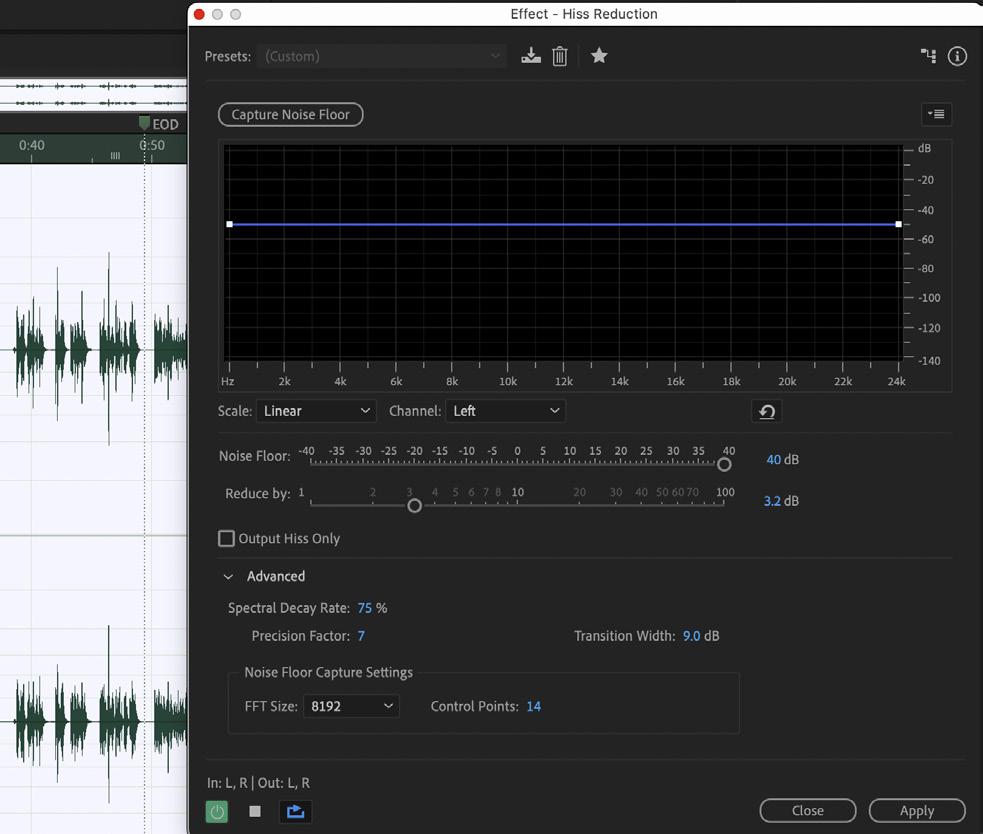
With the assistance of DeNoise, Hiss Reduction, Noise Reduction, Dynamics, Sound Remover, Noise Reduction, Changing the audio environment, and enhancing the parametric equalizer to produce the final product.

This mini-movie is a practice project, and the purpose is to familiarize Adobe Premium Pro software with the system with the given topic of I’m hungry. Additionally, this practice mini-movie will last for 30 seconds.
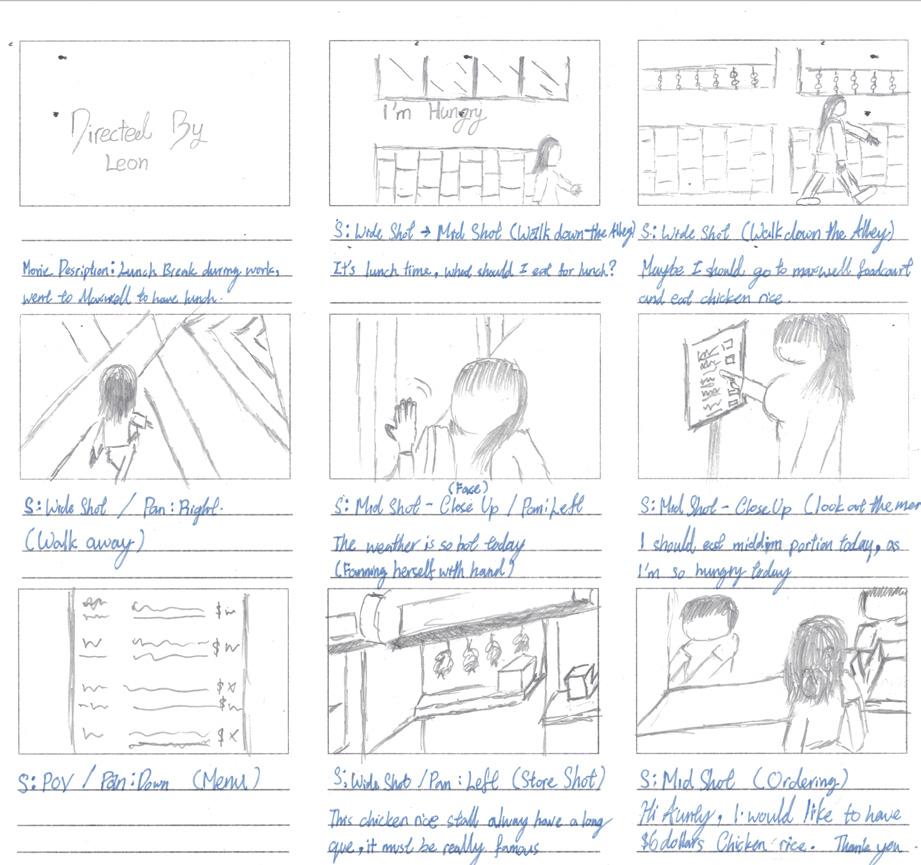
Adobe Premiere Pro allows me to create a dynamic “I’m Hungry” mini-video. Import your film, edit it for speed, and create intriguing transitions. Add bri ght text overlays and music effects to highlight your hunger. Color correct for a visually pleasing look, and then export your finished movie for easy distribution.
Storyboarding is crucial for a compelling vlog. It transforms vague ideas into a clear visual roadmap, ensuring smooth filming and efficient editing. By pre-planning shots and sequences, you maintain focus, enhance storytelling, and deliver a polished, engaging final product that resonates with your audience.
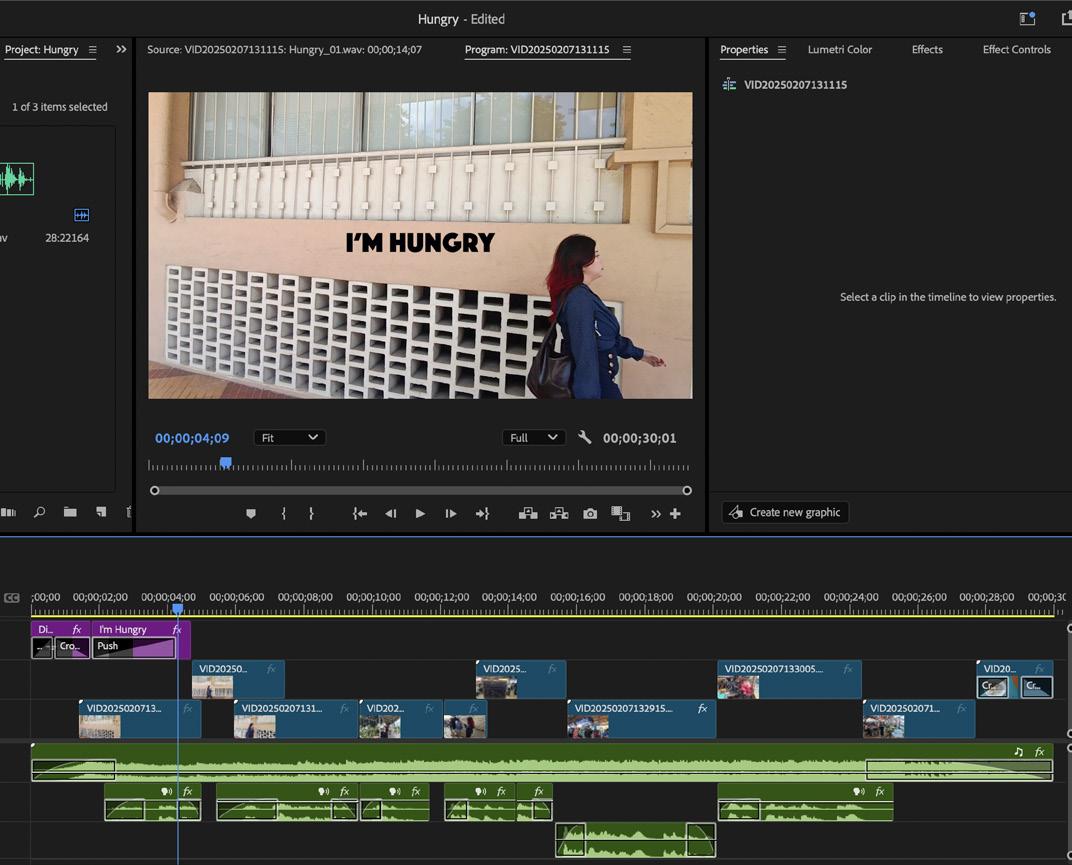
A streamlined methodology is essential to craft a compelling 30-second “I’m Hungry” mini-video within Adobe Premiere Pro. Begin by importing footage and prioritizing visually engaging shots of food or relatable hunger cues. Establish a timeline, meticulously trimming clips to maintain a brisk pace. Employ jump cuts and rapid transitions to amplify the sense of urgency. Utilize color correction and grading to enhance the vibrancy of food shots, Utilizing Color panels for precise adjustments. Incorporate royalty-free sound effects, such as voice-over and musical tracks, to heighten the video’s impact. Finally, export the edited video in a web-optimized format, ensuring high resolution and efficient compression for seamless online sharing.

This is a 1 minute 30 seconds mini-movie project, with the 5 basic shot critiral. The purpose of this this project is to utilize our skill by implementing the different shot in the movie and edit the movie in adobe premium pro with effects, music and combination of mutiple clips.
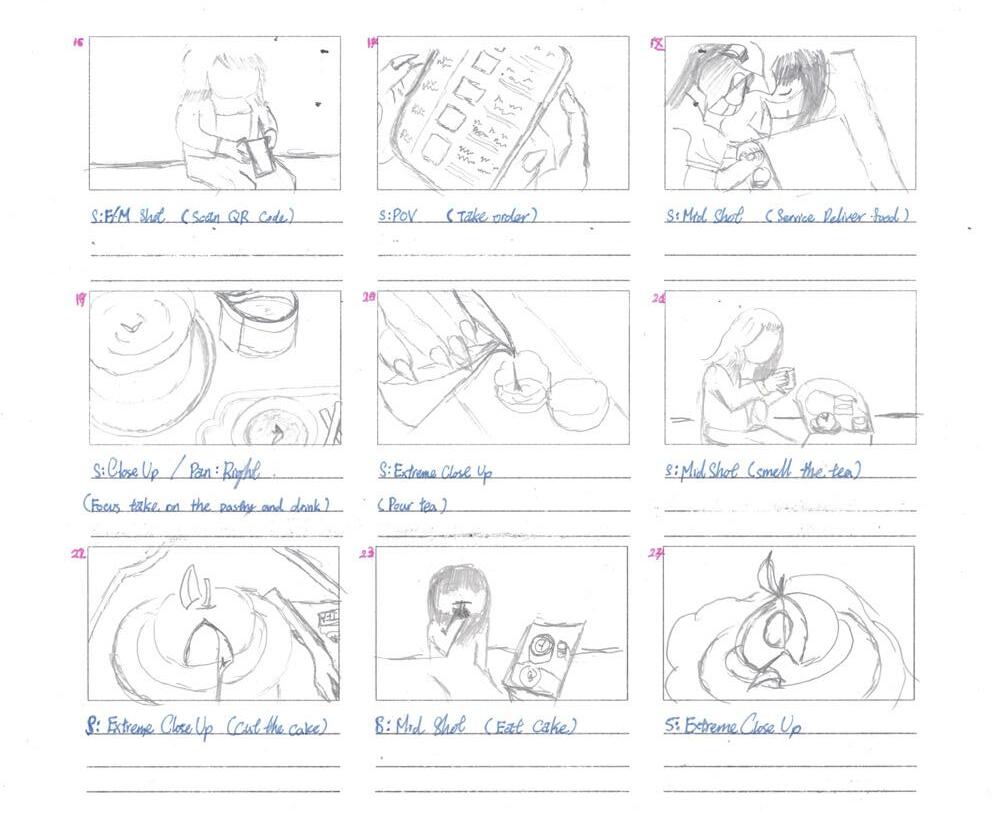
The timeline will then be structured with precise cuts and transitions to maintain a brisk pace suitable for the required duration. Color correction and grading will be strategically applied to enhance the vibrant colors and textures of the desserts, emphasizing their visual allure.
Storyboarding is crucial for minimovie success. It visually maps the narrative, ensuring seamless transit ions and efficient use of resources. This proactive planning prevents costly errors, optimizes filming time, and guarantees a cohesive, impactful final product. Storyboarding translates creative vision into a clear, actionable roadmap.
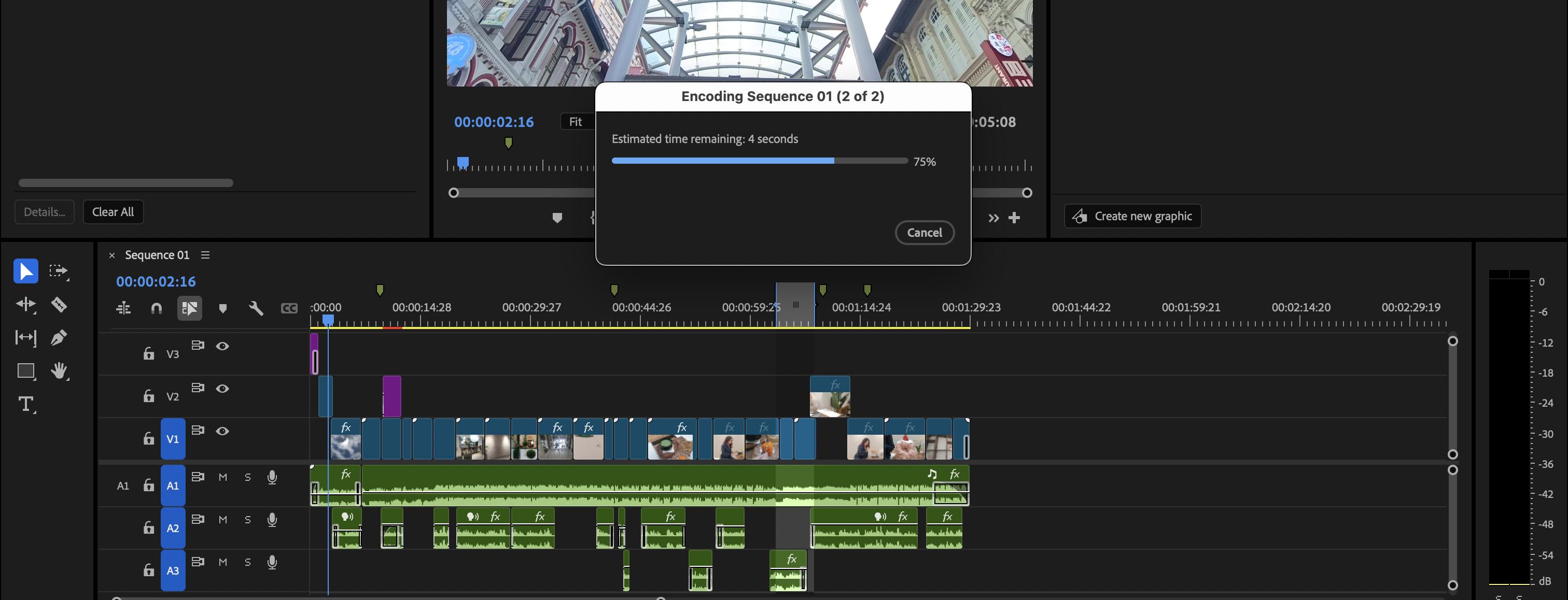
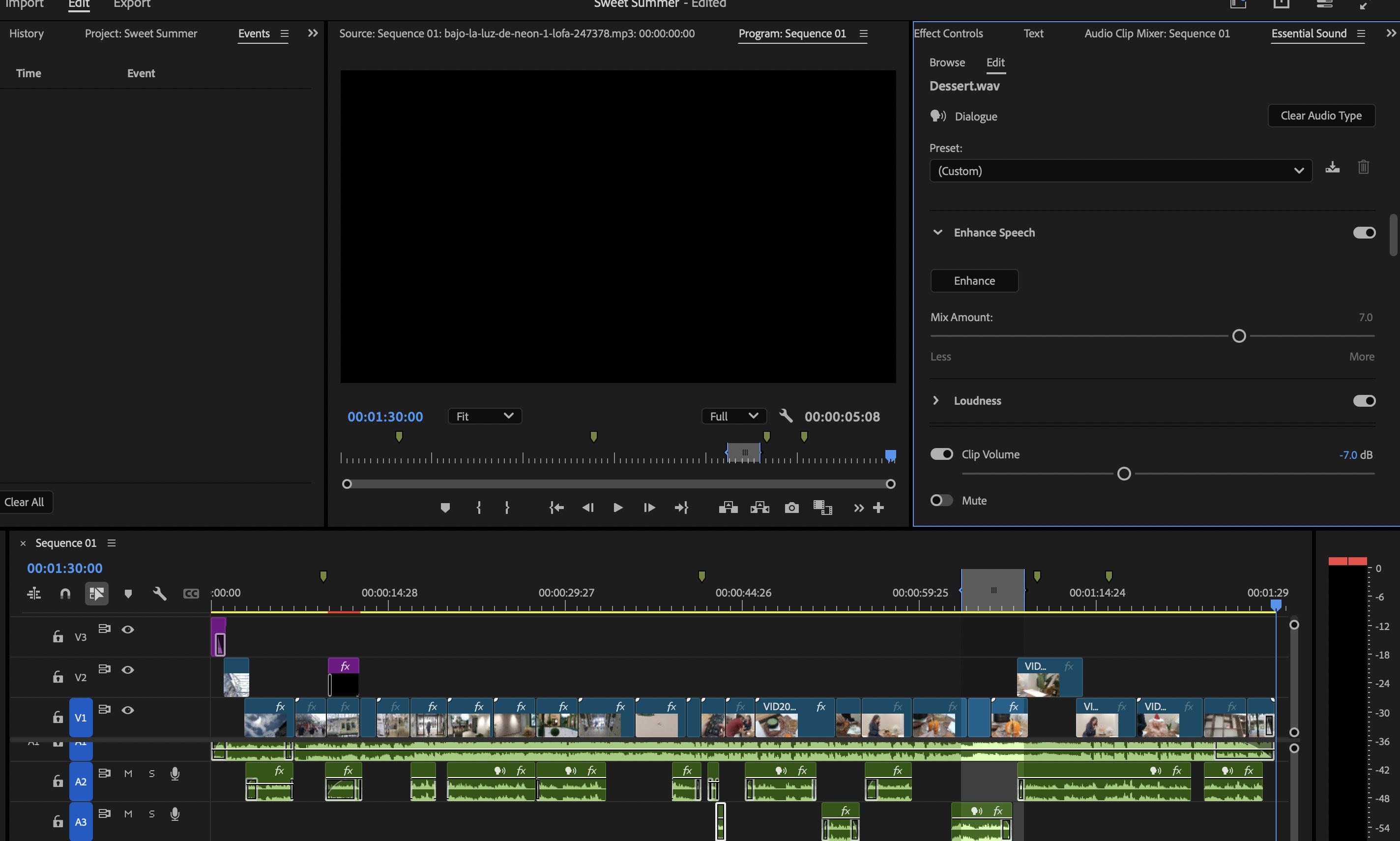
Capturing the cool essence of “Dessert Dairy” against the backdrop of Singapore’s tropical climate demands a focused editing approach within the 90-second constraint. This mini-movie prioritizes a clear narrative arc, thematic consistency, and a distinct mood, all facilitated by a well-structured Adobe Premiere Pro project. Footage, organized by five key shot types – Close Up, Wide Shot, Mid Shot, Point of View, and Reaction Shot – forms the visual foundation. Complementary audio, meticulously recorded and refined in Adobe Audition, is layered with inviting background music to enhance the sensory experience. Color correction plays a crucial role in visually conveying coolness, employing subtle shifts towards lower temperatures and blue/cyan hues. Strategic sound design, incorporating the crisp sounds of preparation and consumption alongside soothing ambient textures, further immerses the viewer. Elegant motion graphics, such as understated lower thirds and concise text overlays highlighting key elements or sensations, add visual interest without overwhelming the primary imagery. The final polish is achieved through precise editing, favoring clean cuts and gentle dissolves to ensure a seamless and appealing final product that effectively communicates a refreshing escape.


The primary purpose of a portrait shot is to capture the essence, personality, and likeness of an individual or group. It aims to tell a story about the subject through their expression, pose, and the surrounding context.

Landscape photography aims to capture the beauty, grandeur, and atmosphere of the natural environment. It seeks to evoke a sense of place, scale, and often aims to inspire awe or tranquility in the

The Power of the Portrait. By carefully cropping and magnifying the subject, the portrait lens hones in on the individual. A nuanced adjustment of contrast further unveils the inherent vibrancy of their true colours, capturing an authentic glimpse.
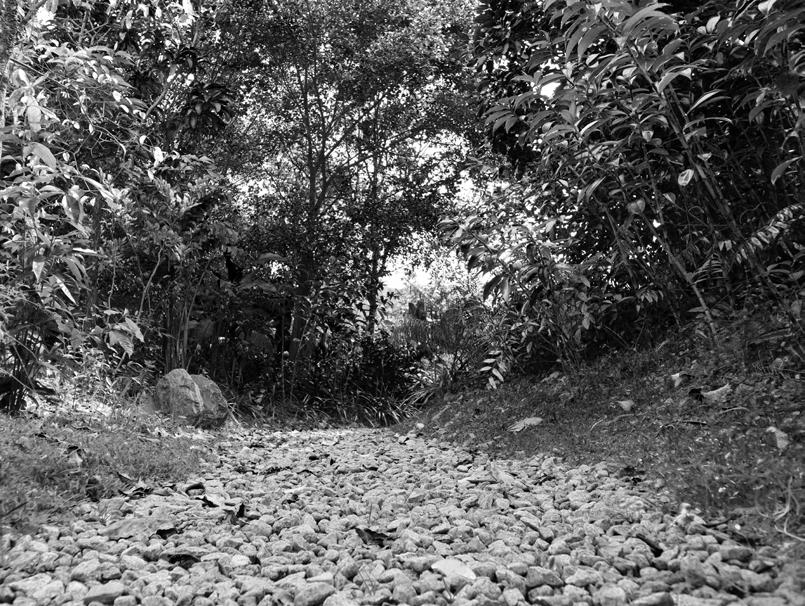
viewer. By turning the photography to Black and white, it emphasizes the interplay of light and shadow, creating strong contrasts and visual interest.
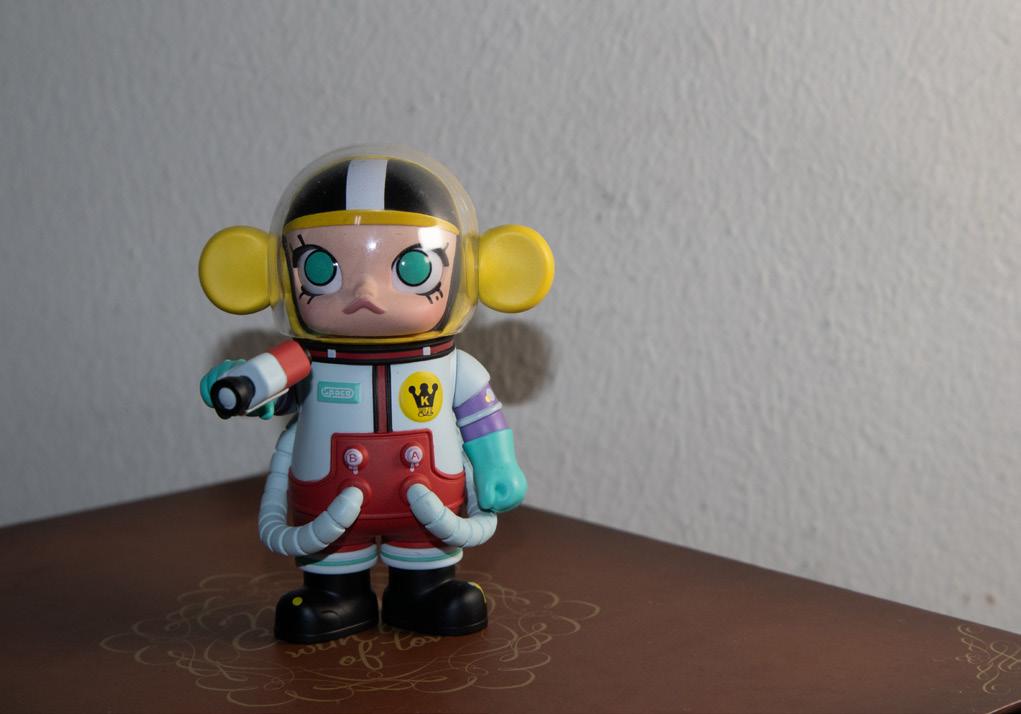
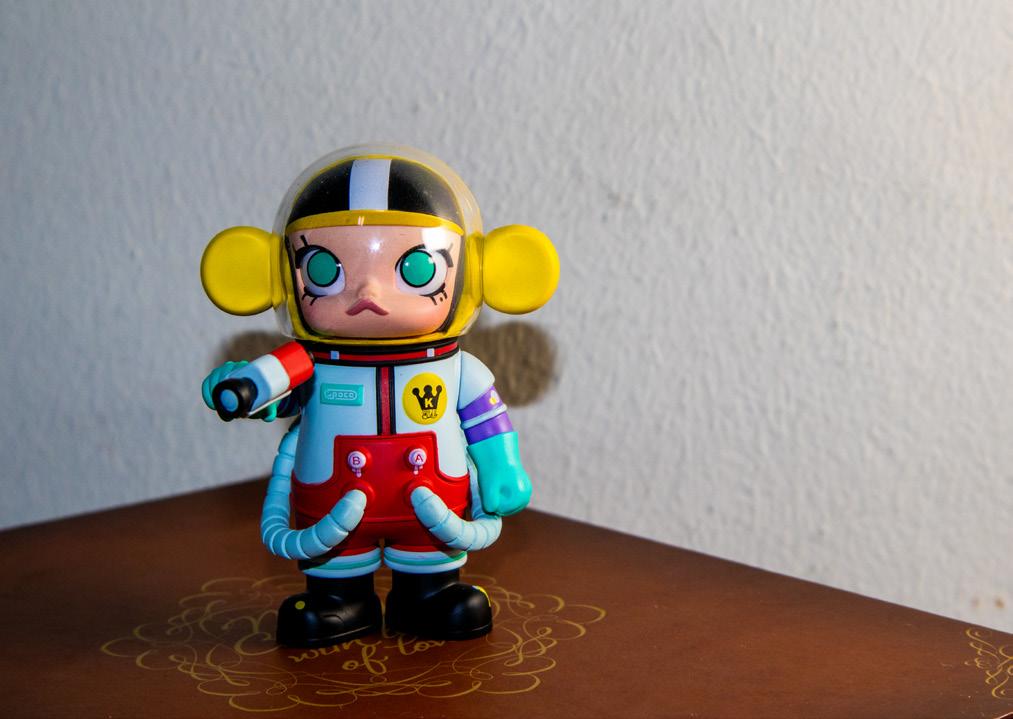
The purpose of a close-up shot is to draw the viewer’s attention to specific details and textures that might be missed in a wider view. It can emphasize the beauty, intricacy, or even the abstract nature of a small subject, creating intimacy and focus.
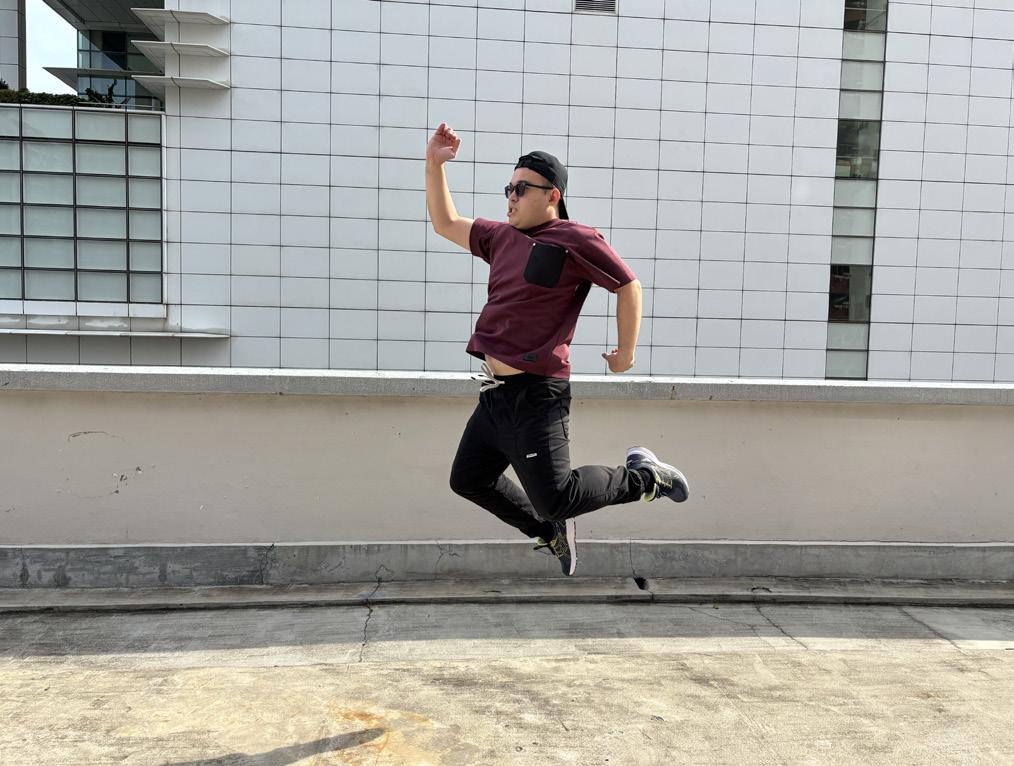
Action photography aims to freeze or convey motion and energy within a scene. Its purpose is to capture dynamic moments, tell a story of movement, and often evoke a sense of excitement or drama.
In addition, the color balance can be adjusted to extract the photograph’s details or the specific part of the object’s
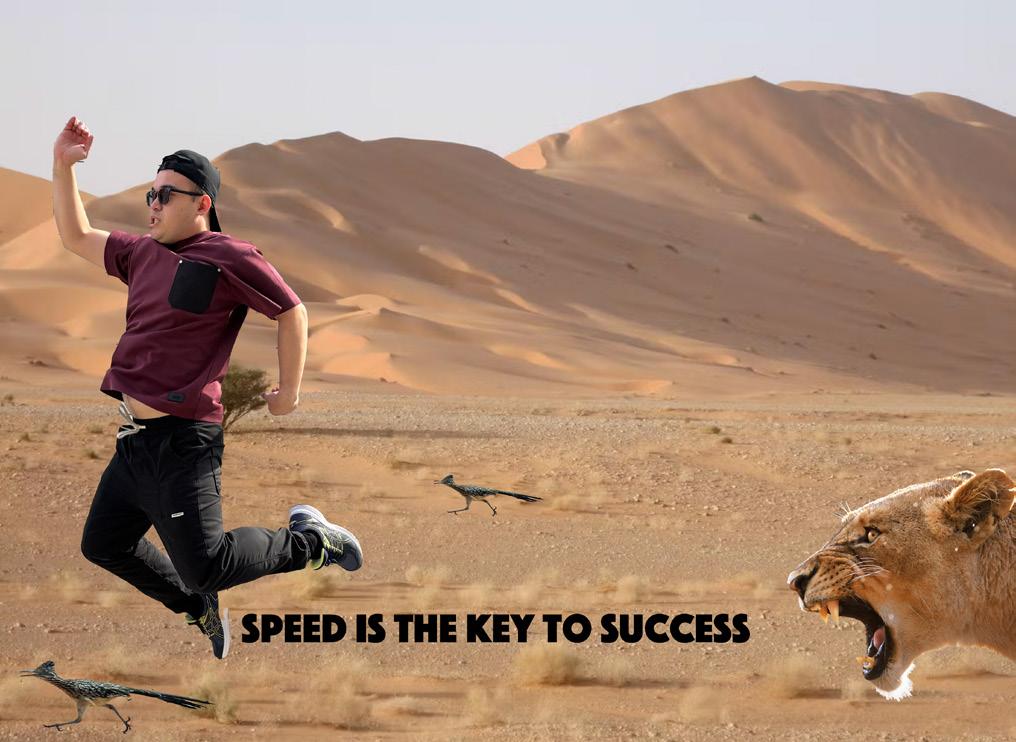
Utilizing AI for background segmentation enables the subsequent manipulation of a photograph’s environment through the replacement of the original background and the importation of relevant elements, characters, and text overlays.
The assignment aims to transform a portrait shot into a “movie,” like a zombie image. I was given a choice to turn their picture into a fairy/monster/alien/vampire, etc. At the completion of the project, I will have demonstrated the ability to combine layers, use masks, and use adjustment layers and tools to transform a head-shot/mid-shot of an individual.
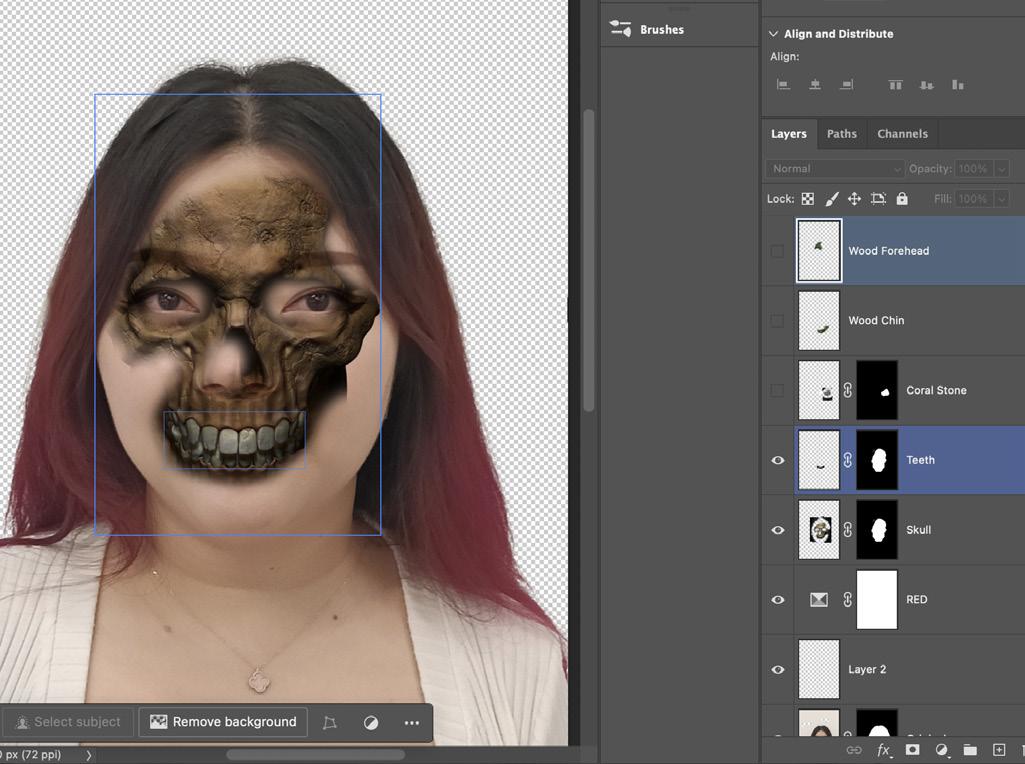
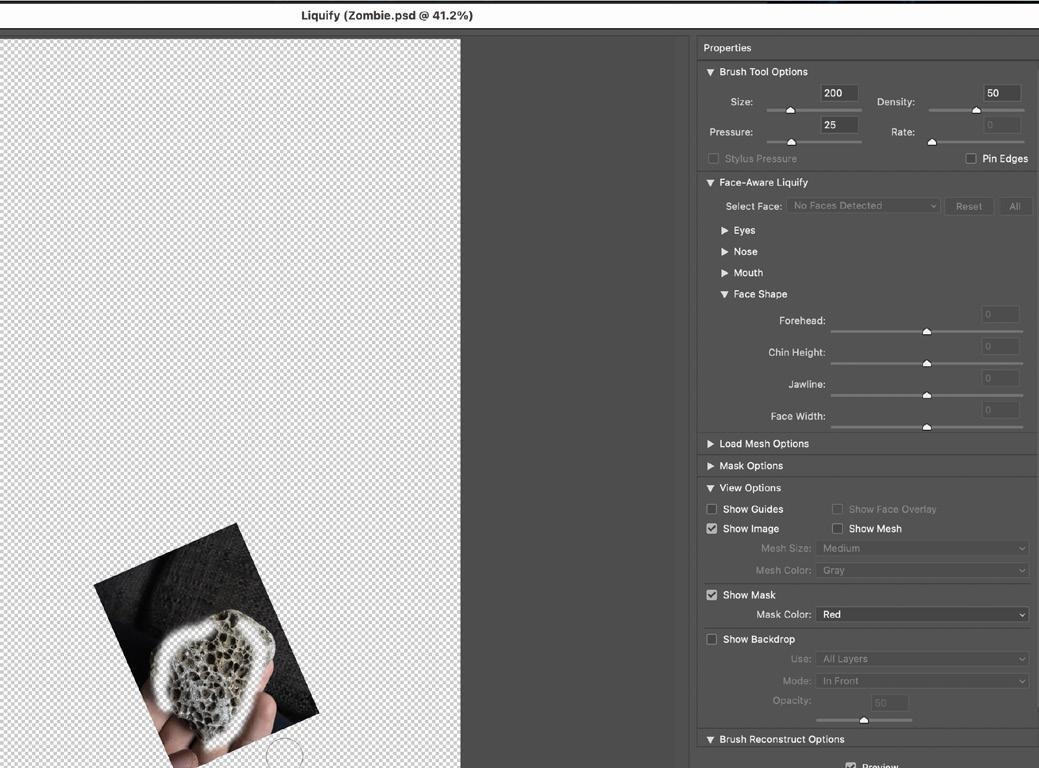
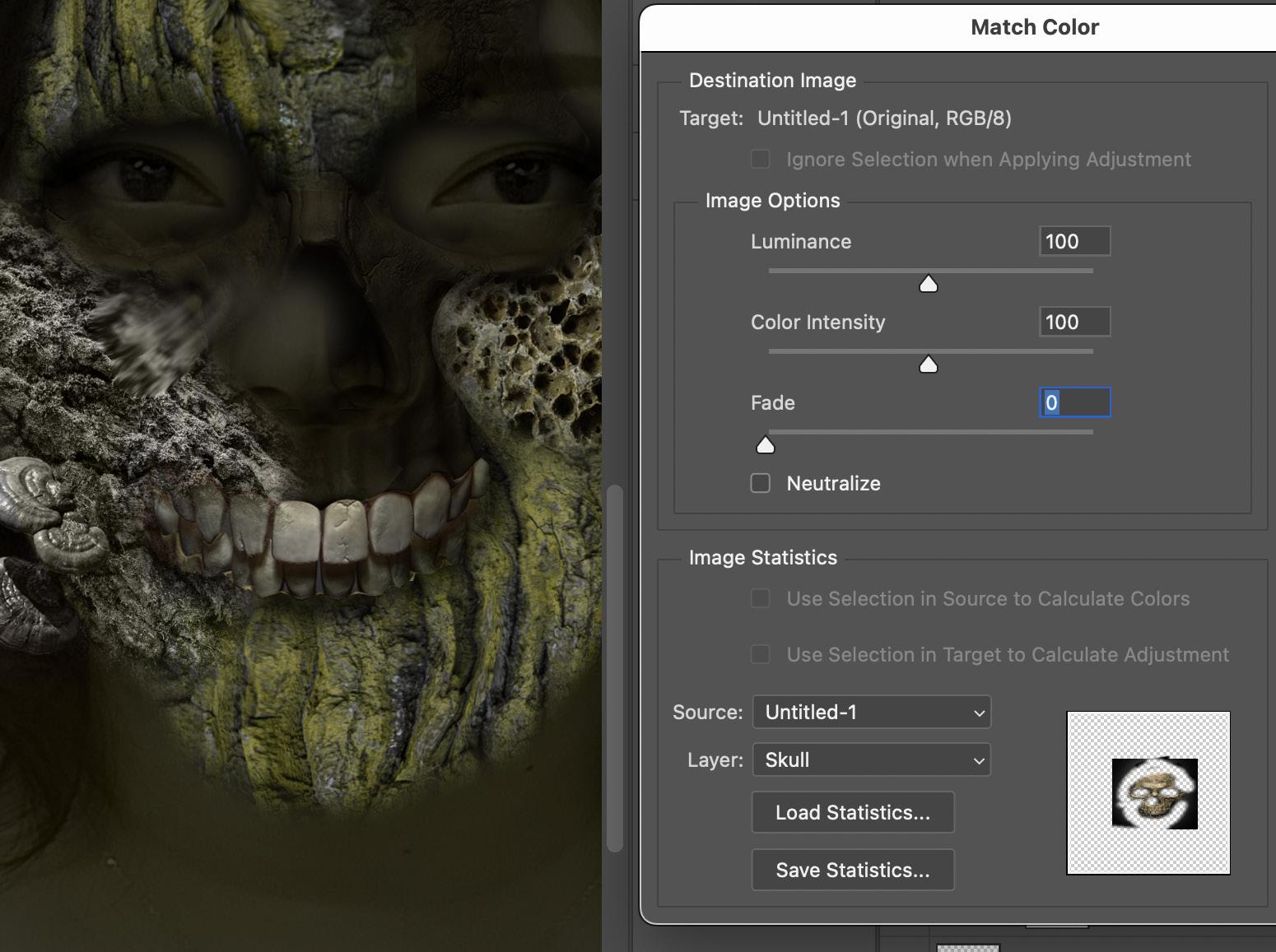
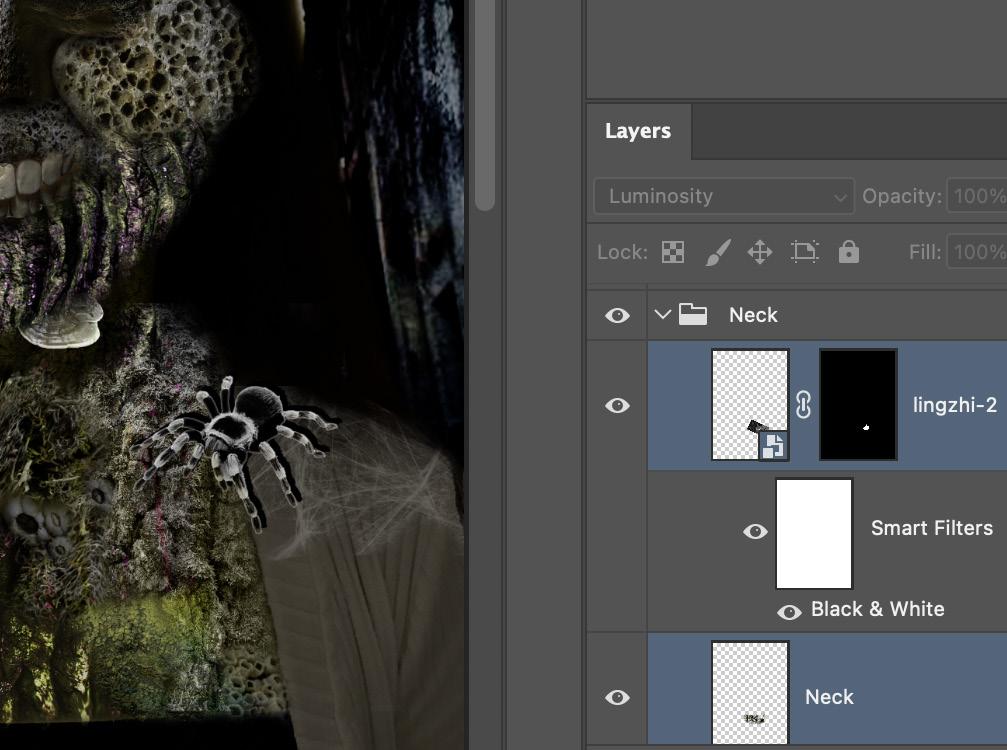
To achieve a high score on this assignment, several key Photoshop skills must be demonstrated effectively. The skillful use of layers is crucial for combining different images and elements seamlessly, while the effective application of masks is necessary for blending images, removing backgrounds, and creating smooth transitions. Adjustment layers play a vital role in manipulating the mood and tones of the image, ensuring that the lighting and coloring of the various layers are consistent. Accurate selections are essential for isolating specific parts of images for editing, and experimenting with blending modes and opacity is important for achieving the desired effects and integrating elements convincingly. Furthermore, the proper use of transform tools is necessary for resizing, rotating, and scaling images. Attention to detail is also critical, including adhering to the specified image size and ratio (2:3 ratio, with 4000px on the longest side), using copyright-free images, and carefully following all instructions provided in the brief.
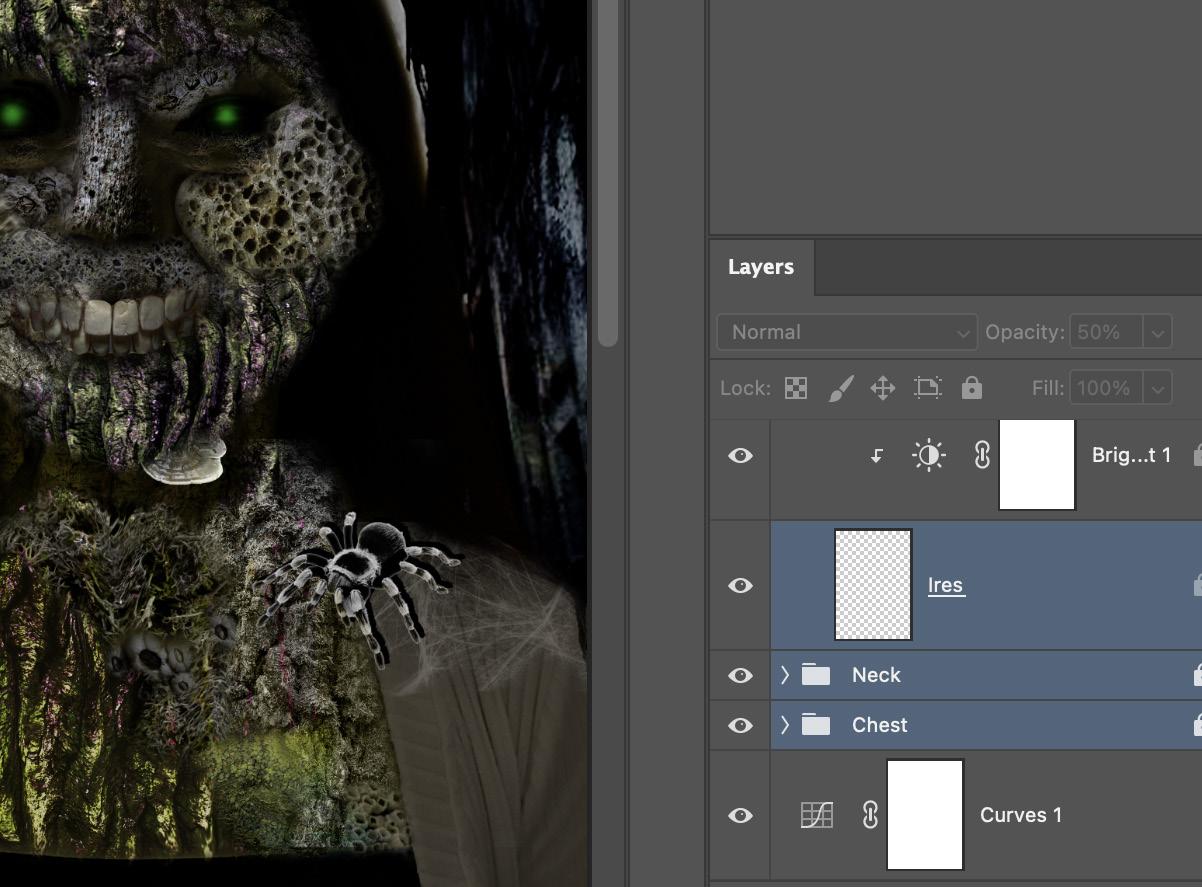
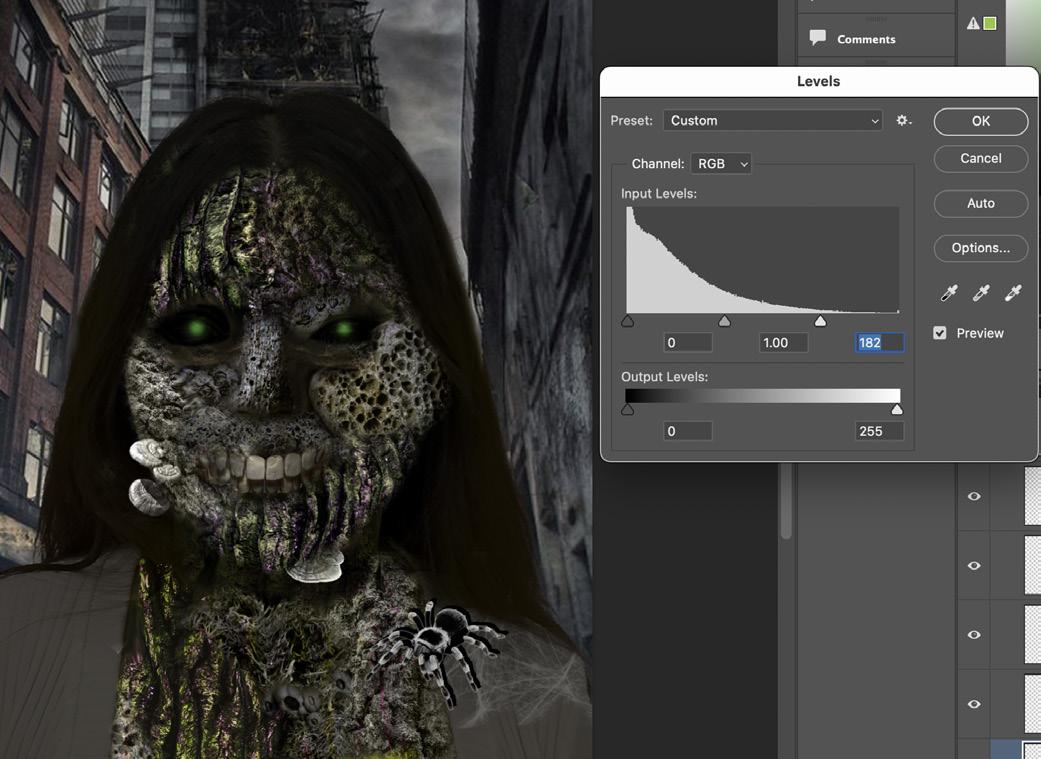
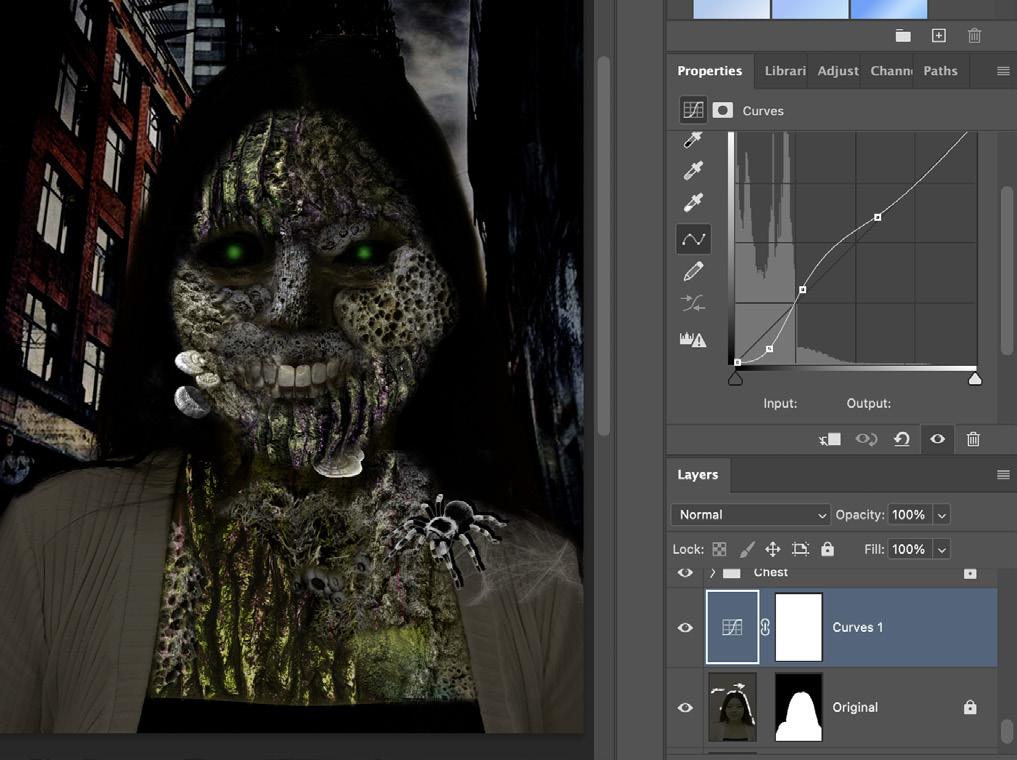
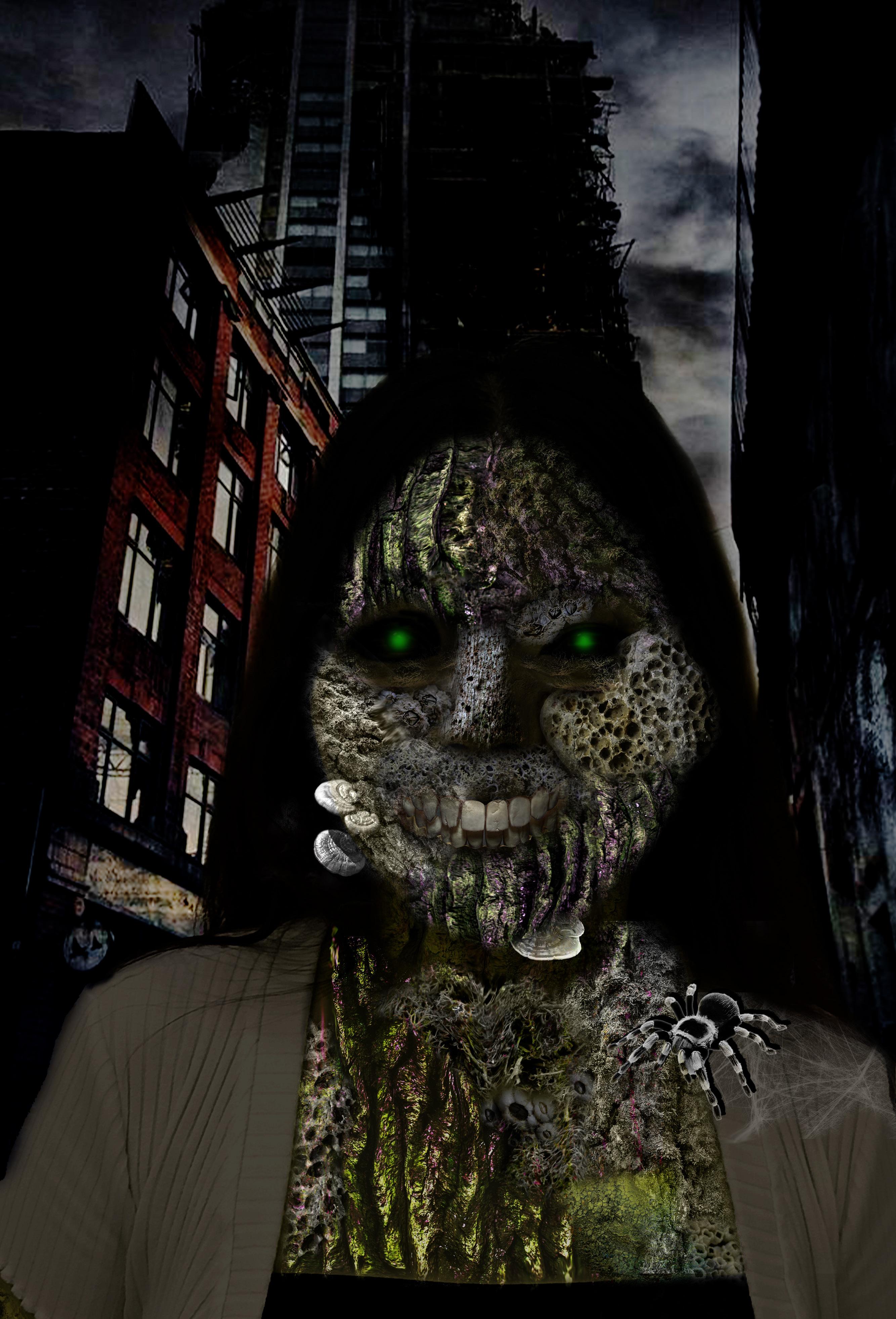
This project aimed to transform a portrait into a compelling zombie image by leveraging a range of Photoshop techniques. I had references to my concept on YouTube for professional samples, such as Brook Shaden, learning her method of creating and editing in Photoshop.
The process began with sourcing copyright-free images and setting up a digital workspace with the correct 2:3 ratio and 4000-pixel longest side. The transformation involved inserting a background, manipulating its mood with adjustment layers, and then bringing in a headshot. Selection and masking techniques were employed to remove the headshot’s original background, and transform tools were used for resizing and positioning. Adjustment layers and clipping masks were crucial for unifying lighting and coloring.
To achieve the zombie aesthetic, additional images of “Woody” elements were integrated using selections, masks, and transform tools. Layer blending modes and opacity adjustments played a key role in creating a convincing blend. Details such as zombie eyes, created with the smudge tool, dodge and burn tools, or replaced eyes, along with dodge, burn, and desaturation techniques, further enhanced the image. Special attention was given to the mouth and teeth using various discolouring techniques. Layers were continuously added to build depth, and paintbrushes were used for details like shadows and bruising.
To further enhance the concept, the transformation effects were extended beyond the head to the individual’s neck and body. Elements from the head and other objects, such as a tarantula on the shoulder, were incorporated to fully realize the theme’s atmosphere. The final image was saved in PSD format to preserve layers and in PNG/JPG format for sharing.
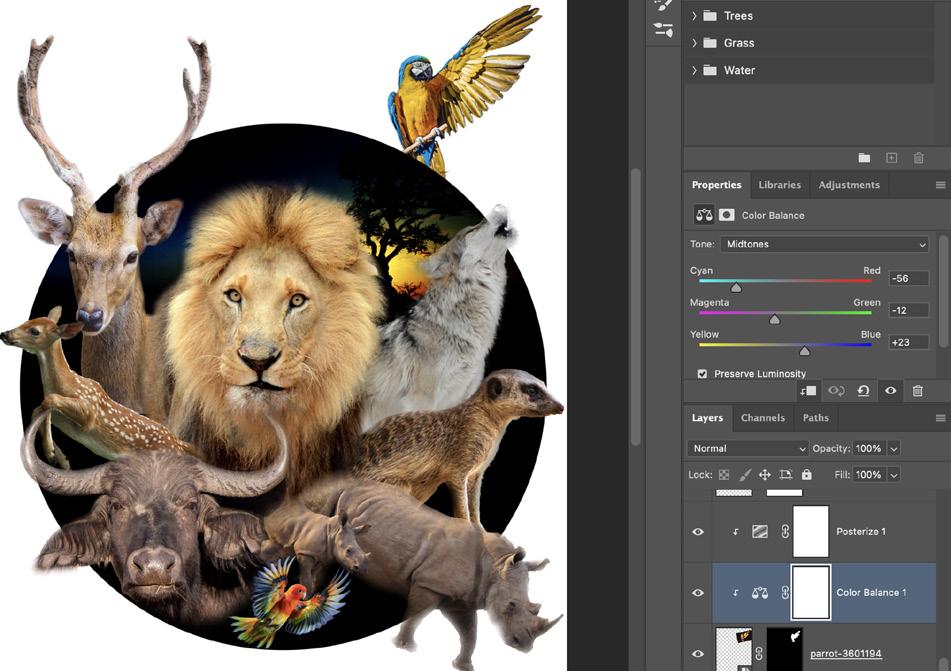
The purpose of the assignment is to combine at least ten different royalty-free images in Adobe Photoshop to create a multi-layered image mashup/remix. Students will demonstrate their ability to blend layers, use masks, adjustment layers, and other tools to create a scene. The assignment also requires students to consider copyright issues.
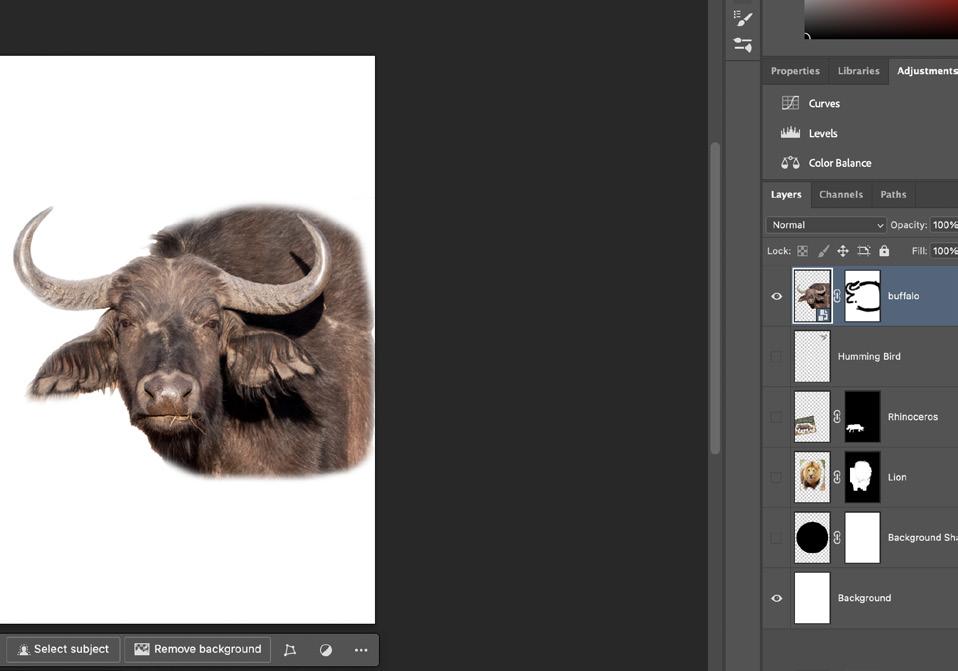
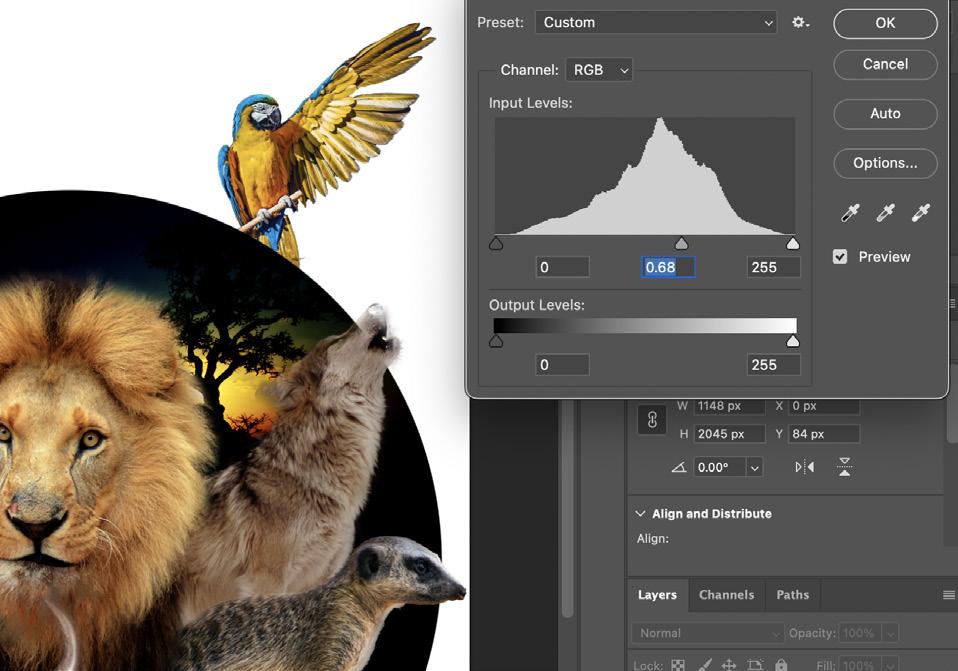
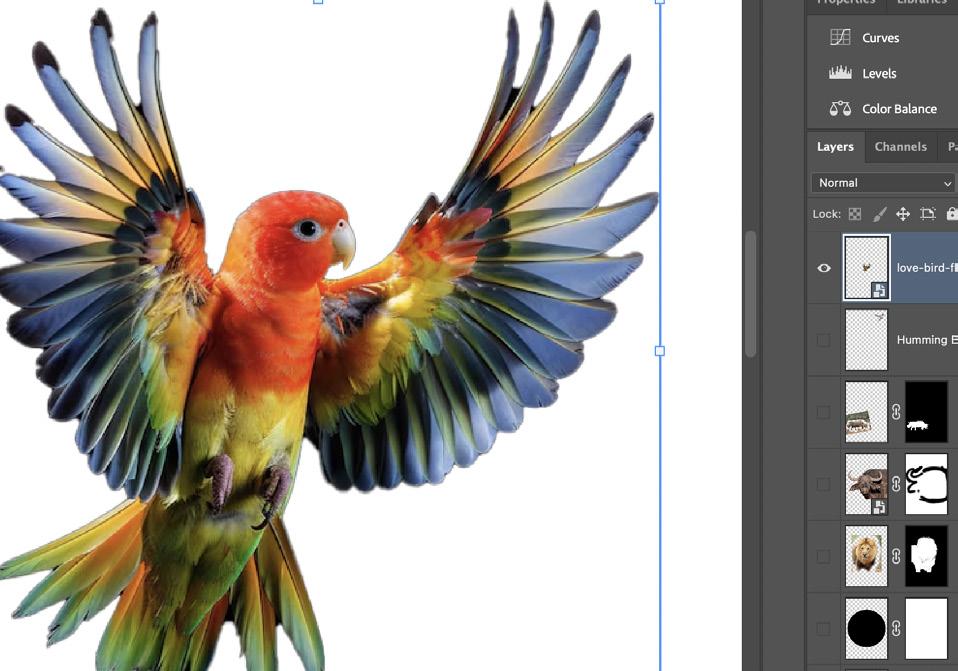
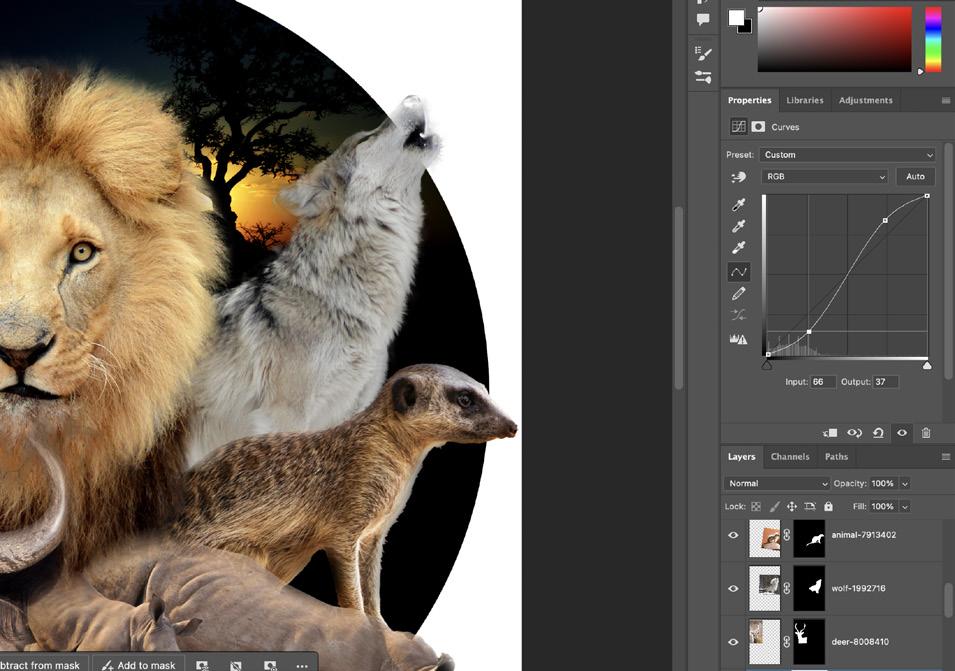
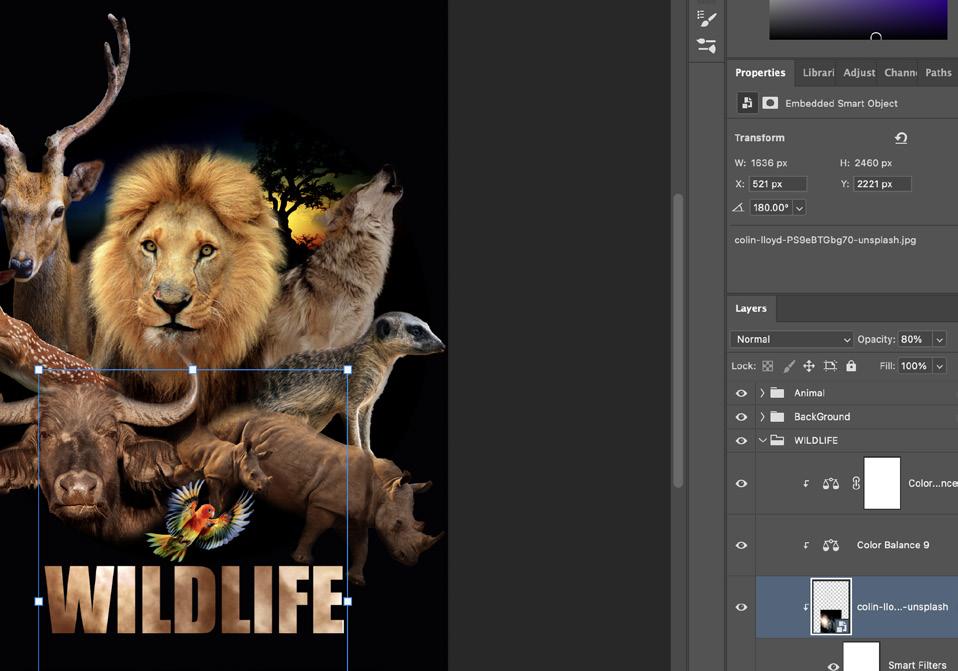
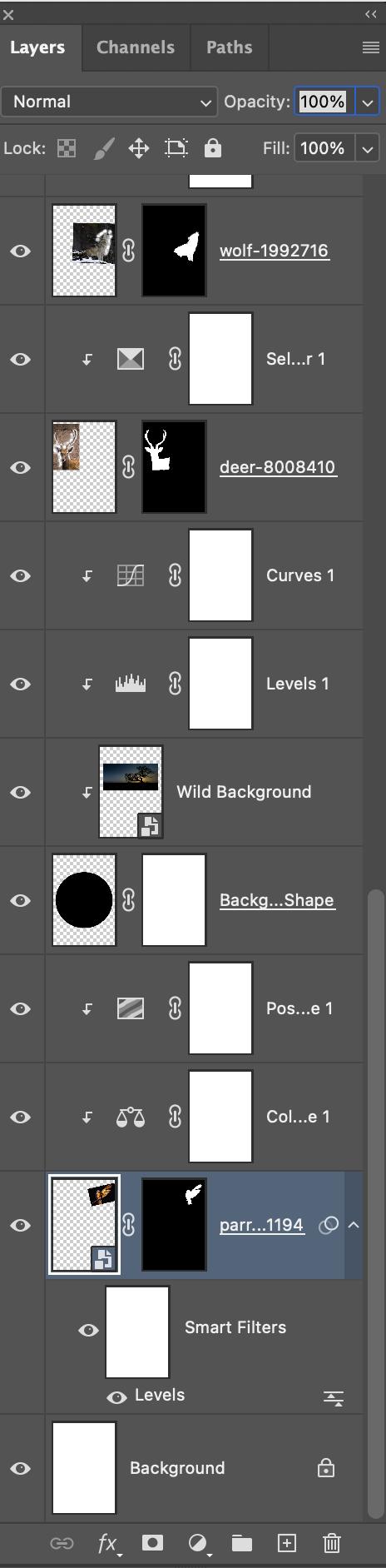
To achieve the critiral on this assignment, it is essential to demonstrate proficiency in a range of Photoshop skills and adhere to the specified requirements. This includes sourcing and appropriately using at least ten copyright or royalty-free images with a resolution of 300dpi. The image should be created with a 2:3 ratio and a longest side of 4000px. Technical skills that need to be showcased are the use of layers, creation of selections, development of layer masks, and effective use of transform tools such as resize, flip, rotate, and skew. Furthermore, the use of layer blending modes, opacity, adjustment layers, clipping masks, and effects like layer styles, filters, and the paintbrush are necessary. Adhering to the design brief, layout, and file sizes is crucial. Finally, the ability to answer questions about copyright and ownership, displaying an understanding of relevant concepts, is also important.
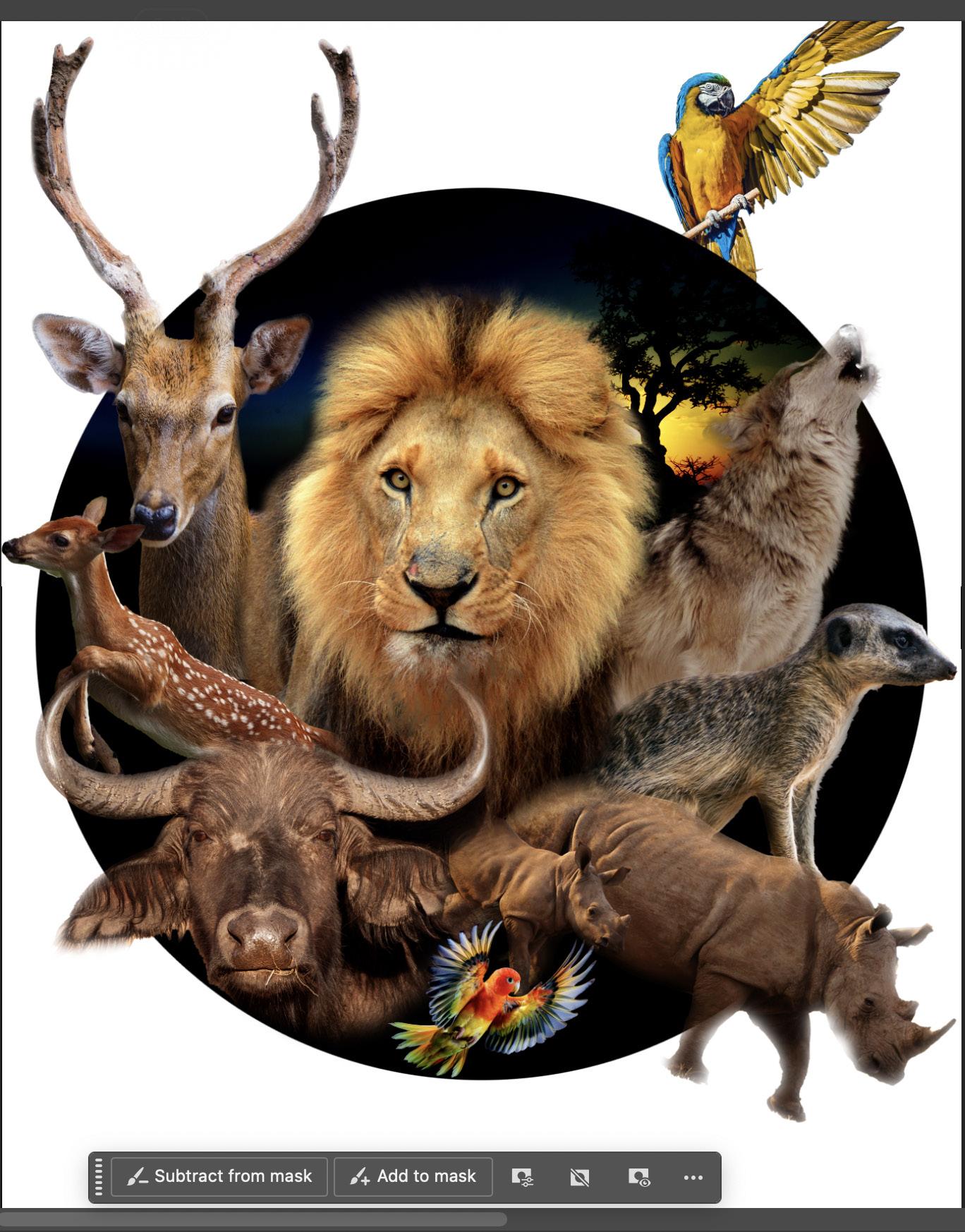
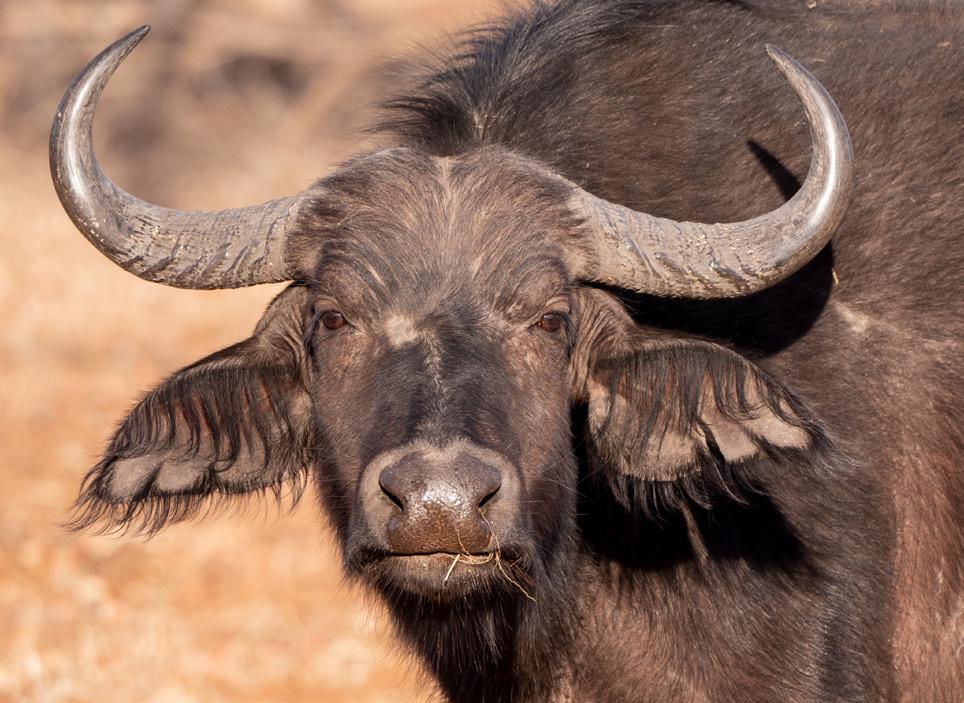

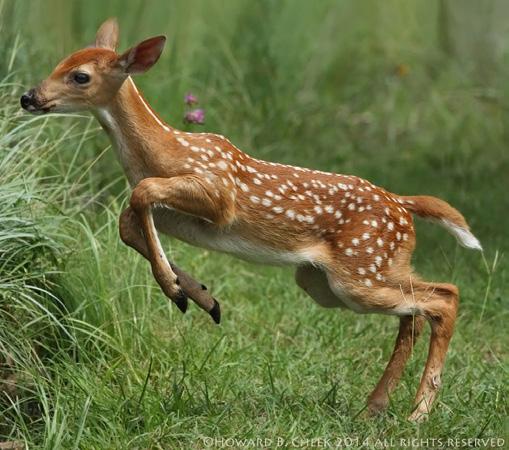

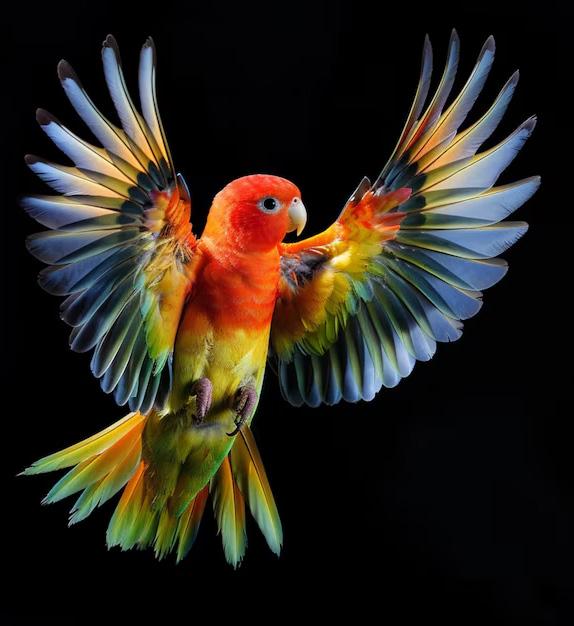
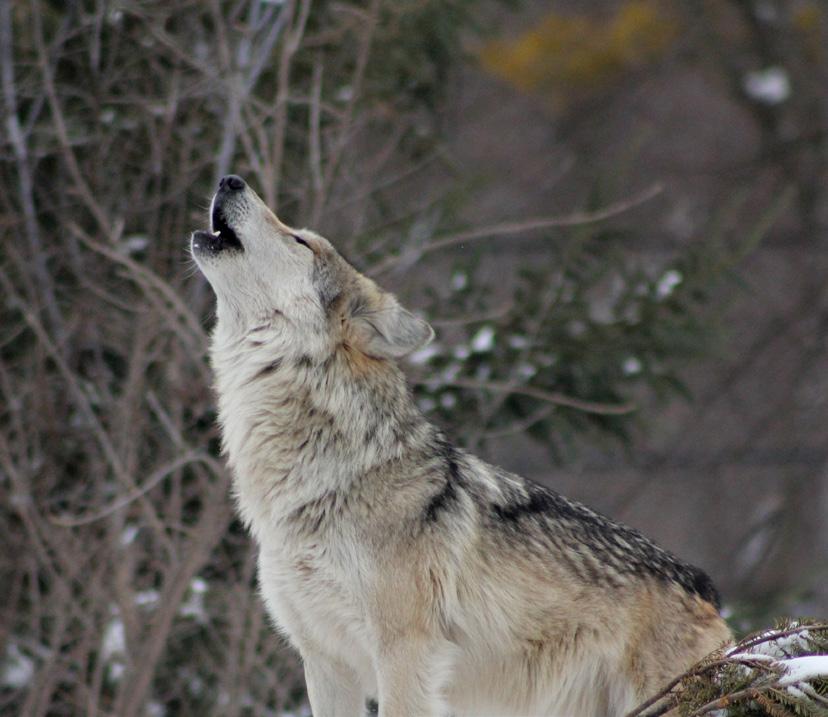
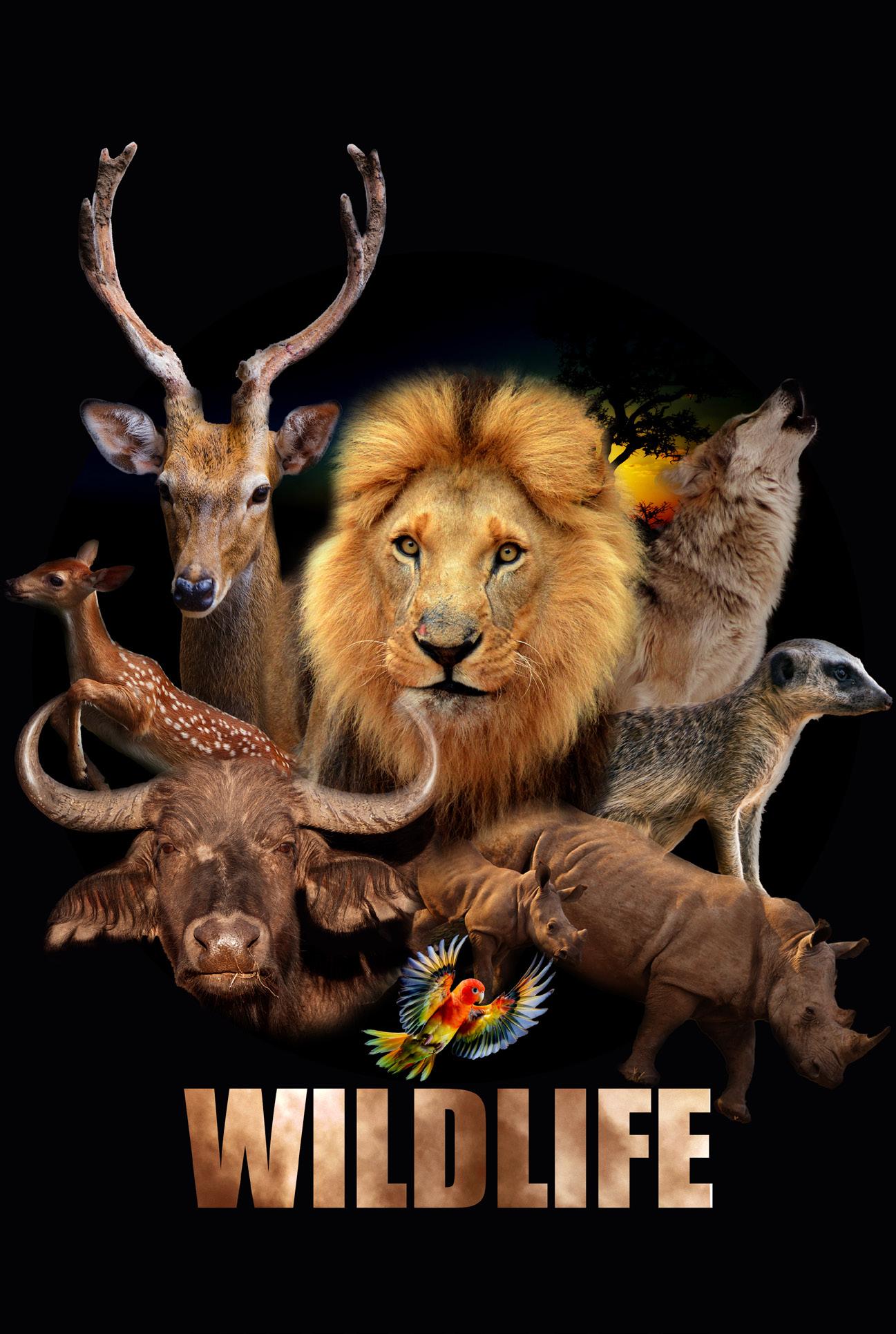
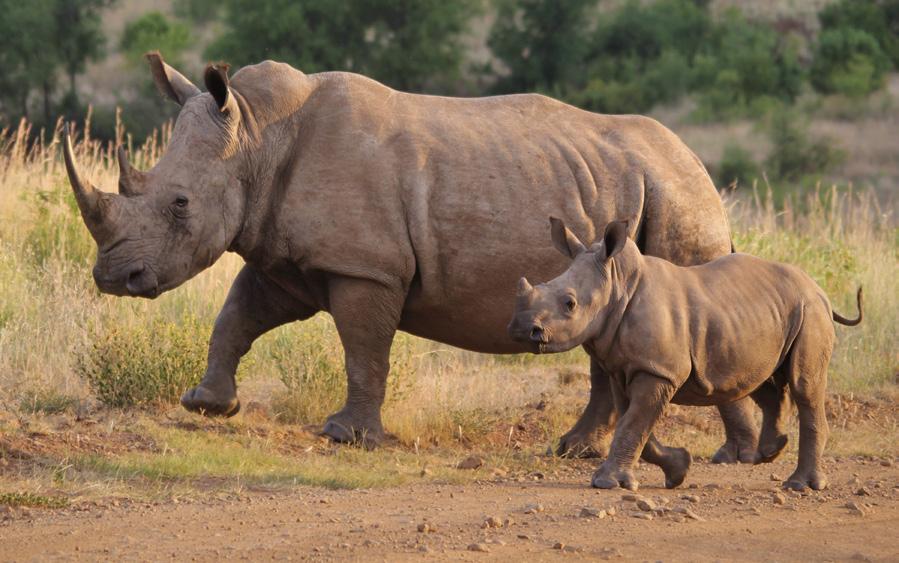
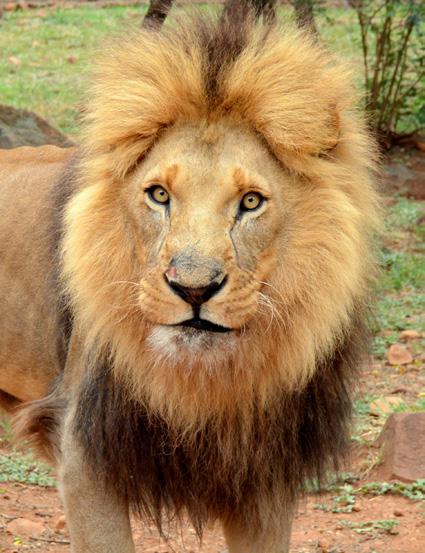
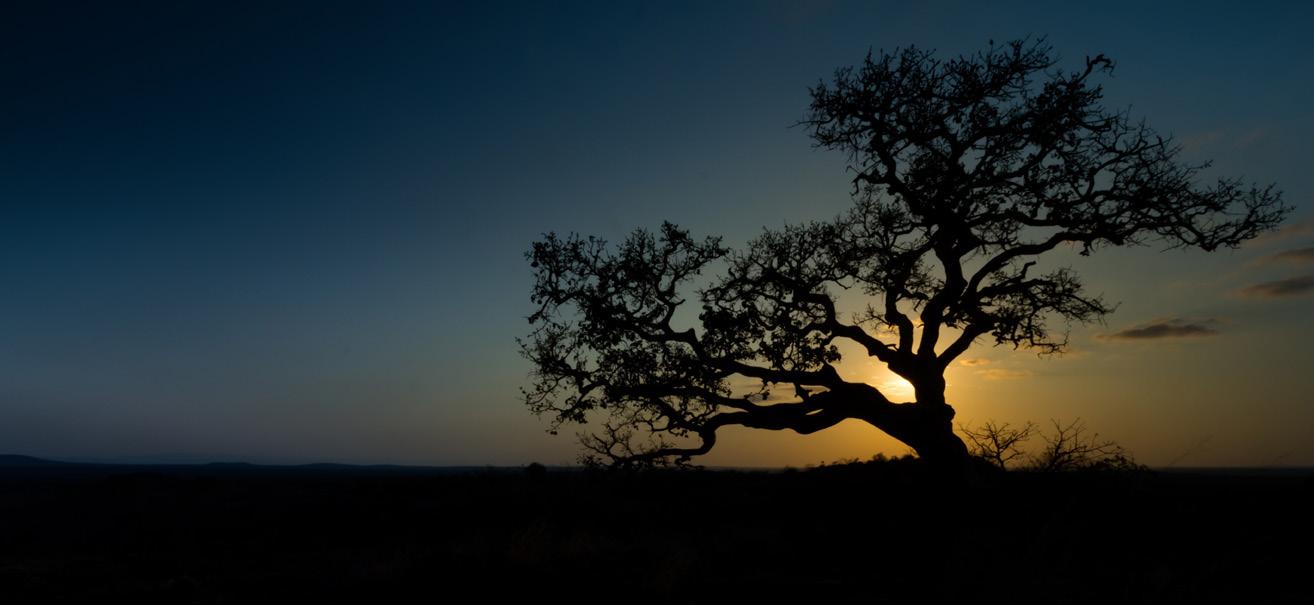
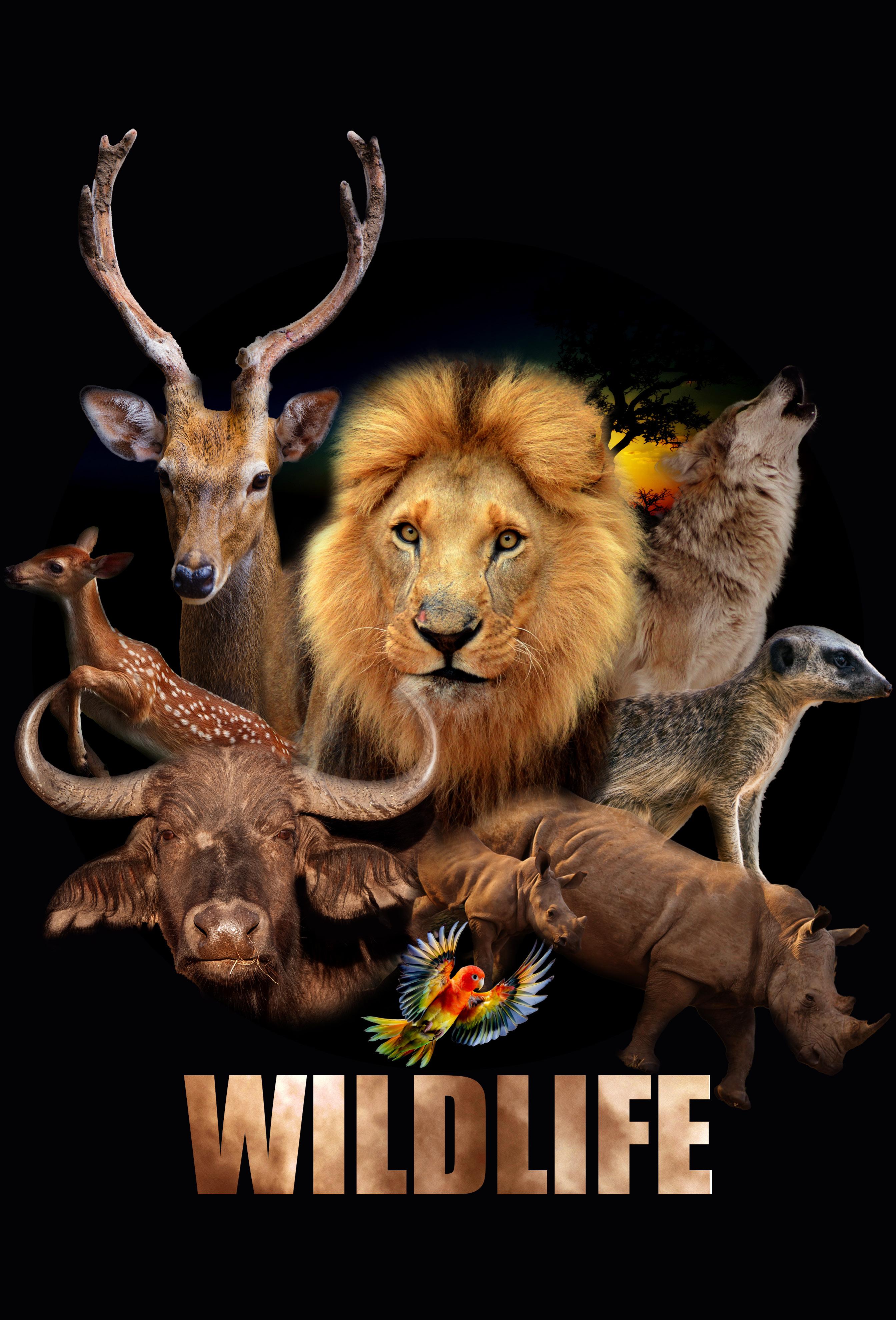
This project challenged me to create a unique image mashup by combining at least ten different images in Photoshop. I referenced my concept with various professional Photoshop experts, such as Paul Trani on YouTube to source methods to improve my creation after creating a zombie.
The process began with sourcing high-quality, royalty-free images from various online libraries. A new Photoshop document was then created with the specified 2:3 ratio, 4000-pixel longest side, 300dpi resolution, and RGB color mode. The mashup was constructed by inserting a background image and then adding more images, using selection tools and layer masks to isolate and integrate elements. Transform tools were used to manipulate the size, position, and perspective of these elements.
Throughout the project, I applied a range of Photoshop techniques to blend the images seamlessly and create a cohesive scene. Layer blending modes and opacity adjustments were used to create depth and visual interest, while adjustment layers were utilized to fine-tune the color and lighting. Clipping masks, layer styles, filters, and the paintbrush tool were also employed to enhance visual elements and add details. Adjustment layers, layer masks, and the brush tool were used to tweak shadows and highlights. The final image was saved in PSD format to preserve layers and in PNG/JPG format for sharing. This project demonstrated my ability to combine images effectively and utilize various Photoshop tools to create a unique digital composition.

Thesis Statement: The evolution of digital media has fundamentally destabilized traditional conceptions of authorship, challenging the core assumptions of copyright law and revealing the inherent instability of the “creative subject”.
Copyright law has centered on the notion of a singular, identifiable author possessing inherent rights to their “original” creations. This concept, deeply rooted in romantic ideals of individual genius, presumes a stable, autonomous subject capable of producing discrete intellectual property works (Literature, 2023). However, the digital age, with its emphasis on collaborative creation, remix culture, and algorithmic generation, has exposed the limitations of this model (Tay et al., 2017).
The increase in digital sampling blurs the lines between original creation and derivative work. If creative acts are built on pre-existing cultural materials, how can we definitively identify the “author” of its work? Poststructuralist theory, notably Roland Barthes’ work, offers an important framework for comprehending this difficulty. According to Barthes’ “Death of the Author” (Barthes, 1977), meaning is generated by the reader through intertextual involvement rather than being inherent in the text itself (Yu, 2023). In the digital age, when writings are continuously repurposed and recontextualized, the author’s intended meaning becomes increasingly obscure.
In addition, the spread of algorithmic art and AI draws the entire concept of human authorship into question (Maja, 2025). This raises deep concerns about creative agency and the limits of human expression. The legal system is trying to adapt to these new realities, as old copyright frameworks are unprepared to handle the intricacies of AI-generated material (Yu, 2023).
The idea of “originality” could be deconstructed. In a digital world dominated by rapid reproduction and distribution, the concept of a unique, unrepeatable work becomes increasingly challenging. Replicating, which was formerly deemed a copyright violation, is now an intrinsic part of Internet culture. This transformation involves revisiting copyright’s essential purpose. Is it primarily designed to safeguard artists’ economic interests, or should it promote the spread of information and culture?
In conclusion, the digital era has exposed the inherent instability of the “Creative Subject”, questioning the fundamental assumptions of copyright law. As the world moves further into collaborative creation, algorithmic generation, and ubiquitous copying, we must develop new legal and ethical frameworks that reflect the evolving nature of authorship and intellectual property.
Thesis Statement: This article analyzes the differences between lossy and lossless compression, which is more than technical to expose competing philosophical positions about the representation and preservation of digital information and to mirror a more profound tension between the ephemeral and the permanent.
The difference between lossy and lossless compression algorithms represents and preserves information distinctively, and the distinction between the two is fundamental (Seagate, n.d.). This enables perfect reconstruction and, therefore, the implementation of lossless compression such as ZIP or PNG (Dropbox, n.d.). This also ensures the complete retention of original data and allows reconstruction. This approach prioritizes data integrity and aligns with the methodology values of preserving the original information (Bulpit & Bulpit, 2022). This method has the advantage of being inherent; however, generating large file sizes that constrain the application in environments with limited storage or bandwidth.
Perceptual models are used to eliminate data selectively, reducing file size greatly and lossy compression, such as JPEG and MP3 (Lossy Compression: Everything You Need to Know | Adobe, n.d.). This process relies on the approximation of the human sensor experience, and this approach is based on the level of subjectivity (Robust Lossy Audio Compression Identification, n.d.). The focus shifts from faultless replication to perceived quality,
reflecting a pragmatic approach to utility. However, there are issues with this strategy regarding the ontology of digital things, especially concerning the role of perception plays a role in determining authenticity.
The ontology of digital objects is in the scope of theoretical implication. Lossless compression strongly implies a critical view of the digital entity in which a digital entity, which digital entity has a fixed, immutable identity. However, lossy compression enables support from the constructivist perspective where the perceived object is a constructed reality, dependent on human limitation of perception and compression algorithm affordances. This divergence is analogous to a wider philosophical dispute over reality’s nature and the association between representation and representation.
This tension reflects the fundamental difference between digital information as a file to copy as opposed to a file to conserve. There is a desire to resonate with the past and create an archive of perfect archetypes of things already lost lossless compression. Alternatively, lossy compression had an advantage as it focused on ease and immediacy. A fundamental irony of the digital age lies in the inherent trade-off between maximizing data fidelity, which frequently necessitates resource-intensive processes, and the prevailing societal inclination towards transient, easily disseminated content.

Bulpit, K., & Bulpit, K. (2022, November 15). Why storage is just as important as story in the media and entertainment industry - 101 Data Solutions. 101 Data Solutions - Data Management for Business. https://101datasolutions.co.uk/whystorage-is-just-as-important-as-story-in-the-media-and-entertainment-industry/2186/
Dropbox. (n.d.). What a ZIP file is and how it works - Dropbox. https://www.dropbox.com/resources/what-is-a-zip-file
Literature, L. A. (2023, February 5). Should there be a space for romanticism in modern copyright laws? – Law and literature. https://blog.nus.edu. sg/lawandliterature/2023/02/05/should-there-bea-space-for-romanticism-in-modern-copyrightlaws/
Lossy Compression: Everything You need to know | Adobe. (n.d.). https://www.adobe.com/uk/ creativecloud/photography/discover/lossy-compression.html
Maja. (2025, February 21). AI-generated content and IP rights: Challenges and policy considerations - Diplo. Diplo. https://www.diplomacy.edu/ blog/ai-generated-content-and-ip-rights-challenges-and-policy-considerations/
Robust lossy audio compression identification. (n.d.). https://arxiv.org/html/2407.21545v1
Seagate. (n.d.). What is Data Compression and How Does It Work? | Seagate Singapore. Seagate.com. https://www.seagate.com/sg/en/blog/ what-is-data-compression/
Tay, P. S., Sik, C. P., & Chan, W. M. (2017). Rethinking the concept of an ‘Author’ in the face of digital technology advances: A perspective from the copyright law of a commonwealth country. Digital Scholarship in the Humanities, 33(1), 160–172. https://doi.org/10.1093/llc/fqx015
Yu. (2023, June 30). The death of the author I Oxford Open Learning. Homeschooling. https:// www.oxfordhomeschooling.co.uk/blog/thedeath-of-the-author/