Content On the Loop, content is defined as the information that is on your departmental page and any subpages under your departmental page.
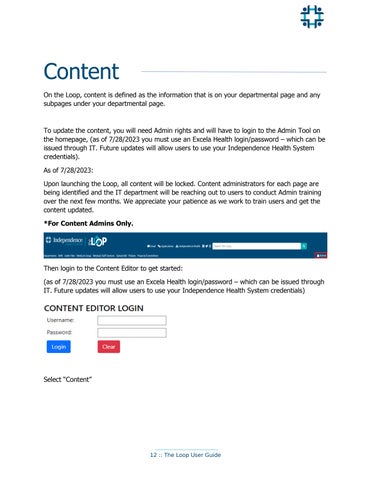
To update the content, you will need Admin rights and will have to login to the Admin Tool on the homepage, (as of 7/28/2023 you must use an Excela Health login/password – which can be issued through IT. Future updates will allow users to use your Independence Health System credentials). As of 7/28/2023: Upon launching the Loop, all content will be locked. Content administrators for each page are being identified and the IT department will be reaching out to users to conduct Admin training over the next few months. We appreciate your patience as we work to train users and get the content updated. *For Content Admins Only.
Then login to the Content Editor to get started: (as of 7/28/2023 you must use an Excela Health login/password – which can be issued through IT. Future updates will allow users to use your Independence Health System credentials)
Select “Content”
12 :: The Loop User Guide