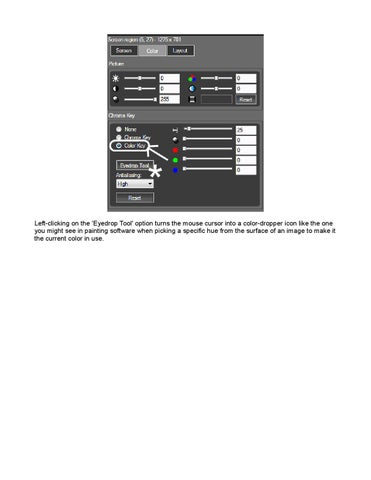
Left-clicking on the 'Eyedrop Tool' option turns the mouse cursor into a color-dropper icon like the one you might see in painting software when picking a specific hue from the surface of an image to make it the current color in use.
Issuu converts static files into: and more. Sign up and create your flipbook.