We are a comprehensive construction company that ignites pride in our communities by building projects and partnerships rooted in a commitment to success. Since 1953 the team at Rice has been creating collaborative environments where construction is simplified, innovative, and enjoyable for all. Together, we are shaping spaces, building places, and elevating lives.



Lori
More than just a way to fill time after work, hobbies are a healthy way to learn and grow — both personally and professionally.
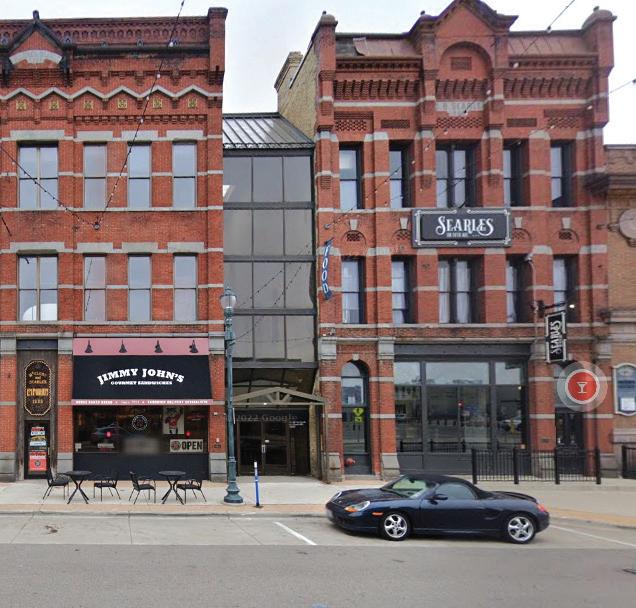
The preservation of historical commercial properties is important for our heritage and for your bottom line.
Main Phone: 320-251-2940 / Automated Reservation Line: 320-656-3826 info@StCloudAreaChamber.com / StCloudAreaChamber.com
President: Julie Lunning, 320-656-3804
Director of Finance and Operations: Kristi O'Connor, 320-656-3806
Director of Programs & Events: Laura Wagner, 320-656-3831
Director of Marketing & Communications: Emily Bertram, 320-656-3809
Director of Membership: Bradley Hoelscher, 320-656-3824
Administrative Assistant/Network Administrator: Vicki Lenneman, 320-656-3822
Administrative Assistant: Shelly Imdieke, 320-656-3800
CONVENTION & VISITORS BUREAU STAFF
Executive Director: Rachel Thompson, 320-202-6728
Director of Sales: Nikki Fisher, 320-202-6712
Sales Manager: Olivia Way, 320-202-6713
Sports Director: Craig Besco, 320-202-6711
Marketing Manager: Lynn Hubbard, 320-202-6729
Marketing & Services Coordinator: Melissa Ludwig, 320-202-6770
Information Specialist: Maddy Lindholm, 320-251-4170
ST. CLOUD AREA CHAMBER OF COMMERCE 2024-25 BOARD MEMBERS
Nick Bischoff, Design Electric
Doug Cook, Headwaters Strategic Succession Consulting LLC
Tanja Goering, Celebrate MN, Past Board Chair
Joe Hellie, CentraCare, Board Chair
Ray Herrington, Pioneer Place on Fifth
Hudda Ibrahim, OneCommunity Alliance
Dave Kleis, Central Minnesota Driving Academy
Matt Laubach, West Bank
Laurie Putnam, St. Cloud School District 742
Paul Radeke, Creative Planning, Board Vice Chair
Alex Schoephoester, Moss & Barnett
Brenda Sickler, Theisen Dental
Amy Sip, ASip Consulting
Melinda Tamm, Ms. Melinda’s Dance Studio
Melody Vachal, Arise Cares
Donella Westphal, Jules’ Bistro
Dr. Jason Woods, St. Cloud State University

CentraCare and University of Minnesota Physicians combine clinical expertise, cutting-edge procedures, and research — all for a stronger you. For an appointment, call 320-253-2663. CentraCare.com/ortho
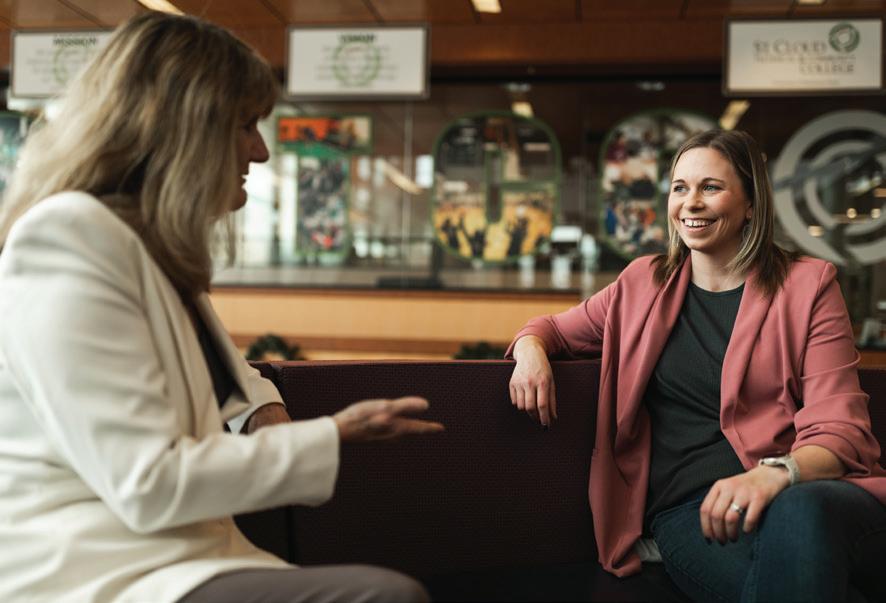
Like many young people, I held several odd jobs throughout my teens and early twenties. Before I had my driver’s license, my school bus would drop me off at our local pizza place in Avon, Minn., where I answered phones and washed dishes several nights a week. Once I could drive, I secured a cashier job at our local grocery store, eventually expanding my job duties to stocking shelves and packaging product in the meat department. I also spent a summer nannying for a family, where I realized that childcare was most likely not my future career path.
When I moved to St. Cloud to attend St. Cloud State University, I landed a great gig at Sunray Digital, a digital print shop located near campus. I credit it for sparking my early interest in marketing, as I helped local businesses with their small-run print and design needs. Half-way through my sophomore year of college, with goals of someday entering the business realm, I landed a teller job at American Heritage National Bank.
Those who know me and my skill with numbers are probably laughing out loud at this news. Let’s just say, math has never been my forte. My accounting and finance classes in college might as well have been in a different language. As any teller will tell you, though, the job is about much more than numbers. I enjoyed a comfortable work environment (with great hours) and an attractive line on my re´sume´, plus the ability to
build relationships with our customers and, ultimately, a better understanding of finances. And that feeling of balancing a batch of checks down to the penny on the first try? The rush is still hard to replicate. Though I eventually left the bank for a marketing internship, I still draw upon what I learned there to this day. Plus, I am still pretty fast and accurate on a 10-key. I spend as little time as possible in finance and accounting these days — I’ll leave that joy to the experts like Lori Kloos. The St. Cloud Technical and Community College president began her education in interior design, eventually returning to school to get her degree in accounting. She credits the Minnesota State system for providing her with the opportunities and flexibility to find her passion in life. You can read more about her story on page 28.
In a full-circle moment, I first crossed paths with Chamber President Julie Lunning while working at the east side location of American Heritage National Bank. We shared a building with the St. Cloud Area Convention and Visitors Bureau, where Julie was the executive director at the time. It’s a connection that eventually paid great dividends (whatever that means).
Until next time,
Emily Bertram, Editor
To celebrate the 25th anniversary of Business Central Magazine, we’re sharing a fun fact from the year 2000 in each issue.
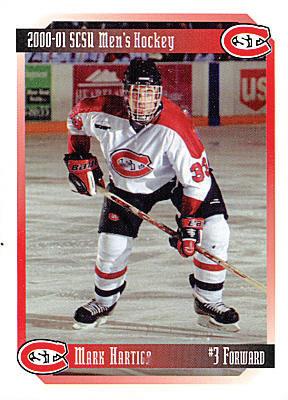
The year 2000 was a big one for St. Cloud State University Men’s Hockey. Over two seasons seven players went on to play in the NHL: Duvie Westcott, Matt Hendricks, Joe Motzko, Ryan Malone, Mark Hartigan (R), Jeff Finger and Tyler Arnason. The 1999-2000 season was the first time the Huskies made it to the national tournament in 11 years, repeating the feat again in the 2000-2001 season and eventually racking up a total of 16 NCAA tournament appearances to date.
Publisher Julie Lunning // Editor Emily Bertram // Founding Editor Gail Ivers
CONTRIBUTING WRITERS
Emily Bertram, St. Cloud Area Chamber of Commerce
Michelle Henderson, BadCat Digital
Vicki Johnson, St. Cloud Area Planning Organization
Ari Kaufman, freelance writer
Steve Lear, Affiance Financial
Alessia Liebert, MN Department of Employment and Economic Development
Lynn MacDonald, St. Cloud State University
Jeanine Nistler, freelance writer
Karen Pundsack, Great River Regional Library
Grant Wilson, Stearns History Museum
ADVERTISING
Associate Publisher/Sales
Melinda Vonderahe, Marketing Consultant
Ad Traffic & Circulation
Yola Hartmann, Hazel Tree Media
ART
Design & Production
Yola Hartmann, Hazel Tree Media
Cover Story Photography
Guytano Magno, Switchboard
WEBSITE
Vicki Lenneman, St. Cloud Area Chamber of Commerce
1411 West St. Germain Street, Suite 101, St. Cloud, MN 56301
Phone: (320) 251-2940
Fax: (320) 251-0081
BusinessCentralMagazine.com
For advertising information contact Melinda Vonderahe, (320) 656-3808
Editorial suggestions can be made in writing to: Editor, Business Central, 1411 West St. Germain Street, Suite 101, St. Cloud, MN 56301 or emailed to ebertram@stcloudareachamber.com
Submission of materials does not guarantee publication
In a fast-paced world where boundaries between work and home are blurred, workers are struggling with work/life balance in new ways.
By Karen Pundsack
The World Health Organization defines burnout as a state that results from chronic workplace stress that is not managed. Burnout has a significant impact on productivity, with over half of U.S. workers reporting at least one symptom linked to workplace burnout.
Emily Ballesteros has the cure. Ballesteros is a burnout management coach who offers corporate training. Her background is in industrialorganizational psychology.
In The Cure for Burnout, Ballesteros defines and outlines what burnout looks like. She shares relevant and up-to-date information in a straightforward and clear way. Her work helps to clarify misconceptions around workplace stress. While stress is unavoidable, stress over an extended period of time is unsustainable and can negatively impact your health.
The book offers tips to manage the different types of

burnout. Burnout by volume comes from a mismatch between responsibilities and schedule. Social burnout is a result of relational demands that are beyond your current social capacity. Burnout by boredom comes from lack of interest in the items in your life. Each type of burnout
Part III: Making Life Livable Again
• When to Walk Away
• Road Map for Creating a Balanced Life (Immediately!) Ballesteros outlines ways to interrupt the burnout cycle. Understanding the conditions that lead to burnout is a step toward
"To perceive burnout as a personal failing instead of the result of persistent stress is incorrect.”
needs a different approach. A person can experience more than one type of burnout at a time.
The book has nine chapters and is structured in three parts:
Part I: Modern Burnout
• Identifying Burnout in a World on Fire
• The Three Types of Burnout
Part II: The Five Pillars of Burnout Management
• Mindset
• Personal Care
• Time Management
• Boundaries
• Stress Management
changing the behaviors that reinforce the cycle. Since burnout is a personal experience, it is up to each individual to change their circumstances to make life more meaningful.

Wing joins Coborn’s Inc. Joshua Wing joined Coborn's Inc. as the vice president of IT. Wing will lead the IT department's daily operations and drive the implementation of innovative business solutions that align with strategic goals. With over 20 years of experience in the retail sector, Wing brings a wealth of knowledge in merchandising, e-commerce, inventory management, and supply chain systems.
Hoelscher named director of membership



CHECK IT OUT!


Karen Pundsack is the executive director at Great River Regional Library.
The book is available for checkout at the public library. Reserve your copy at griver.org.
The St. Cloud Area Chamber of Commerce hired Bradley Hoelscher as director of membership. Hoelscher will work to educate the business community on the benefits of a Chamber membership, grow existing member retention efforts, and maintain a presence for the Chamber among other stakeholders in the St. Cloud area. Hoelscher previously worked at Gallagher Insurance where he was a commercial insurance advisor.
Reuhle promoted at Inventure Properties
Austin Reuhle was promoted to president at Inventure. Reuhle previously held the role of vice president of real estate. Doug Boser has transitioned to the role of CEO.
POINT OF VIEW

Business Central asked:
If you had the choice, what work style would you prefer: fully remote, hybrid, or fully in-person?

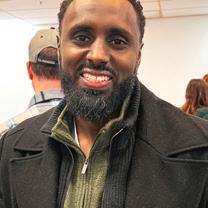
Hassan Nurie, Midtown Square Mall
Hybrid, because working remote has fewer distractions, but I still need the social aspect of in-person to build connections.

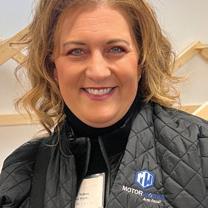
Kris Nelson, Motor Works
Hybrid is the best of both worlds, because I get more done when I work at home, but I need the time in-person for collaboration and strategic work.


Laura Holzheimer, Central Minnesota Mental Health Center
I prefer hybrid for the flexibility of being home sometimes, but also having the community in the office.

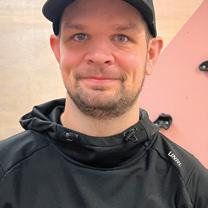
Where I’m at in life with children at home, I prefer to be in-person at the office, otherwise I have a hard time getting things done.


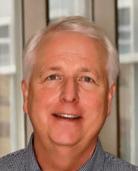
Donna Roerick, Inspired Health & Wellness
A hybrid schedule gives me control over my time because I can meet people where they are at — even if that’s online or on the phone.

Greenfield announces name change
St. Cloud’s Greenfield Communications has changed its name to Greenfield Public Relations, which owner Steve Greenfield says better reflects the 20-year-old company’s focus on media relations, crisis communications, government relations, referendum strategizing and community engagement. Since its founding in 2005, the company has assisted nearly 200 public and private sector clients.
Gallagher purchases insurance broker
Arthur J Gallagher Insurance purchased insurance broker AssuredPartners. The deal will expand Gallagher's offerings in niche segments, including transportation, energy, healthcare, government contractors and public entity, and bolster its business in the UK and Ireland.

Jensen joins InteleCONNECT
Taylor Jenson joined InteleCONNECT as a customer service representative. In her role, Jensen will provide support and solutions to customers. Jensen has held roles at Tenvoorde Ford and Collins Brothers Towing of St. Cloud.

DSC Communications adds staff
Mat Solberg joined DSC Communications (formerly Granite Electronics) as director of technical services. Solberg holds a Bachelor of Business Administration from the University of Minnesota Duluth and has a background in business, healthcare, and operations management.
Regulations, workforce and the business climate are at the forefront of the Minnesota Chamber’s 2025 legislative priorities.

The Minnesota Chamber of Commerce “leads the statewide business community to advance probusiness, responsible public policy that creates jobs and grows the economy, and provides member services to address evolving business needs.” To align with its advocacy efforts, the chamber releases its list of priorities ahead of each legislative session. Priorities outlined for 2025 focus heavily on costs — to both businesses and families — and finding bipartisan solutions to the state’s challenges.

Enact a sustainable, balanced budget by May 19th, taking into account current budget projections and the tax and mandate burdens on employers.
The Legislature should respond to, and act upon, the Office of the Legislative Auditor recommendations
to enact necessary accountability measures for state agency practices and programs to mitigate fraud.
Timelines for implementation of workplace mandates must be fair to employers and provide sufficient guidance so they are able to comply. Allow flexibility in how the statemandated paid family and medical leave program is implemented by employers who may choose to “opt-out” to best serve their employee needs.
More effort must be placed on identifying, quantifying, and addressing the growing burden of state-imposed mandates which can weigh down the state’s economy.
A pro-growth tax system should be implemented that improves competitiveness, cultivates innovation, attracts investment and talent, and fosters job growth and retention.
Adopt tax provisions to encourage greater investment in Minnesota operations such as enhancing the R&D tax credit.
Build and retain a skilled workforce that is responsive to the evolving needs of the state’s economy. Ensuring that recipients of state aid (e.g. North Star Promise Program) stay in Minnesota for a three-year period post-graduation guarantees that taxpayers and the state receive a direct return on this investment. Monitoring is a critical tool for mitigating demographic, employment, and migration trends.
Enact regulatory reforms to the state’s environmental permitting process so it is more predictable, accountable and timely, with the goal of protecting our natural resources, while encouraging economic development and expansion.
Provide the state funding necessary to continue the state’s individual market reinsurance program to avoid large premium hikes for employees and destabilization of the market.
Repeal the state’s ban on nuclear energy development to ensure reliable and affordable electricity as the state makes its transition to carbon-free by 2040.
City leadership in the area has changed more in 2025 than in the past 20 years. With the retirement of many long-term leaders, several new mayors took office in January.


When it comes to your spine, finding the right orthopedic care should be simple and stress-free. At St. Cloud Orthopedics, we have a team of academic-level doctors and specialists under one roof. From diagnosis to treatment, to recovery and rehabilitation, we work together to ensure that you receive the personalized attention you deserve. For spine care that keeps you standing tall, look no further than St. Cloud Orthopedics.
an appointment at






Schmitz

Thiesse named vice president
Rachel Thiesse was promoted to vice president at the St. Cloud Rox. Thiesse most recently was an assistant general manager after three years in promotions, beginning as a Rox intern in 2019. Originally from Becker, Thiesse received her undergraduate degree from St. Cloud State University and her graduate degree in sports management from Concordia University, St. Paul.
During its annual food drive campaign, the Jolly Trolley, Metro Bus collected $1,851 and 9,766 pounds of non-perishables for local area food shelves. Metro Bus partnered with a number of local organizations for promotion, location services, weighing services, food for volunteers and printed materials.
Over $1 million raised CentraCare Foundation celebrated its 50th anniversary of Holly Ball by raising more than $1 million during the event, held in December at the River’s Edge Convention Center in St. Cloud. The funds raised at Holly Ball directly impact patients and families during their cancer and hospice journeys, and for those needing the services of the Child Advocacy Center.
Trelfa promoted at ConnectAbility
ConnectAbility of MN announced the promotion of Rebecca Trelfa from director of divisions to senior director of coordinated services. Trelfa has been with the organization since December 2019 and has played an instrumental role in advancing the mission of ConnectAbility of MN.
With the support of Central Minnesota, daredevil Paddy Nolan broke records and entertained thousands.
By Grant Wilson

Little is known about the early life of Paddy Nolan. Born in 1909, the Boston native seemed destined to a lifetime of putting his body on the line for entertainment. By 1932, he had made it to the Midwest, where he appeared on the wrestling circuit in Michigan, Ohio, and possibly Kentucky. A few years later, he began wrestling in Utah and California and eventually became the world light-heavyweight champion. With a short, stocky frame, Paddy was sometimes called Bulldog Paddy Nolan or the Boston Bulldog.
But wrestling wasn’t the only way in which Paddy was willing to risk physical harm for public entertainment. In 1939, he appeared with his Hell Drivers daredevil show at the state Elks convention in Price, Utah. According to an article in The SunAdvocate, Paddy “goes
in for such dare-deviltries as crashing through walls at top speed and taking his car through the air over obstacles of all sorts …” (June 8, 1939, p. 15). In the years leading up to WWII, Paddy took this daredevil show to several events throughout Utah and California.
After serving in the U.S. Army during WWII, Paddy married Catherine Lucy Maschler of Rochester, Minn., in 1944. By 1948, the couple was living in Little Falls, Minn. Paddy continued his daredevil show, now known as the Motor Maniacs, and performed at the Benton County Fair in St. Cloud in August 1948. He began organizing and promoting wrestling events in St. Cloud, sometimes refereeing matches and even reprising his role as the Boston Bulldog.
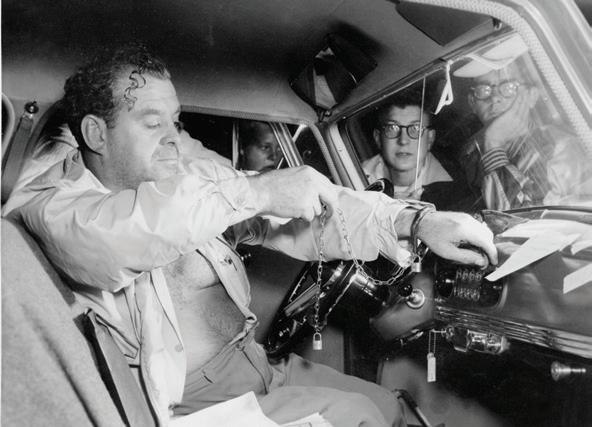
In 1951, Paddy Nolan performed a different kind of daredevil stunt. Rather than driving through a fiery wall or jumping over wrecked cars, he was to attempt an endurance drive for five days straight. The circumstances under which this stunt was organized are unclear, but the Litchy Motor Company sponsored the drive and provided Paddy with a Nash Rambler. The stunt was sponsored by other Central Minnesota businesses, including the A.J. Daniel Company, Eddy’s Drive-In, and Ommie’s Music Store. The businesses were advertised on the car itself and on a sign attached to the roof of the car.
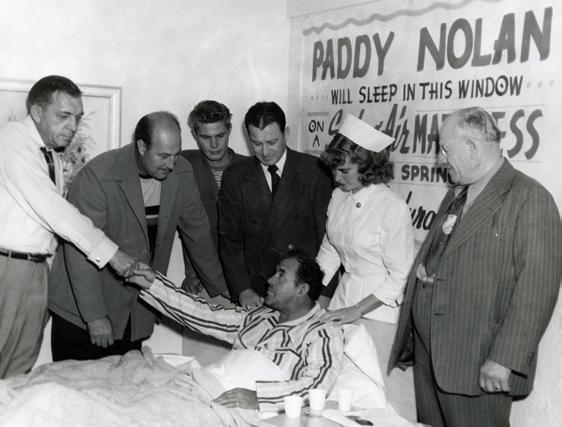
Paddy was determined to beat the endurance driving world record of 105 hours. He was chained and padlocked to the steering wheel of the Nash Rambler by the mayor of St. Cloud, Math Malisheski, and set out on August 21, 1951. His route took him throughout Central Minnesota, including Sauk Centre, Littles Falls, and Foley. Paddy was to have
Paddy Nolan rests in a bed placed in the window of the A.J. Daniel furniture store.
someone in the car with him at all times, including nurse Doris Holm, who made sure Paddy was healthy enough to continue and administer first aid if necessary. He stayed awake with cups of black coffee, questionable “keepawake” pills, and cold water poured over his head.
By the end of the endurance drive, Paddy had broken the record with 115 hours and traveled 3,701 miles. Crowds surrounded the vehicle as
Mayor Malisheski unlocked the padlocked chains and released Paddy from the steering wheel. He was taken away on a stretcher and immediately taken to the A.J. Daniel furniture company, where he slept on a new SpringAir mattress in the store window. Crowds gathered outside to look through the window and watch the world record breaker rest and recover.
Afterwards, Paddy commented that he was pleased that he “gave St. Cloud something to be proud of,” but would never do an endurance drive again.
Flour & Flower earns national recognition




Grant Wilson is an archivist at Stearns History Museum.
St. Joseph bakery Flour & Flower was recognized by The New York Times as one of "22 of the Best Bakeries Across the U.S. Right Now." Flour & Flower, founded and owned by Erin Lucas, was recognized for pastries that “give locals a reason to wake up early,” among other accolades.



Gruber receives award

Rachel Gruber, owner of Dale Gruber Construction, received the Woman in Construction of the Year award from Associated Builders and Contractors. Gruber joined the company in 2008 as marketing, HR, and operations manager and became the owner in 2022. She has played a vital role in the company’s growth, and aims to set an example for young women who are interested in the trades.
Catholic Charities promotes, hires staff

Alyssa Knese was promoted to director of behavioral health at Catholic Charities of the Diocese of St. Cloud. Knese will oversee Granite City Counseling and the day treatment programs in both St. Cloud and Elk River for Catholic Charities. Prior to her new role, Knese worked as clinical director of Granite City Counseling and as a licensed therapist for Catholic Charities.

Emmitt Edwards joined Catholic Charities as development officer, where he will work on fundraising, growth and development for the organization. Edwards most recently served as community engagement coordinator at Big Brother Big Sisters of Central Minnesota.
Got News?
Send news releases, announcements, or anything you think is newsworthy to Emily, ebertram@stcloudareachamber.com, and we will try to include it.
Implementing play into the workday is not only fun, it can also benefit the bottom line.

The time for building a block house, doodling some flower art, playing tag on a playground and calling it a day may be in the past, but the concept of play doesn’t have to be. There are many benefits to including play in the workplace, according to research by Claire Petelczyc, published by the Association of Psychological Science. But first, what does play look like for employees?
In the article “Perspectives on Psychological Science,” scientists Meredith Van Vleet and Brooke Feeney defined workplace play as: Behavior or activity carried out with the goal of amusement and fun
Enthusiastic and in-the-moment attitude or approach
Interaction among partners or with the activity itself. What that looks like is different for every company, depending on how your workday is structured. Some ideas for incorporating play include: Make your next meeting a walking meeting, taking a lap or two around the block while you work.
Create some healthy competition on a work project, with incentives for output.
Start out emails (or even Zoom meetings) with coworkers with a silly joke or video, when appropriate. Blast some fun music to break up the afternoon. Celebrate — holidays, birthdays, new employees, work anniversaries, successful projects — bringing employees
together in relaxed scenarios. Playtime doesn’t have to be complex. It’s often found in simple, but meaningful moments that encourage employees to relax and connect.
Back to the benefits
Petelczyc’s research indicates that play at work leads to less fatigue, stress and burnout, especially in the age of remote work. Play is also associated with job satisfaction, a sense of competence and creativity. Playtime can stimulate imaginations, which can lead to better problem-solving skills. “When employees have the opportunity to play, they actually increase their productivity, engagement and morale,” psychiatrist Dr. Stuart Brown, founder of The National Institute For Play, said. “Not only does having a playful atmosphere attract young talent, but experts say play at work can boost creativity and productivity in people of all ages.”
Beyond individual gains, workplace teams can also benefit from play. Playful activities can increase trust, strengthen bonds, and reduce a negative sense of hierarchy. Play results in a friendlier work atmosphere, where employees are more
committed to their work and the company.
The benefits of play in the workplace are clear, but more research is needed on the potential downsides. Petelczyc warns that, in the long-term, too much play can lead to distraction, loss of productivity and even employee guilt.
With the complexities of hiring and retaining talent, thinking creatively about how to engage teams proves beneficial to companies that are willing to think outside the box. Even as a working adult, play is here to stay.




Security Lock Technologies, locksmith and high-end security systems, 2040 7th Street N,
Anthony

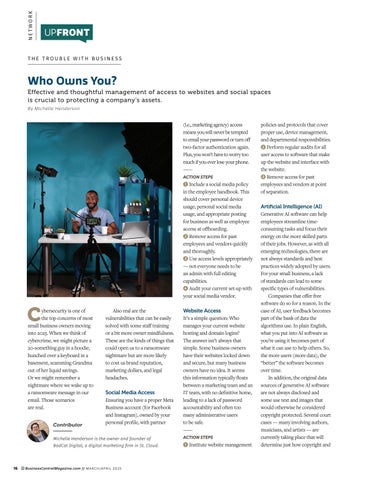
Effective and thoughtful management of access to websites and social spaces is crucial to protecting a company’s assets.
By Michelle Henderson

Cybersecurity is one of the top concerns of most small business owners moving into 2025. When we think of cybercrime, we might picture a 20-something guy in a hoodie, hunched over a keyboard in a basement, scamming Grandma out of her liquid savings. Or we might remember a nightmare where we wake up to a ransomware message in our email. Those scenarios are real.

Contributor
Also real are the vulnerabilities that can be easily solved with some staff training or a bit more owner mindfulness. These are the kinds of things that could open us to a ransomware nightmare but are more likely to cost us brand reputation, marketing dollars, and legal headaches.
Social Media Access
Ensuring you have a proper Meta Business account (for Facebook and Instagram), owned by your personal profile, with partner
(i.e., marketing agency) access means you will never be tempted to email your password or turn off two-factor authentication again. Plus, you won’t have to worry too much if you ever lose your phone.
ACTION STEPS
1 Include a social media policy in the employee handbook. This should cover personal device usage, personal social media usage, and appropriate posting for business as well as employee access at offboarding.
2 Remove access for past employees and vendors quickly and thoroughly.
3 Use access levels appropriately — not everyone needs to be an admin with full editing capabilities.
4 Audit your current set-up with your social media vendor.
It’s a simple question: Who manages your current website hosting and domain logins? The answer isn’t always that simple. Some business owners have their websites locked down and secure, but many business owners have no idea. It seems this information typically floats between a marketing team and an IT team, with no definitive home, leading to a lack of password accountability and often too many administrative users to be safe.
ACTION STEPS
1 Institute website management
policies and protocols that cover proper use, device management, and departmental responsibilities.
2 Perform regular audits for all user access to software that make up the website and interface with the website.
3 Remove access for past employees and vendors at point of separation.
Artificial Intelligence (AI) Generative AI software can help employees streamline timeconsuming tasks and focus their energy on the more skilled parts of their jobs. However, as with all emerging technologies, there are not always standards and best practices widely adopted by users. For your small business, a lack of standards can lead to some specific types of vulnerabilities.
Companies that offer free software do so for a reason. In the case of AI, user feedback becomes part of the bank of data the algorithms use. In plain English, what you put into AI software as you’re using it becomes part of what it can use to help others. So, the more users (more data), the “better” the software becomes over time.
In addition, the original data sources of generative AI software are not always disclosed and some use text and images that would otherwise be considered copyright protected. Several court cases — many involving authors, musicians, and artists — are currently taking place that will determine just how copyright and
data sourcing should be handled in the case of AI software. In the meantime, social media and search engines are demoting AI generated content in their search results or outright shutting down pages that are found to use too much AI generated content.
What does this mean for you now? Your employees are using AI software at work. This means there is unvetted software interfacing with your business’s intellectual property in unknown ways and potentially producing work product that others could claim was their property.
ACTION STEPS
1 Evaluate AI software and choose the software that your business will use in partnership with vendors in IT, compliance, and/or marketing to ensure best practices are upheld.
2 Enforce software access for work-only purposes with a work login – the same as any other software in your business.
3 Understand the software access into your business data and ensure any access is intentional and for the betterment of your business.
4 Work with an intellectual property attorney to ensure legal protections are in place if current business assets (logo, namemark, etc.) are not trademarked.
Not all cybersecurity is about protecting ourselves from criminal activity. Even the best intentioned among us make mistakes. Protecting our businesses requires us to think about the vulnerabilities we can address and to provide our teams with the tools needed to safeguard themselves and each other.

Granite Partners is a private investment and long-term holding company founded in 2002 in St. Cloud, Minnesota, with a mission to grow companies and create value for all stakeholders. We advance a culture of trust, innovation, and excellence as essential to 100-year sustainability, and we aspire to world-class wellbeing for everyone in the Granite community.


and click on “Calendar.”
Business
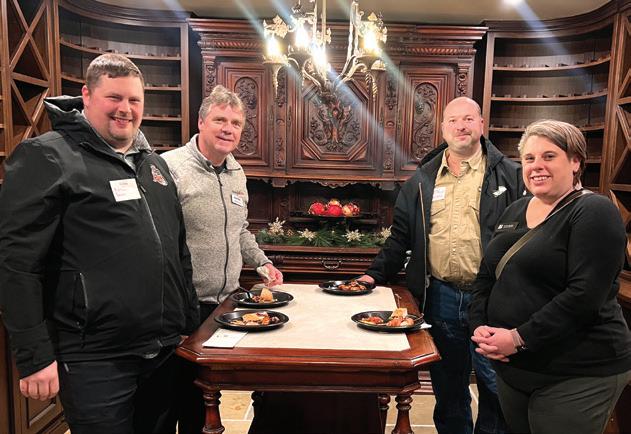
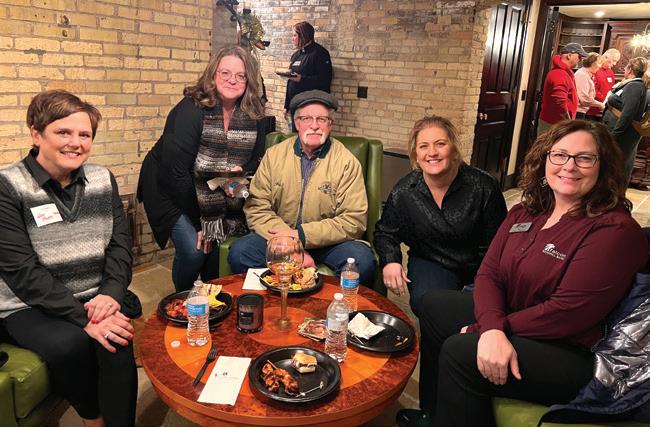
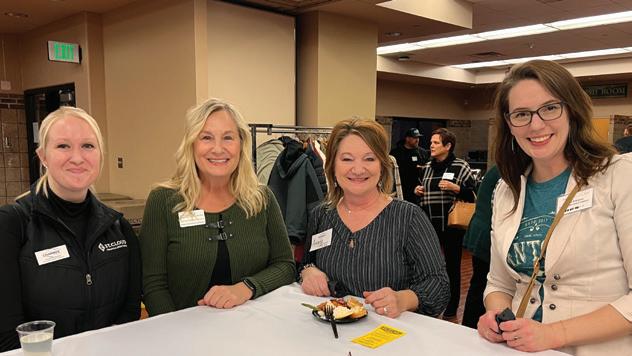
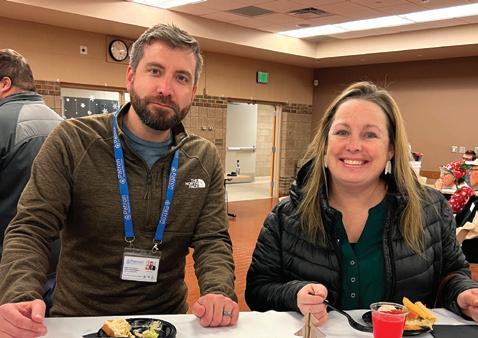
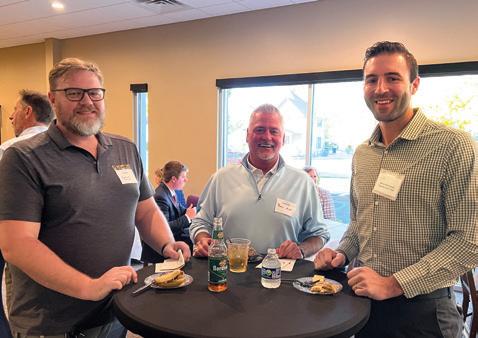
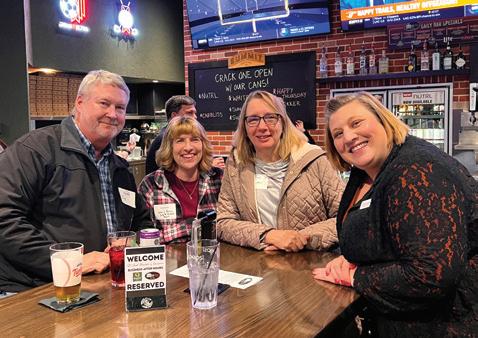
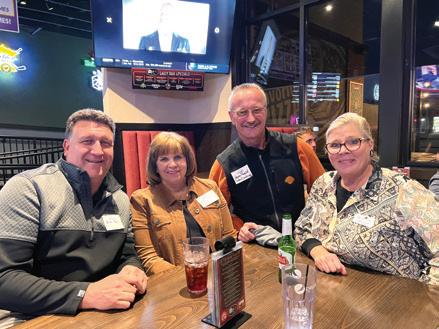
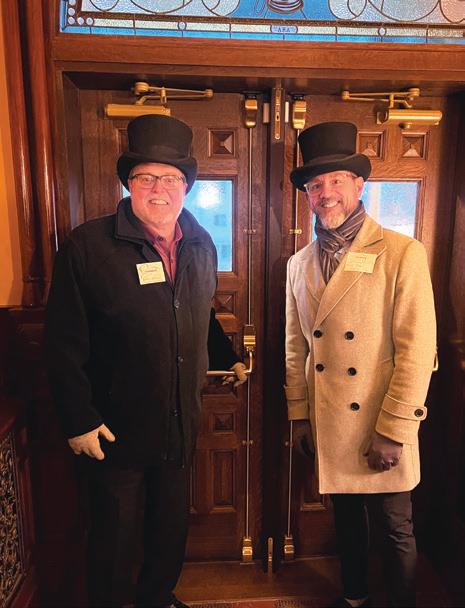
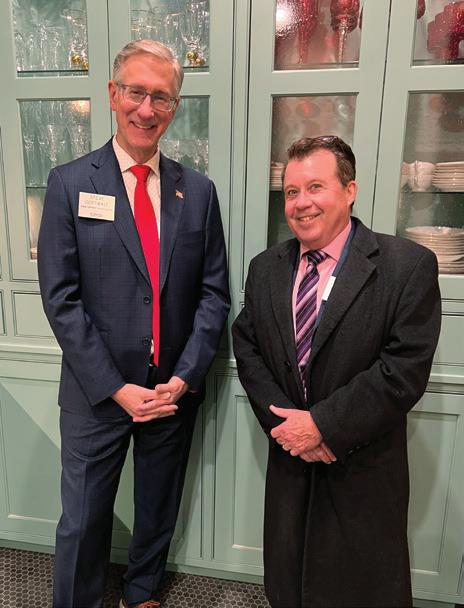
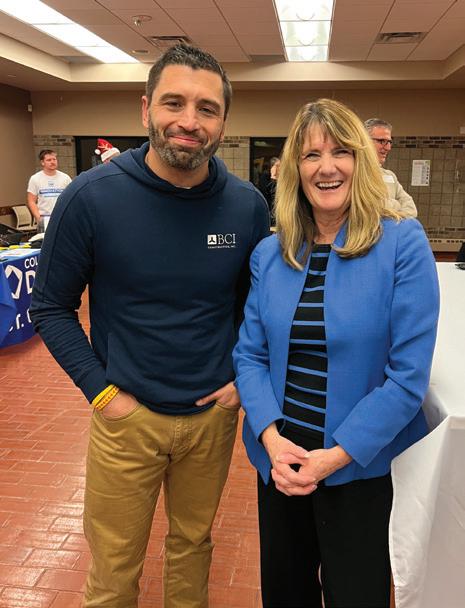
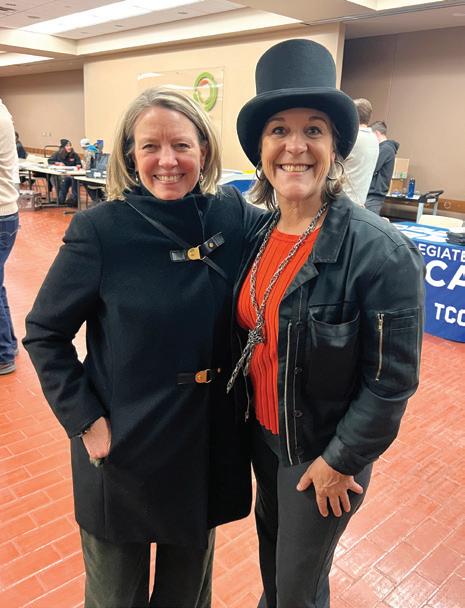
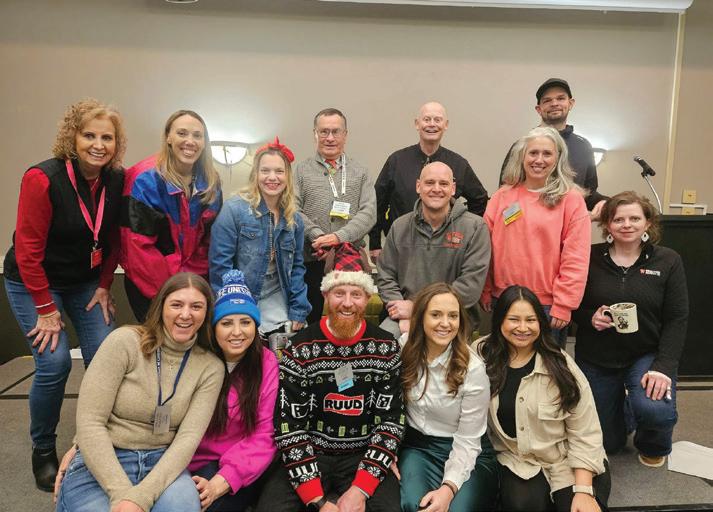
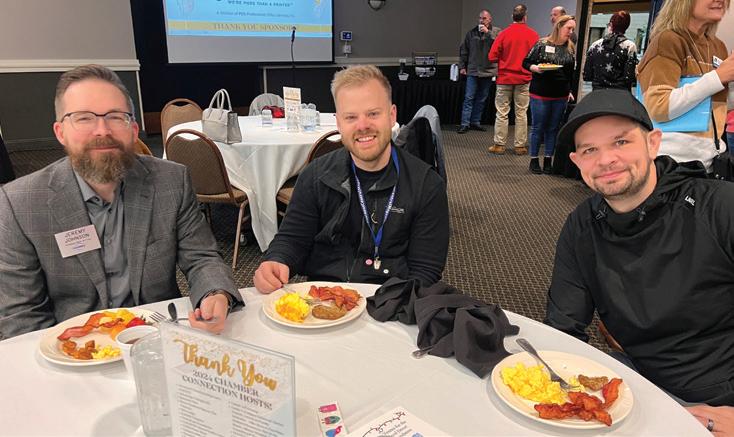
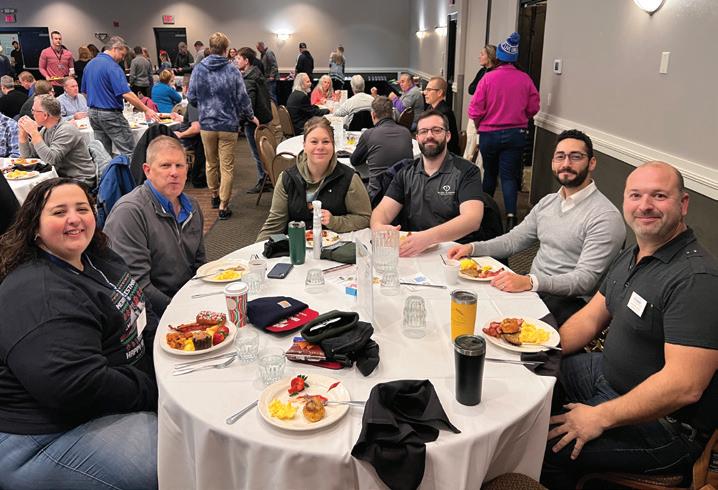
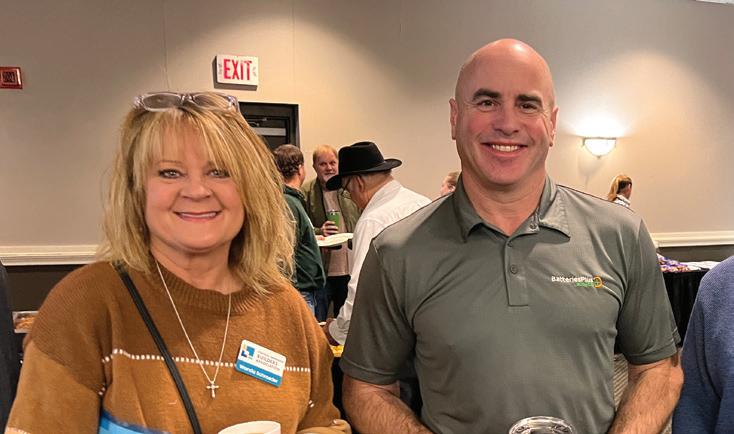
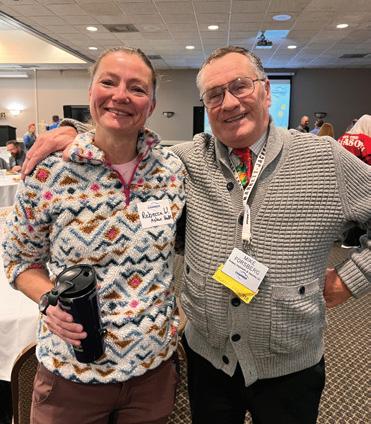
Started in 1989, Chamber Connection is one of the St. Cloud Area Chamber of Commerce’s most well-known events. It takes place weekly at different host locations, and attendance is typically over 120 people. In December 2024 we celebrated 35 years of Chamber Connection with its annual Birthday Party.

At Magnifi Financial, we know that every construction project is unique. Whether you’re building from the ground up or expanding, our commercial lending solutions are designed to support your vision. From securing financing to managing cash flow, we’re here to help you take your construction plans to new heights.
Recurring revenue models, like subscriptions and memberships, are a win-win for consumers and businesses.
By Ari Kaufman

While the subscription business model has been a staple of industries for decades, during the past few years, recurring revenues have seen a resurgence. Whether groceries, fashion or car washes, few can avoid it.
The subscription revenue model benefits both customers and companies. Customers enjoy the convenience of auto-renewals and access to a good offer for a low, ongoing investment. Since the average repeat customer
spends nearly 70 percent more than a new customer, companies offering subscriptions can enjoy predictable revenue streams, improve cash flow and establish relationships and retention with their customer base.
Research from business consultancy Manifesto Growth Architects, shows that 70 percent of businesses believe that recurring revenue models are the future of their industries. Despite the evidence of success, according to the same report, only one
in 10 businesses implement subscription models. The concept receives contrasting reactions among business owners, possibly because they are uncertain how to apply it to their business.
Maraya Robbins, advanced practice esthetician with WELL & Company in Sartell, says her company offers recurring revenue plans through monthly memberships in both their clinic and med spa. She says membership options are designed to “provide ongoing value to our clients” and help them stay consistent with their treatment plans, while also benefiting from a range of exclusive perks.
“Overall, the shift to a subscription-based model has given us more financial stability and operational efficiency,” Robbins said. “With a steady flow of monthly payments, we have a clearer picture of our financial outlook, allowing us to plan and allocate resources more effectively,” she said. The consistency of the subscription model helps the company forecast demand for services, manage staffing, and optimize inventory levels. Having that improved cash flow also allows the WELL & Company team to reinvest in the business more easily.
Taylor Feero works in
operations for Cooper Collective, a St. Cloud-based coworking space for small to medium-sized businesses. Cooper has annual contracts that are paid monthly, such as rent. “Because of annual contracts, we can project with incredible accuracy what outtake will be annually and even further,” Feero explained.
Minnesota’s Crew Carwash introduced “Unlimited Club” memberships several years ago, which gives customers the opportunity to pay a monthly price and wash as often as they want at any location, with dedicated lanes and faster service. “There are no contracts or fees associated with the membership and customers have the ability to manage their plans anytime,” Crew Marketing Coordinator Clara Wieland said. “This business model is a win-win formula, as we are able to offer customers a tremendous value and create a more predictable revenue stream and customer retention.”
Aside from the benefit of predictable income and demand cited by area businesses, a Forbes. com article also listed benefits of a recurring revenue model, including:
Cost savings: Much of the subscription process can be automated, reducing the administrative needs overall.
Customer relationships: Customers in a recurring revenue model build long-term relationships with the brand, building loyalty and giving the business more data into how to best serve its customers.
According to the same Forbes.com article, there are also several challenges to consider before implementing a recurring revenue model.
Customer churn: Subscribers can leave a service at any time, resulting in a high attrition rate. Business must have plans for increasing customer loyalty and satisfaction to avoid churn.
Data protection: If a payment method or personal information is kept on file, businesses must have robust security measures to protect customer data, as well as transparent communication about these measures.
Collections: Unlike transactional models, recurring revenue models run the risk of losing revenue due to variables like expired cards and inaccurate billing information.
According to a 2023 report from enterprise software company Zuora, subscription businesses have grown nearly four times faster than the S&P 500. This shift speaks volumes. Financial services firm UBS projects that the subscription economy will grow to $1.5 trillion by the end of 2025. Whether a business gets on board now, later or never, this data serves as a testament to the appeal and potential profitability of recurring revenue models.



TECH NEWS


HA former schoolteacher and historian, A.J. Kaufman is currently managing editor for the Business Journal of Tri-Cities and also a correspondent for the St. Cloud Times.

eld annually, the Consumer Electronics Show (CES) is home to the newest and best emerging tech on the market. Here were some of the most buzzworthy products at this year’s show:

The PocketBook InkPoster uses e-ink to display digital, poster-like framed images without using any backlighting, eliminating the blue light emissions. smart glasses have the ability to give the wearer a home cinema experience, complete with Bose sound, HD picture and a 57-degree field-ofview.
Source: TechRadar


Robotic vacuums go beyond dirt-removal, with the SwitchBot K20+ Pro offering add-ons such as an air purifier, fan, security camera or even delivery of small items on a table stand.



By Steve Lear and Lynn MacDonald








Money is deeply personal and our experiences and environment shape our beliefs about it. How we approach investments or savings is often influenced by events during our formative years, such as the economic climate at the time. This psychological backdrop is critical in financial decisions, often creating traps that derail even the most well-intentioned plans. However, these traps can become stepping-stones for financial growth and success with awareness and the right strategies.
According to the World Economic Forum, financial


literacy in the U.S. has been sitting at 48 percent for the last two years (2023-2024).
These findings come from the TIAA Institute’s annual finance literacy index and they show that more than half of U.S. adults have a gap in their understanding of finances. This lack of understanding is especially glaring when it comes to understanding financial risk.
Morgan Housel, author of The Psychology of Money, explains that many seemingly irrational financial behaviors become understandable when viewed
Contributors
through personal history. For example, someone who grew up during a period of economic prosperity may take more risks, while someone shaped by financial hardship might be overly cautious. Understanding these influences can empower individuals and businesses to break free from unhelpful patterns and make decisions that align with their goals.
Housel highlights a key opportunity: distinguishing between risk, luck, and skill in financial outcomes. By clarifying these factors, we can make smarter choices and confidently embrace opportunities. Sometimes we might get lucky in having an investment with really high returns, but that won’t happen every time. A successful investment strategy isn’t about having the highest returns, it’s about consistency. Earning decent, consistent returns over a long period of time is the biggest factor in helping money grow, thanks to the power of compounding interest. Investing takes both discipline and an ability to emotionally withstand ups and downs in the market. Most investments do not generate massive returns; most have modest returns, and many fail to produce returns. Humans tend to overestimate the likelihood of success and
Steve Lear is the founding partner and a financial planner at Affiance Financial.
Lynn MacDonald, Ph.D., is an associate professor of economics at St. Cloud State University.
underestimate the likelihood of failure. Using venture capital as an example, in over 21,000 venture financings between 2004-2014, 65 percent lost money. Only 2.5 percent of investments made 10x-20x and 1 percent made more than a 20x return. “Half a percent— about 100 companies out of 21,000—earned 50x or more. That’s where the majority of the industry’s returns come from.”
(Housel, 2020). If your time horizon is long enough, this risk and volatility can be viewed as a price of investing. There is an important cost to investing; being able to tolerate volatility in returns is a cost that is often overlooked but is also a standard part of a long-term investment strategy.
Housel stresses that knowing your goals and time horizon matter and they should influence how you choose your investment strategy. Be wary of trying to emulate people who might be trying to achieve different goals on a different time horizon. Pick a strategy that can help you achieve your goals and then start saving money to get there. Saving helps us manage unpredictable expenses and offers more freedom in how we use our time.
Fostering financial literacy and wellness can create positive ripple effects. Employers can support employees with financial wellness programs,
enhancing retention and morale. Entrepreneurs can leverage financial education to fuel growth and resilience. Individuals and organizations can create a thriving, empowered future by addressing financial traps head-on and focusing on solutions. Disclosure: Advisory services offered through Affiance Financial, a Registered Investment Adviser. Securities and advisory services offered by Registered Representatives and Investment Advisor Representatives through Private Client Services. Member FINRA, SIPC. Affiance Financial and Private Client Services are unaffiliated entities.
All 8,000 students in the Sewanhaka Central High School District in New York put away their electronic devices every Tuesday, in an effort to “detox” from technology. The result has been better retention and focus without constant notifications, and students report noticing they have better attention spans without the distraction of technology. Teachers have also seen improved collaboration in classrooms. With resources like Google not available during these days, students work together to come up with answers. Remember dictionaries? These kids do now, too.
Source: CBS News
That’s what makes up a biodegradable sponge currently being tested for removing microplastics. A research team from Wuhan University is fighting back, using chitin from squid bones and cellulose from cotton to create a biodegradable sponge. The sponge is inexpensive to create and is proving effective at removing up to 99.9 percent of microplastics from various water samples. With an estimated 14 million metric tons of microplastics on the ocean floor, this is a small step toward a solution for a growing problem. Source: CNN




Specialized education during high school can prove lucrative for students — depending on the industry.
By Alessia Leibert

Students considering Career & Technical Education (CTE) classes in high school should be sure to maximize the benefits of their participation. The High School Technical Education Pathways and Outcomes tool, developed by the Minnesota Department of Employment and Economic Development, can help students by answering the following questions, organized in four tabs:
1 Which technical education course topics lead to higher wages?
2 How do educational attainment pathways after high school vary by course topic?
3 Which industries employ CTE participants?

Contributor
4 Which course topics are in highest or lowest supply? Interactive filters allow users to slice the data by six regions and 56 course topics, or by career pathways.
The tool can be useful to program planners, educators, and prospective students by providing actionable data to assess the performance of CTE programming, including evidence of placement of students in related employment.
The second tab in the tool identifies CTE course topics that require postsecondary education to boost earnings and, vice versa, those that help students enter the workforce without additional schooling. For constructionrelated courses, only a minority
Alessia Leibert is a project manager at the Minnesota Department of Employment and Economic Development (DEED).
of participants completed a postsecondary credential, and CTE training equipped them for a good job without further education. These patterns are even more pronounced when we narrow these results to Central Minnesota, where the tool reflects a 41 percent employment rate for those never enrolled in postsecondary education, and a median wage of $26.06 per hour.
The third tab examines industry placement (shown above). According to findings, 22 percent of students who took courses in construction and 20 percent of those who took courses in electricity & plumbing were employed in the construction industry five years after high school.
Other significant shares were found in related sectors such as manufacturing, wholesale, and utilities. Wages in these sectors were far above the Minnesota estimated living wage for a single
person of $16.68. The specialized training received through CTE in these fields, sometimes combined with apprenticeships or other work-based learning during or after high school, helped place students in related employment even without formal postsecondary education. In contrast, CTE courses related to healthcare, education, and STEM fields (such as engineering and computer science) perform best when they help students prepare for postsecondary education. There are also areas of opportunity for CTE program expansion. In Central Minnesota, some course topics such as agricultural mechanization and electricity and plumbing lead to high wages but have low student enrollment. These programs might be worth expanding to meet employer demand. In contrast, the courses that are most popular with students lead to low wages: foods, nutrition and wellness, design and applied arts and culinary arts. They might need to be cautiously promoted to students as career pathways.
Students must consider: Is it worth using hours in my busy schedule for courses that could be self-taught, like baking or photography? Am I better off choosing more marketable CTE coursework, or more academic coursework, rather than CTE?
Compiled by Shelly Imdieke, St. Cloud Area Chamber of Commerce
Totals represent data reported as of 2/3/2025.
Residential Building Permits
6
Commercial Building Permits
6


According to a recent survey of construction industry professionals conducted by the Associated General Contractors in December of 2024, 34 percent of respondents anticipate improving market conditions in 2025 — an 11 percent increase from the previous year’s responses. In the survey results, certain trends emerged, along with areas for optimism and opportunity in the industry.
Promising market segments identified include alternative energy (58 percent), healthcare (49 percent), heavy/ civil infrastructure (46 percent) and transportation (45 percent). The leastpromising segment is commercial office, with only 4 percent of respondents viewing it as an expanding market.
Hesitation was evident in the transportation and infrastructure segments, with 9 percent of respondents citing a negative outlook.
Top concerns included high costs of construction equipment, government mandates, workforce, and mental health.
Project funding and technology changes were cited as positive market conditions affecting the industry.
Source: Finance and Commerce
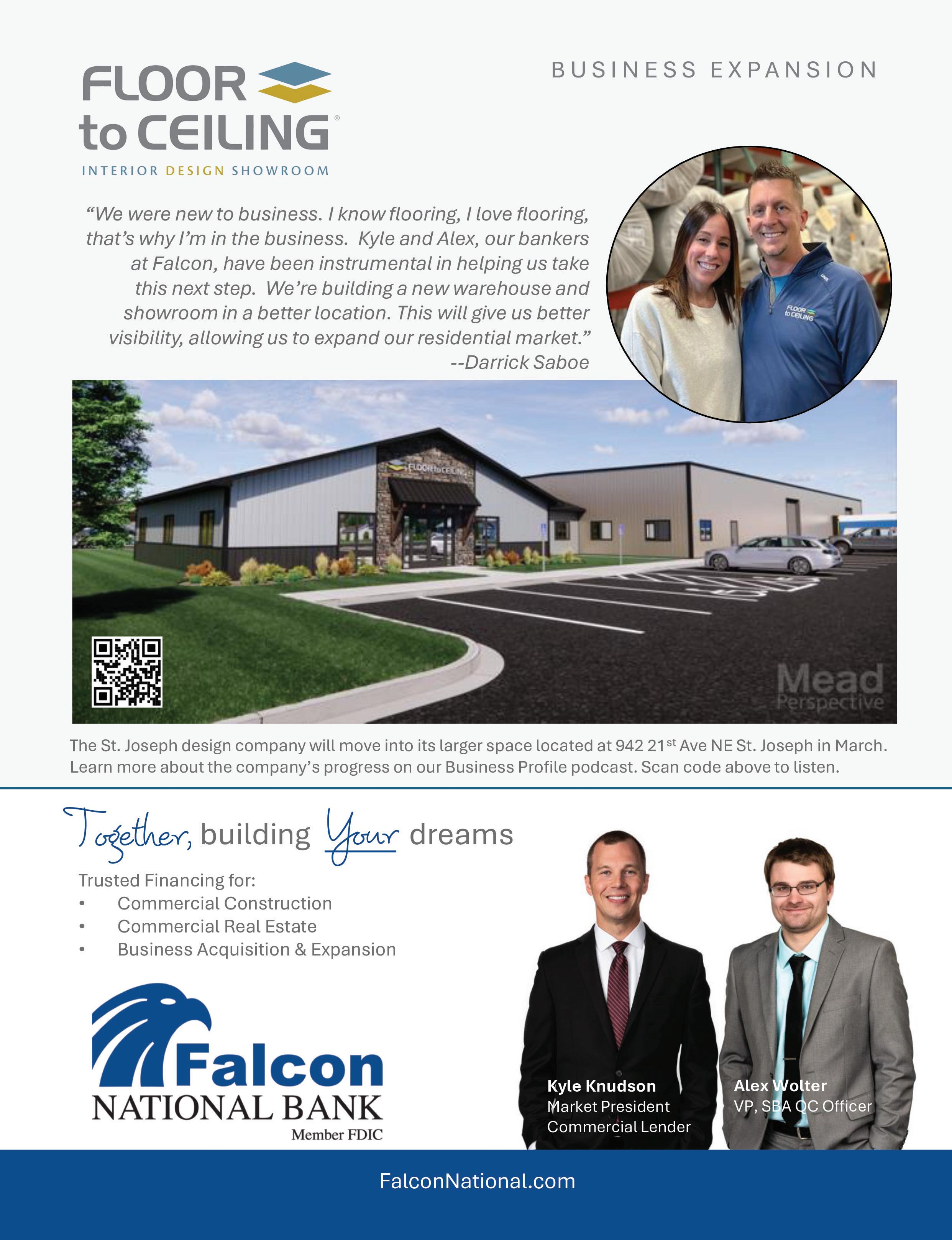
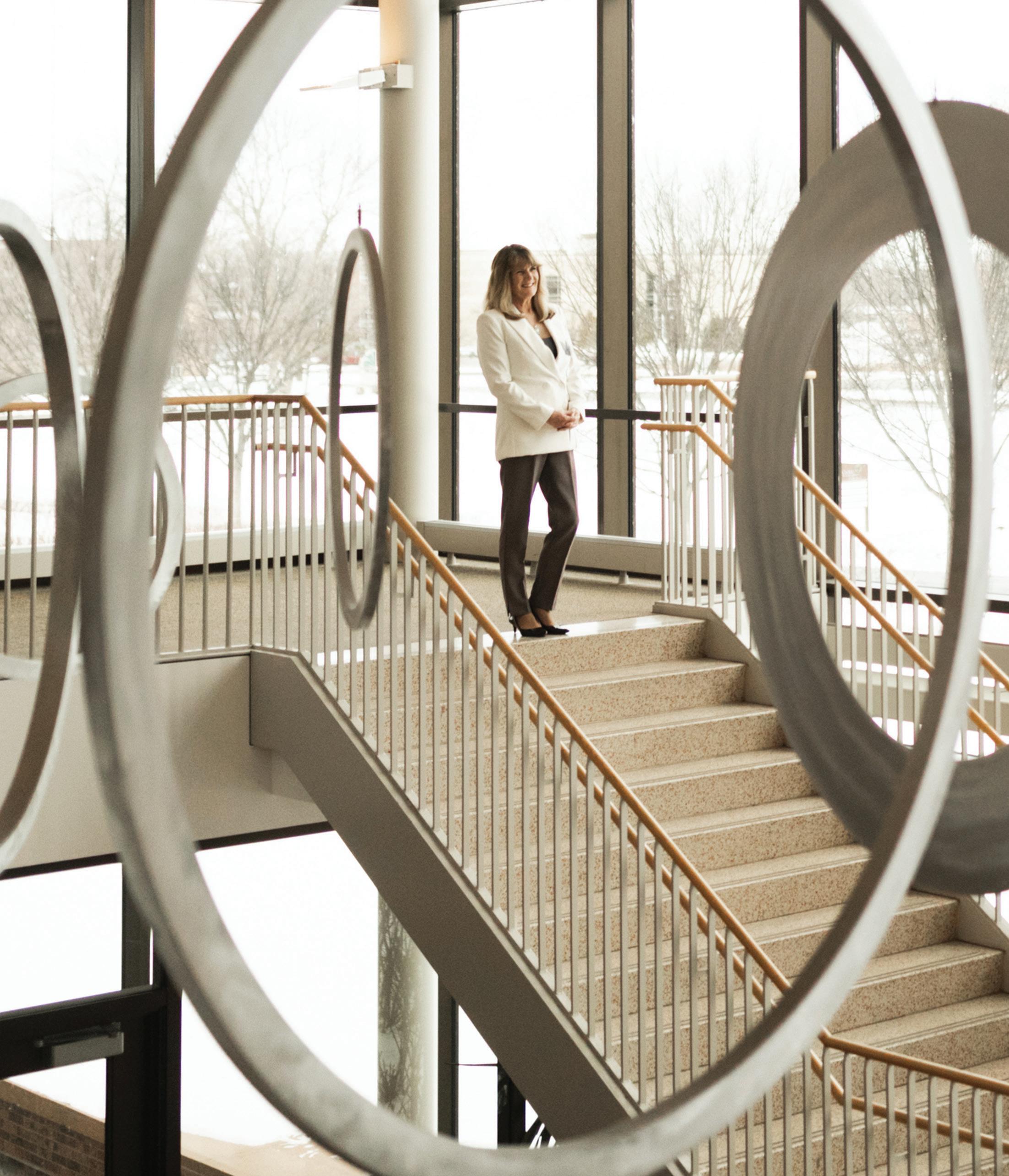
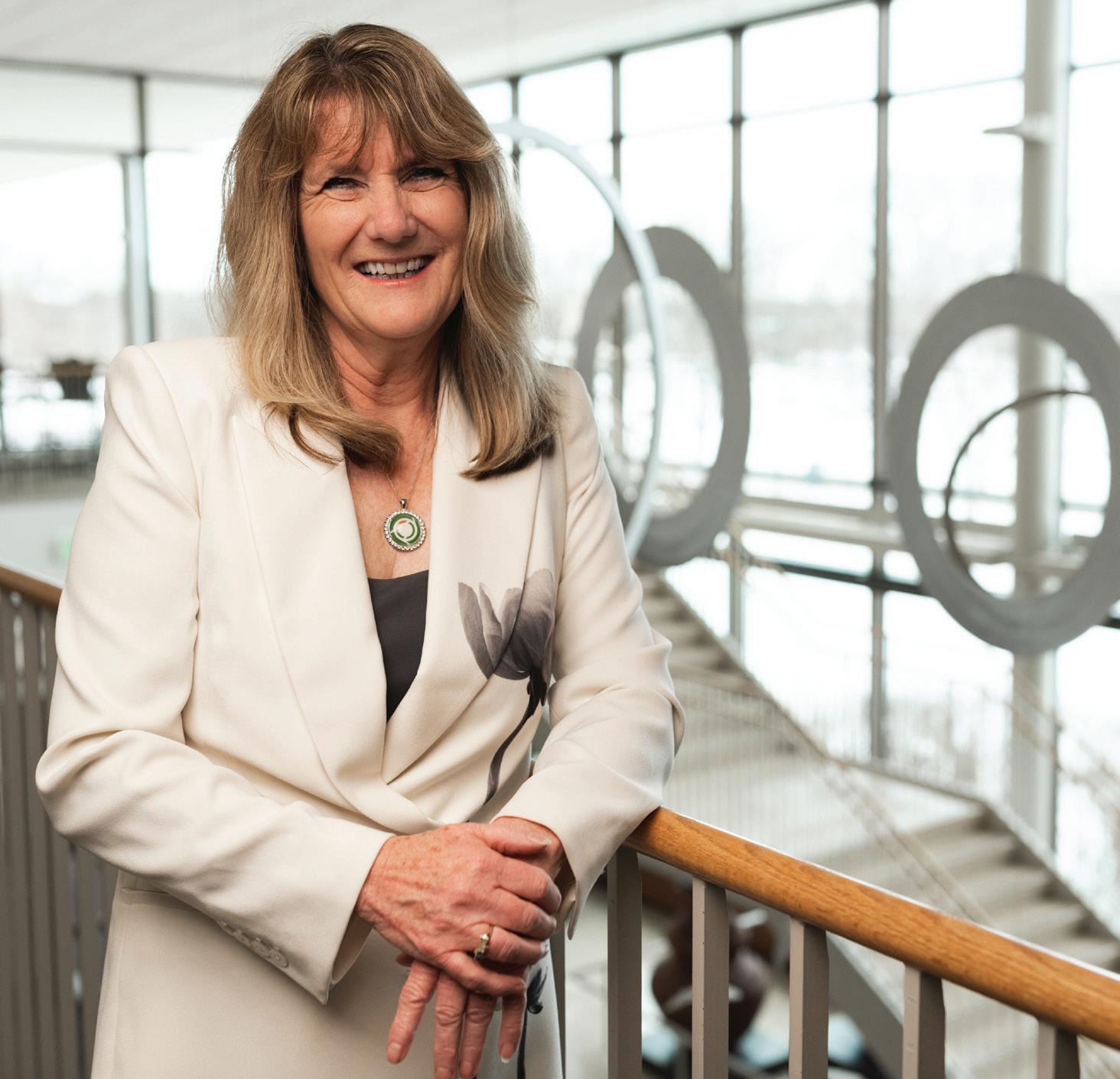
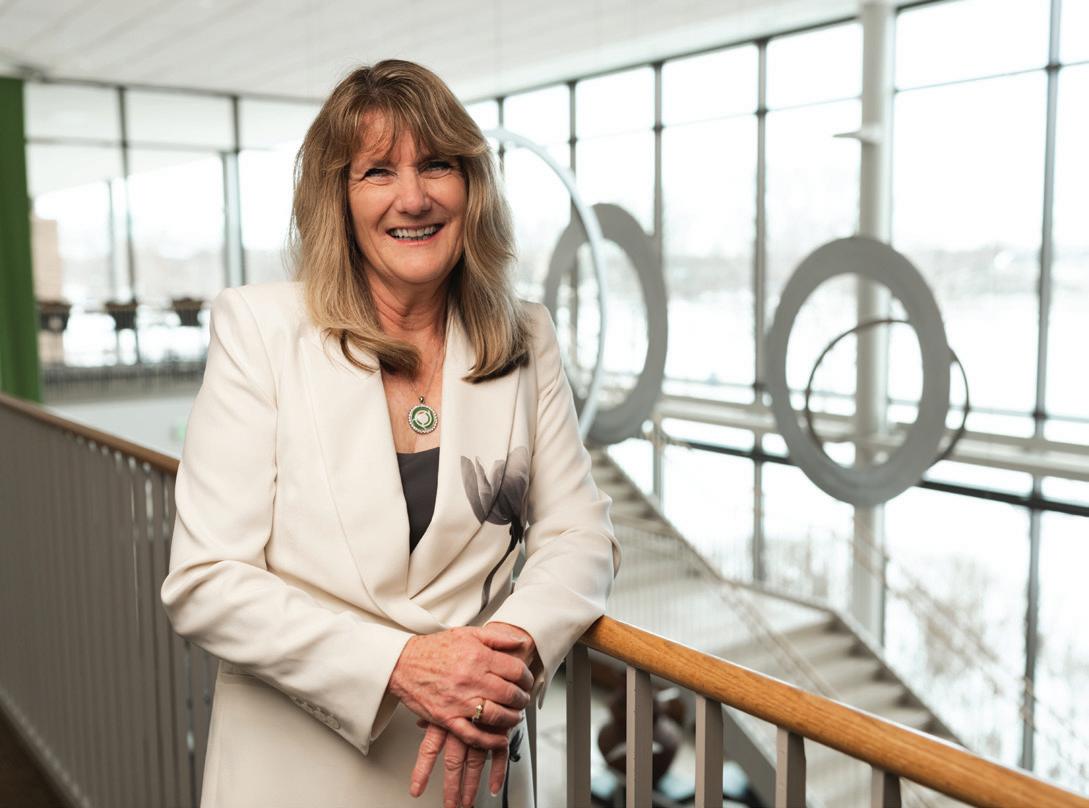
LORI KLOOS, PRESIDENT OF THE ST. CLOUD TECHNICAL AND COMMUNITY COLLEGE, KNOWS FIRSTHAND THE VALUE OF A TECHNICAL SCHOOL EDUCATION.
BY EMILY BERTRAM / COVER PHOTOS BY SWITCHBOARD
“ That’s the challenge and the beauty of higher education, that the students’ situations are always different. No one’s situation is the same. ”
—Lori Kloos, president, St. Cloud Technical and Community College
The daughter of an Alexandria Area Vocational Technical Institute (AVTI) professor and a first-generation college student, Lori Kloos has experienced firsthand the value and versatility of a technical school education. “My father always told me to get in, get out, and get a job,” Kloos said.
She began her education at Alexandria AVTI in the interior design program, but her instructors encouraged her to try a different path. Kloos moved to Austin, Minn., receiving a marketing diploma from the Austin AVTI. After graduation, she moved to Mankato, where she began selling advertising for a publication called The Golden Nugget. “I had no idea what selling advertising was like,” Kloos said. “It was an eye-opening experience.” Several years later, she moved with her husband to Detroit Lakes, where she continued in ad sales for the Lakes Area Press. During that time, she decided to go back to school.
While enrolled in Moorhead State University, Kloos was surprised to discover that she enjoyed accounting. “I like the creativity of it,” she said. “I love the analysis and the what-if scenarios.” After graduating with her accounting degree, her husband got a new job and they moved to St. Cloud.
Kloos began working at the Office of the Legislative Auditor in St. Paul. In 1991, the statewide system of colleges and universities was merged into Minnesota State, and

Kloos was assigned to the audit of St. Cloud Technical College for the transition. “It was really hard going from what had really been associated with the school district and becoming associated with the state system,” Kloos said. The transition resulted in a lot of turnover for the school, opening up a position for a business manager at what is now known as the St. Cloud Technical & Community College (SCTCC). Her former supervisor urged her to apply saying, “This college is a shining star in the system.” She took the role in 1998, moving into the role of vice president of administration about one year later.
“I saw the people — the faculty and staff — how much they cared about students,” Kloos said. “There were a lot of things that needed to be cleaned up on the finance side, but it was the college itself that really attracted me.” Kloos served under presidents Joan Volkmuth, Joyce Helens and Annesa Cheek, each of whom were significant mentors in her professional journey.
Kloos played an integral role in those transitions, serving as interim president in 2017 and acting president in 2005 and 2022, when the opportunity arose to make the role permanent. “It was with community support, both internal and external, that people came together and said, ‘We would support you doing this’ if I would consider moving into the permanent position,” Kloos said. She took over as president in 2023.
“Maybe what you went to school for isn’t exactly where you’re going to end up,” Kloos said. “Every experience I had — whether in
St. Cloud Technical and Community College
1540 Northway Drive
St. Cloud, MN 56303
(800) 222-1009
recruitment@sctcc.edu sctcc.edu
President: Lori Kloos
Employees: 380
Advisory Committees:
34 total (16 for skilled trades, 10 for business, IT and education, 8 for health sciences and nursing)
Description: St. Cloud Technical and Community College (SCTCC) is a public college in St. Cloud, Minnesota offering programs and degrees to meet the needs of the local community.
Founded: 1948
DID YOU KNOW?
SCTCC students, faculty, and staff are from more than 35 different countries.
99% of graduates available for work find jobs in their fields, from self-reported data of graduates up to one year post graduation.
SCTCC Degree options: certificate, diploma, associate of applied science, associate of science, associate of arts
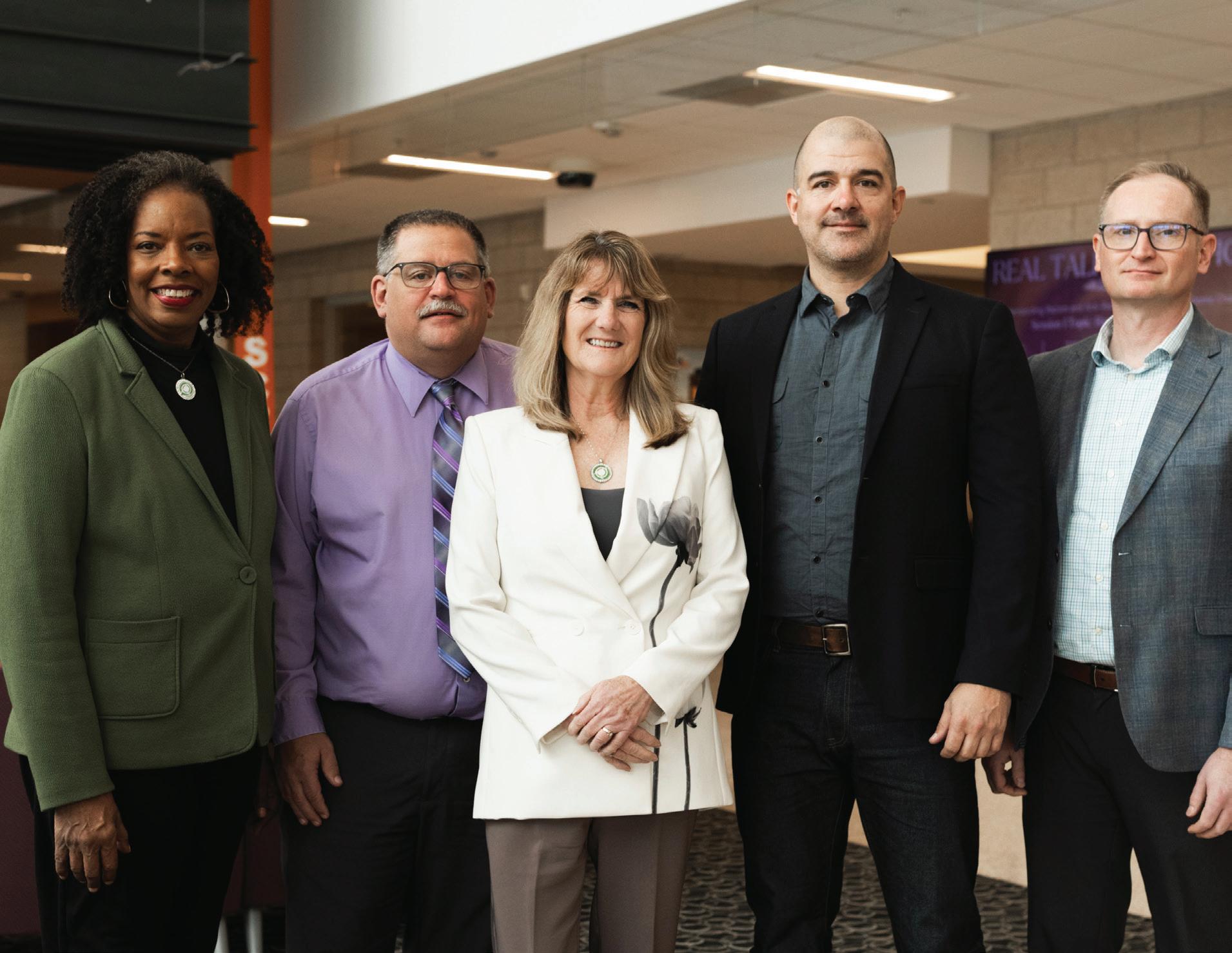
Kloos credits the success of SCTCC to its dedicated staff and leadership.
here are members of
Alexandria or Austin, St. Cloud or Moorhead — I learned something that applies somewhere in my life. It was the Minnesota State system that helped me. I’m a true believer in what we do.”
Kloos lives and breathes the mission of SCTCC, which is: We provide the education, training, and support necessary for equitable participation in our society, economy, and democracy.
Kloos and her team’s commitment to this mission is evident in their strategic plan, which covers three major areas: sustainability, student success and sense of belonging. She is constantly working with her faculty and staff to determine where they can make an impact in each of these areas — what part does everyone play in the big picture. As it turns out, it’s engrained into the school’s operations.
An accountant at heart and by training, Kloos can’t help but mention the importance of financial sustainability when it comes to operations at SCTCC. Operating a college
with more than 4,800 students and over 380 employees doesn’t come without its share of financial challenges. It’s part of why she is so invested in providing what her employees, students and the community needs. “We want to make sure that we are sustainable and cognizant of how we are using students’ tuition dollars, state taxpayer funds, and the private investment — to be the best stewards of those funds,” she said.
Sustainability also comes into play from an employee retention standpoint. “We know that the less turnover we have, it makes a difference,” Kloos said. “It provides continuity for students and continuity for that knowledge.” Great care is taken to acknowledge the contributions of long-tenured faculty and staff — especially because they’ve weathered a lot of change in the last few decades. “Many employees have been here long-term and they still bring such energy and passion.”
When Kloos first started working at SCTCC, it was purely a technical college and it was all in one building. Over time, the school

gradually acquired more buildings, including space for a day care center. In 2010, the school became comprehensive, which means it added a liberal arts and science program. This opens the door for transfer students, who come to SCTCC to complete their two-year degree and move on to a four-year university. Not surprisingly, St. Cloud State University is the number one transfer-in and transferout school for SCTCC. Kloos is proud of the relationship between the two schools and what it means for the community — keeping students local and embracing collaboration.
Kloos has worked with her team to build that same structure of collaboration internally as well. “Trying to find the right people who support the culture we are creating, which is that everyone should feel like they are included,” she said. “Everyone has a voice, so how can we create the conditions where people feel like they can speak up?” When faculty members have new ideas, initiatives or methodologies that they want to try, Kloos works with them to figure out how to make it happen.
Student success is defined by student retention and giving students the tools they need to be successful, despite any barriers they may face. This has been part of the SCTCC way for many years. “What I saw in 1998, and still see today, is the passion of the faculty and staff,” Kloos said. “They are committed to students’ education and success.”
One example of this commitment is the recent moving and restructuring of the advising and admissions departments so that they are located in the same area, instead of spread across campus. Kloos told them, “If we can get the space to work, can you come up with a plan to make it work.” Despite differences, they worked together to identify shared values, and today all of those services —advising, admissions, career services, recruiters — are now in one area.
Another recent initiative is the creation of the J.A. Wedum Center for Student Success.
Funded by $2 million from the J.A. Wedum Foundation and matched by generous public investment, this center aims to improve first generation retention and completion through student accountability, intensive advising and connected services. “Those students who are first-generation students maybe don’t have someone who can help them navigate higher education,” Kloos said. Often, these students are also balancing jobs, families, children — many different types of barriers. “I love those students. I love their motivation. I love their determination. I love how resilient they are and how appreciative they are for the help and support,” she said. “And when you see them succeed, how proud they are of their accomplishments.” Over half of SCTCC students — around 2,800 — are firstgeneration students.
Like many schools, enrollment has been a roller coaster over the years. “When I joined in 1998, we were growing so fast that we couldn’t keep up,” Kloos said. “We hit our peak enrollment around 2012.” It began to trend down after that, but not as severely as other community colleges. Enrollment at SCTCC has been steadily trending upward in recent years, and in the fall of 2024 it increased by a whopping 14 percent. The increase spans every area — from liberal arts to HVAC and electrical.
The number of students taking advantage of postsecondary enrollment options (PSEO) has also increased. PSEO is the opportunity to earn college credits while still enrolled in high school. Kloos remembers a recent conversation she had with three PSEO students. “All three of them will be earning their high school diploma this spring — and getting their two-year degree at the same time,” Kloos said. “I am always in awe of how they know exactly what they want to do.”
That’s not to say that students need to have a clear career path in mind when enrolling at SCTCC. “The students who, like myself, say ‘this program isn’t for me,’ or maybe aren’t successful, they can come back and try again,” Kloos said. “To those students I want to say, don’t give up and don’t feel like you wasted time.”
SCTCC TIMELINE
1948
St. Cloud Area Vocational Technical School is founded; Robert Miller is named director
1955
H.B. Gough wing addition is completed
1964
James Wakefield is named director
1966
Robert C. Miller building is completed
1971 – 1975
Multiple expansions take place to accommodate health programs, transportation, cafeteria/kitchen, physical plant administration, truck, auto body, and additional classrooms
1973
The College name is changed to the St. Cloud Area Vocational Technical Institute
1976
Donald Hamerlinck is named director
1983
Two more wings are added to serve students
1988
The College name is changed to St. Cloud Technical Institute
1990
The College name is changed to St. Cloud Technical College; Eugene Jereczyk is named interim president
1991
Dr. Larry Barnhardt is named president
1994
The College athletics program changes its name from Spartans to Cyclones; the dental clinic opens for dental hygiene students
1995
The College is incorporated into the Minnesota State Colleges and Universities system FAST
Husband: Gary
Children: Terran, Tiana, Diego, Jonathan
Hometown: Alexandria, Minn., currently lives in Richmond
Education: Alexandria AVTI, Austin AVTI, Moorhead State
Work History: Janesville
Argus/The Golden Nugget, Lakes Area Press, Detroit Lakes Tribune, Office of the Legislative Auditor
Community Involvement:
CentraCare Compensation Committee; GSDC Board; GSDC Governance Committee; United Way Partners for Student Success Advisory Board; Big Brothers Big Sisters Advisory Board member; St. Cloud Rotary; Enterprise MN Board member; Minnesota State president liaison to statewide student organization LeadMN
Hobbies: Reading, being on the lake, hiking and taking advantage of where we live
1982
Graduated from Austin AVTI
1994
Graduated from Moorhead State; began working for the Office of the Legislative Auditor
1998
Began working at SCTCC as business manager
1999
Promoted to vice president of administration
Do what you have a passion for, embrace those that want to mentor you, and be a mentor to others.
2005
Served as acting president 2017-2018
Served as interim president 2022
Served as acting/ interim president 2023
Appointed as permanent president
Defined by the National Institutes of Health as “the subjective feeling of deep connection with social groups, physical places, and individual and collective experiences,” a sense of belonging at SCTCC applies not only to students, but faculty, staff and the community.
“We are the community’s college,” Kloos said. “It’s the community ties that this college has, the people that are connected to the college, and their willingness to support the college and vice versa.” Most SCTCC students come from the five-county area, and most of them want to stay here — raise their families here and have a great career here. Kloos notes that technical colleges have always existed to work within communities and make sure they’re providing the skilled training needed so that students can enter the workforce easily — it’s part of the foundation they were built on.
“All of our career and technical education programs have advisory committees made up of members of the community,” Kloos said. There are over 40 different advisory committees that work with faculty to assess community needs, identify workforce trends, and suggest appropriate changes to curriculum.
In one example, the dean of the liberal arts and sciences program is working with the Greater St. Cloud
Development Corporation to conduct a forum where employers can learn more about the softskills that students gain in the liberal arts and sciences program. In return, it will also introduce students to employers and give the students a better idea of what they may want to do after graduating or transferring. “It’s building those connections and staying in tune with what the community needs are,” Kloos said. “That symbiotic relationship, I think, is really important.” This type of collaboration has also led to other groundbreaking initiatives like the Advanced Manufacturing Center and the Aircraft Maintenance Program (see sidebar).
Kloos feels fortunate to be located in St. Cloud. The community is made up of “people who are really passionate — community leaders who are brilliant and who are very giving in their nature and in their commitment to wanting our community to thrive and do better, and are willing to put in the hard work to make things happen,” she said. That, along with the dedication and passion of her staff, is what makes her truly proud. “The recognition goes to the cabinet members, the deans, the faculty, the staff — they’re really what makes this college vibrant and successful.”
What do the best days look like? That’s easy. “Graduation is a magical time,” Kloos said. She enjoys sitting back and observing students sharing high-fives and hugs with faculty, and knowing that the future is full of possibilities for so many. SCTCC boasts a 99 percent placement rate for graduates in their fields of study. Many of them even stay in the area, and Kloos finds it rewarding to see graduates staying in
LORI'S FUN FACT: “I spent three months living in Paraguay when I was adopting my oldest child, and it enriched my life in ways I never imagined. ”
the community and giving back. “I just feel fortunate to have a career in an environment like that,” she said.
In her many years at the school, Kloos is proud of the growth. Becoming comprehensive, physically growing the campus to offer more programs, doing it with the community — she is thankful to have been part of it all. “I love the community collaboration,” Kloos said. “When you get to see things come together.” She notes initiatives like the Aircraft Maintenance Technician program, Advanced Manufacturing Center, Wedum Success Center — all projects that are possible because of collaboration between faculty and staff, the community, and other partners. “That’s something that I get a lot of energy from,” she said.
Above all, she remains in awe of the motivation and resilience of the 4,800+
GROUNDBREAKING INITIATIVES
Tstudents at SCTCC. Recently, she interacted with a young woman who is a junior in high school and currently enrolled in the welding program as a PSEO student. She will graduate from that program in the spring, return in the fall to begin PSEO classes for her marketing diploma, and then graduate the following spring — and also graduate from high school. She’s outgoing, innovative, and willing to take on new tasks with excitement. “When I hear people say, ‘I’m worried for the future,’ I’m thinking, ‘I’m not!’ ” Kloos said. “I see all these students and know we’re in good hands.”
1997
Harold Erickson is named interim president; Joan Barrett Volkmuth is named president 2003
In collaboration with Anoka-Ramsey Community College, the College offers an Associate of Arts (AA) degree to be completed entirely on campus 2006
Joyce Helens is named president; Northway Building addition takes place 2007
The customized training and education center is expanded 2010
Emily Bertram is the director of marketing and communications at the St. Cloud Area Chamber of Commerce and editor of Business Central Magazine.
hanks to the close relationship between SCTCC and the St. Cloud community, the school is able to take on initiatives that affect the workforce directly in the region.
Kloos and her team pulled in both faculty and community advocates to develop a space for collaborating, experimenting and coming up with solutions through manufacturing. With help from a $2.5 million grant from the U.S. Department of Commerce, the Advanced Manufacturing Center was renovated and expanded to its current 8,000 square feet, equipped with state-of-the-art equipment and a faculty eager to explore endless opportunities with its students. It opened in 2023 and serves hundreds of students each semester.
Similarly, development of the Aircraft Maintenance Program started when a need was identified for more aircraft maintenance technicians in Minnesota. “There are three programs in Minnesota State, but you just can’t get students through fast enough,” Kloos said. “It’s a two-year program and the FAA limitation is 24 students in a cohort.” SCTCC was approached by community collaborators and local legislators to see if they would be willing to develop a program. Kloos, her team, and many area partners are working to launch this program by fall of 2026. “The community has stepped forward to say, we’ll help match some things to make this happen,” Kloos said. “Truly, the sky is the limit.”
The College becomes comprehensive, adds "Community" to its name, offers its own AA degree 2011
The Health Sciences building opens 2016
The library moves to the Heartland building 2018
Lori Kloos is named interim president; Dr. Annesa Cheek is named president; the bookstore is expanded; Common Grounds coffee shop and student lounge open 2021
The Multicultural Center opens 2022
Lori Kloos is named interim president; the Cyclones Cupboard student food shelf opens 2023
Lori Kloos is named president; the Advanced Manufacturing Center opens
FAST FACTS: In 2023 SCTCC had 559 PSEO students attend • 26% of students take classes full time; 74% part time.
Women have been leaving their mark on the manufacturing industry for decades.
With a knack for tools and inventions from an early age, Margaret Knight received her first patent for a paperbag-folding machine in 1870. She went on to patent over 27 other inventions, including a robe clasp, a spit, and several devices related to rotary engines.

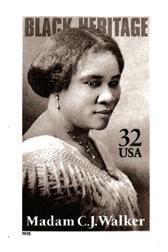
After suffering from hair and scalp issues for years, Madam C.J. Walker launched her own line of hair products for African American women in 1905. She opened Walker Manufacturing Company in 1910, and founded the National Negro Cosmetics Manufacturers Association in 1917. She was the first female self-made millionaire in America, according to the Guinness Book of World Records.
Initially with dreams of becoming a fashion designer, Stephanie Kwolek later turned to chemistry and medicine, landing a job as a chemist at DuPont Company. She worked on generating fibers that could perform in extreme conditions and through her polymer research invented the material Kevlar in 1965.

When Mary Barra first started working at General Motors as a student in 1980, her job was checking fender panels and inspecting hoods. She used this job to pay her college tuition. Working her way through a variety of engineering, administrative and leadership roles, she became the first female CEO of an automobile manufacturer in 2014.
Central Minnesota is home to many talented women who are innovating and challenging the status quo daily. Read on to learn more about the local women making a difference in their manufacturing operations.


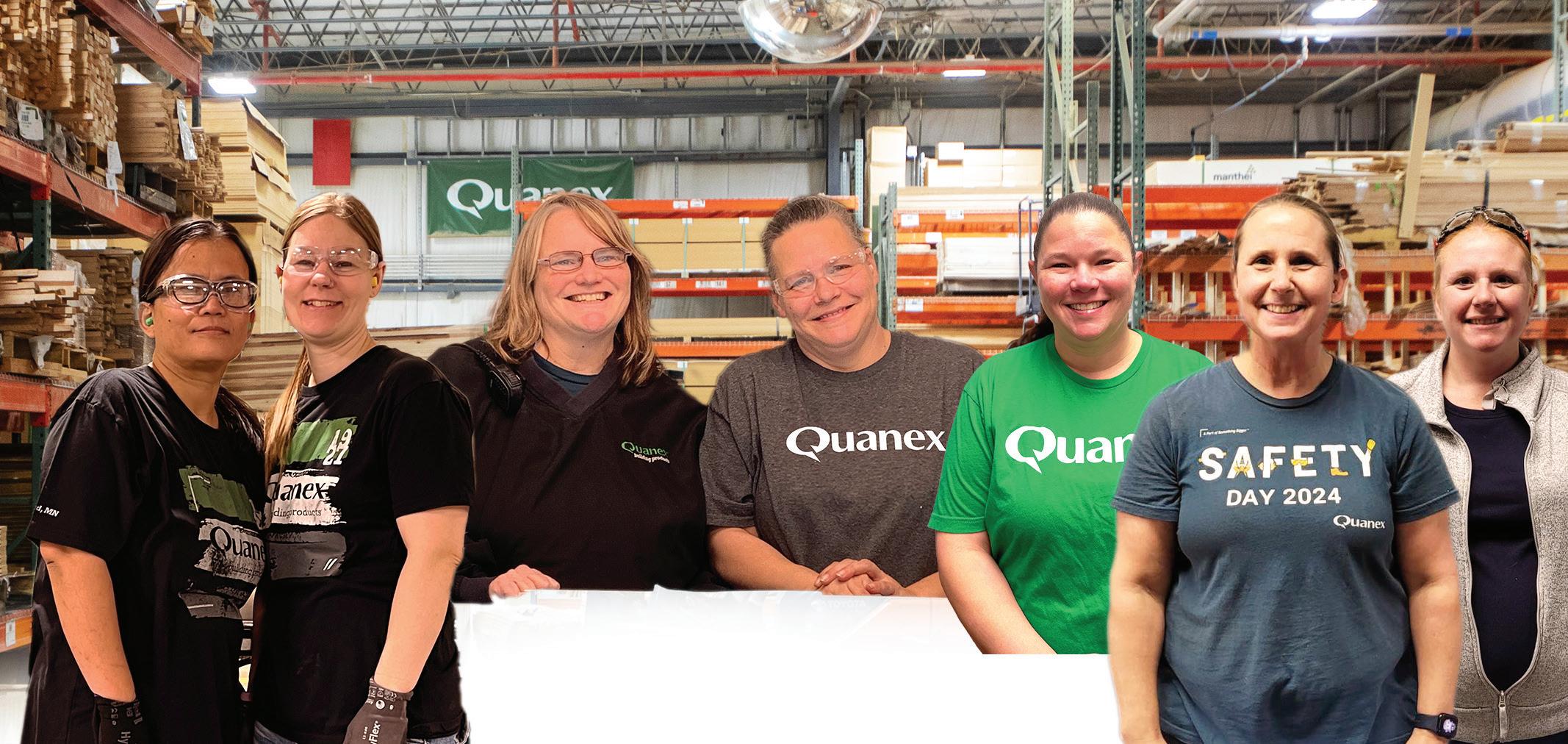






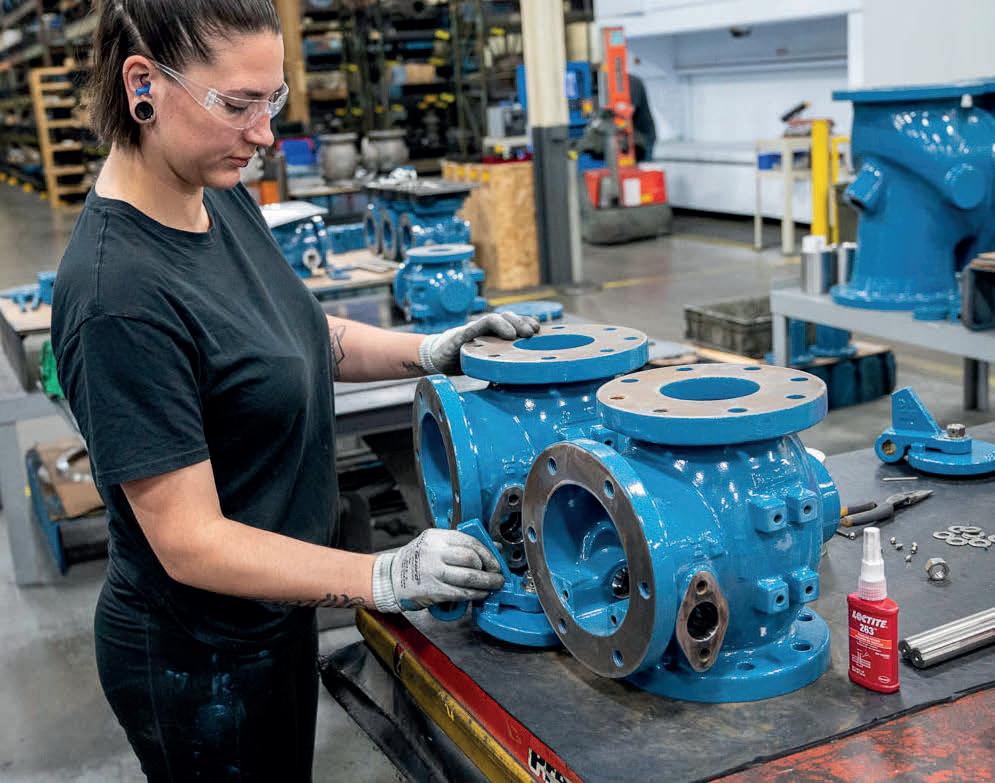
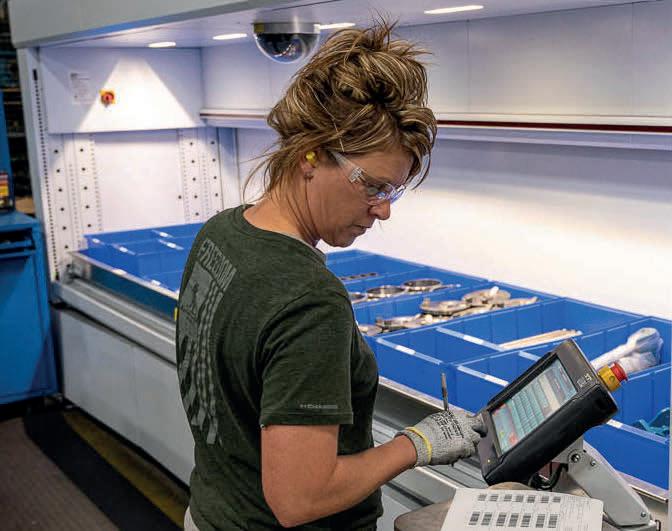
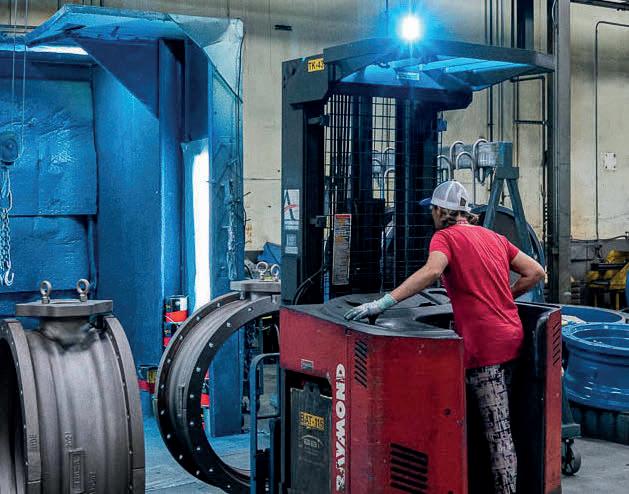
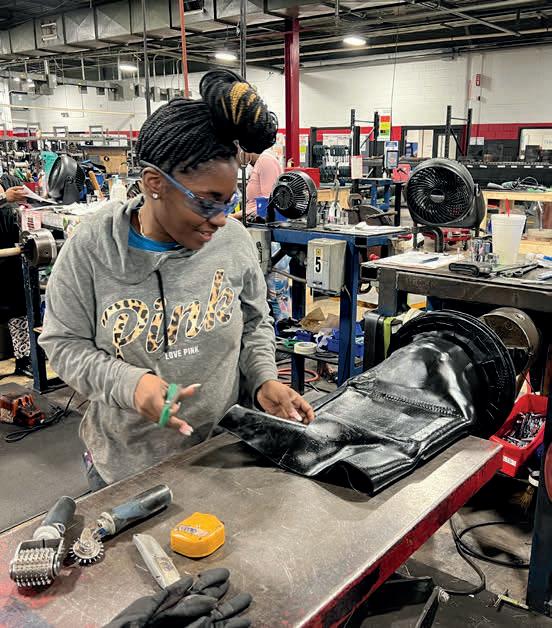
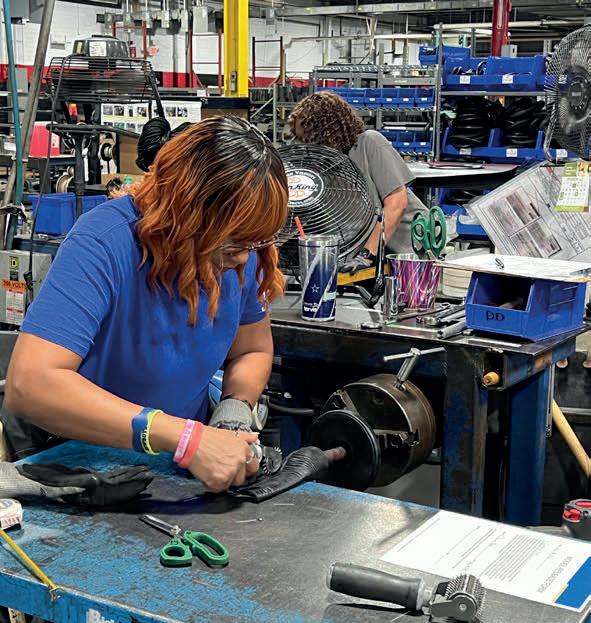

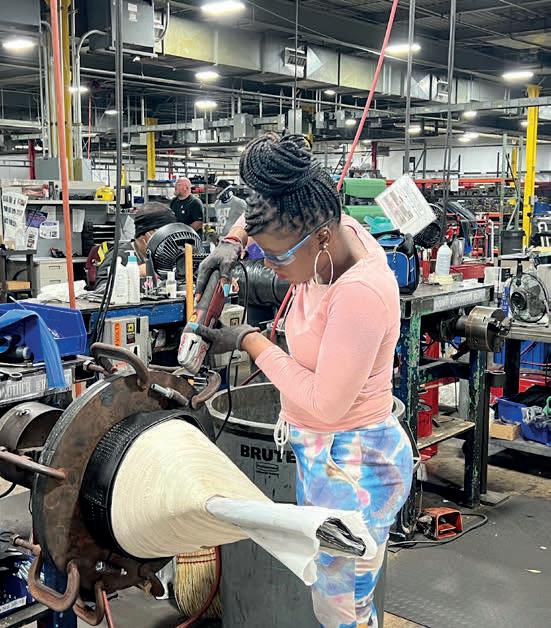

At Park Industries, women are making their mark across every facet of manufacturing, from guiding company culture and associate growth to leading teams on the production floor and ensuring seamless on-site installations. Their unique skills and passions drive the company’s success. Meet some of the incredible Park women:
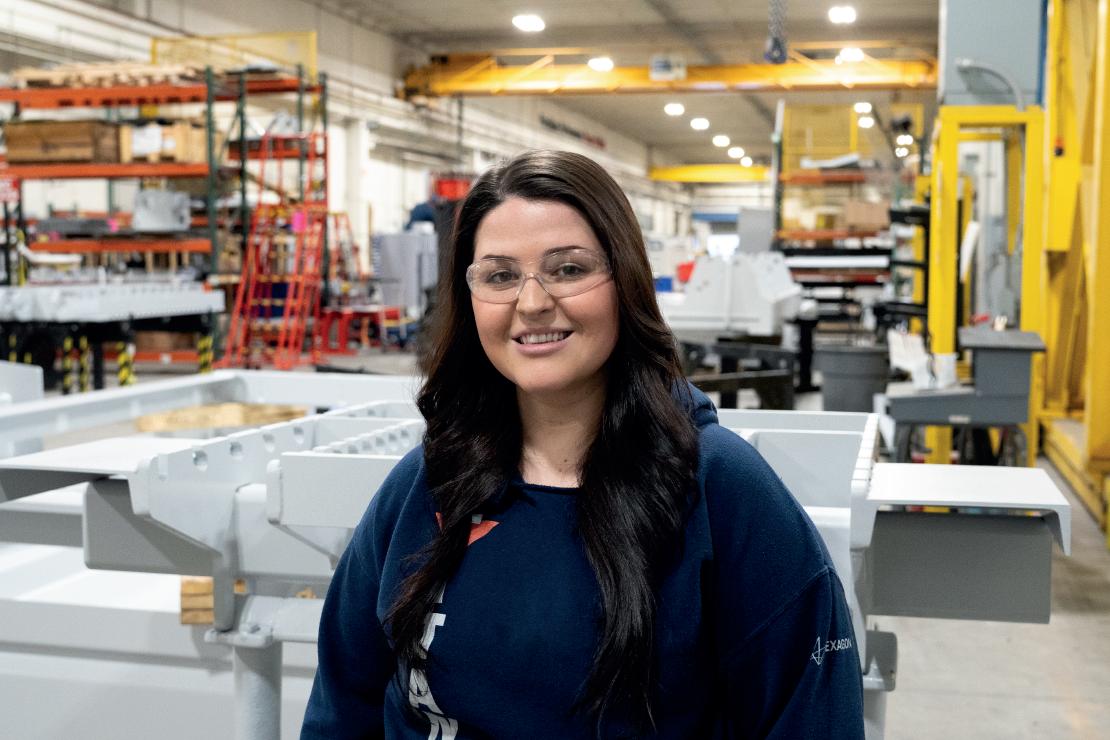
Devyn Kreutzer
Manufacturing Supervisor
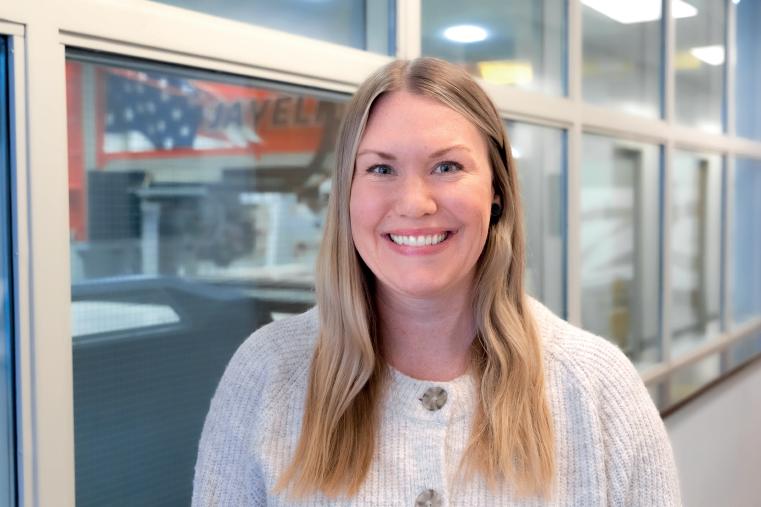
Alyssa Cross VP of Human Resources
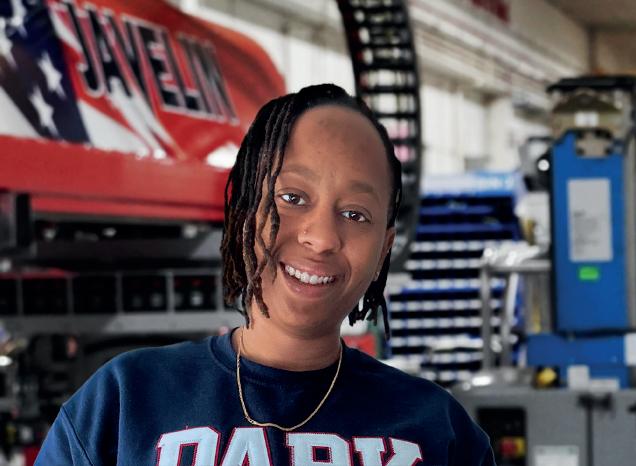
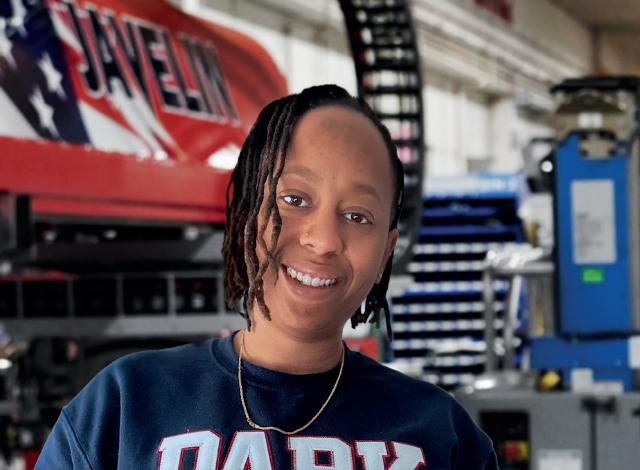
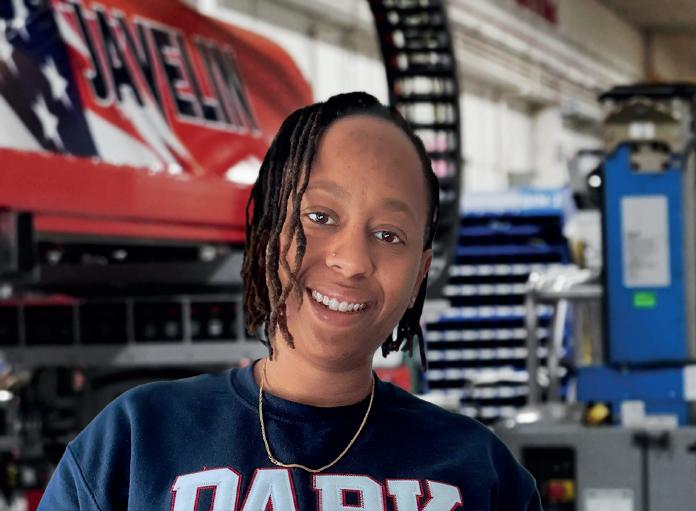
Installation/Field Service Tech
role is to make sure all of our work meets our high standards for quality, efficiency, and precision, while keeping things collaborative and productive for our teams.
What advice would you give to other women looking to make a significant impact in the manufacturing sector?
My advice to other women looking to make an impact in manufacturing is to embrace the challenge and not let stereotypes hold you back. While stepping into a traditionally male-dominated field can feel intimidating, remember that your unique skills, perspectives, and experiences are invaluable. Use them to drive innovation, solve problems creatively, and bring a new perspective to the industry.
As the VP of Human Resources, I help shape the company culture and ensure our team has the resources and support they need to thrive. I also lead initiatives like hiring, employee engagement, benefits, and fostering a positive work environment that reflects our mission and vision.
What role do you think women will play in shaping the future of manufacturing?
As manufacturing continues to evolve with advancements like automation and sustainability initiatives, women’s adaptability, curiosity, and unique perspectives will be instrumental in shaping strategies that keep the industry competitive and forward-thinking. Moreover, by serving as role models and mentors, women will inspire the next generation to pursue careers in manufacturing!
As a CNC Technician at Park Industries, I specialize in installing machinery like the Voyager, Fastback, and HydroClear. My role not only allows me to hone my technical skills but also empowers me to contribute to a collaborative team environment.
What advancements or changes have you seen in the industry that you believe are a result of increased female participation?
The increased presence of women in manufacturing has led to a greater emphasis on collaboration and communication. We’ve seen advancements in workplace culture, with more focus on inclusivity and employee well-being, which ultimately drives productivity and innovation. This shift has also encouraged diverse perspectives, resulting in more creative problem-solving and stronger team dynamics.
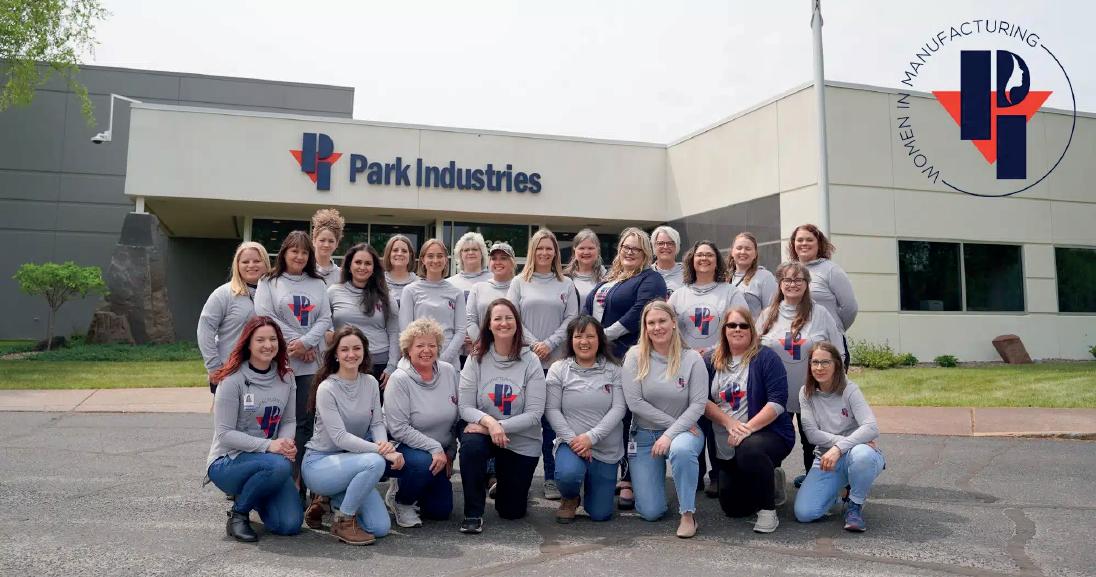

Park Industries® developed Women In Manufacturing with the goal of providing networking, support, and educational opportunities for the women of Park. The group focuses on associate development resulting in increased engagement, skill development, and retention. With only 30% of manufacturing positions in the US held by women, our continued growth in the industry requires dedicated effort!
Park Industries is North America’s leading manufacturer of stoneworking equipment and a Minnesota employer of choice—delivering our customers precision, performance, and peace of mind for 70 years and counting.




More than just a way to fill time after work, hobbies are a healthy way to learn and grow – both personally and professionally.
By Vicki Johnson
It’s five o’clock. And somewhere, someone is still frantically typing that last email of the day. Or wrapping up that final meeting. Or preparing to work late into the evening because “things just can’t wait until morning.”
If the last thing you check before you go to bed at night and the first thing you look at in the morning is your email, then you need a break.
“Our society today focuses on always being on the go and the need to be the best and
to always succeed,” said CentraCare Family Nurse Practitioner Erika Burggraff. “And what happens is that we become almost fearful of taking a break.”
But, as studies have shown, that mentality does more harm than good. In fact, according to research published in the Biopsychosocial Science and Medicine Journal, denying yourself a chance to step away from the daily grind is not only detrimental to yourself, but the
work you are so desperate to accomplish. “It’s been drilled into our brains that the longer we work, the more productive we are,” said Kayla Ward, licensed marriage and family therapist and owner of Doctors Park Mental Health Center. “But that’s just not the case.”
According to the 2010 study “Association of Enjoyable Leisure Activities with Psychological and Physical Well-Being,” researchers found the pursuit of hobbies or other leisure-type

activities serve two primary roles. Hobbies first serve as “breathers” — activities that induce positive emotions and reduce stress. Second, hobbies serve as “restorers”— helping people recover from, and deal with major stressors.
However, what primary study author Sarah Pressman and her team noted was that taking the necessary break time from daily work activities proved to be most important to an individual’s health. “And that can be hard to do,” CentraCare’s Burggraff said. “Because we are so concerned about the stigma of not working hard enough.”
But, as Ward points out, taking time to pursue interests outside of one’s work — like a hobby — is incredibly important for both physical and mental well-being. “Hobbies help our brains and bodies rest and also improve our mood,” she said. “When we are more rested, we wake up with much clearer thinking and much better focus.”
“Hobbies help our brains and bodies rest and also improve our mood. When we are more rested, we wake up with much clearer thinking and much better focus.”
— KAYLA WARD, LICENSED MARRIAGE AND FAMILY THERAPIST AND OWNER OF DOCTORS PARK MENTAL HEALTH CENTER.
For Mike Lardy, gaining that clear head and better focus means a trip to his 700 squarefoot recording studio to make music. As a kid, Lardy remembers not being super into music.
But during the summer between sixth and seventh grade, Lardy recalls listening to artists like Nirvana, Beastie Boys, and Soundgarden. It was just the spark he needed.
Joining band class in seventh grade, Lardy soon found a passion — and respect — for drumming, music, and the people who transform those notes into melodies.
“I remember when my mom got me my first drum kit,” Lardy said. “And as soon I turned 16 and got my first car, I loaded up that drum kit and headed into St. Cloud to play punk rock and metal shows at the Java Joint.”
While it’s been decades since his last Java Joint show, Lardy still finds time to rock out. It’s a passion that is even more important for him to continue since he and his wife, Sam, purchased Bravo Burritos just before COVID. “I’m in charge of a lot of the creative process stuff for the restaurant,” Lardy said. “And I find that I — 100 percent — cross-pollinate the work that I do at Bravo and the work I do in the studio. It’s all part of that artist itch to make and do creative stuff.”
While there are times in which he can be hyper-focused on the business, Lardy said, returning to music helps him stave off burn out. “I thoroughly believe as a business owner that the creative arts are a fundamentally important skill to have. Whether its painting, drawing, music. It just fuels your brain.”
Coming up with creative solutions fuels Clint Lentner’s brain while at the office. But the phrase “punching out” for the day takes on a completely literal meaning for
the Northland Capital Equipment Finance director of information technology. “I needed to do something to offset all of the sitting I was doing in IT,” Lentner said. “And that’s how I got into boxing fitness.”
As someone who hates to work out alone, Lentner said he started boxing because he not only wanted an exciting cardio workout, but he wanted the team camaraderie the sport provides. “I find boxing is a good way for me to stay centered and helps boost my confidence,” he said. “I may be having a difficult day at work, but it still is not as challenging as being punched in the face.”
The thrill of getting in the ring to face off against an opponent brings Lentner a sense of calm and heightened sense of focus — something that can often elude him when faced with a challenging problem at work. “Boxing forces me to focus in the moment and on what’s right in front of me,” he said. “It gets quiet and just brings out that mental relaxation that I need, especially after a stressful day at work.”
Solutions to those impossible-to-solve work problems often come to him when his mind isn’t focused exclusively on work, Lentner said. “I can run into a challenge in IT and then the ideas come out of the blue when I just go and change the oil in my car or work with my hands. By taking that break and pulling from the skills that I’ve gained through my hobbies, I find that my work designs are better and sharper. And my stress levels are greatly reduced.”
While people like Lardy and Lentner seek out the company of others to help destress from work, for individuals like Susan Dean, it’s the solitude of her mosaic studio that brings her a sense of calm.
“I don’t mind being in town working Monday through Friday. But when the time comes to be on my own, I just need to do something creative.” — SUSAN DEAN, OWNER OF NEWCOMER SERVICES

As the owner of Newcomer Services, Dean said much of her work is spent building personal relationships. And even though she enjoys the hustle and bustle of advertising and connecting people to local businesses, the constant need to engage with people can be exhausting. “I like being alone and I like the quiet,” Dean said. “I don’t mind being in town working Monday through Friday. But when the time comes to be on my own, I just need to do something creative.”
For her, that something creative is mosaics. After a visit to Mexico, Dean
discovered that her souvenir ceramic plates did not survive the trip home. “I loved those pieces so much that I just held onto them for a year or two,” she said. Dean’s cousin suggested that Dean transform the broken pieces into something else. “It just hit me,” Dean said. “I loved putting the pieces, the story, back together.”
Dean’s passion for mosaics exploded — taking it from a weekend hobby to a pursuit of artistic inspiration. In between running her advertising business, Dean found time to participate in several mosaic classes both in Minneapolis as well as at The Chicago Mosaic School. It wasn’t until she sold a piece at one of the St. Cloud Art Crawls that Dean had the confidence to believe she was “good enough.”
“I couldn’t believe anyone would want to buy them,” she said. “My work was so juvenile back then. But it really made me
realize that I was kind of good at this thing.” Since then, Dean’s dabblings into the world of mosaics have landed her installations at the Dick Idol Signature Gallery in Whitefish, Montana, as well as several commissioned pieces — including mosaicking the skull of a wildebeest.
Though she’s not interested in making the switch from side hustle to full-time artist, Dean is thankful for every opportunity she has to lose herself in the
your work. “No one is going to look back at their lives at 80 or 90 years old and wished they worked more,” CentraCare’s Burggraff pointed out. That means learning to juggle your work life and your non-work life effectively.
Start with boundary setting. “There’s a reason why employees get paid leave,” Ward said. “We need that break.” Ward acknowledges that this concept can be difficult for some (including the author of this piece). But it’s critical to realize that you need to step away from work. And more importantly, you deserve to do so.
supervisor can’t address the problem if they don’t know there’s a problem. So, creating an environment, a culture, where it is accepted to have those conversations is so important.”

“It’s the employers’ job to create that environment where employees can be open and honest about their needs — including the need to step away for a bit,” Ward said. “But it’s also the responsibility of the employee to advocate for themselves and voice their needs to their managers. Your

For Lentner, part of that relationship and team building he has with his employees includes learning more about who they are — including their hobbies. “It means a lot to your employees that you as a supervisor put in the effort to learn more about your team,” he said. “Not only does it help build and strengthen those connections, but you might even discover a new (or shared) hobby in the process.”
So seriously, take that break. Get a hobby. Your body, mind and work will thank you.
Vicki Johnson is the senior transportation planner with the Saint Cloud Area Planning Organization.

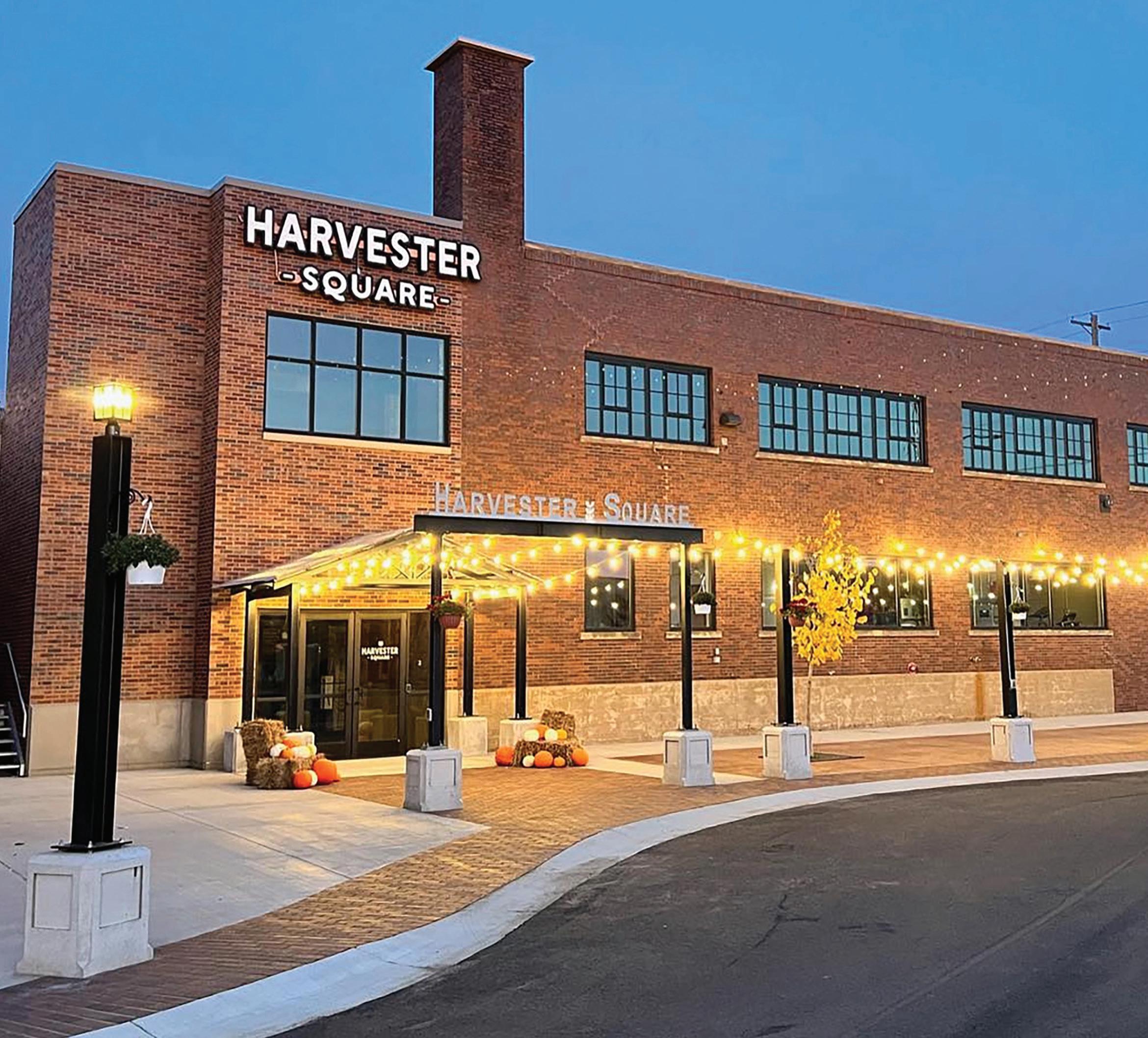
THE PRESERVATION OF HISTORICAL COMMERCIAL PROPERTIES IS IMPORTANT FOR OUR HERITAGE AND FOR YOUR BOTTOM LINE.
BY JEANINE NISTLER
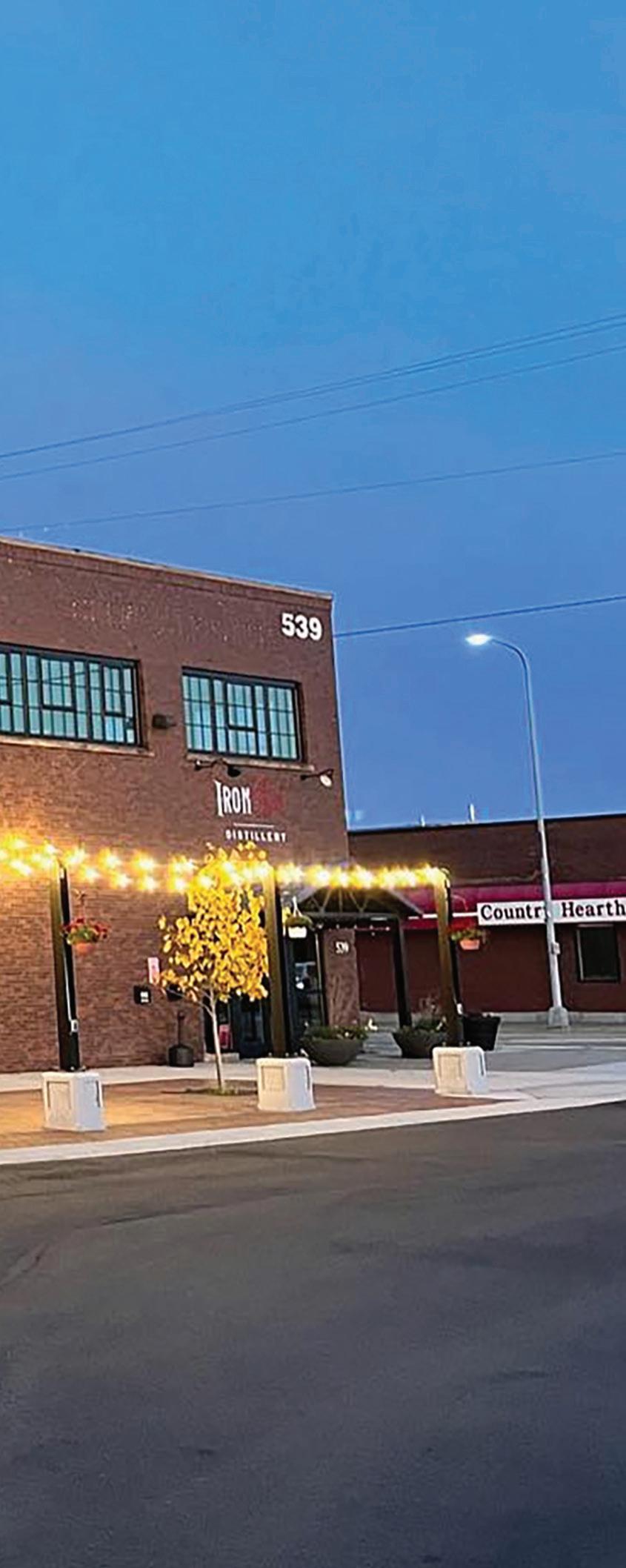

Downtown
St. Cloud and the East Side are home to countless commercial buildings whose stately facades hearken to a bygone era. They carry the essence of horse-drawn carriages and Model A cars, women in skirts that brush the ground, and cigar-smoking businessmen gathered on the street.
Some of these buildings’ interiors have changed little over the decades. Some have been gutted and remodeled. Others have been restored.
Iron Street Distillery is on the main level and Harvester Square event venue is on the second level of this historic property at 538 E. St. Germain Street. The original windows at Harvester Square were removed and reused as interior design elements.
These well-built structures are important pieces of the community’s history, according to Ann Marie Johnson, who does community engagement work with Stearns History Museum. “They’re part of our community and our world. Even if you’ve only been in an area for a day … it’s part of your history and your past. And it is something that will impact the future as well,” she said. Razing such buildings “is losing part of our foundation, our roots,” she said. Without them, “it can feel like a community is lost.” Buildings are reminders of “our shared human heritage.”
Builder Kevin Johnson dreamed of retaining the character of his building at 538 E. St. Germain Street. He
Preserving the historical elements and architecture of a building enhances the aesthetic character of the historic districts and their surroundings while bringing to life the unique stories that each historic structure holds. These buildings are integral to the heritage of the St. Cloud community, providing a connection to our past and enriching our local identity.
Builders can refer to the city’s updated 2024 Historic Preservation Manual. This comprehensive guide outlines best practices for historic preservation and details the historic architectural styles commonly found in our area. The manual also provides information on traditional materials that should be used to maintain authenticity in restoration projects.
The city’s Historical Preservation Commission oversees exterior building improvements within the historic districts. Its mission is to recognize, protect, and enhance St. Cloud’s heritage by safeguarding the integrity of the city’s built environment, ensuring that our community's historical character is preserved for future generations.
Source: Isabella Margl, Planner 1, City of St. Cloud; Other St. Cloud area cities do not have historic preservation commisions. PRESERVING HISTORY



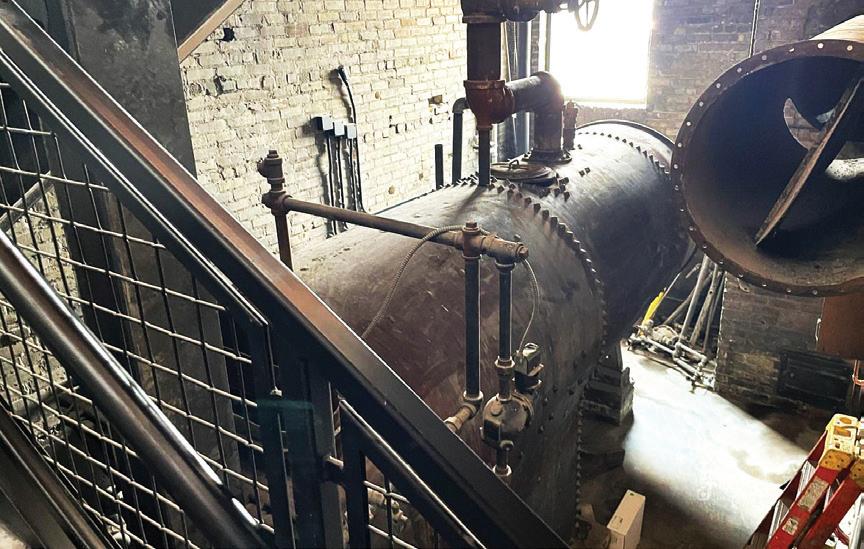
3709 Quail Road NE, Sauk Rapids, MN 56379 (320) 253-3524
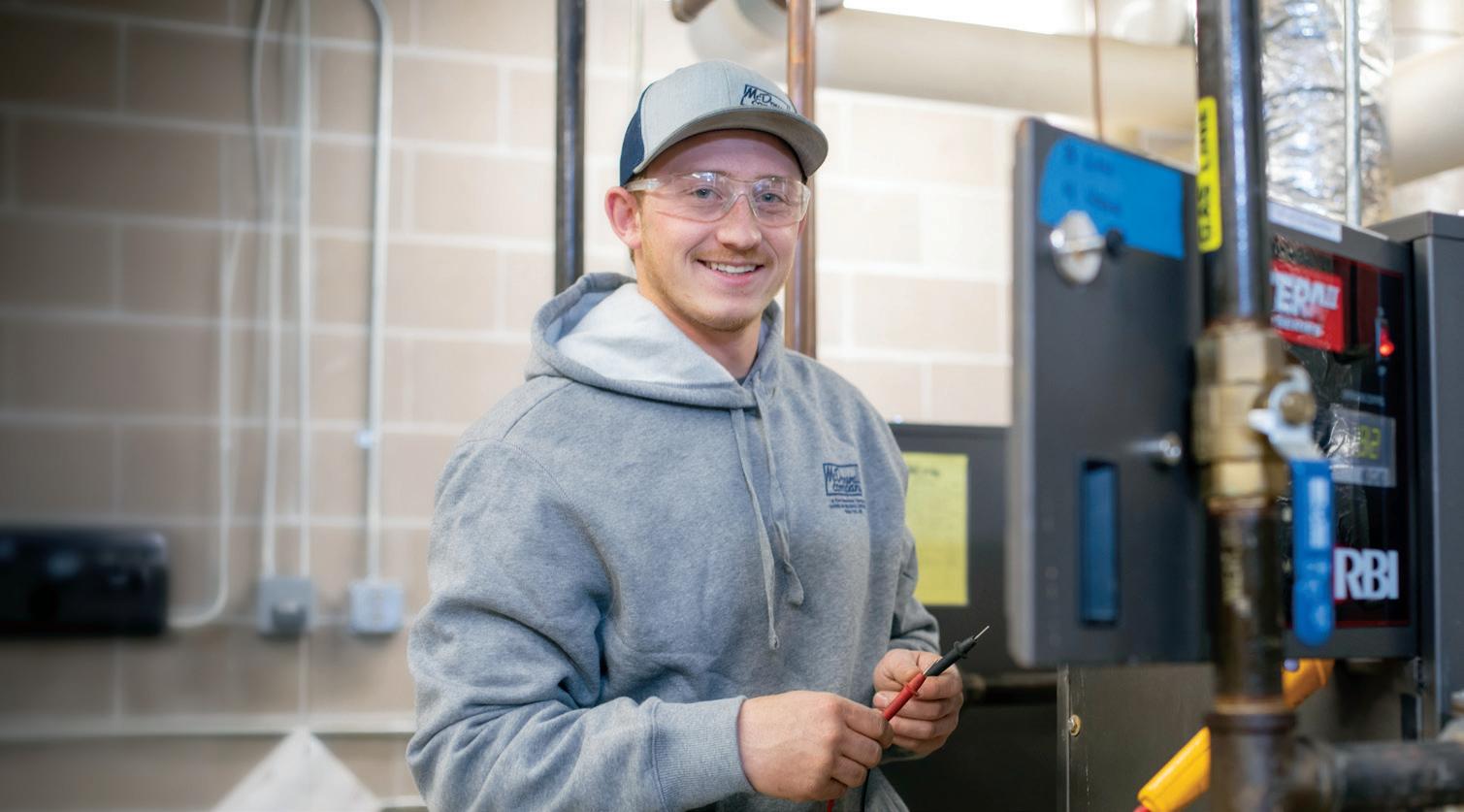
As masters of commercial HVAC,
and support, we’ll help you protect and prolong the life of your investments.
exceeded his own expectations with Iron Street Distillery and the Harvester Square wedding and event venue. He started with the distillery on the main floor. That work went quickly. “The architecture and the finishes they had in there were just beautiful and they kept that look and character throughout time,” Johnson said.
The building’s upstairs “was a lot bigger undertaking.” Johnson’s crew removed the two dozen upstairs windows that were original to the 1928 structure. They used all but three as interior design elements. “My goal was to salvage as much as we could and reuse it,” Johnson said. “It’s a pretty substantial undertaking to try to tackle something like that.”
Portions of the original upstairs maple flooring had to be removed to accommodate new bar and kitchen flooring that would meet modern codes. Those floorboards were transformed into cleaned, buffed, and sealed tabletops. To retain the floor’s character in the main event space, the original floorboards were cleaned to remove “how many years of grit and grime and dirt and dust, and then all the scratches and dents,” Johnson said.
A big nod to the building’s character sits just inside the Harvester Square entrance. The original boiler that heated the building “was just taking up space,”









Johnson said. “I thought for a brief second about tearing it out and scrapping it all, but it really is worth more in aesthetic value.”







Douglas J. Boser, CEO of Inventure Real Estate, has partnered with others on numerous historic renovation projects downtown, including the historic 501 building at the corner of West St. Germain Street and Fifth Ave.; 117 Fifth Ave. S, now the Endurunce Shop; and 119 Fifth Ave. S, which became Brick & Bourbon, then rebranded as B. Social before closing in 2024, The 501 building, originally home to a bank that opened in 1889, had housed many businesses over the decades, but had suffered major mechanical malfunctions. The structure itself was in good shape, Boser said, but “an empty building is just an empty building with no life in it.” Without heat and humidity control, “Mother Nature will take the building back,” he said. He noted that cities can lose entire blocks of historic buildings if they are not preserved one by one.
The Great River Children’s Museum (GRCM), expected to open this spring on Seventh Ave. S. just off Minnesota Highway 23, comprises three buildings that had been owned by Liberty Bank. One was once home to Eddie’s Market, a family-owned grocery store of the type that once populated neighborhoods throughout the community. One was a 1930s-era chicken hatchery. The third building was known in the ’30s as Liberty



The Great River Children's Museum is set to open in late spring 2025 with many preserved pieces of the original building that can be seen in the museum.
Loan and Thrift (now Liberty Bank Minnesota).
Some physical pieces of the buildings have been preserved and can be seen in the museum. For instance, some original flooring is repurposed as a small stage and existing 4-inch-thick terrazzo flooring is beneath a water feature. But even in instances in which there are no original materials in use or on display, “the story is told that these buildings have had many lives,” said GRCM Executive Director Cassie Miles. The museum has “rehomed” much of the 50,000 pounds of deconstructed building materials and fixtures, Miles said. What remains is available for individuals or companies to take and repurpose.
When approaching a historic preservation project, Boser said, a developer first should ask, “Who is the authority that has jurisdiction?” Is it the local Historic Preservation Commission? Local, state, or federal government? Is it clear where your property ends and the next begins?
“In the old days, property lines were never perfect,” Boser said, noting that 100-year-old easements may still be in effect. For example, D.B. Searles and Thomas McClure had an easement between their two buildings in downtown St. Cloud to allow horses and buggies to get from Fifth Avenue to the rear of the buildings.
You may want to restore interior brick, Boser said, but if the authority notes that the brick wall was covered




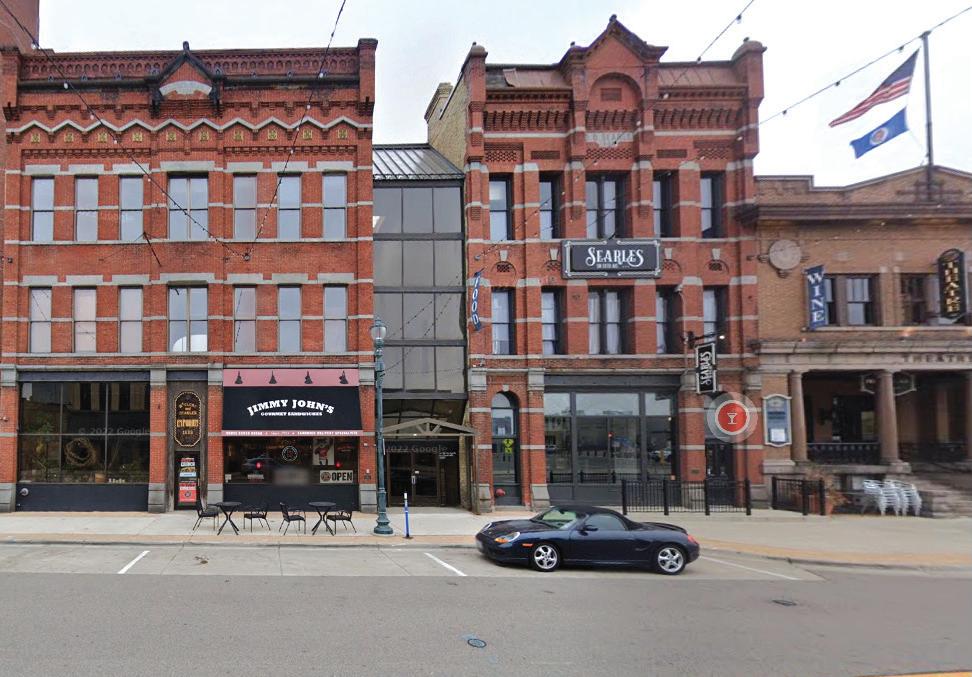
in plaster during the time period to which you are restoring, you’ll have to go with plaster rather than exposed brick to qualify for historic preservation tax credits. Many building owners and developers are passionate about preserving as many historical elements as possible — and preservation is, of course, mandatory for structures that are on the National Register of Historic Places.
Kevin Johnson explained that some major expenses are unavoidable. Built long before the Americans with Disabilities Act, old structures likely require installation of elevators and ramps, but tax credits can offset such costs.
“Often it seems like it’s more cost effective to do the demolition and rebuild,” Stearns History Museum’s Johnson said. “But if you’re looking at things long term, it can actually be more cost-effective to renovate. … Each building, each structure has its own challenges and opportunities.”
The original McClure and Searle buildings included a horse and buggy easement between them (Left).
The 501 building gets an exterior cleaning before reopening.
Photo credit: Shannon Verly Wiger


Landfills contain vast amounts of concrete and steel from teardowns.
“It’s a huge problem and it’s growing,” Johnson said. Increasingly, developers are opting to deconstruct buildings, then reuse the materials.
Boser agrees that sustainability is imperative. “If you throw away a brick just to go buy a brick, that makes no sense,” he said.
Jeanine Nistler is a St. Cloud-based freelance writer whose career has included daily newspaper reporting and editing, as well as communications work in healthcare, higher education, and state government settings.

The 41,000 square foot expansion of the City Hall and Police Station brings exciting improvements to the facility. The project features an expanded underground parking area for police, upgraded support spaces for both police and city staff, and larger, more functional council chambers and multi-purpose rooms. These upgrades are designed to enhance operations and better serve the community.

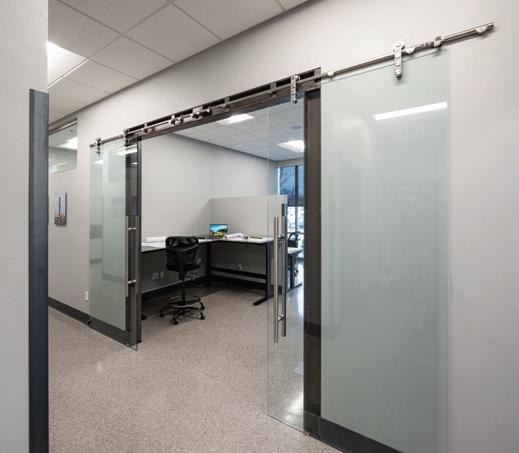
Dale Gruber Construction completed an office remodel project for Ben’s Structural Fabrication located in Waite Park. The goal of this project was to maximize the existing space and create a more cohesive work area for each department. The 3,008 sqft office was designed and built to reflect innovation and industrial architecture and featured steel beams fabricated by the team at Ben’s.
dalegruberconstruction.com


GLTArchitects is nearing completion on design and plans for the new Great River Children’s Museum located in the former Liberty Bank building in downtown St. Cloud. The Museum features unique interactive exhibits including Climber to the Clouds, Community Connections, Great Explorations, Great Big River, Engineering Zone, and the Headwaters, offering kids the opportunity to play and learn in a fun
When you need commercial electrical work done in St. Cloud, trust the contractor who has been around for over four decades. Design Electric, Inc. is a family-owned electrical contractor established in 1972.
We can handle your toughest electrical jobs, including:
Electrical service technicians available 24/7
Electrical system design
Government electrical projects
Industrial-grade installation and electrical repairs
Low, medium and high-voltage system installation
Commercial lighting retrofitting

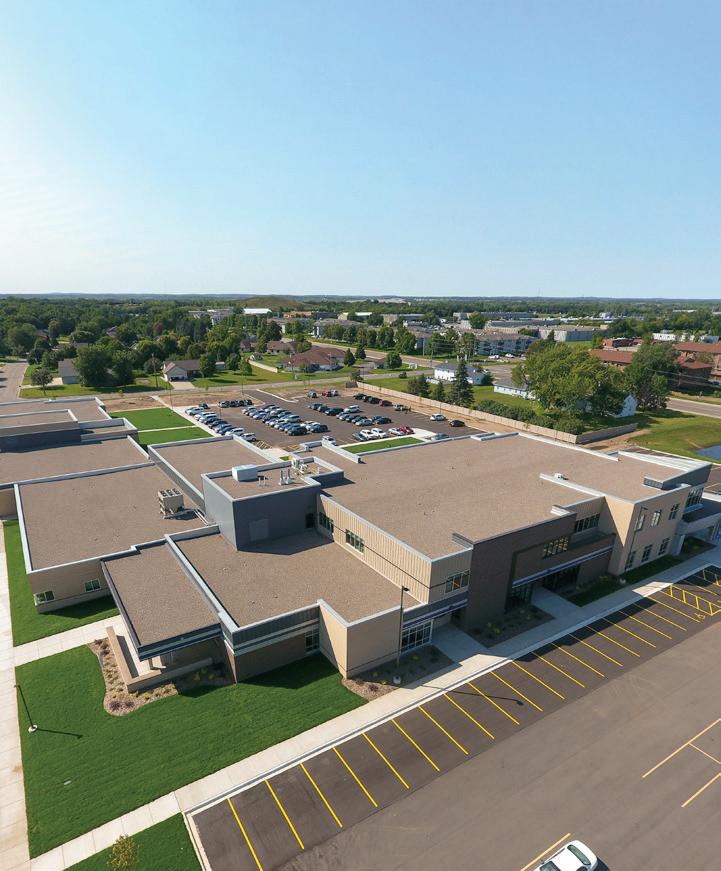
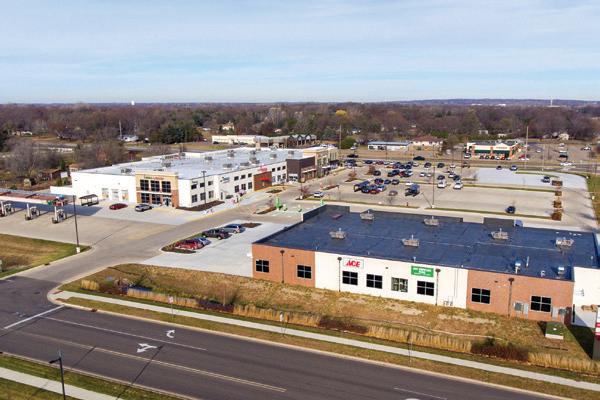

Rice Companies successfully completed a design-build campus project for Coborn’s Marketplace in Otsego, MN. The project included an expanded liquor and grocery store, the addition of an Erbert & Gerbert’s, and the construction of a new building for Ace Hardware and Pet Supplies Plus.
Rice Companies has been proudly building projects and partnerships since 1953.
Ricecompanies.com



Business Central Magazine is celebrating 25 years of delivering high-quality business news and stories to the Central Minnesota community. Join us in taking a look back at the companies that graced the cover those first few years.
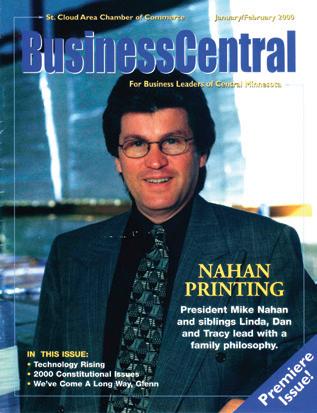
What has been the most significant change in your business/industry in the past 25 years? What has your growth looked like?
The printing industry has changed immensely in the past 25 years. It has endured through the rise of digital, economic downturns, significant postal rate increases, material shortages, and even a global pandemic. Nahan has evolved as well, now offering an array of services beyond printing—from creative and data analytics to postal optimization and multichannel campaign integration. Over the past 25 years, there’s been a rise in the availability, affordability, and quality of digital print. Digital printing enables 1:1 level personalization, allowing printers and marketers to move away from one-size-fitsall campaigns toward highly targeted messaging that is customized to each recipient, making the mailings much more effective.
The Nahan family created a culture focused on exceptional
The very first issue of Business Central Magazine, published in January 2000, featured a cover story profiling Nahan Printing and its leaders at the time: Mike Nahan and his siblings Linda, Dan and Tracy. Founded in 1962, Nahan is no stranger to growth and change.
quality and service that still exists today. Mike Nahan, who was Nahan’s president 25 years ago, eventually became CEO and led the company through many years of impressive growth before retiring in 2021. Mike is still an active member of the board of directors and Mike’s son, Pat Nahan, is continuing his family’s legacy, currently serving as VP of client solutions. With the retirements of the Nahan family members, the company has welcomed new members to its board, ownership group, and leadership team over the past few years, including CEO Mike Ertel, CFO Jake Hertel, and others, all bringing decades of experience and prior success in the industry.
You’ve been in St. Cloud this whole time. What do you like best about the business community here?
This community is full of hardworking, dedicated individuals who not only show up each day ready to put in their best effort, but who also genuinely care about one another’s success.
Many team members have worked at Nahan for 20, 30, even 40 years or more. Their loyalty and passion are a true reflection of what makes St. Cloud a great community.
What is something innovative you are doing in business today?
Nahan is an extension of its clients’ marketing teams, offering a full-service consultative marketing approach to help solve their marketing challenges and meet their marketing goals. To support this approach, we have invested in expanding our team of internal strategists, data analysts, marketers, account directors, creative directors, designers and more to help solve these challenges, which in turn has fueled significant growth in recent years.
What does the future look like for Nahan?
We are very grateful for our 150+ clients, including numerous Fortune 100 companies, who represent a cross section of
industries from insurance to telecommunications, to healthcare, to financial services, to retail and beyond. Nahan has big growth goals, even expanding its footprint to multiple facilities, including a printing facility on the east coast, while its roots and headquarters remain firmly planted in St. Cloud.
THEN & NOW
250,000 SF AND one PLANT IN 2000; 350,000 SF BETWEEN two PRINT FACILITIES IN 2025
$80 million IN SALES IN 2000; $113.5 million IN SALES IN 2024
480 million IN PRODUCTION CAPACITY IN 2000; 1 billion IN PRODUCTION CAPACITY IN 2025

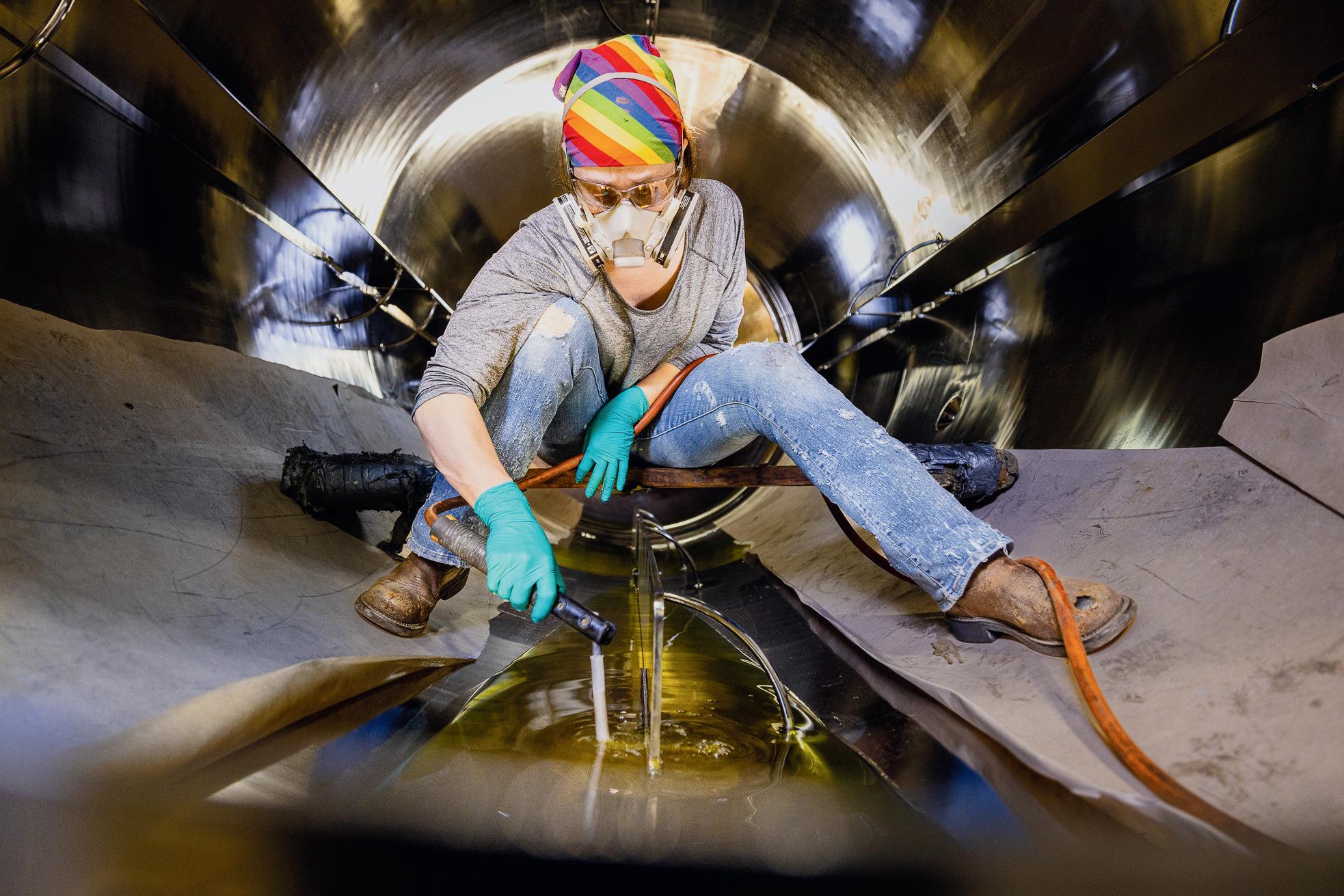
At DCI, Inc., we believe the future of manufacturing is built by skilled hands and innovative minds. That’s why we’re proud to support the talented women leading the way in drafting, welding, accounting, sales, and other vital roles within our company.
At DCI, Inc., we believe the future of manufacturing is built by skilled hands and innovative minds. That’s why we’re proud to support the talented women leading the way in drafting, welding, accounting, sales, and other vital roles within our company.
Join us in shaping the future of manufacturing. Discover career opportunities at DCI, Inc. and see how you can make an impact at www.dciinc.com/company/careers.
Join us in shaping the future of manufacturing. Discover career opportunities at DCI, Inc. and see how you can make an impact at www.dciinc.com/company/careers.