PRODUCT FOCUS
Revit 2018.2 + Dynamo 1.3.2
by: John Pierson
Seriously Simple Object Style Audits
I
n this article we will look at ways that Dynamo can help with the process of auditing a Revit file. These methods are available via my Rhythm package.
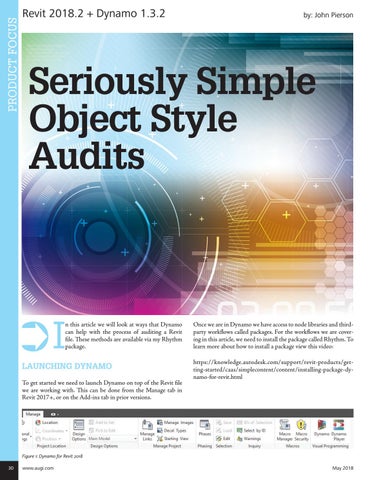
LAUNCHING DYNAMO To get started we need to launch Dynamo on top of the Revit file we are working with. This can be done from the Manage tab in Revit 2017+, or on the Add-ins tab in prior versions.
Once we are in Dynamo we have access to node libraries and thirdparty workflows called packages. For the workflows we are covering in this article, we need to install the package called Rhythm. To learn more about how to install a package view this video: https://knowledge.autodesk.com/support/revit-products/getting-started/caas/simplecontent/content/installing-package-dynamo-for-revit.html
Figure 1: Dynamo for Revit 2018 30
www.augi.com
May 2018