17
Operation Manual RehaStim 2, RehaMove 2
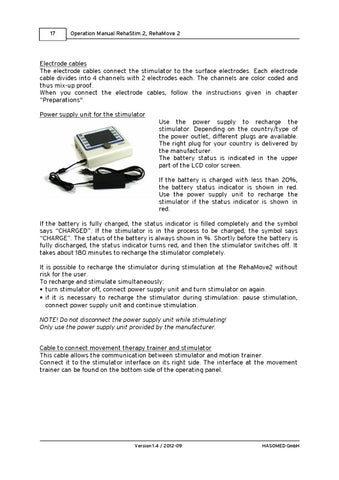
Electrode cables The electrode cables connect the stimulator to the surface electrodes. Each electrode cable divides into 4 channels with 2 electrodes each. The channels are color coded and thus mix-up proof. When you connect the electrode cables, follow the instructions given in chapter “Preparations". Power supply unit for the stimulator Use the power supply to recharge the stimulator. Depending on the country/type of the power outlet, different plugs are available. The right plug for your country is delivered by the manufacturer. The battery status is indicated in the upper part of the LCD color screen. If the battery is charged with less than 20%, the battery status indicator is shown in red. Use the power supply unit to recharge the stimulator if the status indicator is shown in red. If the battery is fully charged, the status indicator is filled completely and the symbol says “CHARGED”. If the stimulator is in the process to be charged, the symbol says “CHARGE”. The status of the battery is always shown in %. Shortly before the battery is fully discharged, the status indicator turns red, and then the stimulator switches off. It takes about 180 minutes to recharge the stimulator completely. It is possible to recharge the stimulator during stimulation at the RehaMove2 without risk for the user. To recharge and stimulate simultaneously: turn stimulator off, connect power supply unit and turn stimulator on again. if it is necessary to recharge the stimulator during stimulation: pause stimulation, connect power supply unit and continue stimulation. NOTE! Do not disconnect the power supply unit while stimulating! Only use the power supply unit provided by the manufacturer. Cable to connect movement therapy trainer and stimulator This cable allows the communication between stimulator and motion trainer. Connect it to the stimulator interface on its right side. The interface at the movement trainer can be found on the bottom side of the operating panel.
Version 1.4 / 2012-09
HASOMED GmbH