
FACILITATING NEAR, FAR & EVERYWHERE
FACILITATING NEAR, FAR & EVERYWHERE
FOLLOW US

twitter.com/AVTechnologyMag
CONTENT
Brand and Content Director, Cindy Davis, cindy.davis@futurenet.com
Contributing Writer, Macy O’Hearn
Graphic Designers, Sam Richwood, Marc Miller
Production Managers Heather Tatrow, Nicole Schilling
ADVERTISING SALES
Managing Vice President of Sales, B2B Tech
Adam Goldstein, adam.goldstein@futurenet.com, 212-378-0465
Janis Crowley, janis.crowley@futurenet.com, 845-414-6791
Debbie Rosenthal, debbie.rosenthal@futurenet.com, 212-378-0473
Zahra Majma, zahra.majma@futurenet.com, 845-678-3752
SUBSCRIBER CUSTOMER SERVICE
To subscribe to AV Technology or Future’s other AV industry brands, go to https://www.smartbrief.com/subscribe
LICENSING/REPRINTS/PERMISSIONS
AVTechnology is available for licensing. Contact the Licensing team to discuss partnership opportunities. licensing@futurenet.com
MANAGEMENT
SVP, MD, B2B Amanda Darman-Allen
VP, Global Head of Content, B2B Carmel King
MD, Content, AV, Anthony Savona VP, Head of US Sales, B2B, Tom Sikes
Managing VP of Sales, B2B Tech Adam Goldstein
VP, Global Head of Strategy & Ops, B2B Allison Markert, VP, Product & Marketing, B2B Andrew Buchholz
Head of Production US & UK Mark Constance Head of Design, B2B Nicole Cobban
FUTURE US, INC. 130 West 42nd Street, 7th Floor New York NY 10036


EDITOR’S NOTE
ONE ECOSYSTEM?
by Cindy Davis
AS A REMOTE WORKER, I AM THRILLED THAT
meetings are now done utilizing video. For the most part, participants don’t care where you’re located so long as the audio and video quality are up to par.
My company is a “Google shop,” which is excellent for internal meetings, scheduling, sharing files, and collaboration. There is definitely a benefit to being part of an ecosystem. For most of the meetings I schedule and invite external participants, Teams is the dominant platform, followed by Zoom. On occasion, I get a Webex invite or another platform. Inevitably, it takes a few minutes for external participants to change their audio and video settings—if they can find them.
Will there be a day when participants from many locations can join a meeting using various devices and platforms, and their audio and video will just work? Please?
I recently attended a demo of Microsoft’s Copilot. If I weren’t an Apple person—to the core—I would advocate migrating from the Google ecosystem to the Microsoft ecosystem. Is there a Switzerland of ecosystems where they all blend and work together? I know, I am not that naïve! But I digress.
Many innovative software and hardware solutions have been created for those meeting spaces we can control, and more are on the drawing table.
We reached out to 30 AV/IT industry experts to ask for insight into collaboration in the modern workplace, here are some excerpts.
I wholeheartedly agree with Garth Lobban, director of Marketing at Atlona, who said, “You need to be seen, so turn the camera on. Avoid built-in cameras and get an external camera that will allow you to position it at eye level. For daily use with the team, I use a camera with a drop-down arm that places the sensor in front of the monitor where the face of my colleague is. You can find many inexpensive options to mount

standard webcams at eye level. This helps with the psychology of meetings.”
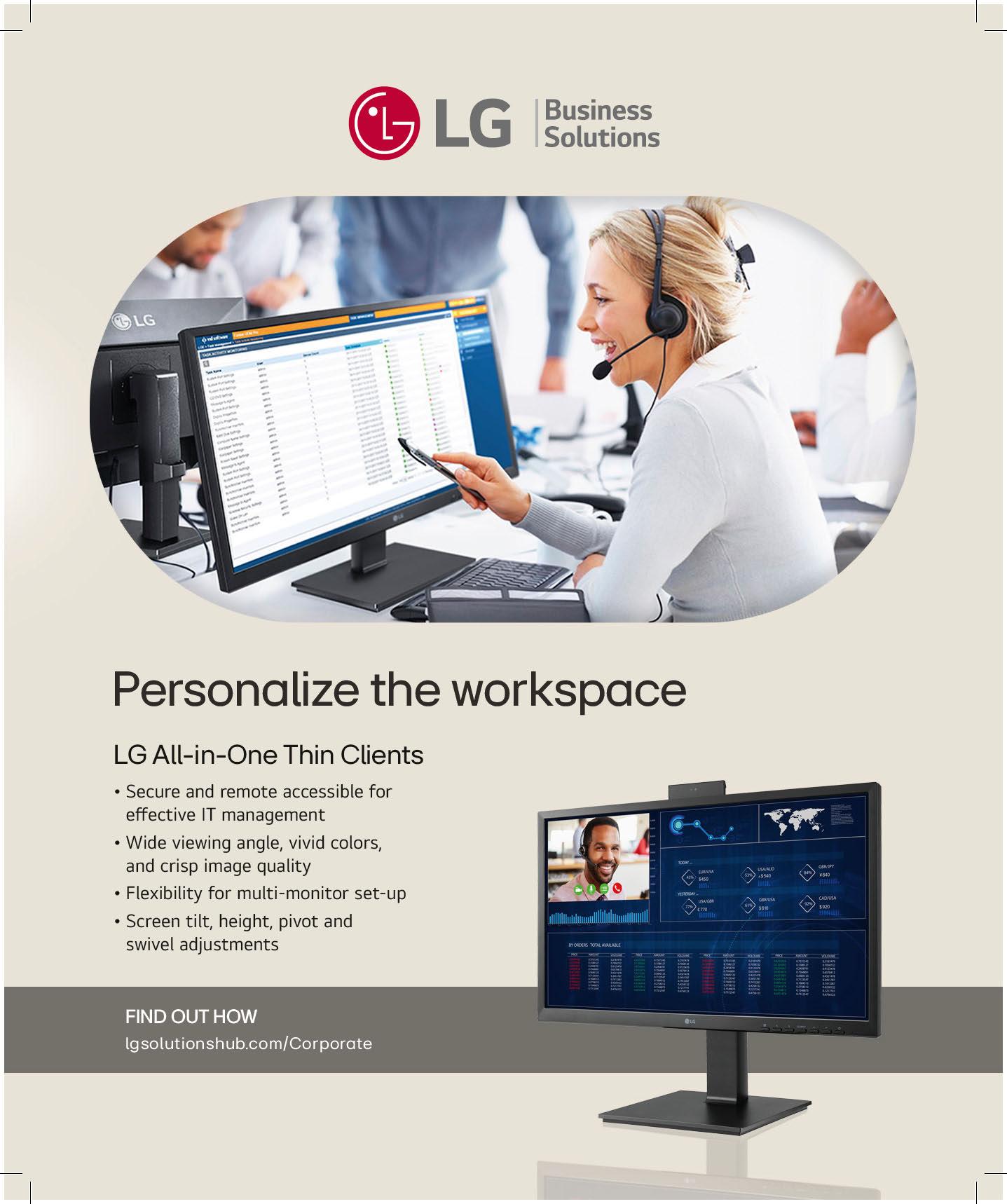
I believe Dan Root, head of Global Strategic Alliances at Barco ClickShare is correct when he said, “The future lies in AI-powered solutions— such as Microsoft Copilot—which not only bridge physical distances but also enhance the overall meeting experience, making it smooth, productive, and more adaptive to modern business needs.”
Charlie Jones, Global Partner Relations Manager at Sennheiser answers my question with, “The promise of fully autonomous meeting rooms may not be fully realized yet, but the advances we see today are setting the stage for a future where technology empowers collaboration without demanding attention or time, allowing teams to focus entirely on their work.”
Paul Richards, chief revenue officer at PTZOptics, added, “This new collaborative reality necessitated not just a reframing of the traditional office and studio experience, but pushed us to think of techniques to link all the elements of video production in a way that fosters the same collaboration we got from being physically adjacent.
“When meeting spaces are thoughtfully designed to encourage collaboration and equipped with easily deployable technology, employees—regardless of location—are integrated into a shared work experience,” said Troy Jensen, associate director of Global Accounts at Shure.
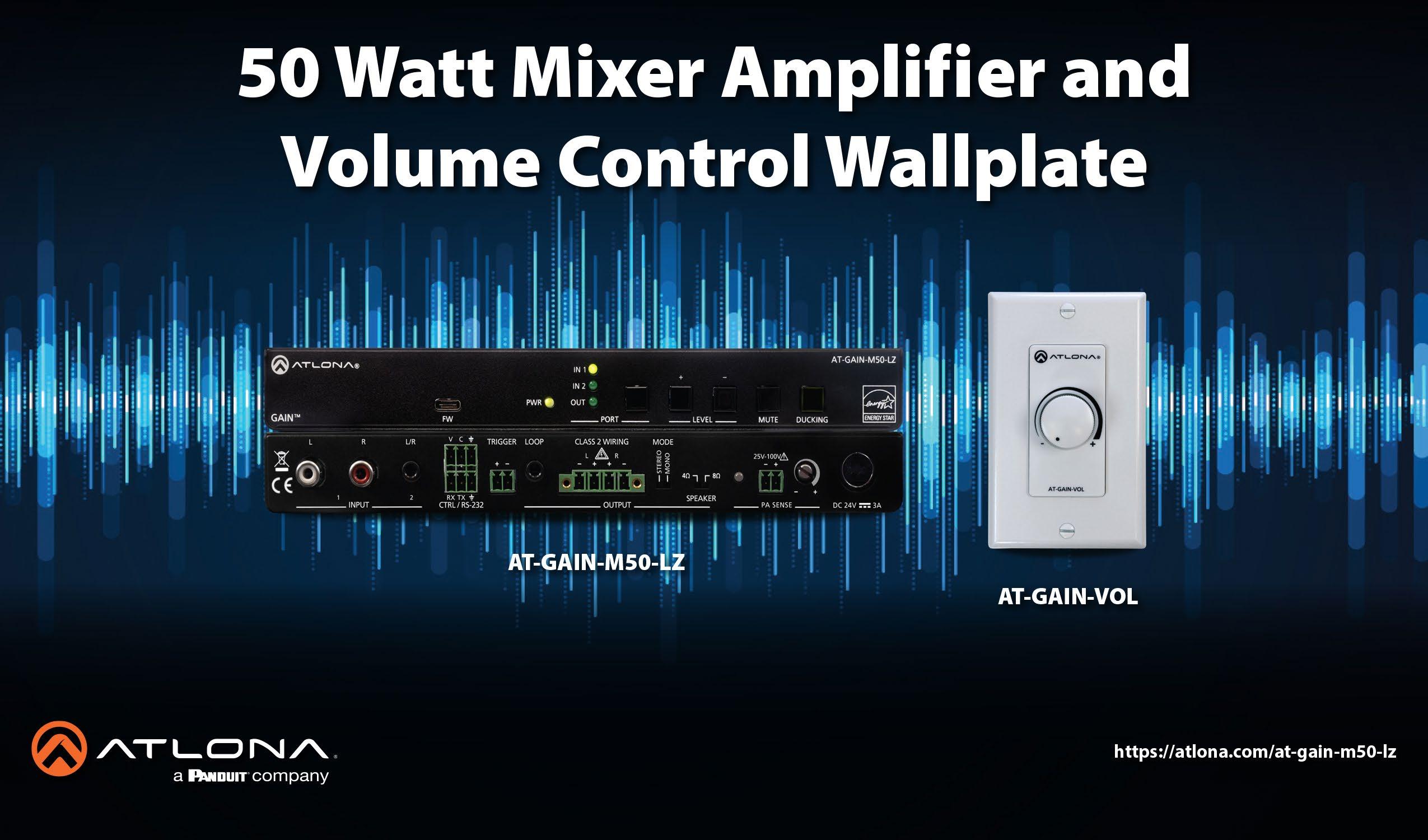
“Shrinking budgets across the board are adding to the need for cost-effective, highROI solutions for every space,” said Theresa Benson, vice president of Marketing and Product Management at Mersive. “Finally, the requirement to keep data safe, especially in diverse user and BYOD environments, has never been more pressing.”

Creating the Classroom of the Future
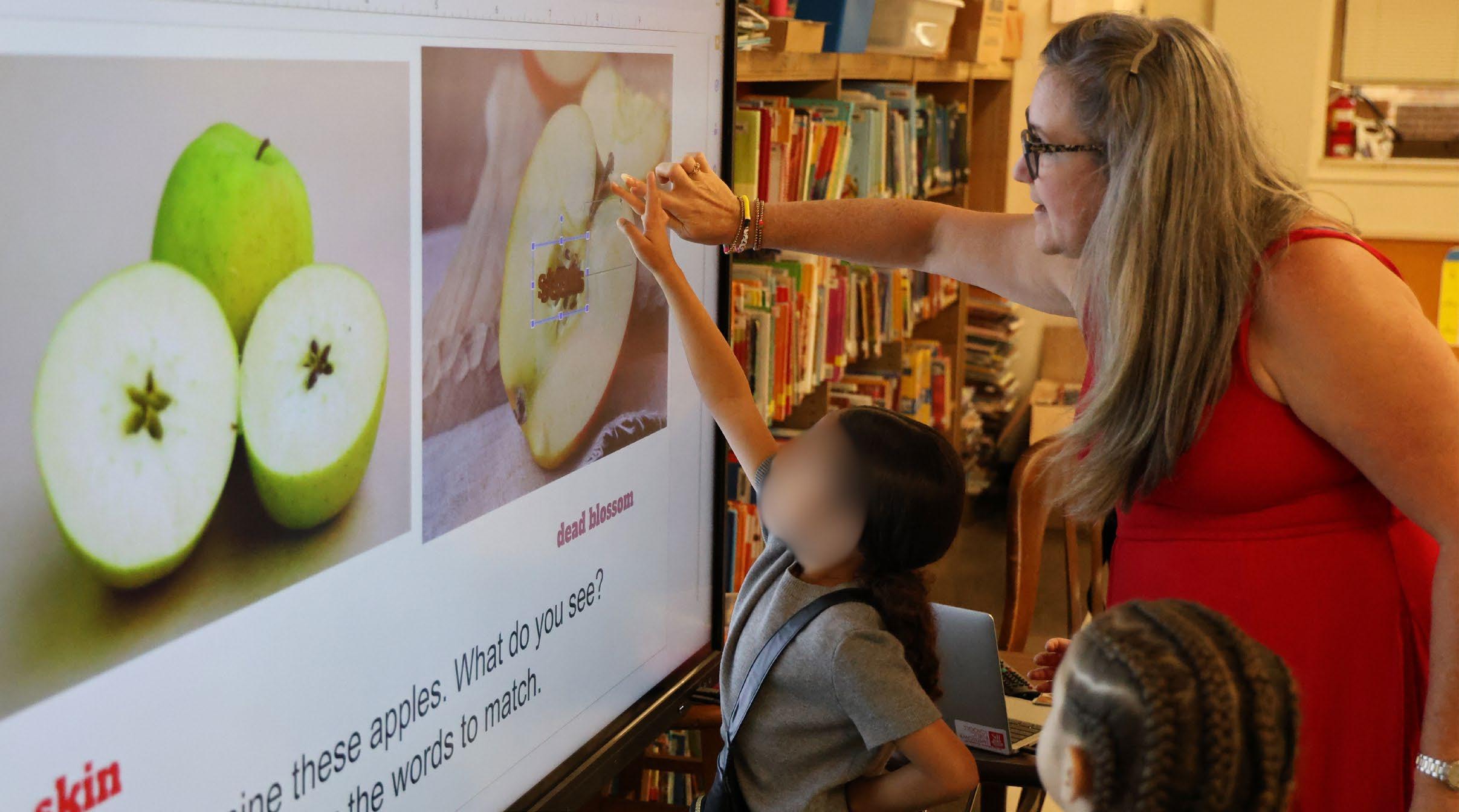
In one school district, more than 500 classrooms welcomed Fall 2024 students with digitally enhanced learning opportunities that leverage the latest interactive tools and enable centralized, system-wide control.
Photography
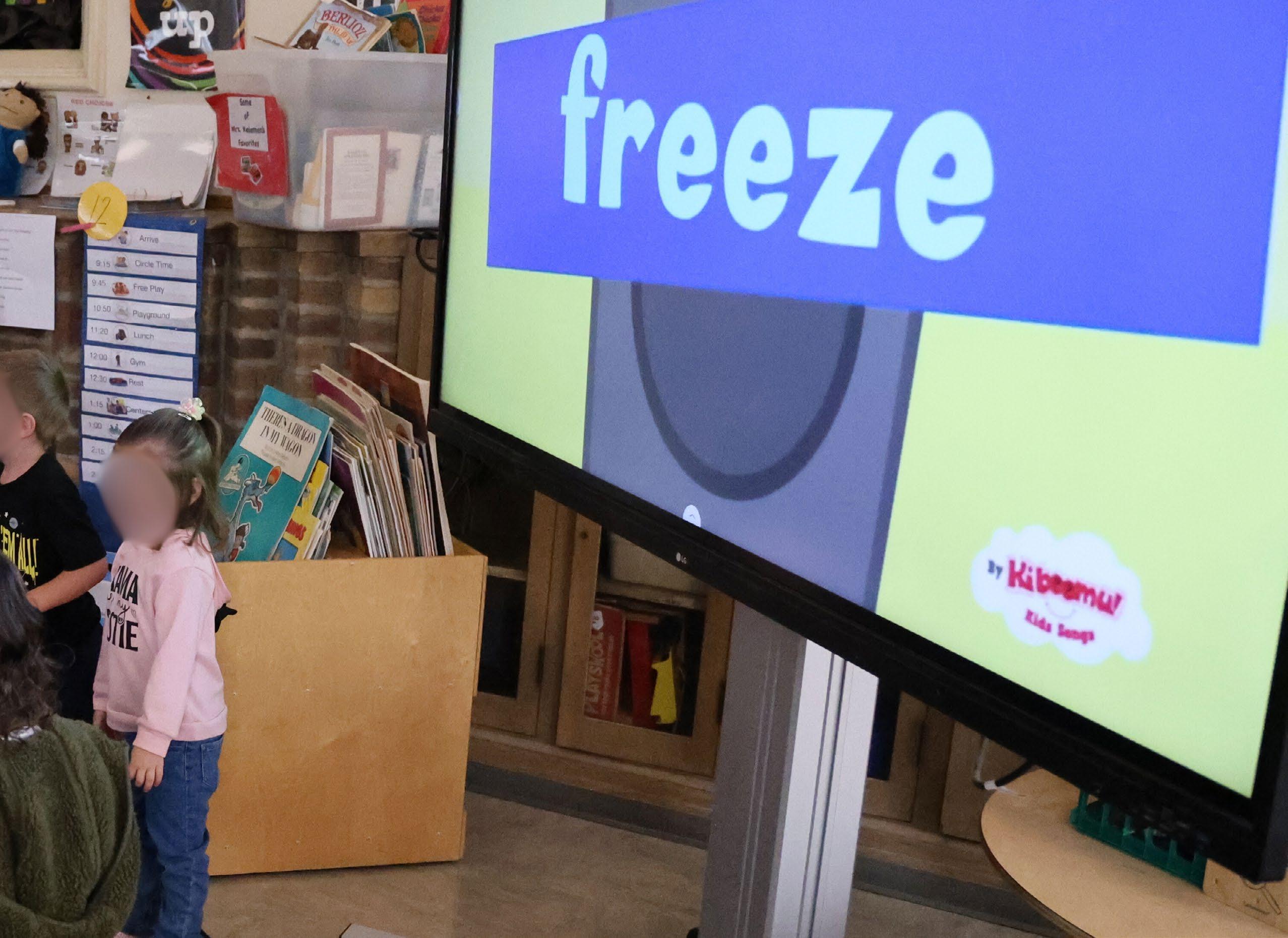
Jamestown, New York is investing in its youth and planning for the future by modernizing the Jamestown Public School district with new LG CreateBoard smart boards that deliver increased engagement and direct relevance to students’ daily lives and skill sets. District officials and technology providers have outfitted every classroom across the district’s ten K-12 schools with 86-inch LG CreateBoards, offering faculty and students expanded access to popular digital learning tools while simplifying technology management through LG’s centralized platforms.
When recent school funding initiatives made it possible for the municipality to invest in education upgrades, Chuck Marzec, the district’s director of Technology, turned to Larry Meister, president of IT solutions provider Mercury Networks. Meister, who has worked with the district for over a decade, collaborated
with Marzec to determine which products and solutions would maximize learning benefits for the most students. Considering the timing, pricing, and available funding, they concluded that the LG CreateBoards could transform the experiences of every student and deliver forward-thinking classrooms that prepare students for a tech-filled world and job market.
A SIMPLIFIED, STREAMLINED EXPERIENCE
The district last updated its projectionbased classroom systems in 2012, before the explosion of new touch-sensitive smart boards that are sweeping across the education landscape. Attractive pricing helped convince the district that smart boards would be the most impactful, sustainable and widely deployable solution, offering greater capabilities than existing systems while standardizing every classroom to simplify daily management and
It’s hard to overstate the value of standardized solutions for our students, faculty, and district.
— Chuck Marzec
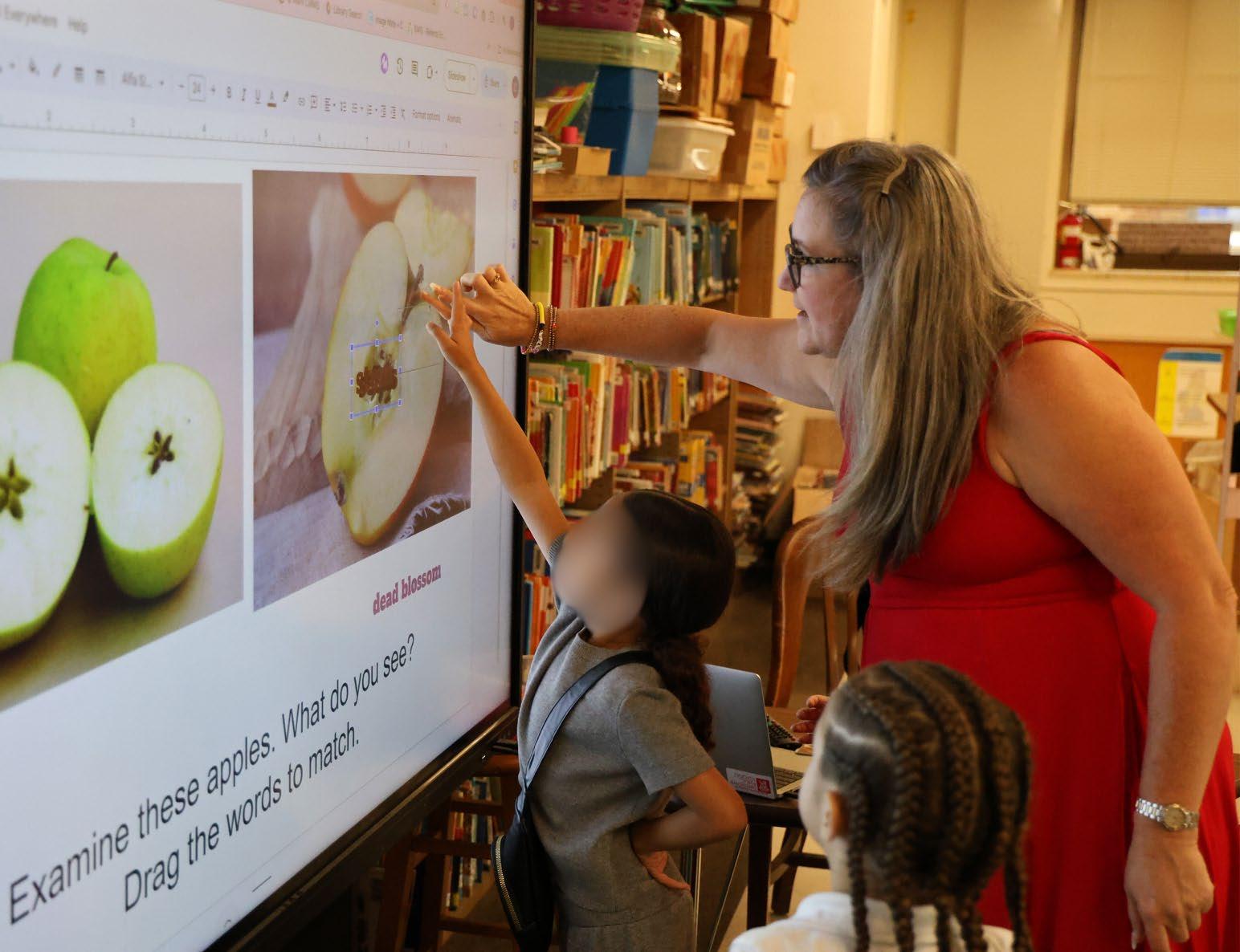
The CreateBoard facilitates freedom of movement for Jamestown’s instructors, lending itself to a variety of teaching styles.
long-term maintenance.
"LG's easy-to-use CreateBoard interactive digital boards come at an incredible value, making them the best fit for Jamestown Public Schools. The district initially considered outfitting about half of its classrooms with a competitor product at double the price. With the CreateBoard, they're essentially doubling their investment, creating streamlined experiences for staff and students in every room and school," Meister explained. "The district's previous projection systems were single-room solutions lacking significant communication options and new advances in interactivity or cloud-based learning tools. Now, with the LG CreateBoards, they have a unified network of more than 500 displays that can be monitored, managed, and used to distribute content from a single location for morning announcements or emergencies. Additionally, the ability to set automatic on/off schedules ensures no energy is wasted, eliminating one task for today's busy teachers."
The district is excited about what the technology can unleash in terms of classroom participation and faculty lesson plans, including simple access to popular web-based tools such

as Google Classroom. The 40-point multi-touch digital displays allow a variety of interactive lesson plans and activities that can invite multiple students to use the board at once, in addition to convenient streaming and mobile device connections for educators and students alike. For instance, teachers can quickly log in to their accounts for Google and other services by scanning an on-screen QR code with their smartphone, and then leave the room knowing that the display automatically logs out of all accounts when the wireless connection is severed.
REINFORCING REAL-WORLD SKILLS
“It’s hard to overstate the value of standardized solutions for our students, faculty, and district as a whole,” Marzec said. “Running a school or district involves a lot of moving parts, and when we have teachers who may use multiple classrooms or even multiple buildings throughout a day or a week, giving them the same tools everywhere ensures there’s no time lost sorting out technical issues or troubleshooting compatibility with their prepared lessons. The same is true for today’s students, who have never known a world without touchscreens. With a streamlined experience year after year, they can become fairly advanced users of the LG CreateBoard technology throughout their education, helping develop explicit technical skills alongside the school’s curriculum.”
With LG CreateBoards, teachers can easily augment lessons with presentations or videos, screen share lessons or content from their own devices, and enable students to screen share projects from their devices. With the new centralized control capabilities, Jamestown Public Schools can also easily deliver video morning announcements to every room without any action required from teachers. Lessons can be saved and stored online for later viewing and study, including live annotations over text or video that enable teachers to provide context, information, or discussion to delve further than standard textbook descriptions or pre-prepared content.
According to Jason Hubbard, senior account manager for Education at LG Business Solutions, implementing CreateBoards can also fundamentally change how teachers approach the classroom by freeing them to leave their
The 40-point, multi-touch CreateBoards allow a variety of interactive lesson plans, enabling multiple students to use the board simultaneously.
Chuck Marzec is the director of Technology for the Jamestown Public School district in Jamestown, New York.

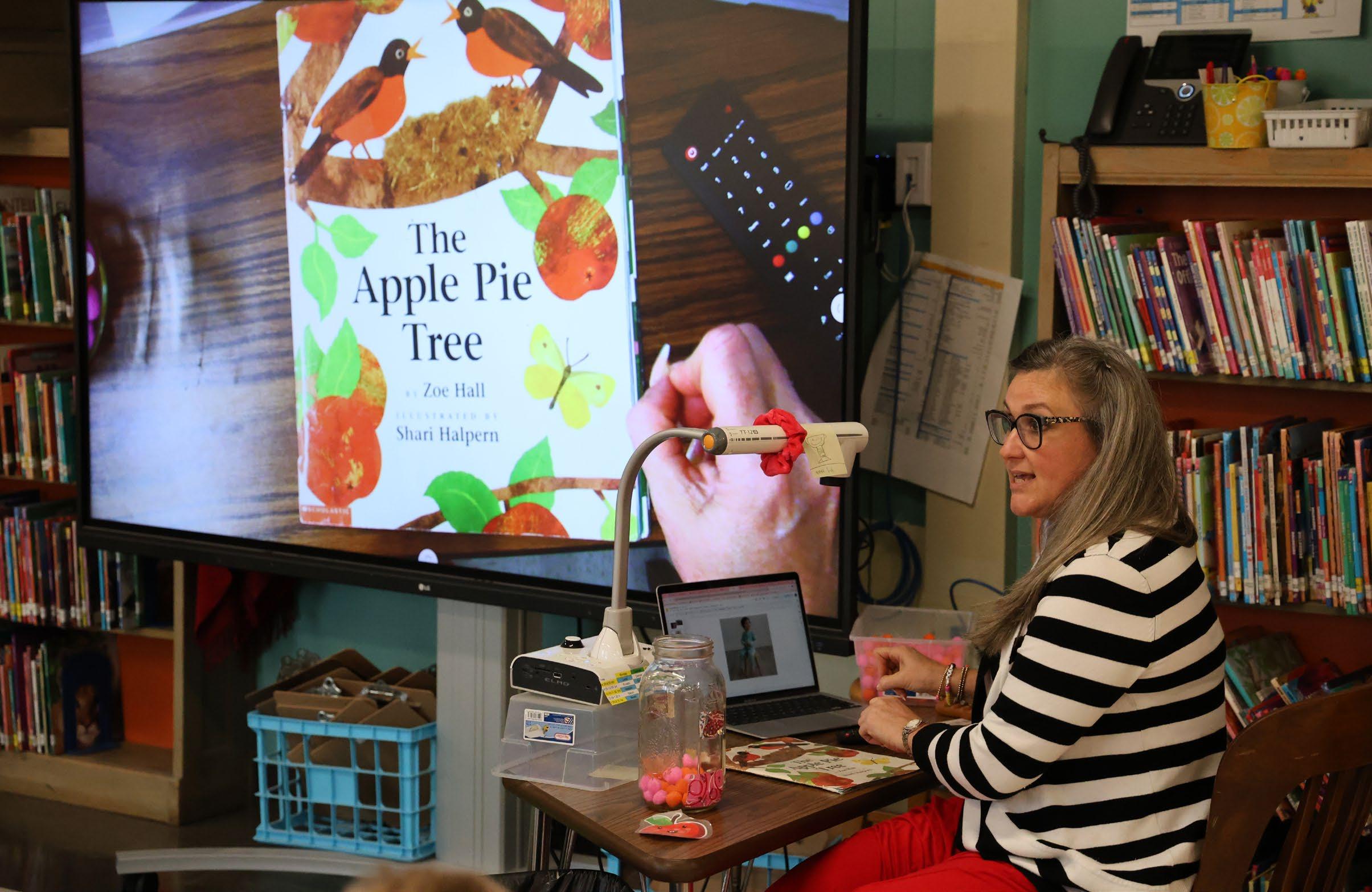
desk when using digital resources.
“The two-way connection between laptops and the LG CreateBoard means that they can control and manipulate their computer or content from the CreateBoard, unlike a projection system or other non-smart solution where they have to be at the desk to exert control,” said Hubbard. “This offers educators greater freedom of movement and caters to a variety of teaching styles, which can aid engagement and attentiveness, directly affecting student and school outcomes.”
COLLABORATION IS JUST THE BEGINNING
When consulting Mercury Networks, the district considered different manufacturers and options, landing on the LG CreateBoard solution based on capabilities, manufacturer support, and cost. The upgrade project began with 10 initial installations at the high school, then an expansion to five schools, and then the final decision to outfit every classroom all at once ahead of the 2024-2025 school year. Each room’s audio solution is also being upgraded to provide better sound quality and ensure long-term consistency for all users.
We are excited to see our teachers and students leverage these technologies in a way that encourages participation.
— Chuck Marzec
“We are excited to see our teachers and students leverage these technologies for greater collaboration and enhanced discussions in a way that encourages participation and connects with students’ daily experiences and digital lifestyles,” Marzec added. “Additionally, buying into LG’s ecosystem has offered us new opportunities to consider deploying connected digital signage displays in hallways, cafeterias, entrances, and other public spaces to provide school messaging or community content such as student achievement reels or replays of events including sports, performances, guest speeches, and extracurricular activities.”
Marzec also noted how LG’s attention to detail and willingness to provide assistance went above and beyond his expectations. In the past, technology providers had been much more hands-off, while LG acted more like a partner in terms of working to answer questions, resolve issues, and ensure the district was fully satisfied with the outcome. The last installations concluded in early July 2024, with every classroom at every school ready to launch for the fall semester.
In addition to the attractive price point, the CreateBoard also proved to be a significant technological upgrade from its decade-old, projection-based system.

THOUGHT
LEADERS ON NEAR, FAR, & IN BETWEEN
By Cindy Davis and Macy O’Hearn
According to the 2024 HP Work Relationship Index, workers who feel connected to their teams are three times more likely to experience a sense of belonging and fulfillment. This underscores the critical role technology plays in shaping how we work and how we show up and relate to one another in the workplace.
We asked 30 AV/IT industry experts to share insight into trends, and AV and IT solutions that continue to shape the modern workplace, wherever it may be.
Photo: Getty Images

JOE DA SILVA Vice President of Marketing Extron
Organizations are continually rethinking how to leverage their physical space and technology to best empower their workforce. There is a crucial human connection that must be maintained across distances and among a broad spectrum of technologies. Recognizing the importance of this connection and working to ensure technologies are in place to facilitate collaboration in every space is crucial.
Focusing on the human connection, there are several necessary considerations for these new hybrid-era workspaces: Who will be using the space? How will the space be used? How will the space be managed? And finally, who will be using the space?
Meeting space requirements will vary depending on the primary participants’ roles, their required AV tools, and other factors. In facilities with conference rooms that host customer meetings, there might be a need for a higher level of décor and superior audio and video. Security considerations, including access levels to the internal network, need to be enforced for meetings between outside guests and internal staff.
The function of the space will largely drive the form and configuration it takes. To accommodate impromptu, ad hoc meetings, a seating area with an interactive whiteboard or flat panel display may be all that’s needed. Small, informal, focused discussions may require an enclosed area along with a way for participants to share ideas using personal devices. For larger gatherings, a formal room equipped with a projector and integrated sound reinforcement may be necessary. In each of these environments, the inclusion of unified communications video conferencing technology allows meeting participants to be off site while still collaborating effectively.
Managing the physical space as well as the hardware infrastructure is crucial, especially when deploying at scale. Trying to create a one-size-fits-all tool might not be the right approach. Having tools which integrate with existing platforms or have their own single point of control will allow IT professionals to gather the information needed for the task at hand.

PAUL RICHARDS Chief Revenue Officer PTZOptics
A few years ago, it was hard to turn around in the tech space without hearing someone mention the unlimited potential of the cloud. Today, cloud computing is as ubiquitous as our computers themselves, and most sectors of the tech industry have adapted to and embraced the concept.
However, one area that lagged behind was video production. For years, even as streaming platforms exploded and major tech players like Meta (Facebook and Instagram) and TikTok made video major or primary segments of their business models, video producers were limited in how much they could do over the internet.
Meanwhile, the acceptance of the remote workspace for so many made what we thought of in terms of traditional collaboration look significantly different. While we can still instantly check with a colleague to get input or ask a question, often that involves chatting via Slack or Teams rather than turning around to face our neighbor.
This new collaborative reality necessitated not just a reframing of the traditional office and studio experience, but pushed us to think of techniques to link all the elements of video production in a way that fosters the same collaboration we got from being physically adjacent.
At PTZOptics, we’ve embraced and nurtured the collaborative environment with our team members by first and foremost creating an understanding that everyone’s input, ideas, and efforts are valued, whether they’re next door or across the country. Second, we’ve provided our team with the resources they need to excel at their jobs, regardless of where they might be working from.
This philosophy has carried over to our products and services, which reflect our commitment to helping video production teams collaborate from anywhere. Collaboration shouldn’t be limited by distance or time zones, and it’s our focus on this message that helps our teams and our customers succeed.
NELSON SOLARES CTS, Regional Sales Manager
Listen Technologies
Creating productive collaboration environments in a post-pandemic world can be challenging, but not impossible. Effective communication is vital to the health of an organization’s environment. How are we communicating day to day in a society that is technologically connected yet so disconnected from each other? To bridge this invisible yet palpable gap, we must encourage an open-door policy and welcome the questions, the flow of information, the interaction, the good things happening, and the disagreements—without taking things personally.
Face-to-face communication is much easier when we can sense that a person across the room is having a bad day because we can observe their body language. Communication can become strained when we move to a remote setting and don’t have visual cues to aid understanding. I always tell my kids that you can’t see someone’s heart through a text or an email, so be careful how you text or email. In a remote setting, it can be difficult sometimes to ascertain how someone is feeling or know what someone means via Slack, Teams, or Zoom messaging. Being intentional about getting to know your team members is essential to creating productive collaboration, whether in person or across distance. Healthy relationships foster trust, which is built on mutual respect and understanding. When a team relies on trust, respect, and understanding, they will collaborate effectively, respecting each other’s strengths and weaknesses.


GINA CUNSOLO Senior Marketing Communications Specialist Yamaha Corporation of America
Creating productive collaboration environments, whether in person or remote, hinges on the integration of video, audio, and control systems into a cohesive platform. The foundation of this integrated solution is a robust network, and the network switch serves as its centerpiece. With the right switch, even individuals unfamiliar with networking technology can set up and manage a reliable and smooth collaboration environment.
When searching for the right network switch, several factors come into play. First, port capacity is crucial—the switch should have enough ports to support all connected devices, with room for future expansion. Additionally, the bandwidth of the switch is important to ensure it can handle the high data transfer rates required by modern video and audio technologies without introducing lag or bottlenecks.
A critical consideration for audio systems is the inclusion of Dante ports. As many know, Dante is a protocol that allows audio signals to be transmitted over standard Ethernet networks. By including Dante-enabled switches, organizations can achieve high-quality, lowlatency audio distribution over the network without the need for additional audio cabling. Dante simplifies complex audio setups, enabling scalable and flexible audio routing across multiple rooms or even buildings. This capability is especially important in larger environments, such as corporate campuses or educational institutions, where high-fidelity audio must be delivered to multiple endpoints.
Another important feature to consider is Power over Ethernet (PoE), which powers devices like IP cameras or wireless access points directly through the network cable, reducing the need for additional power sources. PoE simplifies installations and minimizes cable clutter. Additionally, switches with low latency, high throughput, and easy management interfaces are essential. Simple configurations and automated features make network monitoring and troubleshooting easier for users with little IT knowledge, enabling them to maintain a smooth collaboration experience.
“By including Dante-enabled switches, organizations can achieve highquality, lowlatency audio distribution over the network without the need for additional audio cabling. ”
— Gina Cunsolo Senior Marketing Communications Specialist Yamaha Corporation of America

THERESA BENSON Vice President of Marketing and Product Management Mersive
Collaboration technology is not a one-size-fitsall solution. Typically, manufacturers in the collaboration space offer non-scalable solutions solely for large enterprises, leaving small- and mediumsized educational institutions, healthcare facilities, and businesses out in the cold. These organizations are left to cobble together a solution that makes sense for their budget and needs, often turning to consumer applications that don’t quite fit the bill.
Now, shrinking budgets across the board are adding to the need for cost-effective, highROI solutions for every space. As technology becomes more complex, ease of use with minimal user training is paramount, especially where support is limited. Organizations need workspaces that effortlessly adapt to quickly changing technologies. Finally, the requirement to keep data safe, especially in diverse user and BYOD environments, has never been more pressing.
“The requirement to keep data safe, especially in diverse user and BYOD environments, has never been more pressing.”
— Theresa Benson Vice President of Marketing and Product Management Mersive
At Mersive, we’ve been hard at work developing our new Mersive Collaboration Suite (MCS), which offers solutions for every space and budget. Each solution is effortless to set up and use, reducing complexity so teams can focus on what matters most. The products in this new suite also give organizations the ability to stay ahead, with future-proof technology that evolves with the workplace and its changing needs. Finally, full-stack protection delivers industry-leading best practices, protecting data at every level including end-toend security and enterprise certifications like ISO/IEC27001 certification and SOC 2 and SOC 3 attestation.
The first product launched in MCS is Mersive Smart, an app that makes wireless content sharing effortless and enjoyable, transforming any room into a beautiful and collaborative space.

GREG BARIBAULT Vice President of Product and Portfolio Management HP Hybrid Systems
In today’s evolving hybrid work landscape, the need for seamless communication, elevated presentation, and collaboration are more critical than ever. Technology should fade to the background, creating an invisible bridge to power collaboration and remove the distance between people to create authentic human connections. With premium, innovative, and integrated solutions, teams feel more connected, which fosters higher engagement and trust.
Collaboration technology is the backbone of today’s workspaces, integrating voice, video, chat, and other tools into a single, intuitive experience. According to the 2024 HP Work Relationship Index, workers who feel connected to their teams are three times more likely to experience a sense of belonging and fulfillment. This underscores the critical role technology plays in shaping not just how we work, but how we show up and relate to one another in the workplace.
With advancements like AI-enabled cameras and noise-canceling technologies, users can feel productive and engaged, whether they are in the meeting room or joining remotely. For example, tools like the Poly Studio E360 camera automatically adjust to focus on active speakers in a room, while Poly’s NoiseBlockAI minimizes distractions, keeping everyone’s attention on the conversation. These innovations help make nonverbal cues and engagement more impactful, transforming the hybrid work experience.
Regardless of where work takes place, HP aims to reduce friction for hybrid workers, enabling teams to focus on what truly matters—their work and genuine human connections.
“Workers who feel connected to their teams are three times more likely to experience a sense of belonging and fulfilment.”
— Greg Baribault Vice President of Product and Portfolio Management HP Hybrid Systems
“It feels like collaboration is about to get a major shot in the arm, putting some fun back into work. Imagine that.”
— Nancy Knowlton Chief Executive Officer Nureva

NANCY KNOWLTON Chief Executive Officer Nureva
The focus has recently shifted to in-person collaboration. We were conditioned during the height of COVID to focus on connected meetings, with people largely working from home and only a few in the office. But COVID’s been “over” for some time now, and for many companies that means being back in the office for a largely inperson experience.
We hear that in what our customers ask for—an in-person experience that makes people prefer to be in the office. This means several things that I’ll wrap into two words: quality and flexibility.
On the quality front, there’s just no skimping on the experience. People want comfort in the furniture and tools they use. They want to be able to hear and see everything. They want to be seen and heard. They want access to their information and to be able to share it easily. They want to capture meetings and events and then share or publish. They want notes, to-do lists, decisions, and more.
Flexibility gives people the option to reconfigure a space the way they want on a spur of the moment. People also want to be able to add remote participants at any time.
So, tools like Microsoft Teams and Zoom are a given—keeping the doors open during COVID lockdowns ensured that. But now these applications are taking a back seat to the real-time tools that will enable collaboration, like Microsoft Copilot. Microsoft touts Copilot as “your AI companion” for people who collaborate. From the short time we’ve been using Copilot, it’s clear there are productivity gains to be enjoyed. Copilot can off-load some of the mundane tasks that no one really enjoys.
It feels like collaboration is about to get a major shot in the arm, putting some fun back into work. Imagine that.

MAUREEN SCHMIDT Vice President of Sales, America Avocor
An emerging trend in productive collaboration environments has been the rise of 21:9 displays, which have become an increasingly popular choice for corporate and education markets, driven by the demand for more screen real estate for content and multi-participant meetings. At Avocor, we now have the L Series, the X Series, and the E92—three different 21:9 product offerings.
The growing need for larger visual display real estate has been spurred on by new and innovative user experiences, enhanced interfaces, and limitless canvas options offered by collaboration technology providers.
The larger aspect ratio of a 21:9 display offers a wider field of view, allowing users to see more of the screen at once for a more natural and effective interactive experience. This format is particularly strong when it comes to team
“With 21:9 displays, you’re getting something that is not only optimal, but aesthetically pleasing as well.”
— Maureen Schmidt Vice President of Sales, America, Avocor
collaboration, viewing, and analyzing multiple pieces of content together, digital whiteboarding, and presenting.
For whiteboarding apps such as Lucid Spark, Miro, Zoom Whiteboard, one of the big draw points that these companies talk about is an infinite canvas, where you can scroll and scroll and never run out of space. Regular whiteboards are wide, but you quickly run out of whiteboard when you are in an engaging brainstorm session. The 21:9 not only offers limitless collaboration but gives users the familiarity we are all used to when using this kind of tool in a meeting room.
When it comes to presentations, a lot of templates are now designed in a 21:9 format to allow for more information, resulting in better-looking slides. For meetings, 21:9 allows for documents, videos, web browsers, and whiteboards to be displayed with software like T1V for optimal viewing. This experience makes it easier to compare, analyze, and make decisions.
Previously, meeting rooms would require two 16:9 displays together with a thick, awkward bezel in the middle. But now with 21:9 displays, you’re getting something that is not only optimal, but aesthetically pleasing as well.

JOHN GARMENDI Senior Manager, Consultant Program Development
Sony Pro Display Solutions
We’re living and working in a “collaboration anywhere” era, where many of the temporary communication methods adopted in recent years have become permanent fixtures. Today, there is a growing expectation of high-quality, technology-driven collaboration and meeting spaces across all environments.
Today, most people are proficient at using online meeting tools. They’re building elaborate home office setups featuring professional lighting and mics—plus the manufacturers of these solutions have continually enhanced their capabilities to meet evolving needs.
Interestingly, we’re now approaching a situation where reverse meeting equity can occur; on-site participants may sometimes find themselves at a disadvantage compared to remote attendees. This shift places pressure on manufacturers like Sony, alongside solution providers and system integrators, to innovate and deliver creative solutions for seamless collaboration. While nearly every potential weakness in the AV chain has been minimized, there’s always room for improvement in optimizing the user experience for both near and remote participants.
Sony’s SRG networked autoframing cameras, powered by advanced AI, provide precise tracking. The REA-C1000 Edge Analytics Appliance adds powerful, AI-driven analytics capabilities to cameras and other Edge devices, with licenses available to unlock enhanced presentation and content-sharing features. Additionally, our BRAVIA professional displays deliver stunningly clear images to captivate audiences. However, delivering complete solutions often requires collaboration with partners.
Sony works with a range of technology partners like 22Miles, Appspace, Crestron, Korbyt, Nureva, Peerless-AV, Spectrio, and many more, combining our AV expertise to create powerful, integrated solutions. The ultimate goal is always the same: to offer intuitive and immersive collaboration experiences, whether users are remote, hybrid, or on site.
“Interestingly, we’re now approaching a situation where reverse meeting equity can occur.”
— John Garmendi Senior Manager, Consultant Program Development Sony Pro Display Solutions

TAFT STRICKLIN Chief Sales Officer Just Add Power
In AV-over-IP multi-campus video distribution, creating productive collaboration environments, no matter the distance, relies on a combination of cutting-edge technology, system scalability, and a culture of openness and connectivity.
Seamless connectivity is crucial, enabling real-time sharing of video, audio, and data across campuses with minimal latency. Network-based systems allow teams to collaborate as if they were all in the same room. This can mean the introduction of fiber networks or relying on a video distribution infrastructure that can support highspeed, low-latency transport over category cable.
“A secure AV-over-IP network ensures uninterrupted collaboration by protecting data transmission and defending against cyber threats.”
— Taft Stricklin Chief Sales Officer Just Add Power
A robust AV-over-IP infrastructure must also be interoperable with various devices and platforms. This ensures that, regardless of the display technology or control system in use at different locations, communication remains smooth and uninterrupted. In cross-campus collaboration, participants may be on different systems but will still need to join the same session with as few obstacles as possible.
Scalability is another key factor. AV-over-IP allows easy expansion without costly infrastructure upgrades. As new campuses or offices come online, a well-designed network can accommodate additional endpoints without compromising performance, fostering long-term collaboration in growing organizations.
Reliability and security are paramount in these environments. A secure AV-over-IP network ensures uninterrupted collaboration by protecting data transmission and defending against cyber threats. Redundancy features and encryption protocols safeguard against disruptions and security breaches.
Finally, while technology is essential, the culture of collaboration must prioritize inclusivity. Remote participants should feel just as engaged as those on site. Providing equal access to AV systems and fostering open communication channels encourages participation from all locations, helping to bridge the physical divide.
By combining the right AV-over-IP infrastructure with a culture that values inclusivity and active participation, organizations can create highly productive environments for collaboration, regardless of distance.

TROY JENSEN Associate Director of Global Accounts Shure
Building a productive collaboration environment requires a thoughtful combination of the right communication technologies and well-designed physical spaces. These environments need to accommodate both in-person and remote participants, with considerations for those near and far to ensure seamless collaboration.
In today’s work environment, frustration over inadequate collaboration technology is only growing. Many employees who grew accustomed to reliable home office setups are no longer willing to tolerate inefficient or inoperable tech in the office. This has made it more important than ever for companies to ensure that equipment in the office is used in a way that enables smooth communication with those who are remote and those who are in office.
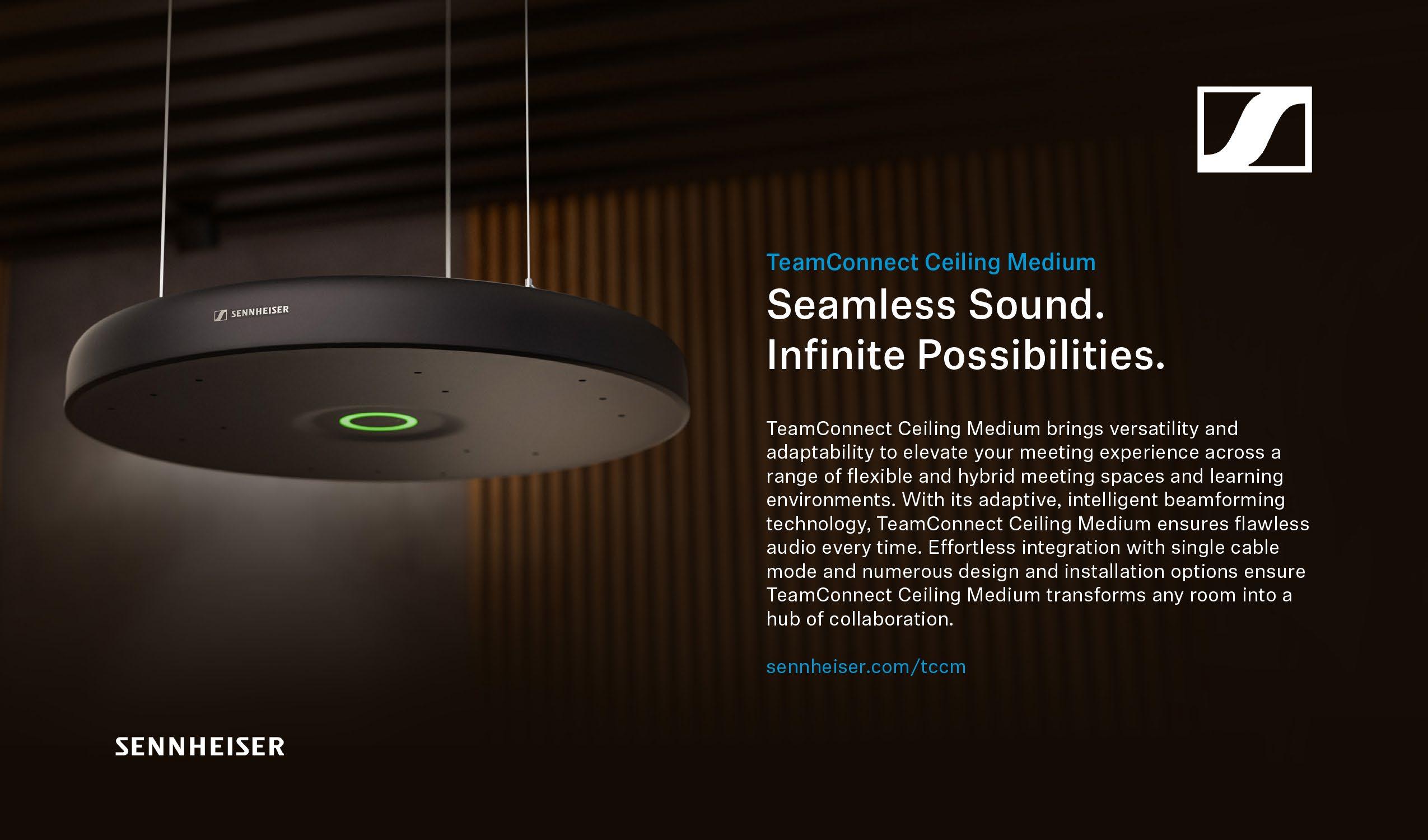
Well-equipped meeting spaces that are designed with collaboration in mind are essential in today’s hybrid work environment. For example, most offices now have to host a variety of events that may change day to day. In these situations, ceiling microphones provide an advantage, delivering flexibility and the ability to recall presets that can cover the various seating arrangements these facilities will encounter with the new hybrid working model.
The responsibility of creating these spaces often falls on IT/AV teams, who are tasked with quickly setting up collaboration-ready rooms. These teams need access to a broad ecosystem of hardware, software, and accessories that work together to enable collaboration between remote and in-person employees. The technology used in these spaces must be userfriendly so IT/AV teams can quickly set up rooms and ensure meetings run smoothly with the right technology.
When meeting spaces are thoughtfully designed to encourage collaboration and equipped with easily deployable technology, employees—regardless of location—are integrated into a shared work experience. This enables superior audio quality, which facilitates clear and effective communication between colleagues, as well as a collaborative environment that maximizes productivity and enhances team cohesion.

JEFF MUTO Product Marketing Director
ViewSonic
As teams are more global than ever and the workplace is a mix of remote and in person, the Pro AV industry has a great opportunity to provide better collaborative and communication environments through the latest unified communications technologies.
By fostering inclusivity and equity during meetings, virtual brainstorming sessions, and even real-time decision making, unified communications through hardware can leverage software platforms such as Microsoft Teams and Zoom to bring everyone together.
Collaborative technology is about making teamwork more engaging and easier, whether it is synchronous tools for video calls or various apps such as Slack or WhatsApp for instant messaging and communications. Other software such as ViewSonic TeamOne or Miro provide cloud-based tools so teams can manage projects and collaborate in real time, together.
Productive environments for collaboration should also ensure seamless platform functionality. Devices should be able to work on various operating systems, which, in turn, can be customized and integrated easily into the business.
Artificial intelligence will play an increasingly significant role in collaborative workspaces. By integrating with cloud-based applications and tools, AI can enhance the collaborative experience through immersive environments, automate routine tasks, provide predictive insights, and streamline document management.
With the latest technologies, security is also a growing concern. Many of today’s technologies, both hardware and software, feature robust security and data protections. AI can also be utilized to ensure data protection.
As collaborative environments and productivity technologies shape how people work and share information, as always, it boils down to having the right solution that fits with the needs of the employees, the business, and budget. Future-proof hardware and upgradable software can provide long-term return on investment.

BRAD HINTZE Executive Vice President of Global Marketing Crestron
We often refer to our work as having three pillars: solutions for content, collaboration, and control. These are all intertwined; we make tools to present and share content easily, solutions to control nearly every aspect of any space, and systems that allow for seamless collaboration.
It’s interesting that you’ve called out elements and culture. The elements that go into a proper collaborative space are driven by the culture of that workplace. If the culture is to be one that creates true meeting equity— for remote meeting attendees and those in the room—you need to deploy solutions that allow everyone to see and be seen, as well as hear and be heard.
Intelligent video solutions can deliver this outcome remarkably well. These systems mimic the kind of close ups and cutting you’d find in a broadcast—automatically. They’re able to switch cameras based on signals from the microphones without showing any camera movements in the room for a seamless experience from the far end. Cameras are strategically placed where participants are likely to be looking—at the display or behind other in-room attendees with whom they will be naturally conversing. One of the key features of our Automate VX is the ability to composite multiple live cameras, images, or text together to create the desired shot.
Those who are attending a meeting remotely are able to see all the critical nonverbal cues that occur during the course of a collaborative session. By giving remote attendees the same information available to those joining in person, we’re creating spaces where everyone has the same seat at the table. And the automated nature of these solutions means that everyone can focus on the meeting—and not the technology that’s driving the experience.
EFFI GOLDSTEIN
President HDBaseT Alliance
Fostering a truly productive and collaborative environment near and far means ensuring a uniform and equitable experience for all employees regardless of where they are working—whether it’s a conference room, a huddle space, home office, or even a café using a mobile device. Achieving this level of consistency requires a combination of robust video conferencing software that adapts seamlessly across different settings (some platforms invest more heavily in creating a ubiquitous user experience than others) and simplified reliable connectivity tailored to each environment.
From a user-experience perspective, a plug-and-play approach is essential; complex or unreliable setups will deter proper use of the equipment, especially considering the constantly growing number of video conferencing peripherals and varying interfaces. For this reason, system designers must take a deep dive into understanding how the solution they choose will perform in different realworld scenarios. It’s not enough to simply consult a spec sheet, as this often leads to a gap between expectations and reality. Making a point of seeing the technology in action at an experience center or through a hands-on trial can be an invaluable proactive measure, rather than basing decisions solely on specifications or features. This approach enables teams to align their choices with both user experience and technical performance and ultimately results in more effective and engaging collaborative environments.

“System designers must take a deep dive into understanding how the solution they choose will perform in different realworld scenarios.”
— Effi Goldstein President HDBaseT Alliance
“The key is merging technology with culture to spark innovation and build meaningful connections.”
— John Kozlowsky Regional Channel Manager Absen

JOHN KOZLOWSKY Regional Channel Manager Absen
In today’s fast-paced digital world, creating environments that foster productive collaboration is essential, whether in the same room or across continents. The key is merging technology with culture to spark innovation and build meaningful connections.
The first factor in this is seamless technology integration. A productive collaboration environment starts with the right technology. High-quality visual displays, like Absen’s cutting-edge LED solutions, create immersive meeting experiences that bridge the gap between physical and virtual spaces. Clear communication and shared visuals keep everyone on the same page, whether you’re brainstorming in person or strategizing with a global team.
Second, it is crucial to create an open and inclusive culture. Technology is the backbone, but culture is the heartbeat. Encourage open dialogue, transparency, and a mindset where every voice counts, regardless of location. When people feel heard and valued, they contribute more freely and collaborate more effectively.
And finally, flexibility and accessibility cannot be overlooked. Collaboration shouldn’t be confined to a conference room. Flexible environments that allow for remote work, diverse time zones, and varying styles of contribution ensure that everyone can participate at their best. Solutions like Absen’s flexible displays allow organizations to adapt their space to meet evolving needs, making collaboration accessible to all.
Building these environments isn’t just about tools, but about fostering a culture of trust, adaptability, and creativity—ensuring teams thrive together, near or far.

TRAVIS KEMP Vice President of Product Management Korbyt
The pandemic set in motion a workplace experience (WEX) evolution that forever altered how and where people work. Distributed workforces have become the norm, hybrid work is more common than ever, and employees expect a vastly different experience when they come into the office.
Workplace collaboration now extends far beyond the scope of traditional in-office communications. Employers today need to reach workers wherever they are, which means embracing WEX platforms that take advantage of not only in-office signage and communication, but also desktop, laptop, and mobile devices to effectively reach employees in the office, at home, and on the road.
Perhaps the most consequential cultural shift in today’s workforce is the rise of Gen Z (and younger) employees who bring with them
“Employers are looking for ways to use AI and machine learning to improve the workplace experience.”
— Travis Kemp Vice President of Product Management, Korbyt
an elevated expectation of how their employers should deploy technology throughout the workplace. These digital natives are tech savvy and accustomed to modern communication and collaboration workflows blending seamlessly into their lives, and they expect that same seamlessness at work. They want the ability to reserve desks, utilize meeting spaces, and present to in-office screens with ease. This requires a WEX infrastructure that supports a broad range of media players and other hardware components, as well as Zoom, Webex by Cisco, and other collaborative software tools
to unify geographically dispersed work groups.
Lastly, employers are looking for ways to use AI and machine learning to improve the workplace experience. The most sophisticated WEX platforms use machine learning insights and predictive booking trends to anticipate demand and maximize utilization of shared in-office facilities. And not too far in the future, employers will have at their disposal new, AIpowered tools to accelerate or even automate content-creation workflows and experiential communication, ensuring workers remain informed, motivated, and engaged.

CAROLINE INJOYAN
Business Development Manager
Matrox Video
Collaboration is critical to the success of many organizations, and one key element for teams— whether working on site or remotely—is communication. This involves clear definitions of objectives, how each team and individual will contribute to a project, and a shared understanding of what success looks like.
Clear communication thrives in environments where corporate culture promotes transparency, offering employees visibility into project progress and key performance metrics. There are excellent software tools available that provide a centralized view of objectives and key results (OKRs) across all teams and functions on a global scale. Intuitive software tools are also necessary to not only offer a centralized view of objectives, but also to support a collaborative environment, facilitating the sharing of information and content.
The physical space and the design of collaborative environments are also critical. This is where AV-over-IP technology plays a big role, as it facilitates the seamless distribution of audio, video content, and control signals in control rooms, conference rooms, and workspaces to name a few. It provides users with an easy way to access, visualize, and share information with their colleagues for fast and efficient decision making. The availability of an open standard like Internet Protocol Media Experience (IPMX) for AV-overIP products will be a game changer, ensuring interoperability across different manufacturers’ equipment, simplifying integration and setup, and ultimately enhancing the user experience with best-in-class products for collaborative environments.

DEBBIE DEWITT Marketing Communications Manager Visix
In today’s hybrid office environments, fostering productive collaboration requires a strategic approach to both technology and culture. The right tools and motivations can bridge the physical gap, ensuring that all team members are equally engaged, no matter where they’re located.
For in-office collaboration, the emphasis is on spaces that encourage spontaneous interaction. Huddle rooms equipped with intuitive AV setups, like wireless screen sharing and smart displays, allow for quick, impromptu brainstorming sessions. Workspaces need to be flexible and equipped with systems that make teams more productive, and should also offer benefits and amenities that entice employees into the office. Digital signage plays a key role here by providing real-time information and facilitating engagement, from displaying team goals to highlighting successes.
When it comes to hybrid collaboration, the challenges shift to creating an immersive experience for remote participants. Advanced video conferencing solutions and high-fidelity audio can help eliminate the feeling of distance. Online tools for ideation, note taking, and resource sharing have to be equally accessible to all participants, whether in house or working remotely. Additionally, intranets and platforms like Microsoft Teams can serve as a virtual bulletin board for digital signage content, keeping all team members informed and connected. However, it’s not just about the tech, but also about building a culture of inclusivity. Hybrid environments have to be designed to ensure that remote employees aren’t seen as afterthoughts. Companies should implement tools that encourage active participation from everyone and promote transparent communication—no matter the worker’s location. By combining advanced collaboration technologies with a commitment to inclusivity, organizations can create environments where productivity thrives, both in the office and beyond.
Ultimately, successful collaboration environments integrate cutting-edge technology with a humancentered approach. As the boundaries between in-person and remote work blur, it’s vital to develop spaces and technologies that foster seamless interaction across both realms.

NICOLE CORBIN Vice President of Business Operations Utelogy Corporation
In today’s evolving workplace, creating spaces that allow for seamless collaboration—whether remote, on site, or hybrid—has become a top priority for employers. The emphasis is on designing meeting environments that enhance the total experience, ensuring that every participant can engage fully and equitably, no matter where they are located.
Professionals now expect more from their workspaces, with technology playing a central role. The ability to provide consistent, highquality access to collaboration tools not only boosts productivity and satisfaction among current staff, but also serves as a powerful draw for new talent.
Collaboration platforms like Teams, Zoom, and Google Meet, which were once novel, are now indispensable. With ever-advancing new features and functions, these tools have redefined how professionals connect across the globe. Today’s workforce expects all hardware and software to match these platforms in terms of performance and user friendliness.
For IT departments, this heightened demand for advanced technology comes at a time when resources are often stretched thin. With many teams working at capacity, the need for efficient, scalable solutions has never been greater. Software-based, product-agnostic platforms like Utelogy are stepping in to help. By automating manual tasks and shifting AV/ UC management from reactive to proactive, these tools empower IT teams to meet growing demands with fewer resources.
Utelogy’s remote management and control capabilities further enhance its value, allowing IT teams to oversee and optimize their entire workspace ecosystem regardless of their physical location. With actionable and qualitative insights into the connected environment, Utelogy helps drive operational efficiency, enhance the user experience, and ensure that all team members enjoy the truly equitable and seamless collaboration experience they deserve.

TOM PICHE Senior Product Manager Epson America
From interactive displays in classrooms to ultrawide viewing in hybrid meeting spaces, display technologies play a vital role in cultivating productive and collaborative environments, whether remote or in person.
Allowing both in-person and remote employees to engage and feel part of discussions is imperative for productive collaboration in hybrid workspaces. As technologies improve, team collaboration— near and far—is becoming more achievable. Meeting rooms are being redesigned as smarter spaces to inspire collaboration, equipping employees with the essential tools to boost productivity. Display technology in these environments plays a crucial role in enabling effective communication, ensuring all participants are fully engaged and that key messages are clearly delivered and understood. While we can’t replace face-to-
“Allowing both in-person and remote employees to engage and feel part of discussions is imperative.”
—
Tom Piche, Senior Product Manager, Epson America
face experiences, today’s technology is bringing remote meetings much closer to the benefits of being present in person.
On the education front, interactive displays are a driving force behind student collaboration and productivity. As a result, many classrooms are being designed around display technology, ensuring seamless connectivity with student and teacher devices. As students leverage their own devices more, it’s important for all classroom technology to work cohesively. We are seeing this especially with collaboration tools like Vivi, which allows students to cast directly onto screens and walls, driving more engagement in lessons and discussions without having to go up to
the front of the classroom. Schools are also creating unique student collaboration spaces where individual projectors are integrated into a pod of desks outside of a classroom, allowing smaller groups of students to work on projects together.
Projectors offer a dynamic display tool for professionals, educators, and students to exchange ideas and collaborate—no matter where they are—which can enhance group collaboration unlike other display technology. With the right technology tailored to the design and needs of meeting and learning spaces, achieving collaboration and productivity is possible in today’s hybrid work and connected learning environments.

ZACH SNOOK Director of Product Management Biamp
To ensure smooth collaboration within an organization that is spread across various geographic locations, organizations need to focus on providing more predictable work environments. Especially for organizations that have reduced office space in response to hybrid work preferences, business leaders need to be even more intentional and strategic with how they utilize individual offices, shared workspaces, and conference rooms.
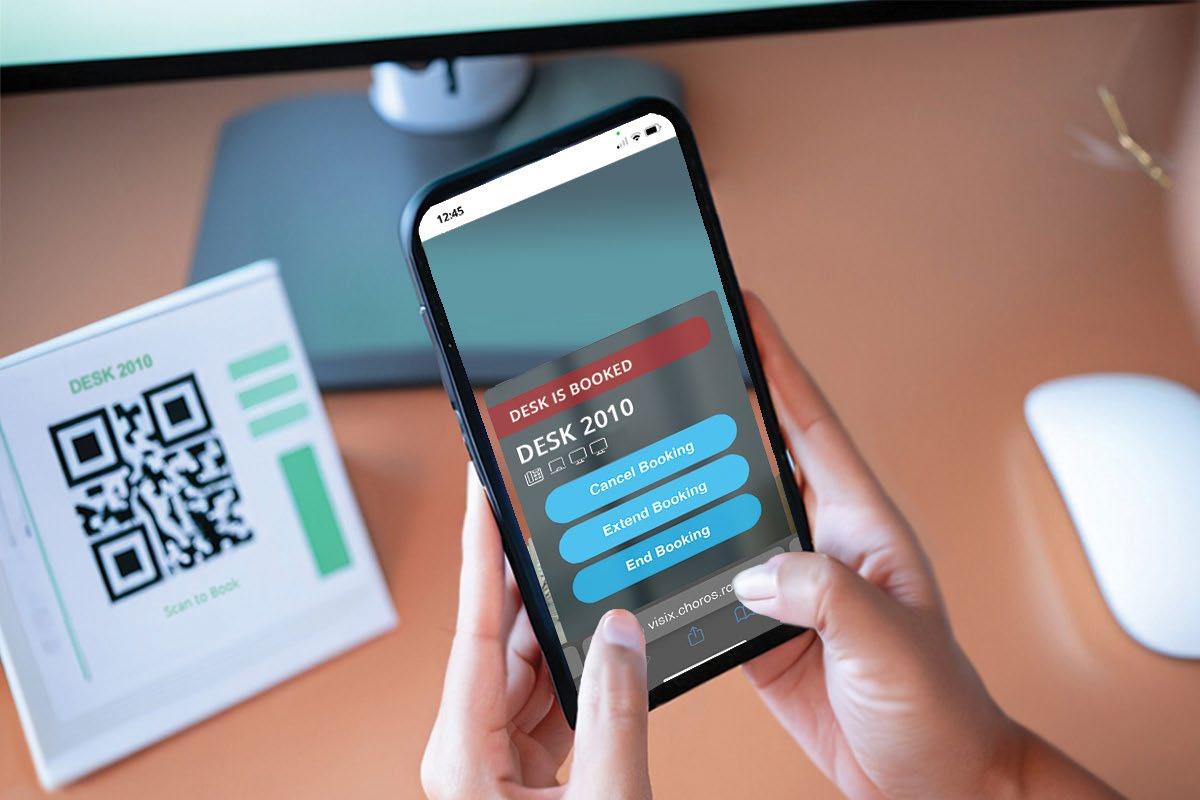
One effective method is to adopt a hoteling strategy. Instead of having dedicated workstations, employees reserve desks or meeting rooms as needed. This approach allows for maximum flexibility, enabling workers to choose the most suitable workspace based on their specific tasks and requirements.
For organizations with a significant portion of remote workers, Biamp recommends a desk-to-employee ratio of 0.7—meaning that for every seven desks, there should be ten employees. This serves as a useful guideline for maintaining sufficient office space for hybrid work scenarios without compromising productivity.
Organizations should also consider implementing hoteling software that integrates with the prevailing AV and IT systems. This technology can significantly improve space utilization by allowing workers to plan ahead. In larger organizations especially, software that shows real-time availability of rooms or desks—even days or weeks in advance—can be invaluable.
Ideally, that hoteling or booking software includes detailed office schematics, empowering workers to select spaces by floor, room, or individual desk. These systems can even include information on room AV inventory and capacity, ensuring employees can book the right space for their needs every time.
By streamlining the process of reserving shared in-office resources, forward-looking organizations can ensure that teams don’t find themselves spread out when they’re in the office, or worse, without workspaces altogether.

MARK CORBIN President Vanco International
As anyone who has ever been in a meeting that could have been an email knows, putting people in a room or on a call doesn’t automatically lead to collaboration. Whenever a meeting is a monologue, participants’ time is wasted; there are more efficient ways to disseminate information to a passive audience.
Too often, however, the meeting leader isn’t monologuing by choice; the meeting space or tools sometimes leave participants with no better option. Rooms are often designed to have privileged positions, intentional or otherwise. This might be the center of the camera field of view or the mic pickup pattern, or perhaps the seat with the easiest access to connect a personal device and thereby assume control of the screen. Whoever is leading the meeting takes the “seat of power,” and everyone else is de facto relegated to a supporting role, participating when called upon or not at all.
Better space design can help normalize collaboration, making it an expectation rather than an exception. Technology managers can assist by ubiquitously deploying tools and technologies that promote meeting equity. That means offering wireless presentation options in as many spaces as possible so that everyone is empowered to step up and lead the discussion. Collaboration cameras that automatically frame the current speaker also help promote equity by eroding the notion of the head of the table.
It’s also crucial to foreground accessibility— for instance, making sure that in larger spaces, there are large screens, adequate sound reinforcement, and/or confidence monitors to support participants with visual or auditory impairments. Not everyone will speak up when they can’t see or hear well, and that’s one more valuable voice silenced in the collaborative process.

CHARLIE JONES Global Partner Relations Manager
Sennheiser
Creating productive collaboration environments hinges on conferencing technology that prioritizes seamless user experiences while eliminating complexity. The rise of intelligent automation is at the heart of this shift, where meeting rooms are becoming spaces that not only support but elevate communication without demanding attention. Imagine a smart meeting room where microphones, cameras, and control systems are fully integrated and automated, creating an environment that encourages focus and productivity.
Key to this transformation is interoperability between audio, video, and conferencing platforms as well as applying intelligence from years of audio data and what we know about the meeting environment. Beamforming microphones, for example, have revolutionized audio clarity by identifying and isolating voices from background noise. This makes it easier for participants—whether in the room or remote— to follow conversations without distractions and interruptions. Conferencing microphones, once complex to install and configure, are now smarter and easier to manage thanks to tools like Sennheiser’s Control Cockpit, which allows tech managers to set up, monitor, and maintain devices across multiple rooms from a single interface.
At the same time, automation in room planning and device management has enabled the faster and more scalable deployments that are needed in today’s meeting-forward work culture. Virtual room planners and interoperability between AV system protocols ensure that meeting spaces are configured with minimal manual intervention, making it feasible to replicate a great user experience across hundreds of rooms or buildings.
As automation and AI continue to improve, expect even more intuitive, adaptable meeting environments. The promise of fully autonomous meeting rooms may not be fully realized yet, but the advances we see today are setting the stage for a future where technology empowers collaboration without demanding attention or time, allowing teams to focus entirely on their work.

JOE DOLCE Regional Sales Manager Panasonic Connect
Traditional brainstorming and group share techniques often lack the energy and excitement needed to spark new ideas. Fortune Business Insights projects the enterprise collaboration market to grow from $53.93 billion in 2024 to $132.64 billion by 2032, with technologies helping to streamline workflows and boost productivity.
AV technologies play a key role in facilitating more productive collaboration for in-person and remote employees. Projectors offer a versatile, flexible way to deliver color-rich and engaging 4K imagery or video across meeting spaces. From projecting creative visuals on a screen to wrapping an entire room with immersive content, projectors adapt to fit the needs of any given space while capturing and maintaining the attention of employees. When employees feel integrated in a meeting or presentation, it can help spur new ideas and solve problems faster. Knowledge sharing not only allows employees to learn from one another, but also helps streamline processes that may take longer when individuals work in isolation. This increases efficiency and allows employees to feel more comfortable with each other, fostering a sense of community and togetherness.
Similarly, collaboration tools play a big role in improving communication skills in higher education. With institutions offering in-person, remote, and hybrid courses, projectors and display technologies help distribute vivid content to students, allowing them to feel engaged in their classes. Visual enhancements make it easier to share classroom materials during discussions that encourage collaboration and peer feedback. Creating a culture of feedback helps prepare students for real-world scenarios and work environments. Professional displays also bring ideas to life and help reliably deliver content to individuals via standing displays distributed throughout a lecture hall, or as live streamed content delivered to screens in lobbies or waiting rooms in corporate environments. This flexibility helps information reach a broader audience for more connected, shared experiences.
“Creating a culture of feedback helps prepare students for real-world scenarios and work environments.”
— Joe Dolce Regional Sales Manager Panasonic Connect
“The future lies in AI-powered solutions which not only bridge physical distances but also enhance the overall meeting experience.”
— Dan Root Head of Global Strategic Alliances Barco ClickShare

DAN ROOT
Head of Global Strategic Alliances
Barco ClickShare
As companies bring employees back to the office, workplace attendance has somewhat normalized, but the traditional office landscape has been transformed. Rather than returning to a central hub, many organizations are adopting a multi-hub model, distributing workforces across locations and time zones. This shift has altered how employees experience meetings and collaboration. This new reality has sparked a shift in how the workforce experiences meetings and in-office collaboration.
Since 2020, business collaboration has transitioned from fully remote meetings to today’s mix of in-person and hybrid meetings today. With attendance policies in place, room-to-room video calls are rising as employees across headquarters, satellite offices, or other flexible workspaces connect seamlessly. The number of individual desk calls is decreasing as in-office attendance grows. This room-to-room setup requires new innovations and automation in order to enhance group interaction and real-time collaboration, as well as foster equity across rooms of participants and individual remote attendees. Market expectations have shifted, and simple solutions for bridging near and far are no longer sufficient.
As the hybrid workplace continues to evolve, so must the technologies that support it. The next wave of innovation will leverage artificial intelligence (AI) to streamline organizational collaboration. AI will take various forms, including real-time transcription, language translation services, and AI-driven meeting attendants to summarize discussions and automate follow-up tasks. Additionally, AI tools will assist with scheduling and communication coaching.
Ultimately, collaboration technologies are evolving from static experiences dictated by the hardware within the room, into adaptable solutions that follow users into every meeting space and cater to individual preferences. This shift will address the complexities of a dispersed workforce, where organizations increasingly operate from multiple hub cities. The future lies in AI-powered solutions—such as Microsoft Copilot—which not only bridge physical distances but also enhance the overall meeting experience, making it smooth, productive, and more adaptive to modern business needs.
MEGAN ZELLER
Senior Director of Business Development
Peerless-AV
When it comes to creating productive collaboration environments, whether in person or remote, the AV industry plays a key role in developing state-of-the-art technology to foster great conversations. When designing and manufacturing these products, we must consider the elements that build connection, such as face-toface communication, real-time discourse, written collaboration, and ensuring all voices are heard.
Products such as high-quality displays and dvLED video walls built with high resolution, excellent color representation, immersive sound systems, and adaptable software are essential for ensuring smooth communication and productive interactions. Advancements in display purposes such as real-time document sharing and virtual whiteboards help to further facilitate dynamic interactions for participants near and far. By combining sophisticated AV solutions with a collaborative mindset, organizations can enhance engagement and productivity across both physical and virtual spaces. Focusing on AV systems designed with user-friendly features, adaptability for different use cases, compatibility with other content software systems, and future-proofed technology can effectively leverage these tools for the long haul, bridging the gap between remote and on-site team members and enhancing connection.


STEPHANE TREMBLAY President SDVoE Alliance
In modern enterprises, collaboration tools play a crucial role in enabling efficient interaction.
Bring Your Own Device (BYOD) environments have become increasingly popular, allowing employees to use familiar devices. However, to ensure a seamless user experience, organizations must invest in reliable, standardized technologies that simplify connectivity and enhance security.
Standardization is crucial in creating a unified collaboration environment, as it ensures compatibility between various systems and devices. The SDVoE Alliance exemplifies this by offering a full-stack solution for enterprise connectivity and BYOD models. SDVoE’s ecosystem, which includes AV equipment manufacturers, software developers, and technology providers, promotes unparalleled interoperability and performance—crucial for BYOD success. Through the SDVoE Alliance, organizations can integrate flexible solutions that enable participants to connect their devices effortlessly in meeting spaces, leveraging room peripherals and video conferencing tools without disruption.
A key aspect of fostering collaboration culture is eliminating barriers to technology adoption. Standardized solutions like those leveraging SDVoE technology ensure that devices operate seamlessly, promoting an interoperable experience that encourages engagement and drives productivity.
SDVoE is powered by the BlueRiver ASIC from Semtech, a Steering Member of the SDVoE Alliance. A BlueRiver ASIC combines AV processing, encoding/decoding, and network connectivity onto a single chip, which interfaces to the SDVoE API in a standardized way— regardless of who integrates the ASIC into their product. The combination of BlueRiver ASIC and SDVoE API provides SDVoE products with natural interoperability. By uniting ecosystem partners under a single standard, the SDVoE Alliance supports organizations in building future-proof collaboration environments. This empowers businesses to create flexible, scalable, and secure spaces where collaboration can thrive.

GARTH LOBBAN Director of Marketing Atlona
The team leader sets the tone for a productive online collaboration environment. Collaboration leaders are often working from home, and so your camera and how it’s placed is important—as is audio and your environment. However, for now let’s focus on the camera.
You need to be seen, so turn the camera on. Avoid built-in cameras and get an external camera that will allow you to position it at eye level. For daily use with the team, I use a camera with a drop-down arm that places the sensor in front of the monitor where the face of my colleague is. You can find many inexpensive options to mount standard webcams at eye level. This helps with the psychology of meetings. Let’s dive into that and how to place the camera.
Avoid cameras built into the top of monitors or webcams placed atop large monitors. You’ll appear diminished as your team looks down on you. Likewise, avoid cameras built into the base of laptop displays. When you look down into the lens, your head is tilted down, and you’re looking down at your team. In both of these examples when you look at the face of the team and not into the lens, you may not appear to your team that you’re looking at them.
And finally, turn off your own camera view once you’ve established that your framing and lighting are good. This will prevent you from being distracted with your own view. Also, know when to turn off the camera. In large group meetings where the bandwidth can compromise a smooth flow of ideas and discussion, it may be best to turn off the camera entirely. Turn on the camera to say hello then shut it off after everyone has arrived and things get started.

ANDERS KARLSSON Chief Executive Officer Humly
The concept of the “near and far” has merged into the new normal. Most businesses have adopted hybrid work as standard operating procedure. Others have required that employees return to the office full time, but these businesses will use the same technologies that hybrid operations use to collaborate with partners and other companies. That is going to set the bar for what’s acceptable in meeting technology moving forward.
That bar will be much higher. Consider the time still spent simply initiating a video conference and/or interacting with the technology. Whether in the office or remote, meeting attendees spend too much time determining how to screen share, adjusting pictures to the proper resolution, or simply stabilizing the audio feed. The true goal is to remove all the friction that prevents the physical and remote attendee from sharing an equal user experience.
Beyond the basic meeting video conferencing technologies we use daily, we must also look at the AV technology in the room. How do we adapt the PTZ cameras to ensure people at home can follow along? It starts with streamlining connectivity in the room—made easier through USB-C—and adopting auto-tracking technologies that follow the presenter. We see the same improvements on the audio side through beamforming microphones and DSPs that reduce or cancel echo. It’s about helping those outside the room see and hear more clearly.
Room scheduling technologies play a more important role than one may realize. These are the technologies that help those near and far prepare for what’s ahead. Having access to a room that is equipped with the AV technology required for meetings of different sizes is at the top of the list, and room scheduling technologies that interoperate with calendaring systems keep everyone in the organization on schedule. This is an essential component of delivering frictionless hybrid meeting experiences for all attendees.
“The concept of the ‘near and far’ has merged into the new normal.”
— Anders Karlsson Chief Executive Officer, Humly
“Physical spaces should be designed to promote both group work and individual focus. ”
— Alan Jacobson, CTS, Strategic Sales Consultant (Government) Legrand | AV

ALAN JACOBSON CTS, Strategic Sales Consultant (Government)
Legrand | AV
Creating productive collaboration environments, whether in person or remote, requires a blend of thoughtful design, technology, and a culture that fosters openness and teamwork. At the core, successful collaboration hinges on communication, accessibility, and adaptability.
Physical spaces should be designed to promote both group work and individual focus. Open layouts with breakout areas enable spontaneous discussions, while quiet zones or small, private rooms support focused work or sensitive conversations. Adequate lighting, comfortable furniture, and acoustics play a significant role in keeping team members comfortable and productive. Technology integration—such as interactive whiteboards, computer-sharing systems like Legrand | AV’s Conference Room Video Hub, and conferencing tools—ensures people can contribute and collaborate seamlessly within the room and remotely. Accessibility features, such as ADAcompliant spaces with clear walkways, adjustable tables, and assistive listening devices, help ensure inclusivity for all team members.
For remote teams, communication tools are the foundation. Video conferencing platforms, collaborative document editing, and project management software are essential. However, merely having the tools isn’t enough. The culture must embrace flexibility, encouraging asynchronous work where necessary and fostering a sense of trust that allows employees to manage their schedules while contributing to group goals. Leaders should prioritize clear communication norms and make sure to provide resources for remote workers to stay engaged, like regular check-ins and informal virtual meetups.
Creating a collaborative culture relies on openness, psychological safety, and shared goals. The Forum Collaboration Suite is designed for workspaces where hybrid collaboration is necessary in either open or closed spaces. Leaders must model these behaviors, emphasizing inclusivity and showing that diverse perspectives are valued. Whether near or far, creating such a culture ensures that every individual feels empowered to contribute, fostering innovation and productivity across the board.

CASE IN-POINT

CUTTING-EDGE UPGRADE FOR A HISTORIC HALL
Shriver Hall at Johns Hopkins University first opened its doors in 1954—a time when few American homes had TV sets, and certainly before video technology in performance spaces was even a consideration. But as a busy on-campus performance space and the site of musical and theatrical events—as well as academic degree ceremonies—the absence of a video production system in the nearly 70-year-old auditorium was becoming glaring.
So when the university embarked on a renovation of the historic auditorium, a significant hurdle was equipping the space with modern video production capabilities without the infrastructure typically found in purpose-built AV environments.
To overcome this challenge, the team turned to PTZOptics cameras. Their decision to install six PTZOptics Move 4K 30X cameras allowed them to capture professional-grade video with minimal disruption to the auditorium’s design. A key reason for selecting PTZOptics cameras was their ability to transmit video, control, and power through a single Ethernet cable.
This feature, known as Power over Ethernet (PoE), drastically reduced the number of cables needed, simplifying the installation process and cutting down setup time. By minimizing cabling requirements, the AV team was able to efficiently create a comprehensive AV solution, despite the limitations of the existing infrastructure.
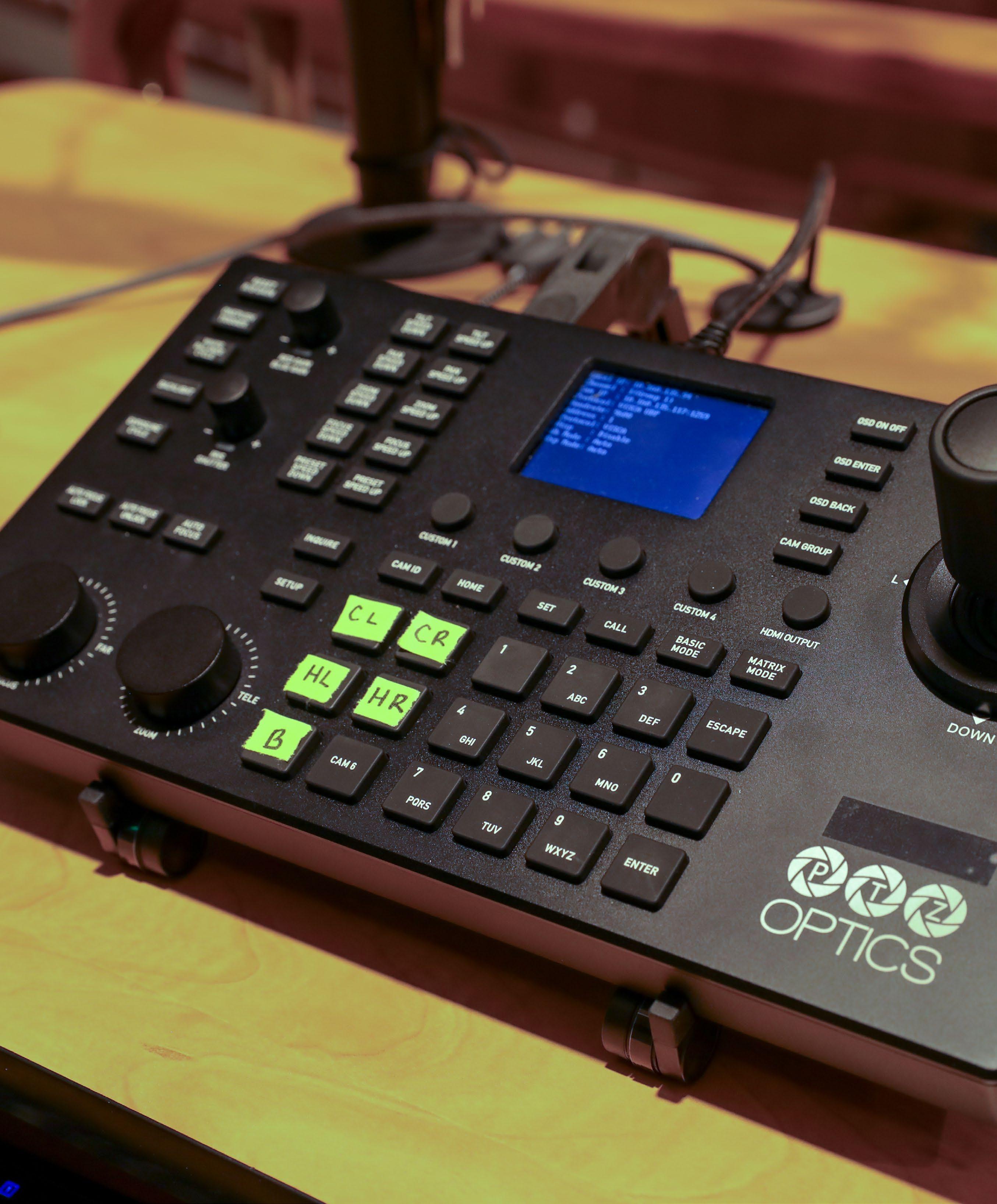
The cameras are all connected to a PTZOptics SuperJoy controller, allowing for seamless remote operation from the media station located at the back of the auditorium. The SuperJoy’s intuitive control system lets the AV team easily manage camera movements, presets, and angles during live events, ensuring smooth transitions and high-quality video coverage.
Additionally, each camera is integrated with a BlackMagic video switcher, providing the capability to switch between multiple video sources and overlay graphics such as lower-thirds, which are particularly useful during events that feature multiple speakers or presenters.
The PTZOptics Move SE, Move 4K, and SuperJoy products used in Shriver Hall have also been approved by Higher Education Technology Managers Association (HETMA). This prestigious approval is awarded to products that have been rigorously tested by educational institutions worldwide and have
demonstrated proficiency in meeting the complex audiovisual needs of higher education environments. The fact that Johns Hopkins selected HETMA-approved products underscores their commitment to reliable and innovative AV technology.
A recent addition to the system is the installation of PTZOptics Hive Studio, a cloud-based platform that enables collaborative remote control and monitoring of the cameras. Hive has significantly improved the workflow for the AV team, particularly during complex events that require precise camera management.
The Hive system allows the team to remotely color match the cameras from multiple angles, ensuring visual consistency across all camera feeds. This is especially critical in Shriver Hall, where events often include a combination of close ups of speakers, wide-angle shots of the audience, and other dynamic perspectives.
The implementation of PTZOptics cameras and the integration of PTZOptics Hive in Shriver Hall has not only solved the challenges posed by the auditorium’s original design but also elevated the university’s ability to coordinate on broadcasting high-quality live events.
With a streamlined setup process, remote camera control, and enhanced color matching capabilities, the Johns Hopkins University AV team is now better equipped to manage and produce professional-grade video for a wide range of academic and ceremonial events.
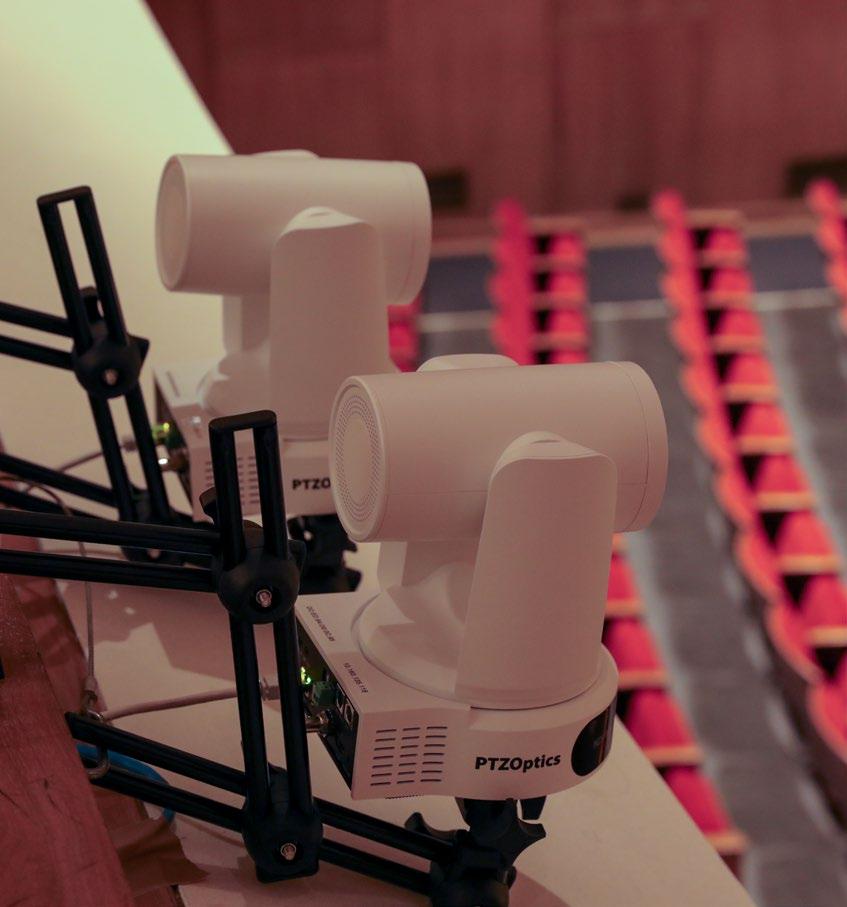
A NEW PTZ PERSPECTIVE FOR SPORTING ARENAS
Santa Clara, California-based Quintar continually looks for new ways to create fresh video content that engages sports fans across a variety of platforms. Most recently, the company sought to implement high-quality livestreaming in several entertainment and semi-professional sports venues looking to reach a wider audience. At these smaller venues, which typically have limited budgets and staff to dedicate to production, traditional broadcast cameras could not be considered. Another challenge was finding inexpensive cameras that fit into small spaces to provide alternate angles. Miniature cameras can be expensive and don’t offer pan-tilt-zoom movement, resulting in the need to supplement with additional cameras and further increasing costs. To address both the integration and equipment costs, Quintar began to weigh the benefits of using PTZ cameras.
Among the questions they considered during the process was whether the image quality of PTZs would produce at a level that aligns with the visual excellence fans have come to expect from expensive broadcast cameras. Among the other considerations were the stability, movement and aiming capabilities of the cameras, as well as whether they can meet what the fans expect while doing it on a reasonable budget.
As a JVC supporter for several decades, Quintar’s Production Technologies senior vice president Tom Sahara is no stranger to the JVC brand. He selected a pair of JVC’s KY-PZ510 PTZ cameras, along with the RM-LP100 Camera Controller, to accomplish Quintar’s goals, for a variety of reasons—from basic features like field of view and resolution to advanced options like integrated NDI capabilities.
The final decision to utilize JVC ultimately came down to cost, as Sahara was able to acquire the JVC PTZ camera and controller as a package for much less than a traditional broadcast setup. Sahara looked at other PTZ options, but says he was unable to find something that, “checked all the boxes, such as tremendous flexibility, NDI functionality, on-camera encoding, wide-angle field of view, and 4K video.”
“The broadcast-quality video capabilities of the JVC KY-PZ510 PTZs provide the perfect combination of features and performance necessary to achieve high-caliber content,” Sahara said. “When coupled with the JVC RM-
LP100 Camera Controller, the system enables an operator to manage a large quantity of cameras of different configurations into designated groupings, which is a largely under-appreciated feature. Additionally, the PoE capabilities of the camera and controller help run power to remote camera locations and minimize cable clutter in compact operating positions.”
Using a small PTZ makes it possible to mount the camera on a wall, ceiling, or small post ahead of the event and eliminates the physical camera operator, freeing up valuable real estate in arenas with limited seating. “When there are no ‘kill seats,’ planning becomes much easier for both the integrator and customer.” Additionally, the option to provide numerous angles and views within a limited footprint allows for a more engaging
presentation, while the ability to have one camera operator remotely controlling every camera provides smaller venues the benefit of reduced labor costs.
The ability to offer low-cost remote network control of cameras with technology often only obtainable through other very expensive options has afforded an immediate impact to Quintar’s customers. “Providing this technology at this price point is a game changer,” Sahara added. “PTZs open so many opportunities that are just not possible using a traditional camera setup. The versatility of the KY-PZ510 makes it adaptable for various installations—from nightclubs to professional stadiums. Now, a broader range of customers can benefit from this powerful technology at a fraction of the cost!”
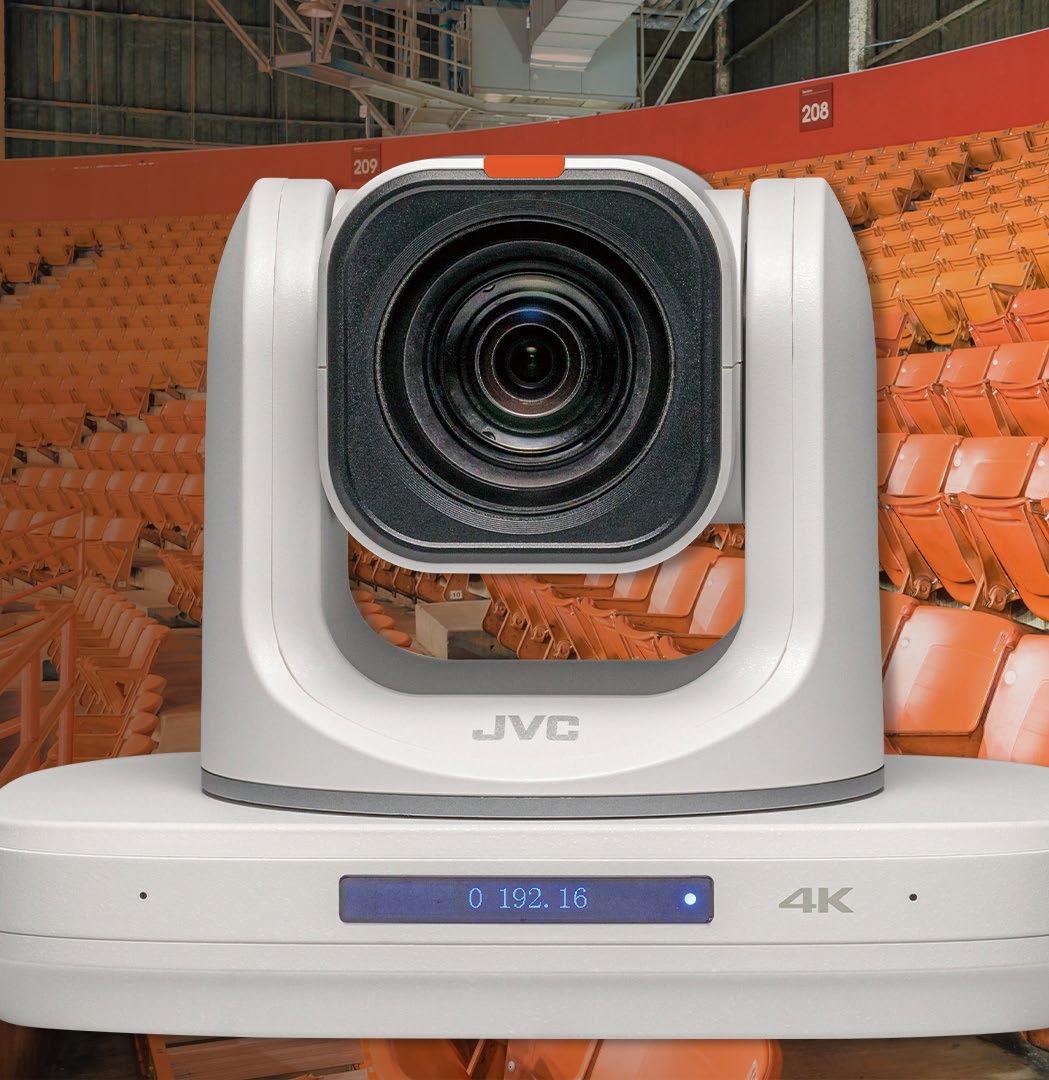
PARTNERSHIP POWERS THE FUTURE OF COLLABORATION
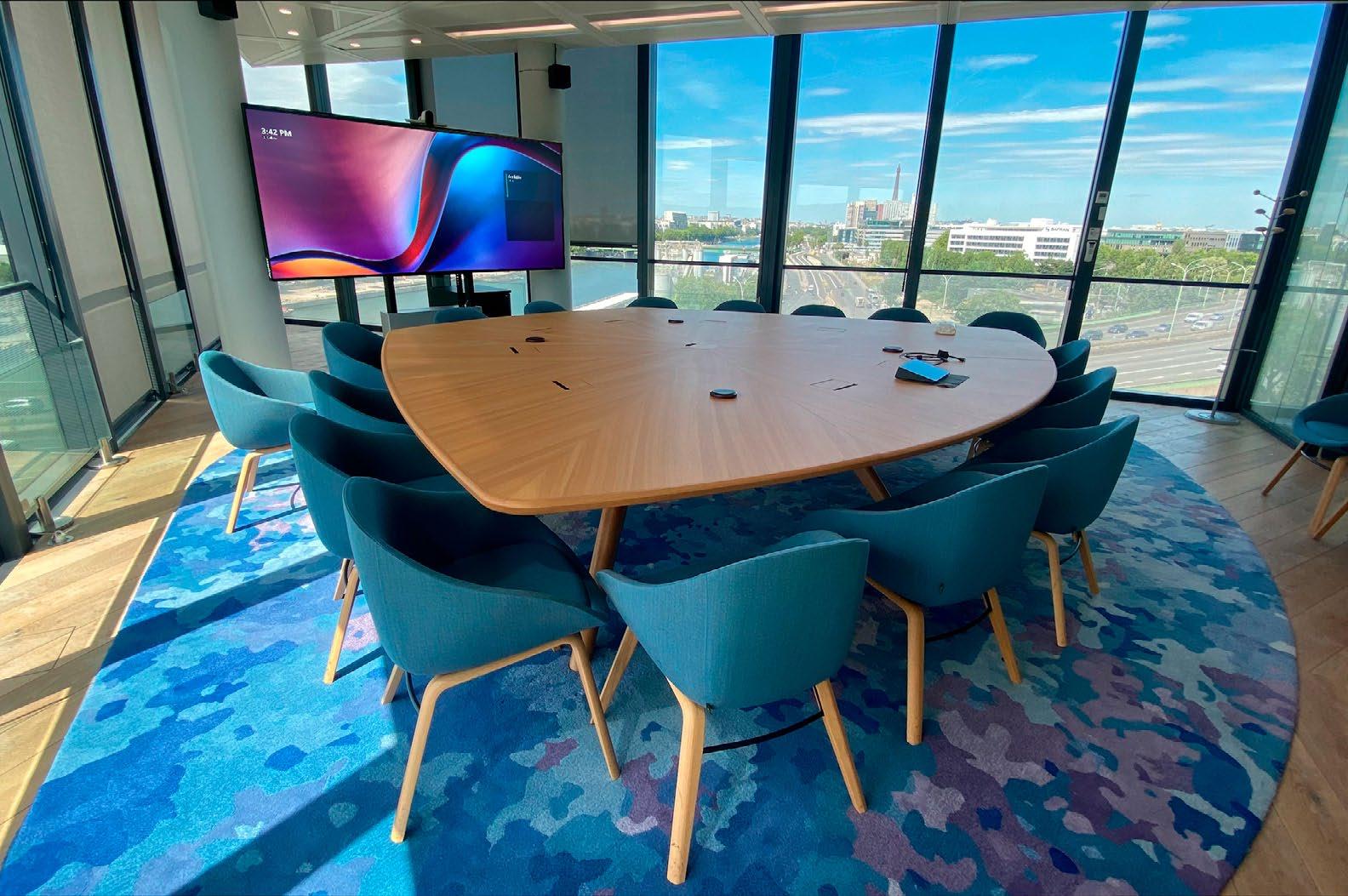
Microsoft’s journey began at a time when traditional face-to-face meetings experienced a critical challenge, exacerbated by global changes due to COVID. This period coincided with the realization that the locations and work dynamics of corporate teams needed a lasting transformation.
For more than a decade, several organizations across Microsoft have been working together at its working laboratory called The Hive. The purpose is to build meeting room experiences of the future, including new hybrid meeting experiences. From the operation of meetings, to optimizing the display of video streams, to tailoring furniture and audio to create an elevated experience—every aspect of the meeting is considered.
The primary goal of the Hive team is to consistently improve Microsoft’s global workplaces. They work diligently to explore more effective collaboration methods; guarantee genuine inclusivity and accessibility for all in hybrid work setups; and optimize Microsoft Teams, their communication and collaboration software. Moreover, they aim to lead the way and set a high standard for the global community, sharing best practices with users worldwide.
While Microsoft focused on improving collaboration software, Jupiter’s engineering team envisioned a way to improve how content
is seen. Even before the pandemic, back in 2018, Jupiter was developing large-size 21:9 as a way to bring the cinematic experiences to the enterprise market. “In 2020 we introduced the 21:9 5K visual form factor to the enterprise market, with compelling features and a new way of viewing and interacting with content,” Jupiter chief executive officer Sidney Rittenberg shared. “Development of our Pana displays was not only focused on engineering 21:9 LCD panels with additional pixel real estate for 5K (over 4K). We had to overcome challenges on limited chipset capabilities to drive 5K, and especially our latest generation of Panas running at a 120Hz refresh rate. We engineered multiple generations of main board architecture with exhaustive firmware development to make certain our 21:9 vision fits into existing hardwareand software-implemented ecosystems. ”
Microsoft and Jupiter partnered to create an enhanced hybrid experience for the Teams platform. This effort led to the design of meeting spaces with a Front Row layout specifically tailored for ultrawide enterprise displays.
“Through our collaboration with Jupiter, we evolved and refined the development of the ideal hybrid meeting space for the Teams platform. In our Microsoft Signature Teams Rooms, the Front Row layout is tailored for ultrawide screens and Jupiter’s 21:9 display technology to create
immersive and inclusive meeting experiences,” Sam Albert, principal product manager at The Hive said.
Initiating a groundbreaking movement and driving global change, Microsoft deployed Signature Teams Rooms in its offices worldwide, which included standard meeting rooms to executive offices, and extended to remote branches. The Microsoft headquarters in Redmond utilizes many Jupiter Pana 105s for its employees to access meetings with partners and end users. This allows them to experience firsthand what the future of Teams Rooms can deliver.
The swift adoption of the Front Row layout can be credited to a collaborative approach where technology leaders come together to demonstrate their convictions through actual deployments. Microsoft leads by example and highlights the advantages of integrating Jupiter displays into Signature Teams Rooms. Signature Teams Rooms comprise all the elements to ensure the ultimate hybrid meeting experience. While the display takes center stage with Front Row, everything from furniture, mounting, cameras, audio, and lighting have been designed to ensure the most accessible collaborative experience using ultrawide 21:9 viewing guidelines.
Many vendors such as Legrand | AV and Salamander Designs have partnered with Jupiter Systems to ensure its products are compatible with Signature Teams Rooms. The team at Jupiter works with vendors to ensure the Front Row layout scales at the correct resolution when broadcasting to a 21:9 visual canvas, or the mounting is at the correct level, among others.
When industry leaders partner to positively shape the future of meetings and collaboration, everyone in the workplace benefits.
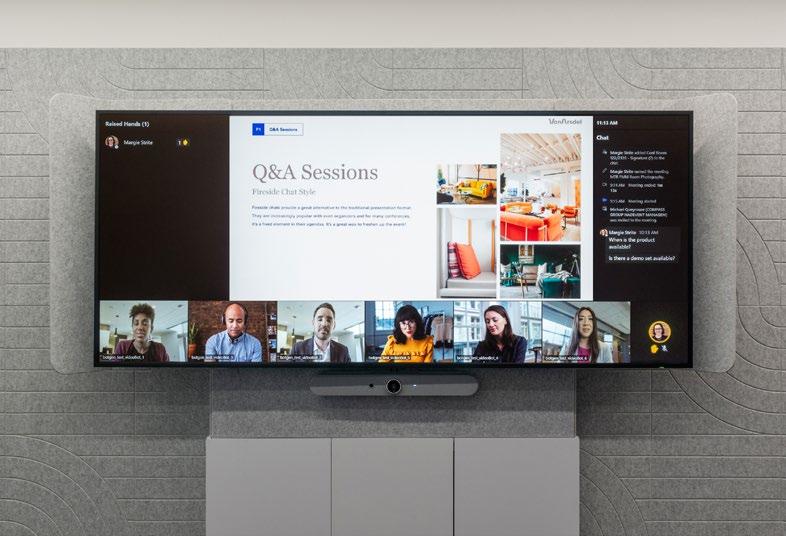
MANAGING MULTIPURPOSE
PRESENTATION SPACES
Wake Technical Community College (Wake Tech) in Raleigh, North Carolina, serves approximately 70,000 students. At the college’s 127-acre Scott Northern Wake Campus, they recently completed a renovation to create a versatile, high-tech lecture hall contiguous with a sunlit atrium. The lecture hall hosts presentations, plays, singing competitions, local television broadcasts, and more. The atrium is used as a pre-function area, an overflow space for events in the lecture hall, and a standalone venue to host college and community events.
Wake Tech’s end user support analyst II Joshua Cruz developed the statement of work for an AV system that would meet the needs of presenters, performers, and audiences—eventually leading him to select switching, distribution, and control products from Extron. Detailed design, installation, programming, and commissioning was performed by an Inter Technologies Pro AV integration team led by audio visual project manager Clinton Wimberly. The AV design is fairly complex; in addition to the Extron equipment, the stage lighting, house lighting, and sound systems all need to be controlled.
Most Wake Tech academic and conference spaces are outfitted with Extron AV switching and
control, and that is the case for this new venue as well. An 8-by-6 DTP CrossPoint 4K presentation matrix switcher services the lecture hall and atrium. It allows a variety of AV content sources to be shown on the lecture hall’s main on-stage projection screen via a ceiling-mounted laser projector, on a 65-inch flat panel display at the lecture hall entry, and on three 77-inch OLED flat panel displays in the atrium.
AV content can come from the on-stage lectern, from the lecture hall control booth, from an HDMI wallplate in the atrium, or from stagefacing and audience-facing tracking PTZ cameras in the lecture hall.
The lectern is located on the lecture hall stage. An IN1808 contained in the lectern determines which AV content is supplied to the DTP CrossPoint switcher in the main AV equipment rack. It also performs any video scaling and uses its DTP twisted pair output to send the selected AV signals over the extended distance to the main AV equipment rack via shielded CATx cable. AV sources available at the lectern include a document camera, content from the lectern PC, and images from the lecture hall PTZ cameras. Other inputs handled by the IN1808 are USB, DisplayPort, and HDMI feeds from
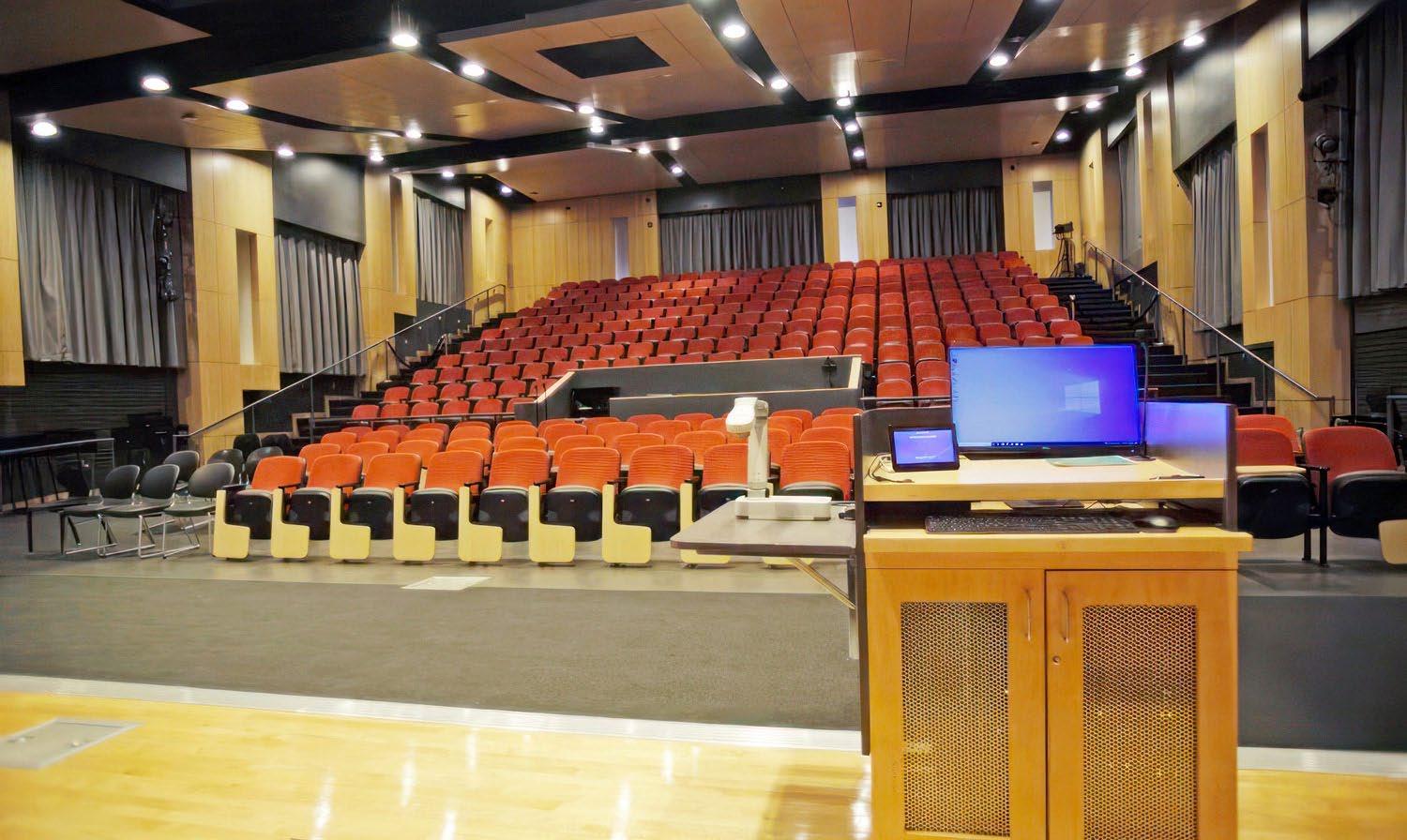
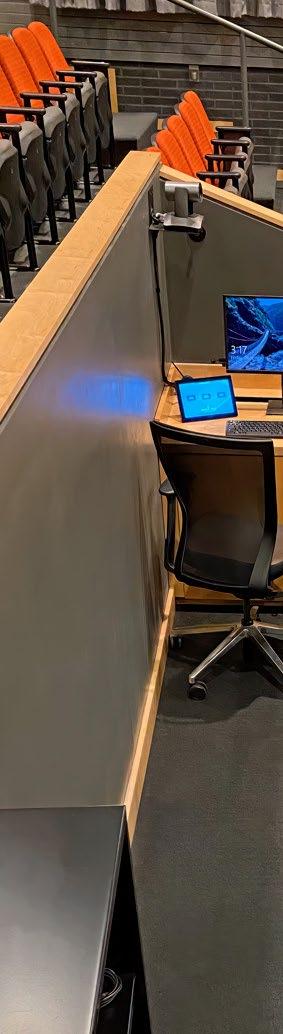
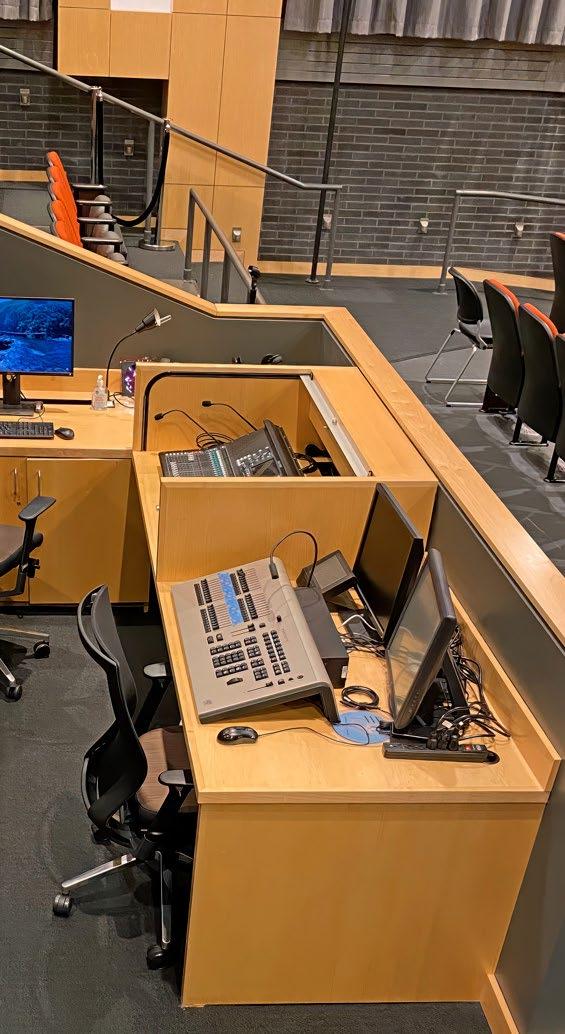
guest devices that plug in via active cables that convert these inputs to HDMI before application to the IN1808. Also feeding into the IN1808 is the lectern’s ShareLink Pro presentation gateway that allows wireless sharing of content from portable devices via Wi-Fi. Presenters at the lectern control source selection, volume, and other AV system functions using a TLP 725T TouchLink Pro touchpanel.
For theatrical and musical performances demanding high production values for sound, lighting, and audiovisual support, there is a concert-caliber control booth run by seasoned directors and technicians. Positioned midhouse, the control booth is equipped with a live production audio mixing console, a lighting control console for stage and house lighting, and an AV system control station.
AV system control is handled by an IPCP Pro 350 control processor located in the main AV equipment rack. It communicates over the building Ethernet network with all AV system devices and TouchLink Pro touchpanels at the lectern and the control booth. The control processor also includes relays that control raising and lowering the projector scissor lift and the projection screen. The Extron Control App mirrors AV control touch panel screens to an iPad wirelessly, allowing event organizers to control AV system functions while roaming anywhere in the venue.
Joshua Cruz and his supervisor, Jennifer Unitis, manager of Academic Computing, report that they’ve received positive user feedback about the facility’s AV amenities. Event coordinators find the ability to seamlessly link audiovisual sources and screens between the atrium and the lecture hall especially useful to accommodate overflow crowds and for using the atrium as a backstage area. Event coordinators, once trained in AV system operation, handle most functions without technical assistance.
Explaining why Extron was chosen to supply the AV switching, distribution, control, and collaboration products, Cruz stated, “Reliability, cost, and ease of use have driven the decision for Wake Tech to select Extron as our preferred vendor. Most of our campuses are outfitted with Extron in our academic spaces and conference rooms. The hardware can easily be maintained by our team because they have received training and certification from Extron, and they are thoroughly familiar with the gear because they work with it every day. Additionally, the support from Extron is top notch.
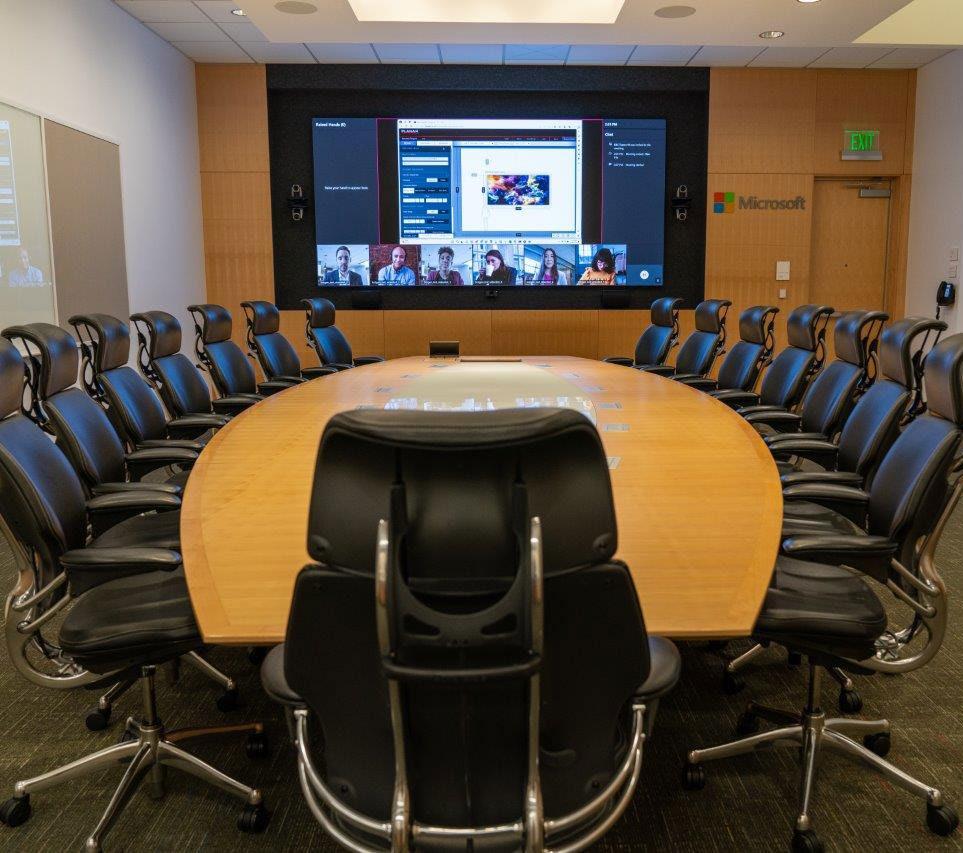
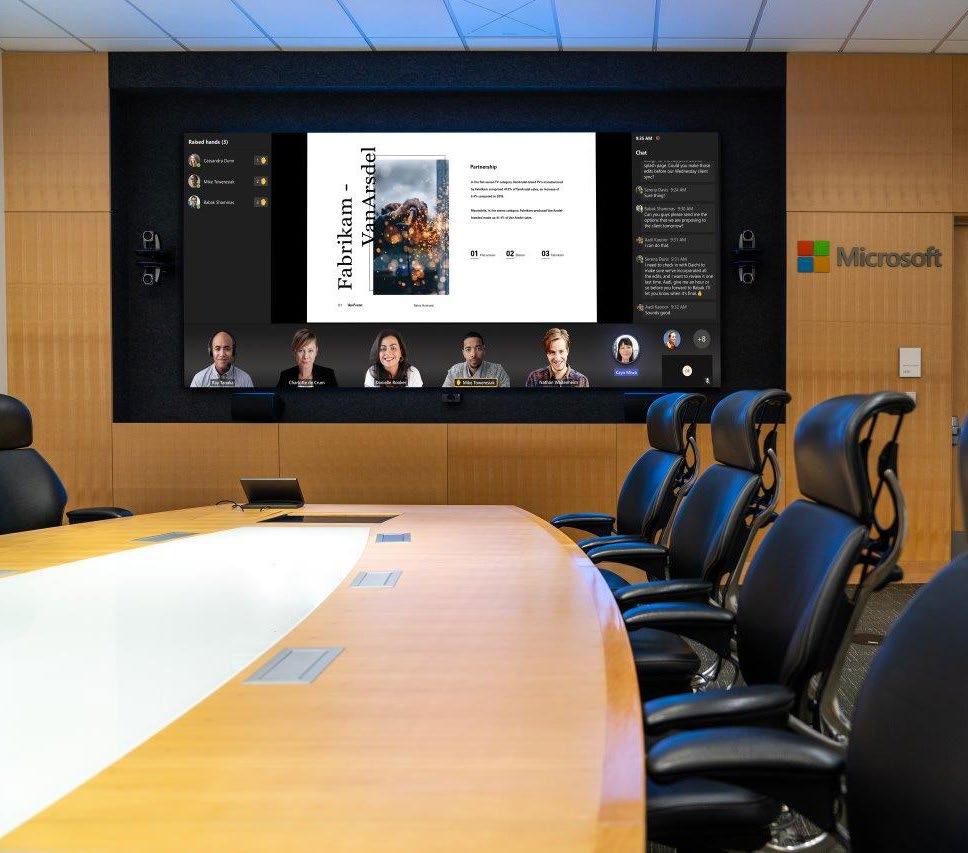
VIDEO WALL HELPS BUILD A BETTER BOARDROOM
Signature Microsoft Teams Rooms represents Microsoft’s vision for a more collaborative hybrid meeting experience. Born out of the opportunity to enhance hybrid meetings for the flexible workforce, Teams Rooms evolved as an innovative, new way to design hybrid-optimized spaces that foster more inclusive and human interactions.
“Teams Rooms is our solution for Microsoft Teams in shared spaces, and most predominantly, conference rooms,” Matt Taylor, director of Product Marketing for Microsoft Teams said. “With most meetings today involving a mix of in-person and remote attendees, we are embracing true flexible work. The goal is to improve the meeting experience across software, hardware, and furniture design optimized for multiple users throughout the day and a hybrid-first scenario.”
A major component of Teams Rooms is the use of video displays. With Planar as the display solution provider for Signature Teams Rooms, users can realize the benefits of fine-pitch LED video wall technology. “The experience is elevated with a larger, high-definition display, which allows remote participants to appear life size,” Taylor said. To demonstrate how Teams Rooms can
apply to a boardroom setting, Microsoft built a boardroom archetype at the Executive Briefing Center (EBC) on Microsoft’s Redmond, Washington-based campus headquarters.
Offering customers executive-level engagement opportunities to collaborate on transformative digital initiatives, the EBC works to inspire customers through immersive demos, presentations of real-life customer solutions, and examples of Microsoft’s technology and thought leadership.
The boardroom archetype at the EBC features a nearly 12-foot-wide, 5.5-foot-high Planar DirectLight Series LED video wall with a 0.9mm pixel pitch and was designed with a Crestron Automate VX multi-camera system and an 85-inch Surface Hub for collaboration and whiteboarding.
“The reason for designing this space was to ultimately answer the question that we’ve received from many customers—how Teams Rooms can work in a boardroom format and scenario,” Taylor said. “It’s a blueprint, if you will, that is available for customers to use as they see fit—either for replicating or for learning and building upon. Specifically, the boardroom archetype showcases
how Microsoft technologies, along with our partners like Planar, are addressing flexible work in high-impact spaces.”
According to Taylor, the Planar LED video wall in the EBC space helps support Microsoft’s intentions to demonstrate how stronger connections can be built in hybrid meetings between remote and in-person attendees. Among the multiple views users can select in Teams Rooms, the “Front Row” option positions remote attendees on the video wall front and center and at eye-level with in-room participants. “With that setting, you get the feeling that people joining remotely are sitting at the same table with you,” Taylor said.
Taylor emphasized that as a larger-format display, the Planar LED video wall also provides more screen real estate for sharing content and for using other Teams Rooms features during hybrid meetings such as a panel for raised hands and a chat within the meeting. “The video wall is very impressive and incredibly crisp.”
He continued, “It enables more of the intuitive experiences that really help to reduce meeting fatigue and make discussions feel more lifelike.”
Photography courtesy of Planar

CONFERENCE-GOERS ENJOY IMPROVED ACCESSIBILITY
Advancis Medical hosted a series of educational sessions at its stand during the European Wound Management Association (EWMA) Conference. Specialist clinicians from around the world attended the sessions. Advancis wanted to demonstrate new and innovative ways to use its products to achieve better clinical outcomes and needed an effective solution to convey critical information despite the noisy, bustling environment at ExCeL.
Listen Technologies understands the importance of ensuring clear communication in a noisy environment. Ron Sellies, director of Group Sales and Marketing at Advancis Medical, said, “We selected the ListenTALK solution, based on a recommendation from Ampetronic, as it was not only a convenient way to connect the audience to the speaker’s voice, but also provided that added value of two-way communication so audience members could ask the speaker questions, which adds a new dimension to the experience. It was easy to set up and proved popular with speakers and attendees alike.”
ListenTALK’s two-way communication feature transformed the sessions into interactive
experiences. Attendees could hear presenters clearly despite noise and distance and could actively participate by asking questions and discussing the topics with the speakers. The added dimension of two-way communication to the educational sessions increased attendee involvement and allowed for a deeper understanding of the topics discussed.
The effectiveness of the ListenTALK solution
was evident in the positive feedback Advancis received from speakers and attendees. They liked the system’s easy setup and user-friendly interface and felt it significantly improved their experience of the educational sessions. Ultimately, ListenTALK played a crucial role in enhancing communication, engagement, and the overall effectiveness of Advancis’ presence at the EWMA conference.

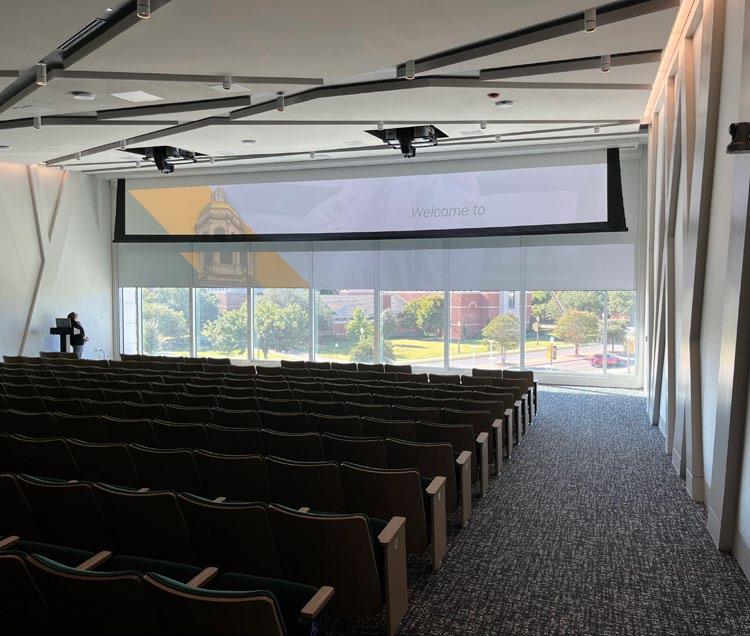
WELCOME CENTER GETS AN AV “WOW FACTOR”
The Mark and Paul Hurd Welcome Center at Baylor University has changed the game for recruitment at the 20,600-student university in Waco, Texas. The new $60 million state-of-the-art building serves as a front door to Baylor University, welcoming future students and parents into the vibrant life of the campus community. It features the 250-seat Fudge Family Auditorium on the second floor, where presentations are held for prospective students and their families. When it comes to first impressions, the innovative use of AV technology in this space has created a real “wow factor.”
In the auditorium, two Epson large-venue projectors are used to create a stunning visual experience. Students and their families enter the auditorium and sit down. The recruitment presentation begins, accompanied by projected images and video in amazing clarity and color on an enormous floor-to-ceiling screen. At the end the screen lifts, suddenly revealing a wall
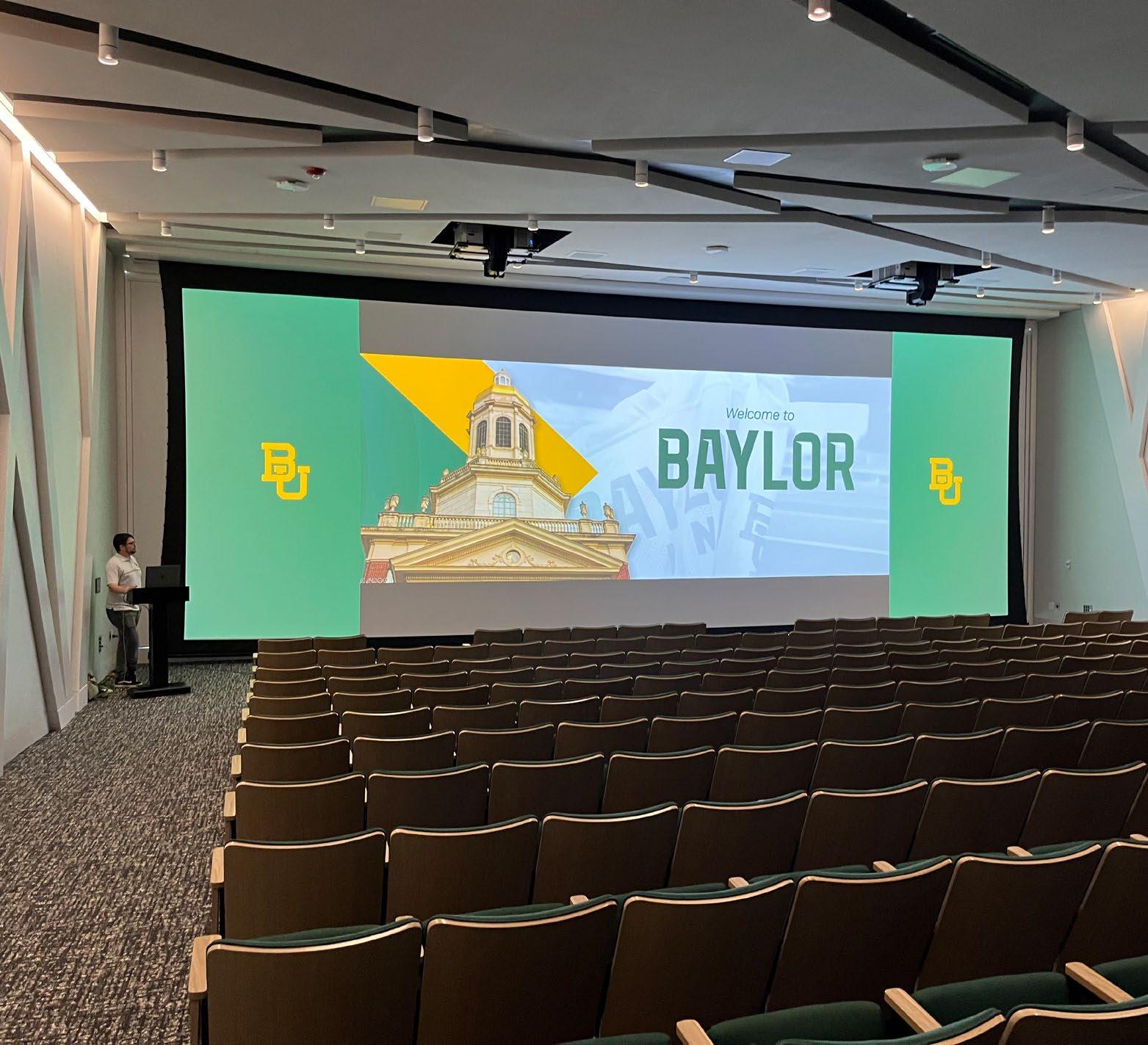
of windows and a stunning panoramic view of Baylor’s scenic campus. “Everyone is just wowed,” Ross VanDyke, associate vice president of Enrollment Management, Marketing, and Recruitment said. “Students are blown away.”
The magic comes from the unique installation of the Epson projectors. When designing the auditorium, the university was seeking to solve the challenge of creating a movie-theater-like sensory experience to grab students’ attention—and doing it on a surface that isn’t a traditional 16:9 aspect ratio.
The installation uses two Epson Pro L30002UNL large-venue projectors with Epson’s ELPLX03 ultra-short-throw snorkel lenses. The zero offset lenses create a floor-to-ceiling image from very close to the wall and the 30,000-lumen projectors are recessed into the ceiling so that the attention is solely on the projected image, and not the equipment. The projectors are installed side by side and are synced to cover the entire screen—a 32:9 aspect ratio—creating a single massive, bright image.
“When you walk in you don’t know there are windows behind the screen. The admissions counselor does the presentation, then there’s the big reveal,” VanDyke said. “I’ve never seen anything quite like it. Students are wowed. We’ve even had some parents who are in the AV field who can’t believe the short throw from the projector to the screen.”
In addition to the auditorium, the building features four 96-foot illuminated columns that guests can walk inside of to immerse themselves in campus scenes.
The Hurd Welcome Center changed how the university looks at designing buildings. Instead of constructing a building and then fitting the tech inside, here, the tech drove the design. “We give them all the perks for what it means to be a Baylor Bear, and if, at the end of the day, they say, ‘it’s not for me,’ I want them to say, ‘but man, it’s awesome,’” VanDyke said. “What we’ve done in the building really lends itself to that.”
ZILLOW UNITES REMOTE TEAMS WITH Q-SYS
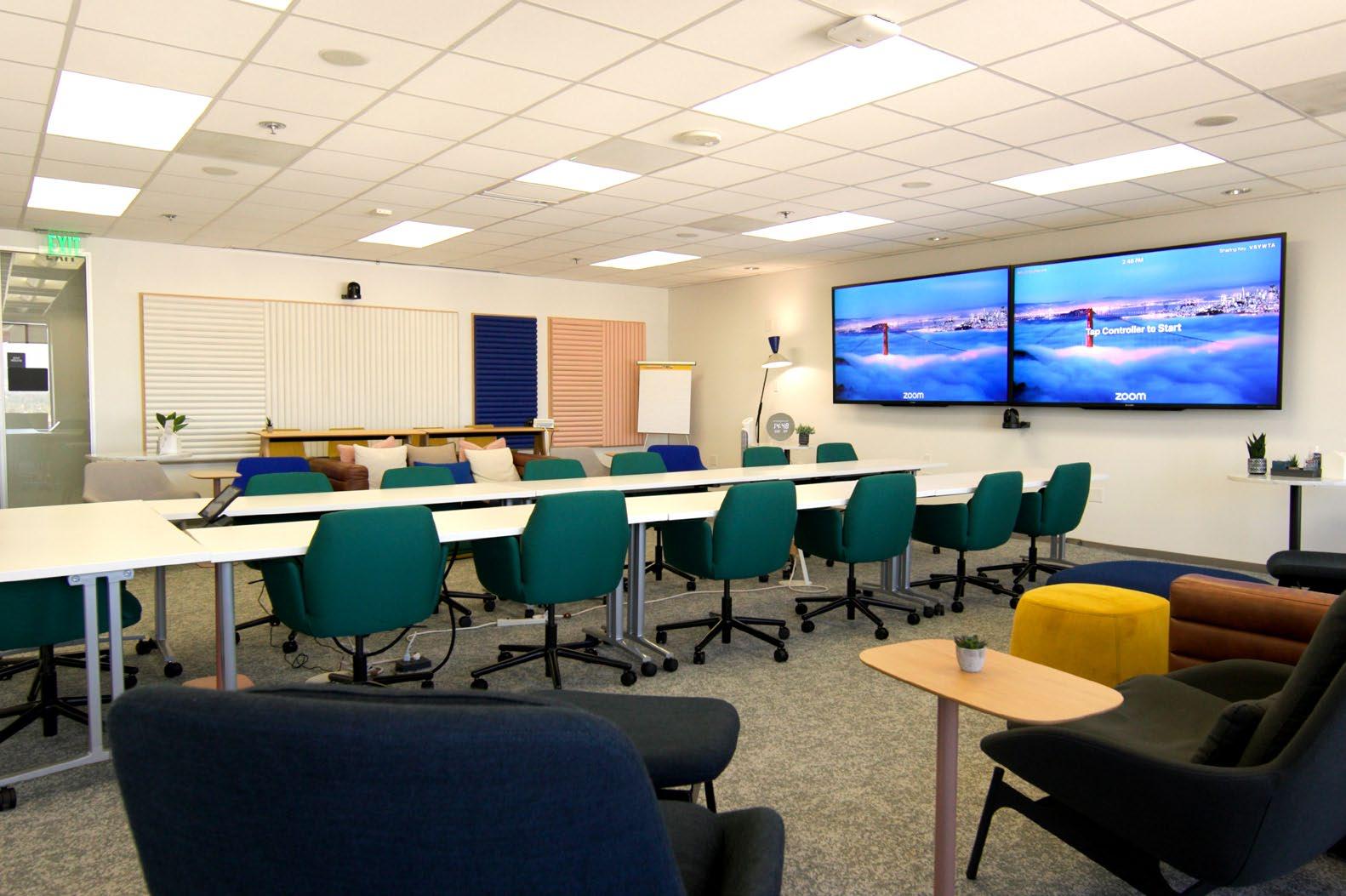
As one of the pioneering companies to embrace a work-from-anywhere approach indefinitely, Zillow recognized the critical role audiovisual technology would play in facilitating this new way of working. To accomplish this, Zillow implemented Q-SYS to unite remote teams across key integrated workspaces across their corporate portfolio. Every room equipped with an integrated audiovisual system was fitted with a Q-SYS Core. This central hub managed all in-ceiling microphones, loudspeakers, and multiple cameras within each space, providing a consistent and high-quality experience across the board.
Creating an effective hybrid meeting space at Zillow came with many challenges, primarily centered around developing a consistent and inclusive experience for in-person and remote participants. Key challenges included ensuring seamless interaction for remote participants, both in terms of visibility and audio quality; the ability to adapt to varying participants and spaces; AV interoperability across third-party hardware; creating an intuitive interface; implementing an automated system with minimal manual intervention; and flexible deployment.
Q-SYS has proven to be an incredibly flexible solution, capable of adapting to various workspace requirements. At Zillow, spaces are thoughtfully categorized to meet specific needs. These range
from Zoom-forward “Z Retreat Rooms,” designed for seamless collaboration between in-person and remote participants, to dedicated classroom settings optimized for video conferencing.
Q-SYS offered unparalleled advantages, particularly in maintaining consistency and reliability throughout Zillow’s audiovisual deployments. Patrick Gilligan, senior AV infrastructure engineer at Zillow said, “The best case scenario for me is implementing a full Q-SYS Platform because everything lives unified within Q-SYS Designer Software, and I have access to the resources that can ensure that I’m deploying the equipment as properly as possible. Our core mission is to handle Q-SYS deployments with the same rigor that any large organization applies to its mission-critical infrastructure. We have a very developer-forward approach to audio-visual. Q-SYS has an open-source quality—that if a device has an API, Q-SYS can communicate it fairly rapidly. Q-SYS is ahead of the curve in the AV Industry and allows us to provide a large menu of solutions for different use cases while providing a consistent user experience.”
At the core of Zillow’s implementation of Q-SYS is a strong belief in prioritizing the user’s needs. Employees who may not have an audiovisual background benefit from an intuitive user control interface (UCI) on a Q-SYS Touch Screen Controller
that makes system operations straightforward. Users can walk into a room, press a button, and have confidence that everything will work flawlessly.
Gilligan relies on Q-SYS Reflect for effective network management. “I’m a big believer in Q-SYS Reflect and how we use it to monitor third-party devices,” exclaimed Gilligan. “One standout feature in Q-SYS is the Monitoring Proxy. With this simple tool, I can establish high-availability monitoring points for any third-party hardware connected to our network. Using Q-SYS Reflect and leveraging Monitoring Proxy that pulls data from Reflect, I can receive daily reports via Slack if there are any offline endpoints across our entire organization. This level of monitoring is crucial for our success.”
Gilligan discussed how Q-SYS Communities contributes to helping him build a stronger system at Zillow. “With Q-SYS Communities I have the opportunity to stay up-to-date with the latest developments and learn from other Q-SYS users. The vibrant Q-SYS communities connect aspiring users directly with experienced ones. It also gives users broad access to the engineering team at Q-SYS. Whether beginners or experts, everyone benefits from the community’s insights. It’s not just about answers, it’s about understanding underlying principles and improving our programming skills.”
Gilligan shared insights into their latest project: “We’re setting up a new room in Irvine, and it will be our first experience with the Q-SYS NV-32-H and NV-21-H, along with Q-SYS NC Cameras. I’m particularly excited to delve into Q-SYS VisionSuite Intelligent Audio and how it can deliver a more natural collaboration experience. That, plus the advancements in presenter tracking, signify a big step forward for our industry. These innovations make our systems more automatic, elegant, and user friendly. I look forward to boosting the screen equity that we continually strive to improve.”
Q-SYS has revolutionized the way Zillow’s remote teams operate within their collaborative workspaces. By shifting to the full Q-SYS Platform, Zillow efficiently manages high-impact, flexible, and user-friendly audiovisual solutions, ensuring that remote and on-site employees have the best tools at their disposal. Through its steadfast commitment to technological excellence and community engagement, Zillow has successfully navigated a rapidly evolving workplace, establishing itself as a highly appealing employer.
Photography courtesy of Q-SYS
CONNECTING HERE & THERE PRODUCTS THAT MATTER
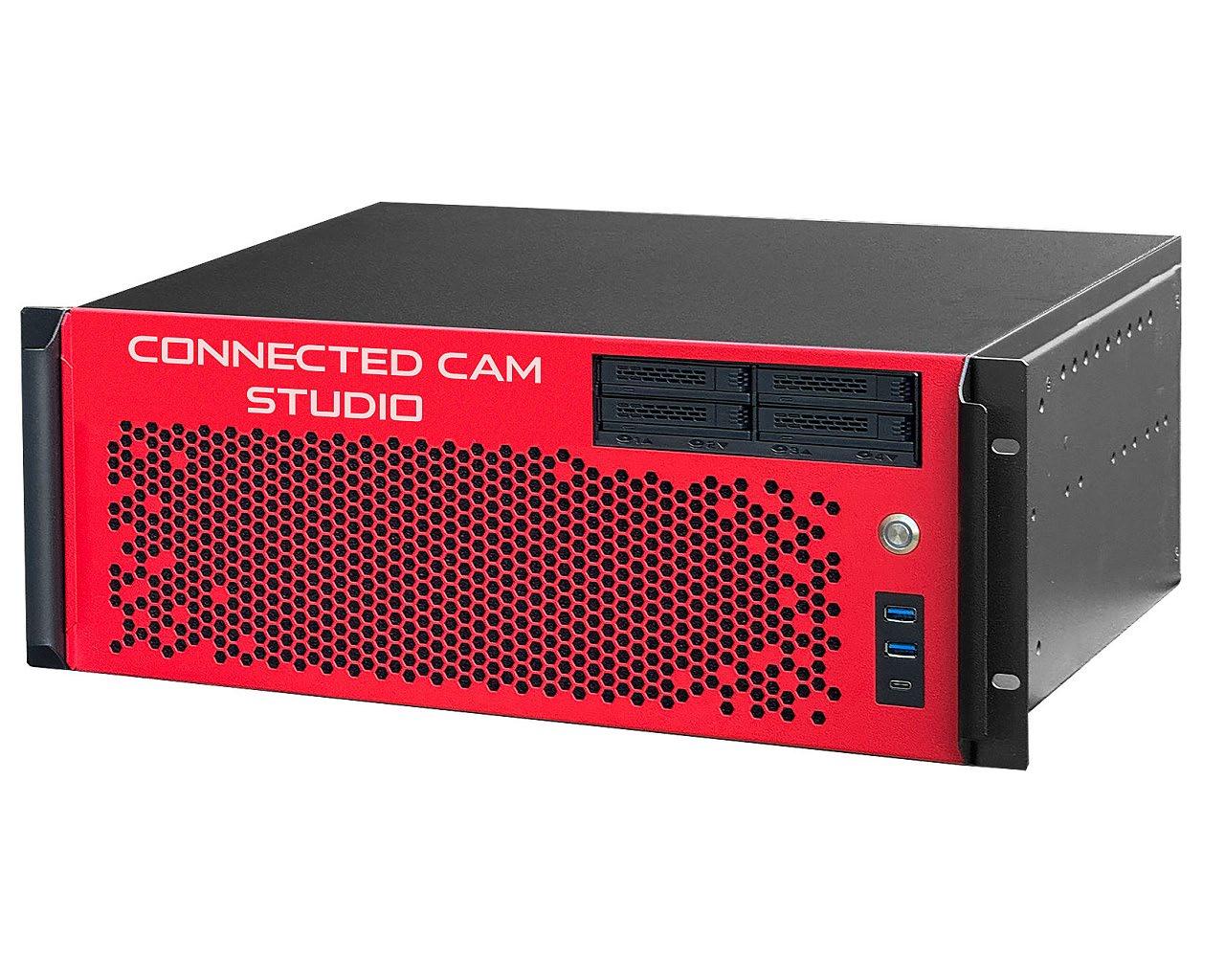
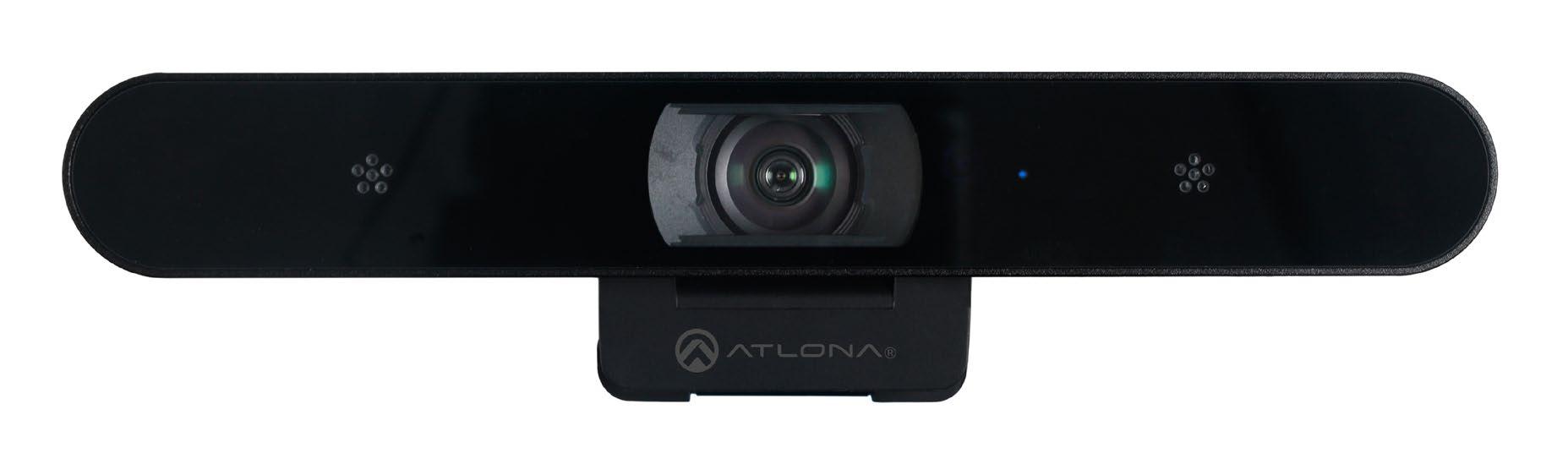
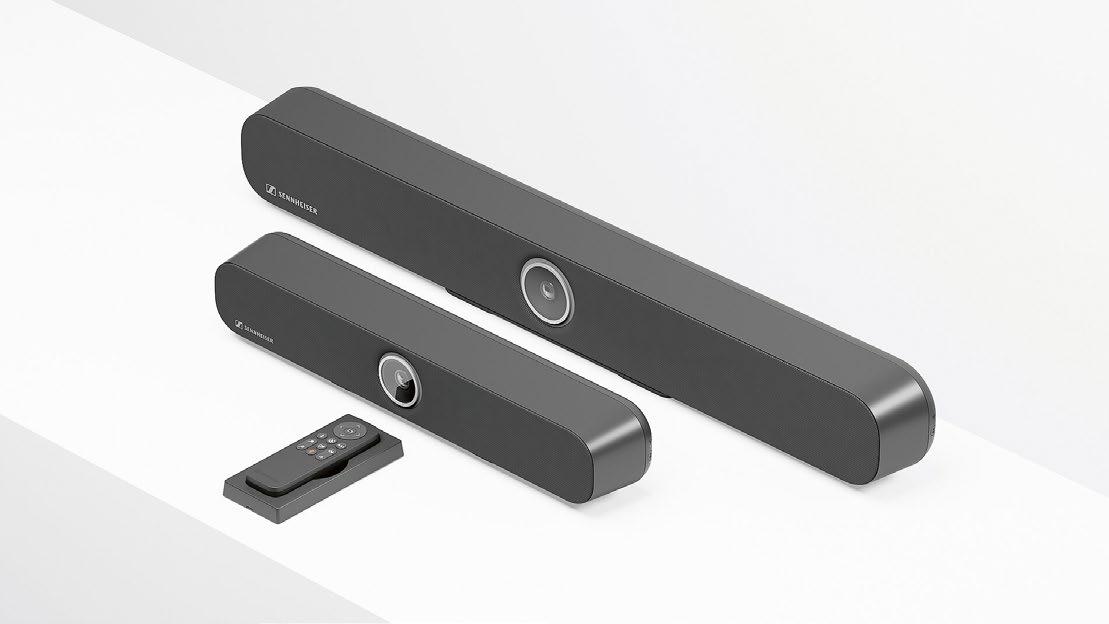
1
KM-IP12S8PRO CONNECTED CAM vMix Studio Switcher
JVC Professional Video’s KM-IP12S8PRO CONNECTED CAM vMix Studio Switcher, valued by sport production professionals, is designed for 4K and high-capacity switching of multi-cam productions with its eight channels of instant replay (powered by the included vMix Pro software license) housed in an efficient and quiet liquid-cooled 4RU case with 12 NDI/SRT and eight SDI inputs. Its key outstanding features include three 2.5GbE ethernet ports for NDI, SRT, Dante, and RTMPS internet connectivity and concurrent outputs to three CDNs, Multiview, and ISO recording. This switcher is ideal for large-scale live sports and events productions with multiple cameras and video sources.
jvc.com
2
3 TeamConnect Bars
Sennheiser’s TeamConnect Bars are feature-rich, all-in-one conferencing devices designed for any room size. The TC Bar S, with four microphones and two speakers, and the Bar M, with six microphones and four speakers, deliver exceptional Sennheiser audio quality. Both models offer plug-and-play setup via USB, advanced beamforming technology, and a 4K Ultra HD camera with AI enhancements. With flexible setups, an onboard Dante port, remote management, multiple mounting options, and brand-agnostic integration, these bars provide seamless conferencing solutions while ensuring advanced security for all environments.
sennheiser.com
AT-CAP-FC110 ePTZ Camera
Atlona’s AT-CAP-FC110 ePTZ Camera is part of the Captivate Series, developed for video conferencing and hybrid meetings within small- to medium-sized meeting, learning, and gathering spaces. The camera delivers high-quality imaging at resolutions up to 4K@30Hz, with a generous 110-degree-wide horizontal field of view for coverage of compact spaces such as huddle rooms. The camera’s 1/2.8-inch CMOS sensor preserves fine detail and color fidelity, while its dual-element microphone array provides a 16-foot (5m) audio pickup range. Along with electronic pan, tilt, and zoom capabilities, it offers auto-framing functionality based on detection of up to six participants.
atlona.com
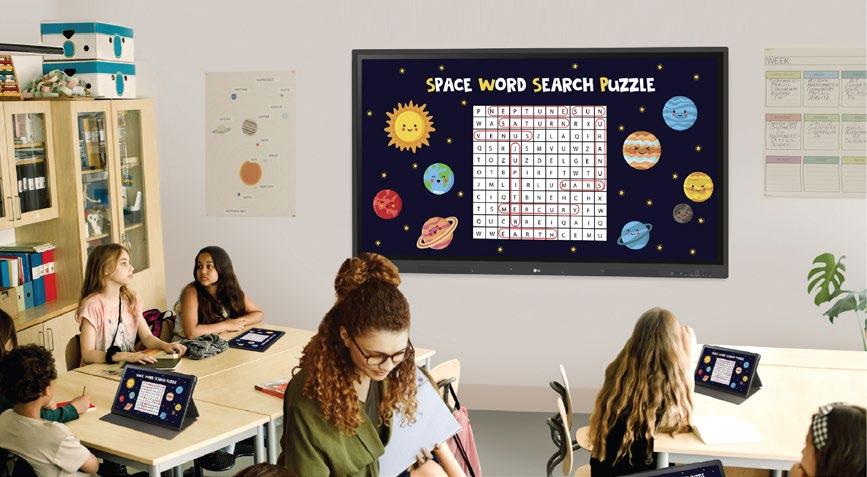
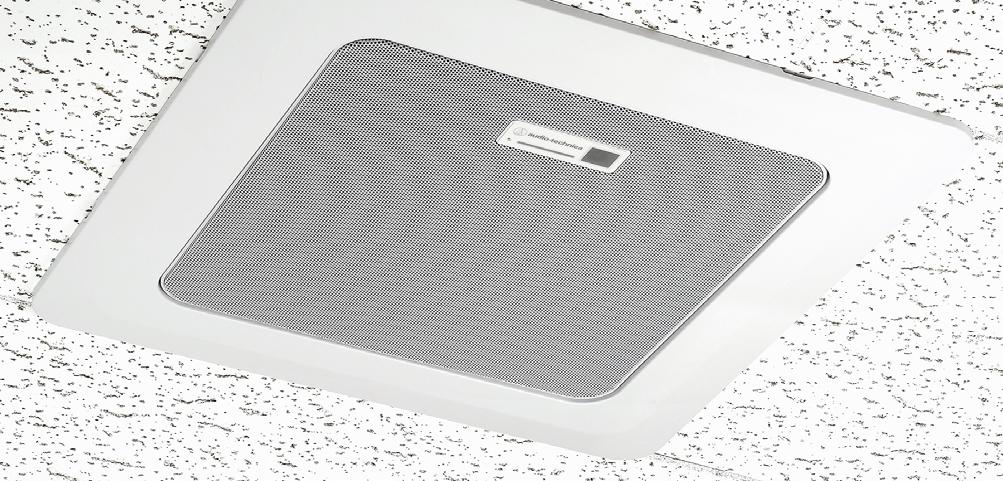
4 CreateBoard 5
LG’s CreateBoard is a purpose-built solution catering to in-person, remote, and hybrid learning environments, featuring a 40-point multi-touch interactive display that facilitates real-time file annotations and a suite of tools for content creation, sharing, and management. Available in 55-, 65-, 75-, and 86-inch models, the display ensures clear visibility for all students, regardless of room size or seating location. LG CreateBoard Share enables up to nine shared screens in real time when the LG CreateBoard Share app is installed on the device. LG CreateBoard also integrates Google Mobile Services, supports thirdparty apps, and allows centralized display management with LG ConnectedCare. lg.com
Audio-Technica’s ATND1061 Beamforming Ceiling Array Microphone has received major upgrades with its latest firmware update, including Video System Control Architecture (VISCA)-over-IP and Voice Lift technology. VISCA offers synchronized control of multiple video peripherals, improving interoperability and meeting equality. Using VISCA over IP, you can position the camera to match with the audio captured by the ATND1061. This creates a more natural experience in hybrid calls. The ATND1061 now includes Voice Lift, a technology that improves the communication environment in a space where voices don’t carry (i.e. larger rooms). Voice Lift makes a presenter’s words more intelligible.
audio-technica.com
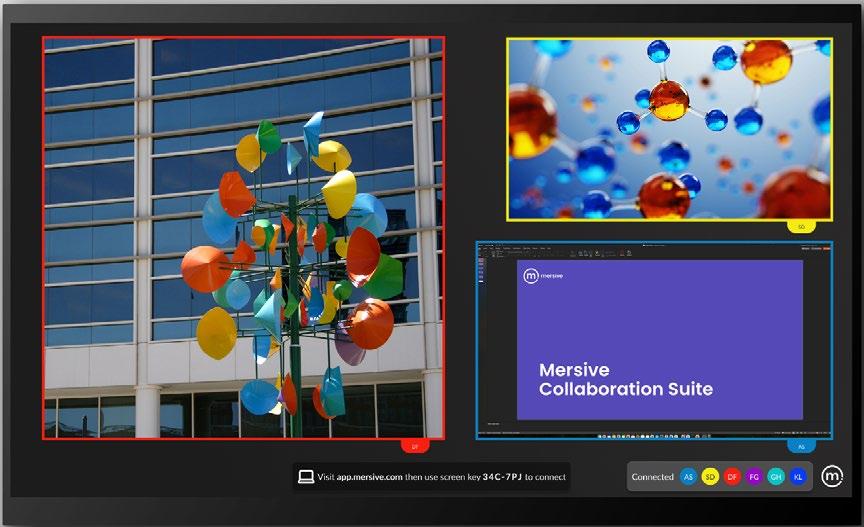
6 Mersive Smart App
The Mersive Smart App makes screen sharing simple and effective with its intuitive interface. No cables. No special keystrokes. No fiddling with the TV remote. This webbased sharing app is compatible with all major operating systems, ensuring a smooth experience. The user-friendly design means that staff and guests can start using Mersive Smart with minimal training, reducing downtime and improving productivity quickly. Features like multiple users sharing simultaneously, secure screen sharing, the ability to customize screens with your brand, and vibrant digital signage when idle make Mersive Smart the smart choice for budgetconscious users who want to harness the power of Mersive collaboration.
mersive.com
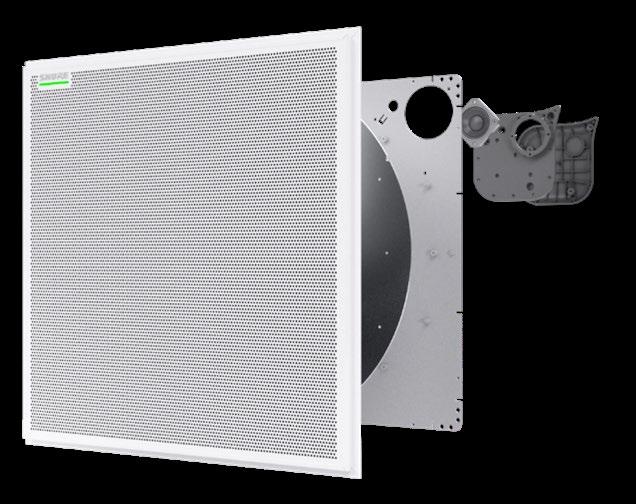
7 MXA902 Ceiling Array Microphone
Shure’s MXA902 Ceiling Array Microphone is the world’s first with integrated loudspeaker and IntelliMix DSP for small- to medium-sized meeting rooms. It features a next-generation array architecture and an integrated wide-dispersion loudspeaker, making it an ideal solution for premium audio capture and natural far-end speech reproduction. When paired with the ANIUSBMATRIX Audio Network Interface—available as a soft bundle in the U.S.—it provides a versatile audio connection that enables bidirectional audio and mute synchronization over USB. Together, the products offer a seamless integration of cutting-edge technology and affordability for a superior conferencing audio experience.
shure.com
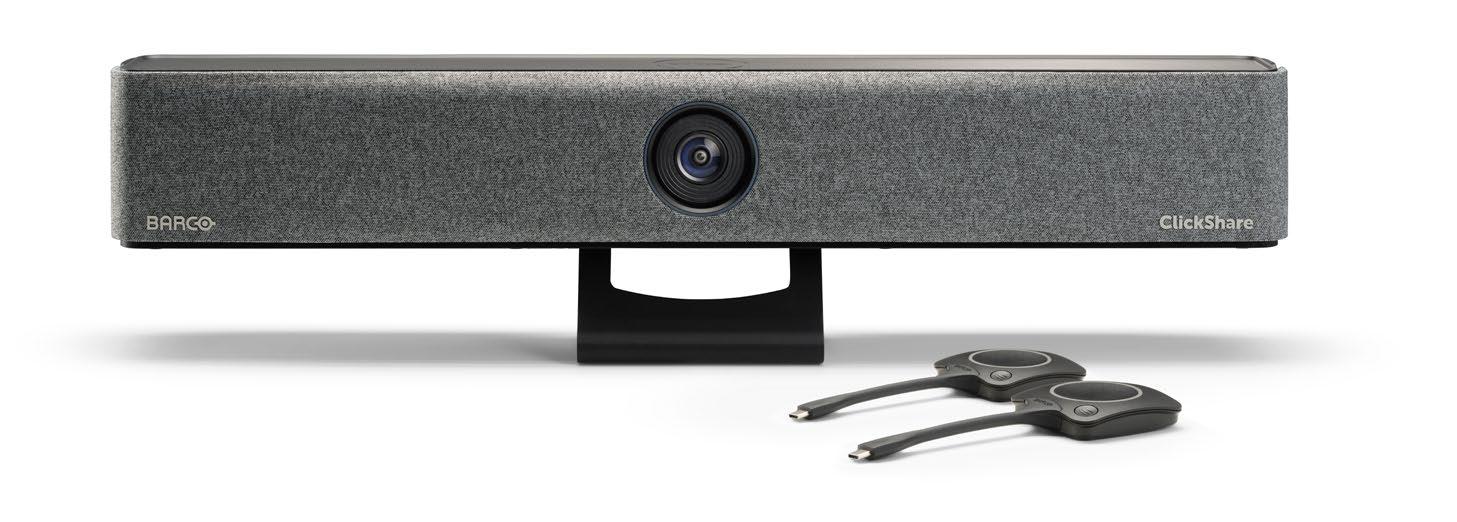
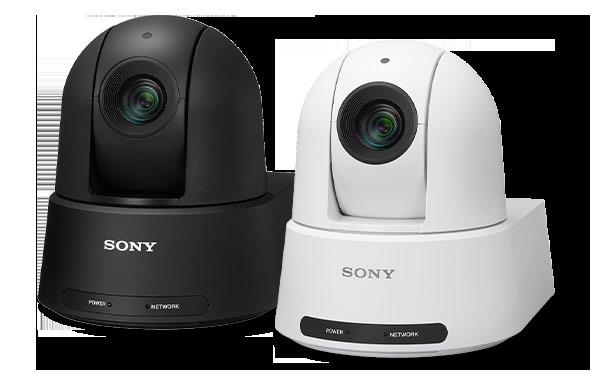
Barco’s ClickShare Bar is an innovative all-in-one video bar for effortless wireless conferencing in hybrid meetings. ClickShare continues to offer simplicity and easeof-use through our wireless ClickShare portfolio in hybrid meeting rooms. The newly added video bar works seamlessly with any laptop and on any video conferencing platform. With the bar, initiating a wireless video call only requires a single click on the ClickShare Button or in the ClickShare App. For IT managers, it brings easy installation, reduced total cost of ownership, and unparalleled flexibility. With just one device needed to equip an entire meeting room alongside a display, deployment is significantly simplified, and installation cost is reduced.
Sony Electronics’SRG-A12 and SRG-A40 4K PTZ Cameras, featuring built-in AI analytics, are part of Sony’s expanding PTZ camera lineup. Each camera automatically and consistently tracks and naturally frames presenters, regardless of movement or posture, for seamless content creation and control—all without operating a computer.
The new PTZ Auto Framing technology features automatic operation for quick object tracking and rediscovery, as well as multiple Auto Framing options. A recent firmware upgrade (V2.0), free of charge, added Advanced Multi-Person Framing to automatically and naturally frame up to eight individuals within a single shot, and Enhanced Face Registration and Tracking to identify and track up to 40 indexed faces.
sony.com SRG A12 and A40 4K PTZ Cameras
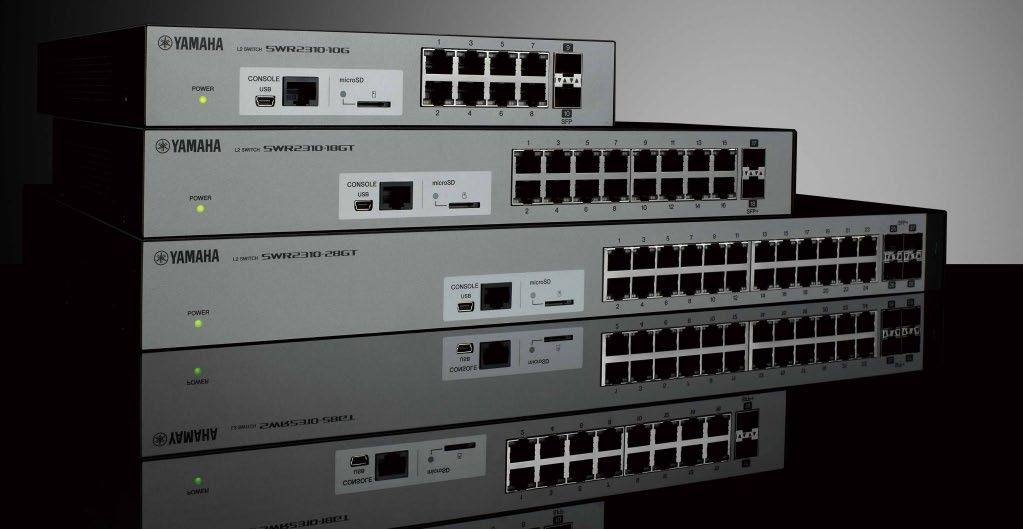
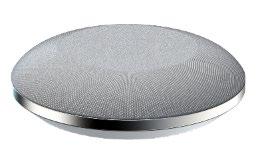
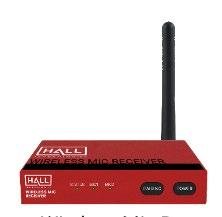
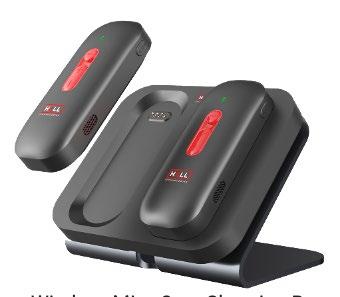
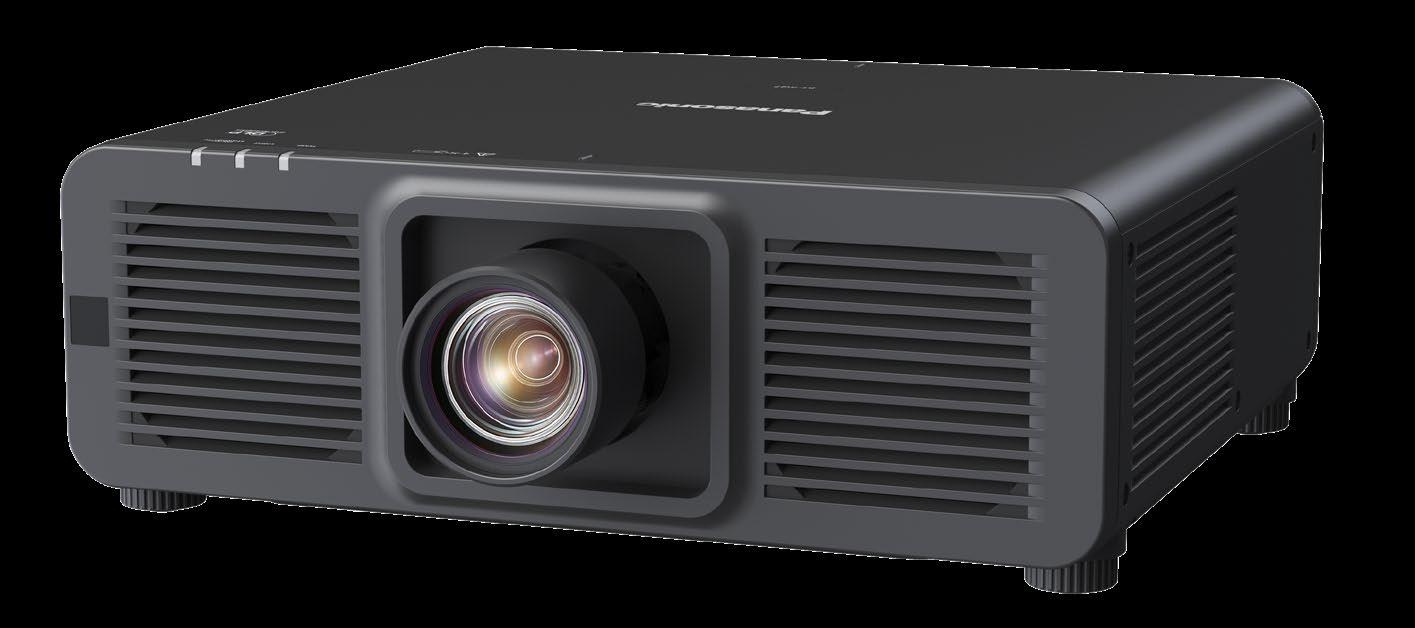
SWR Series Network Switches
Yamaha’s SWR Series Network Switches, including high-performance RJ45 L2 switches for fixed installations, offer systems integrators a great choice of flexibility and quality for Dante audio system design. Options include models with a variety of LAN and PoE+ ports, advanced settings, and 10G uplink. Plus, the dedicated Yamaha LAN Monitor software application provides a comprehensive single-screen view of all necessary parameters when used with the SWR series switches, which allows users simple status monitoring and fast troubleshooting. Yamaha has used its vast knowledge of both IT and pro audio to provide Network Switches for virtually any system installation.
yamaha.com
PT-RQ7 Series 1-Chip DLP 4K Projector
Panasonic Connect’s PT-RQ7 Series 1-Chip DLP 4K Projector powers deep, vivid content to wrap an entire space, from floor to ceiling, bringing immersive experiences to life in corporate and education settings. This new projector offers Quad Pixel Drive technology, creating smooth 4K images without visible pixels or gridding—excellent for 360-degree attractions. Its Digital Art Mode achieves a sense of color and contrast, making it ideal for museum projection environments. Its compact, lightweight design enables easy installation and offers reliable, efficient workflows, seamlessly fitting into challenging spaces. Available in 6,500lm and 7,500lm brightness, the PTRQ7 Series features Intel SDM for integration into existing infrastructure and AVoIP installations. connect.panasonic.com
Hall Technologies’ ComAlert System is for use in conference rooms, classrooms, or wherever mics or wireless lavalier mics are needed. The system can be used with Hall Technologies collaboration solutions as well as any system capable of accepting a microphone or USB input. The heart of the system is the ComAlert Microphone Controller, named OSIRIS-DSP1, which is a central audio processing device for extending sound pickup systems in classrooms, conference rooms, et cetera. It has a web interface for controlling the unit and easy setup; it can send alert messages to safety and emergency systems; and it provides mixing and DSP control of all connected microphones.
halltechav.com
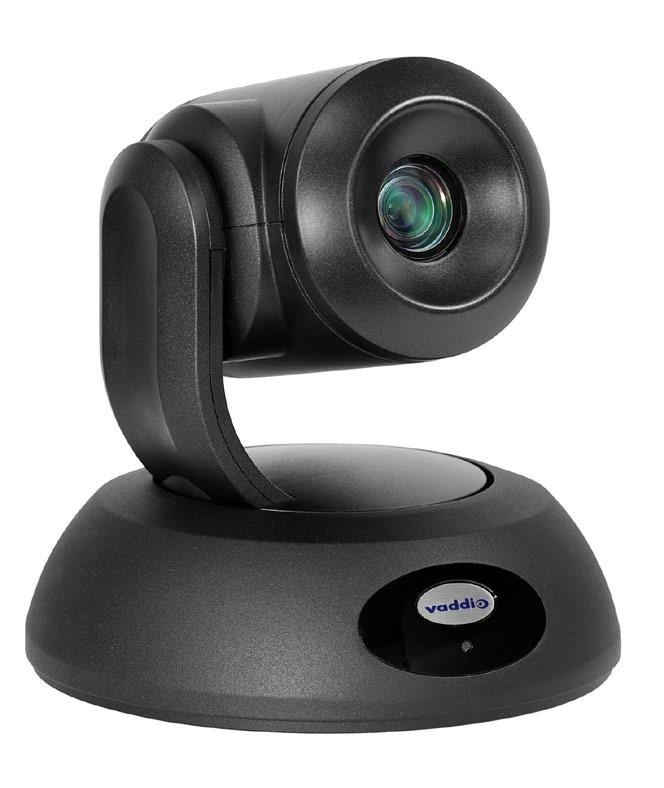

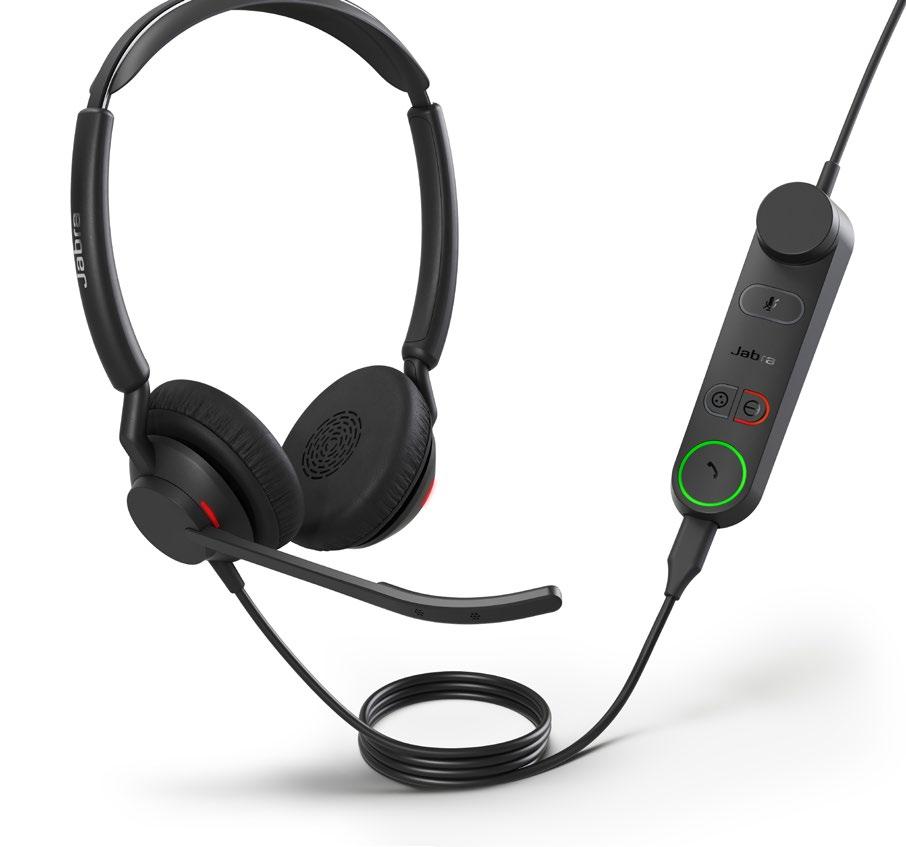
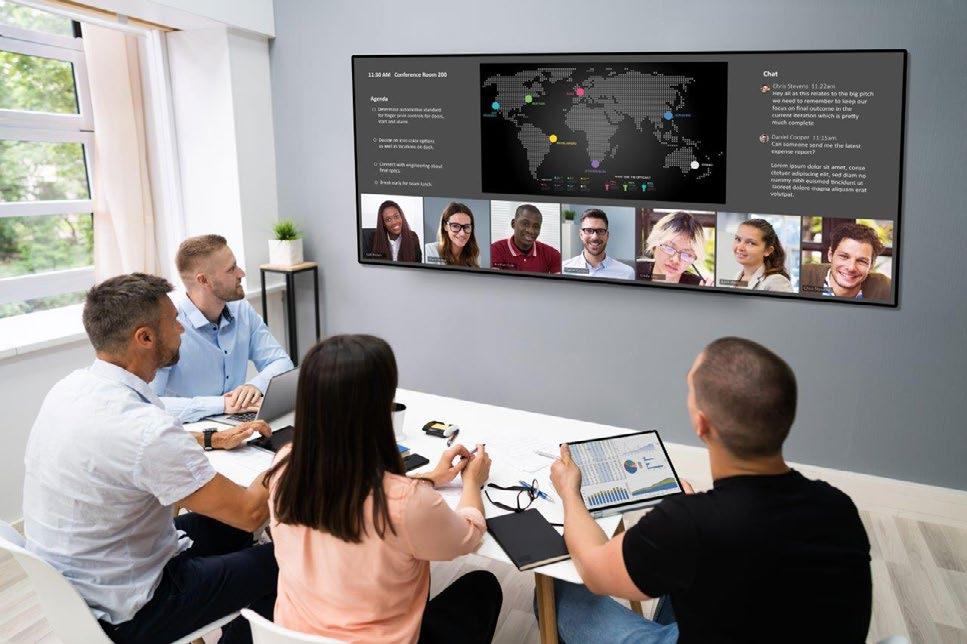
Vaddio’s EasyIP 20 PTZ Camera offers professional AV quality within the EasyIP ecosystem—ideal for lecture capture, remote learning, and videoconferencing in large classrooms and lecture halls. With 1080p/60 resolution feeds, it seamlessly integrates with EasyIP endpoints via a 1 GB PoE+ switch, eliminating the need for costly USB extensions. Its 20x optical zoom and 70.2-degree horizontal field of view ensure comprehensive coverage. Featuring a 1/2.5-type Exmor R CMOS sensor, it delivers superior image clarity. Equipped with one EasyIP and one HDMI video output, it supports up to two EasyIP Mixers or Decoders simultaneously, offering versatile connectivity options for various applications.
legrandav.com
Jabra’s Engage 50 II Headset features three microphones that help it surpass the standards of Microsoft’s Premium Microphone for the Open Office standard, cancelling out up to 36 decibels of noise. The headset also comes with a SmartRinger feature, alerting users of incoming calls even when not in front of their computer within their home office. Beyond its superb audio quality, the Engage 50 II is equipped with innovative Engage+ software, which analyzes conversations as they happen. Engage+ delivers live on-screen pop ups focused on call experience, including background noise, the position of the headset’s microphone, silence, and interruptions.
jabra.com
Planar’s UltraRes W Series line of 105inch ultra-wide format 5K LCD displays is optimized for next-generation collaboration for today’s modern hybrid workforce. The series provides customers with an ultra-wide format 21:9 display ideally sized to suit the most popular unified communications and video collaboration platforms. In addition to brighter, wider color gamut panels with local dimming, Planar UltraRes W Series is ready for HDR content and features multisource viewing, remote monitoring, and 24/7 reliability. The displays are also available with interactive touch technology, are ENERGY STAR certified, and are designed to mitigate cyber security threats.
planar.com
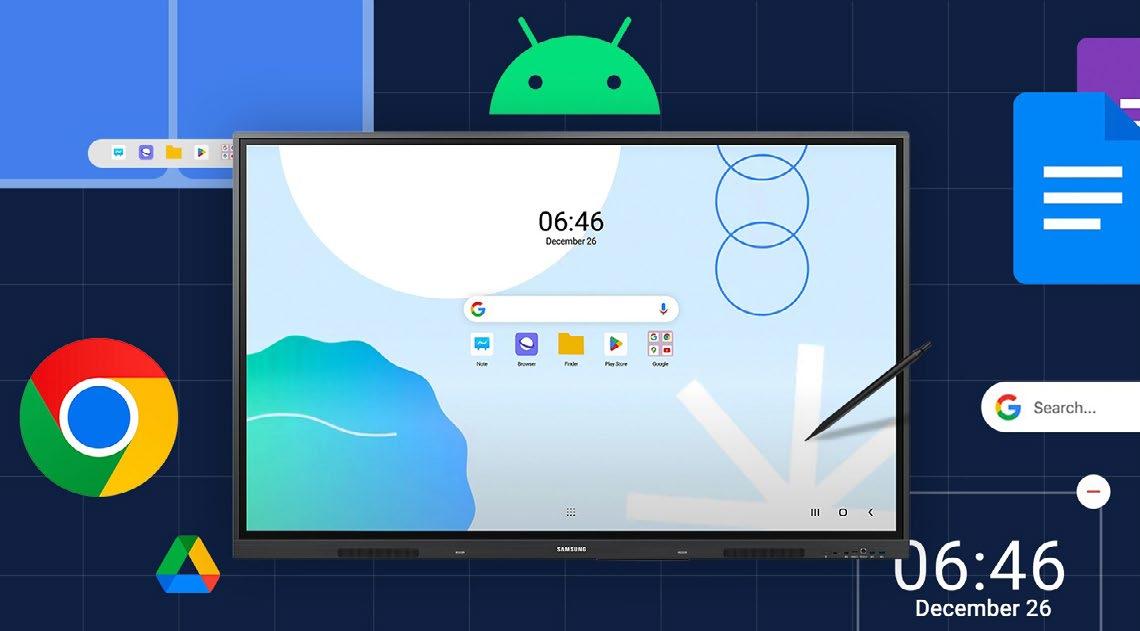
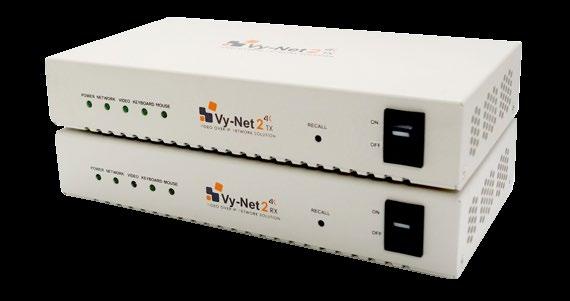
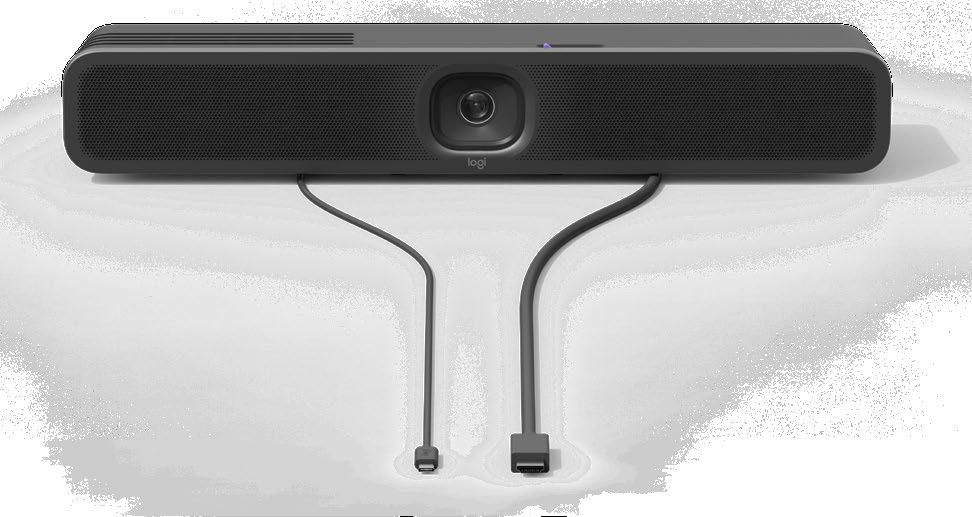
WAD Series Interactive Display MeetUp 2
Samsung’s WAD Series Interactive Display is the brand’s first Google Enterprise Devices Licensing Agreement (EDLA)-certified interactive display. Powered by Android 13, the WAD Series—available in 65-, 75- and 86inch models—provides teachers and students with a seamless, intuitive experience. It provides access to educational apps through Google Play, while allowing access to Google services such as Google Classroom and Drive. It offers a natural writing experience with infrared (IR) touch and supports up to 40 simultaneous touchpoints. A three-inone USB-C port simplifies connectivity and allows connected devices to be charged at up to 65W, and an HDMI output enables easy content sharing.
samsung.com
Logitech’s MeetUp 2 is the modern evolution of the best-selling conference camera in Logitech history, designed for BYOD and PC-based setups in huddle and small meeting rooms. With a focus on the human experience and deeper engagement, AI-powered features like RightSight 2 draw users into virtual meetings with dynamic views, and RightSound 2 offers advanced voice equalization and noise suppression. Sustainably designed, MeetUp 2 uses 62 percent recycled plastics (higher than similar market products), low-carbon aluminum, and responsible packaging. The device offers flexibility for in-room computer or laptop connections and remote monitoring for IT, making video collaboration achievable and affordable for everyone.
logitech.com
Ophit’s Vy-Net2 is a 4K high-definition video-over-IP network management system that connects video sources to end-point destinations using minimal hardware. With an integrated Ethernet infrastructure, Vy-Net2 provides zero latency for uncompressed video content distribution. It deploys quickly, integrates smoothly, and is ready to expand when video content needs to change. The installation can be in a switching system (e.g., one encoder to several or all endpoints via multicast) or a point-to-point streaming device via Cat6a/ Cat7 cabling. Vy-Net2 provides a userfriendly interface that allows administrators to control, manage, and simplify video content distribution. With Ophit’s Vy-Net2, administrators can trust its unwavering performance and reliability, providing peace of mind for managing video content. ophitusa.com
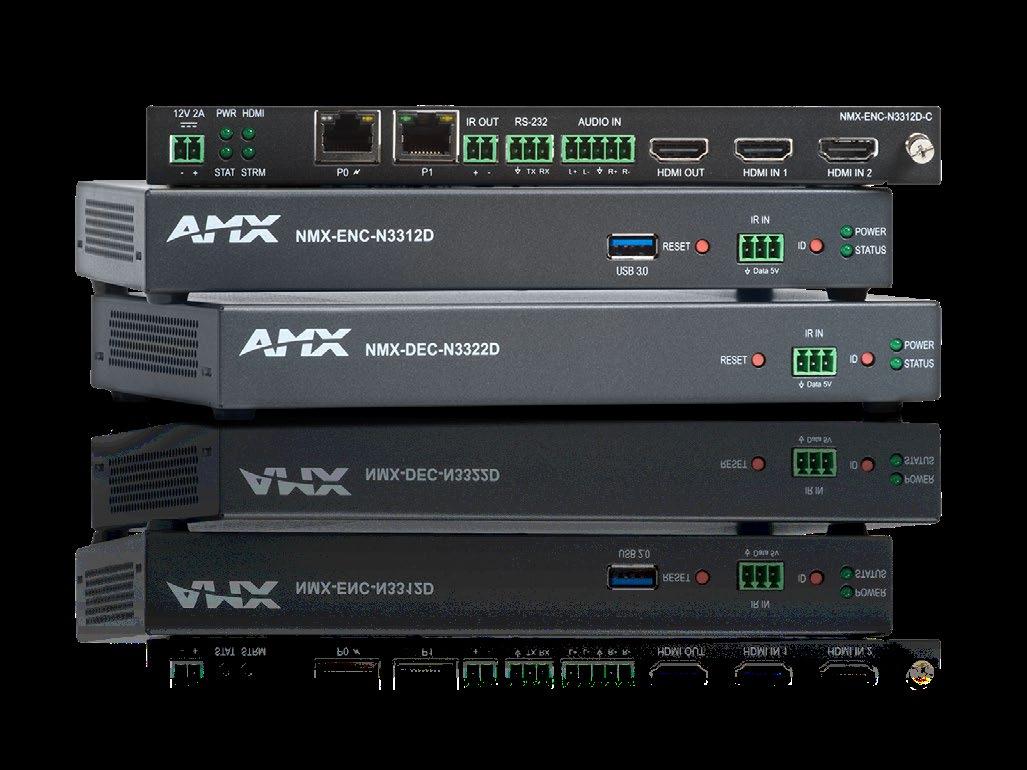
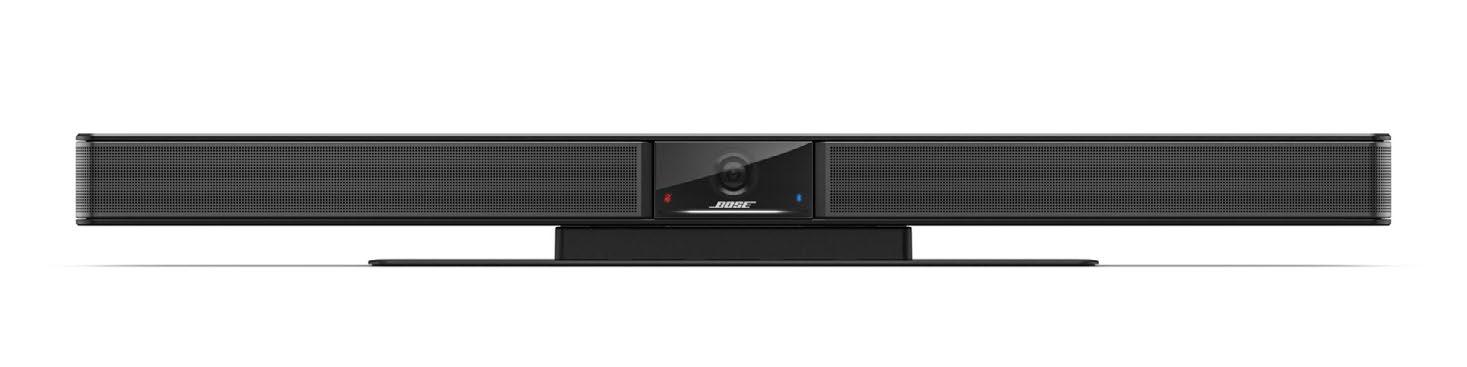
AMX’s SVSI N3300 Series Encoders and Decoders are a fantastic solution for almost any streaming application but is ideal for colleges and universities, casinos, hospitality, and government applications. High-quality 4K60 H.26x and Dante AV-H streaming is perfect for transmitting the highest quality video at lower bandwidth. Hybrid learning applications will especially benefit from the significant cost savings of simultaneous dual-stream encoding and local recording to an external USB 3.0 drive. Dante Controller handles all device routing, naming, and configuration, while Dante Domain Manager provides IT-level management over device organization, user access, multiple subnet coordination, and complete audit logs for every endpoint and user.
amx.com
QuickLink’s StudioEdge allows broadcasters and production teams to seamlessly introduce remote guests from every major video conferencing platform, including Microsoft Teams, Skype, and Zoom, into productions, optimized with ground-breaking AI technology. Through broadcast-grade outputs including SDI, NDI, and ST 2110, StudioEdge enables seamless integration into video production systems such as Ross, Grass Valley, Vizrt, Avid, and many more. Utilizing built-in, industry-best QuickLink StudioCall technology, StudioEdge allows users to create real-time group conversations, panel discussions, and live interviews as it can manage any combination of remote guests from around the world, with direct communication and chat support for guidance.
Bose Professional’s Videobar VB1 conferencing device is an all-in-one USB meeting solution specifically designed for medium-sized meeting spaces up to 20by-20 feet. The Videobar VB1 provides six automatic beam-steering microphones, a 4K ultra-HD camera, and signature sound— together removing videoconferencing hardware headaches. The Bose Professional Videobar conferencing devices help you huddle up, connect, and get more done.
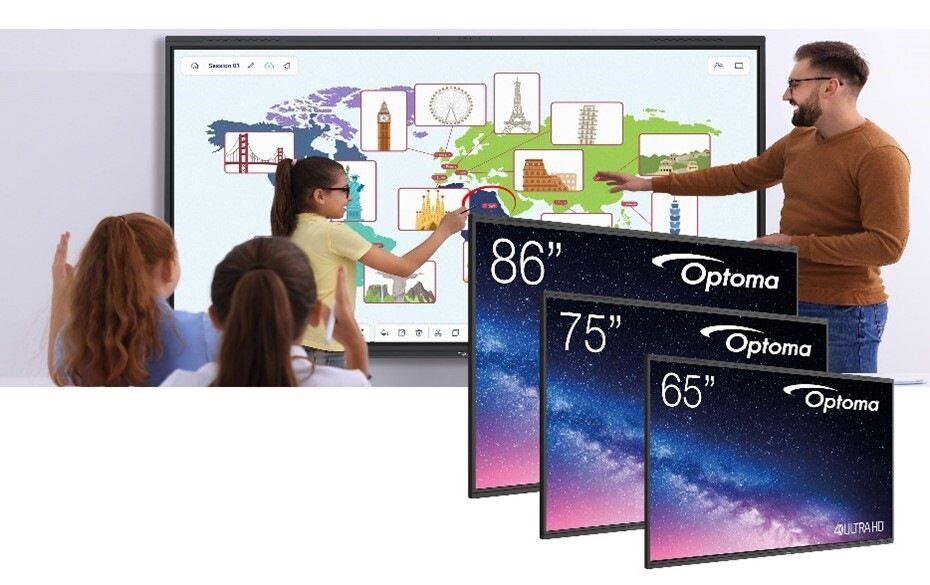
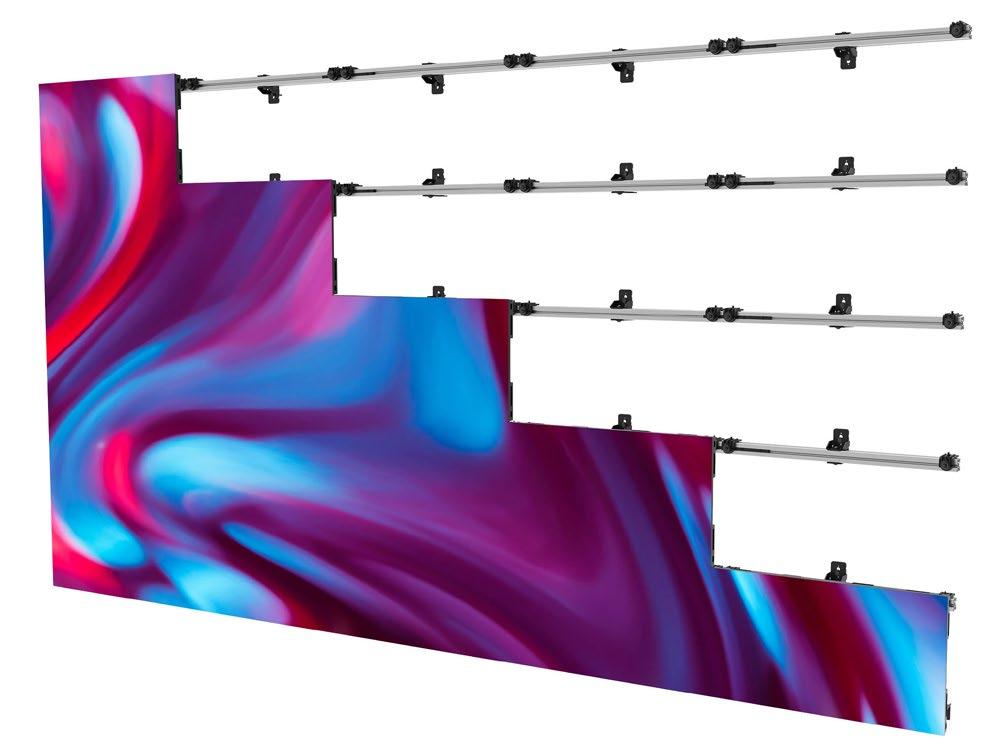
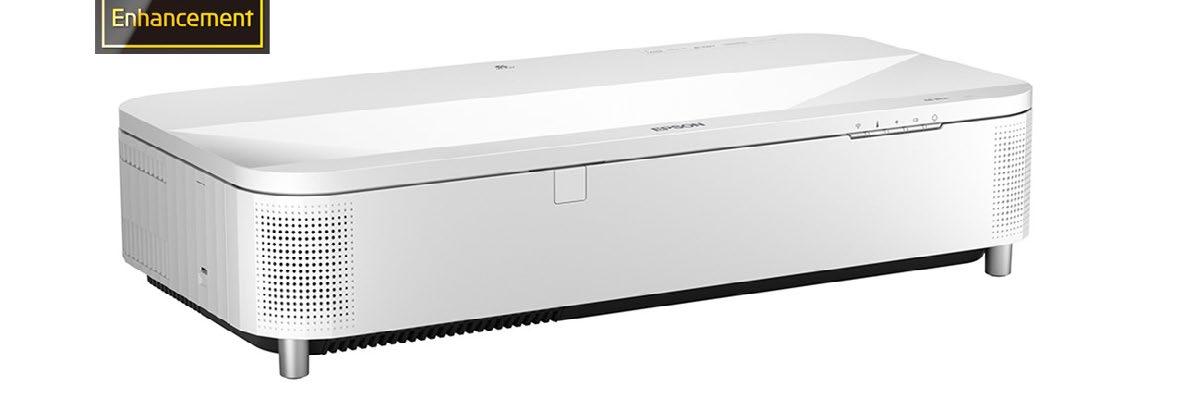
Optoma’s Creative Touch 5-Series Interactive Displays offer advanced tools and customization features, granting users increased collaboration in classrooms and professional environments. Users can enjoy real-time collaboration from locations worldwide and access the full Google Workspace with the Interactive Display’s Enterprise Device Licensing Agreement (EDLA) certification. The Display Share app enables screen sharing for up to four devices on the same network, and with annotation tools and digital whiteboarding, users can productively collaborate whether they’re in person, hybrid, or remote. With Optoma Management Suite, an intuitive display management solution, users can broadcast alerts and schedule future announcements across every OMS-connected display.
optomausa.com
Epson’s PowerLite 810E 3LCD Extreme Short Throw Lamp-Free Laser Display with 4K enhancement offers significant innovations to meet display needs for corporation, education, immersive experiences, and more. Incorporating a new cooling system and revitalized platform with 3-chip, 3LCD technology and 5,000 lumens it delivers sharp, bright images up to 160 inches from the wall. Offering a virtually maintenance-free laser light source; various aspect ratios from standard 16:9 to superwide 21:9; along with quality built-in sound, digital zoom, and new Epson Setting Assist app, it makes setup simple and integration easier for fleet management, image alignment, and casting.
epson.com SEAMLESS
Peerless-AV’s SEAMLESS Kitted Universal dvLED Mounting System contains several new enhancements to the award-winning video wall solution, making installing dvLED even quicker and easier. This mounting system is the industry’s first 1:1 DS-LEDUNV model that follows the “one display, one mount” universal strategy of LCD video walls, significantly speeding up and simplifying stocking, inventory management, order processing, and shipping. With its patent-pending reusable universal spacer, unlike any other on the market, users can eliminate the need for dedicated vertical wall templates with its set pin height location for more precise and efficient configurations.
peerless-av.com
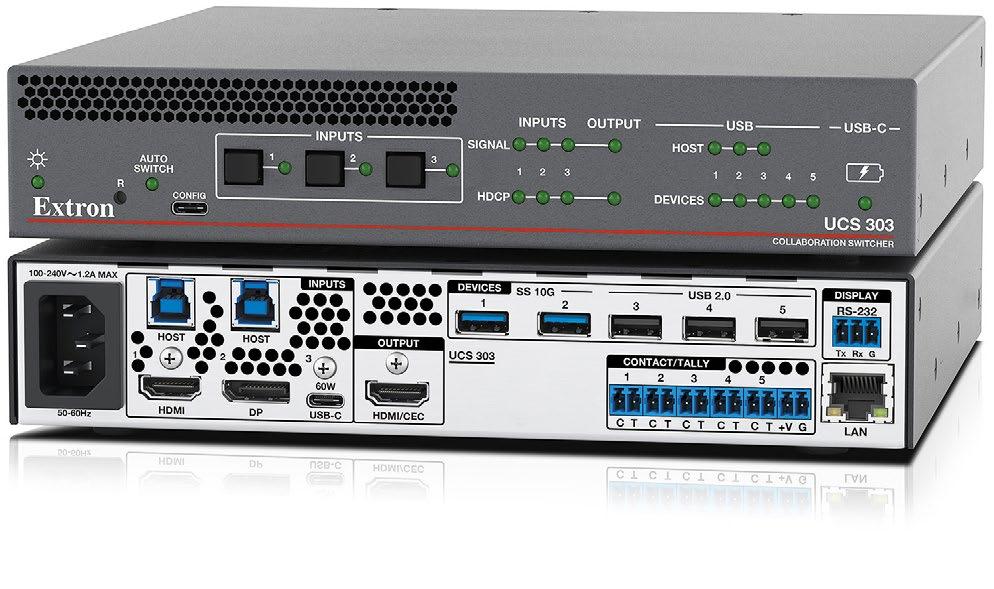
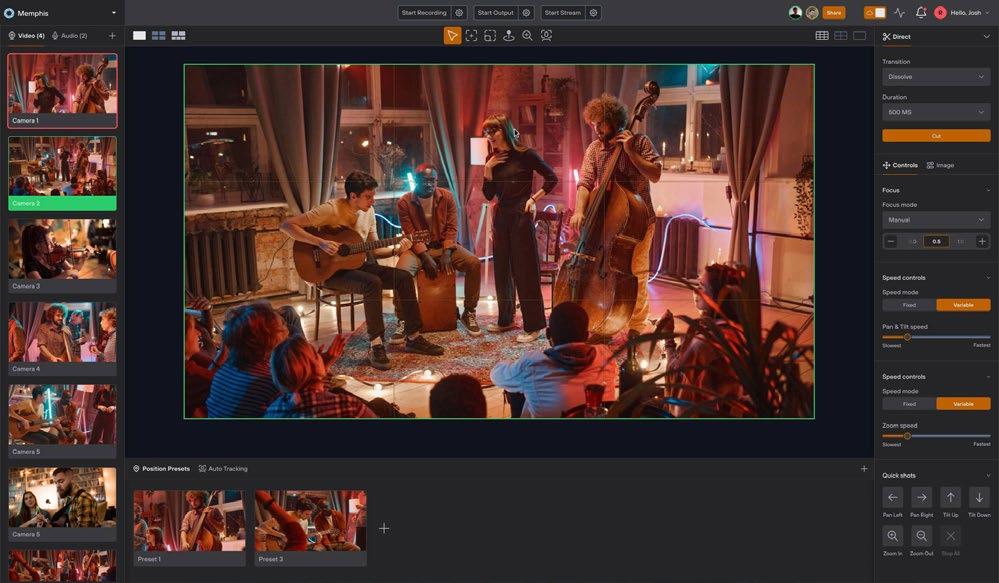
Extron’s UCS 303 Collaboration and Presentation Switcher is designed to meet the unique needs of unified communications meeting spaces. Three inputs support connection of USB-C, HDMI, and DisplayPort sources, while five USB device ports connect to peripherals such as USB cameras and microphones at data rates up to USB 10 Gbps. The USB-C input supports video/audio, USB data, and also provides 60W of power to charge a user’s laptop computer. With the UCS 303, your meeting space can integrate your room’s USB cameras and microphones with users’ laptops into Teams or Zoom meetings. Small meeting spaces will benefit from UCS 303’s support of TeamWork Show Me cables and retractors, which places control at users’ fingertips.
extron.com
PTZOptics’ Hive Studio revolutionizes video production by merging professional-grade camera control with real-time switching and recording—all within the cloud! This unified platform allows for seamless connection, control, and creation from anywhere. Hive Studio allows production teams to streamline workflows with real-time collaboration—whether on set or across the world. Switch between cameras or multiple remote studios with ease. Create true cinematic control by automating complex camera movements using our intelligent framing tools and industry-leading tracking performance. It’s the newest innovation in video production!
ptzoptics.com
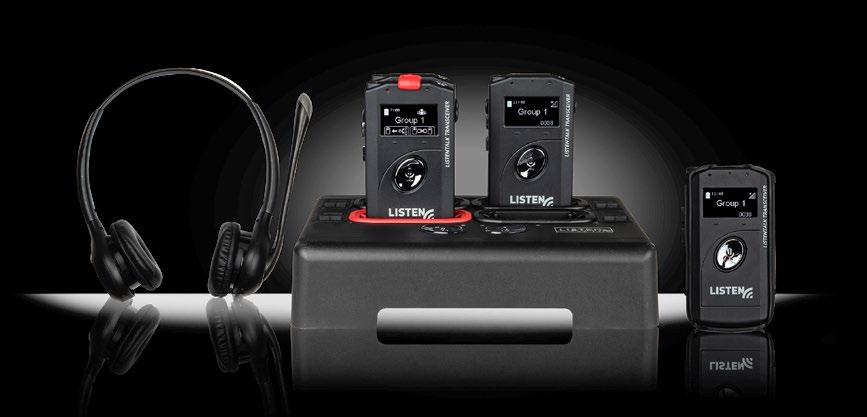
Listen Technologies’ ListenTALK is a two-way communication system ideal for multiple applications and venues, including assistive listening, guided tours, training, group communication, language interpretation, and more. ListenTALK enhances audio in any setting and helps overcome the challenges that distance, noise, and hearing loss pose to clear communication to increase inclusion and provide more engaging experiences. The ListenTALK system features small transceivers (combination transmitters/ receivers), accompanied by venue-provided or users’ own headphones or earbuds with built-in mic. Users press and hold a button on the transceiver to speak to the leader or the group. Neck loops are available for individuals with telecoil-equipped hearing aids and cochlear implants.
listentech.com
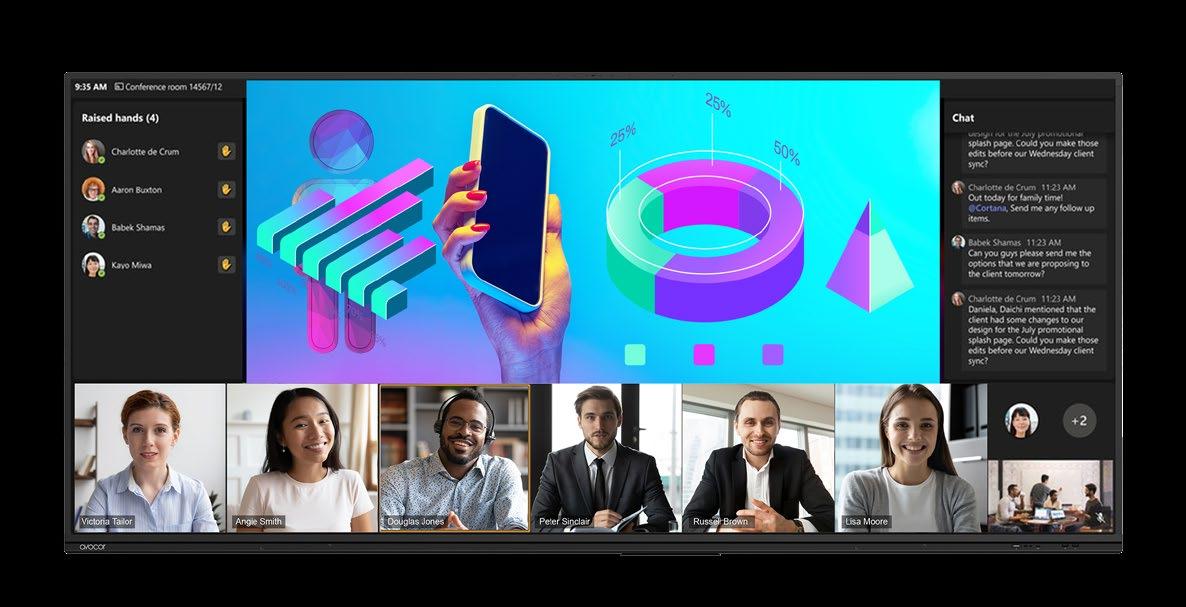
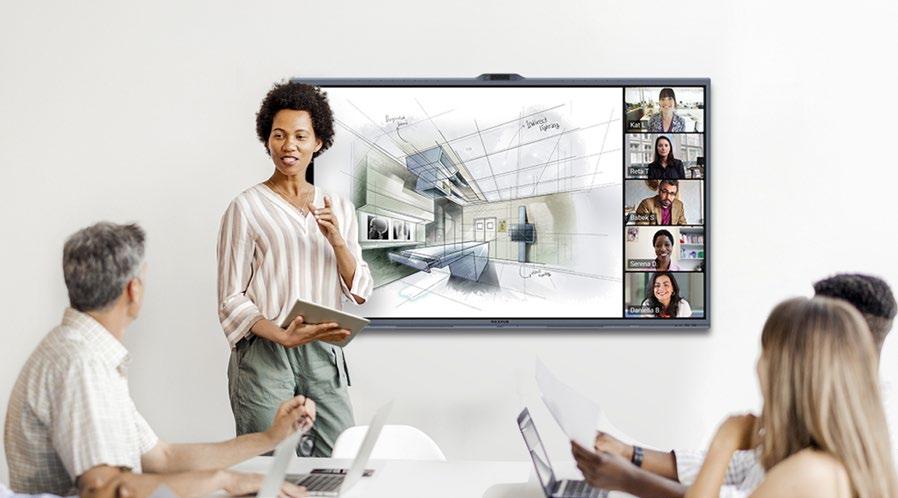
Avocor’s E92 Interactive Touch Screen Display revolutionizes meeting environments with its 92-inch ultra-wide LCD display and 21:9 aspect ratio, eliminating the need for dual-monitor setups. Offering a high resolution of 5120x2160, it ensures crystal-clear visuals and supports multi-user interaction with up to 50 touch points on Windows. Optimized for video conferencing tools like Microsoft Teams and Zoom, the E92 enhances remote participation and includes Lucid Spark-powered whiteboarding. Its robust connectivity options, including high-speed HDMI and USB-C, ensure seamless integration into any IT infrastructure. Designed to last, the sleek display features toughened glass and a 30,000-hour backlight life.
Just Add Power’s MC-TX3 MaxColor 4K60 Series Transmitter allows end users to play Ultra HD video from the growing number of 4K sources and devices now available, along with compatibility for AES67 audio systems. With MC-TX3, video at 12-bit color and 4:4:4 chroma can be distributed over existing Cat5/Cat6 cable. Like the MC-TX2, this new transmitter offers power over USB-C, supporting KVM or, for example, a USB web camera signal over IP. As with many other transmitters in the Just Add Power lineup, it includes HDMI pass-through; control of endpoints via RS-232, IR, and CEC; and Image Pull, which allows users to preview an image from any source or display from any web browser or control system at up to 10 fps.
MAXHUB XBoard V7 Interactive Flat Panel Series, designed for collaboration, offers a comprehensive solution for keeping meeting participants engaged. Available in 55-, 65-, 75-, 86-, and 92-inch (ultra-wide) sizes, the V7 Interactive Flat Panel Series provides an advanced video-conferencing experience. Powered by the MAXHUB MeetingOS, these displays have a built-in ultra-high-definition 50MP AI-powered Trident Lens System (65-inch and above display size) as well as the ability to support active speaker tracking and auto framing. The XBoard V7 IFP Series offers 4K touch displays with a modular PC running Windows IoT—providing a wealth of interactive capability using a wide range of content.
maxhub.com
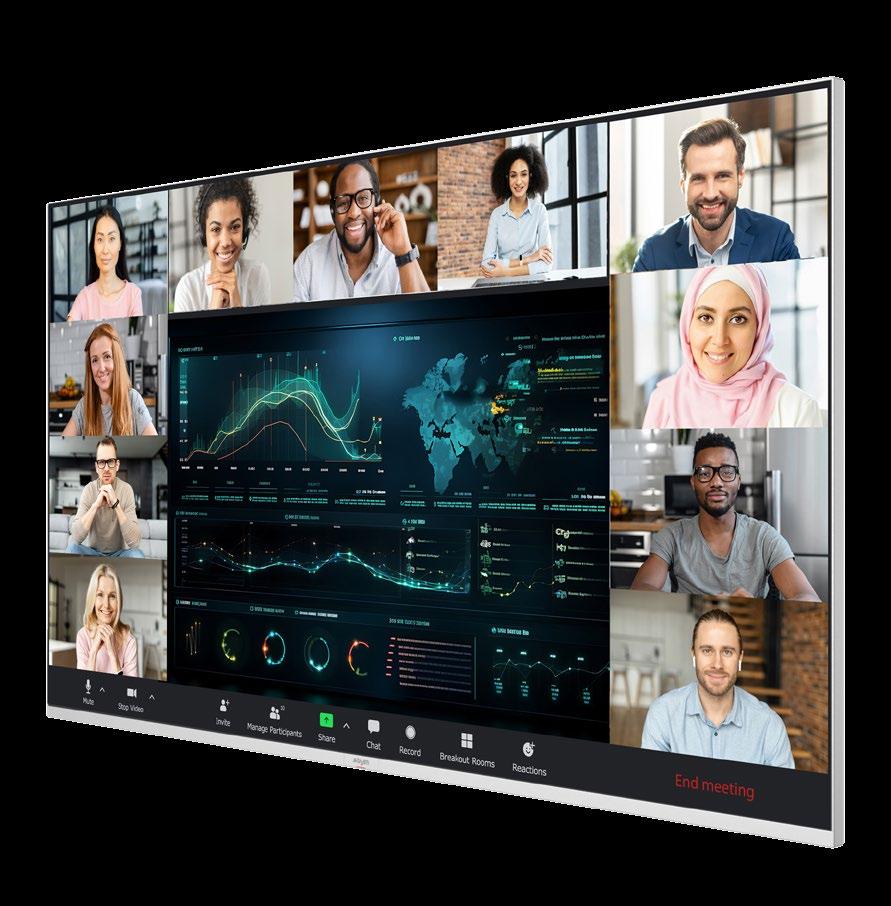
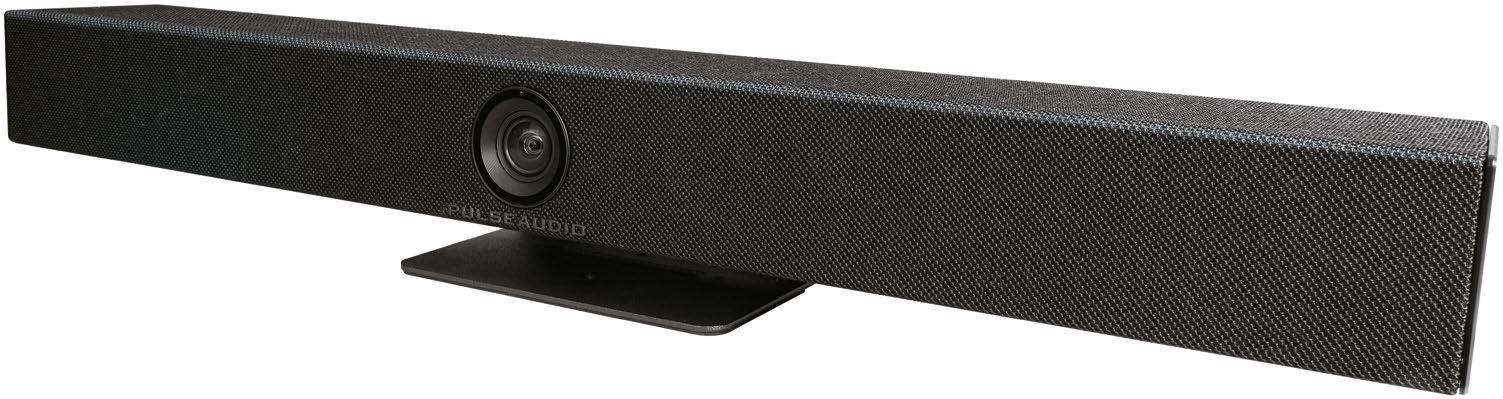
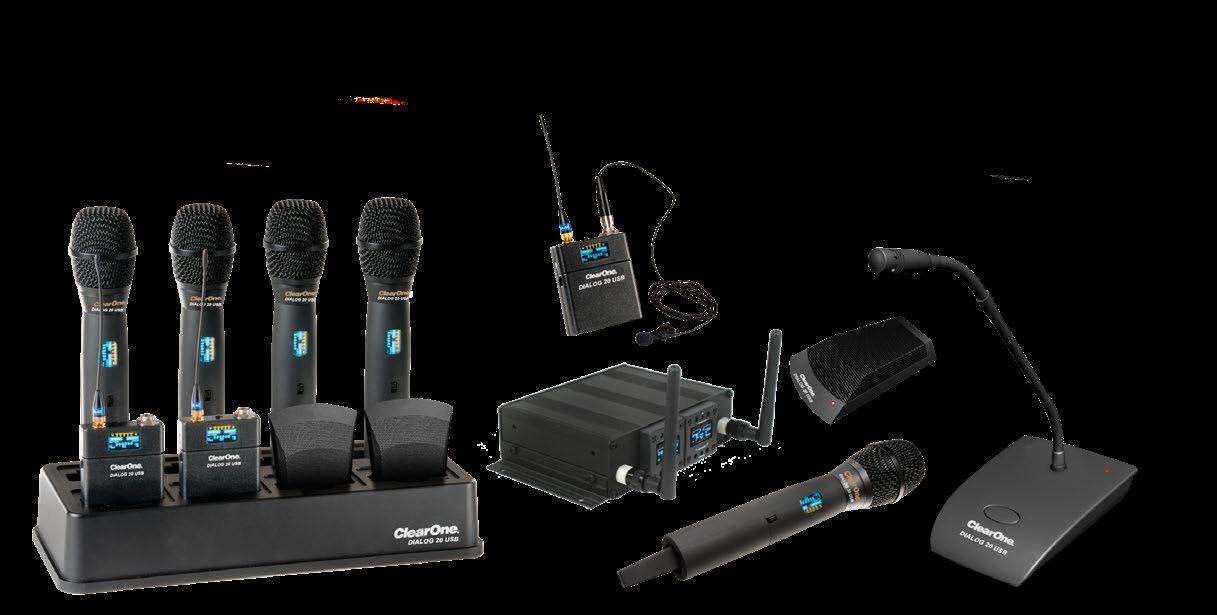
X Series DIALOG 20 USB
Absen’s X Series is designed to revolutionize collaboration in both hybrid and inperson meetings. With seamless wireless content mirroring from up to four devices simultaneously, it enables interactive brainstorming and team engagement like never before. Its 20-point multi-touch and smart gesture support create an intuitive environment for dynamic collaboration. Whether it’s for corporate presentations or creative sessions, the Absen X Series delivers crystal-clear visuals with unmatched performance, elevating user interaction and productivity. Empower your team to collaborate effortlessly, no matter where they are, with the Absen X Series.
usabsen.com
ClearOne’s DIALOG 20 USB is a high-quality two-channel wireless microphone system featuring less than 4ms of audio latency, enabling hybrid meetings with local sound reinforcement. Featuring a vast range of microphone options, it’s powered by frequency-hopping spread-spectrum technology. Standards-based encryption ensures a secure link for wireless audio, and wide audio bandwidth provides superior speech clarity. Designed with simple set up, install, and management in mind, the device includes full-featured software. DIALOG 20 USB comes pre-integrated with ClearOne connectivity options for power, audio, and data control, along with industry standard connections. The microphone is optimized for cloud-based collaboration.
clearone.com
PA-CVB1 PulseAudio Collaboration Video Bar
Vanco’s PA-CVB1 PulseAudio Collaboration
Video Bar is an all-in-one, plug-and-play video collaboration solution for small and medium spaces. The PA-CVB1 has a modern soundbar form factor, a built-in 6-ray beamforming microphone, and a 4K ePTZ camera embedded in its center. The PACVB1’s ePTZ camera is equipped with smart framing, auto-tracking, and a 120-degree field of view. This intelligent camera can respond to either motion or sound to focus on the correct speaker, and also comes with a remote for manual control. The PA-CVB1 features plug-and-play USB 3.0 connectivity and a built-in software package supporting all leading conferencing platforms.
vanco1.com
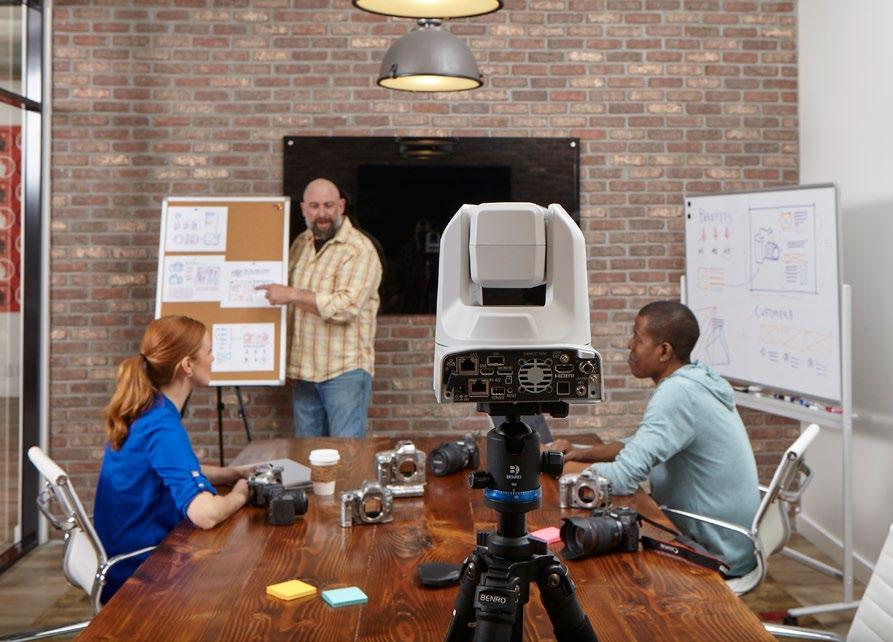
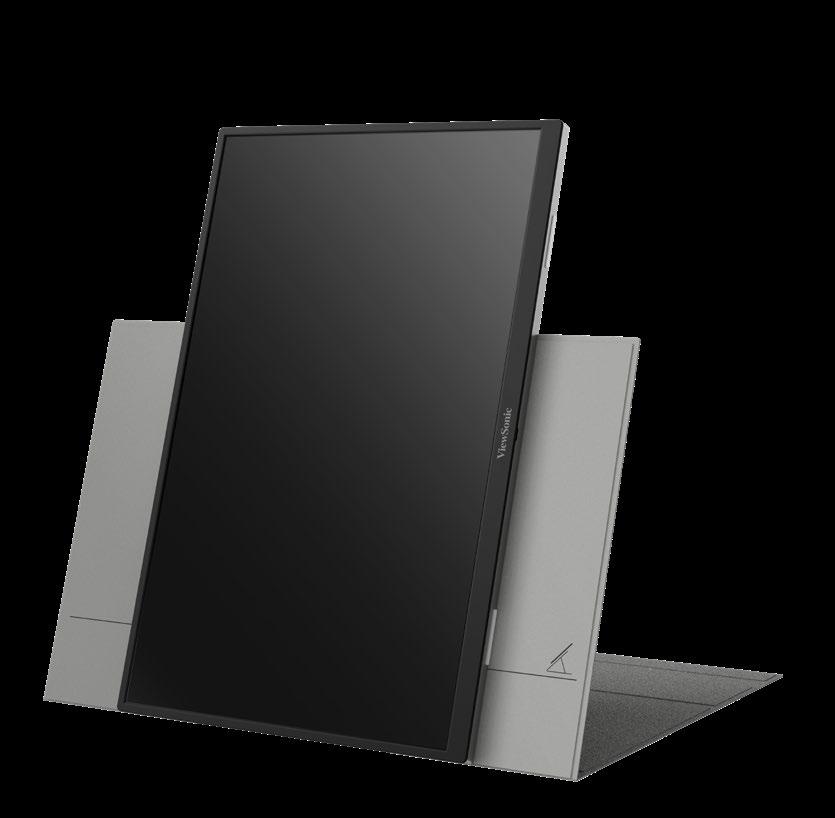
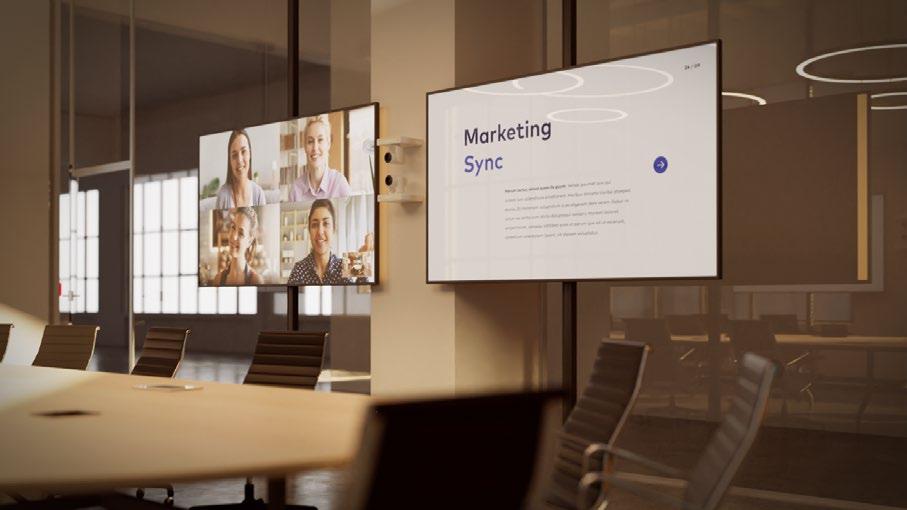
Canon’s AMLOS solution is an advanced camera-and-software suite that combines sophisticated pan, tilt, and zoom (PTZ) functionality with the power of gesture recognition for in-room participants. The AMLOS solution leverages Canon’s expertise in imaging technology—including its 4K CRN-300 or CR-N500 PTZ cameras—to bring great visuals to meetings. It helps hybrid work teams stay engaged and connected with one another despite being in different locations—even across the world—making meetings more collaborative, effective, and inspiring. The AMLOS user interface acts as an added layer on top of an organization’s existing video conferencing solution, like Microsoft Teams.
amlosgetcreative.com
ViewSonic’s VG1656N Portable Monitor has a built-in battery that can support up to three hours of power (lifespan may vary based on usage). It features WUXGA resolution, and wireless casting through the USB-C wireless dongle. It can mirror or extend content on Windows, Mac/iOS, or Android without separate apps or software, and the integrated G-Sensor automatically rotates and maximizes the image on the screen (through the vDisplayManager app). Less than 0.5 inches thick and weighing under two pounds, the 16-inch VG1656N comes with two USB-C ports with 60W, twoway power delivery.
viewsonic.com
1 Beyond PTZ Cameras
Crestron’s 1 Beyond PTZ Cameras with optical zoom intelligently and clearly capture every participant to increase meeting equity and engagement for hybrid meetings in larger spaces. Optical zoom options 12x and 20x ensure clear close ups, even for someone sitting 60 feet away. The p12 and p20 are classic PTZ cameras that pair with Automate VX visual AI functionality to auto-frame participants and provide advanced camera switching. The i12 and i20 are intelligent PTZ cameras that offer built-in presenter tracking and enhanced visual AI. These cameras are designed and certified to meet Microsoft Teams software and Zoom Rooms software high-performance specifications.
crestron.com
VG1656N Portable Monitor

Humly Room Display
Humly’s Room Display is an interactive display for collaboration spaces that instantly removes much of the friction related to meeting room reservations. The award-winning device features an 8-inch capacitive touchscreen that clearly displays the name and current booking status of the room, with mounting options for standard and glass walls. It can be configured to view future bookings, book new meetings, extend or end ongoing meetings manually, or cancel automatically if no check in has been made. An open API provides direct integration to third-party scheduling and calendaring systems, including Microsoft Office 365, Google Workspace, TOPDesk, and Appspace.
humly.com
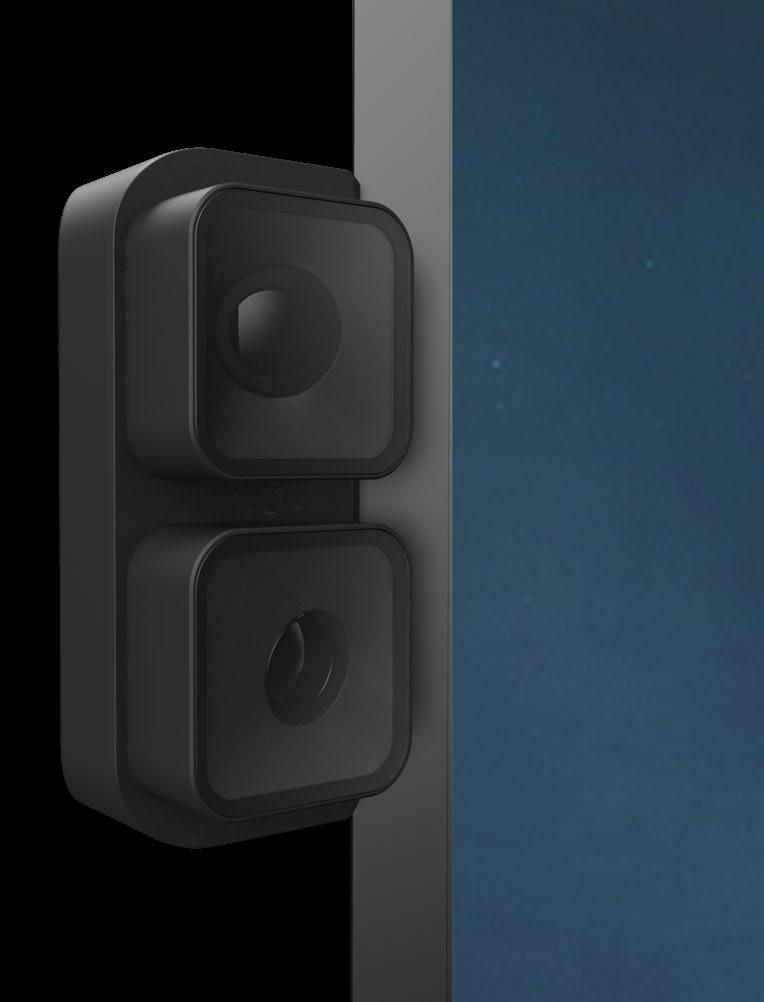
Vue Pro Meeting Camera System
DTEN’s Vue Pro Meeting Camera System is a set of side-mount cameras that work in tandem with AI technology to further enhance video coverage, clarity, and convenience for D7X Series All-in-One Video Meeting appliances. Vue Pro 4K cameras can be installed in seconds, and are cleverly designed to capture in-room participants at eye level, providing up to four additional cameras to provide eye-to-eye connections for in-room participants to interact with remote colleagues. Additionally, Vue Pro’s 4K camera lens systems utilize advanced, smart-framing AI to identify and dynamically frame participants with crisp headshots, regardless of distance from the front-ofroom system.
dten.com
Choros Space Booking Platform
Visix’s Choros Space Booking Platform lets people book spaces using the camera on their smartphones without downloading an app. Just scan a QR code mounted near a shared space to see if a room’s available, see the schedule, book the space, find other available rooms, and more. Choros integrates with your own calendar and bookings can be extended, ended, or cancelled from the phone. Users can also see room capacity, AV/IT resources, amenities, accessibility, 3D previews, and more. Calendar integration, user groups, and spaces are managed in a cloud platform with options for meeting rooms, workspaces, and other shared assets.
visix.com